When labels stop reading cleanly
Bad print quality shows up in different ways. Some labels look pale at the edges, some carry white streaks through text and barcodes, and others print with dark patches that make the label hard to scan. On a mobile printer, those faults often point to a printhead that needs cleaning, a platen roller that has picked up dust, or settings that do not suit the roll in the machine.
We work on direct thermal and thermal transfer label printers used in warehouses, courier depots and retail stockrooms. Direct thermal units print straight onto coated labels and are common for short-life dispatch work. Thermal transfer units use ribbon and suit labels that need longer life, better scuff resistance or a cleaner finish on busy stockrooms. Both types can print text, barcodes and QR codes, but only when the media, darkness setting and calibration all line up.
Our checks cover print width, label size, battery condition, pairing stability and the physical feed path. A 2 inch, 3 inch or 4 inch mobile printer all has different limits, and the wrong roll can leave the print sitting too high, too low or cropped at the edge. If the printer is paired over Bluetooth or Wi-Fi and the connection drops mid job, the label can fail to complete and the output starts looking uneven.
What we inspect before the fault gets blamed on the roll
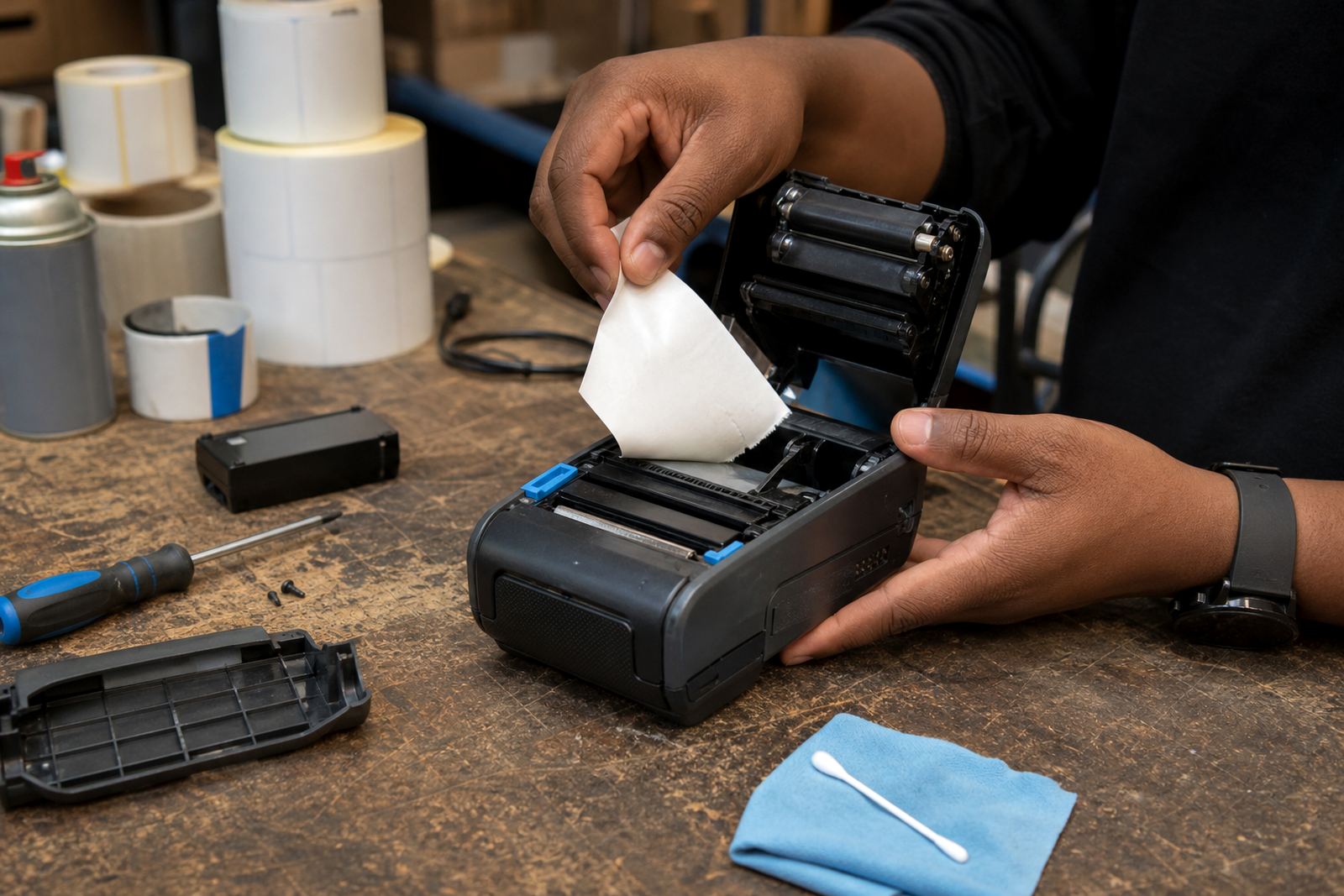
Print quality is rarely one single problem. We open up the printer, inspect the printhead, check the platen roller, review label stock and test the battery under normal use. If the head has grime or adhesive build-up, output usually fades on one side first. If the roller is worn or glazed, the label can slip a little and leave blurred characters or broken bars.
We also check the print settings. Darkness that is set too high can make barcodes bleed together. Darkness that is too low gives pale blocks that fail at the scanner. When the printer is set for the wrong media type, the feed length can drift and the label may stop short or print over the edge. On thermal transfer units, a tired ribbon path can leave patchy transfer and a dull finish.
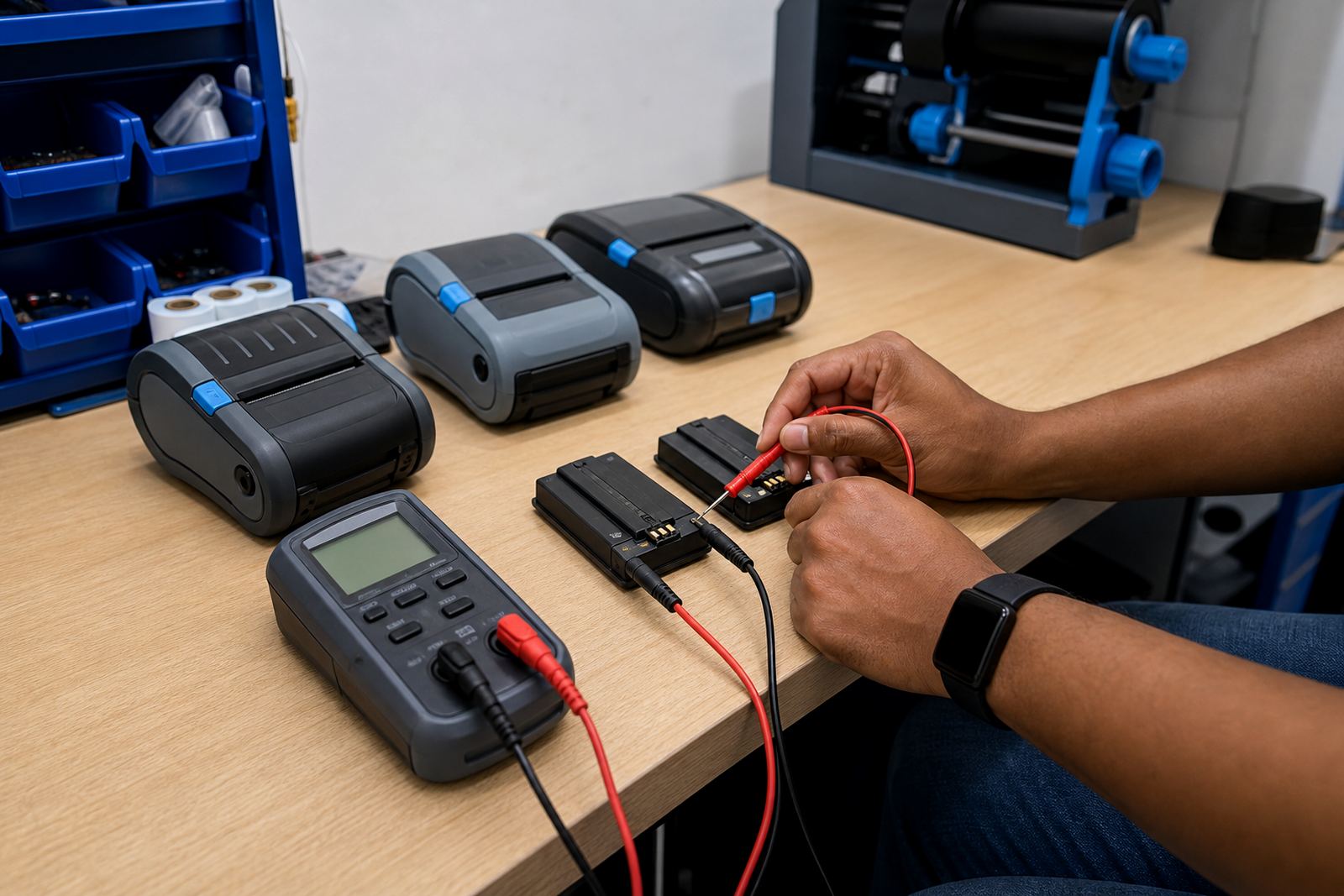
Battery health matters more than most people expect. A weak battery can still power the printer, but under load the motor and head do not get the steady draw they need. That is how a label starts clean and finishes with faded text. We test for that pattern too, then decide whether the answer is cleaning, a battery replacement, a settings reset or a deeper repair.
How the service runs on site or at our Montague Gardens base
Some faults need a workshop bench, others can be sorted where the printer is used. For teams in Cape Town, Johannesburg, Durban, Pretoria, Gqeberha and nearby areas, we arrange on-site setup and repairs where it makes sense. For more involved work, the printer can be brought to our Montague Gardens, Cape Town base for a fuller inspection and repair.
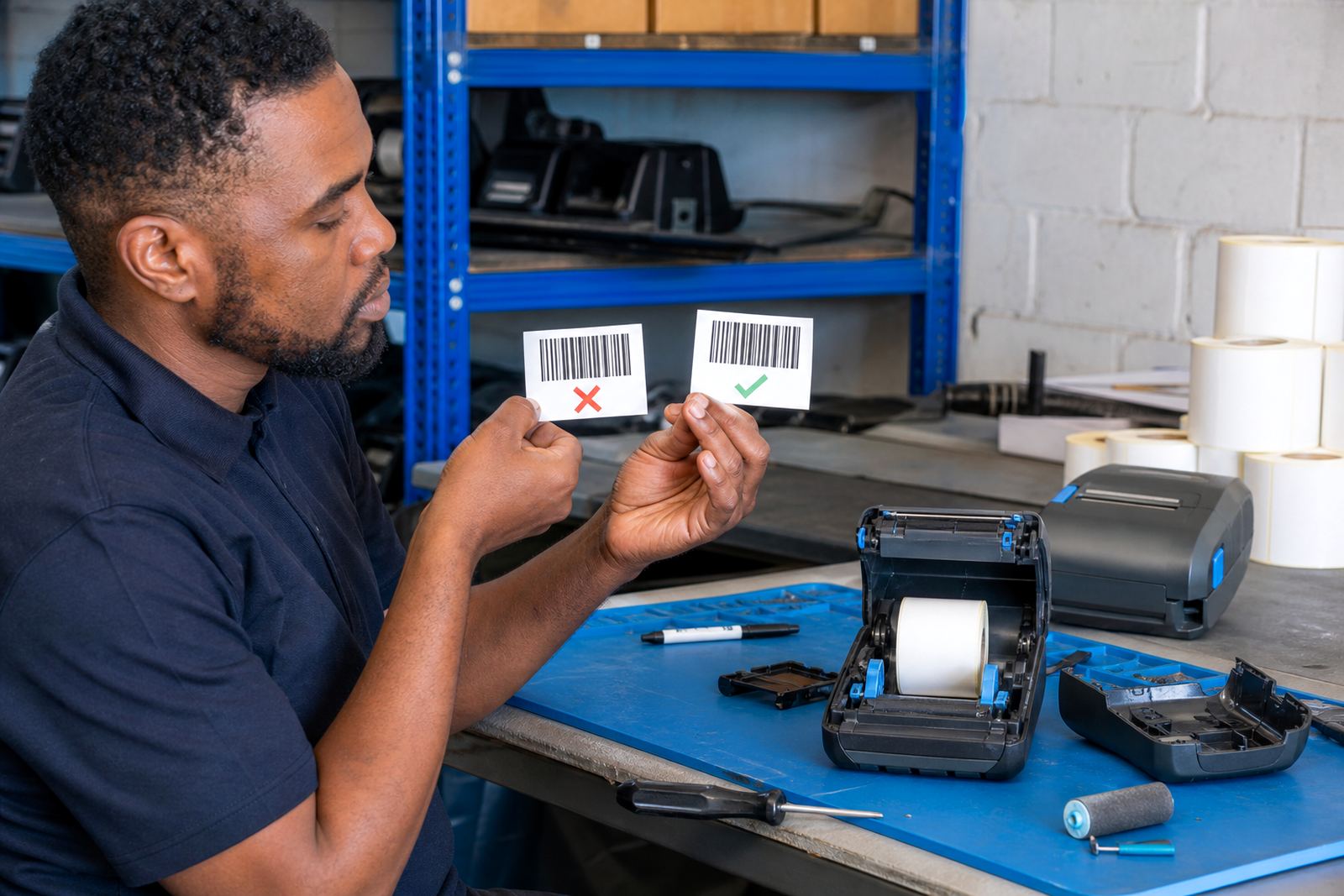
The process starts with the actual symptom, not a guess. We look at sample labels, the media in use and the scan result from the receiving side. Then we test the device with the same roll type, same print width and same connection method the team uses day to day. That helps separate a machine fault from a supply issue or a training gap.
Once the cause is clear, we clean the print path, correct the calibration, replace tired parts where needed and run fresh test labels. We also check belt clips and battery fit if the printer moves on and off the belt through the day. If the unit is used by more than one operator, we can show the team the setting changes that matter and the ones that should be left alone.
Turnaround that fits the fault, not a fixed script
Print quality work can be quick when the issue is a dirty head, a loose pairing or a calibration error. It can take longer when the printhead is worn, the roller needs replacement or the battery is no longer holding steady power. We keep the process practical and match the work to the state of the printer, the condition of the labels and the access available on site.
In busy stockrooms, the goal is to restore the printer to a clear, dependable condition with as little disruption as possible. Where a live dispatch line depends on one unit, we can test the device in stages so the team can keep tracking stock while the fault is being traced. In many cases, a bad print pattern is solved by a careful clean, a calibration reset and the right darkness setting, but we do not assume that before checking.
When parts are needed, we confirm the fit against the model and label width in use. That matters for both direct thermal and thermal transfer units, because a part that suits one format may not sit properly in the other. The work is done with barcode legibility in mind, not just a neat-looking label.
What the pricing covers on a print-quality job
Price is worked out from the fault, the printer model, label width, and whether the job happens on site or at the base. A print quality visit usually includes fault diagnosis, test prints, calibration, cleaning and basic setup correction. If the printer needs a battery replacement, belt clip repair, printhead work or a component swap, that is quoted separately once the fault has been confirmed.
We keep the approach plain. You pay for the actual work needed to restore clear output, not for guesswork. If the issue turns out to be the wrong label roll or the wrong print profile, the correction is lighter than a hard repair. If the printhead has reached the point where cleaning no longer helps, we say so and plan the next step with the printer model in hand.
For sites with several units, it often makes sense to check the most troubled printers first, then line up the others if they show the same signs. That keeps the job focused and avoids replacing parts that are still sound. We can also advise on label stock match so the next roll prints cleaner on the first pass.
Aftercare that keeps the next roll readable
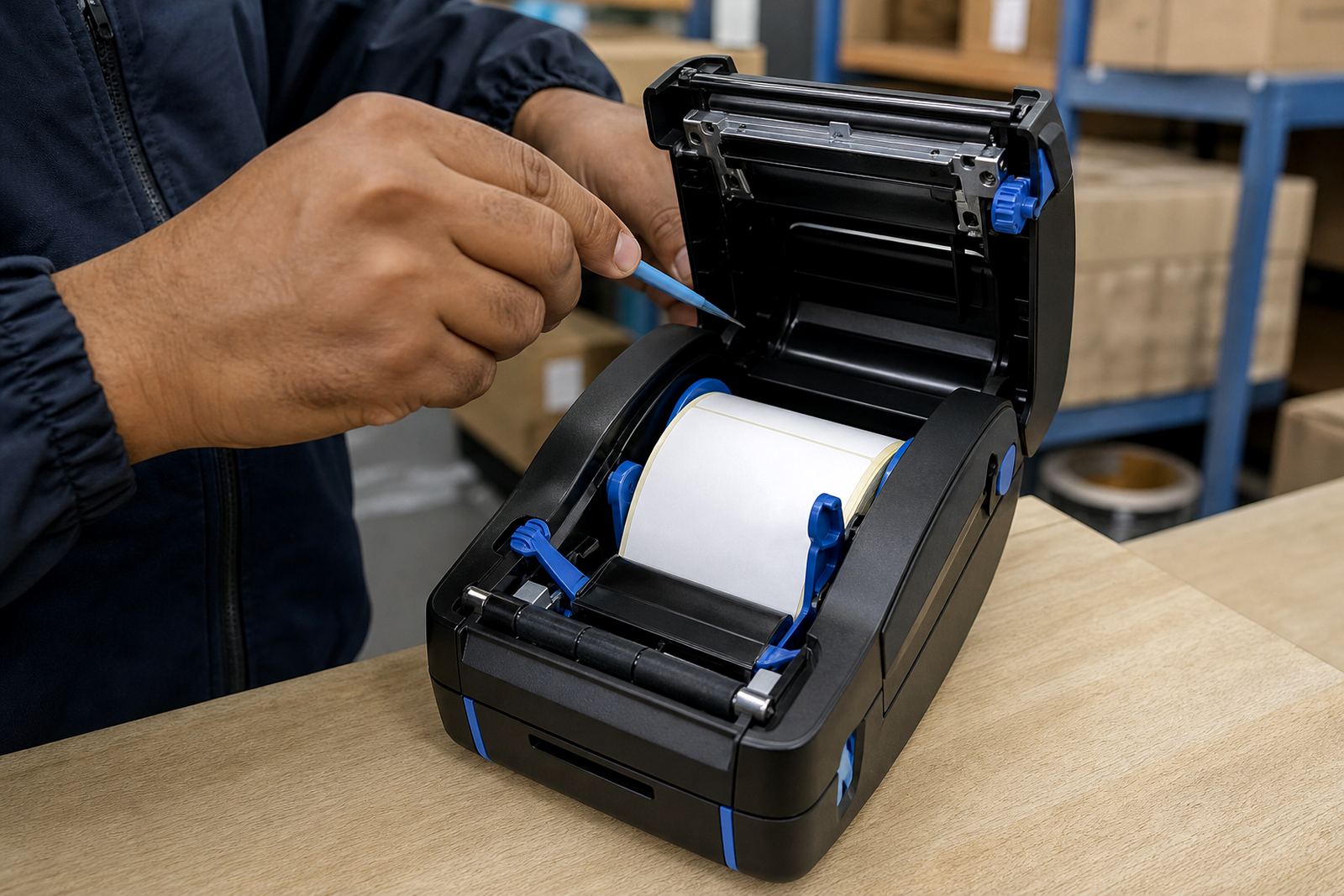
Once the printer is working properly, the aftercare is mostly about keeping dust, adhesive and bad handling out of the feed path. We show teams how to clean the printhead without damaging it, how to load the label roll straight, and how to spot the early signs of a roller or battery problem before the labels start failing at the scanner.
For direct thermal units, label storage matters in Cape Town humidity and in hot rooms further inland. Rolls left in poor conditions can darken or curl, which affects contrast and feed. For thermal transfer units, ribbon choice and label surface both affect the finish, so we check that the materials suit the job before the printer leaves the bench.
We also leave clear notes on pairing, calibration and print settings where the same printer is shared across operators. That helps cut down repeat faults that come from one person changing darkness, another changing label size and nobody resetting the device properly afterwards.
Key facts
| Service area | Montague Gardens, Cape Town and across South Africa |
|---|---|
| Printer types | Direct thermal and thermal transfer mobile label printers |
| Output faults | Fading, streaks, unreadable barcodes, poor contrast |
| Label widths | Common mobile formats from 2 inch to 4 inch |
| Connectivity | Bluetooth pairing and Wi-Fi setup checks |
| Related work | Printhead cleaning, calibration, battery testing and replacement |