What a jam usually points to on a mobile printer
A label jam is often more than a single stuck label. On compact mobile printers, it can point to a crooked roll, worn rollers, adhesive build-up, a dirty sensor or a setting that does not match the roll width. Direct thermal units and thermal transfer units can both jam if the media path is not clean and the labels are not seated correctly.
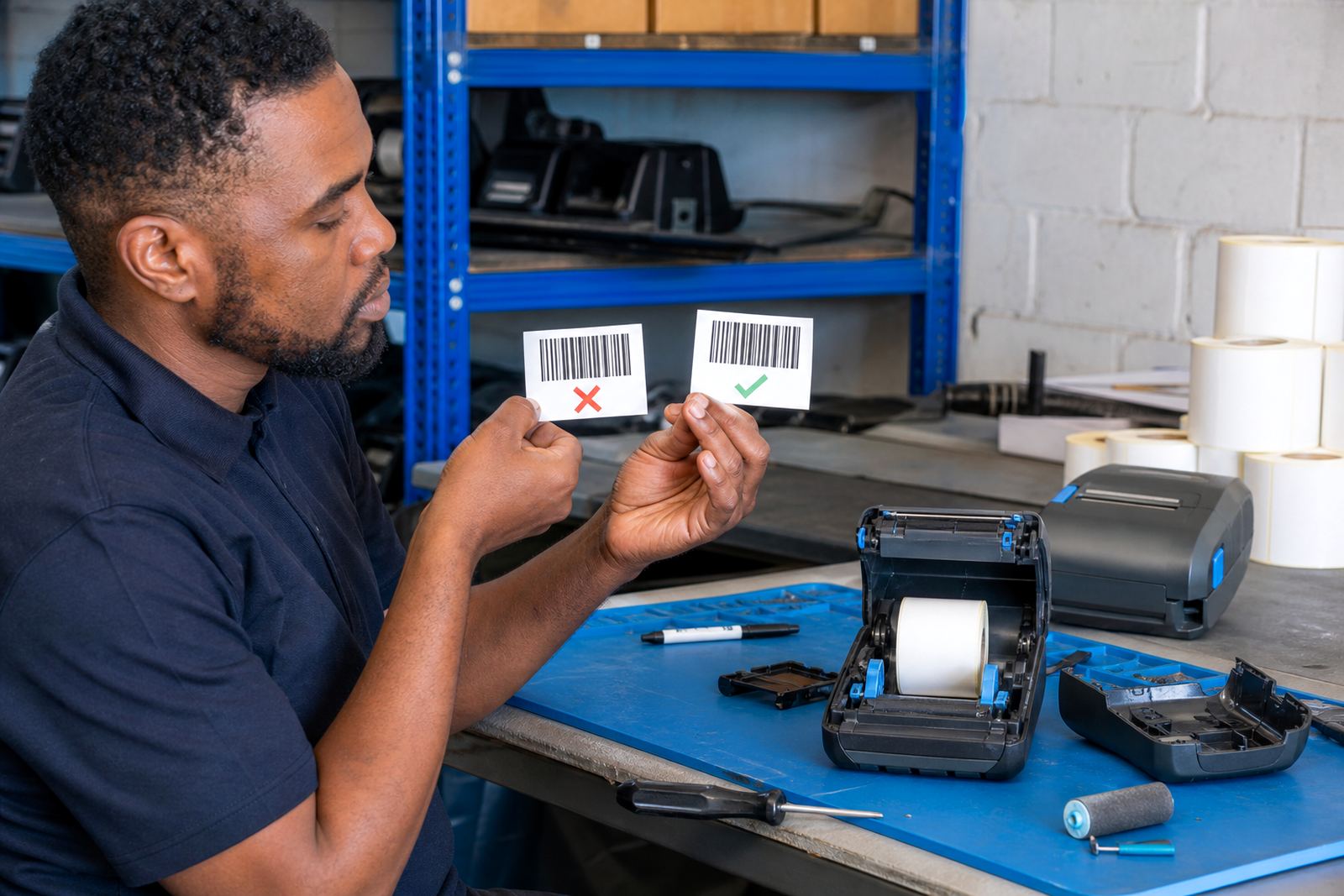
We look at the full path from roll feed to exit point, then check whether the printer is set for 50 mm, 60 mm or another label size that suits the job. If the printer is meant for barcode or QR printing, poor alignment can make the scan fail even when the label prints on paper. Battery issues can also show up as weak feeding or irregular motion on hand carried units.
What we check during a jam clearing call-out
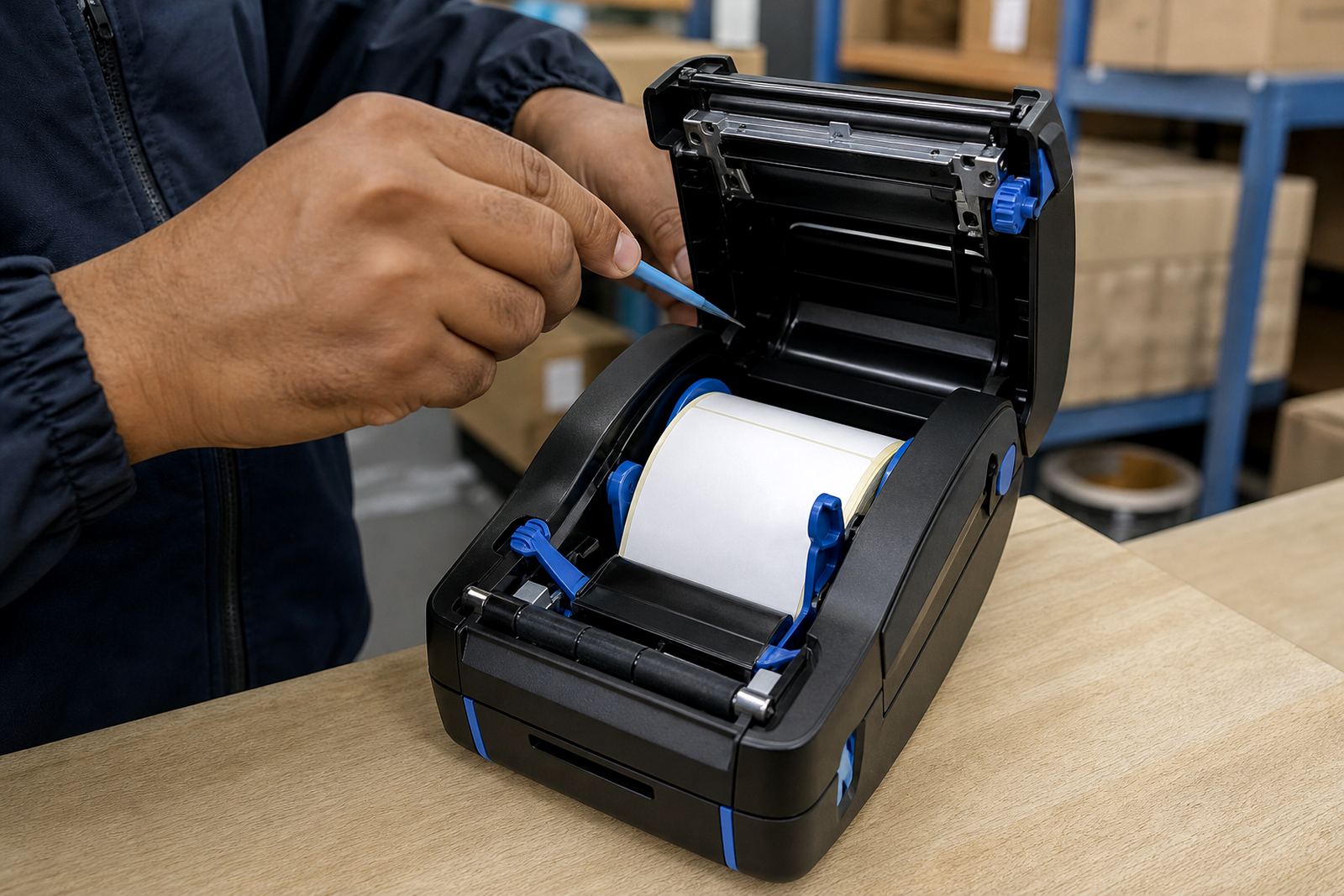
The inspection starts with the roll, the latch, the platen roller and the printhead. From there we check dust, adhesive residue and any torn backing that may be trapped inside the unit. If the printer has Bluetooth or Wi-Fi pairing enabled, we also check whether the print job is being sent with the correct page size and density settings.
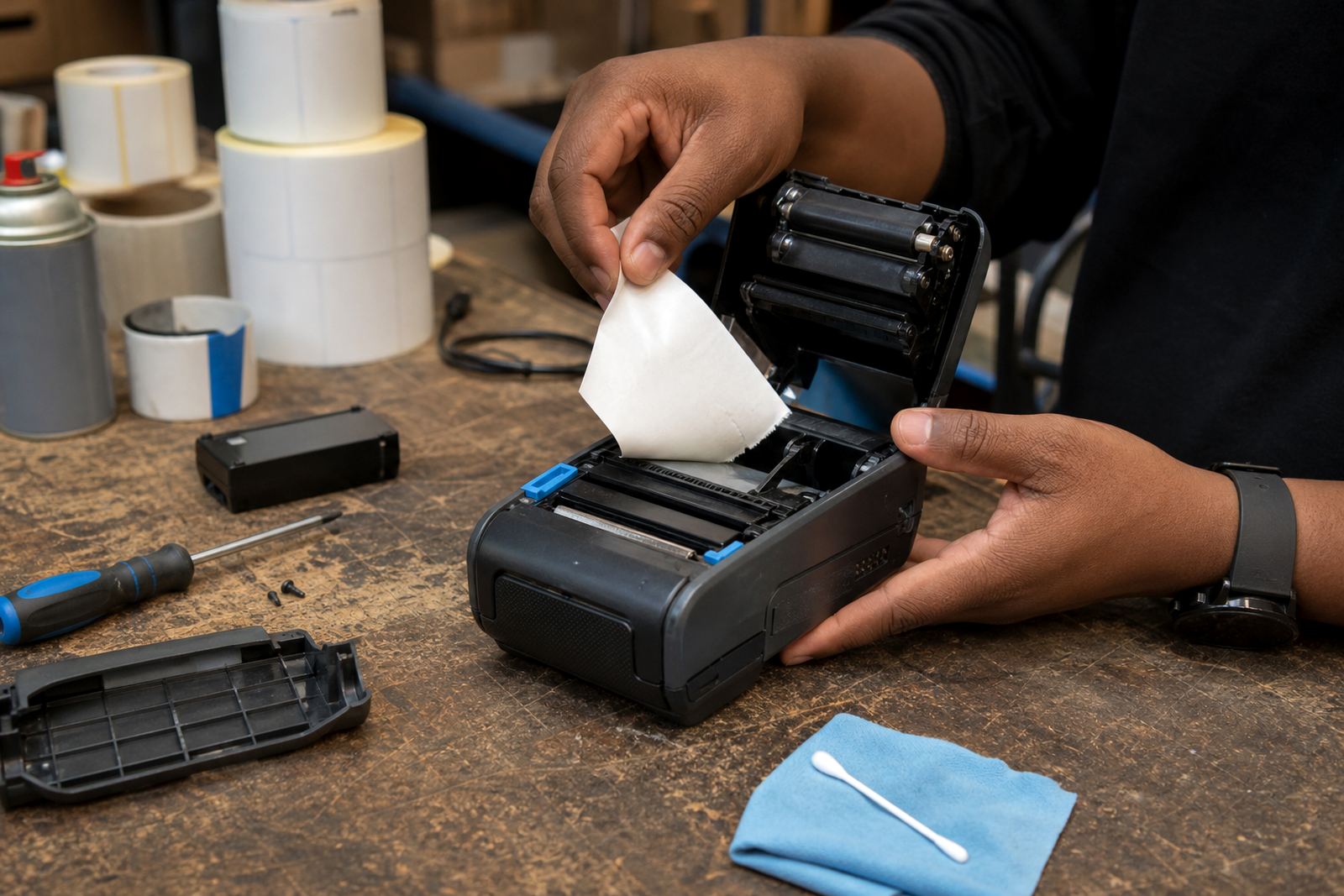
- Media path cleaning and removal of trapped label stock
- Fault checks on rollers, sensors and latch points
- Label calibration for the installed roll width
- Print quality checks for barcode and QR output
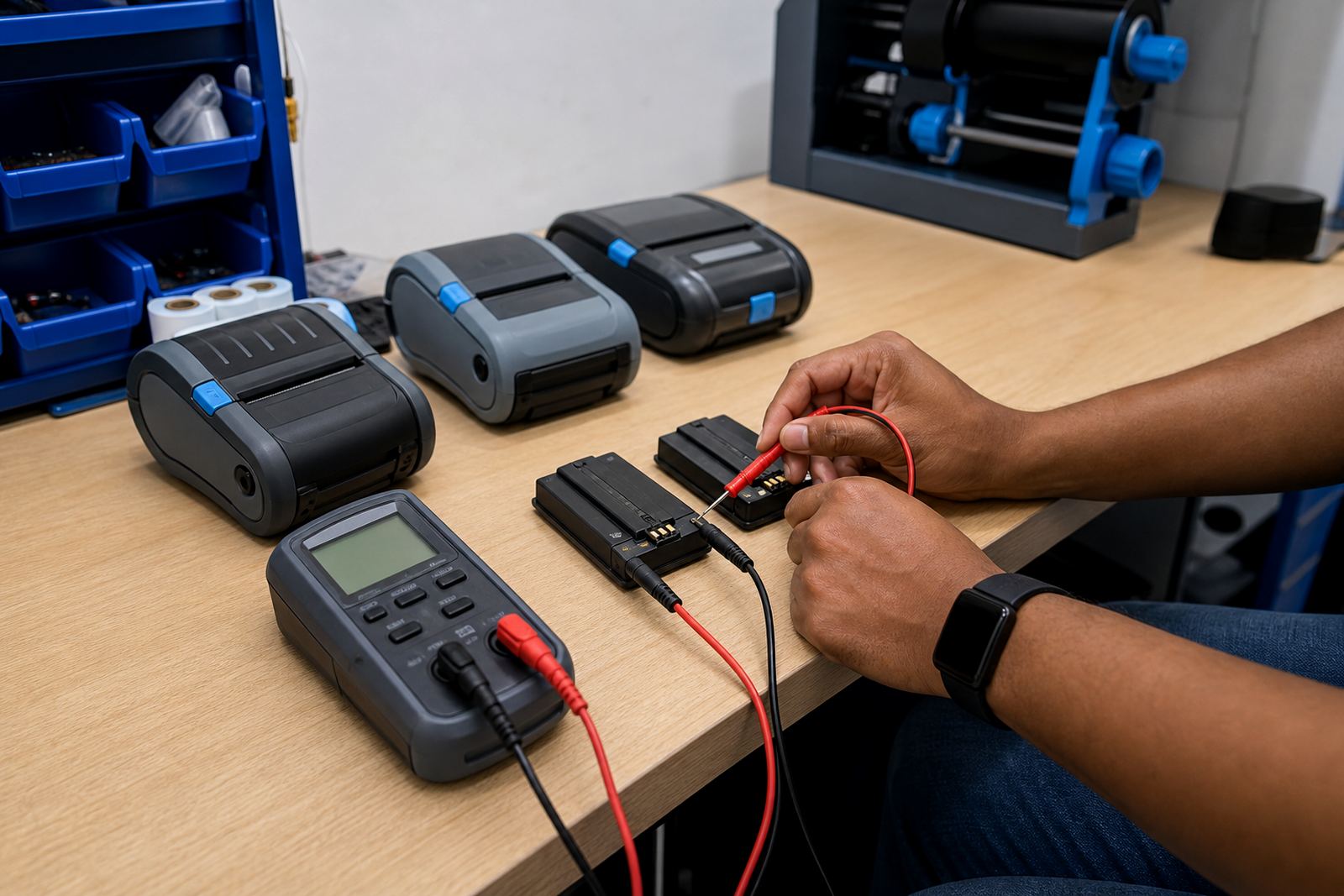
- Battery testing where power loss is causing feed faults
Direct thermal printers use heat-sensitive labels and do not need a ribbon. Thermal transfer units use a ribbon and are better suited to labels that need more durability. When the wrong media type is loaded, the print can smudge, skip or stick inside the mechanism.
How the repair process is handled on site or at the branch
For many faults we can clear the jam on site at your warehouse, courier depot or stockroom. In more involved cases the unit comes into our Montague Gardens base for deeper cleaning, printhead checks and part replacement. We service Cape Town, Johannesburg, Durban, Pretoria and Gqeberha, and we also cover Bellville and Midrand where stock movement depends on tight label control.
- Confirm the printer model and the label type in use
- Open the cover, inspect the path and remove debris
- Clean the printhead and roller surfaces carefully
- Reset calibration and test a fresh print run
- Check the device with the operator before sign-off
Where the fault keeps returning, we look at loading habits, storage of rolls in humid areas near the coast, and whether the belt clip or carry setup is placing stress on the unit during movement. Small handling issues can turn into regular jams if nobody checks them.
Label sizes, pairing and print settings that matter
Mobile label printers are built for small to medium label work, often with a print width suited to courier labels, shelf labels and stock identifiers. Common formats include narrow barcoded labels and wider asset tags, depending on the unit and the application. If the roll edge is rough or the backing is damaged, feeding becomes uneven and the printer can stop halfway through the job.
Bluetooth pairing and Wi-Fi setup need to be checked after any jam fault if the printer is being used across several devices. A machine can look mechanically sound but still send labels at the wrong size or orientation, especially when teams move between handheld devices and fixed stockroom stations.
- Print width matched to the label stock
- Barcode and QR layout set correctly
- Brightness and speed adjusted for the media
- Roll seated squarely with no side drag
- Ribbon alignment checked on thermal transfer units
Turnaround, pricing approach and aftercare
Pricing depends on what is causing the jam, whether the fault is limited to cleaning and calibration, and whether parts such as rollers, clips or a battery need replacement. A simple media path clean is priced differently from a repair that includes a printhead fault or repeated label feed failure. We quote against the actual condition of the unit and the work needed, not a one-size estimate.
After the job, we show the operator how to load the roll straight, clear a small snag without forcing the cover and keep the printhead clean. That helps reduce repeat feed faults in busy couriers, warehouse dispatch points and retail stockrooms where the printer changes hands during the day.
We can also check whether the battery is holding charge properly, because a weak pack may cause the printer to stall partway through a long label run. If the unit uses a belt clip, we inspect that too so the printer stays secure during movement around the floor.
Go-Printer support for mobile label teams
Mandla Mthethwa leads the team at our Montague Gardens base, with field and support staff handling setup, servicing and label supply checks across South Africa. The work covers direct thermal and thermal transfer mobile printers, plus the rolls and accessories that keep them moving in warehouses, courier hubs and retail stockrooms.
We also handle print quality fixes, battery replacement, belt clip repair and preventive servicing when a jam is linked to repeated wear rather than one blocked path. If the unit needs operator training after a repair, we can show the team how to keep the feed path clear and how to spot the first signs of drag before the printer locks up.
- On-site setup and fault clearing
- Media path cleaning and printhead care
- Battery testing and replacement checks
- Operator training for daily use
- Repair support for mobile label printers and accessories
Key facts
| Service | Label Jam Clearing |
|---|---|
| Printer types | Mobile direct thermal and thermal transfer units |
| Print width | Common small-format label widths and wider asset labels |
| Connectivity | Bluetooth and Wi-Fi pairing support |
| Fault checks | Rollers, sensors, feed path, printhead and battery |
| Coverage | Based in Montague Gardens, we serve Cape Town, Johannesburg, Durban, Pretoria and Gqeberha |