What label calibration covers on a mobile printer
Label calibration is the adjustment that teaches the printer where a label starts, where the gap sits and how far each label must advance before the next print. On direct thermal and thermal transfer mobile printers, that work keeps the printout aligned to the label edge instead of creeping off centre or cutting into the next label. It matters on 25 mm by 25 mm shelf labels, 50 mm by 25 mm asset tags and longer courier labels where a few millimetres can throw off scanning.
We check the media sensor, label width setting, gap detection, darkness level and print position. If a printer is set for continuous stock when it is really loaded with gap labels, or if a liner is feeding skew, the result is usually wasted rolls and poor barcode reads. We also look at barcode and QR code placement, so the print sits inside the quiet zone and stays readable at hand scanner range.
- Sensor alignment for gap, black mark or continuous media
- Print start position and top margin adjustment
- Label width and length matching
- Barcode and QR placement checks
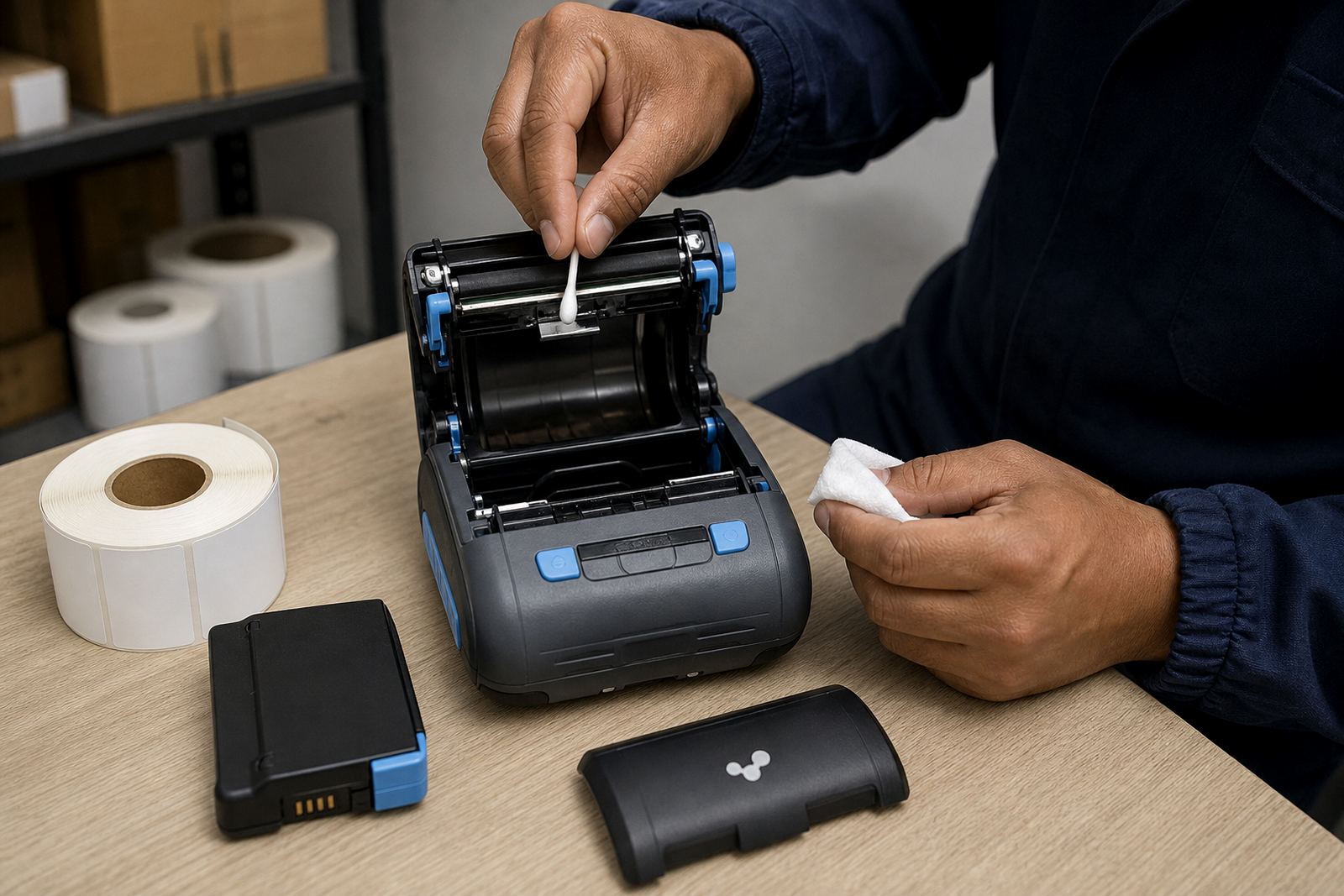
- Printhead cleaning where dust or adhesive has built up
The faults we usually find in warehouse and courier use
Most calibration calls start with small signs that are easy to ignore. Labels may begin too high, text may clip on one side, or the printer may leave a blank label between printed ones. In busy stockrooms the cause is often a changed roll size, a moved sensor arm, or a printer that was set up for one label type and later loaded with another.
Direct thermal printers need clean media and the right heat setting, while thermal transfer units also need ribbon tension and correct label stock. When the settings do not match the label roll, the printer may still produce output, but the code can drift or the edge of the label can be cut off. For couriers, that can mean scanned parcels that fail at the first depot. In retail stockrooms, it can mean shelf labels that do not sit square on the ticket strip.
- Misread gaps between labels
- Shifting print position after a roll change
- Weak barcode edges from poor darkness settings
- Label skew caused by worn feed rollers
- Media mismatch between roll type and printer setting
How we set the printer up on site
Our field work starts with the printer, the roll and the way your team uses the device. We check the model type, whether it is paired by Bluetooth or Wi-Fi, and whether the printer is handling direct thermal or thermal transfer stock. Battery condition is also checked, because low voltage can affect feed consistency on some mobile units.
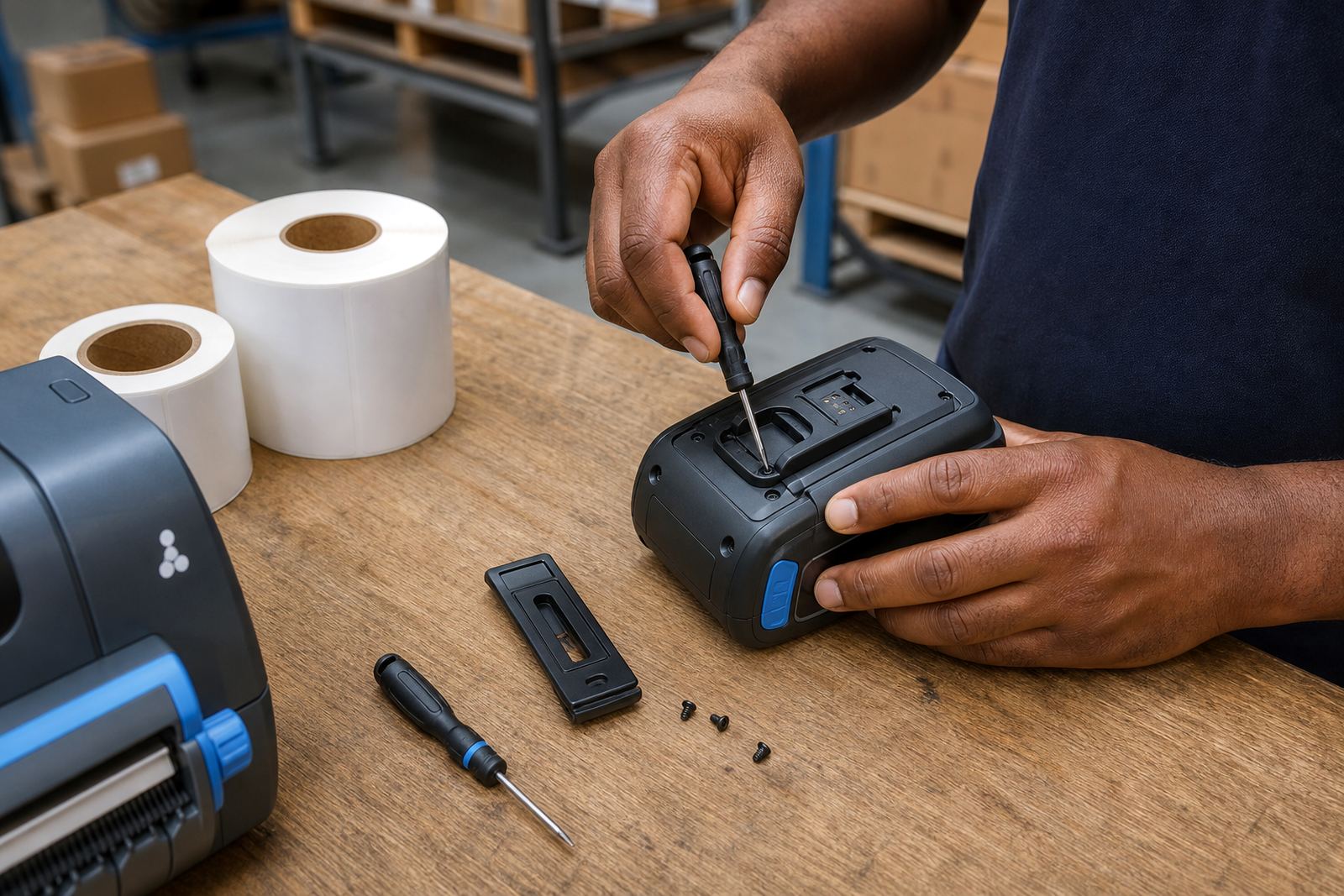
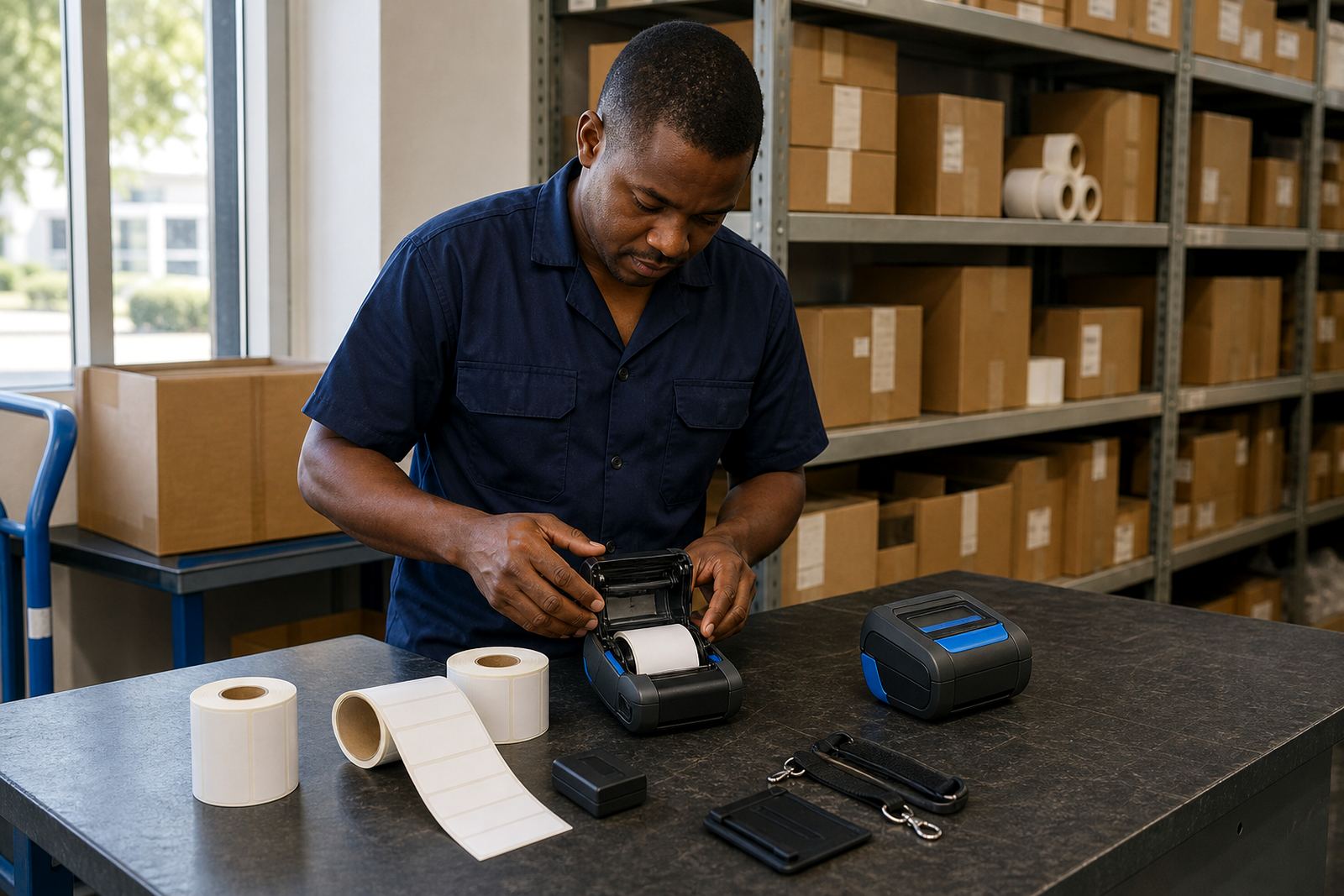
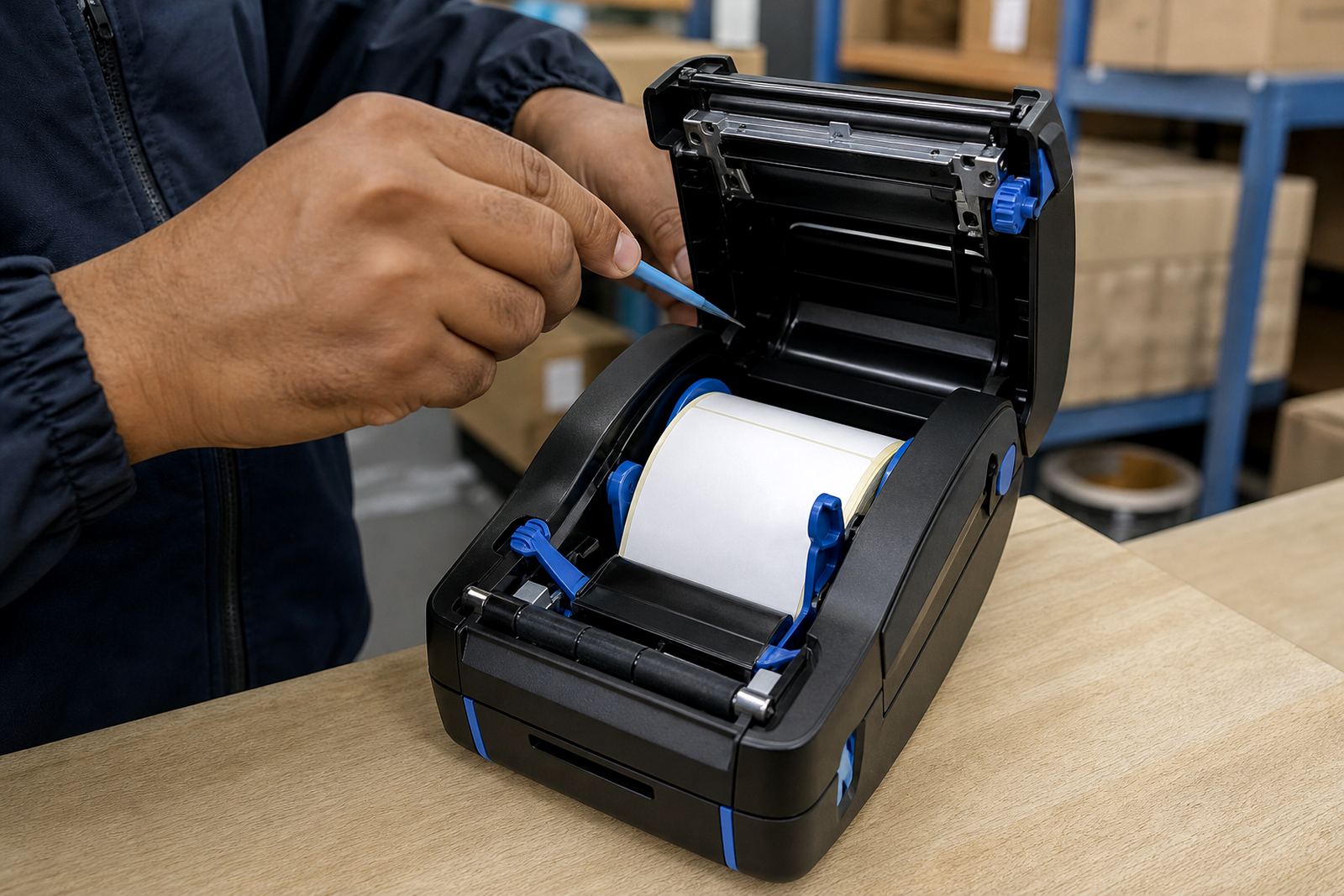
The calibration process normally includes loading the roll correctly, setting the paper type, running test prints and adjusting print position until the label starts in the right place. If the unit has a display or control buttons, we set the media type and width from the printer menu. We then clean the printhead and platen area if adhesive dust, paper fibres or ribbon residue are affecting the output. Where belt clips or carry cases are worn, we can replace them so the printer stays secure during field use.
- On-site setup for warehouses, couriers and retail stockrooms
- Bluetooth pairing and Wi-Fi setup where required
- Battery testing and battery replacement if needed
- Print quality fixes and label jam clearing
- Operator training for loading and basic checks
Turnaround, workshop work and what affects the price
Some calibration jobs are straightforward and can be handled during an on-site visit, especially when the printer only needs sensor alignment and a correct media setting. Others take longer if the printer has worn feed parts, damaged rollers, repeated jam issues or a printhead that needs more detailed cleaning. Workshop repairs are used when the fault goes beyond setup and into hardware.
Pricing depends on the number of units, travel to the site, the printer type and whether the job needs setup, repair or supply of new label rolls and batteries. We price practical work rather than guesswork. A single calibration on one mobile printer is different from a group setup across several packing stations, and a stockroom with mixed label sizes needs more testing than a unit running one label format only.
For bigger roll-outs in Cape Town, Johannesburg, Durban, Pretoria or Gqeberha, we can organise the visit around the stockroom layout and the number of printers that need calibration. That helps avoid repeated call-outs for the same label size issue.
Aftercare for clean print and steady labels
After calibration, the next step is keeping the printer in the same state the team received it in. Printheads collect residue from dust, label adhesive and ribbon use, so a clean head gives sharper text and better barcode edges. Feed rollers also need checking if the label starts to drift again, especially where the printer is carried between bays, delivery vehicles or service counters.
We show staff how to load the roll without forcing it into the guide rails, how to recognise a skewed feed and how to spot the early signs of a blocked sensor. If the device is used in a humid coastal area such as Cape Town or Gqeberha, store label stock flat and dry so the adhesive backing does not curl. A rolled edge or warped liner can undo a careful calibration.
- Printhead cleaning guidance for office and field teams
- Roll storage advice for humid stockroom conditions
- Basic checks for skew, dark print and label drift
- Support for operator training after setup
Who handles the work at Go-Printer
Our Montague Gardens base supports teams that need mobile label printers, rolls and technical help without having to wait for a full equipment change. Mandla Mthethwa oversees the service direction, while Anele Ntsele manages operations and field bookings. Kagiso Ngwenya handles on-site technical visits, Leanne Hlongwane coordinates label supplies, Siyabonga Adonis leads technical support and Zinhle van Wyk handles training and setup work.
That mix matters when a calibration visit also needs a fresh label roll, a battery check or a belt clip repair. Some stockrooms need one printer tuned for parcel labels, while another unit is used for shelf tickets or warehouse locations. We work across Montague Gardens, Bellville, Midrand and the larger service areas in South Africa, keeping the setup practical for the way the floor actually runs.
Clients contact us through our contact form on our contact page when they need label calibration, repairs or a site visit arranged around their operation.
Key facts
| Service | Label calibration for mobile thermal printers |
|---|---|
| Printer types | Direct thermal and thermal transfer |
| Common label sizes | 25 mm by 25 mm, 50 mm by 25 mm, courier label formats |
| Connection setup | Bluetooth pairing and Wi-Fi setup |
| Print checks | Barcode, QR code, darkness and start position |
| Coverage | Montague Gardens, Cape Town and major South African centres |