What our Bluetooth pairing service covers
This service covers handheld scanners with print apps, tablets used on the move, and mobile label printers that need a steady link for warehouse, courier and retail work. We pair the device, confirm the correct printer profile and check that barcode and QR label output is readable at the point of use.
Our setup work also checks print width, label size and the way the printer handles direct thermal or thermal transfer media. Direct thermal suits short-life labels for dispatch, shelf use and parcel movement, while thermal transfer is better where print must hold up through longer storage, heat or handling.
- Bluetooth pairing for handhelds, tablets and mobile workflow tools
- Printer selection checks for direct thermal or thermal transfer use
- Label size matching for small stock labels, courier slips and barcode tags
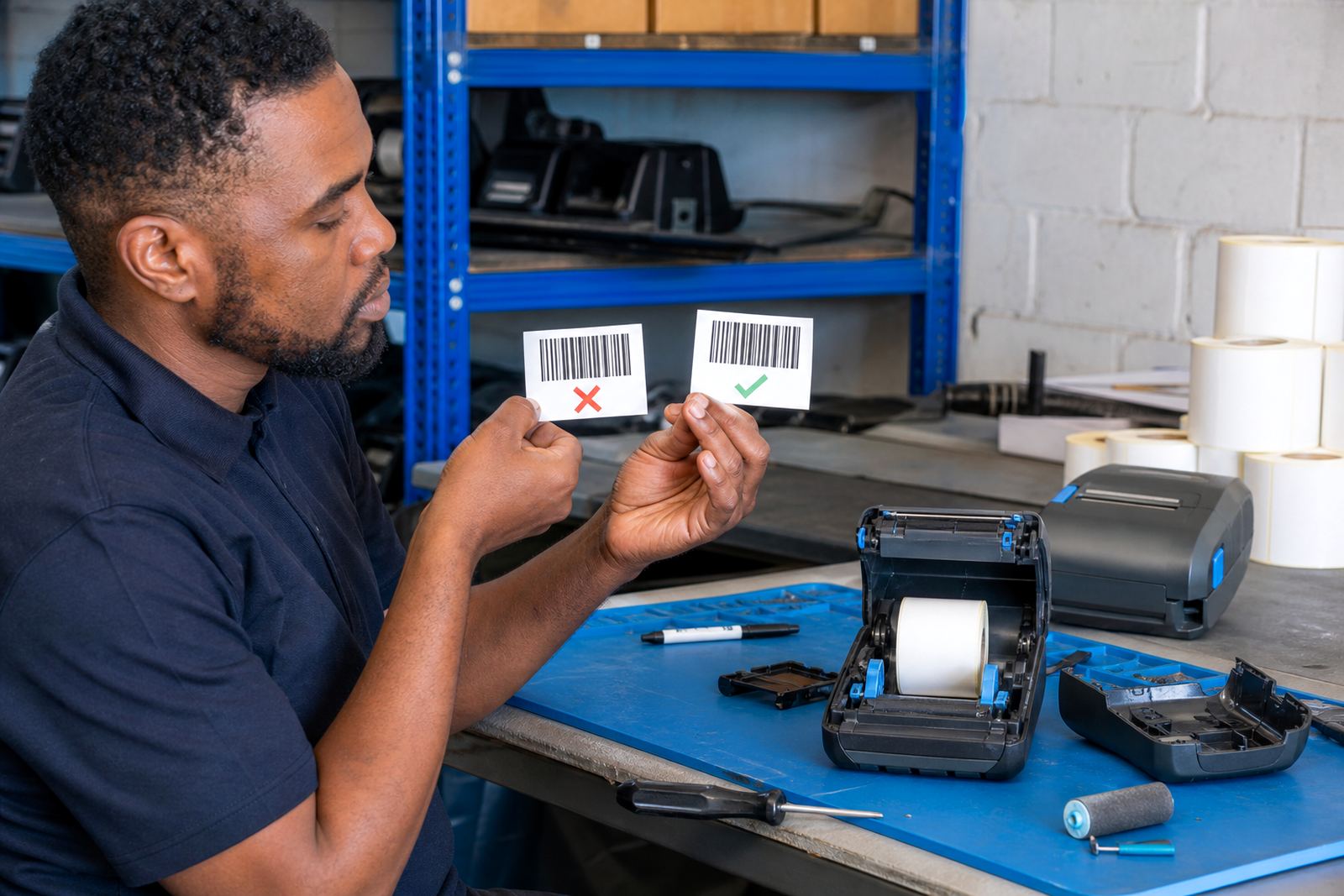
- Barcode and QR print checks for scan accuracy
- Battery testing where the device is used away from a fixed point
What we check during setup
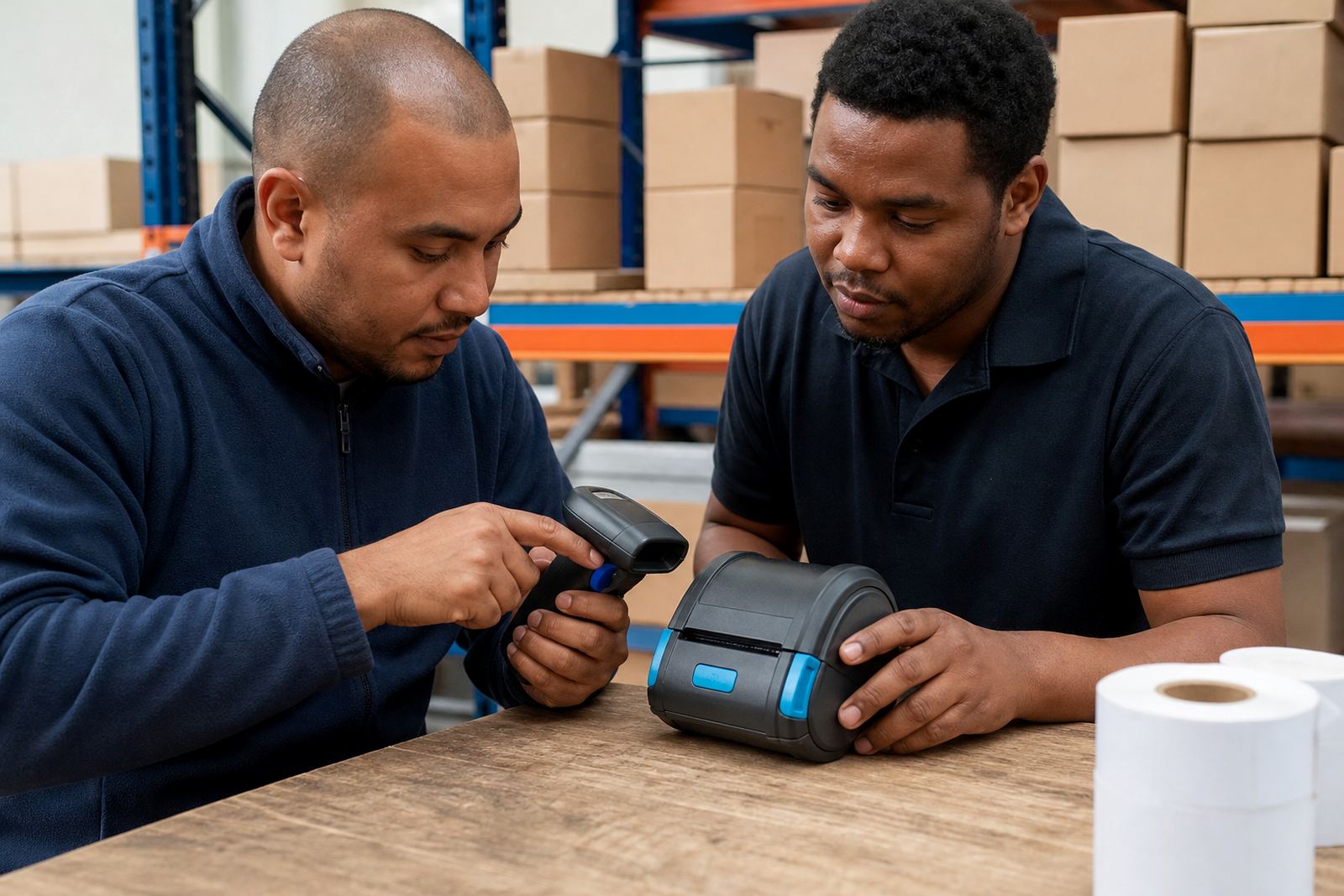
Pairing is not only about getting a device to connect once. We look at how the printer behaves after sleep, after a label roll change, and after the app is reopened. A printer that pairs on paper but drops out during a shift creates extra hand work, so we test the full handover from app to label.
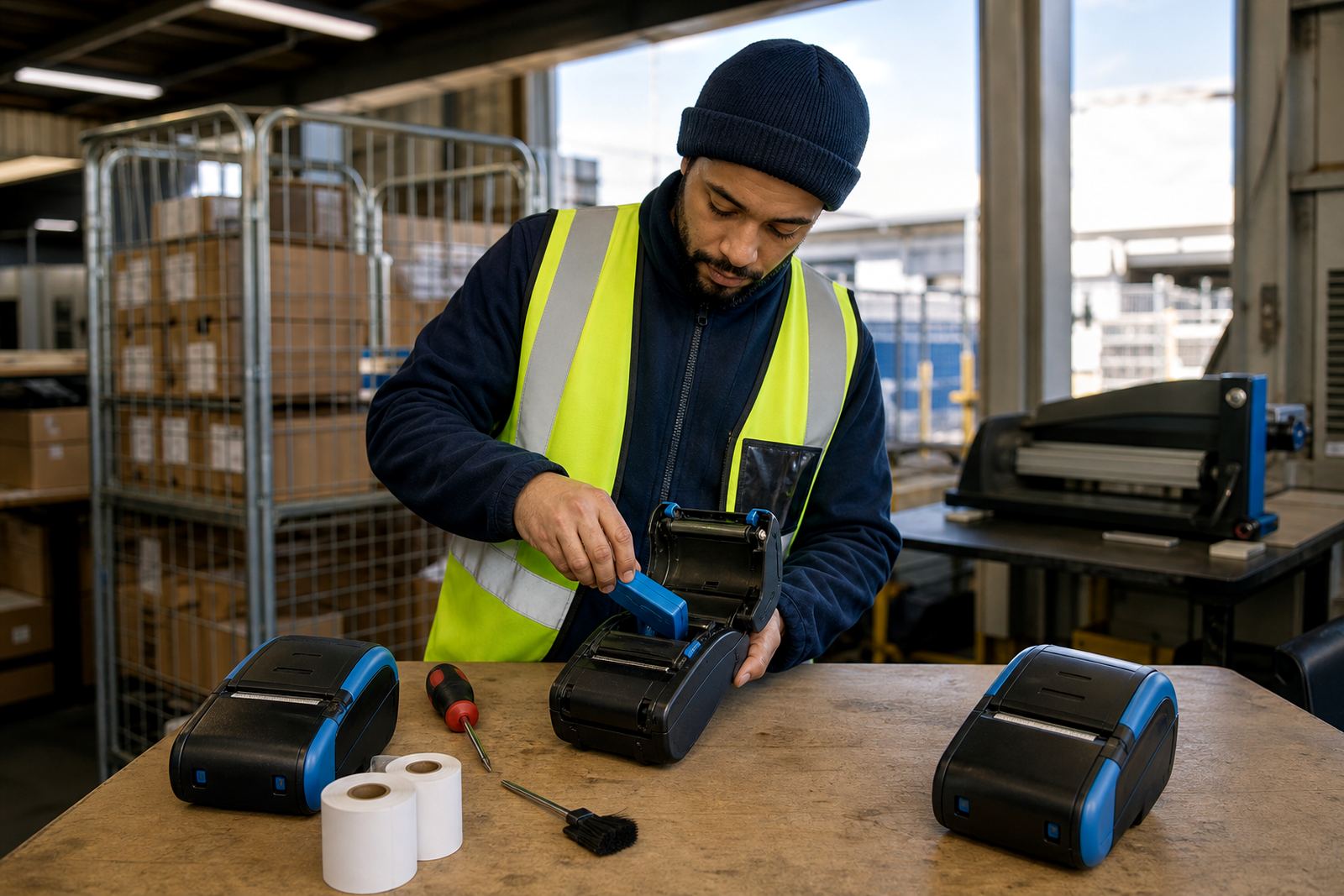
We also check printhead condition, label feed and battery health while we are on site. If the printer is used in a dusty stockroom or a delivery van, the head can collect residue and the rollers can pick up fine paper dust. That shows up as faint text, broken bars or labels that drift off centre.
- Bluetooth visibility and device name matching
- App to printer connection testing
- Battery condition and charging check
- Printhead cleaning where residue affects print quality
- Label calibration for feed alignment and margin control
Pairing steps on a real job
We start by identifying the printer model, the device it must pair with, and the label work it needs to handle. Then we match the connection method to the workflow. Some teams pair one printer to one device. Others move printers between several handhelds during a shift, which needs stricter naming and pairing habits so the wrong printer does not grab the next label job.
Once the device is linked, we run a sample print, check the data on the label and confirm the media direction. If the printer supports both Bluetooth and Wi-Fi, we can set up one or both connections depending on how the floor is organised. Where the setup crosses office and stockroom use, we keep the connection notes practical so the team can follow them without guesswork.
Mobile printer details that affect pairing
Thermal mobile label printers usually run on rechargeable batteries and print at widths suited to small, portable jobs. Common print widths include 2 inch and 3 inch formats, with some units handling wider labels for warehouse picking and shipping. Battery life depends on print volume, label size and how often the screen or radio stays active during the shift.
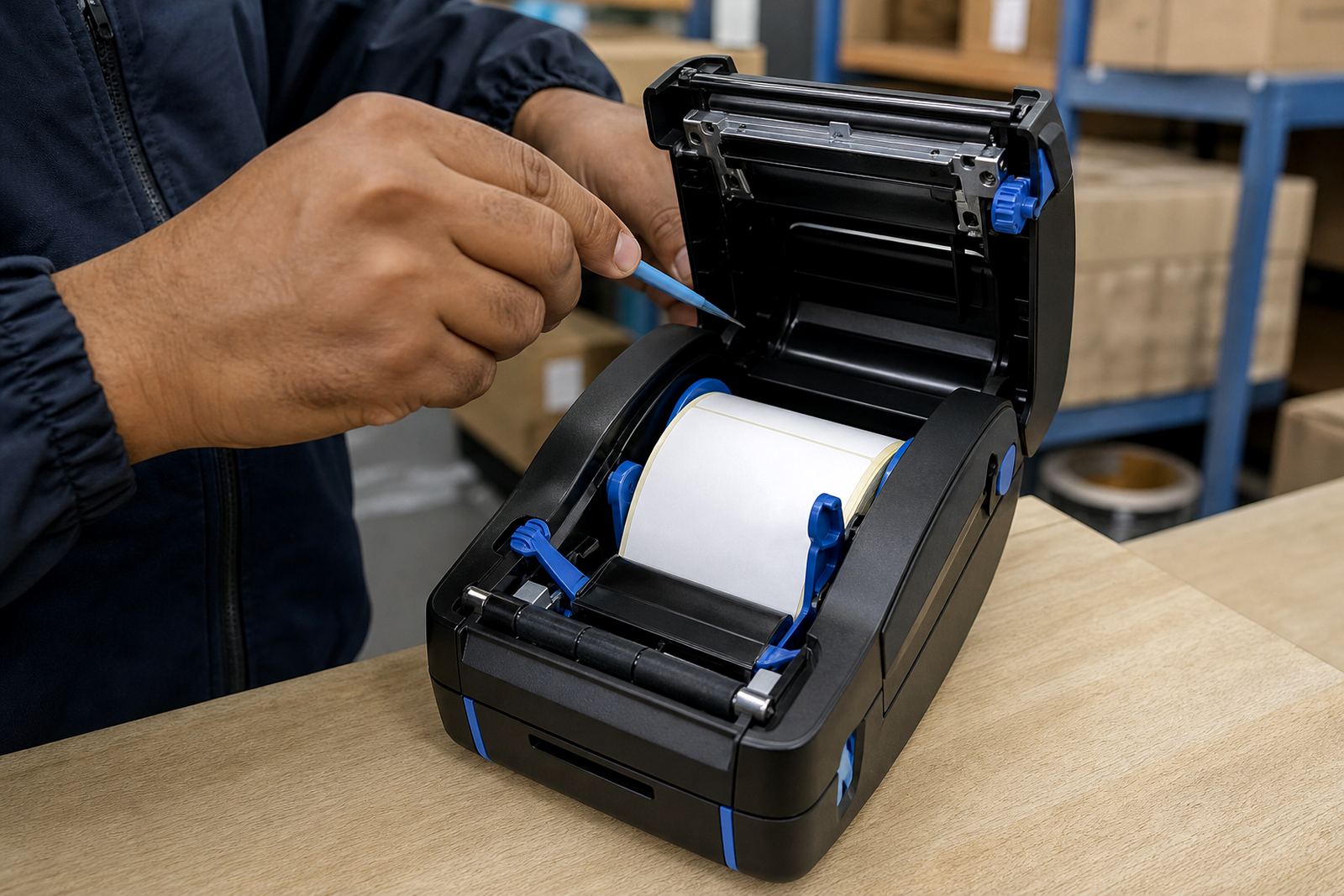
Bluetooth works well for short-range device links, while Wi-Fi is useful where the printer must sit on a shared network or move between work areas without repeated manual pairing. Label roll choice matters too. Direct thermal rolls are quick for short-term use and thermal transfer rolls need the right ribbon and media match when durability is important. If the wrong pairing is blamed for a print fault, we still check the printhead, rollers and label roll before closing the job.
- Print widths commonly used in mobile work: 2 inch, 3 inch and wider options
- Battery life varies with print load and connection use
- Bluetooth suits close-range pairing
- Wi-Fi suits shared network use across more than one station
- Label stock must match the printer mode and the job type
On-site support across the shop floor and road teams
We do on-site setup in Montague Gardens, Cape Town and support teams in Johannesburg, Durban, Pretoria and Gqeberha. That includes warehouses, couriers and retail stockrooms where a mobile printer may be shared across shelves, receiving bays and dispatch points. For multi-site work, we can set the same pairing method across different branches so the team is not learning a different routine at each site.
Our field work can include belt clip checks where the printer is worn through a shift, battery replacement where charge retention has dropped, and print quality fixes where the barcode edge has softened. If a roll jams or the printer feeds crooked, we clear it, re-seat the media and test again before the device goes back into use.
Pricing and aftercare without hidden extra steps
Pricing is based on the devices involved, the number of printers to be paired, the state of the current setup and whether the work is carried out at our Montague Gardens base or on site. A fresh pairing on one printer is different from a mixed fleet where a few units need battery testing, cleaning and label calibration at the same time.
Aftercare covers practical support on the setup we have done, plus guidance for the people using the printer day to day. We leave clear notes on connection names, roll loading and basic cleaning, especially where the printer sits in a dusty storeroom or gets handled by more than one operator. If the team uses our contact form for a follow-up issue, we can work from the same device details and label type already on record.
- Single device pairing or multiple printer setup
- On-site or workshop-based support
- Battery, media and print-quality checks can be included
- Support notes cover the pairing method used
- Useful for handover between shift teams and branch teams
What the team usually sends us first
To get the pairing work moving, the useful details are the printer model, the device type, the app being used and the label size in millimetres or inches. If the printer is printing barcodes, QR codes or courier labels, that helps us check the image settings and feed alignment before we arrive or before the unit is booked in. If there is a current fault, a short note on whether the printer will connect, print or feed badly helps narrow the fault quickly.
Go-Printer is based in Montague Gardens, Cape Town, with service support for Bellville, Midrand and other operating areas across South Africa. Mandla Mthethwa leads the business with support from Anele Ntsele, Kagiso Ngwenya, Leanne Hlongwane, Siyabonga Adonis and Zinhle van Wyk, covering setup, field work, label supply and training for mobile print environments.
Key facts
| Service type | Bluetooth pairing for handhelds, tablets and mobile printers |
|---|---|
| Printer formats | Mobile label printers for direct thermal and thermal transfer printing |
| Label output | Barcode and QR code printing for stock, dispatch and retail use |
| Common widths | 2 inch, 3 inch and wider mobile label formats |
| Support scope | On-site setup, calibration, cleaning and repairs |
| Coverage | Available in Montague Gardens, Cape Town and across Johannesburg, Durban, Pretoria and Gqeberha |