When the print line starts to go dull
A printhead collects adhesive dust, label fibre, ribbon residue and fine grime from daily use. On mobile label printers used in warehouses, courier routes and retail stockrooms, that build-up can show as faded text, broken barcode lines, uneven QR blocks, or dark marks crossing the label face. A proper clean restores steadier contact and helps the printer feed labels without dragging.
We work on compact units used with Bluetooth or Wi-Fi pairing, with print widths commonly around 58 mm, 80 mm and 104 mm. The cleaning method changes slightly between direct thermal units and thermal transfer units, because ribbon dust and heat exposure affect the print surface in different ways.
- Direct thermal heads are cleaned to remove adhesive film and paper dust.
- Thermal transfer heads need ribbon path checks as well as head cleaning.
- We inspect the platen roller, latch pressure and label feed route.
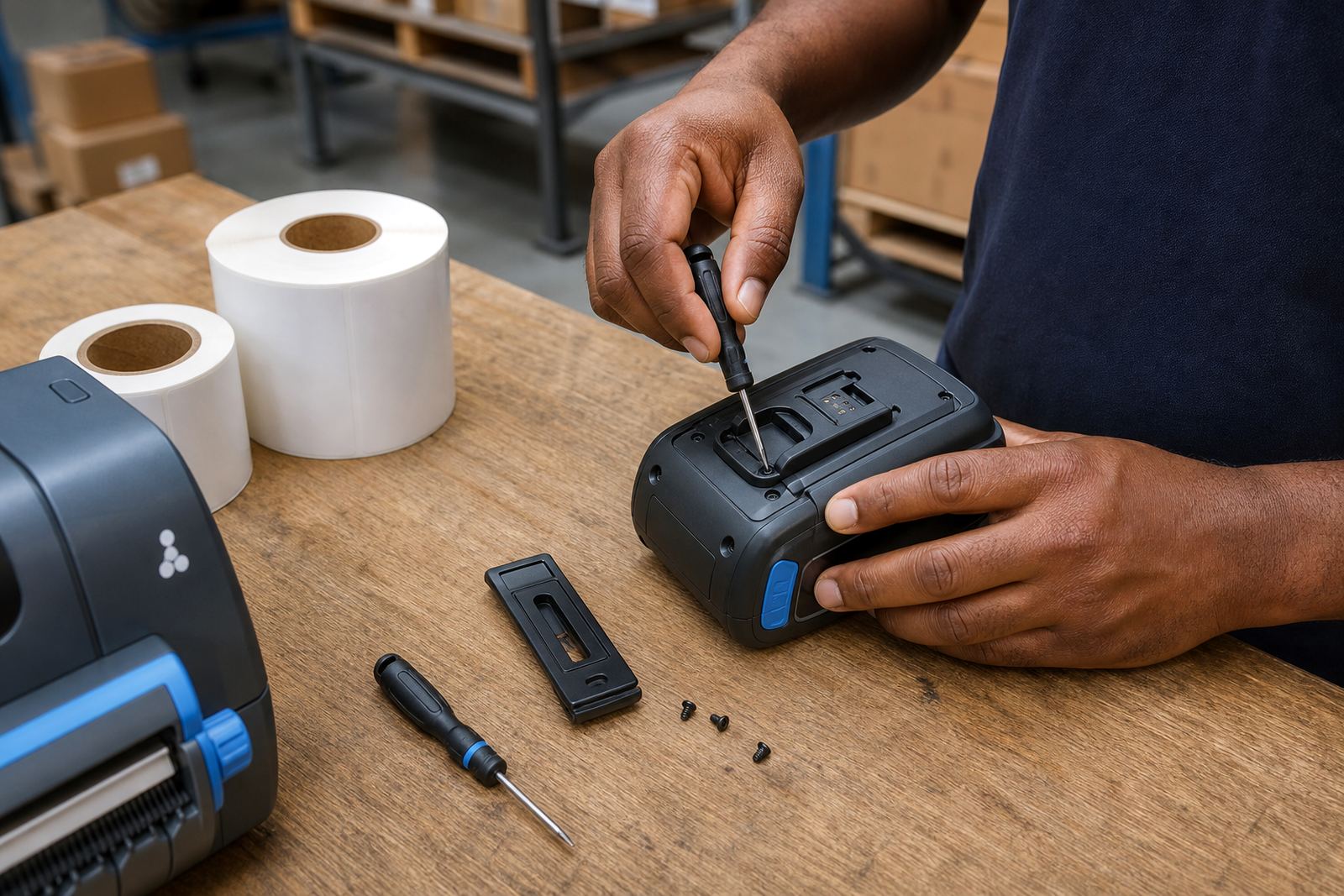
- Battery contacts and belt clip fittings are checked where they sit near the unit body.
What the service covers on the bench or on site
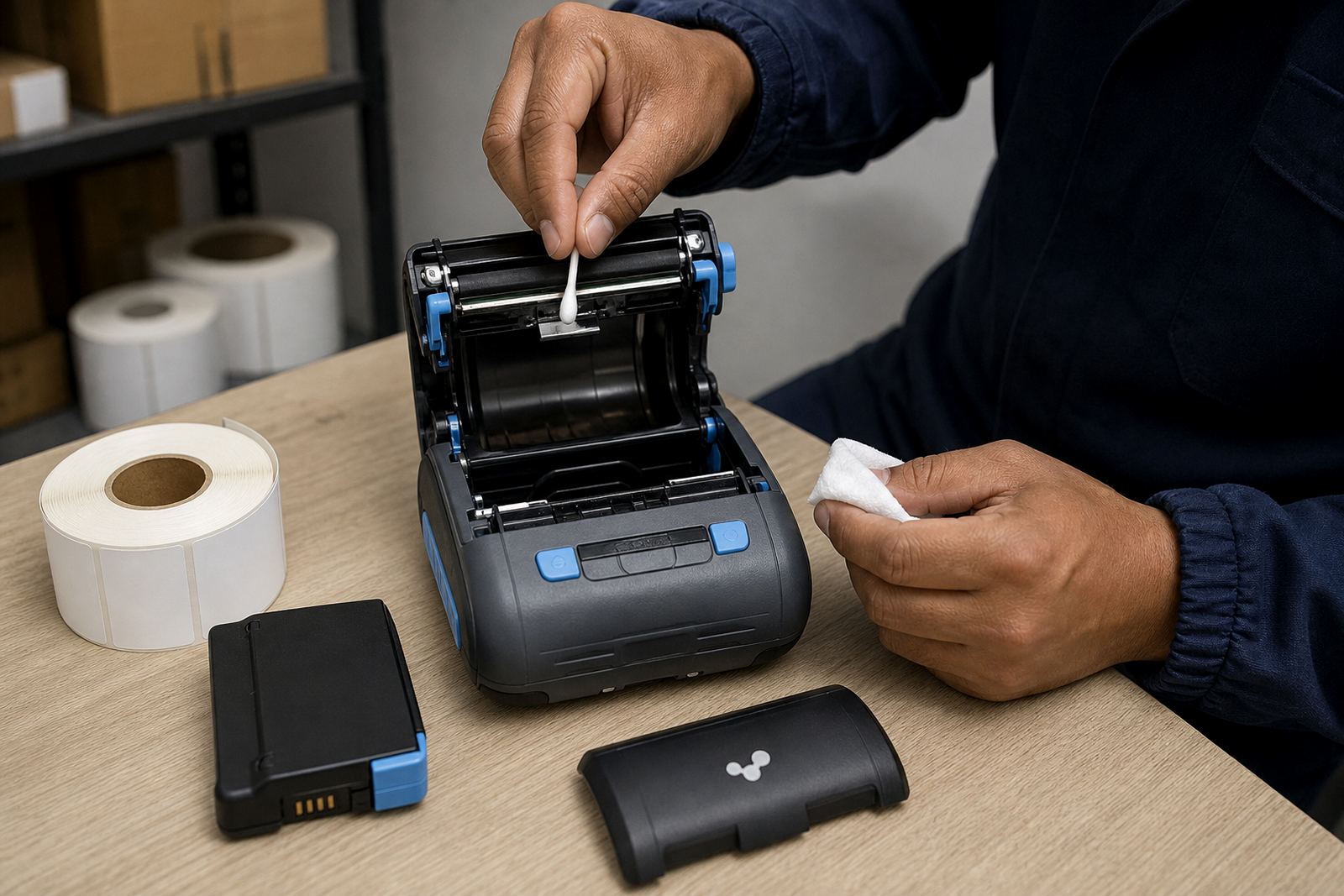
The service is practical and specific. We open the printer housing carefully, clear visible build-up and clean the printhead with the correct solution and lint-free material. If the label roll has been catching or skewing, we look at the guides, the sensor area and the feed path so the next print run lands square. Where a head has suffered light scorching or rough handling, we flag the fault before more labels are wasted.
For sites in Cape Town, Johannesburg, Durban, Pretoria and Gqeberha, the work can be carried out on site when access and the printer’s condition make that suitable. In heavier cases, the unit may need closer bench attention at our Montague Gardens base. The goal is always the same, cleaner print output and less unnecessary wear on the machine.
- Cleaning of thermal printhead surface and surrounding feed area.
- Inspection of rollers, guides and label sensor points.
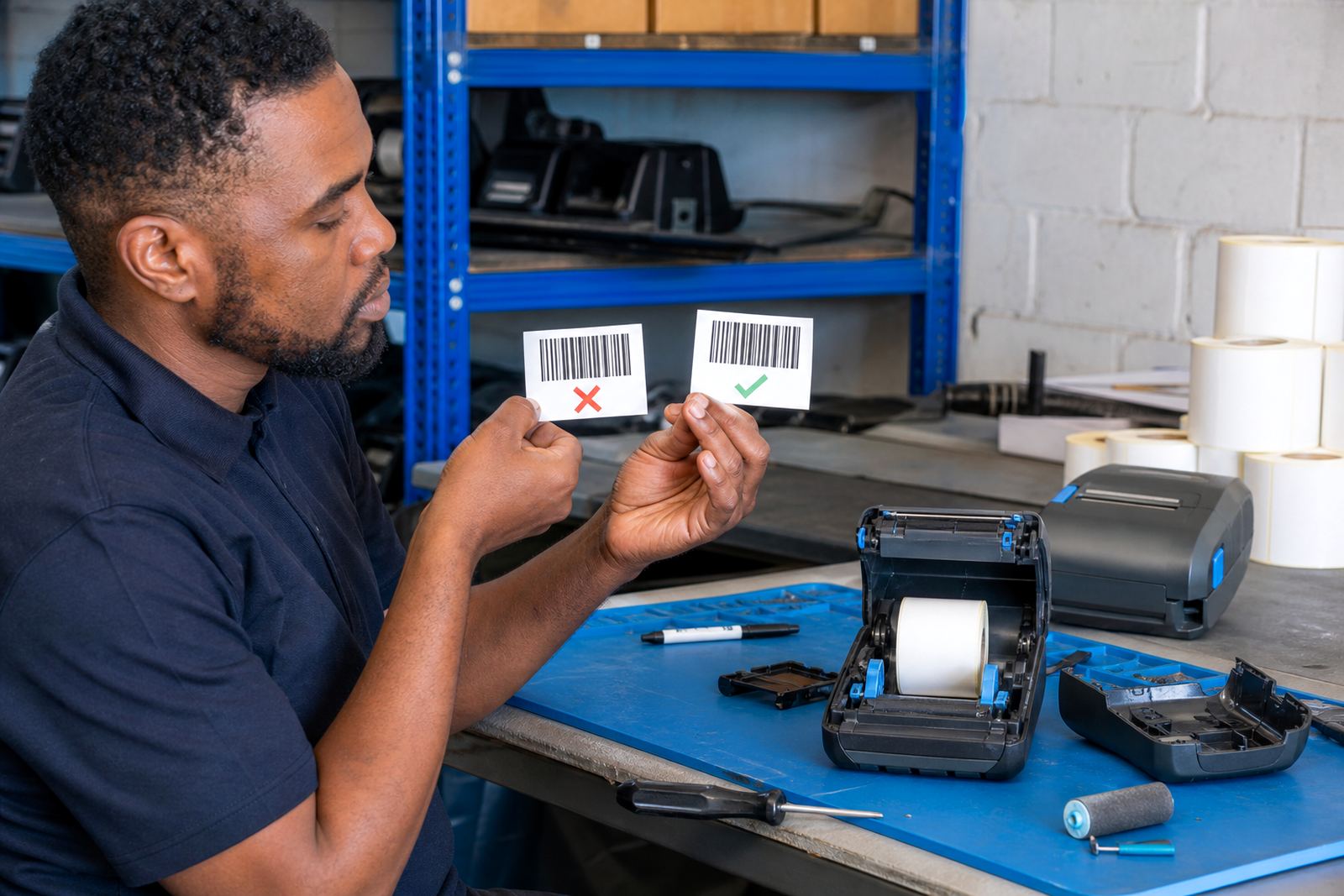
- Barcode and QR test prints after the clean.
- Basic guidance on label handling and head care.
Our cleaning process, step by step
We start by checking the print pattern and the label type in use. If the printer is running 40 mm courier labels, 50 mm stock labels or wider shelf labels, the head pressure and feed path need to suit that size. We then power down safely, remove the roll, and clean the head in short passes rather than soaking the part. That keeps the surface safe and avoids pushing dirt deeper into the mechanism.
After cleaning, we test the printer on a fresh roll and read the output for clarity, line consistency and edge sharpness. If the unit uses Bluetooth or Wi-Fi, pairing is checked only where the connection affects the test print, not as filler work. The printer must be able to pass usable labels through cleanly, without streaks or missing bars.
- Visual check of head, platen roller and label path.
- Careful cleaning with printer-safe materials.
- Test print for text, barcode and QR readability.
- Final check for feeding, alignment and repeat marks.
Direct thermal and thermal transfer have different needs
Direct thermal printers use heat-sensitive labels, so the head sits against paper that can darken too quickly if dust or adhesive has settled on the surface. Thermal transfer printers work with ribbon, which means there is extra residue from the ribbon film and more chance of build-up if the ribbon tension is not right. Both types need a clean head, but the service notes are not the same.
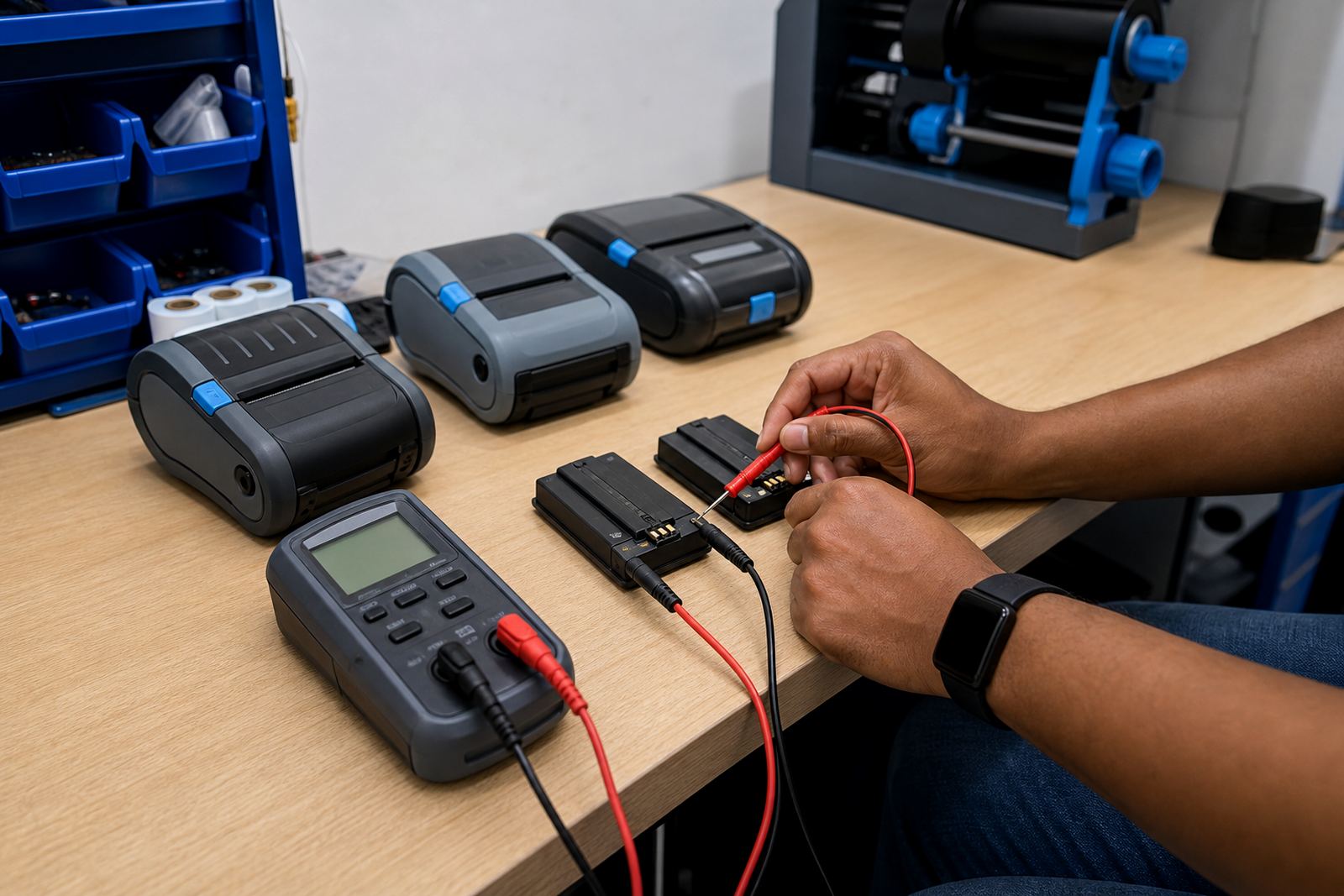
We also consider battery condition on portable units, because low power can make print quality look worse than it is. A weak battery may cause uneven heat or incomplete feed on some models. Belt clips, battery latches and charging contacts are checked where they affect handling, especially for couriers and floor teams carrying the printer through busy shifts.
- Direct thermal cleaning focuses on label dust and adhesive marks.
- Thermal transfer cleaning includes ribbon path residue checks.
- Battery testing is included where output looks weak or unstable.
- We look at clip fittings if the printer is carried on the hip.
Turnaround, access and pricing approach
Turnaround depends on the condition of the printer, the number of units on site and whether the work is on site or at our Montague Gardens base. A single printer with light dirt is usually faster to handle than a mixed batch with jam damage, battery problems and worn rollers. Where a site has multiple mobile label printers, we can work through them in a planned sequence so the label line keeps moving.
Our pricing is based on the labour involved, the level of cleaning needed and any parts that must be replaced after inspection. If the head is only dirty, the job stays focused. If the roller, battery or clip also needs attention, that is quoted separately. The aim is to keep the cost tied to the actual condition of the equipment, not a broad guess.
- Single unit or batch cleaning can be quoted together.
- Parts are only added when wear or damage is found.
- On-site work is considered where access supports it.
- Repairs are separated from the cleaning task for clarity.
Aftercare that keeps the next label run steadier
After the clean, we show the operator how to spot early signs of dirt return, uneven pressure and feed strain. That matters on printers used for barcodes, QR labels and small address tags, because a slightly dirty head can cause enough distortion to slow down scanning or sorting. We also point out how to close the housing cleanly, load the roll straight and avoid touching the print line with bare fingers.
For teams that run direct thermal labels in humid coastal conditions, or keep thermal transfer stock in busy storerooms, clean handling makes a real difference. A printhead that is looked after properly usually stays more dependable, and labels waste less paper and ribbon. If a fault points to more than dirt, we can move into print quality fixes, label calibration or repair work without starting over.
- Guidance on safe label loading and printer closing.
- Advice on handling the printhead without scuffing it.
- Support for barcode and QR output checks after cleaning.
- Escalation to repairs when wear is found.
Key facts
| Service area | Montague Gardens, Cape Town, with on-site support across South Africa |
|---|---|
| Printer types | Thermal mobile label printers, direct thermal and thermal transfer |
| Common print widths | 58 mm, 80 mm and 104 mm |
| Typical output checked | Text, barcodes and QR codes |
| Related service work | Label calibration, battery testing, print quality fixes and repairs |
| Label supply support | Direct thermal and thermal transfer rolls, battery and belt clip support |