What the battery test covers on mobile label printers
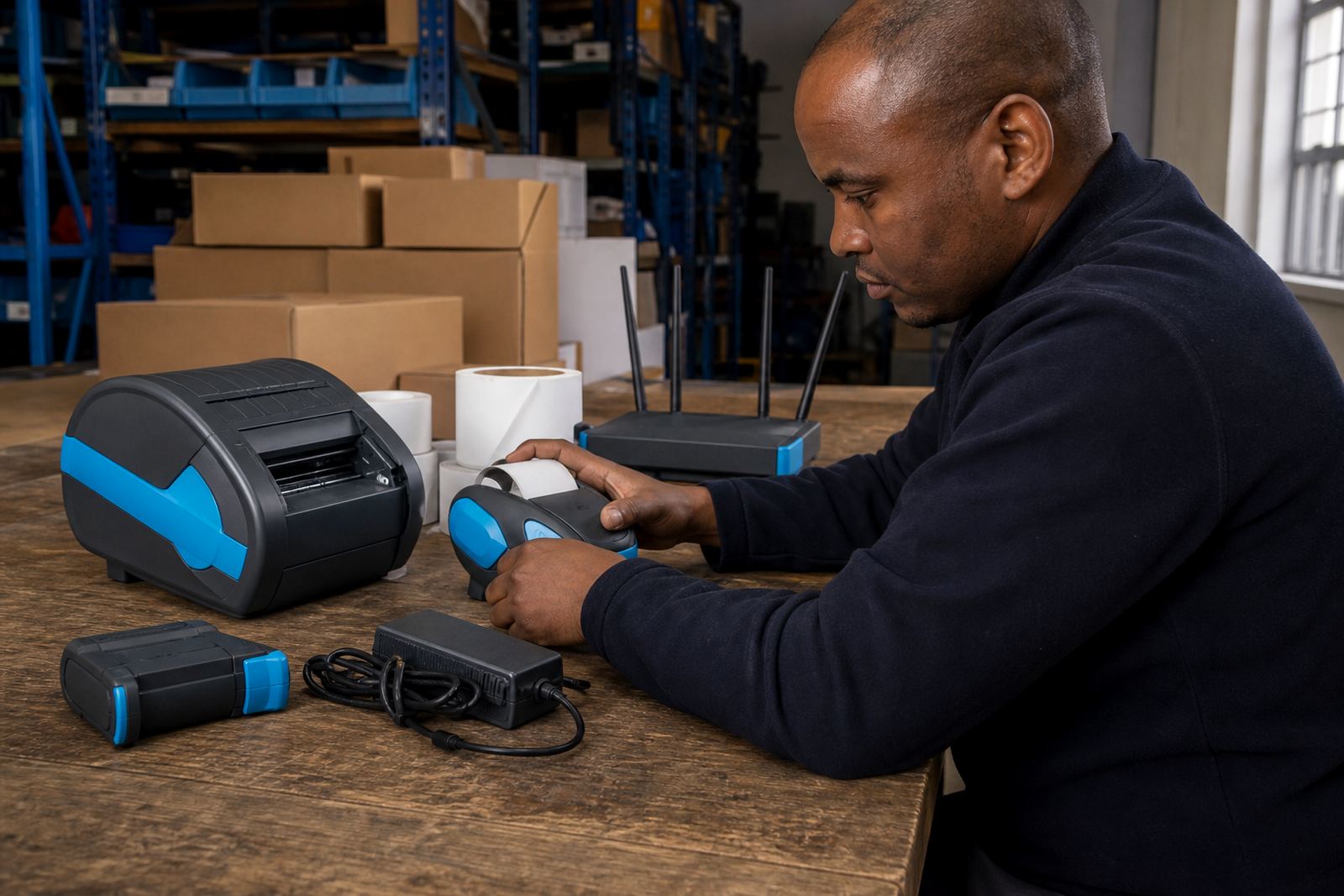
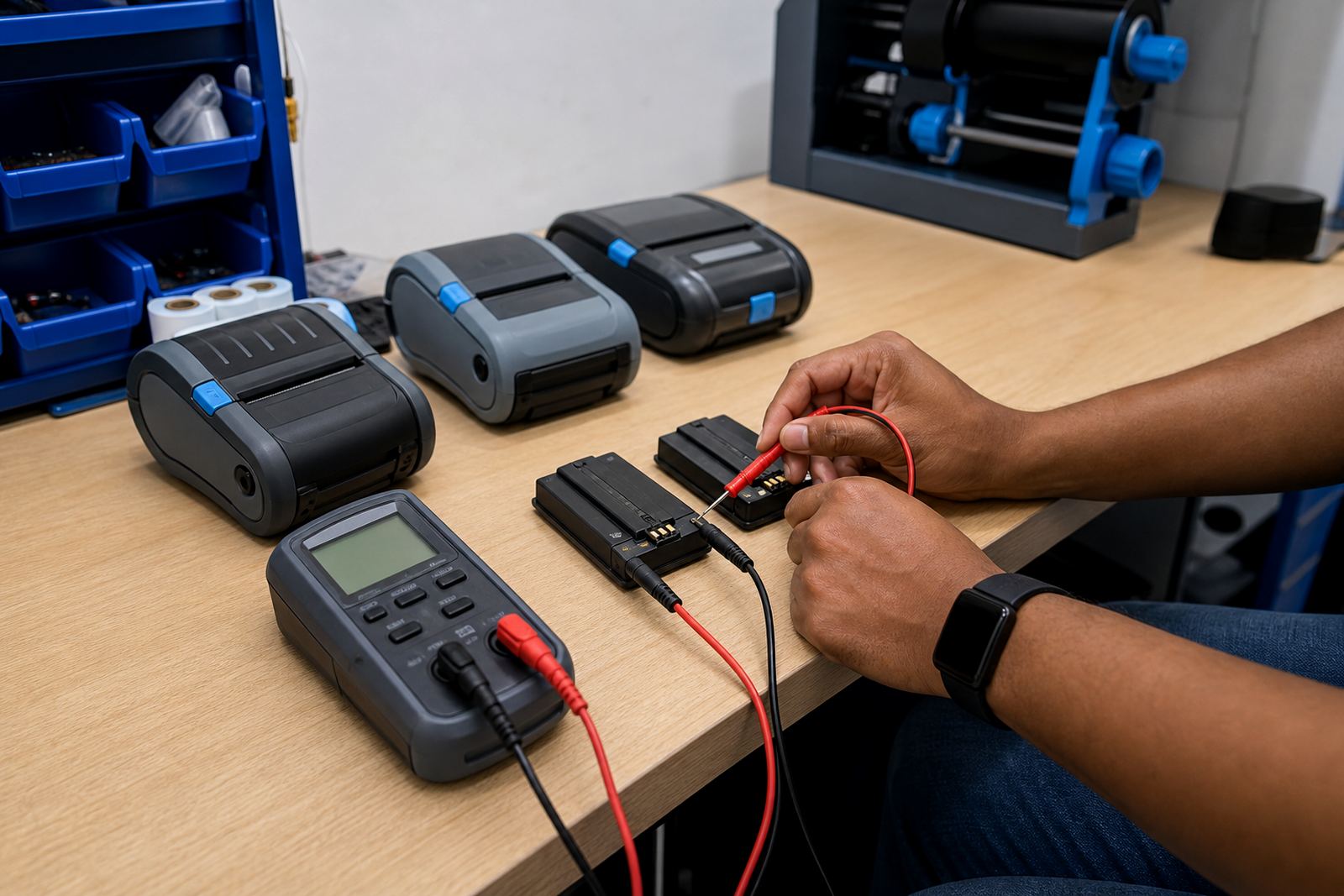
We test the battery against the way the printer is actually used, not just how it behaves on the shelf. That includes runtime under label printing load, charge acceptance, connector wear, swelling, contact condition and whether the battery is still holding a useful charge for a full shift or only a short run between top ups.
For direct thermal and thermal transfer mobile label printers, battery strain can show up differently. A direct thermal unit may be pushing higher print volumes on short bursts, while a thermal transfer unit may draw more during longer label runs or when Bluetooth and Wi-Fi are active at the same time. We check the battery alongside the print profile so the fault is not guessed at from one symptom alone.
- Runtime checks under real print use
- Charging fault checks on the pack and cradle path
- Battery contact cleaning and visual inspection
- Replacement planning when charge holding has dropped away
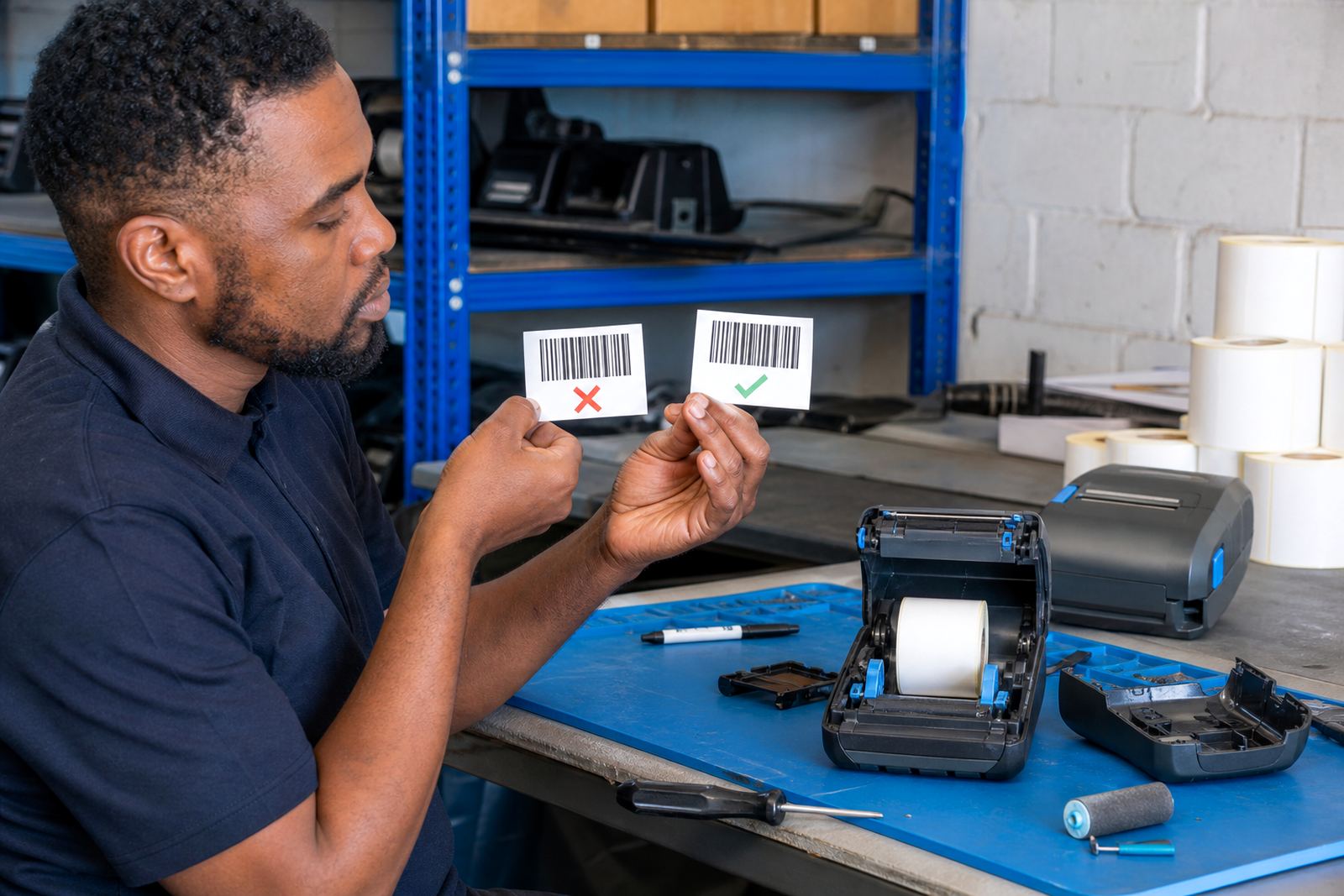
- Checks linked to barcode and QR label output
Faults that point to battery trouble
Short runtime is only one clue. A printer that powers on, then shuts down when print speed increases, often has a battery that can no longer keep up with current draw. Slow charging, erratic charge lights, battery heat during charging, and random resets are all worth checking before the printer is blamed.
We also look at the wider set-up. If Bluetooth pairing is left active all day, or Wi-Fi is scanning in a stockroom with weak coverage, the battery can drain faster than expected. Small label sizes, wide media, barcode density and repeated reprints also change the load on the printer. That is why testing needs to include how the device is being used in the warehouse, courier bag or retail back room.
- Power loss during label runs
- Slow charge or no charge behaviour
- Battery swelling or loose fit in the bay
- Frequent reboots when printing starts
- Unexpected drain linked to radio pairing or heavy use
How we test and report the condition
The process starts with a visual check, then moves to battery performance testing on the printer itself. We confirm the charger, inspect the contacts, test the battery under print duty, and check whether cleaning the terminals or updating the operating set-up makes a difference. If a battery can still be used, we say so. If it is on the edge, we flag the practical risk and plan for replacement before the next busy period catches the team off guard.
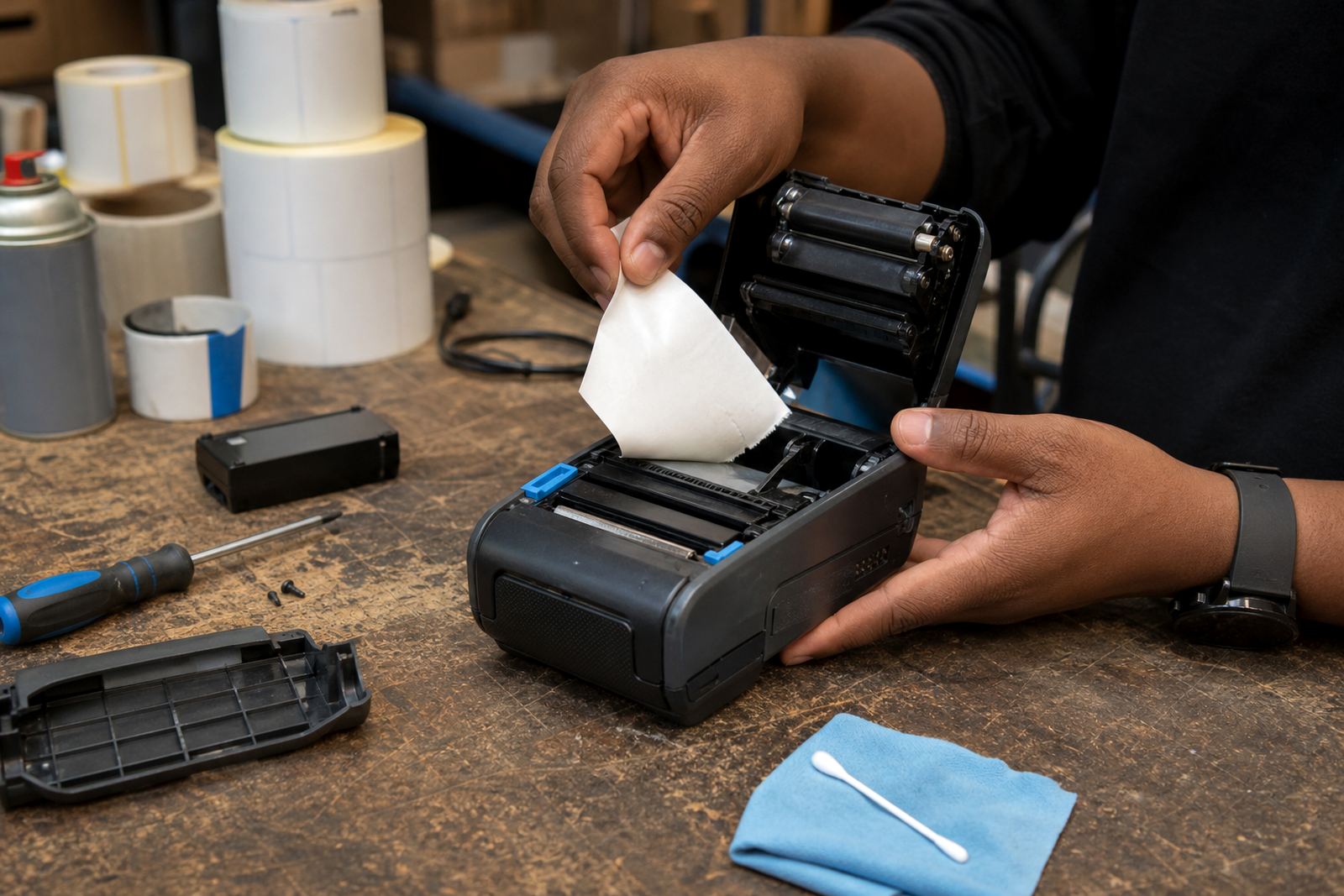
When needed, we carry out printhead cleaning, label calibration and basic print quality fixes at the same visit. That helps separate a genuine battery issue from a printer that is struggling because labels are not feeding cleanly, the printhead is dirty, or the media path is causing extra resistance. Kagiso Ngwenya and Zinhle van Wyk handle a lot of these field visits across Cape Town, Johannesburg, Durban, Pretoria and Gqeberha.
- Inspection of battery, cradle and charging contacts
- Runtime testing while printing actual labels
- Cross-check against label size and print width needs
- Advice on replacement timing and stock spares
Battery testing for direct thermal and thermal transfer units
Mobile label printers used in South African stockrooms are often expected to print barcode labels, QR codes, batch labels and location labels in mixed conditions. Direct thermal units are common where the label is short life and speed matters, while thermal transfer units are preferred where the print needs to last longer or stand up better to handling. Both types need healthy batteries, but the demand pattern is not identical.
We check whether the battery can sustain print width demands, whether the printer still feeds cleanly on common label sizes, and whether the device is maintaining enough power for clear barcode edges and QR readability. A battery that looks fine on paper may still fail once a wider label, denser code or longer print run is introduced. That is where a proper test saves time and avoids blind replacement.
Printhead cleaning is also important here. A dirty head can make the printer work harder, which can look like battery weakness when the real issue is drag or heat build-up. Battery testing sits best alongside sensible cleaning and calibration, especially on units that move between shelves, packing benches and delivery routes.
Pricing approach and replacement planning
Pricing depends on the condition of the battery, the model of the printer, the amount of testing needed and whether any extra work is needed during the visit. We keep the scope practical. If the battery only needs testing and cleaning, that is a different job from a unit that needs battery replacement, belt clip repair and label calibration at the same time.
Replacement planning is part of the service. Some batteries are clearly finished, while others can still serve in a less demanding role until a planned swap is made. We help the team decide whether to keep the unit in use, reassign it to lighter duty, or replace the pack before it starts causing failed prints on the floor. For stockrooms that run a handful of mobile printers, that sort of planning matters more than glossy specifications.
- Testing scope is matched to the fault report
- Replacement is recommended only where the pack is no longer practical
- Related repairs can be combined into one visit
- Labour and parts are separated clearly where applicable
Aftercare for printers that keep moving
After the test, we explain what was found in plain terms and set out what should be watched on the printer going forward. That may include keeping charger contacts clean, avoiding repeated partial charges where the workflow allows, and checking whether the battery is showing early signs of drop-off again. If a replacement pack is fitted, we also make sure the printer is paired, calibrated and ready for normal use.
Customers from Montague Gardens and elsewhere in South Africa can reach our team through the contact form on our contact page. Mandla Mthethwa, Anele Ntsele, Siyabonga Adonis, Leanne Hlongwane and the rest of the team handle batteries alongside setup, training and field repairs, so the printer does not get treated as a battery only problem when the label path or software settings need attention too.
- Advice on care, charging and contact cleaning
- Setup help after battery replacement
- Support for field units and stockroom devices
- Follow-up checks can be arranged with other printer work
Key facts
| Service type | Battery testing for thermal mobile label printers |
|---|---|
| Printer formats | Direct thermal and thermal transfer |
| Typical print width | Common mobile widths up to 104 mm |
| Connection checks | Bluetooth pairing and Wi-Fi setup included where needed |
| Label work | Barcode and QR code print testing on common label sizes |
| Coverage | Available in Montague Gardens, Cape Town and across Johannesburg, Durban, Pretoria and Gqeberha |