Wireless setup for busy print points
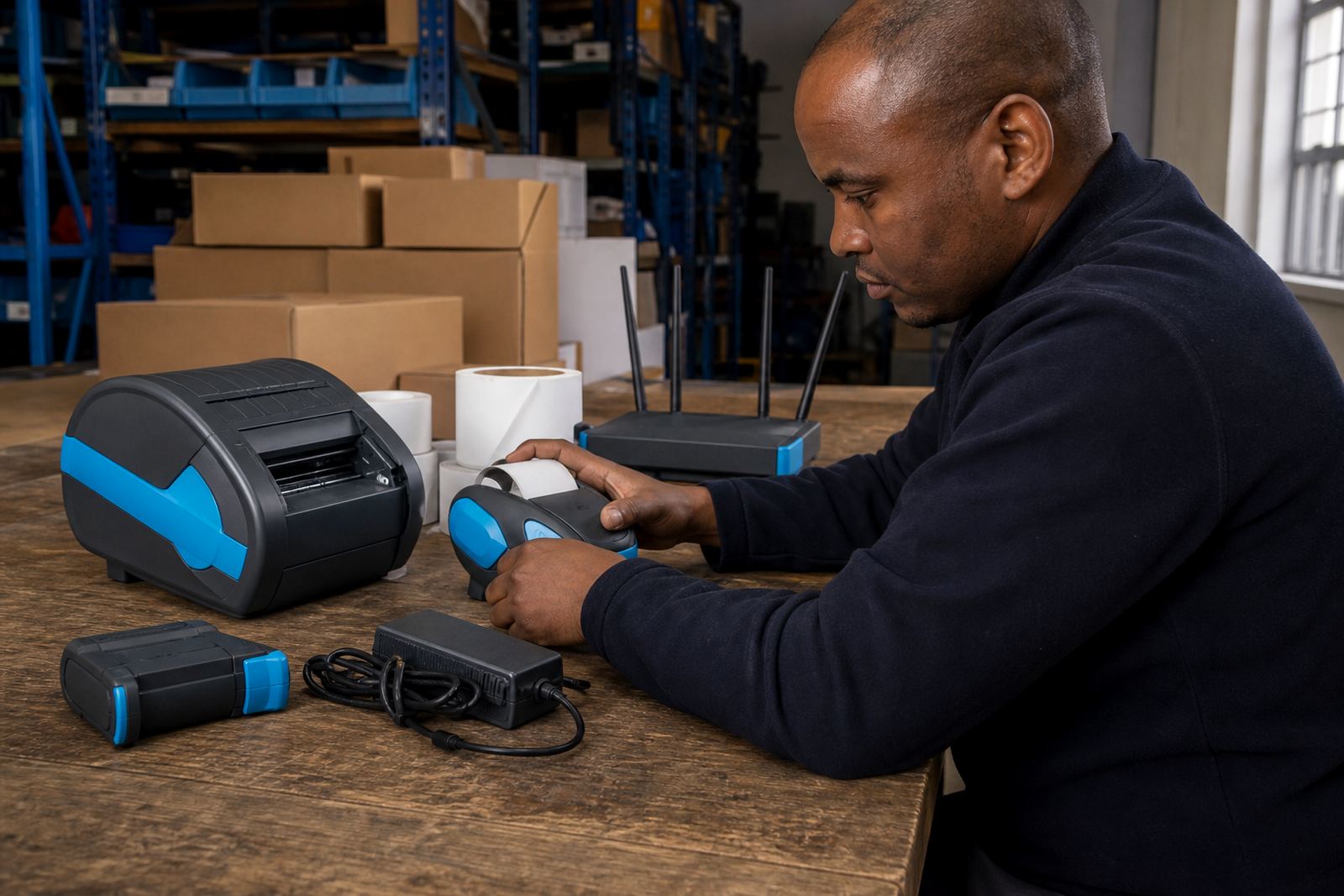
Wi-Fi matters when the printer needs to move with the work. A handheld or compact mobile label printer can sit on a packing table, in a stockroom or near a receiving bay and still stay connected to the network without a cable running across the floor.
We set the printer onto the correct wireless network, confirm signal strength at the point of use and test whether the device stays connected where staff actually stand. In larger sites, especially where concrete walls and metal racking break up signal, placement makes a difference. That is where a careful setup saves a lot of small headaches.
Thermal mobile label printers used in warehouses and courier counters usually print direct thermal labels for short life use, or thermal transfer labels when longer lasting print is needed. We make sure the wireless setup matches the job, the label size and the print width the unit is meant to handle.
What the Wi-Fi service covers
The service is practical and focused on getting the printer into day-to-day use. We check the wireless settings, pair the device where needed, confirm the print language on the unit and test label output from a phone, tablet or workstation as required by the site.
- Wireless network setup for a single printer or a small group of printers
- Network details entered correctly for the site environment
- Connection testing for barcode and QR label printing
- Label calibration so the printer reads the roll properly
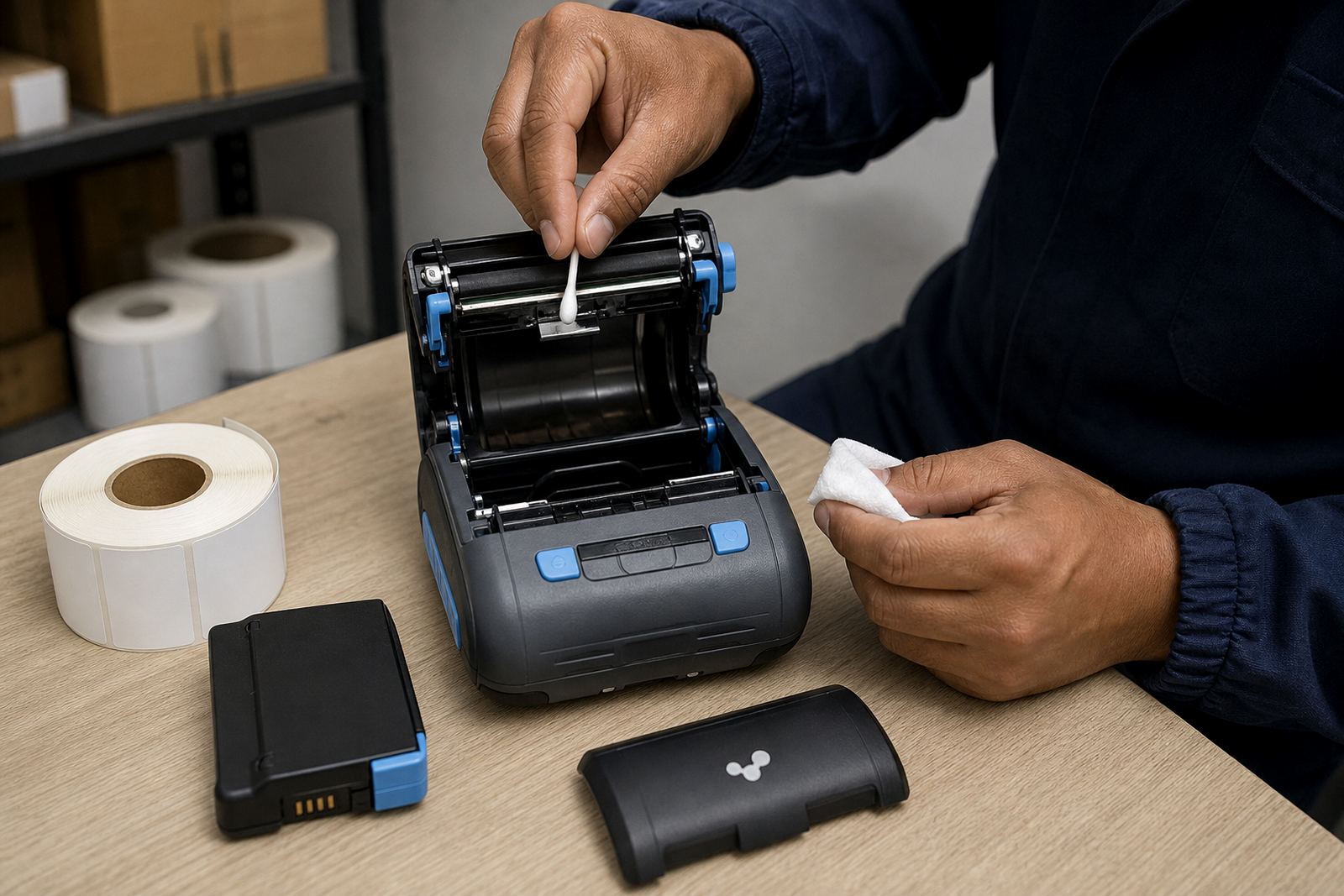
- Printhead cleaning if marks, gaps or light print are already showing
- Basic operator guidance so the team can load rolls and check status lights
Where the printer is shared, we also look at access patterns. A courier team may need the unit ready at dispatch in the morning and moved later to returns or collections. Retail stockrooms often want the printer available to more than one person, so the wireless setup needs to be stable and easy to use.
How we handle the setup on site
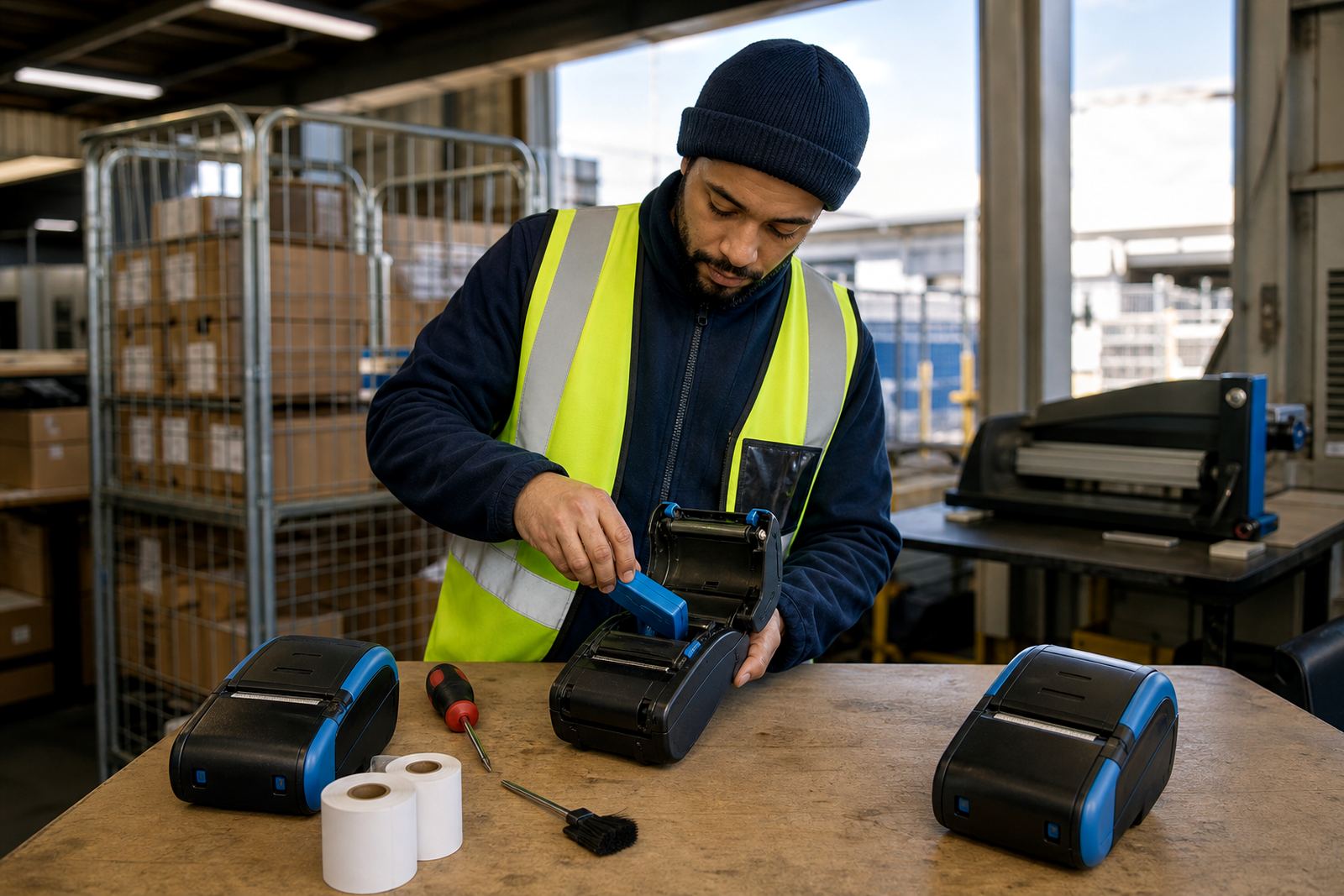
On site setup starts with the printer, the current network details and the label stock in use. We then connect the unit to Wi-Fi, confirm that the device joins the correct network and test a sample label. If the printer has a display or pairing menu, we work through it there and then so the staff member sees the steps in plain terms.
When the printer is a thermal transfer model, we also check ribbon loading if that applies to the unit. For direct thermal printers, we focus on clean feed, correct calibration and print clarity. Bluetooth can still be useful for a second connection point on the same device, but the Wi-Fi path is often what lets a team print from shared access points across the site.
We take care around label size because a 50 mm roll is not handled the same way as a 100 mm roll, and a narrow courier label is not the same as a wider stock label. A clean setup depends on the roll width, the platen condition and the printer settings matching one another.
Turnaround, scheduling and pricing approach
Wi-Fi setup is usually booked as part of an on-site visit, especially when the printer also needs calibration, battery testing or print quality checks. For sites in Montague Gardens, Bellville, Midrand, Johannesburg, Durban, Pretoria and Gqeberha, we plan the visit around the location and the number of printers needing attention.
Each quote follows the actual work on your printers. A single printer that only needs network joining is different from a group of units that need setup, calibration and operator training. If a label stockroom has several printers in use, the total is shaped by the amount of time on site, the model type and whether print issues must be corrected during the same call.
We do not bundle everything into a one-line answer. A simple wireless join takes less than a full multi-printer setup with label rolls, printhead checks and user guidance. The quote matches the real scope, not one standard rate.
Aftercare that keeps the printer usable
After the setup, the important part is what happens when the team starts using the unit under real pressure. We show staff how to reconnect the printer if the wireless network changes, how to spot a paused queue and how to clear basic label feed issues before they grow into a bigger stoppage.
- Operator checks for paper path and roll seating
- Cleaning guidance for the printhead and rollers
- Battery use tips for mobile shifts and dispatch runs
- Advice on label storage in warm or humid rooms
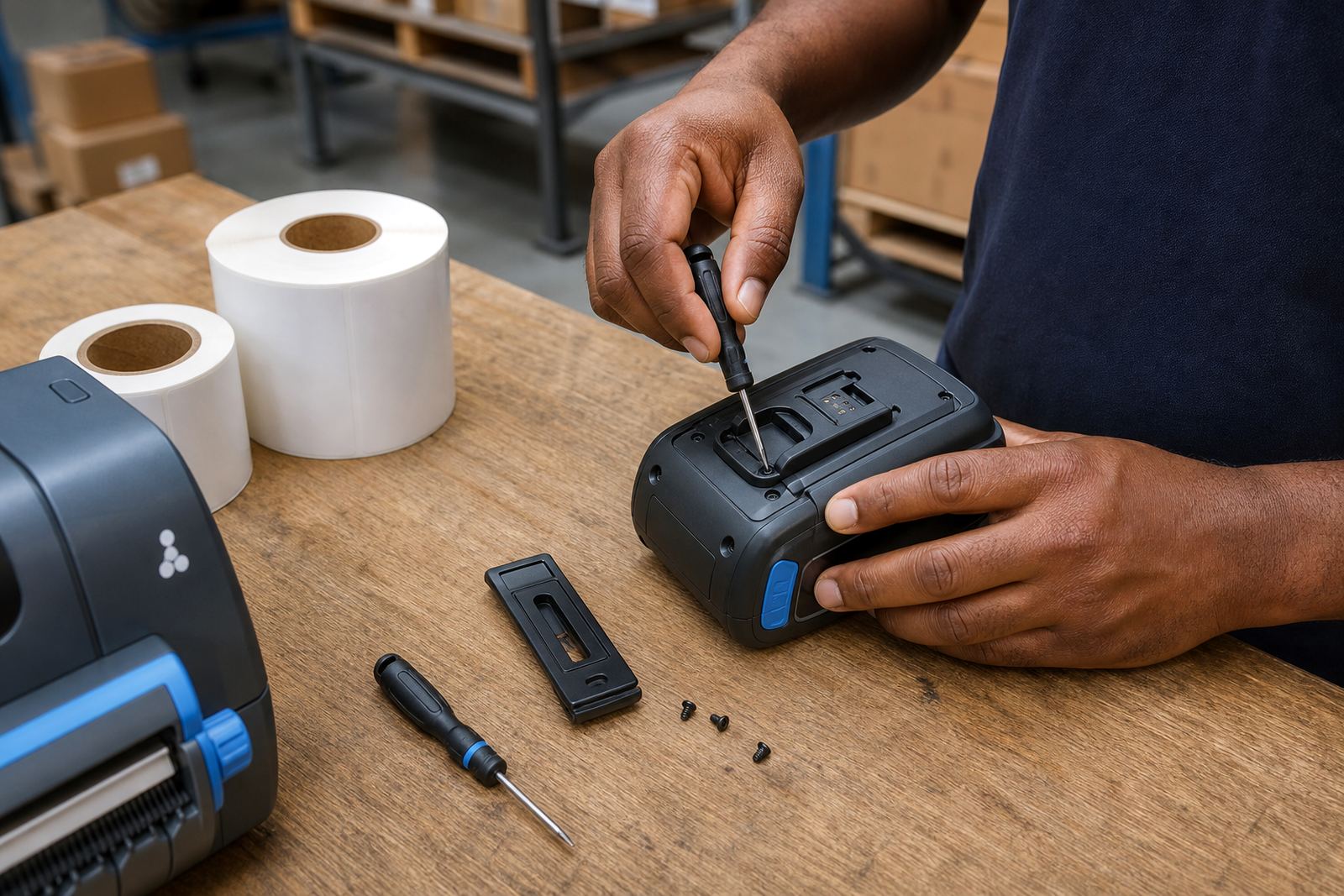
- Support for belt clip repair, where the printer is carried on a belt or cart
Label stock matters too. Direct thermal rolls are common for courier and warehouse labels that do not need long shelf life, while thermal transfer labels suit harsher handling and longer readable use. We help the team keep the right roll with the right printer, which avoids a lot of wasted labels.
What the printer needs to handle well
Most mobile label printers used in stock handling print within a narrow width range, often around 2 to 4 inches, though the exact working width depends on the model. We work with the printer settings so the label size, print width and barcode layout line up properly. That matters when a small QR code must scan cleanly or a courier label needs sharp text beside the barcode.
Battery life is another practical point. A printer that lives in a delivery bag or on a warehouse floor has to hold charge long enough for a shift, not just a short test. Wi-Fi pairing must also stay steady when the unit moves through different parts of the site. When the printer drops connection, we look at the signal, the network details and the placement of the device before chasing the wrong fault.
Printhead cleaning fits into the same maintenance routine. Dust, adhesive residue and worn label edges can blur the print and make codes hard to read. A quick clean, done properly, often helps the printer work as it should without unnecessary parts replacement.
Key facts
| Service | Wi-Fi Setup for thermal mobile label printers |
|---|---|
| Printer types | Mobile label printers for direct thermal and thermal transfer printing |
| Connectivity | Wi-Fi configuration, Bluetooth pairing where needed |
| Print width | Typically 2 to 4 inches depending on model |
| Label use | Barcode labels, QR codes, courier and stock labels |
| Coverage | Our Montague Gardens team covers depots in Joburg, Durban, Pretoria, Gqeberha and the Cape |