Start with the printer fault, not the guess
When a unit stops printing clean barcodes, skips labels or loses its pairing, the fastest route is to note the fault in plain terms. Tell us whether the printer feeds, powers on, connects to Bluetooth or Wi-Fi, and whether the issue sits with a 50 mm, 76 mm or wider label format. That detail helps us line up the right service on site, whether the problem is a jam, a weak battery, a worn platen path or a printhead that needs cleaning.
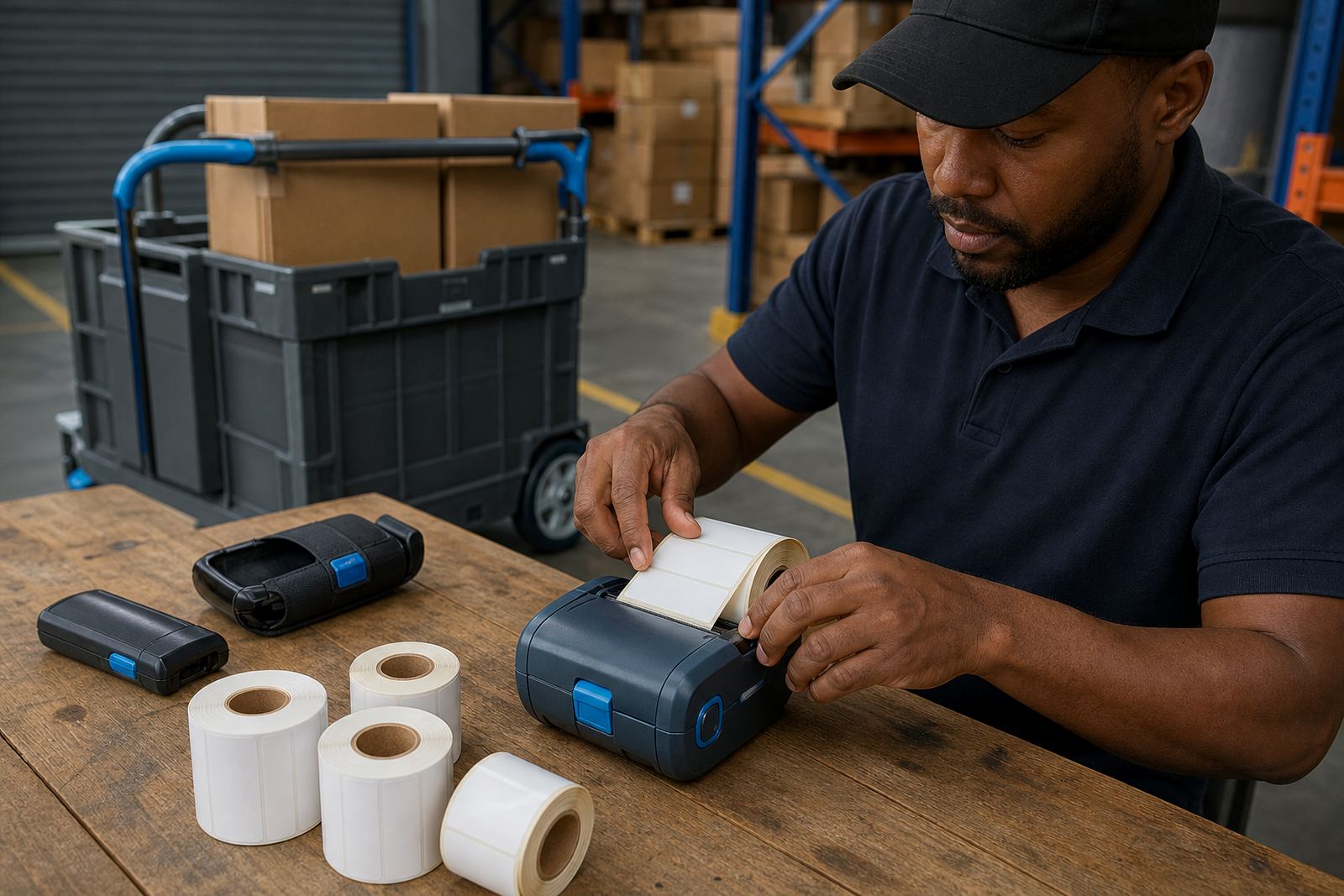
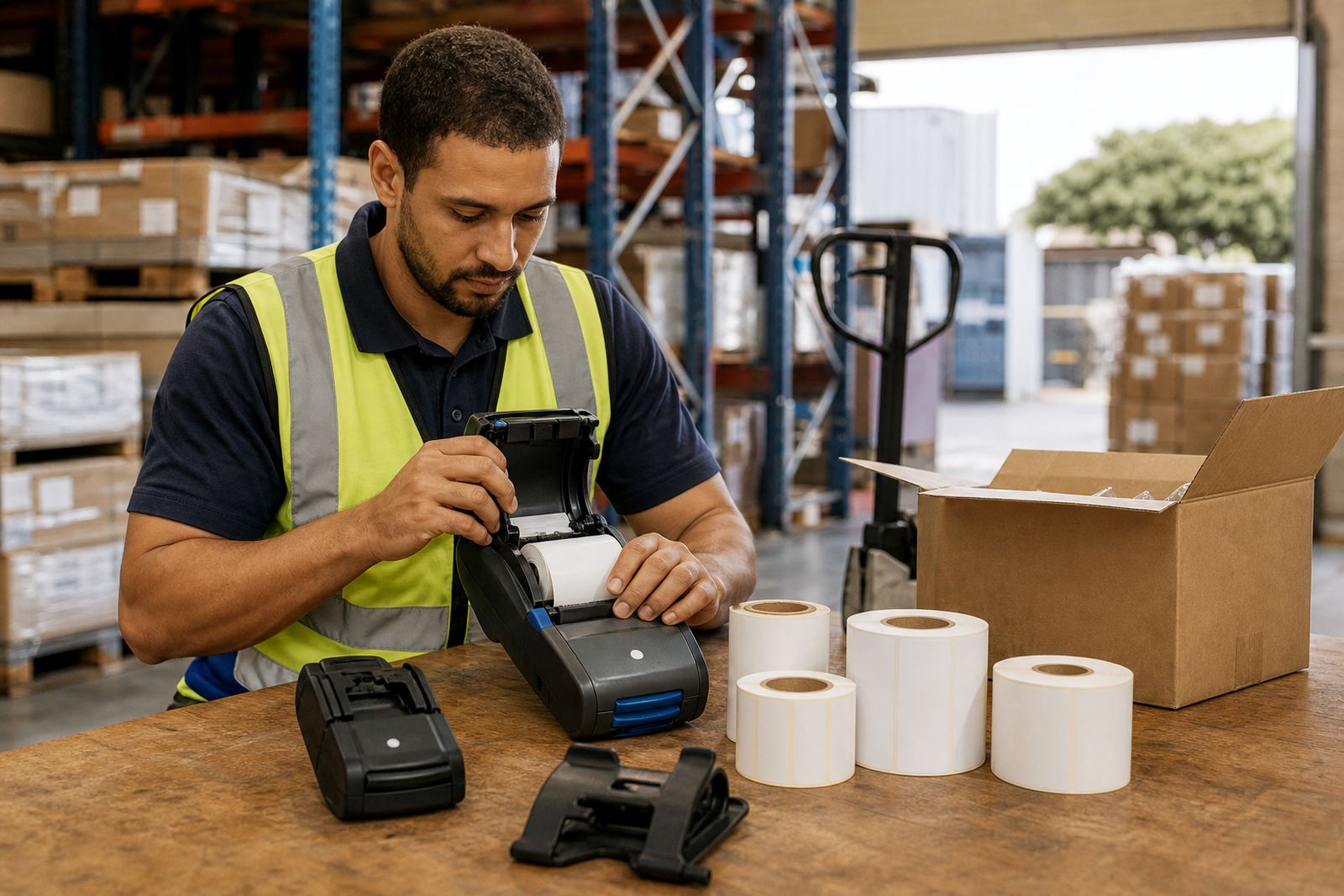
Mobile label printers used in dispatch, receiving and stock picking work hard in dusty rooms and busy vehicle bays. A short service call can cover calibration, battery testing, belt clip repair and print quality fixes without pulling the unit out of circulation for longer than needed.
- Tell us the model type and the label width in use
- Note if the unit prints direct thermal or thermal transfer media
- Share the fault symptoms, for example faded text, crooked labels or failed pairing
- Include the site name, suburb and access details for the visit
What our on-site visit can cover
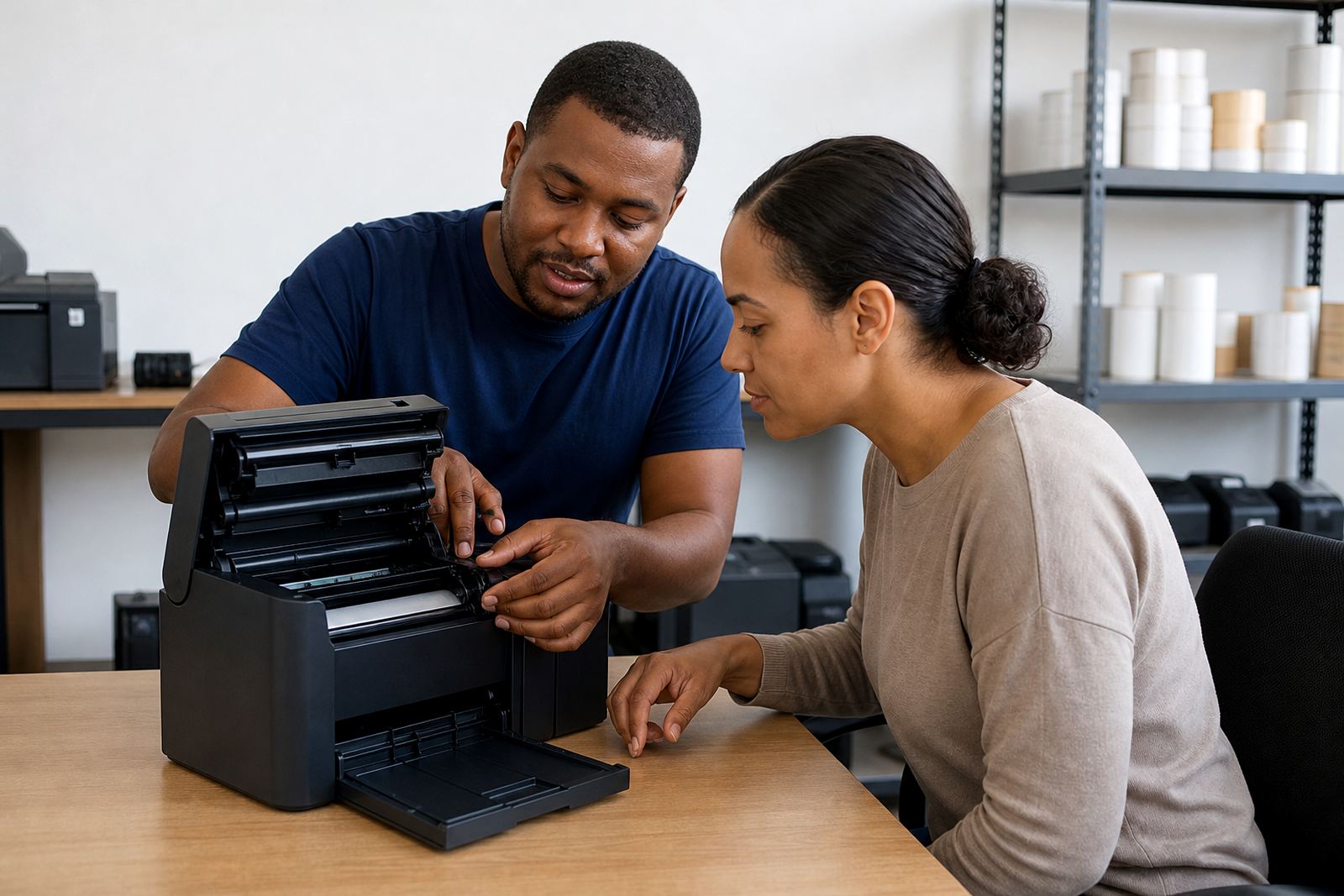
Some visits are straightforward, such as a printer that needs new label calibration after a roll change. Others need a fuller check, where we inspect rollers, battery condition, data links and the way the operator loads the roll. For teams handling courier labels or shelf labels all day, the small details matter. A loose cover, a dirty printhead or a mismatched label size can throw out the whole run.
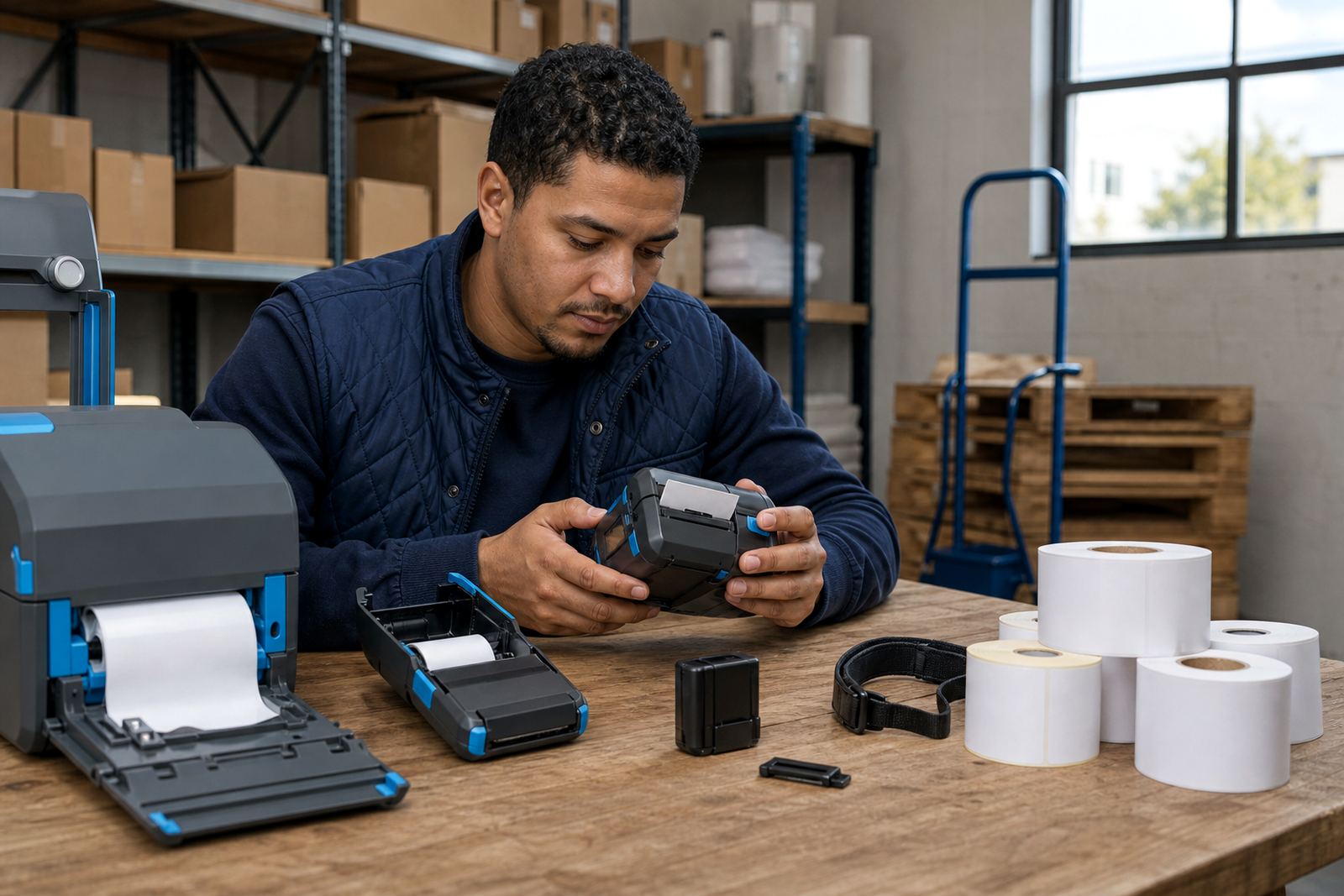
Our support can include direct thermal setups for short-life shipping labels or thermal transfer setups where more durable print is needed. We also deal with barcode and QR printing so the scan marks stay readable on the label face. If the unit uses a belt clip, charging cradle or spare battery, we can check those parts while we are there.
Keeping Bluetooth and Wi-Fi pairing steady
Wireless pairing is useful on warehouse floors and in retail stockrooms, but it needs the printer and host device set up cleanly. We check pairing steps, network details and label path settings, then test a live print so the data lands where it should. If a printer keeps dropping off the link or prints from the wrong profile, the fix often sits in the setup rather than the hardware.
- Bluetooth setup for handheld use and moving pick lines
- Wi-Fi setup for shared printing points and site networks
- Label calibration so print starts at the right edge
- Print test with the actual label size in use
- Operator checks for loading, feed direction and cover lock
Why print quality slips and how we handle it
Faded marks, light bars and broken QR codes usually point to wear, dirt or an incorrect setting. Direct thermal printers are sensitive to heat and label stock quality, while thermal transfer units rely on the ribbon path being clean and correctly seated. In both cases, printhead cleaning and a proper media check can restore legibility before the job turns into wasted labels and manual reprints.
We also look at battery condition, because a weak battery can leave a printer behaving badly under load. If the unit dies early, struggles to feed or stops part way through a batch, we test the battery and look for replacement options where needed. That includes belt clip wear, cracked housings and feed parts that no longer sit square.
Montague Gardens base and South Africa wide
Our base is in Montague Gardens, Cape Town, and we support sites throughout Cape Town, Johannesburg, Durban, Pretoria and Gqeberha. We also cover Bellville and Midrand for teams that need local support around larger depots, stockrooms and distribution points. On-site work is useful when the printer is tied into a live dispatch flow and needs attention without being detached from the work area.
If your branch has more than one unit, it helps to list them separately. We can plan the visit around setup, repairs, servicing and operator training so the right printer gets the right attention. That saves time when one unit needs cleaning, another needs a battery check and a third needs label correction after a roll swap.
Send the job details via our contact form
Send your details through our contact form and include the site, the printer fault and the label type being used. If there are several units, add how many need attention and whether you want setup, repairs, preventive servicing or operator training. A brief note about access, loading bays or store rules also helps us prepare for the visit.
- Business name and branch location
- Printer type, label width and media style
- The fault, worn part or service needed
- Whether you need on-site setup, repair or training
For warehouses, couriers and retail stockrooms, clear notes make the service visit more useful. That is especially true when the issue mixes hardware, label stock and operator handling in the same unit.