Pick the roll that matches the printer method
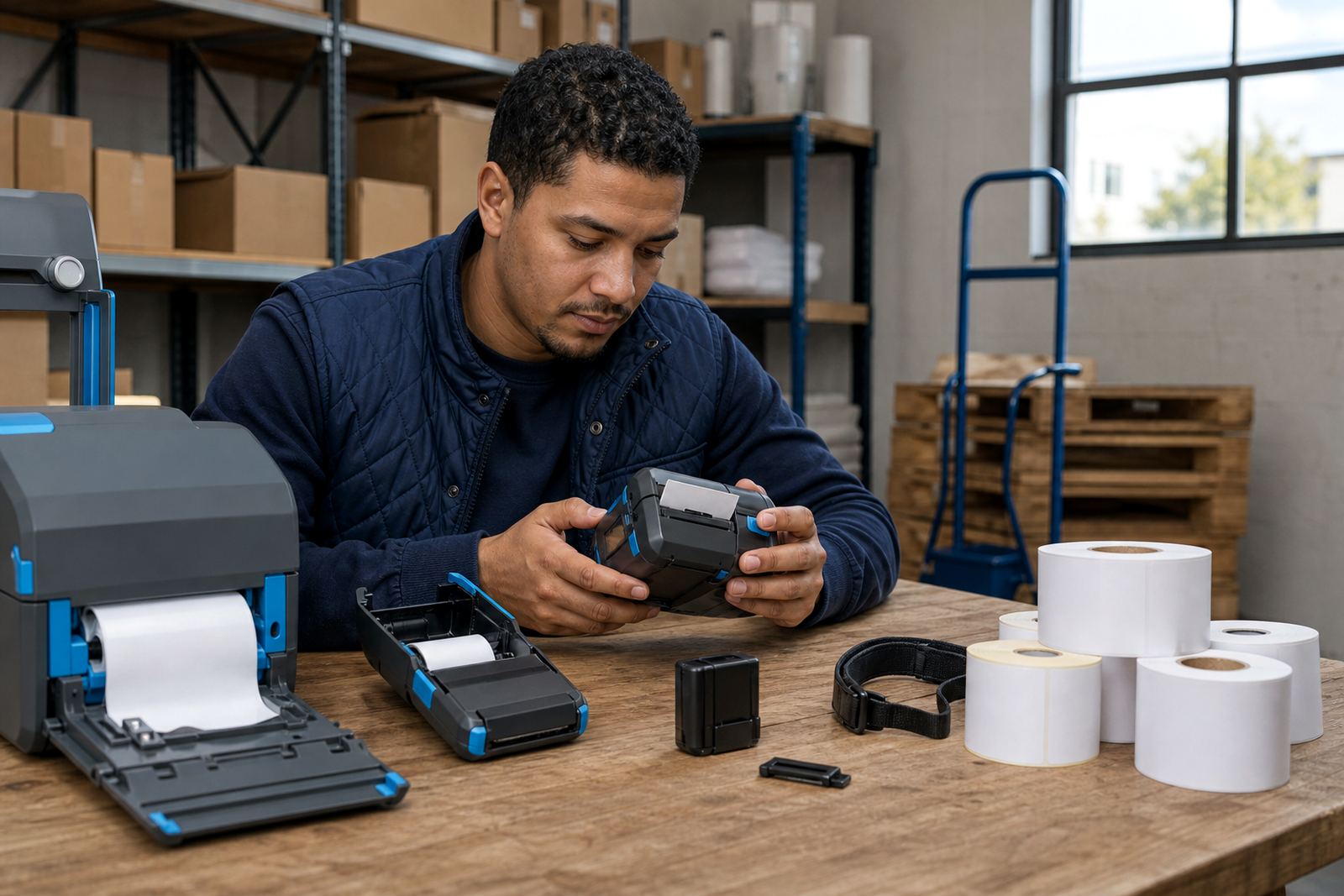
Direct thermal rolls suit short-life labels that print without ribbon. They are common for courier labels, dispatch notes, shelf labels and stock movement tags where the print only needs to stay readable for a limited period. Thermal transfer rolls are used with a ribbon and suit labels that must hold up better against handling, light and some moisture. The wrong match can leave you with faded bars, poor scanning or a roll that looks right but feeds badly.
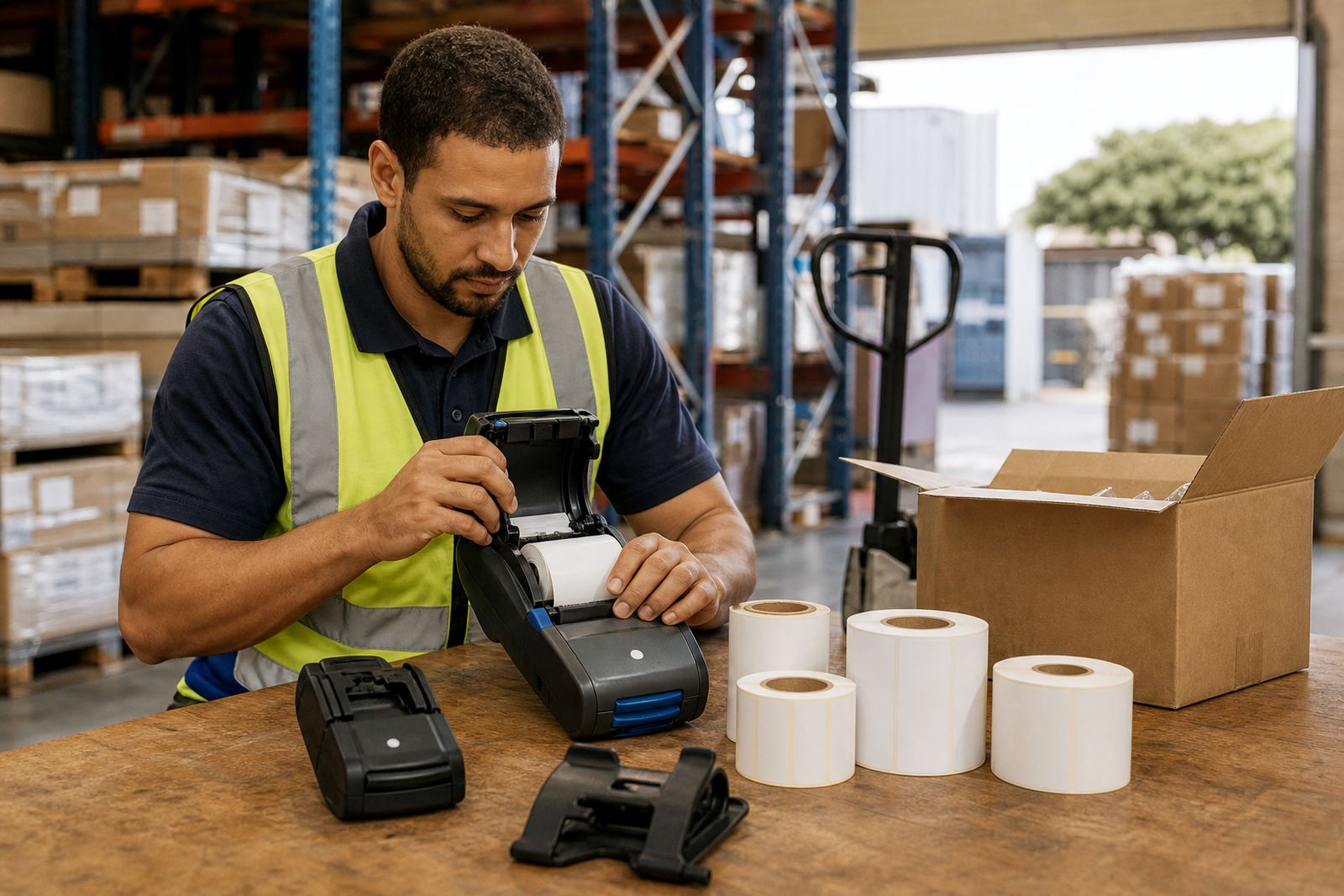
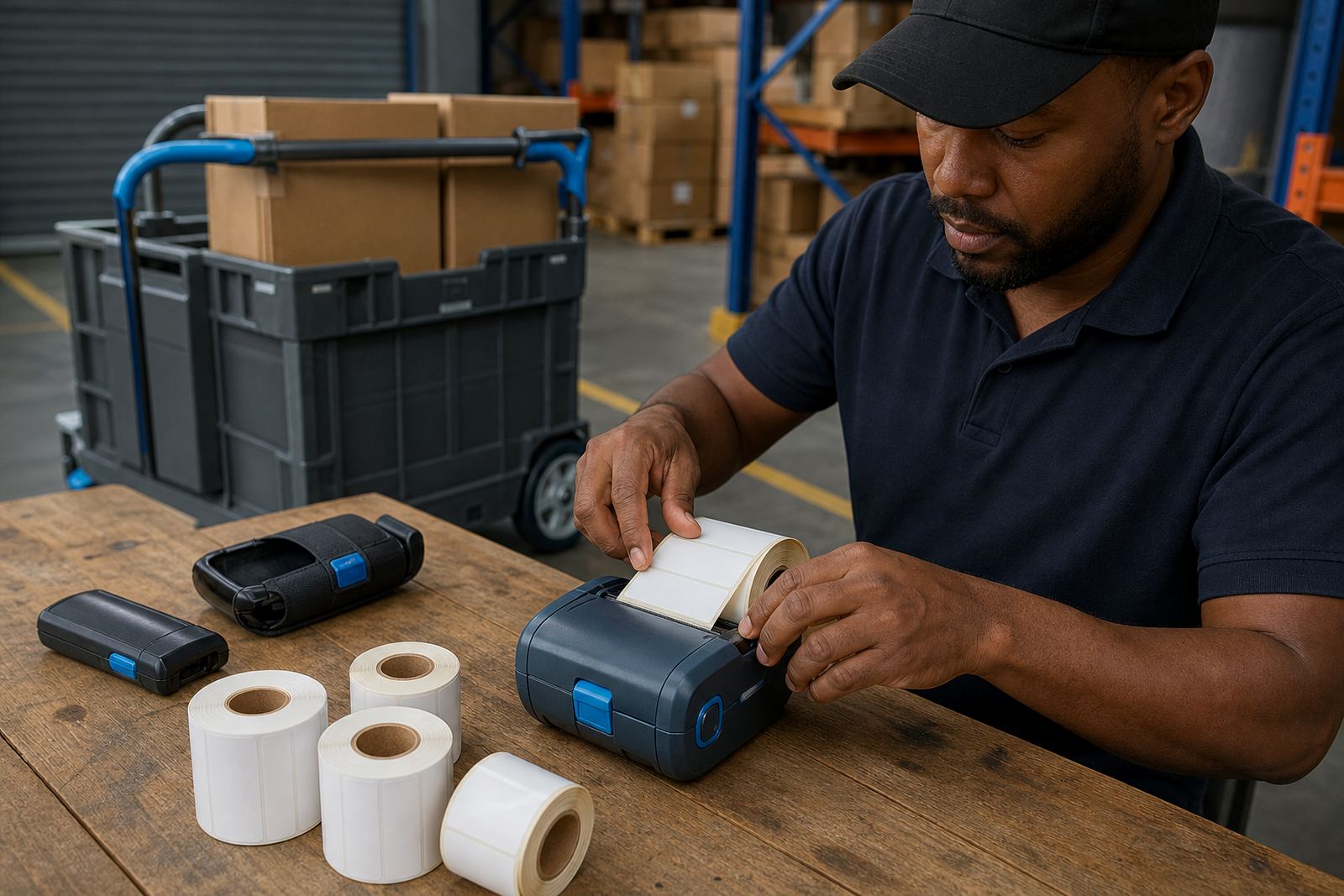
For mobile printers, label width matters just as much as the print method. Many handheld units work best with narrow rolls for parcel labels, bin labels and retail stockroom tags. If the roll is too wide, the printer may waste media or fail to centre the image properly. We check the print width, roll diameter and core size before a new roll is sent out or fitted on site.
Sizes, cores and barcode use in busy stockrooms
Label rolls are not all cut for the same job. A courier team may need a slim roll for address and barcode labels, while a warehouse may want wider labels for pallet ID, location codes or receiving notes. Retail stockrooms often use smaller labels for shelf edges, back stock and container marks. If you need barcode and QR printing, the label face must be smooth enough for a clear scan and the adhesive must suit the surface.
- Check the label width in millimetres before reordering
- Match the core and outer roll size to the printer bay
- Choose direct thermal for short-term use or thermal transfer for tougher labels
- Keep a note of the labels used for courier, shelf or pallet work
In coastal places such as Cape Town and Gqeberha, damp air can influence paper stock and how the adhesive feels, so storage is important. Rolls kept in a hot storeroom can curl, lift at the edges or feed unevenly. A clean, dry shelf makes a difference when the job depends on a straight first label and a clean scan.
When the printer starts skipping, darkening or jamming
If a label roll feeds badly, the issue is not always the roll itself. Dust on the printhead, worn rollers, a loose battery or poor calibration can make the output look patchy. Some mobile printers need a label gap sensor reset after a roll change, while others need a quick media test before the next batch starts. Bluetooth and Wi-Fi pairing also affect setup, because a printer that drops connection can leave half a run stranded in the queue.
Our support covers label calibration, printhead cleaning, label jam clearing and print quality fixes. We also check battery life, battery replacement needs and belt clip repair for teams moving through the warehouse or loading bay. If the unit is not tracking the label properly, the problem may show up as blank space, crooked prints or repeated error beeps, and it usually helps to test the roll path before more stock is loaded.
What to send through before a roll is matched
When you send a message through our contact form, include the printer model details, the label width you use, the print method and whether the labels are for direct thermal or thermal transfer work. If you know the adhesive type, roll diameter and core size, add that too. A photo of the existing roll or the inside of the printer can help us match the fit more accurately.
- Printer type and current setup
- Label width, length and quantity needed
- Direct thermal or thermal transfer preference
- Any issues with smudging, lifting or feeding
For teams across Montague Gardens, Bellville, Midrand, Pretoria, Durban, Johannesburg and Gqeberha, we also handle on-site setup where the printer sits in daily use. That matters when a roll works in the office but feeds badly at the packing bench. A quick check at the point of use often saves wasted labels and repeated manual resets.
Setup support for crews that print on the move
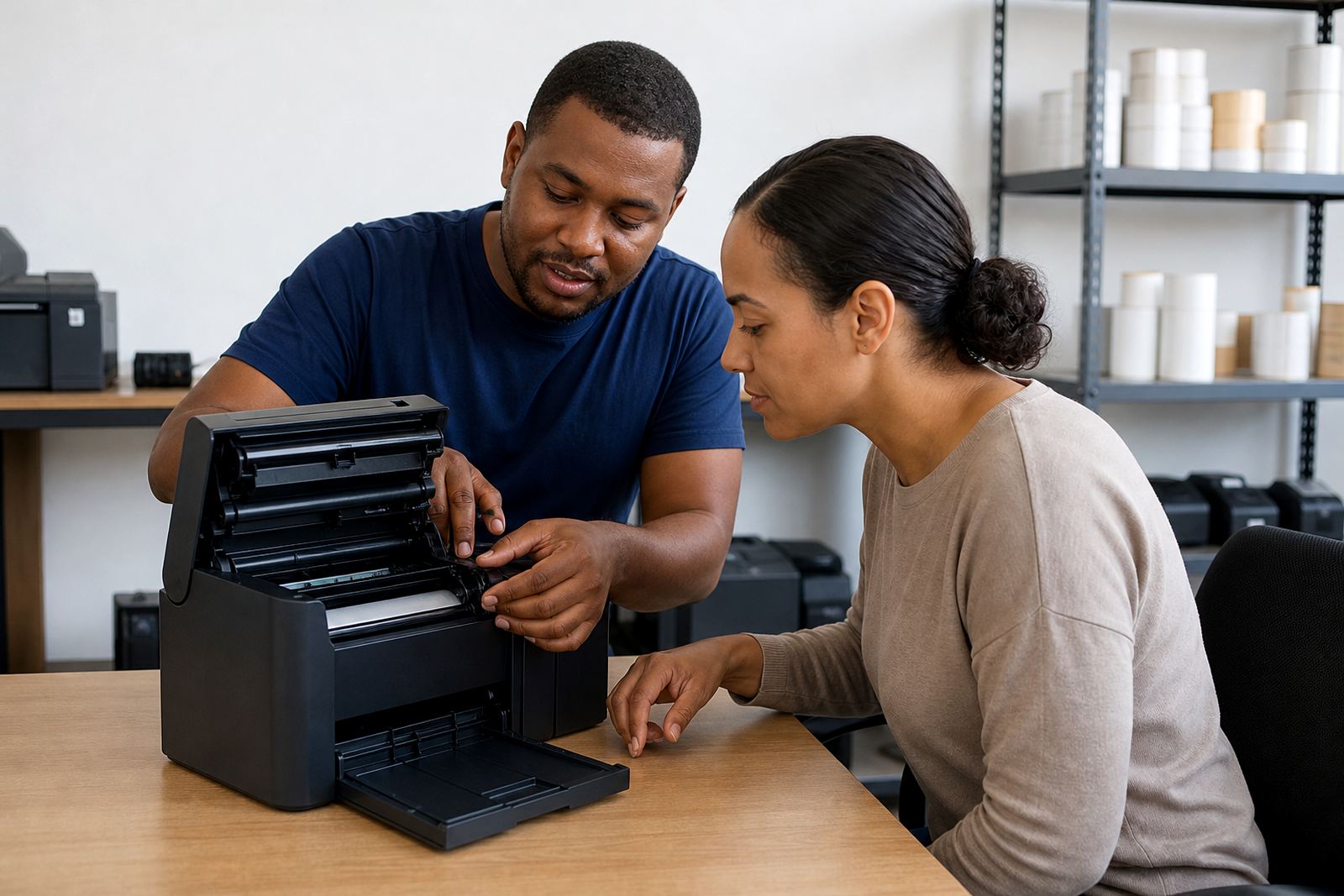
Mobile label printing works best when the printer, roll and user setup all line up. That includes Bluetooth pairing, Wi-Fi setup, battery testing and the small details like label calibration after a fresh roll is loaded. We help with operator training too, so the team knows how to open the roll path, clear a jam and keep the printhead clean without damaging the unit.
If your labels are being used across warehouses, couriers and retail stockrooms, one roll spec may not suit every task. We can set a practical split between short-life direct thermal rolls and longer-wear thermal transfer rolls, then align the printer settings to suit each job. The aim is steady scans, legible codes and less wasted media on the floor.
Repairs, servicing and repeat label supply
Label rolls are only part of the picture. If the printer is out of line, the stock will waste faster than it should. We handle preventive servicing, print quality checks, printhead cleaning and repairs for mobile units used every day in field work and stock control. Belt clips, batteries and charging issues are part of the same routine, because a printer that will not hold power or stay clipped in place slows the whole shift.
Go-Printer operates from Montague Gardens, Cape Town, and provides support for businesses across South Africa. If you need a fresh roll matched to the printer already in use, or a setup checked before the next stock count, our team can help sort the spec, fit and feed path without guesswork.