Back-room brief from a busy Stellenbosch shop floor
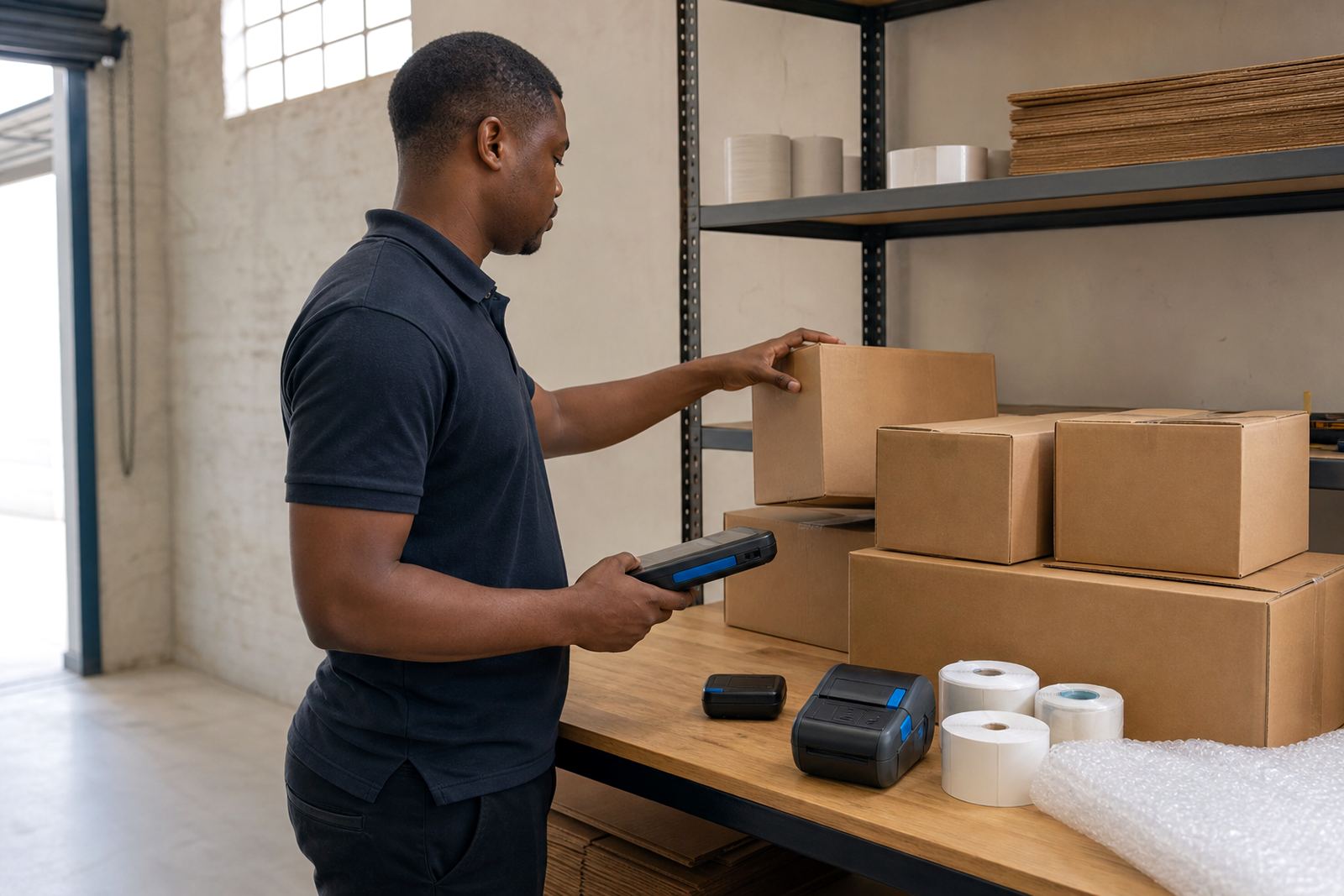
The store worked with small receiving spaces, frequent stock movement and a mix of handheld tasks that could not stop for long. Their team needed mobile label printers that could move from the storeroom to the receiving bay, then on to stocktake points without dragging a laptop or fixed workstation into the picture. The brief was practical: print transfer labels for stock moves, print correction labels during count cycles, and keep the units ready for daily use in a retail back room that sees dust, cartons and constant handling.
They also needed a setup that made sense for staff changes. A few operators already knew the basics, while others had to learn battery care, roll loading and the right way to clear a label jam without damaging the platen or printhead. The store wanted one clear process, not a pile of loose instructions taped to a wall.
The hardware and roll mix we put in place
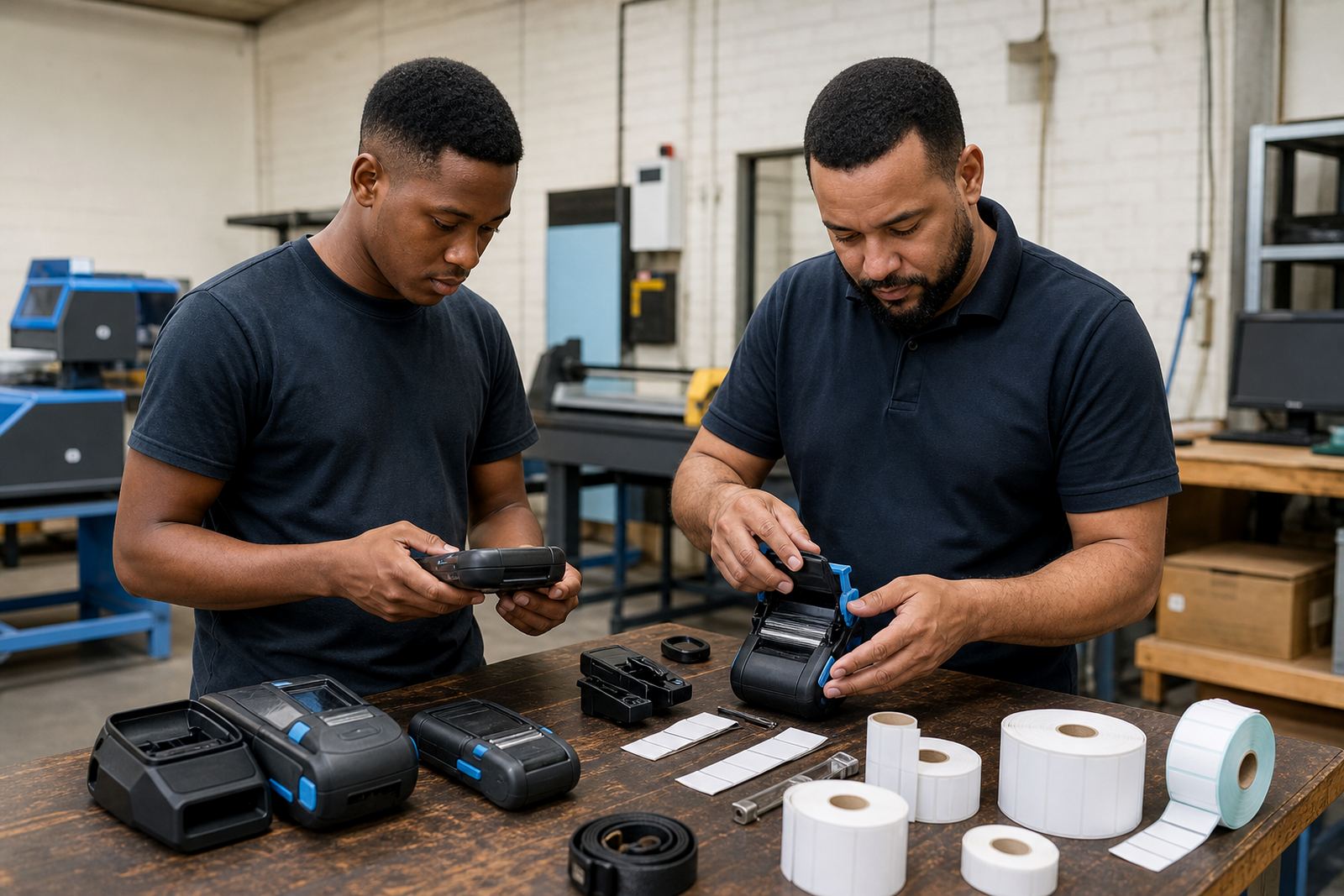
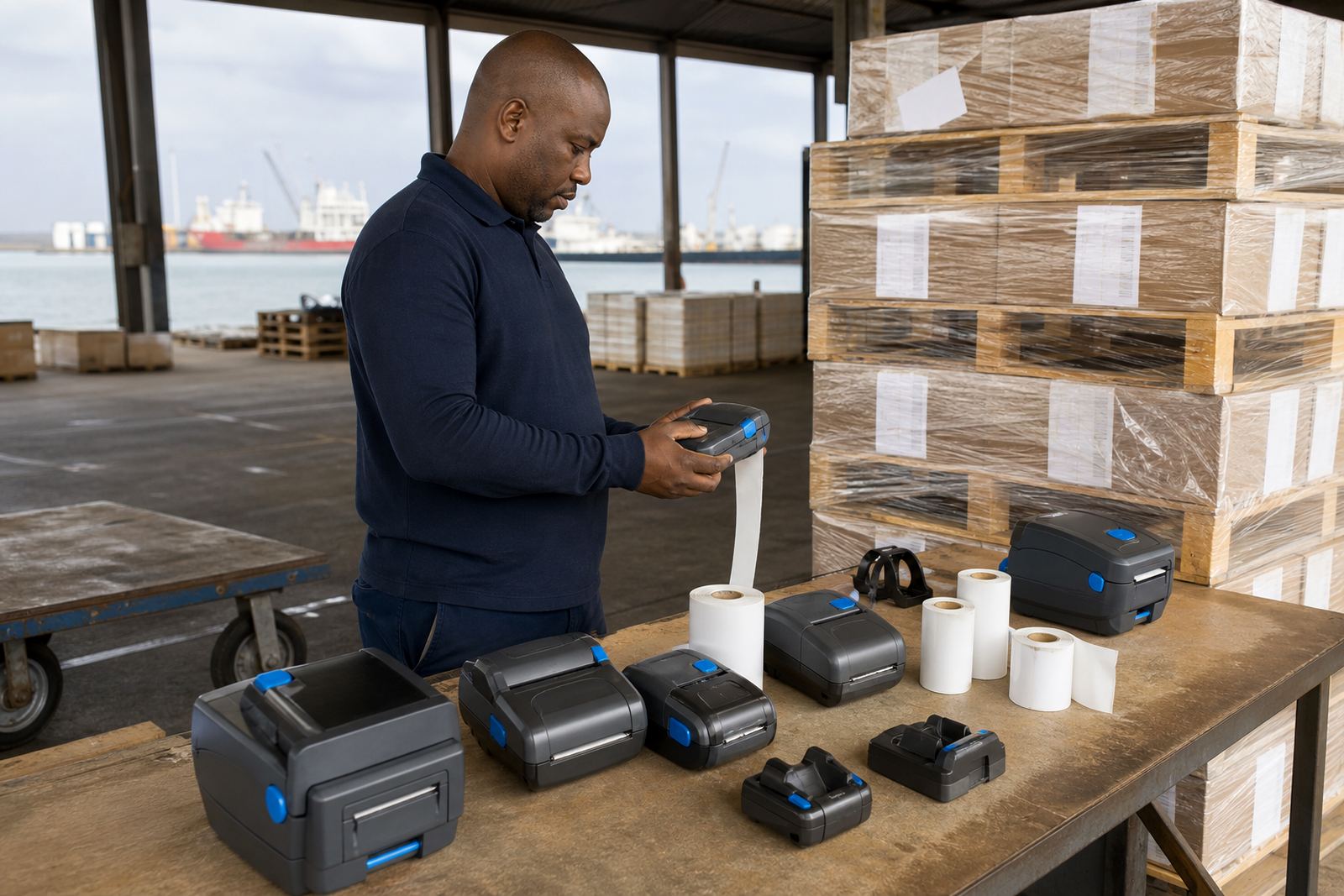
We supplied thermal mobile label printers suited to handheld retail work, with direct thermal and thermal transfer options depending on the label duty. Direct thermal suits short-life labels for stock movement and shelf correction. Thermal transfer is better where the label must hold its print for longer, especially where scuffing, handling or brighter light can affect legibility. The units were set up for barcode and QR code printing, with print widths matched to the labels used on cartons, trays and shelf edge items.
- Mobile printers paired by Bluetooth for handheld use in the store.
- Wi-Fi setup added where staff needed a shared print path from the back room.
- Label rolls were matched to the printer width and the store's usual stock label sizes.
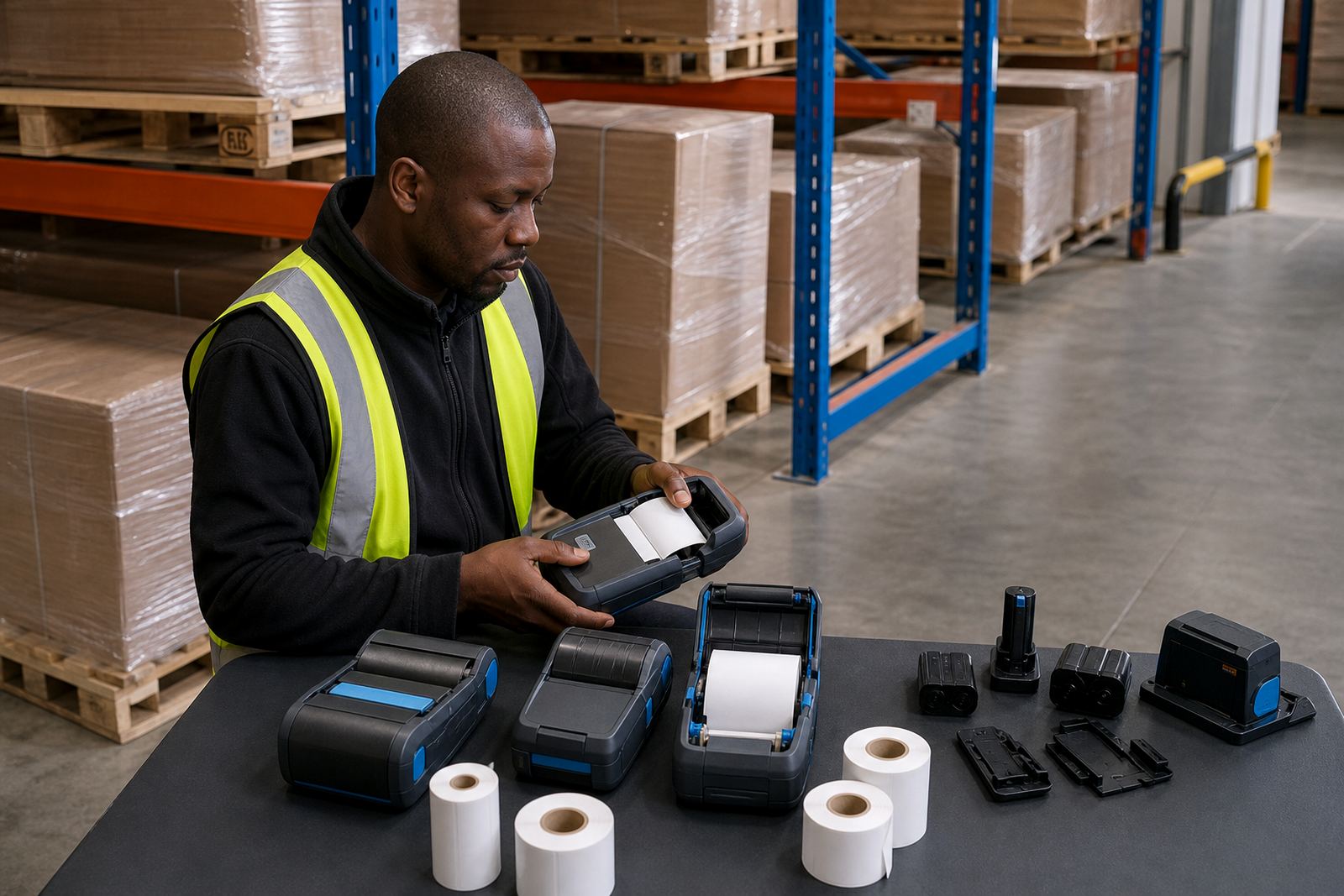
- Batteries were checked for charge hold, contact condition and practical run time.
- Belt clips were fitted so staff could carry the units safely during stock moves.
We also brought direct thermal rolls for quick-turn labels and thermal transfer rolls for labels that needed stronger staying power. That mix meant the store was not forced into one media type for every job, which usually leads to waste and avoidable confusion.
Setup work across the stock room and sales area
The first stage was alignment. We checked the label feed, set the print calibration and made sure the roll path sat square so labels would not drift. After that we paired the printers to the right devices and tested printing for both simple text labels and barcode labels. Where the store used more than one department device, we kept the names and pairings tidy so staff did not send jobs to the wrong unit by mistake.
We also carried out printhead cleaning and a short battery test on site. A clean printhead makes a real difference on mobile units, especially where label stock can carry fine dust from cardboard and shelving. Small marks can turn into poor scans if the head is dirty, so we cleaned each unit, checked the pressure path and ran a few trial labels. One printer had a sticky feed path that was sorted before it could become a full jam issue.
- Bluetooth pairing completed for the handheld working group.
- Wi-Fi setup completed for shared back-room use.
- Label calibration set for the store's common widths.
- Print quality fixes carried out on one misfeeding unit.
- Battery replacement arranged where the hold was no longer dependable.
Training that matched the pace of retail counting
Training was kept practical and brief enough for a real shop day. Staff were shown how to load rolls, check the battery level, inspect the edge of the label stock and clear a jam without yanking the media through. We also covered the difference between a clean calibration and a rushed one, because a label that prints half a millimetre off can create a bigger sorting job later on.
Another part of the session dealt with print quality. Retail teams often notice the problem only when a barcode does not scan, but the cause is usually earlier in the chain. A worn head, dirty roller, loose roll or poor pairing can all play a part. We walked the team through the signs to look for, and left the units in a state that made the next count cycle easier. It was a useful session, though one staff member did call a label roll a reel for most of the morning, which got the point across anyway.
Timeline and site visits over two weeks
The project ran over two weeks. The first visit covered assessment, hardware matching and label testing. The second visit was used for final setup, battery checks, operator training and the small fixes that only show up once staff start using the printers in the real back-room routine. We also confirmed the printer placement points so the units would not get lost in the rush between receiving, transfers and stock counts.
Because the store had a working retail rhythm, the setup had to fit around receiving times and floor activity. That meant keeping the footprint small and the instructions clear. We left the team with printers ready for daily use and with a sensible process for storage, charging and cleaning. In a retail room, that sort of order matters more than a long manual.
What changed after the printers were in use
Once the setup settled in, the store had a cleaner path for stock transfers and stocktake corrections. Labels printed more consistently, barcode scanning improved, and the staff no longer had to carry print tasks between different corners of the store without a plan. The move from a mixed setup to a matched one reduced the number of poor labels and cut down on repeat prints.
The team also had fewer issues with battery anxiety during a shift. A printer that holds charge properly and carries well on a belt clip is easier to keep in the workflow. It sounds small, but in a back room with cartons, counters and a steady stream of items, small things decide whether the job feels smooth or clumsy. The store now has a working setup that fits retail stock movement, and the printers are used the way mobile units should be used: close to the job, not parked out of reach.
If a similar retail project calls for more than one print path, we would keep the same structure: confirm the label types, match the battery and carry setup, calibrate each unit properly and test the actual barcode output before the busy period starts.
Key facts
| Project type | Retail back-room mobile printer setup |
|---|---|
| Town | Stellenbosch |
| Printer format | Thermal mobile label printers |
| Print methods | Direct thermal and thermal transfer |
| Core functions | Stock transfers, stocktake corrections, barcode and QR printing |
| Service work | On-site setup, calibration, printhead cleaning, battery testing, operator training |