Wharf-floor labelling that had to travel
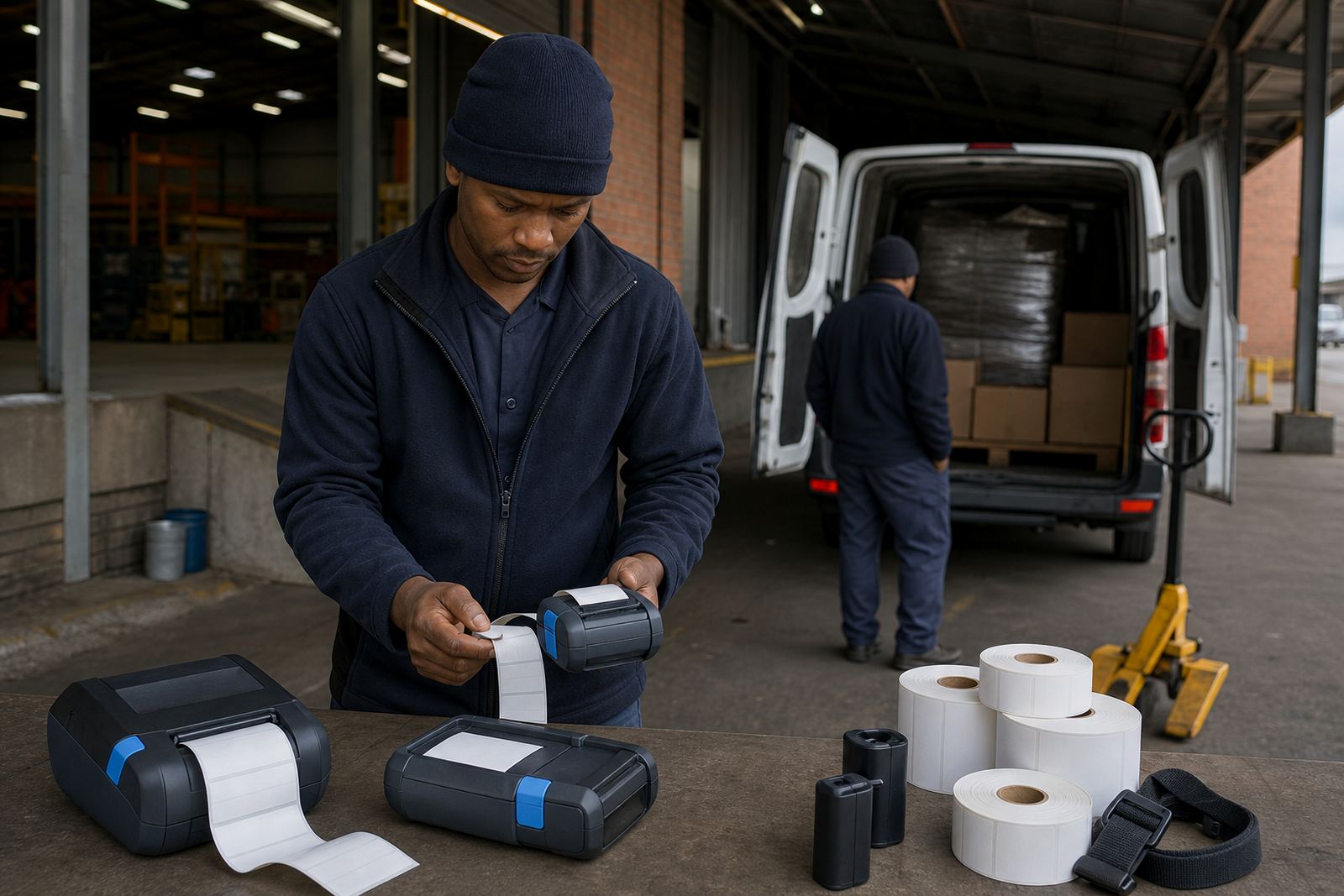
The project came from a Durban storage operation handling mixed stock through a wharf-facing yard, receiving point and indoor picking area. Their teams needed a portable label printer setup that could travel with the operator, print transfer labels clearly, and stay readable on cartons, crates and wrapped stock during container-side work.
The brief was practical. Labels had to survive handling, scanning and short outdoor exposure while still feeding cleanly from a compact machine. The printers also needed to pair over Bluetooth for handheld work, and the stockroom team wanted Wi-Fi setup where the device stayed on a fixed point for shared use.
Access around the loading area was tight, so every piece of the setup had to be easy to carry, quick to calibrate and simple to service. We also had to make sure the labels matched the print width and the scanning needs of the warehouse, without wasting material on oversized rolls or cramped layouts.
- Portable printers for container-side stock movement
- Barcode and QR label output for receiving and storage
- Bluetooth pairing for handheld use around the yard
- Wi-Fi setup for fixed stockroom stations
Printer specs that suited the job
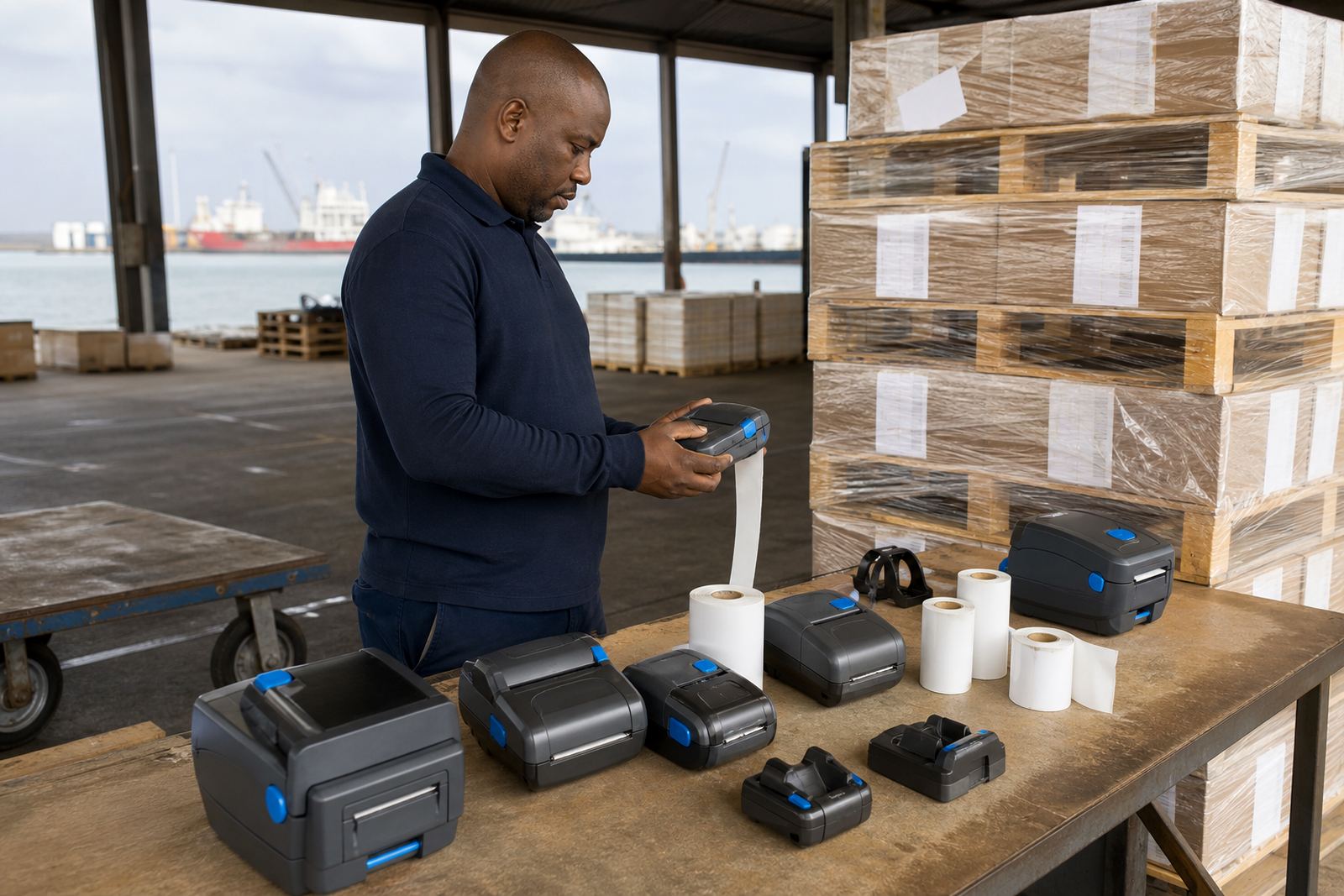
The printers used for this project were thermal mobile label units set up for direct thermal work, with thermal transfer capability where longer-lasting labelling was needed. Direct thermal was used for short-life dispatch and movement labels, while thermal transfer was the better fit for labels that had to hold up through more handling and storage time. That split gave the client better control over which label went where.
We worked around a print width suited to common warehouse label sizes, rather than forcing every job into one narrow format. The rolls were matched to the actual label face used in receiving and stock control, which helped keep the print centred and the barcode crisp. Battery life mattered too, because the team was moving between bays and containers, not sitting at one workstation.
Printing was checked for both text and machine-readable marks. Barcode fields needed clean edge definition, and the QR codes had to stay sharp enough for handheld scanning. We also went through printhead cleaning with the operators, because dust and label adhesive can build up quickly in busy stock areas and spoil the print before the battery even starts to fade.
- Direct thermal for short-life stock movement labels
- Thermal transfer for longer-lasting transfer labels
- Common warehouse label widths matched to the rolls
- Barcode and QR printing checked for scan clarity
- Battery use reviewed for mobile shifts and yard work
What the team needed on the floor
The warehouse crew wanted a setup that did not need constant fussing. The belt clips had to hold the printer firmly while walking between containers and shelving, and the battery testing had to show whether a unit was ready for a full shift or needed replacement. We also looked at how the printer sat in the hand when the operator was wearing gloves, because that is where many portable units feel awkward.
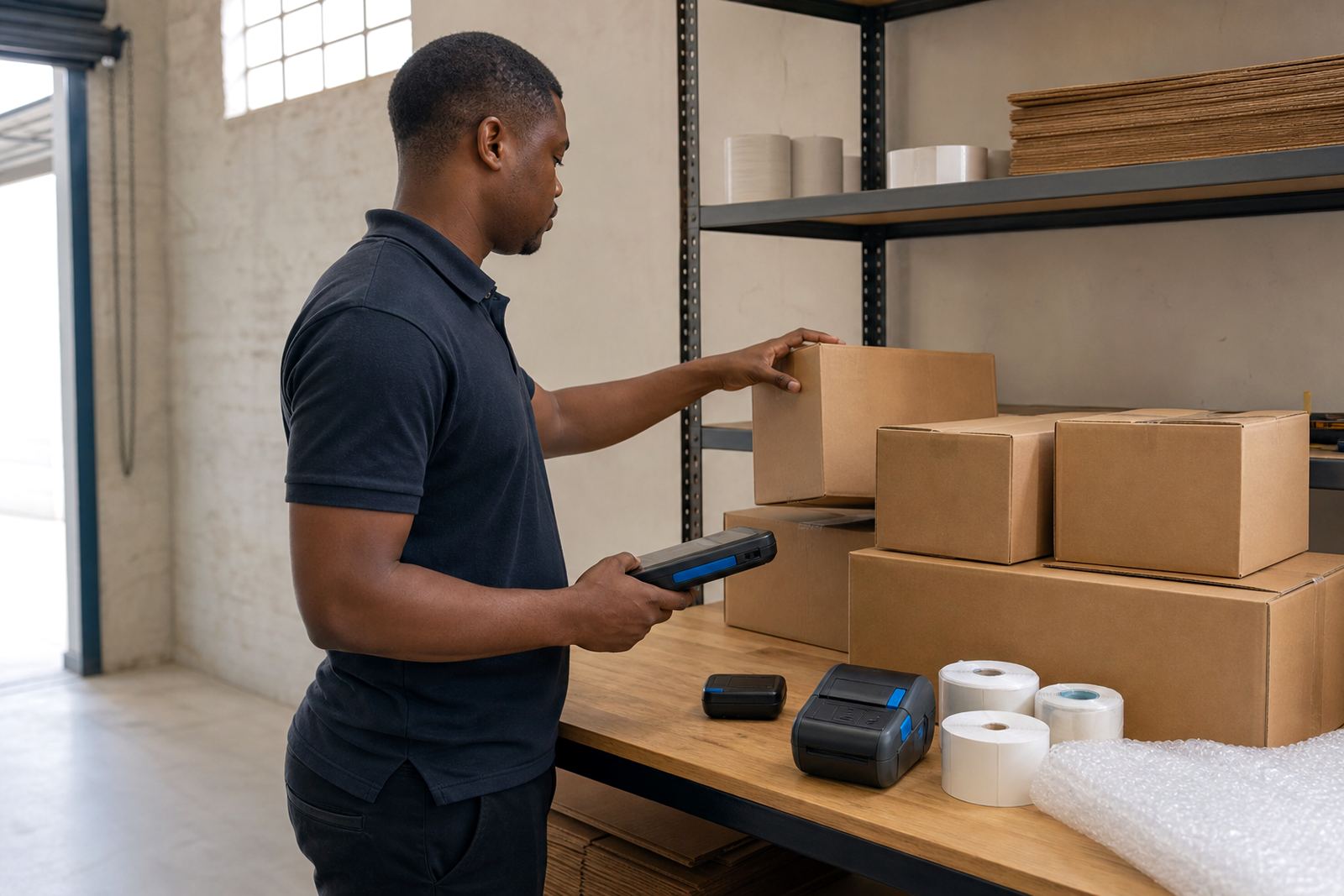
On the stockroom side, label calibration was just as important as the hardware. If the calibration is off by even a small amount, labels drift, waste rises and the barcode can land too close to the edge. We set the rolls, checked the feed path and ran a few practical label formats so the team could see which templates suited the daily work better.
There was also some repair work to do. A worn belt clip and a sticky feed path can turn a useful printer into a delay at the worst time. We handled those small fixes during the same visit, then walked the staff through the clean-down points that matter most after dusty handling or adhesive build-up.
- Belt clip repair for safer carry between work areas
- Battery testing and replacement where needed
- Label calibration for cleaner print placement
- Label jam clearing and feed-path checks
The rollout over three weeks
In week one, we assessed the workflow and matched the printer type to the labels in use. That covered the direct thermal and thermal transfer split, the connection method for each operator and the label sizes needed for container-side stock handling. We also checked the available mounting and carry options so the printers could move with the team instead of being left on a shelf.
Week two was the practical setup phase. Bluetooth pairing was done for mobile users, Wi-Fi setup was completed for the fixed station, and the rolls were loaded and calibrated against the actual label formats. We then ran test prints for barcodes, QR codes and plain stock labels, adjusting margins and density until the output stayed consistent across several runs.
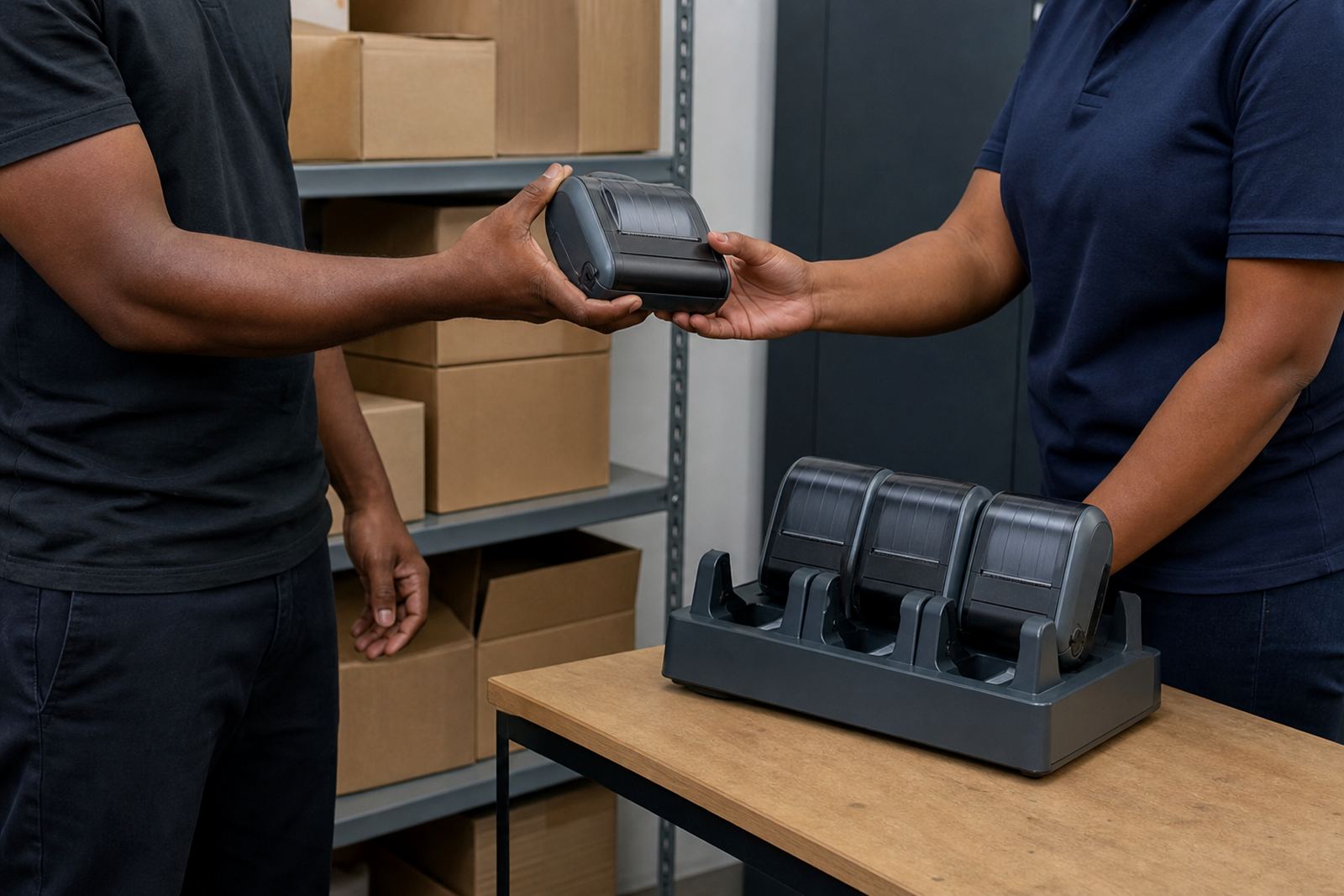
By week three, we were into training and maintenance detail. Operators were shown printhead cleaning, battery care and the signs of early label misfeed. The warehouse supervisors were also given a simple servicing routine for keeping the units ready between shifts, which matters in a storage environment where the printer may be handed from one person to another.
- Week 1: workflow check and equipment matching
- Week 2: pairing, calibration and test printing
- Week 3: operator training and preventive servicing notes
Results on the container side
The finished setup gave Durban Wharf Storage a portable labelling process that fit the pace of the yard. Labels printed cleanly, the scan marks were readable and the operators had fewer pauses caused by roll mismatch or poor calibration. The team could move the printer with the stock path, which cut down on walking back and forth for small print jobs.
There was also less uncertainty around which label type to use. Direct thermal labels were kept for short-use handling, while thermal transfer rolls were assigned where a tougher finish made more sense. That made the stockroom routine easier to manage, especially when the team was dealing with mixed goods and a changing intake pattern.
For a site working across containers, shelving and dispatch, the benefit was not only cleaner print. It was a steadier process. The printer stayed ready, the labels fed correctly, and the team had a clearer method for keeping the equipment in working order without overcomplicating the job.
What we would rework on a similar yard job
We would approach the next wharf or container-side rollout the same way: match the label type to the handling period, check the print width against the real label stock, and sort the pairing before the unit starts moving around the yard. That sequence keeps the job practical and avoids wasting rolls on trial and error.
It also helps to treat battery testing and printhead cleaning as part of the setup, not as extra tasks for later. In a busy storage environment, those small checks keep the printer in step with the work instead of becoming another item on the list. When the equipment is set up with the actual workflow in mind, the labels hold their place and the scanners do their part.
- Match label type to the handling time on site
- Set up the connection method before field use
- Build cleaning and battery checks into the routine
Key facts
| Project | Durban Wharf Storage |
|---|---|
| Location | Durban |
| Work type | Portable label printer setup for transfer labels and stock handling |
| Printer types | Direct thermal and thermal transfer mobile label printers |
| Connections | Bluetooth pairing and Wi-Fi setup |
| Services used | On-site setup, label calibration, printhead cleaning, battery testing, belt clip repair, operator training |