Depot brief from the loading bay side
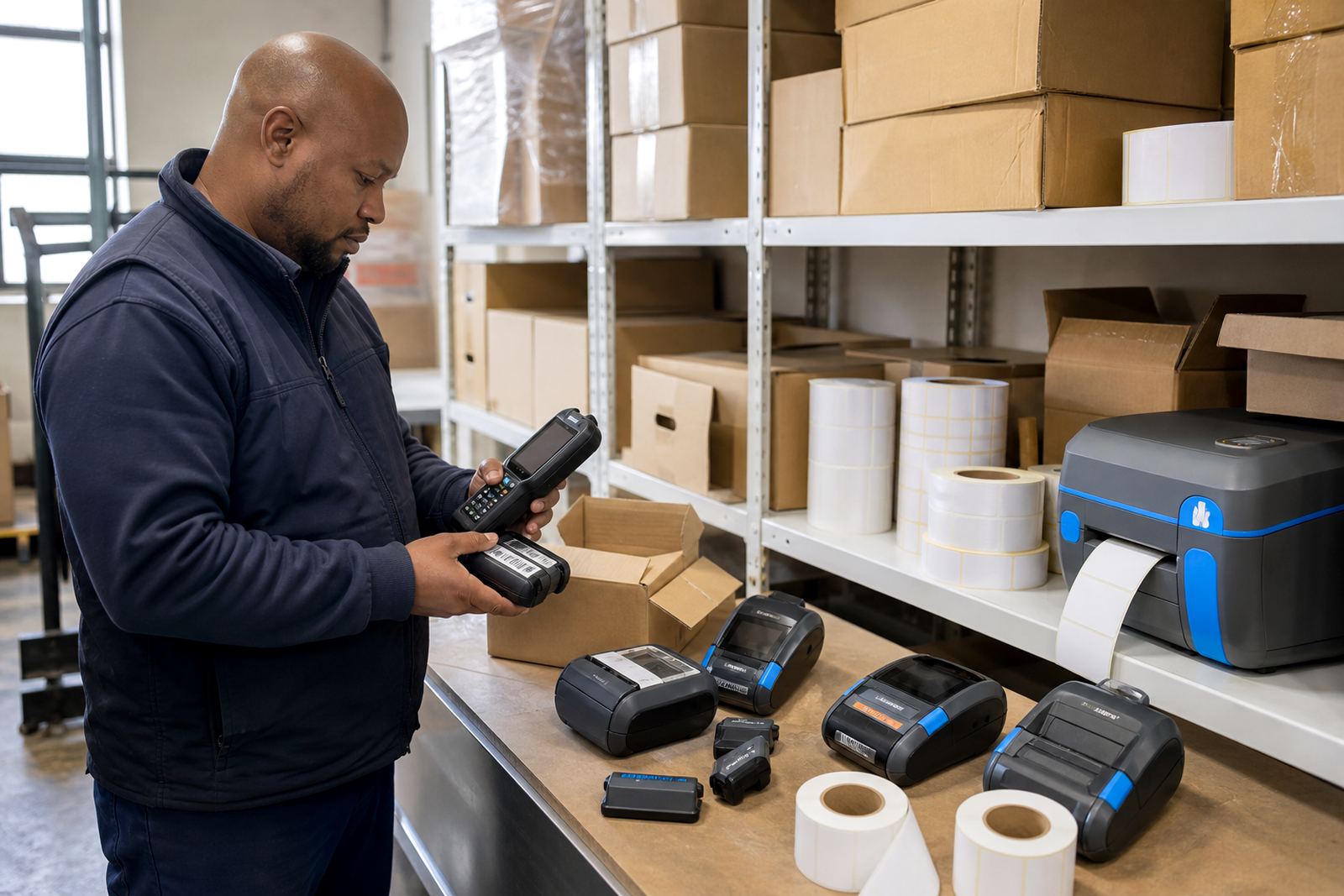
The site worked from a busy courier yard in Gqeberha where parcels moved from cages to vehicles with very little standing time. The depot needed mobile label printers that could stay clipped to a belt, pair cleanly with handheld devices and print clear route labels that held up through sorting, travel and daily handling.
The brief was not only about the hardware. The team wanted one label format for dispatch work, another for warehouse stock movement and enough media on hand to keep the print lanes moving without constant small restocks. We also had to keep the setup practical for mixed shifts, because the operators were not all using the same device at the same time.
- Mobile printing for route labels and parcel identification
- Bluetooth pairing for handheld use across the depot floor
- Label rolls for direct thermal and thermal transfer work
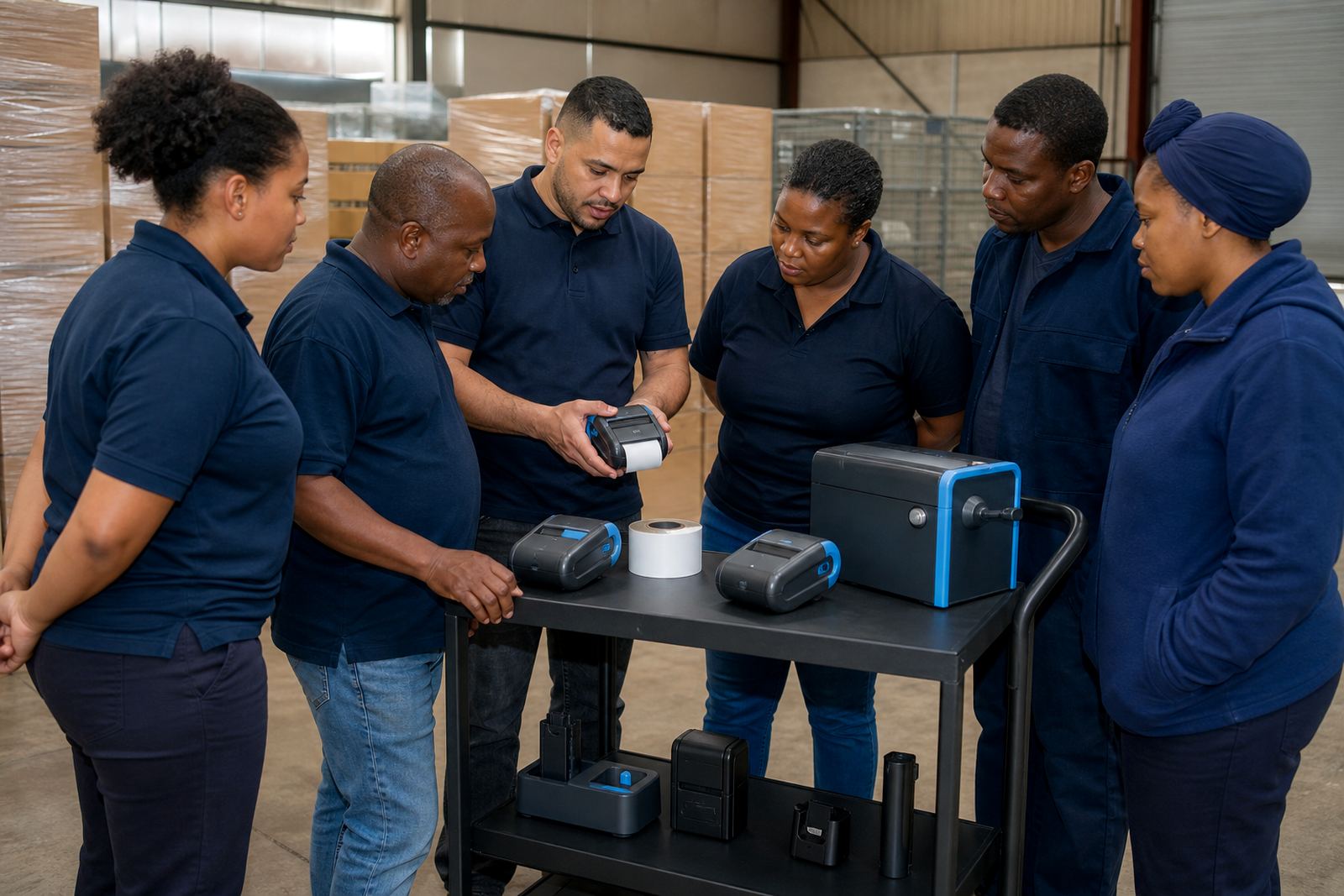
- Training for loading media, cleaning the printhead and clearing jams
Label media, pairing and print width choices
We supplied label rolls sized for the depot's common route labels and internal stock tags, with direct thermal rolls for fast, ribbon-free printing and thermal transfer rolls for labels that needed better resistance to scuffing and handling. The printers were set up around the width the team actually used, so the print area matched the label face without awkward clipping or wasted margins.
Pairing was set up over Bluetooth for the mobile units, with Wi-Fi configured for the stations that needed a steadier connection near the packing benches. Once the devices were linked, we checked barcode and QR code legibility at different darkness settings and adjusted the calibration so the print stayed centred on the label. That detail matters when a courier scan has to work first time at a gate or sorter line.
- Direct thermal for fast-moving labels with no ribbon
- Thermal transfer for tougher labels and longer readable life
- Bluetooth pairing for mobile handheld use
- Wi-Fi setup where the depot needed a fixed connection
Three weeks on the floor, with checks between shifts
The rollout ran over three weeks. The first week covered the site walk-through, printer placement and the initial pairing work. We then moved into label calibration, print tests and operator handover so the supervisors could see how to load rolls, check battery condition and spot the signs of poor print quality before it turned into wasted media.
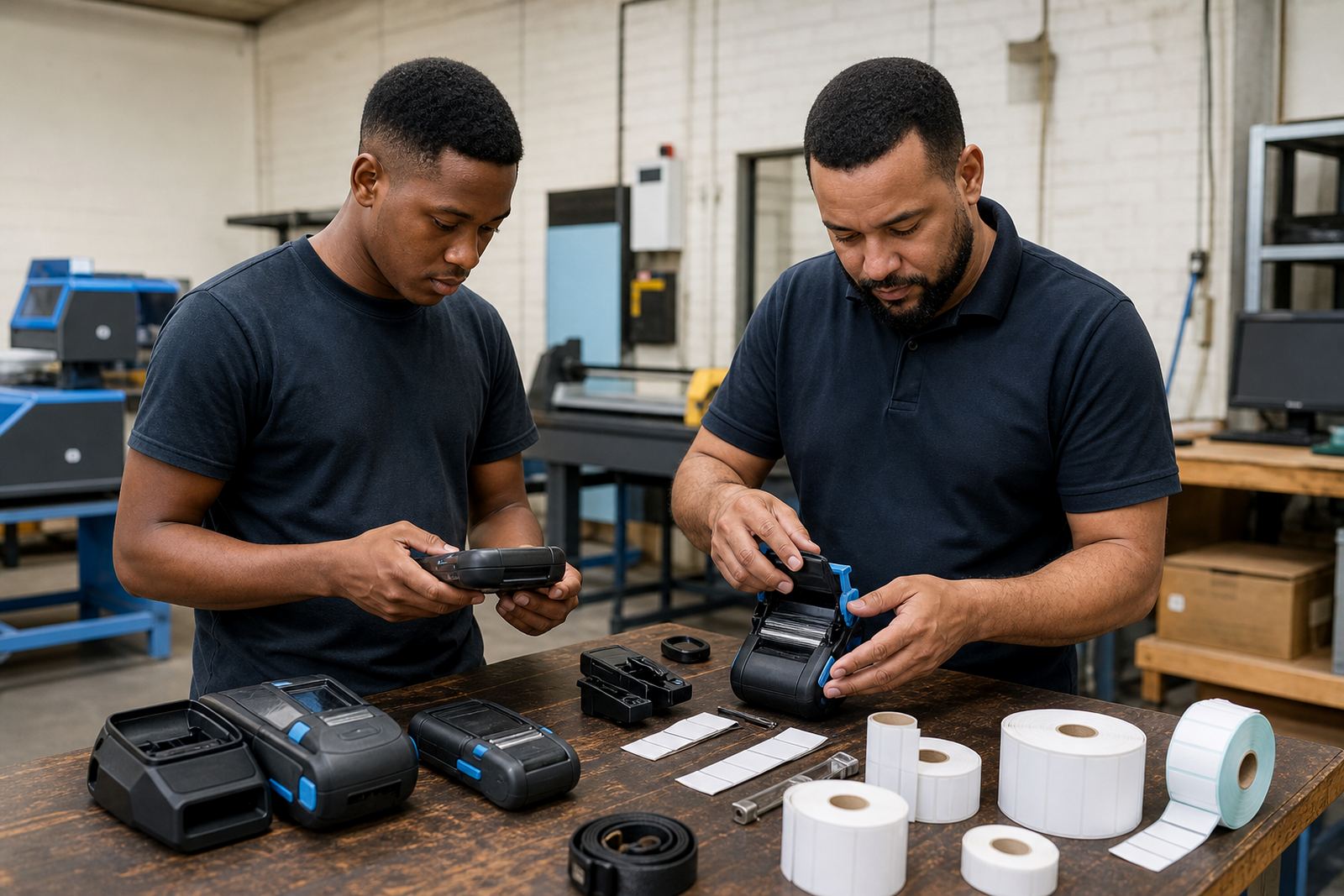
During the second week we returned for printhead cleaning, battery testing and small adjustments to the label feed. The third week was used for repairs and fine-tuning, including belt clip repairs where the clips had loosened from repeated use in a courier environment. Nothing about the job was glamorous, but the line runs smoother when the small hardware faults are sorted early.
The depot also needed a few practical notes for mixed use. Some users were printing shipping labels from one system, while others were marking internal bins and cage labels from another. We kept the settings consistent enough for control, but flexible enough to handle both jobs without confusion.
What the depot team needed to keep near the printers
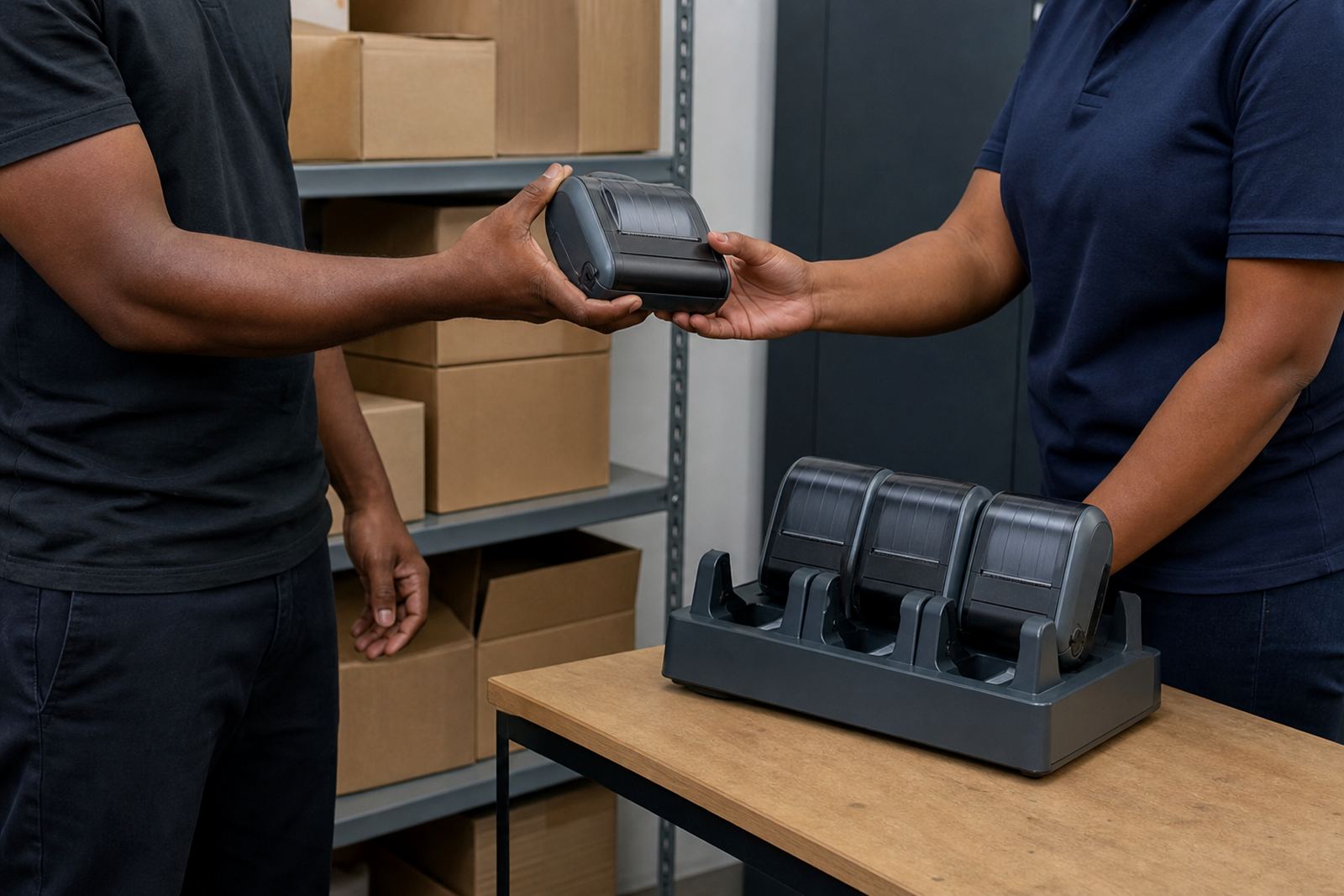
At depot level, the kit has to survive handling by more than one person. Batteries get swapped, belt clips wear, label rolls run low at the awkward moment and a printhead can lose clarity if nobody notices the dust. We set up the support work around those realities so the equipment stayed easy to use rather than becoming another thing to manage.
- Battery replacement planning for the most heavily used units
- Print quality fixes when the barcode edges started to soften
- Label jam clearing for roll misfeeds and uneven loading
- Preventive servicing to keep the mobile printers moving cleanly
The result was a depot where operators could pick up a printer, pair it and carry on without needing a fresh lesson every time. The team still kept a small spare stock of labels and batteries close to dispatch, which helped when the shift tempo picked up around outbound runs.
What changed once the labels stopped fighting the workflow
Once the printers, label rolls and settings were matched to the work, the depot got cleaner output and less reprinting. That saved the sorting team from second-guessing faded labels or crooked barcodes, and it cut down on the stop-start pattern that usually follows a bad feed or a weak battery.
The operators also gained confidence with the mobile units because the training was tied to the real tasks they do every day. They learned how to load the rolls, check the battery before a shift, clear a jam without damaging the feed path and clean the printhead before the image quality drifted. Those are small habits, but in a courier depot they carry weight.
By the end of the rollout, the depot had a clear standard for route-label printing across its mobile units, and the labels were staying readable through handling and transit. The setup also made it easier to keep the stockroom and dispatch floor on the same format, which helped with handovers between teams.
What we’d redo on a different depot site
If we were lining up a similar job in another courier depot, we would keep the same order of work: check the label widths first, then pair the printers, then test barcodes and QR codes in the exact light and handling conditions the team sees on shift. That sequence keeps the setup grounded in how the depot actually moves parcels.
We would also keep the support pack close to the floor from day one, with printhead cleaning materials, spare batteries, extra label rolls and a clear note on clip repairs. In a busy depot, the trouble usually starts with small mechanical wear rather than anything dramatic, so the sensible fix is to stay ahead of that wear and not wait for the printer to complain.
For this project, the Gqeberha team got a mobile label system that suited courier work without overcomplicating the process. The mix of Bluetooth setup, media supply and practical servicing was enough to keep the printers useful where they were needed most.