Stockroom pressure that needed smaller kit
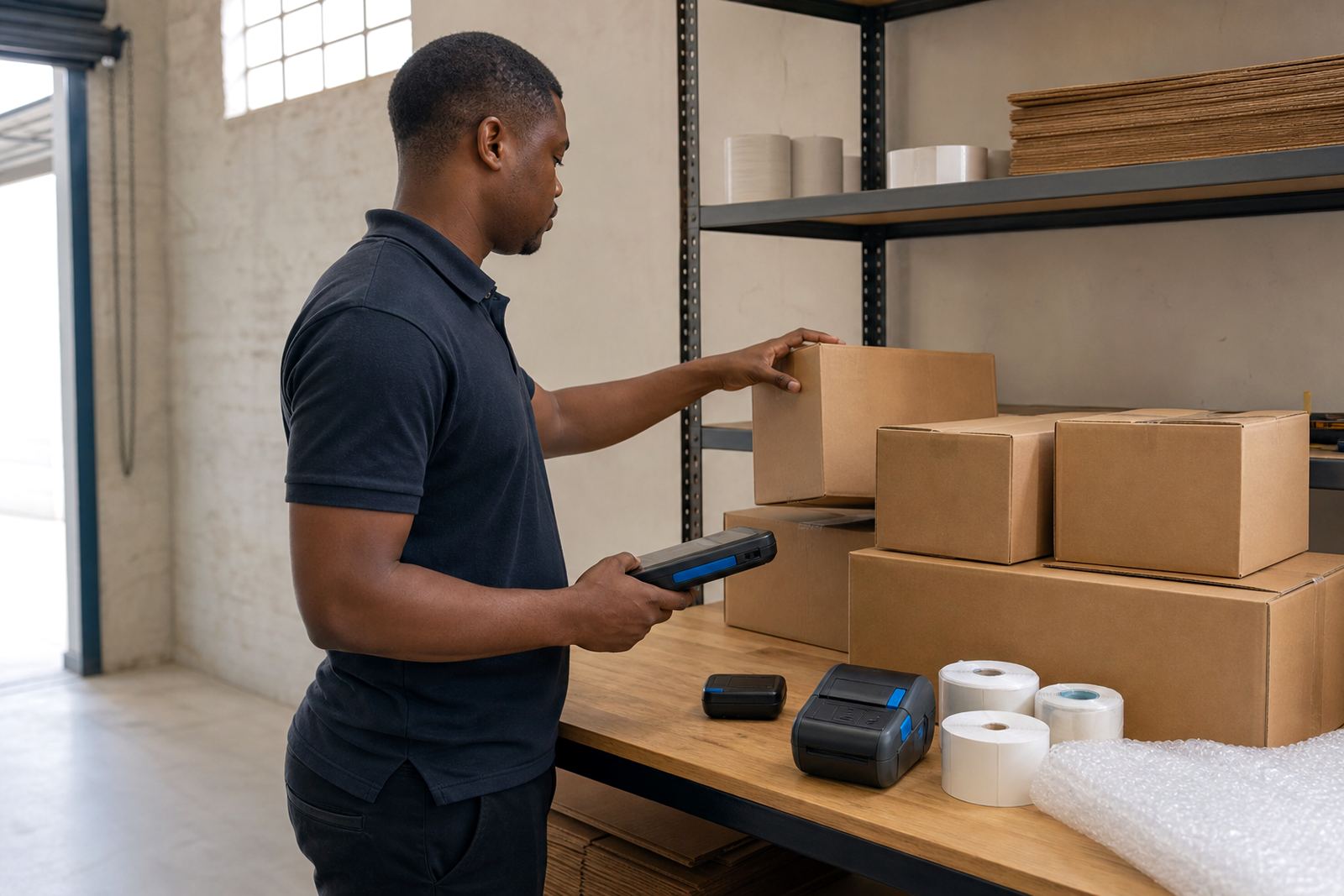
The brief came from a retail group in Randburg with several back-room users sharing handheld printing points during receiving, shelf movement and cycle counts. Their team wanted printers that could move with the user, print clear barcode labels, and stay useful through long shifts without creating a queue at one counter.
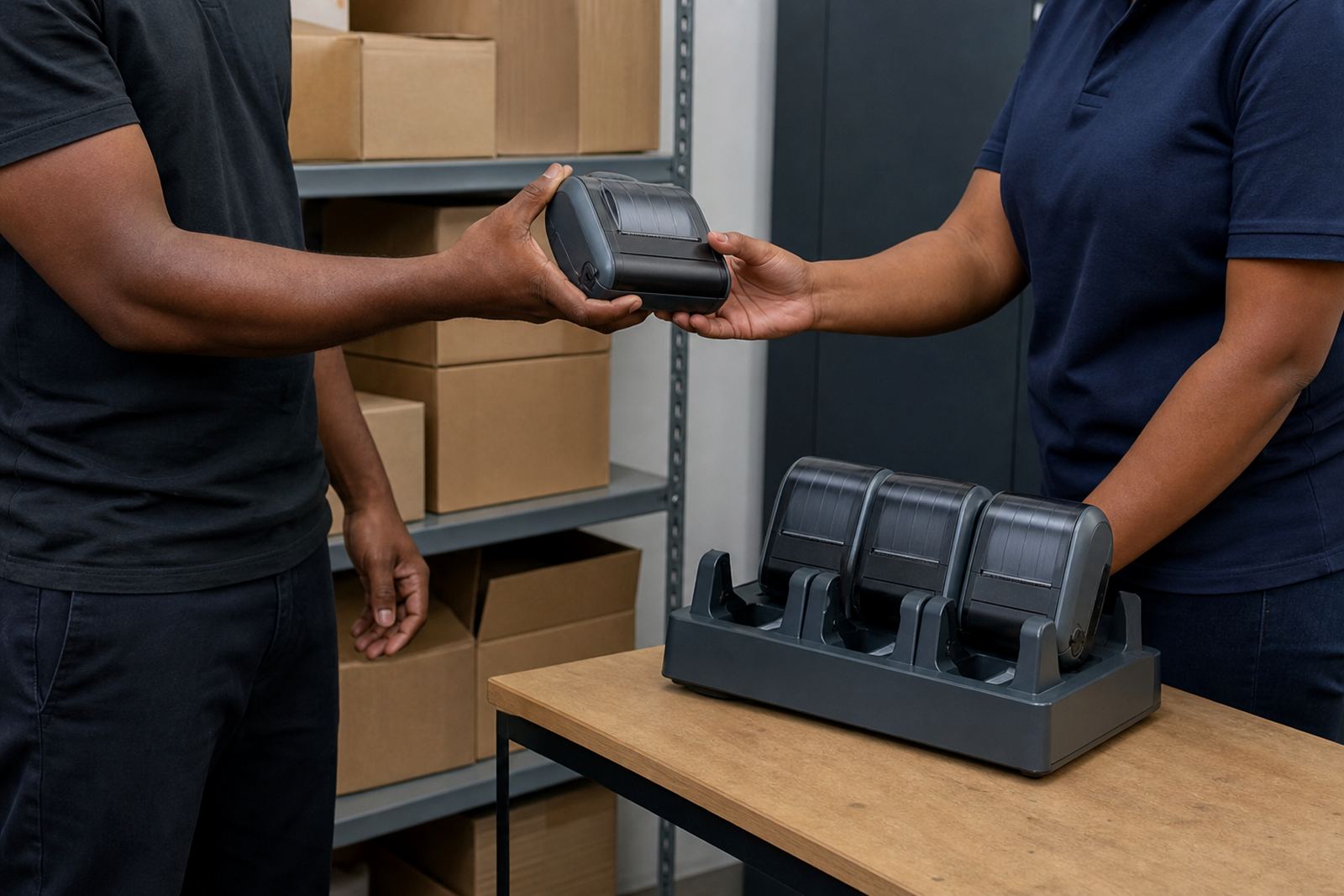
The stockroom layout mattered. Some users worked at packing tables, others on aisle checks, and a few needed to move between the storeroom and the floor with labels already loaded. Battery rotation was part of the plan too, because the same unit could be in use by more than one person during the day and had to stay in service without unnecessary downtime.
They also needed a setup that suited mixed labelling work. Some items used smaller shelf labels, while carton and pick labels needed a wider print area with readable barcode and QR content. The printers had to fit that range without forcing the team to change process every time the label size changed.
- Client type: retail chain with back-room and stock control users
- Town: Randburg
- Use case: mobile shelf, carton and stock labels
- Main concern: battery rotation across several operators
Printer spec choices that matched the floor
We specified thermal mobile label printers suited to direct thermal use for short-life labels and thermal transfer use where more durable print was needed. That split mattered because some labels were only needed for internal movement, while others had to hold up to handling, stockroom dust and the general friction of retail storage work.
The roll widths were matched to the label sizes they already used, with room for barcode and QR printing in a clear format. We checked the pairing path for Bluetooth and Wi-Fi so the units could move between users without awkward resets, and we set the print parameters so the text stayed readable rather than cramped.
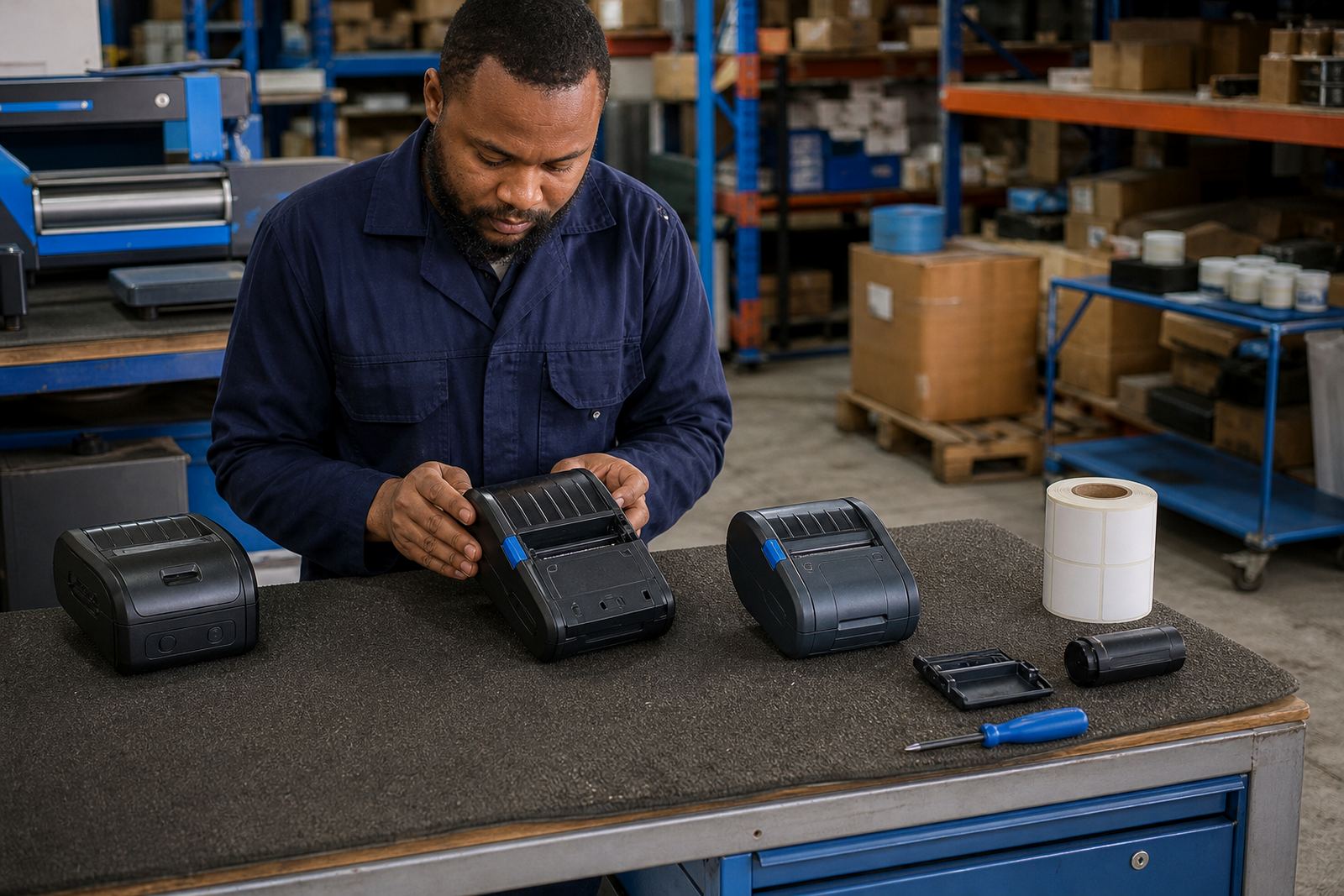
Battery life was handled as a working pattern, not an afterthought. We tested the units, marked the batteries in rotation and showed the team how to watch for early signs of drop-off. Printhead cleaning was built into the handover because dirty heads can blur fine bars and turn a neat label into a reprint job.
- Direct thermal and thermal transfer options
- Bluetooth and Wi-Fi pairing for shared use
- Barcode and QR label output
- Printhead cleaning and battery checks included
The rollout across several back-room users
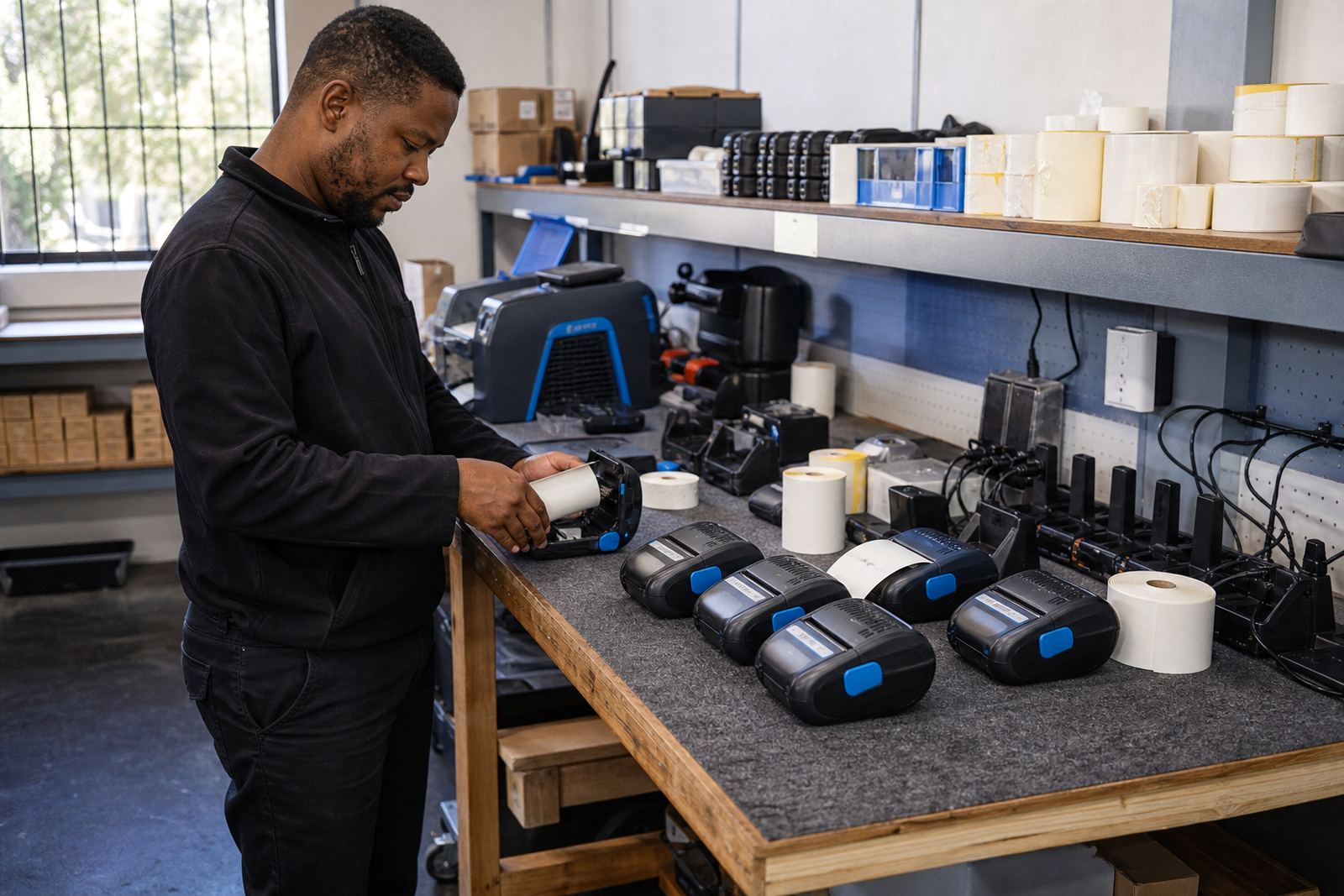
The work took three weeks. The first phase covered site checks, label samples and the printer settings needed for the main stockroom tasks. We then moved into on-site setup for the users who handled the highest volume, with each unit calibrated against the label stock and the way the team printed during trading hours.
Battery rotation was set up so no one had to guess which unit was ready for use. We also fitted belt clips where the staff preferred to carry the printers on the move, and we checked the clips for wear because damaged clips can cause more drops than people expect. Where labels began skewing or feeding unevenly, we cleared jams and adjusted the guides before the issue turned into wasted roll stock.
Several users needed operator training rather than a short handover. We covered label loading, pair setup, basic print quality checks and when to clean the printhead. The aim was to keep the daily routine practical for a retail floor, not turn the printer into a piece of kit only one person understood.
- Week 1: sample checks, label fit and print settings
- Week 2: on-site setup, pairing and calibration
- Week 3: training, battery rotation and fault clearing
What the store teams noticed after the handover
The biggest change was speed at the point of use. Back-room staff could move with the printer, label stock as it arrived and mark movement batches without waiting for a fixed station. That mattered in a busy retail environment where one missed label often leads to a second task later in the shift.
Print clarity improved once the settings were matched to the label roll and the heads were cleaned properly. Barcodes stayed readable, QR labels came out square, and the staff spent less time checking whether a label could be scanned. The battery rotation plan also reduced the stop-start pattern that had been affecting the team earlier.
There was less waste too. Better calibration meant fewer misfeeds and fewer discarded labels, which may sound small but adds up quickly in a store that runs through stock every day. The team could also split tasks across users without each person carrying a different habit for pairing, loading or cleaning.
- Clearer barcode and QR output
- Less label waste from misfeeds
- More practical movement between stockroom users
- Cleaner battery rotation across shifts
The servicing pattern we would use again
If we were handling a similar rollout, we would keep the same sequence: sample first, setup second, then training once the label stock and print widths are settled. That order keeps the printer settings tied to the real work rather than to a paper spec that looks neat but does not suit the floor.
We would also keep printhead cleaning in the routine from the start. Retail stockrooms move quickly, labels get handled often and the first sign of trouble is usually a faint print or a barcode that scans poorly. A short cleaning routine and battery check prevents a lot of avoidable call-backs for the same issue.
For multi-user sites, a rotation list for batteries and a clear pairing note for each unit helps more than people expect. It keeps the printers moving through the day without confusion, and it gives the store a cleaner way to manage units across different back-room tasks.
- Keep label sampling ahead of full rollout
- Build battery rotation into the daily routine
- Train operators on cleaning and pairing
- Match print mode to the label’s lifespan
Key facts
| Project | Randburg retail chain stockroom rollout |
|---|---|
| Location | Randburg, with support from Montague Gardens, Cape Town |
| Printer type | Thermal mobile label printers |
| Print methods | Direct thermal and thermal transfer |
| Label support | Common roll widths for shelf, carton and stock labels |
| Services | On-site setup, calibration, training and repairs |