Back-of-store labelling had to move with the team
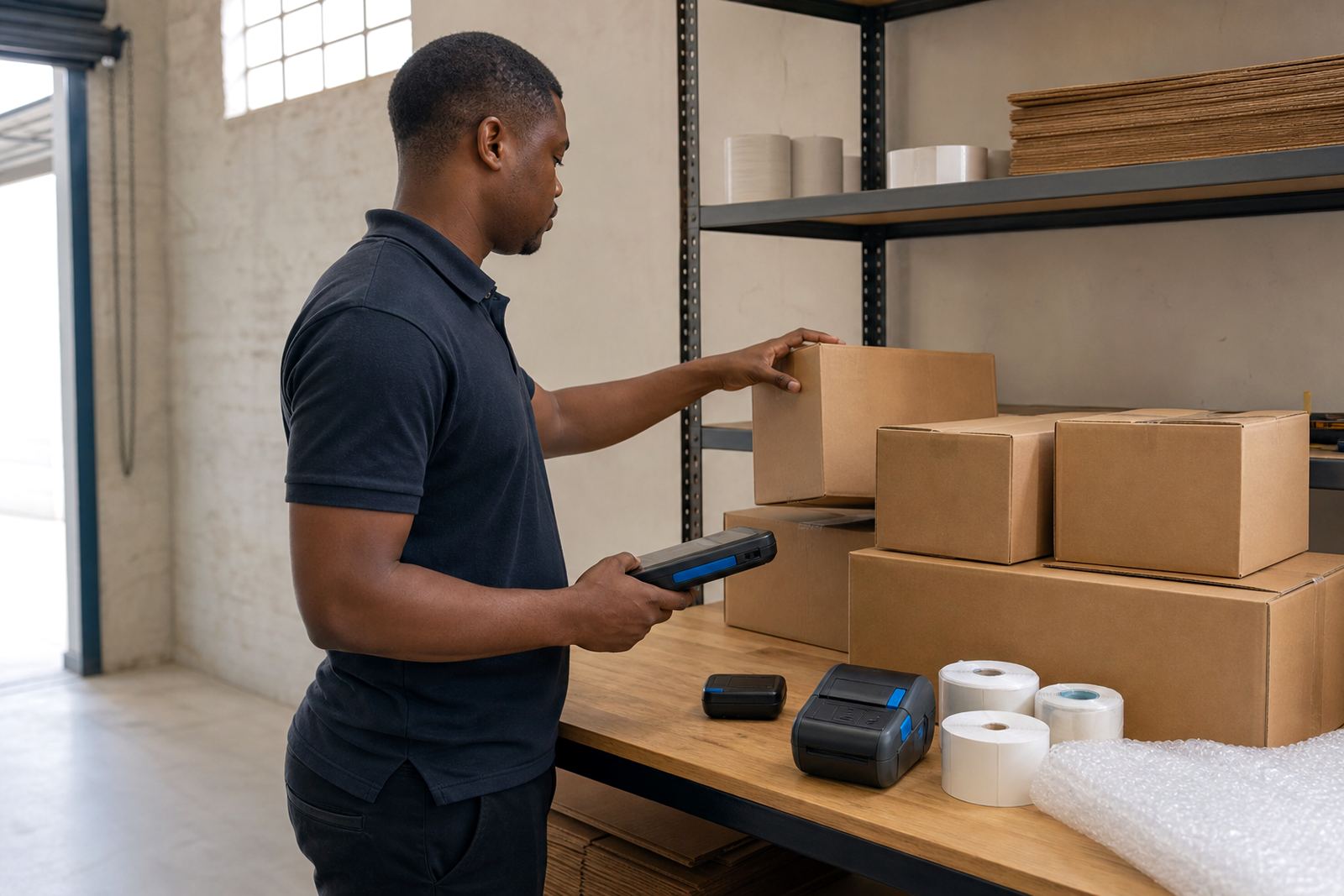
The brief came from a retail stockroom in Milnerton where receiving staff were printing labels at the back end of the operation, then carrying products between intake, holding space and transfer points. The team wanted portable printers that could travel with a picker or receiver, print clear barcodes and QR codes, and keep working on mixed label sizes without turning each shift into a settings exercise.
The stockroom handled incoming cartons, shelf transfers and rework labels for items that needed a second pass before they went to the shop floor. Space was tight, shelves were close together and the team needed a printer that could sit on a trolley or clip to a belt, not a unit that had to stay parked on one counter. They also needed the rolls matched properly so labels fed cleanly and did not waste time on misprints.
Because the site was part of a busy retail operation, the setup had to be practical from the start. We kept the print width right for the label sizes in use, checked Bluetooth pairing with the handheld devices and made sure the stockroom team could move from one bay to another without dragging extra cables behind them.
- Client type: retail stockroom team
- Town: Milnerton, Cape Town
- Use case: receiving, transfer labelling and back-of-store stock movement
- Primary need: mobile printing with clear barcode and QR output
The printer choice came down to the job on the floor
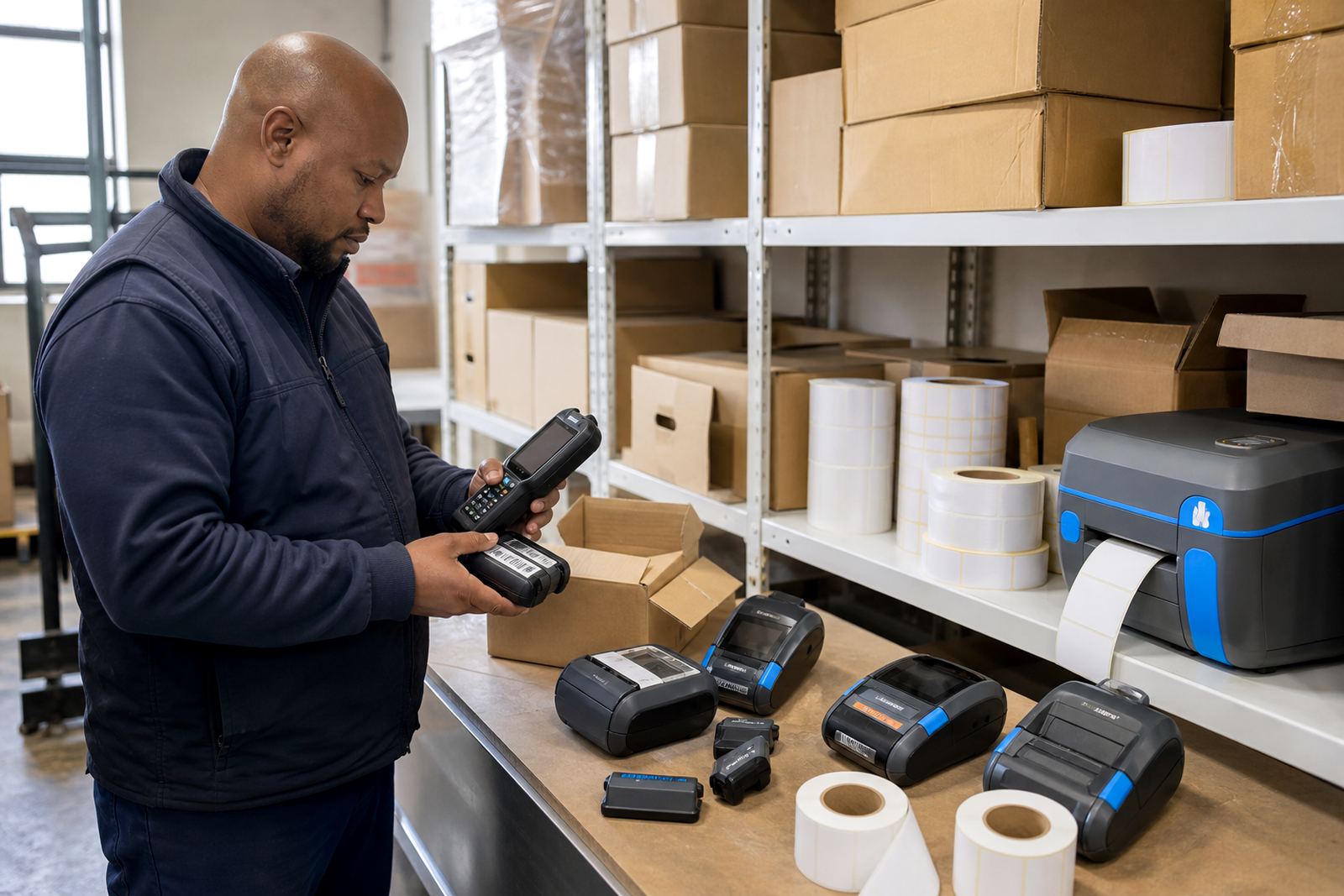
We supplied thermal mobile label printers suited to a stockroom where labels are printed close to the point of use. Direct thermal was the right match for short-life stock movement labels, while thermal transfer was available for labels that need better resistance where handling is heavier or the surface is less forgiving. That distinction matters when a label must stay readable through packing, sorting and store transfer.
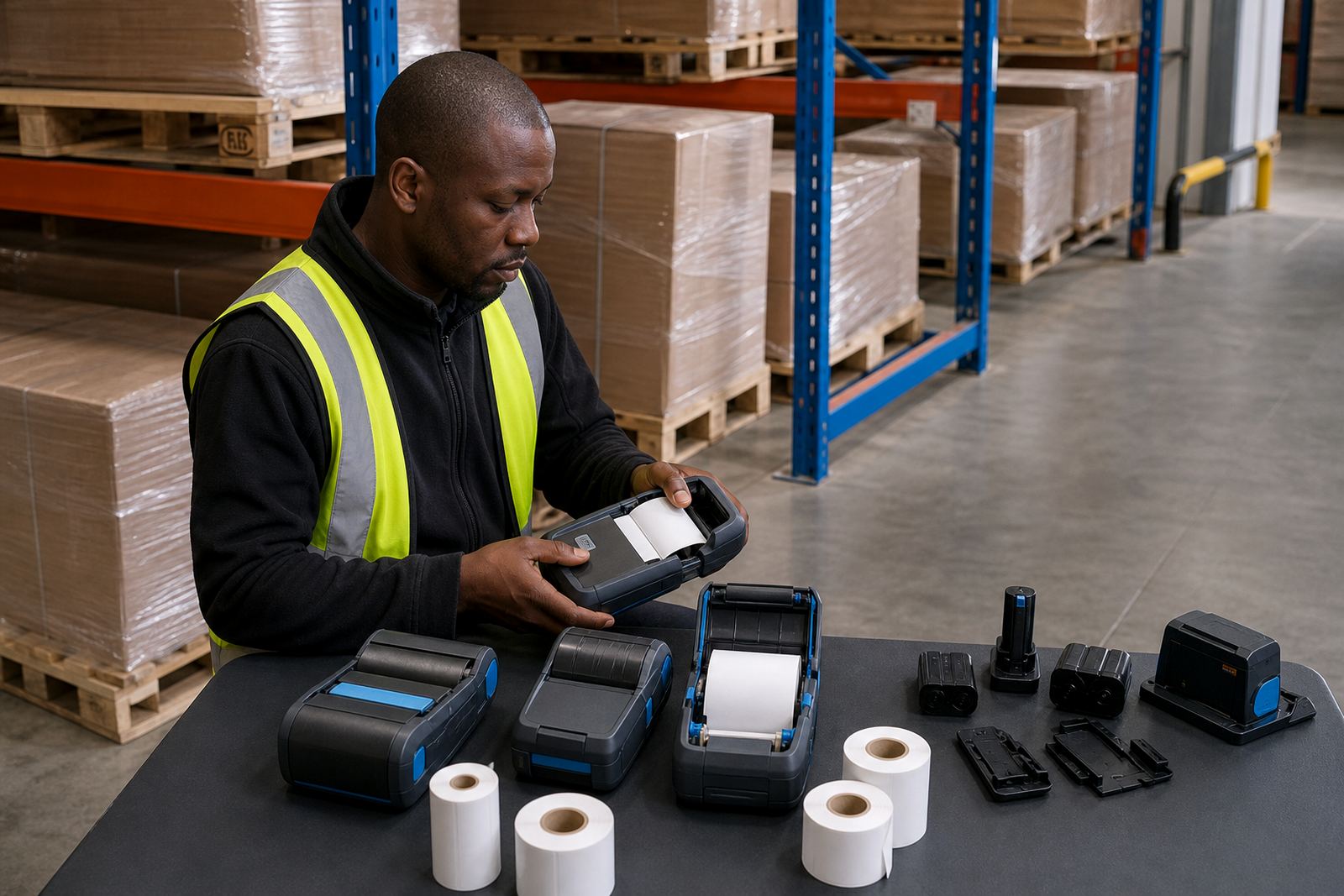
The units were set for a practical print width, wide enough for item identifiers, location text and codes without wasting media. We matched the label rolls to the format being used, then checked feed, darkness and alignment so the print did not drift across the label face. Where the team needed it, we also set up Bluetooth pairing and Wi-Fi access for devices that had to stay connected on the move or on a stockroom network.
Battery life was part of the brief too. In a retail stockroom, a printer that dies mid-round slows the whole receiving area, so we tested batteries, checked charging behaviour and fitted belt clips where operators preferred to carry the printer hands-free while moving between cages, counters and storage aisles.
- Direct thermal for fast-moving labels with shorter exposure time
- Thermal transfer where durability and print hold matter more
- Label sizes adjusted for receiving, transfer and shelf movement use
- Barcode and QR printing set up for scanning at stock points
Setup work in a tight receiving area
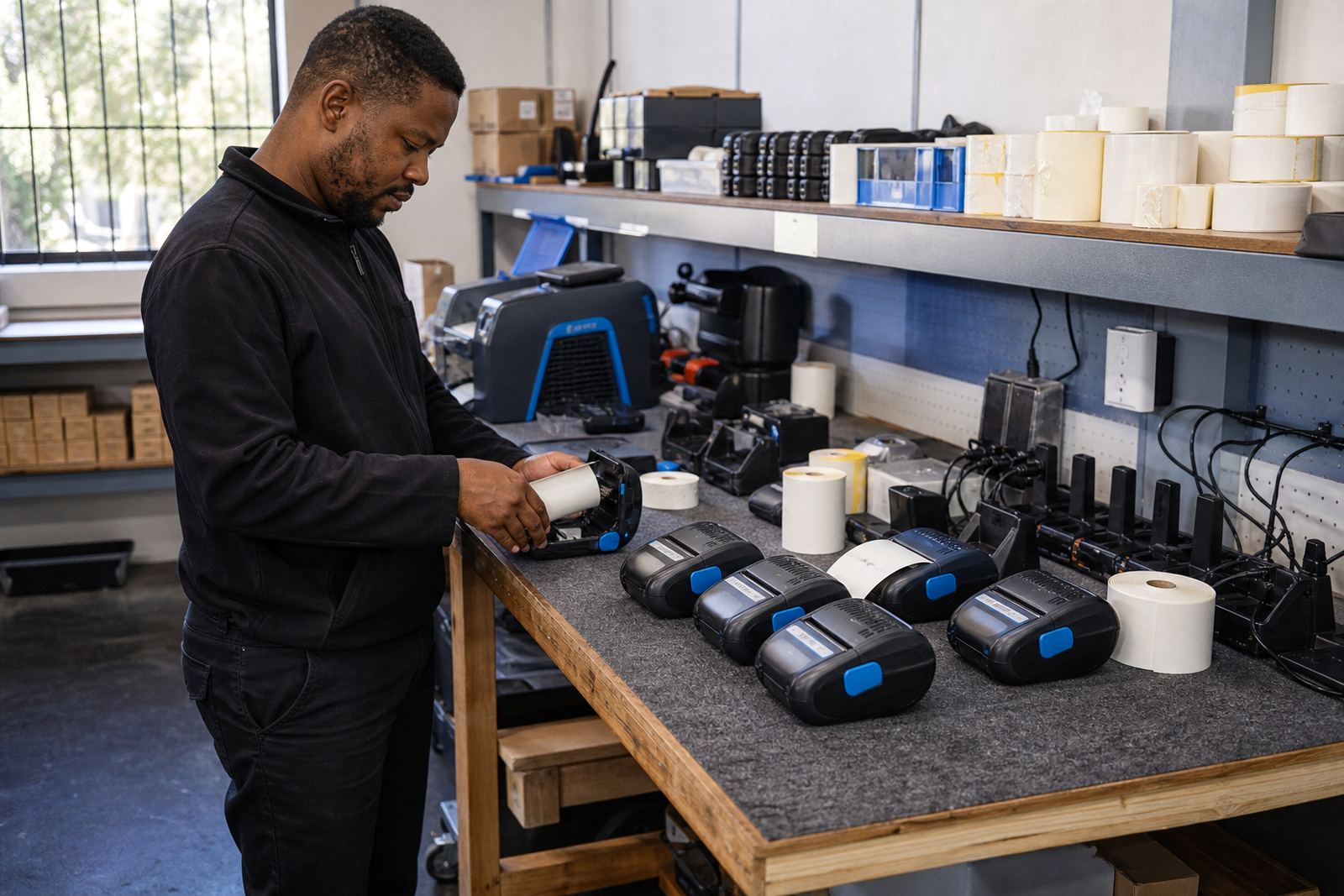
On site, the work was not just unpack and hand over. We positioned the printers where the staff could load media without crowding the receiving path, then checked each unit for label calibration and printhead condition before daily use. Printhead cleaning was explained and demonstrated because dusty stockrooms and adhesive build-up can change print quality quickly.
The job also included label jam clearing practice, battery testing and a check on the belt clips and carry points the team intended to use. One of the quieter parts of the setup was showing staff how to spot the signs of a feed issue before it became a line of wasted labels. Small adjustments to darkness and feed tension made a clear difference to barcode edges and QR readability.
Our field work in Milnerton took one site visit to install and train, then a follow-up service window after the first stretch of daily use to check the way the printers were handling real stockroom traffic. That two-step rhythm gave the team enough time to use the equipment in ordinary conditions, not just on a neat test bench.
- On-site setup for receiving and transfer points
- Label calibration and print alignment checks
- Printhead cleaning guidance for daily upkeep
- Battery testing and belt clip fitting
What the stockroom team had to work around
The biggest constraint was movement. Receiving staff did not stay in one place for long, so the printers had to support quick pairing, simple loading and enough battery capacity to last through a busy run. The other constraint was consistency: labels had to scan well on goods going into storage and on transfers moving to another section of the shop.
We also had to work with a mixed label routine. Some labels were for immediate stock movement, others were for longer internal use, and the team needed a clean method for choosing the right roll without confusing the printer settings. A small stockroom can get messy fast if every person uses a slightly different label size or darkness level.
The practical fix was a repeatable setup. Once the printers were calibrated and the operators knew the cleaning and loading routine, the stockroom could keep the same process across shifts. That reduced reprints and kept the receiving side moving without constant calls for help.
In a retail environment, the details matter more than the brochure language. A printer that looks fine in a handover can still fail if the roll width is wrong, the battery is weak or the code prints too light for a scanner. We kept the focus on those small points.
Results after the first stretch of use
After the deployment settled in, the stockroom had a cleaner label flow for goods moving through receiving and transfer points. Staff could print close to the item location, which cut down on walking back and forth to a fixed station. Barcode output was steadier, QR codes were easier to read and the label stock matched the printers instead of fighting them.
The team also gained a clearer servicing routine. Clean printheads, proper battery checks and the right label loading habit helped keep the units stable during ordinary work. That matters in a stockroom because a small fault tends to show up at the wrong moment, usually when a cart is full and someone is waiting for a label to finish.
From our side, the deployment was a good fit for a retail operation that wanted mobile printing without turning the stockroom into a technical project. The equipment was selected for the actual job, not for a polished sales line, and the staff were trained on the bits they would use every day.
For sites in Cape Town or other South African branches, the same approach works well when the labels are tied to receiving, transfers, shelf movements or internal dispatch. The important thing is to match the printer type, media and routine to the way the room really runs.
What we would rework on a similar stockroom job
We would keep the same order of work for a similar retail stockroom. First the print format gets matched to the label size, then the connection method is checked, then the staff are shown how to load rolls and clean the printhead without damaging the unit. That sequence keeps the setup practical and avoids confusing people with too many steps at once.
We would also continue to test battery performance under real movement, not only at a counter. A mobile printer can look fine on the bench and still frustrate a team once it is clipped to a belt and carried through a receiving shift. The field test tells you more than a quick power-up ever will.
For this type of site, the useful service items are the ones that stop small faults from becoming interruptions. That includes calibration, cleaning, belt clip repair, battery replacement, label jam clearing and operator training. Those are the jobs that keep a stockroom printer useful after the first install is over.
Key facts
| Project | Milnerton Retail Stockroom |
|---|---|
| Location | Milnerton, Cape Town |
| Use case | Back-of-store receiving and transfer labelling |
| Printer type | Thermal mobile label printers |
| Print methods | Direct thermal and thermal transfer |
| Connectivity | Bluetooth pairing and Wi-Fi setup |
| Support scope | On-site setup, repairs, training and preventive servicing |