Receiving bays that needed steadier label output
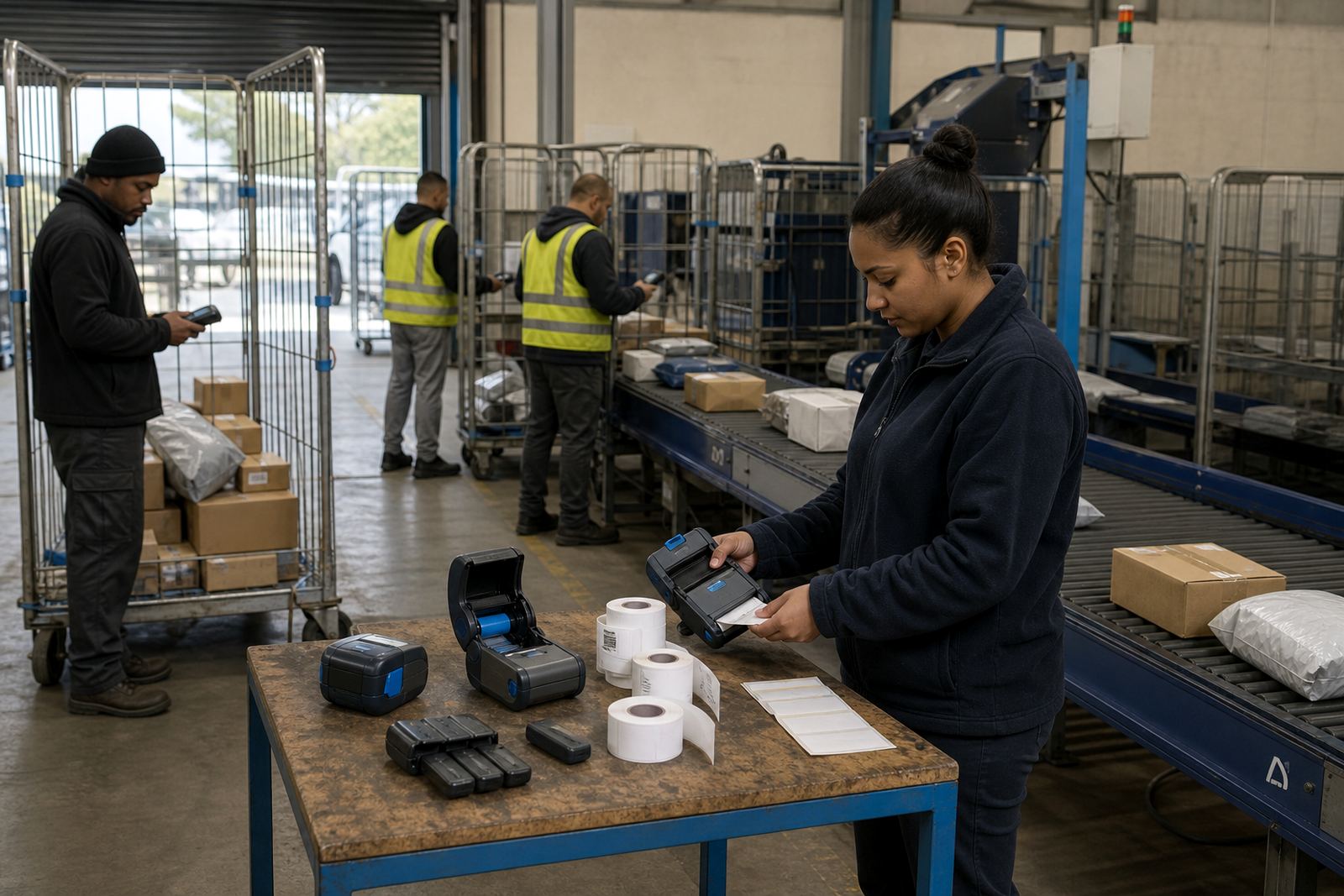
The site was a regional distribution centre in Pretoria North with busy intake lanes, cage stock and frequent movement between receiving and dispatch. The brief was practical: get mobile label printing working in the right spots, reduce label waste and give supervisors a process they could repeat on shift changes without guesswork.
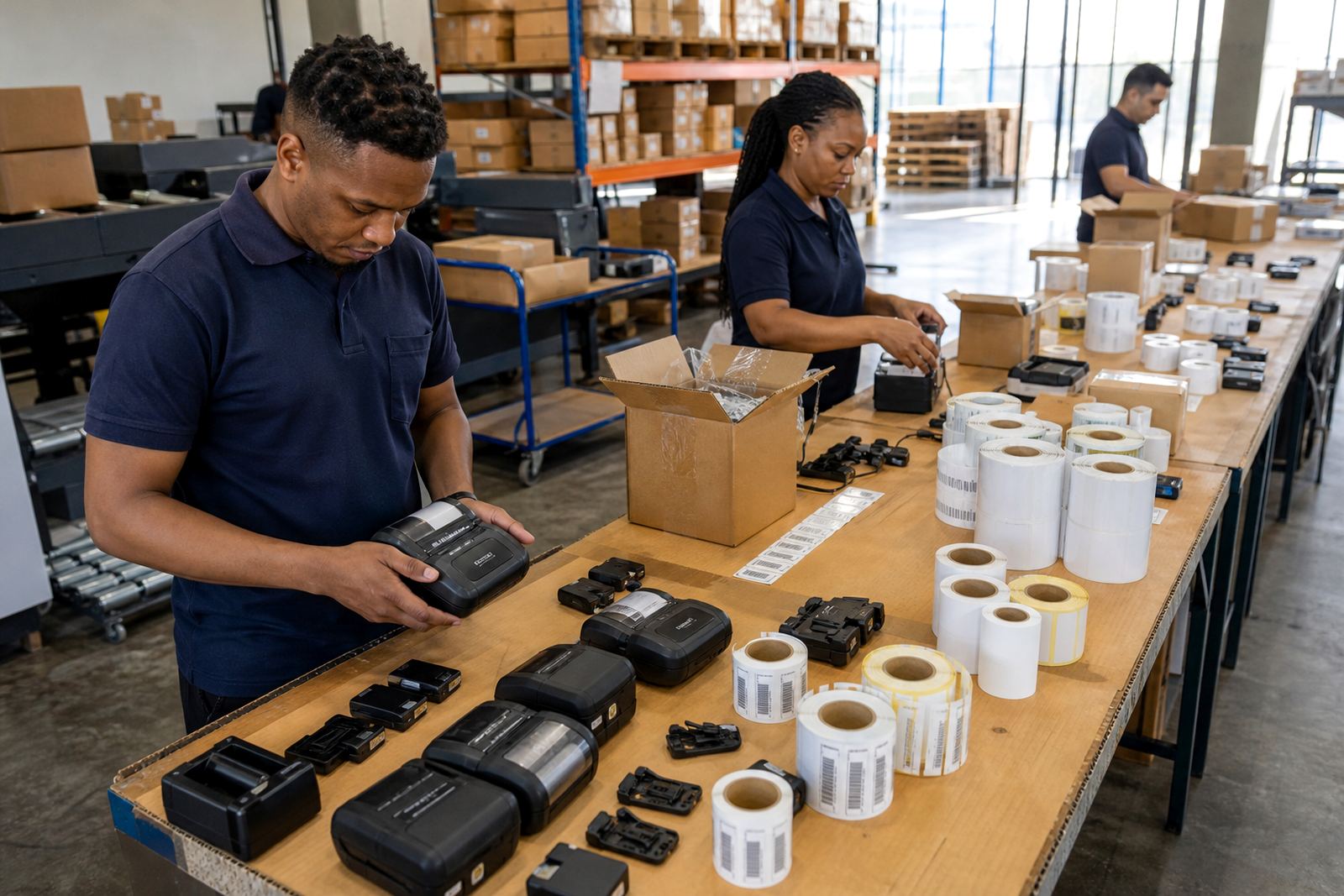
The team needed printers that could move with staff, pair cleanly over Bluetooth and Wi-Fi, and print barcodes and QR codes with consistent edge definition. They also needed roll types that matched the application, because some packs were for short-life carton labels while others had to stay readable through handling, dust and temperature changes inside the warehouse.
- Mobile label printers for on-floor use
- Direct thermal rolls for short-life labels
- Thermal transfer rolls for longer-lasting labels
- Battery checks, clips and carry-point repairs
The brief, and the limits around it
The site was already running a mixed print routine, so the main constraint was not starting from scratch. Existing handheld units had uneven label calibration, a few battery issues and patchy print quality from worn printheads. Staff also used different label widths on different lines, which made it easy to load the wrong roll and waste time during peak receiving periods.
We worked around the flow of the floor and focused on what the operators actually touch: pairing, loading, alignment, cleaning and the small checks that stop a label job from drifting out of spec. The team wanted simple handling, not a long manual, and they needed the set-up to suit a real warehouse pace in Pretoria North.
- Label widths from compact asset tags to wider carton labels
- Battery life checked against a full shift pattern
- Print width matched to the labels in use
- Cleaning routine for printheads and rollers
What went into the setup week
Our work started with on-site setup, label calibration and pairing checks on each unit. We confirmed Bluetooth pairing for the mobile devices and Wi-Fi setup for the printers that needed to sit inside the wider network. Where the units were used for pallet, stock and dispatch labels, we verified print width, darkness and feed so that barcodes and QR codes stayed readable after the label was cut and handled.
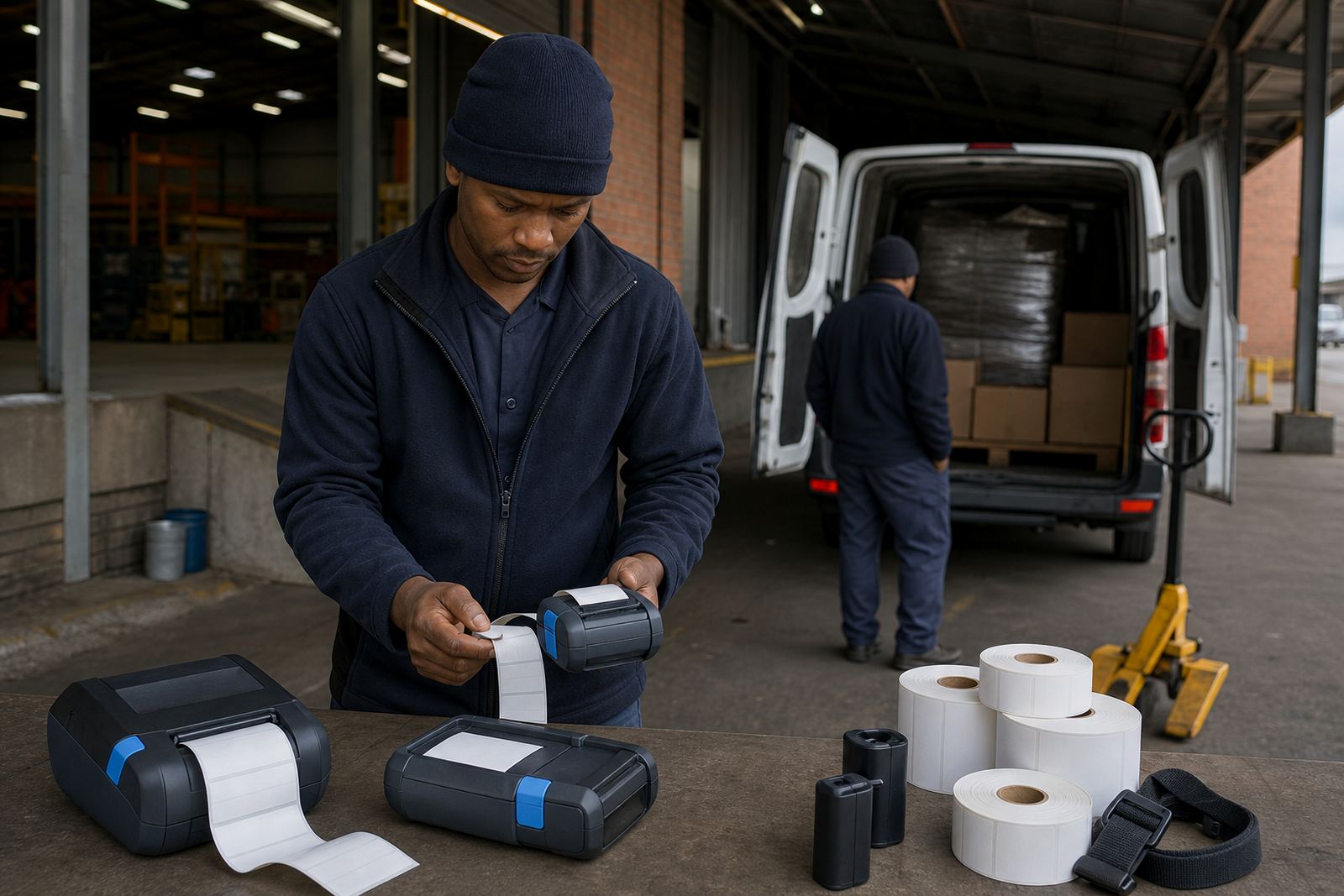
We also handled print quality fixes, label jam clearing and battery testing. One or two batteries were no longer holding a useful charge window, so those were replaced. Belt clips and carry fittings were checked too, because damaged clips turn a mobile printer into something staff leave on a bench instead of carrying with them. The work was spread across three weeks, with the first week for setup, the second for correction and training, and the third for final servicing and handover checks.
Training that stuck to the floor routine
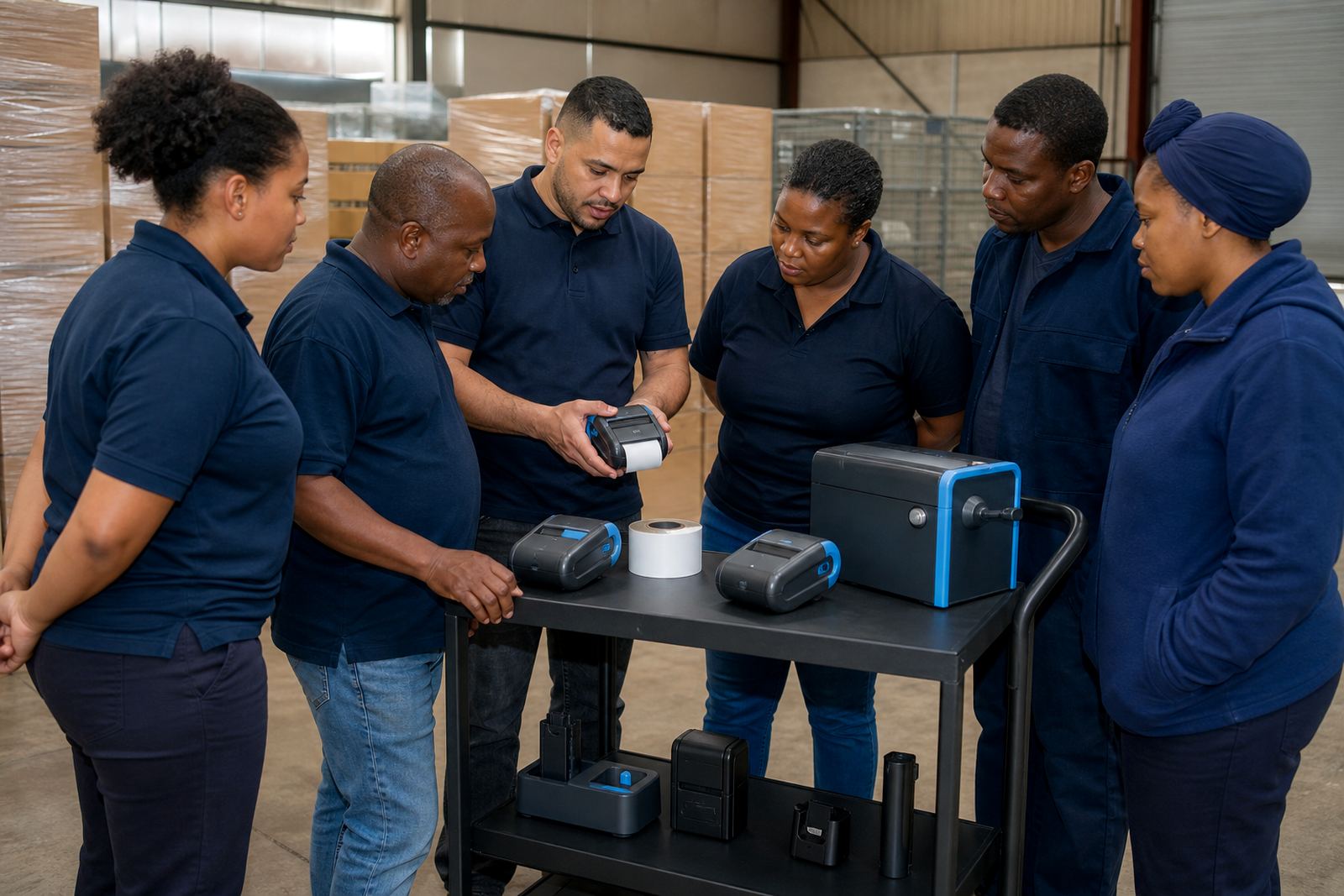
The training was kept close to actual tasks, not classroom language. Zinhle worked with the supervisors and operators on loading direct thermal rolls, switching to thermal transfer where the label needed longer life, checking the printhead for residue and reading the signs of a weak battery before a shift went sideways. That practical approach helped the team spot issues early, especially when multiple users shared the same printer pool.
We also covered the difference between direct thermal and thermal transfer in plain terms. Direct thermal worked well for short-run dispatch or internal labels, while thermal transfer suited labels that had to hold up better over time. The team learned how to select the right roll size for each job, clean the printhead with the proper method, and clear a label path without forcing the mechanism.
- Operator training for new and existing users
- Label handling for mixed stock lines
- Routine cleaning to protect print quality
- Basic fault spotting before a label run fails
What changed after the handover
By the end of the project, the distribution centre had a cleaner print routine and fewer stops for misfeeds and poor barcode reads. Labels were matching the intended use more closely, so the staff were not trying to make one roll do every job. The setup also reduced confusion during handovers between shifts, because the printers were paired, named and handled the same way across the floor.
Another practical gain was confidence around maintenance. Staff were no longer treating printhead cleaning as an optional extra, and they knew what to check when a label started printing light or drifting off centre. The battery replacement and clip repairs also made the units easier to keep in motion through the day, which mattered in a warehouse where the printer has to move with the person, not wait at a fixed point.
What we would carry into a similar project
For a similar job, we would follow the same order: inspect the labels first, then the pairing, then the print quality, then the touch points staff use daily. That order keeps the work practical and avoids fixing the wrong thing first. It also gives the warehouse team a cleaner routine to follow once the setup is handed over.
For a distribution centre like Pretoria North, the useful detail is not just the printer model, it is the fit between print width, roll type, battery condition and user habit. If those parts line up, the labels move through receiving, shelving and dispatch with less waste and fewer stoppages. That is what made the project settle properly.
Key facts
| Project | Pretoria North DC |
|---|---|
| Client type | Regional distribution centre |
| Location | Pretoria North |
| Scope | On-site setup, labels and user training |
| Printer formats | Direct thermal and thermal transfer mobile label printers |
| Core functions | Bluetooth pairing, Wi-Fi setup, label calibration, printhead cleaning, battery testing |