What the spares team needed on the floor
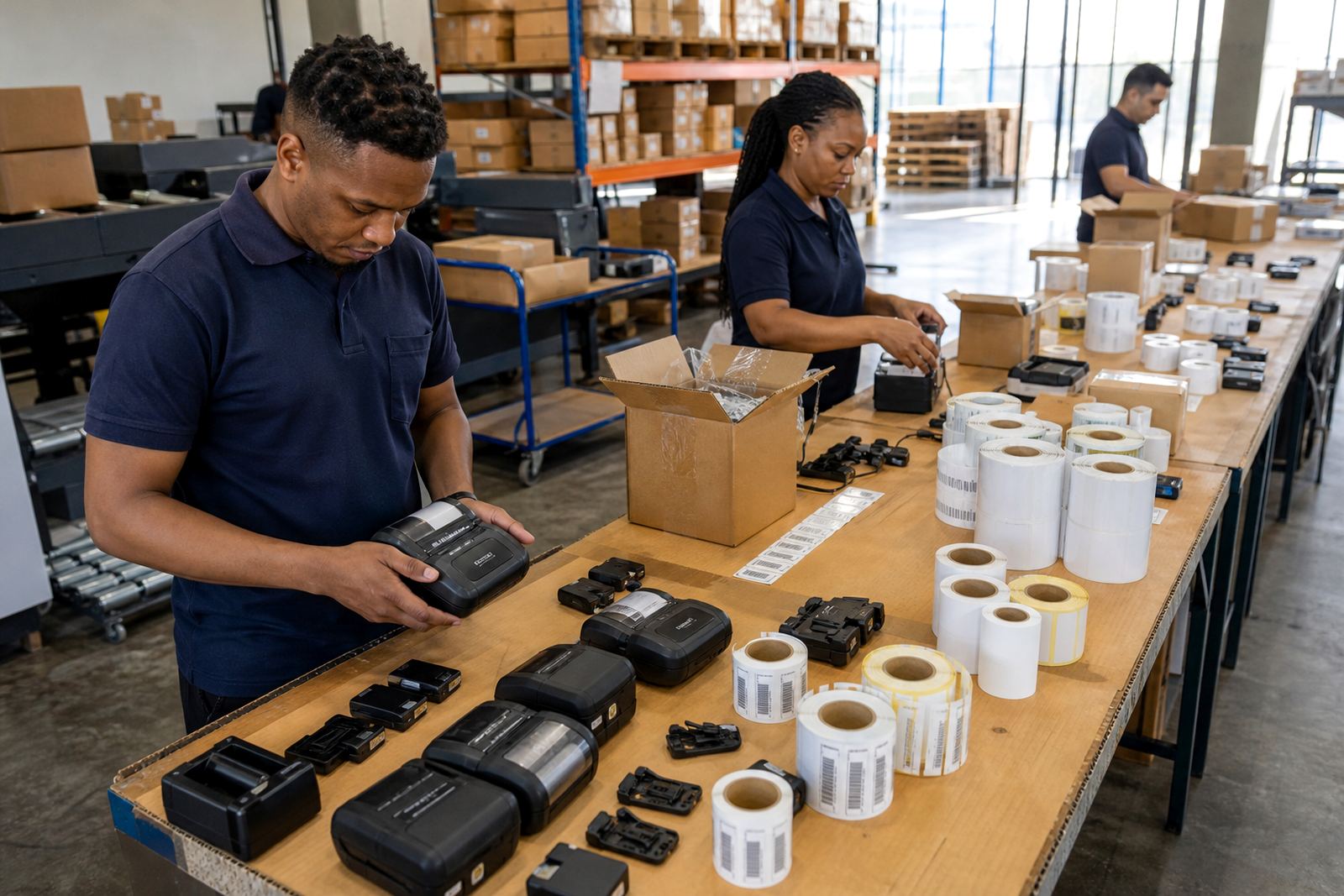
The warehouse team in Pinetown was working with small parts, fast-moving replenishment routes and bins that changed hands through the day. Their brief was plain: print barcode labels at the point of use, keep the labels readable on plastic and metal surfaces, and avoid a pile of mismatched rolls sitting in the store room.
The labels had to work for part bins, shelf edges and picking routes. That meant short formats, clear barcodes, QR codes for internal checks, and a printer that could move with the team instead of staying tied to one counter. The environment also needed a neat setup, because a spares floor gets messy quickly when every operator uses a different roll size or print setting.
- Client type: parts warehouse in a spares environment
- Town: Pinetown, KwaZulu-Natal
- Use case: barcode labels for bins and replenishment routes
- Core need: mobile printing with consistent label output
Printer format, labels and pairing details
We supplied thermal mobile label printers set up for both direct thermal and thermal transfer use. Direct thermal suited the shorter-life labels used for internal bin and route marking. Thermal transfer was kept for labels that needed better staying power, especially where handling, dust and general warehouse wear would affect the print.
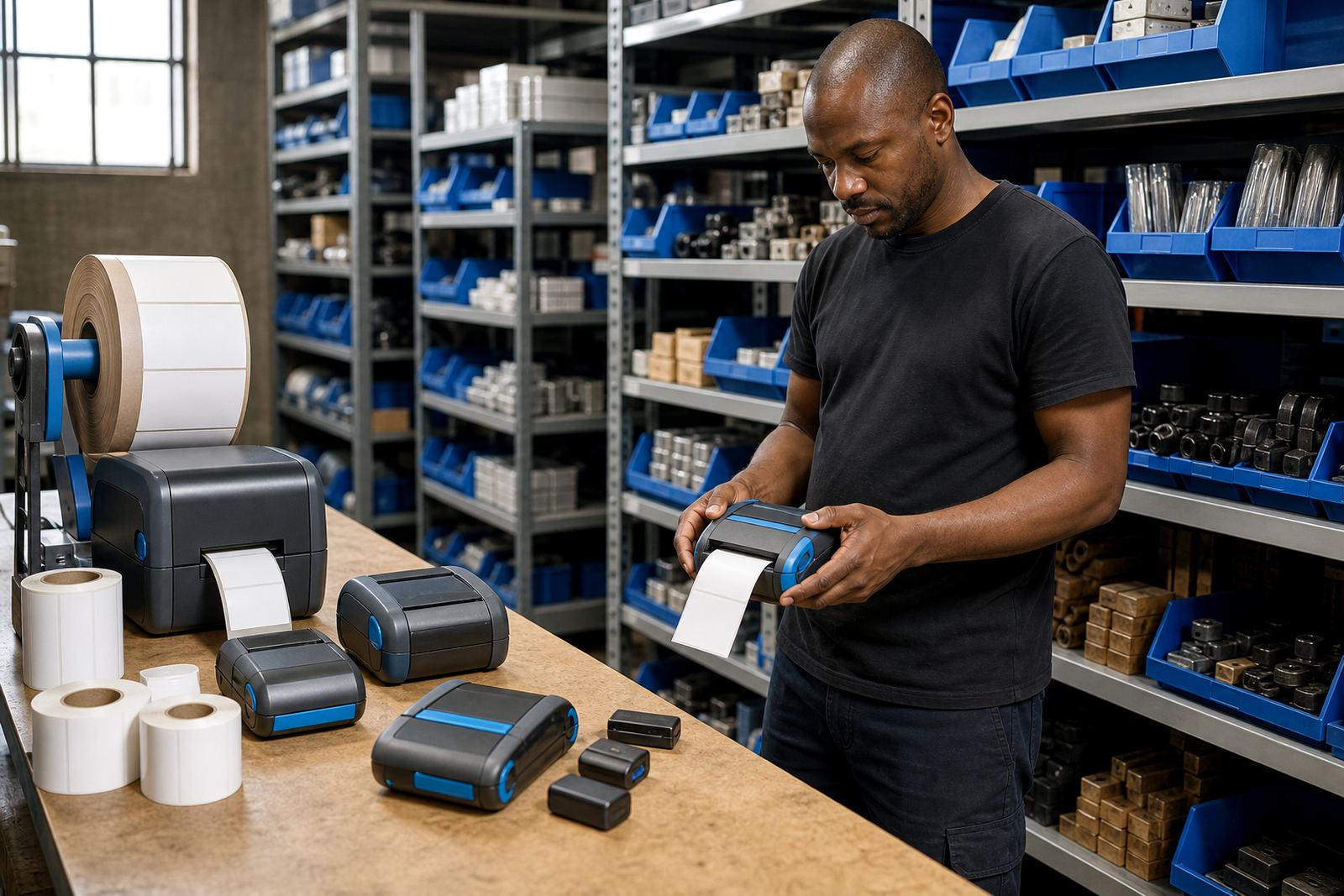
The units were configured for a practical print width in the mobile range, with label sizes matched to the warehouse bin fronts and route cards. Bluetooth pairing was used for handheld work, while Wi-Fi setup was included where a fixed point on the floor gave better control. The printers were tested for barcode and QR output, because a blurred scan can slow an entire picking run.
- Direct thermal for temporary and mid-life labels
- Thermal transfer for tougher labelling jobs
- Bluetooth pairing for mobile use
- Wi-Fi setup where shared access made sense
- Barcode and QR printing checked on the final rolls
The rollout over three weeks on site
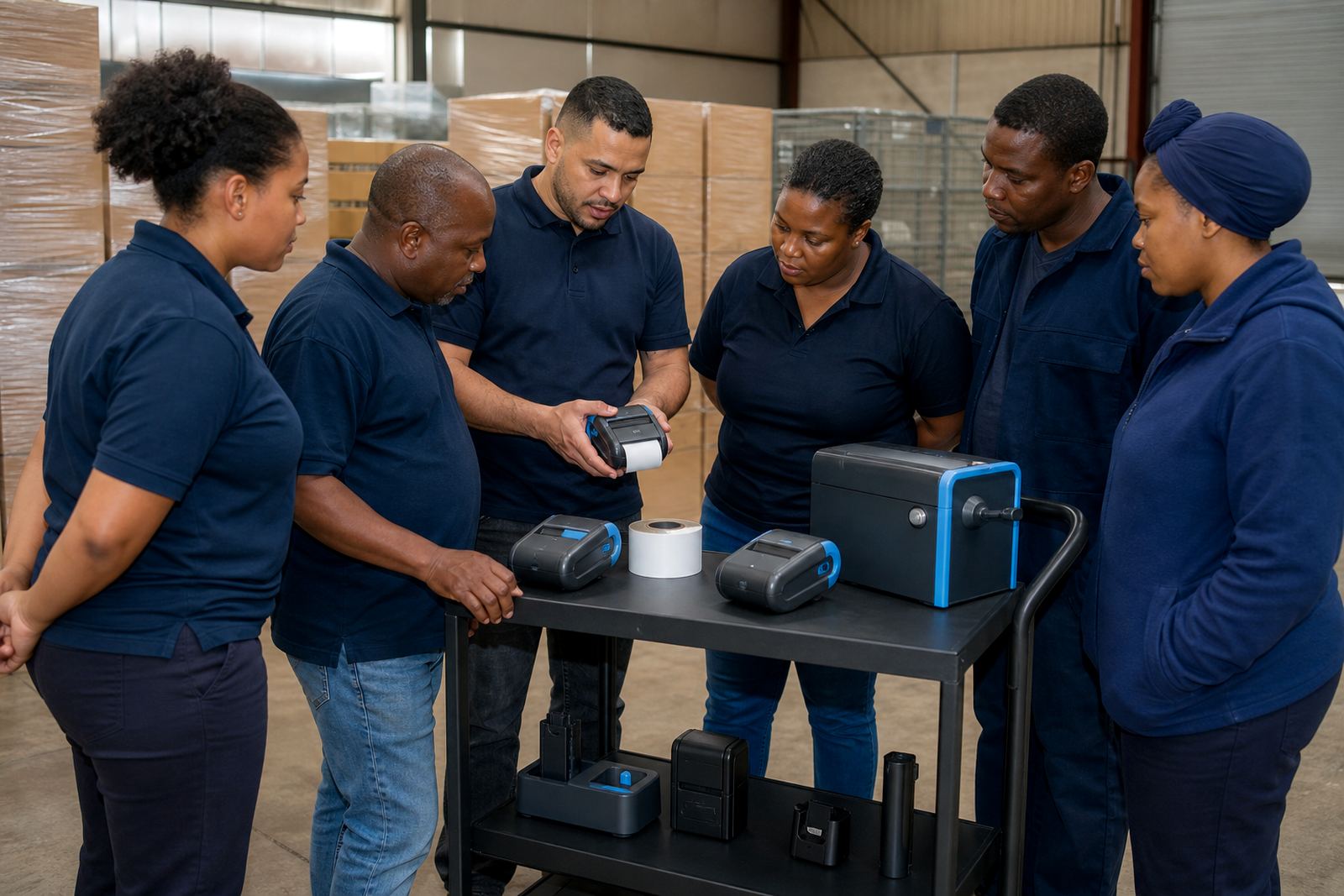
The project ran over three weeks. The first week covered label mapping, printer setup and a walk through the bin locations. In the second week we handled calibration, label feed alignment and operator training on the actual route sequence. The third week focused on print quality checks, battery testing and a round of printhead cleaning so the team could see the difference between a fresh head and a dirty one.
Because the warehouse had mixed use points, some printers were paired to handheld work while others were kept ready for fixed route printing. We also checked battery life under a normal shift pattern, then adjusted spare batteries and belt clips so the team could keep moving without hunting for kit. That saved a lot of small stoppages, which is usually where a label project starts to drift.
- Week 1: site walk-through, printer setup, roll matching
- Week 2: calibration, pairing, operator training
- Week 3: print quality fixes, battery checks, cleaning
Repairs, parts and the small issues that slow labels down
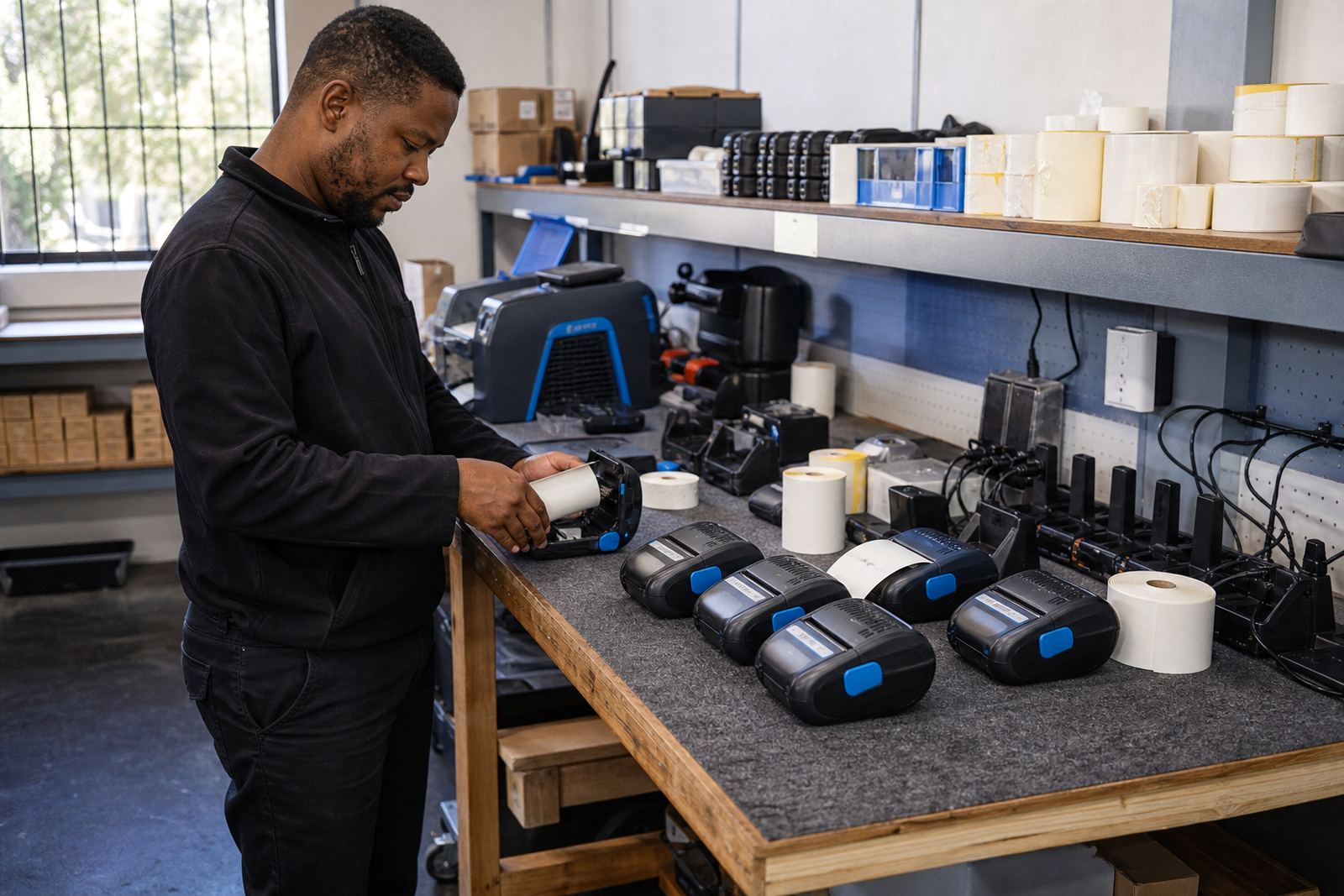
The warehouse asked for support around the hardware as well, not just the labels. We handled battery replacement checks, belt clip repair, label jam clearing and print quality fixes where a head or feed path was starting to mark the output. A mobile printer can be perfectly usable and still cause trouble if the roll is loaded slightly wrong or the head needs cleaning.
Our field service work also covered preventive servicing. That included checking feed rollers, confirming the label path, and clearing residue from the printhead before it became a line across every label. On a busy spares floor, a small fault on one printer can interrupt a whole route, so the setup had to be practical and easy for the operators to keep in hand.
- Printhead cleaning and feed path checks
- Battery testing and replacement support
- Belt clip repair for mobile carry use
- Label jam clearing and print quality fixes
- Preventive servicing to reduce repeat faults
What settled after the new labels went live
The rollout gave the team a cleaner bin marking system and less confusion on replenishment routes. Labels were easier to scan, the rolls were matched to the job, and operators had a repeatable process for loading, pairing and checking output. That mattered because a spares warehouse runs on small details, and one wrong roll can create a trail of reprints and damaged labels.
The client also had better control over label sizes for different uses. Short bin labels, route markers and barcode stickers were no longer coming off the same generic setting. With the printers calibrated and the staff trained, the warehouse had a clearer way to keep part bins legible and the replenishment path readable. It is the sort of fix that looks modest on paper, yet changes the pace of a shift.
- Clearer bin identification across the warehouse
- Better scan quality on barcode and QR labels
- Less wasted roll material from wrong settings
- More consistent output across the team
What we would rework on a similar spares floor
For a similar job, we would map the label sizes before anything else, then set the printer profiles around the actual bins and route cards. That keeps the team from guessing later. We would also keep direct thermal and thermal transfer separate where the label lifespan requires it, rather than making one roll type do everything.
We would still put time into operator training, because a mobile printer only works properly when the roll is loaded cleanly and the head is looked after. Printhead cleaning, battery checks and careful pairing are not extras on this kind of floor, they are part of the daily routine. Our contact form is the right place to send a label rollout brief, whether the job is in Cape Town or on a warehouse floor in another city.
- Map labels to the bins before roll selection
- Split short-life and tougher labels properly
- Train operators on cleaning and loading steps
- Keep spare batteries and clips ready for field use
Key facts
| Project | Barcode label rollout for part bins and replenishment routes |
|---|---|
| Location | Pinetown parts warehouse |
| Printer type | Thermal mobile label printers |
| Print methods | Direct thermal and thermal transfer |
| Label use | Bin labels, route labels, barcode and QR labels |
| Support included | Setup, calibration, training, repairs and servicing |