The floor problem in Midrand was not the printer, it was the gaps
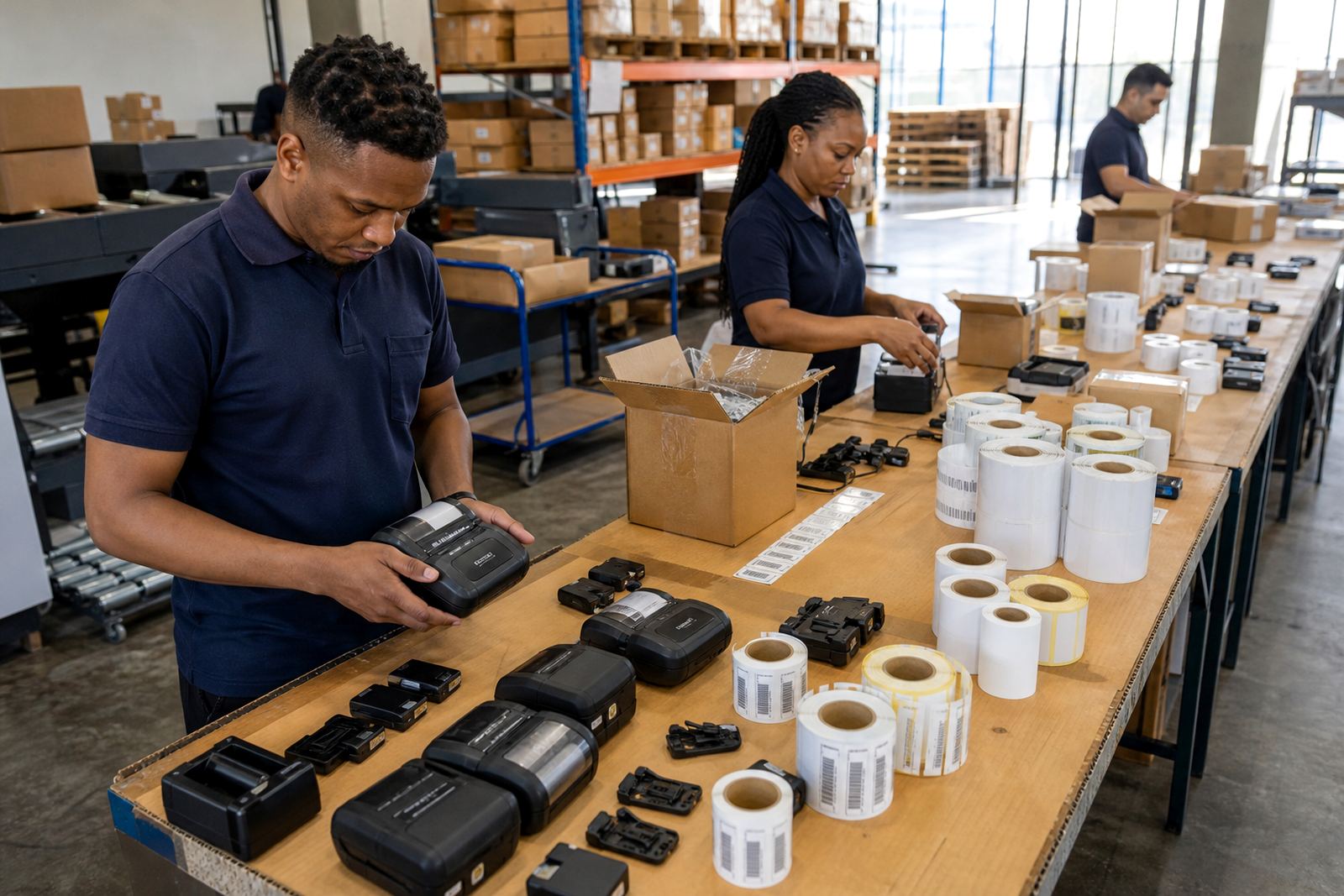
The site handled returns, exception parcels and dispatch slips across a busy warehouse floor in Midrand. Staff needed handheld label printing close to the action, not a fixed point at one packing bench, because labels were being used in aisles, receiving bays and outbound lanes. The team also needed one pattern for barcode labels, another for QR labels and a separate roll setup for short-term exception tags.
The brief was practical. Get mobile printers working with handheld devices, keep label stock straight, and make sure the team could print the right label size without wasting rolls. The operation also wanted support for printhead cleaning, battery checks and field fixes when a unit started fading or feeding poorly. We handled it as a rollout, not a once off delivery.
- Client type: fulfilment and dispatch team
- Town: Midrand
- Main work: exception labels, returns labels and dispatch support
- Site pressure: fast floor movement and mixed label jobs
What the team needed from each mobile printer
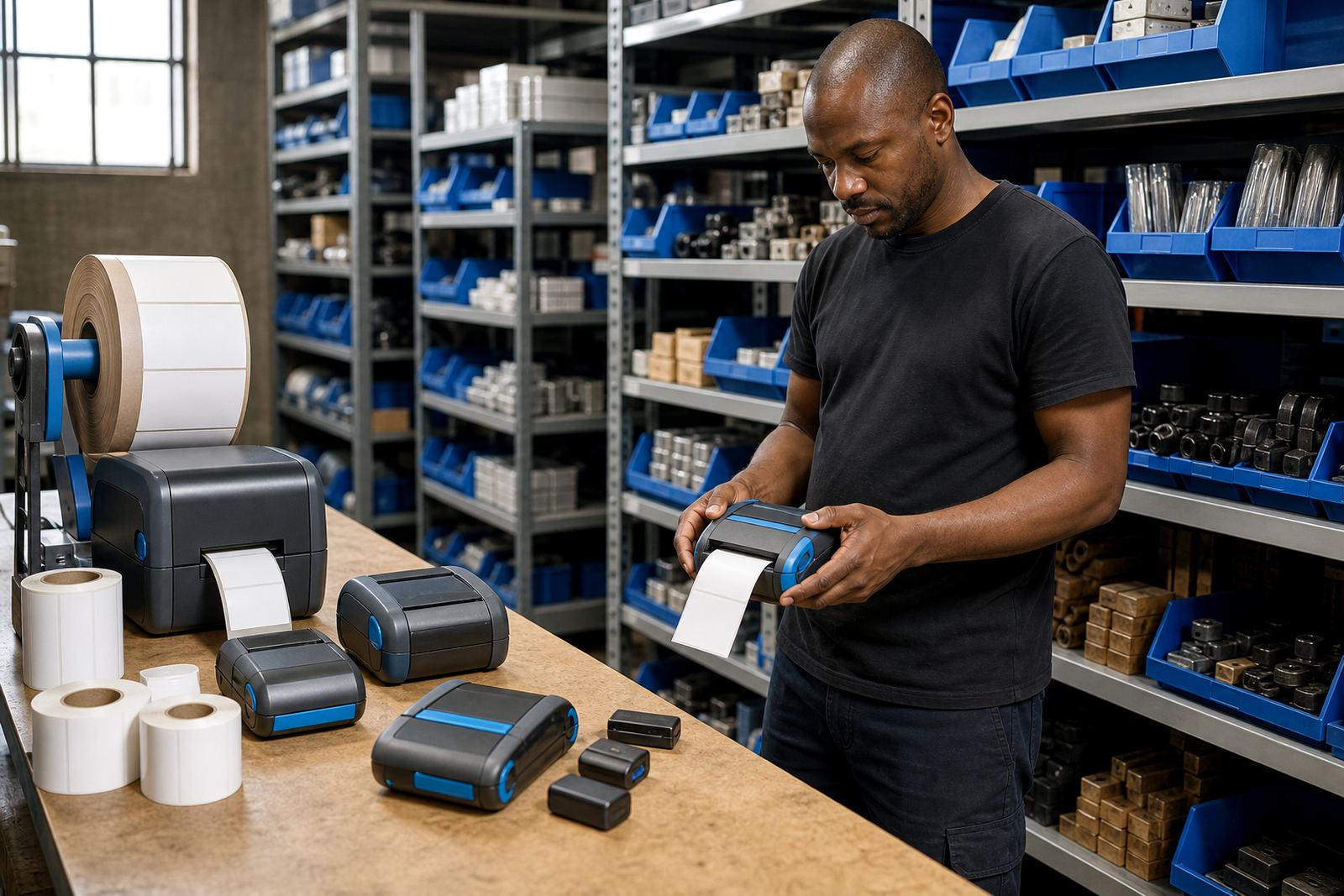
The printers supplied for this kind of work need to carry their own weight on the floor. For direct thermal jobs, the unit prints onto heat-sensitive media without a ribbon, which suits short-life labels, courier tags and returns handling. Thermal transfer units use a ribbon and suit labels that need better durability, especially where handling, rubbing or storage time is longer. We matched the printer type to the label task instead of forcing every roll into one format.
Print width matters as well. In a warehouse or stockroom, a mobile label printer often needs to handle compact labels for shelf and bin use, plus wider format labels for dispatch and exception work. Battery life matters when the device moves between benches and scanners all day. Bluetooth pairing helps the printer talk to handheld devices, while Wi-Fi is useful where the site wants shared access from fixed points and mobile stations. The team also needed clean barcode and QR output, because a blurred code slows everything down at receiving and dispatch.
- Direct thermal for short-life labels and courier tags
- Thermal transfer for tougher labels with longer handling time
- Bluetooth pairing for handheld use on the floor
- Wi-Fi setup where the site needed shared access
Label sizes, calibration and the first set of checks
During week one, we handled setup and calibration. We checked label width, sensor alignment and feed position so the printer would pick up each label cleanly. Exception labels are unforgiving when the roll drifts by a few millimetres, because the code can sit too close to the edge or the text can land off centre. That is where proper calibration earns its keep.
We also checked label rolls for the right face stock, backing and adhesive strength for the conditions in the building. Some labels were small enough for tight stock locations, while others needed more room for batch details, returns notes and barcodes. We trained the staff to spot the early signs of a dirty printhead, light print or a slip in the feed path. A clean printhead and a steady roll path save a lot of waste later.
- Label calibration for narrow and wider formats
- Printhead cleaning to keep barcode edges sharp
- Battery testing before full floor deployment
- Label jam clearing where roll tension was uneven
Three weeks of rollout, then the field work started
The rollout ran over three weeks. The first week covered setup, pairing and sample printing. The second week focused on operator training, battery checks and the handling of different label sizes across the returns and dispatch lanes. By the third week we were doing fine tuning on print quality, label feed and the way the team stored spare rolls and batteries near the work area.
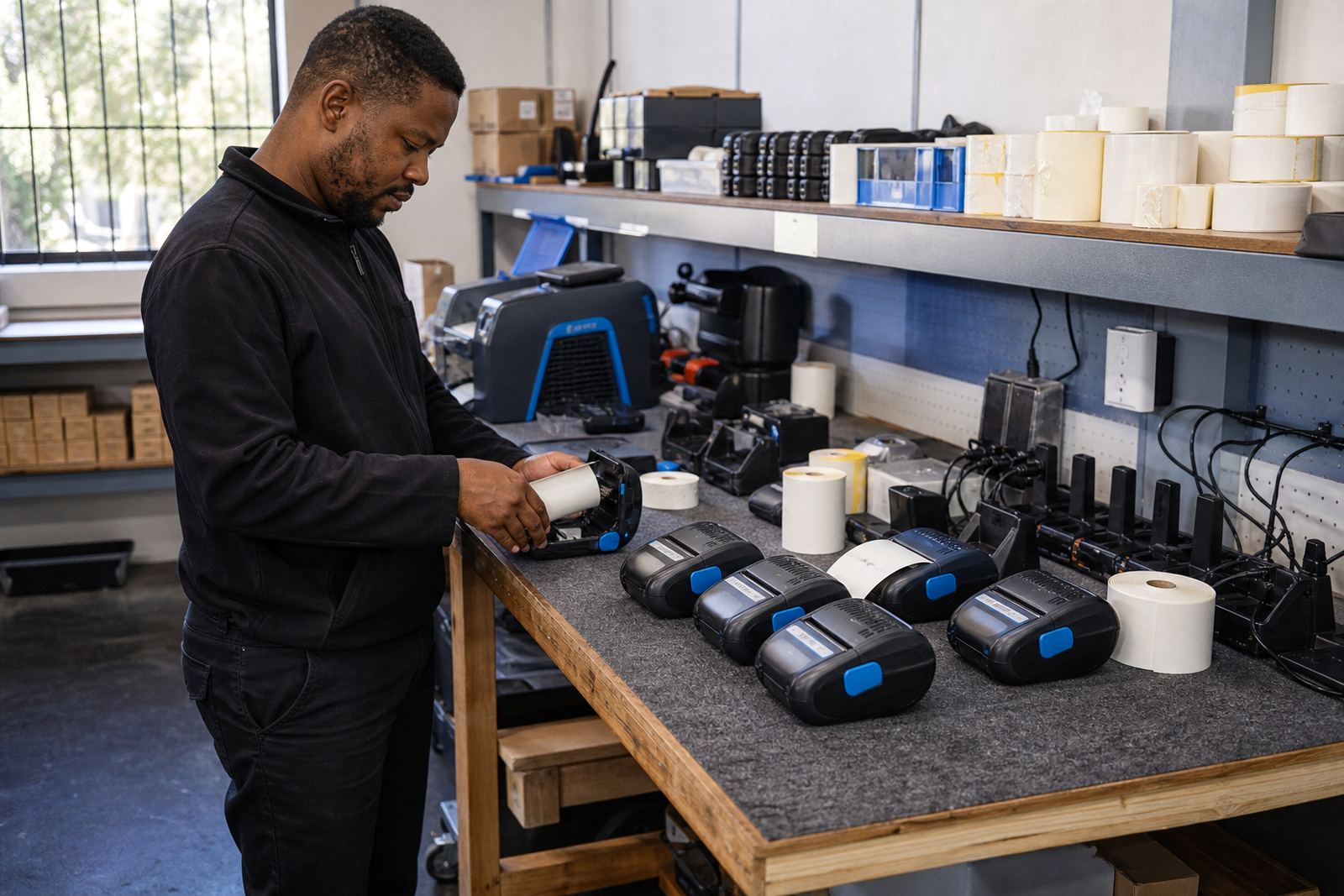
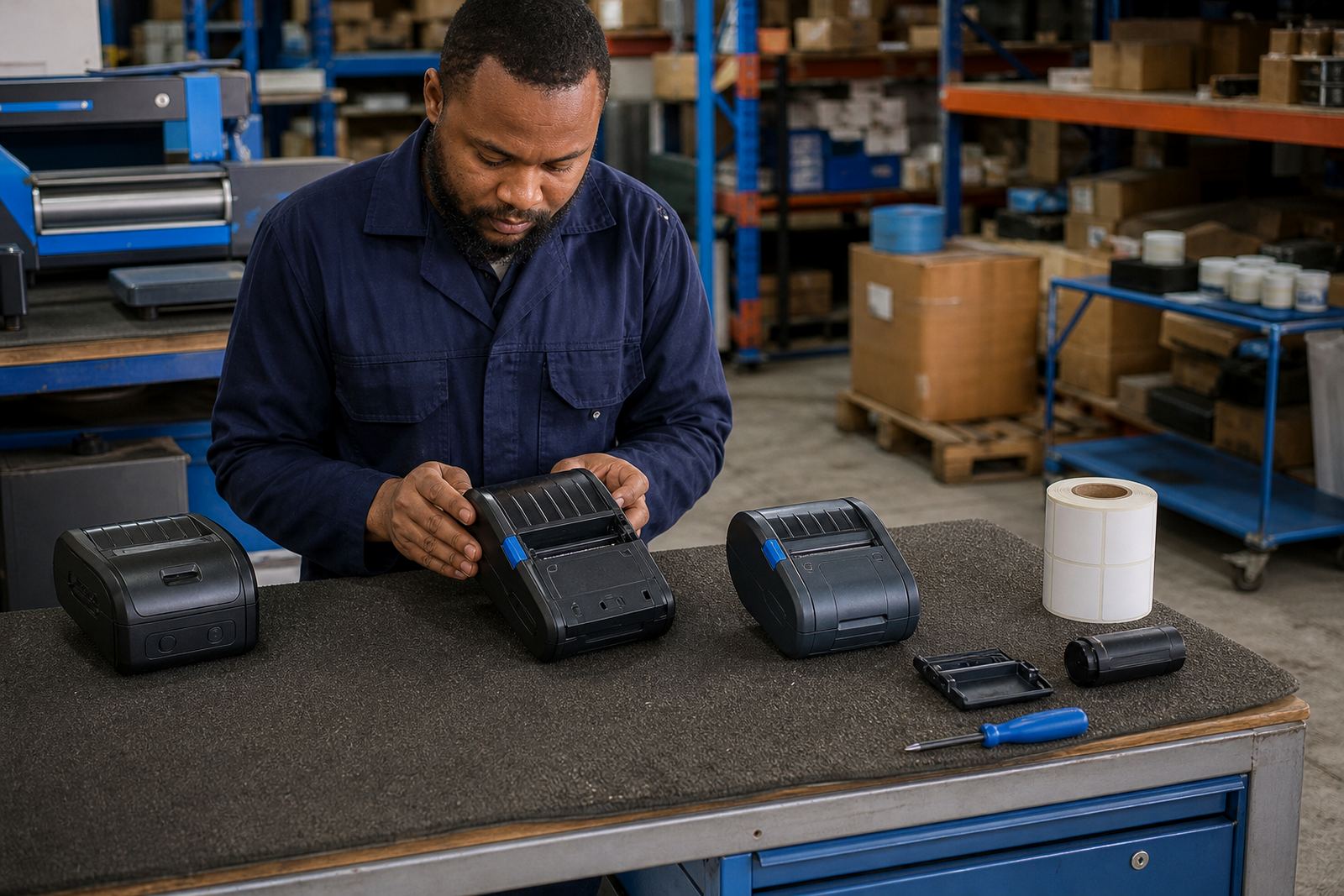
After that, the project moved into support mode. Our field service technician handled on-site repairs where a unit needed a belt clip fix, battery replacement or a feed correction. The technical support lead worked through print quality issues and helped the site keep barcode and QR labels readable under normal warehouse handling. Preventive servicing was added so the printers would not drift out of line after a stretch of heavy use.
- Week 1: setup, pairing and sample prints
- Week 2: training, calibration and label handling
- Week 3: quality checks and storage routines
- Ongoing: repairs, servicing and label supply support
What changed once the printers were in the routine
The biggest change was that exception work stopped waiting for a fixed printing point. Staff could move with the stock flow and print labels where the parcel or item was sitting. That mattered for returns, damaged stock and last-minute dispatch changes, because the label could be made on the spot instead of being walked back and forth across the floor.
The team also gained a steadier pattern for battery management and print quality. Batteries were tested and replaced when needed, clips were repaired, and the cleaning routine for the printhead became part of normal care. That kept the printers useful for longer shifts and reduced the number of labels that had to be reprinted because of poor image quality or a feed fault.
- Less walking between packing points and fixed printers
- Cleaner barcode and QR output at dispatch
- Better control over spare batteries and rolls
- Fewer interruptions from label jams and faded print
What we would repeat in the next rollout
We would follow the same sequence: first map the label jobs, then select the printer type, then train the operators around the actual floor setup. That approach works well in Midrand and in other centres too, whether the site is in Cape Town, Johannesburg, Durban, Pretoria or Gqeberha. A mobile printer only earns its place when the label stock, the battery routine and the pairing setup all fit the way the team actually works.
For a similar project, the useful parts are usually the same. Choose direct thermal where the label is short-lived, choose thermal transfer where the label needs more staying power, keep a proper cleaning routine, and make sure the rolls match the label sizes in use. When that is in place, the printers stay useful across dispatch, returns and exception handling without putting pressure on the rest of the floor.
- Choose the printer type to suit the job, not the job to suit the printer
- Keep spare batteries and clips in the same control point
- Clean the printhead before quality starts drifting
- Train operators on roll changes and label calibration
Key facts
| Project | Midrand Fulfilment Site |
|---|---|
| Service type | Mobile printer rollout for exception labels, returns and dispatch |
| Location | Midrand |
| Printer formats | Mobile label printers for direct thermal and thermal transfer printing |
| Connectivity | Bluetooth pairing and Wi-Fi setup |
| Support | On-site setup, repairs, operator training and preventive servicing |