Bellville floor work, not a showroom exercise
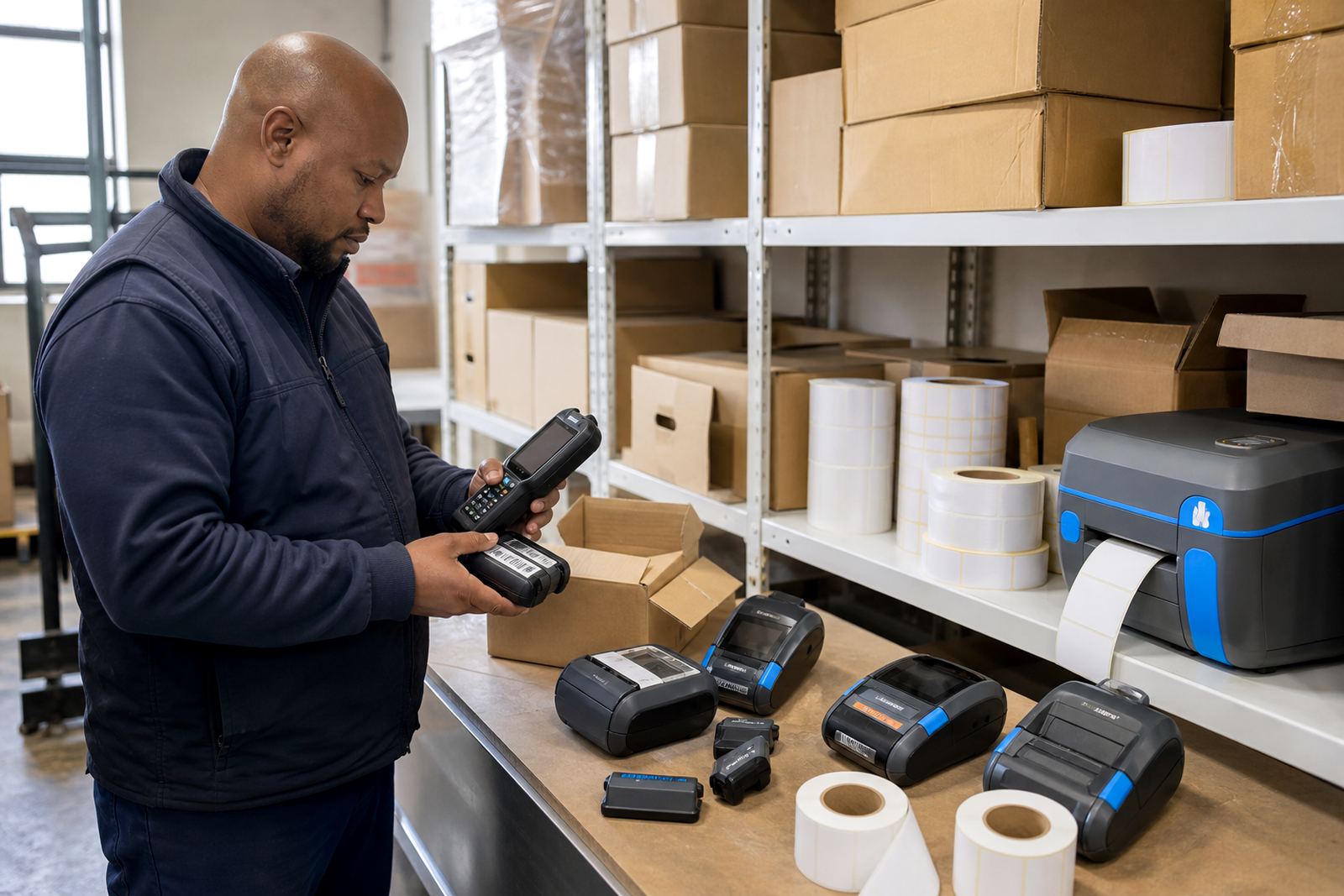
The site in Bellville was a busy warehouse environment with handheld printing used near receiving, put-away and dispatch lanes. The team needed mobile label printers that could move with the picker, print clear barcodes and QR codes, and stay dependable through long shifts and frequent label changes. The main challenge was not the hardware alone, it was getting the printers matched to the label stock, the handheld devices and the way the team actually worked at the benches and in the aisles.
The brief called for direct thermal printing on routine stock labels, plus thermal transfer options for labels that had to hold up better in storage, handling and movement. We also had to keep the setup straightforward for several operators, some working in Bellville and others managing stock from nearby points in the Cape Town area. The aim was clean output, fewer misprints and a handover that made sense to the people using the equipment every day.
- Warehouse use across receiving, picking and dispatch
- Mobile printing with Bluetooth and Wi-Fi pairing
- Barcode and QR label output for stock control
- Direct thermal for short-life labels and thermal transfer for more durable stock labels
What the brief needed on the warehouse side
The printer spec had to suit labels in common stockroom sizes, from narrow item labels to wider shelf and carton tags. Print width mattered because the team wanted enough space for item codes, description lines and tracking marks without wasting label material. Battery life also mattered, because the printers were moving around the site instead of sitting at one fixed station.
There were a few non-negotiables. The devices had to pair cleanly with mobile terminals, keep a stable connection through the shift and handle regular barcode work without fuzzy edges or poor contrast. The warehouse also wanted a setup that would not make operators guess at print settings every time a new roll went in. That meant correct calibration, a clear label path and a basic routine for printhead cleaning.
- Label sizes set for stock, shelf and carton use
- Bluetooth pairing for mobile handling
- Wi-Fi setup for shared warehouse access
- Battery testing before the team started regular use
How we handled the setup in Bellville
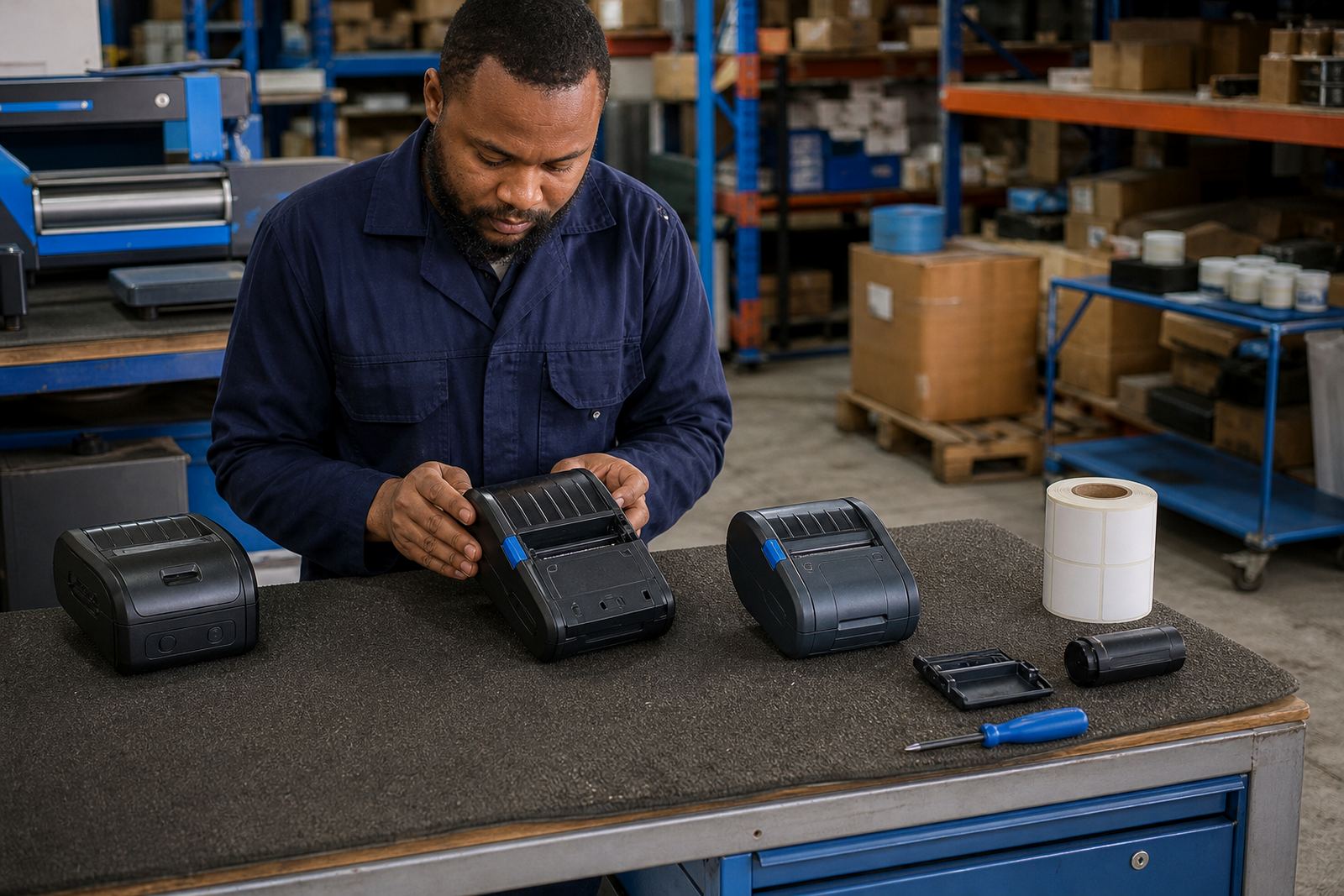
We supplied the mobile printers, label rolls and the supporting items needed at floor level, including batteries and belt clips where operators wanted them. After delivery, the setup focused on pairing, label calibration and print quality checks. Where a printer was giving light print, crooked feed or a poor start on the first label, we worked through the settings and checked the condition of the printhead and feed path.
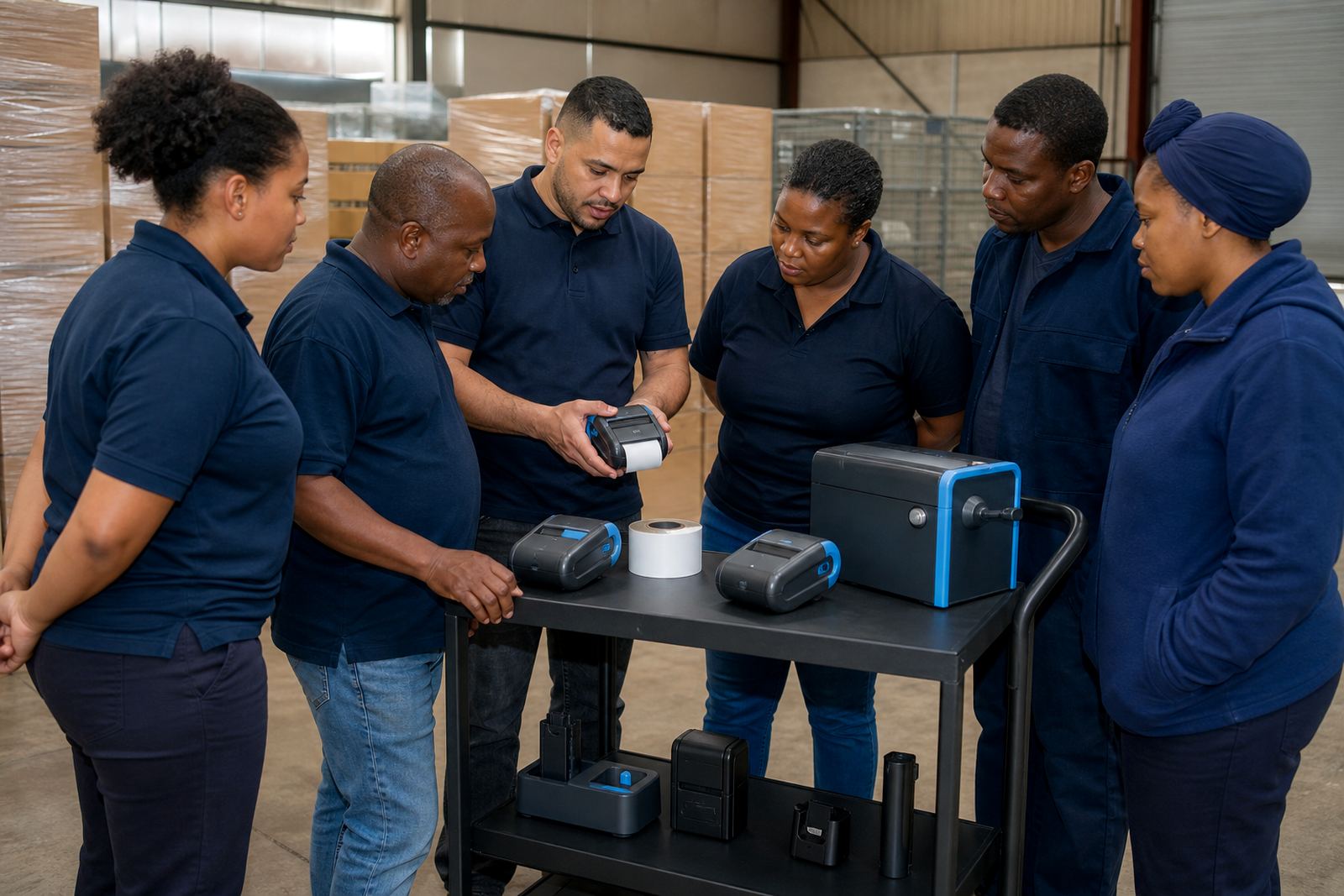
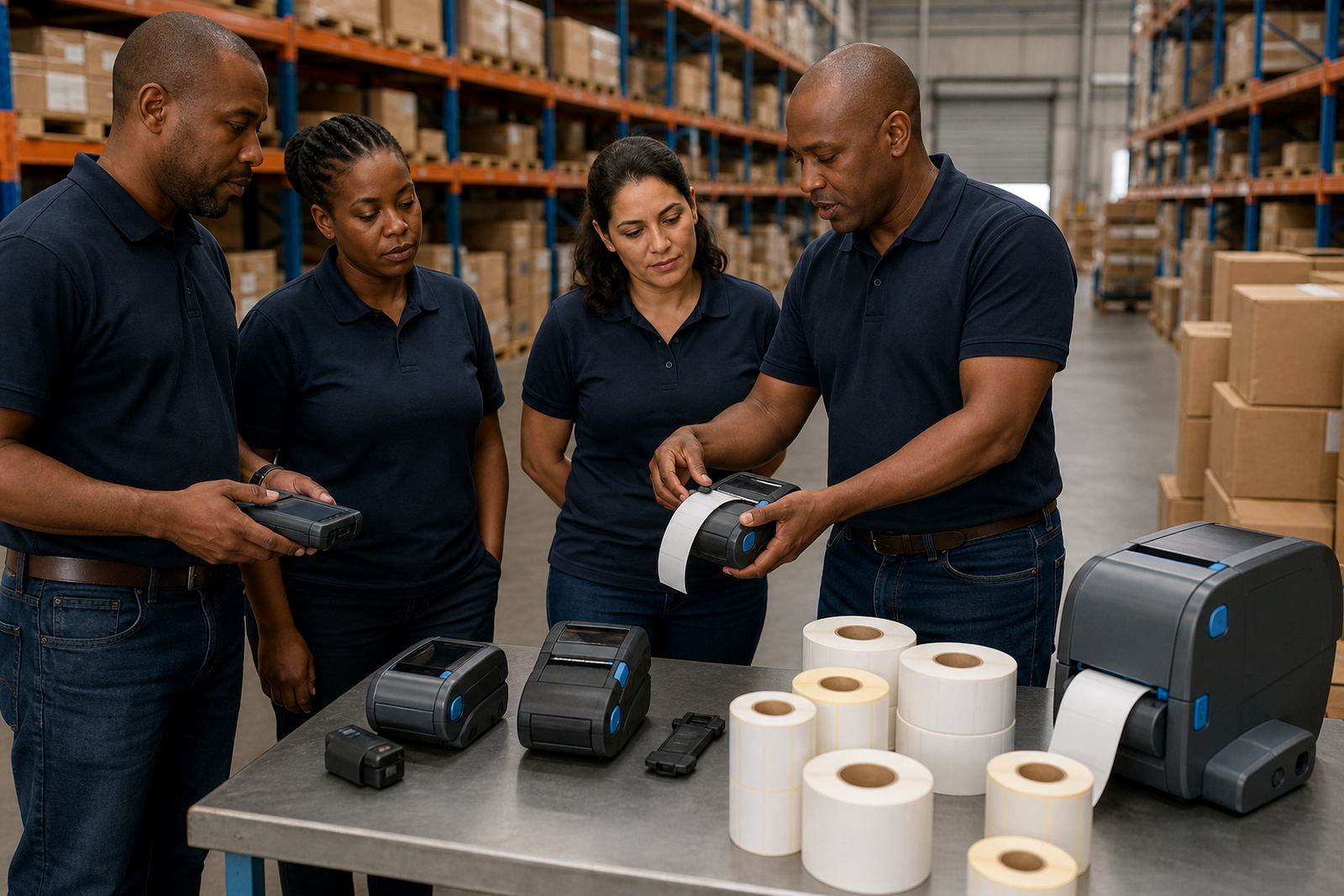
The handover was done with the people who would use the printers most often. That helped with practical points like loading rolls properly, checking the label path after a jam and recognising when the printhead needed cleaning. We also covered battery care, belt clip use and the small checks that stop a shift from being interrupted by a simple feed issue. A few operators were new to mobile label printing, so the training had to be direct and plain.
- Printer pairing on site
- Label calibration for the chosen stock rolls
- Printhead cleaning and light maintenance guidance
- Operator training for day to day use
Repairs and follow-up work on the same equipment set
Along with the setup work, the Bellville team wanted a route for repairs and upkeep on the same units rather than replacing stock through guesswork. That meant battery testing, battery replacement where needed, belt clip repair and print quality fixes when a unit began leaving gaps or faded bars on labels. In warehouse work, those small faults matter because a damaged barcode slows the whole picking line.
Preventive servicing was part of the picture too. We looked at feed rollers, printhead condition and the way each operator loaded the roll. Label jams often come from a small alignment mistake, not from a major fault, so the servicing work included checking the load path and showing staff how to clear a jam without tearing the stock or bending the label edge. The practical result was less waste and fewer interruptions at the packing points.
- Battery testing and battery replacement where required
- Belt clip repair for operators moving between zones
- Label jam clearing and feed path checks
- Preventive servicing for repeated warehouse use
Timing across the weeks on site
The project ran over a short set of planned weeks rather than being treated as a single drop-off. The first stage covered the initial brief, stock confirmation and the printer and label combinations that would fit the warehouse work. The second stage covered setup, pairing and calibration on site in Bellville, plus checks on barcode readability and label placement. The final stage was handover, training and follow-up adjustments once the team had used the printers in real stock movement.
That sequence mattered because warehouse print needs only look simple from the outside. Once the team starts moving between shelves, pallets and dispatch points, the difference between a decent setup and a loose one shows up quickly. By spacing the work across weeks, we could deal with label size changes, connection checks and the small fixes that appear once operators start using the equipment in full shift conditions.
What changed after the setup settled in
After the printers were calibrated and the operators had worked through the handover, the Bellville site had a cleaner label flow. Labels were feeding more evenly, the print quality was easier to read and the team was no longer spending time on repeated trial prints just to get a barcode in the right place. The battery checks and clip repairs also helped the mobile units stay useful during busy floor movement.
The site still needed normal upkeep, as any warehouse does, but the work was less about correcting basic setup faults and more about ordinary maintenance. That is usually the sign that a mobile label system has settled into the job properly. The operators knew how to load the rolls, when to clean the printhead and what to look for if a label began to drag or misfeed.
- Cleaner barcode and QR printing
- Less wasted label stock from repeated test runs
- More confident operator use after handover
- Better day to day control over battery and feed issues
What we would rework on another Bellville warehouse job
We would keep the same order of work on a similar warehouse job: confirm the label use first, set the printer connection second, then calibrate the stock and train the operators with the actual rolls they will use. That sequence works better than treating setup as a one-step task. It also gives the team a clearer path for repairs, servicing and stock changes later on.
For a Bellville distribution centre, the useful detail is always in the handling. A mobile printer only earns its keep when the battery is ready, the printhead is clean, the labels are the right width and the operator can clear a jam without slowing the whole shift. That is the kind of setup we built here, and it is the same pattern we would use on another warehouse floor in Cape Town or beyond.
Key facts
| Project type | Bellville distribution centre warehouse setup |
|---|---|
| Location | Bellville, Cape Town |
| Printer types | Thermal mobile label printers with direct thermal and thermal transfer options |
| Connection setup | Bluetooth pairing and Wi-Fi setup |
| Label work | Calibration for common stock, shelf and carton label sizes |
| Service scope | On-site setup, operator training, repairs and preventive servicing |