Built for wireless label work across the floor
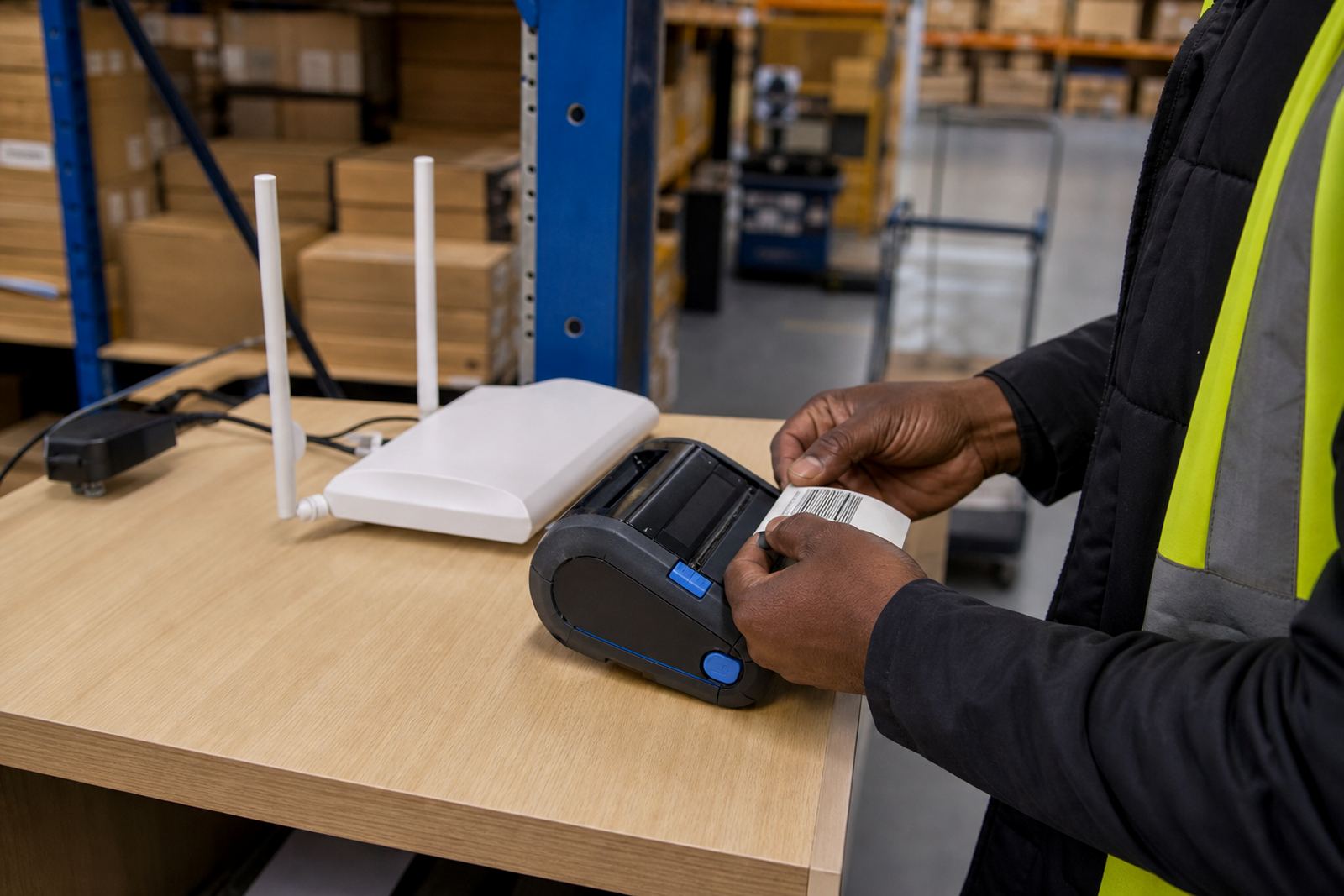
This unit is prepared for wireless network use, so one printer can sit in a packing area, receiving bay or stockroom and stay available to more than one operator. It is suited to teams that print stock labels, tote labels, shelf labels and dispatch labels where a broader working range matters.
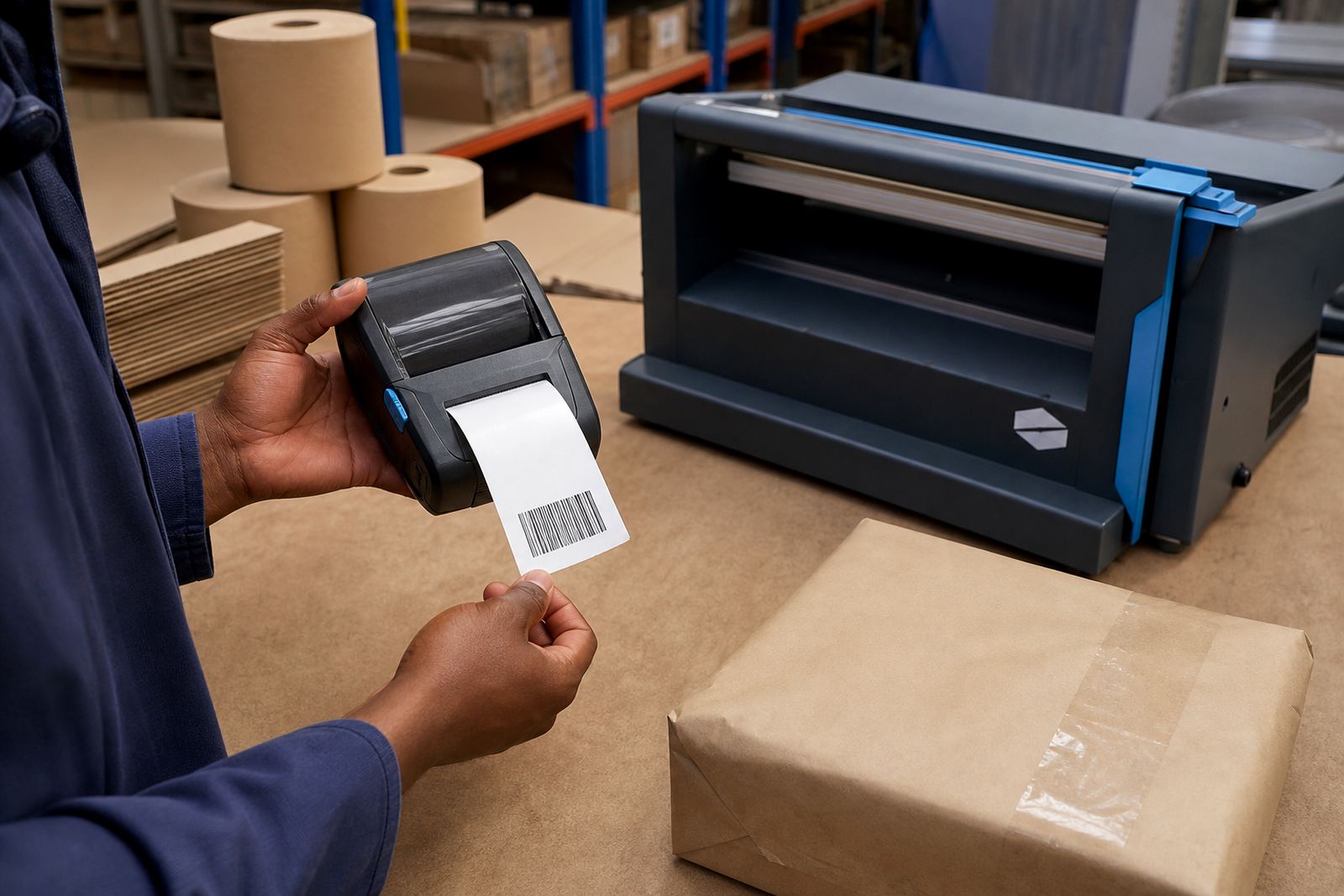
In mobile work, a printer with Wi-Fi pairing helps when labels need to be printed away from a fixed counter. The unit is commonly used with thermal mobile label printers that produce crisp text, barcodes and QR codes on sizes such as 50 mm x 25 mm, 70 mm x 32 mm and 100 mm x 150 mm, depending on the job.
- Wi-Fi ready for shared network printing
- Works with direct thermal or thermal transfer setups
- Supports narrow and wider label formats
- Suitable for barcode and QR code printing
Direct thermal or thermal transfer, depending on the label run
Direct thermal printing uses heat-sensitive labels and is often selected for short to medium life labels, especially in retail stockrooms and courier dispatch. Thermal transfer uses a ribbon and is better where labels must hold up for longer periods, heavier handling or more exposure to light and humidity.
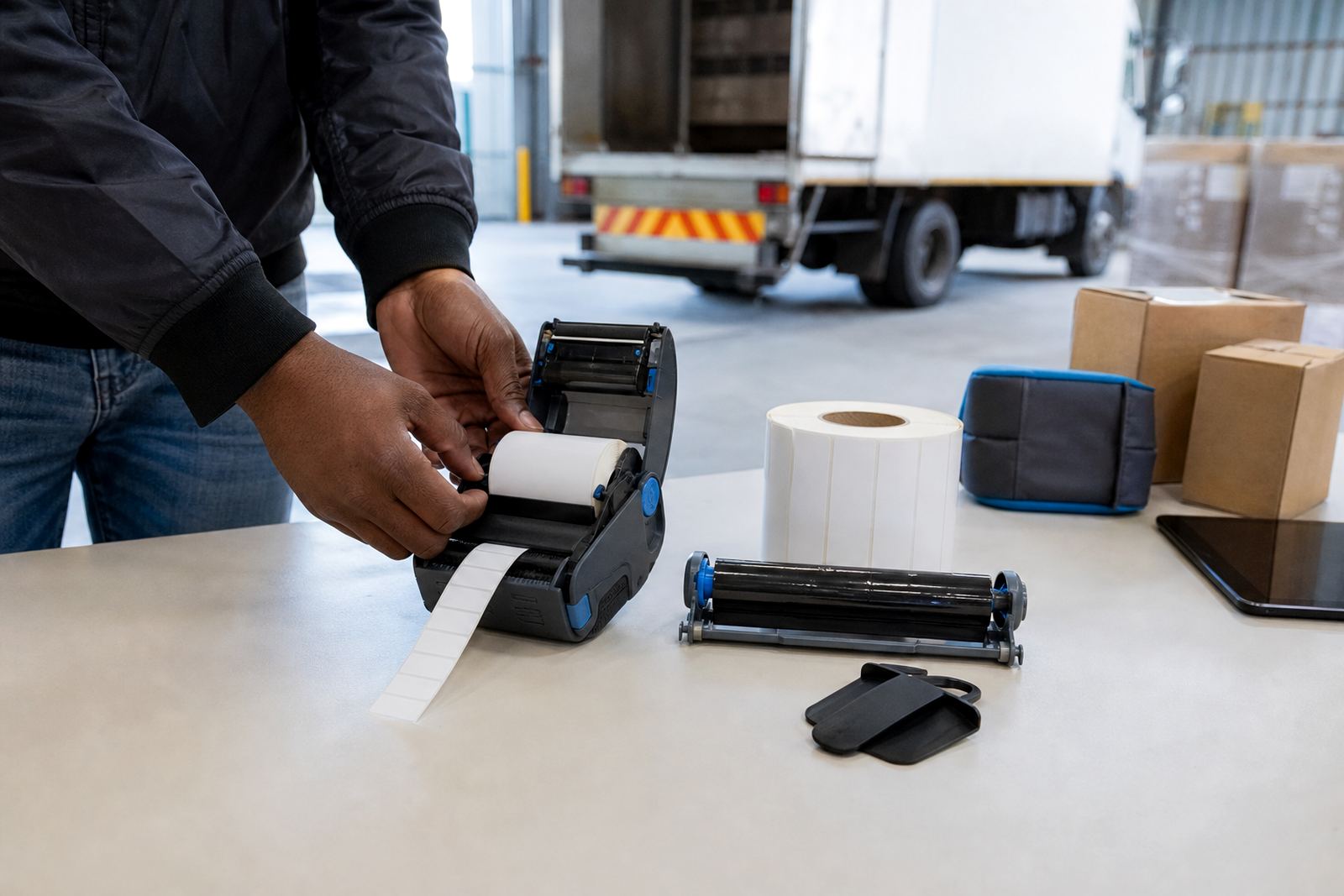
When we set up a Wi-Fi ready unit, we also check the print width, ribbon path where needed and the label roll size so the printer matches the day to day work. Typical handheld and compact mobile units print up to around 104 mm wide, while smaller portable models may suit 58 mm or 72 mm rolls for tighter spaces.
- Direct thermal for fast changing labels
- Thermal transfer for longer lasting print
- Common print widths include 58 mm, 72 mm and 104 mm
- Calibrated for roll size and label gap
Where this unit earns its place
This product suits warehouses that move goods between storage rows, courier teams who need fast parcel identification, and retail stockrooms that relabel shelves, cartons and promo stock through the week. It also works well in multi-site businesses where one branch needs the same label format as another, whether the team is in Cape Town, Johannesburg, Durban, Pretoria or Gqeberha.
For operators, wireless use means the printer can sit in a practical spot instead of being tied to one cable run. In a busy stockroom, that usually means fewer trips back and forth, less confusion over print queues and cleaner label control at the point of packing.
- Warehouses and dispatch bays
- Courier sorting and parcel prep
- Retail stockrooms and receiving areas
- Multi-branch stock control work
Fitting, pairing and the small setup details that matter
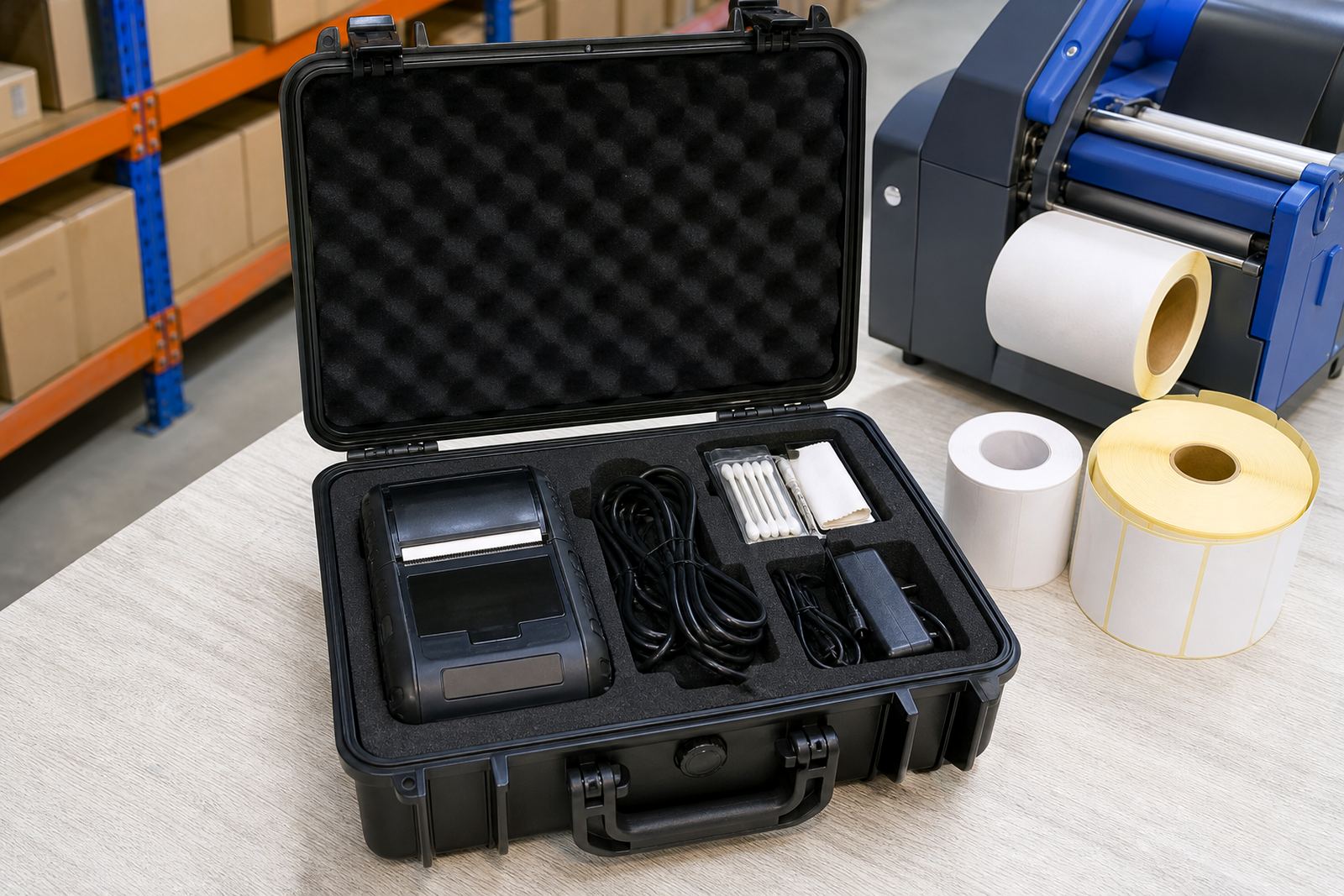
On-site setup usually includes network pairing, label calibration, test prints and a check on how the printer sits on the trolley, bench or shelf. If the unit is used with a battery pack, we test battery life under normal print use and inspect the belt clip or carry clip where fitted.
Bluetooth and Wi-Fi settings must be matched to the actual working area, because thick walls, metal racking and long distances can affect the signal. We also check printhead cleaning, label feed alignment and whether the operator needs one-button use or a wider menu for different label types.
- Bluetooth pairing where a local device link is needed
- Wi-Fi setup for shared network use
- Label calibration and test print setup
- Battery testing and replacement where required
Care that keeps print quality steady
A mobile label printer needs regular cleaning if the labels are to stay sharp and the feed stays smooth. Dust, paper residue and adhesive build-up can affect the printhead, rollers and label path, especially where there is constant carton handling or a lot of roll changes.
We advise periodic printhead cleaning, a quick check for label jams and attention to battery condition if the unit is moved often. If print starts to fade or barcode edges look rough, the issue is often a feed or heat setting rather than the label roll itself, so the machine needs a proper look over before it is pushed into a busy run.
- Clean the printhead with the correct method
- Keep spare label rolls stored flat and dry
- Check the battery before heavy use
- Clear adhesive dust from the label path
Details to confirm before the order is sent through
To choose the right Wi-Fi ready unit for your work, confirm the label size, print width, barcode type and whether the job needs direct thermal or thermal transfer printing. It also helps to know if the printer is for one branch or several, because network use and operator setup can differ from site to site.
Please note the mounting preference, battery requirement, belt clip need and whether the team wants on-site setup, operator training or ongoing repairs. If the unit must pair with a warehouse device, courier terminal or retail stockroom system, the software and label format should be checked against the printer before fitting starts.
- Label width and roll diameter
- Direct thermal or thermal transfer format
- Barcode and QR code requirements
- Battery, clip and setup needs
Key facts
| Product type | Wi-Fi ready mobile label printer unit |
|---|---|
| Print method | Direct thermal or thermal transfer |
| Typical print width | 58 mm to 104 mm |
| Connectivity | Wi-Fi and Bluetooth pairing |
| Common label sizes | 50 mm x 25 mm, 70 mm x 32 mm, 100 mm x 150 mm |
| Output | Text, barcodes and QR codes |