What this linerless unit is built to do
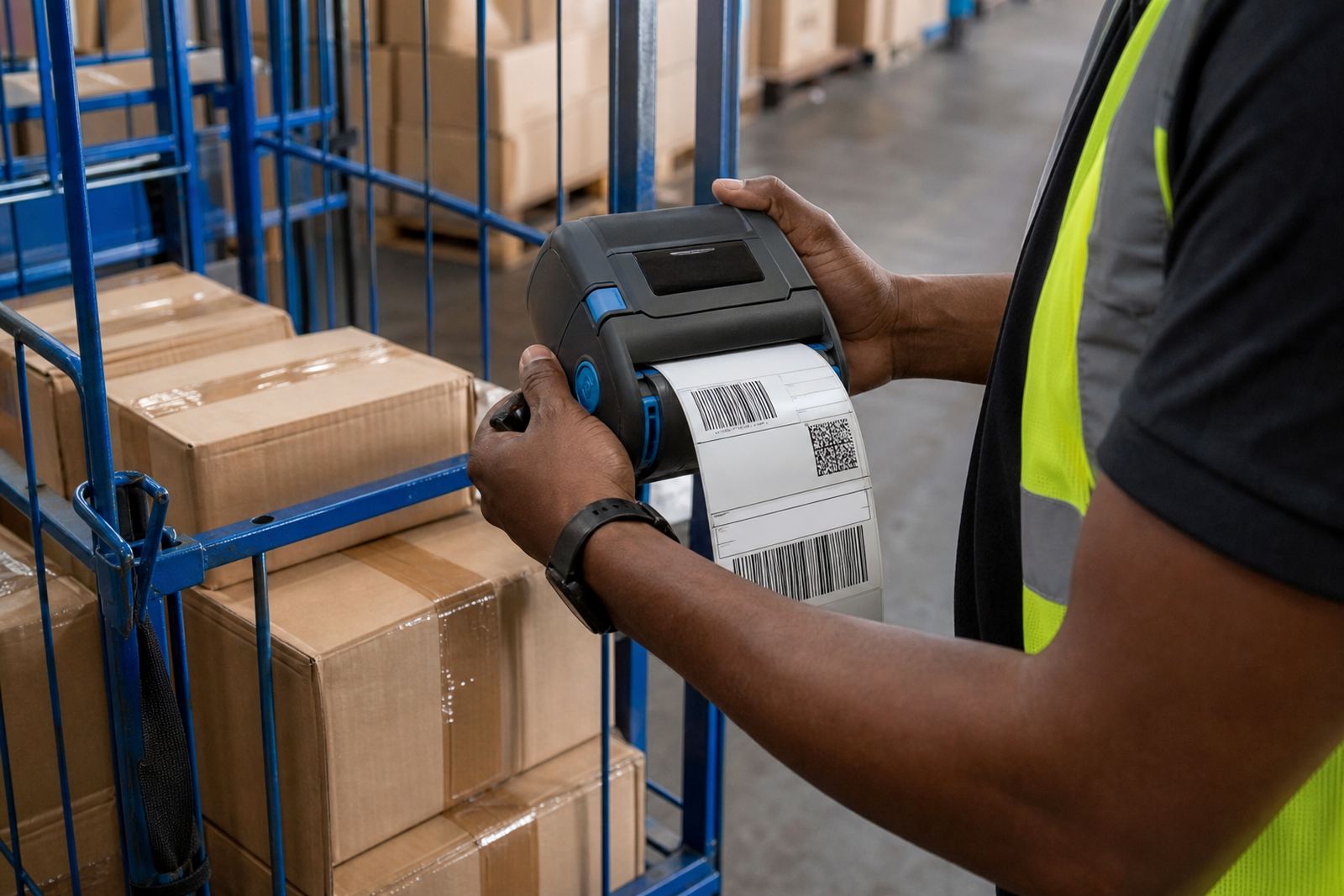
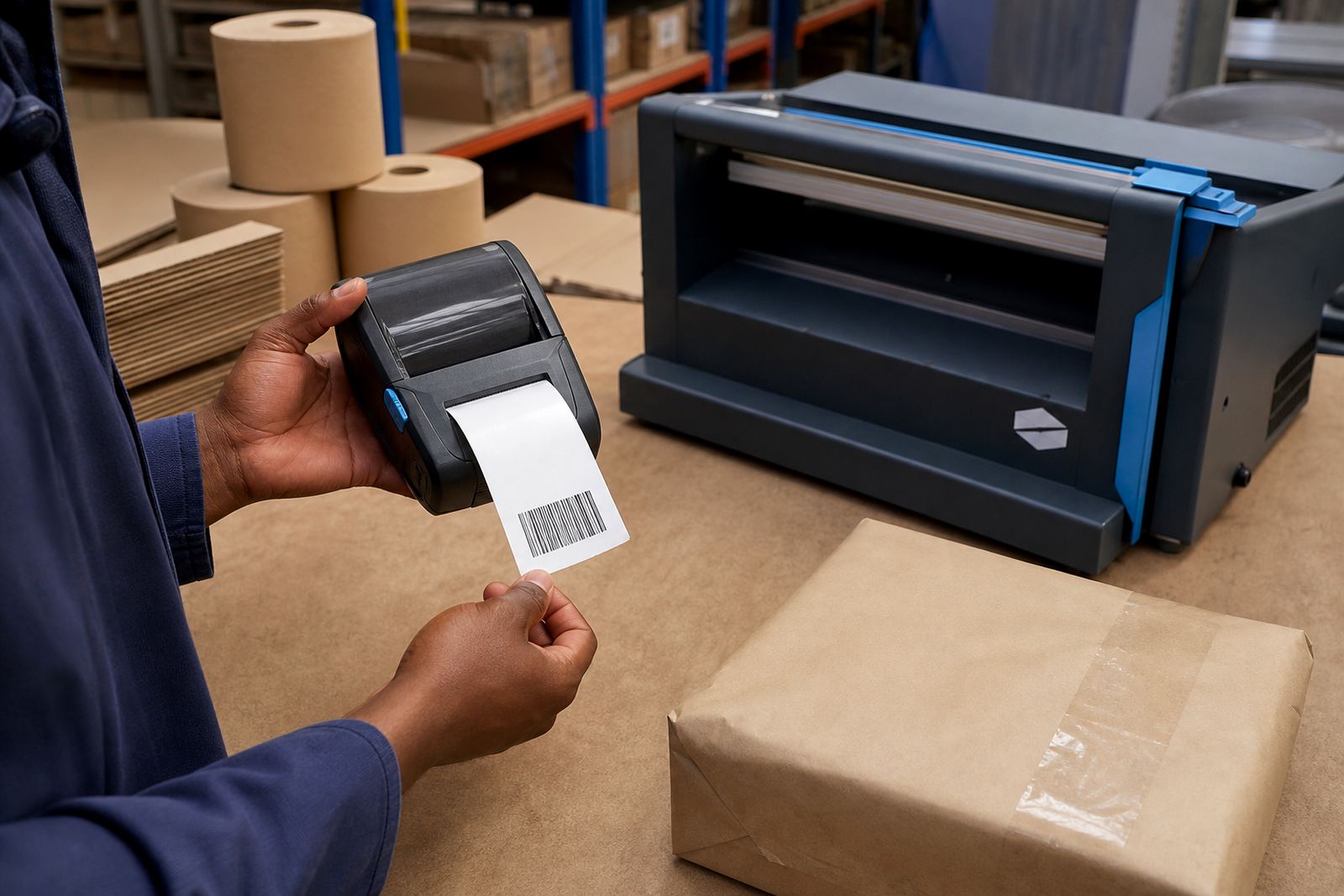
This unit is a mobile label printer set up for linerless media, so labels feed without a backing liner and the roll can keep moving through busy packing bays. It is used where staff need fast output for shelf labels, dispatch labels, route stickers or stock identifiers, with clean edges and consistent feed if the roll, platen and guides are kept in good order.
For sites in Montague Gardens, Bellville or Midrand, the practical draw is less clutter around the printer and fewer discarded liners under the packing table. Direct thermal linerless media suits short to medium life labels, while the printer body, battery and wireless link keep the unit ready for handheld work.
- Direct thermal output for linerless labels
- Supports text, barcodes and QR codes
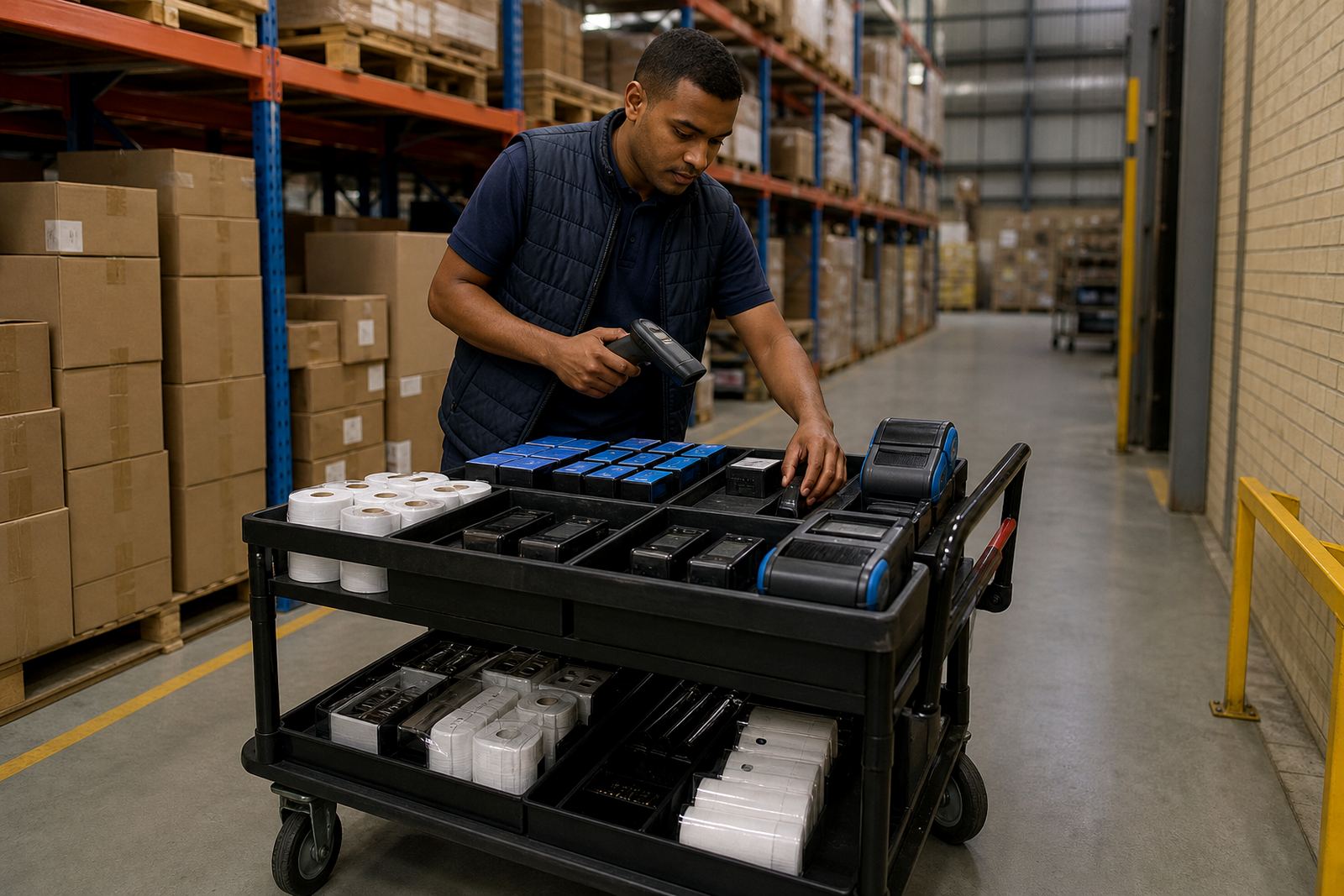
- Mobile format for handheld or cart use
- Suited to label stock control and dispatch tasks
Sizes, widths and roll formats
Linerless media is usually ordered to match the printer width and the label face size that the job needs. Common mobile widths sit around 58 mm to 112 mm, with the exact print width limited by the printer model and the linerless roll construction. Wider formats help with courier labels, while narrower rolls suit shelf and bin labelling where space is tight.
We also check the roll diameter, core style and adhesive pattern before a unit is sent out. Linerless rolls are not interchangeable with standard label rolls, and the wrong roll type can cause feed problems, adhesive build-up or premature wear on the print path. The label gap logic is different too, so calibration matters.
- Typical mobile print widths from 58 mm to 112 mm
- Choose a roll size that suits the housing and paper path
- Label length and adhesive pattern must suit the application
- Barcode height should be checked against the available print area
Where linerless works best on the floor
This format suits courier teams, warehousing counters, stockrooms and retail teams that print often and handle many small jobs in a shift. It is useful where labels need to be peeled and applied quickly, especially on cartons, trays, shelves, totes and stock bins. In Cape Town and Durban, the cleaner roll handling also helps where dust and humidity can affect poor storage habits.
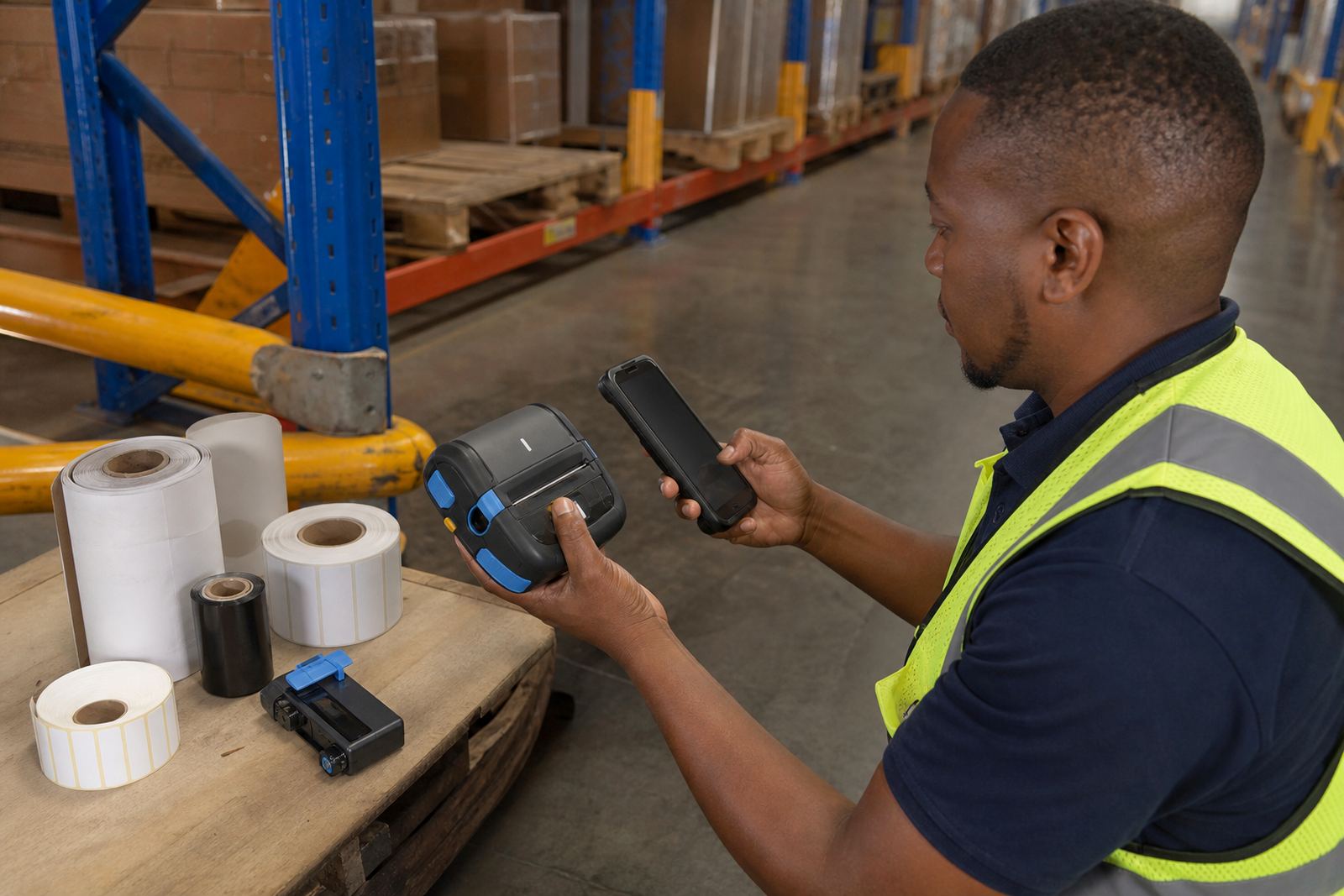
It is a practical fit for mobile operators who move between aisles, dispatch points and receiving areas. Bluetooth pairing is common for handheld use, while Wi-Fi pairing helps where the printer must join a shared network at a fixed point or in a vehicle base.
- Warehouses with fast picking and dispatch lines
- Couriers printing route, parcel or return labels
- Retail stockrooms with shelf and bin labels
- Mobile teams that need barcode and QR output on site
Setup, fitting and on-site handling
Correct setup starts with the right media path, label calibration and wireless pairing. We check the printer width, the linerless roll fit, sensor settings and the label feed before it is put into service. If the unit is used on a belt clip or carried between zones, the housing and latch need to stay secure so the roll does not shift in transit.
On-site setup across Cape Town, Johannesburg, Pretoria, Gqeberha and Durban can include Bluetooth pairing, Wi-Fi setup, label calibration and training for operators who are new to linerless rolls. Where the printer is used daily, we also look at battery condition and print alignment before handing it over.
- Bluetooth pairing and Wi-Fi setup
- Label calibration and first-roll testing
- Battery testing and replacement where needed
- Operator training for loading and removal of linerless rolls
Care that keeps print quality steady
Linerless media needs a cleaner print path than many ordinary label jobs because adhesive residue can build up faster. The printhead, rollers and cutter area should be wiped with the correct cleaning method, and the roll path should be kept free of dust, scraps and sticky marks. A dirty head can blur barcodes, weaken QR contrast or cause patchy text.
Battery care matters too, especially on mobile shifts where the printer is taken off charge and used in bursts. If the battery no longer holds a practical run, replacement is better than pushing the unit through repeated low-power cycles. Belt clips should also be checked, because a loose clip can lead to knocks, falls and misaligned rollers.
- Clean the printhead with approved cleaning materials
- Remove adhesive build-up from the feed path
- Test battery condition under normal use patterns
- Inspect clips, latches and cover pressure regularly
Details to confirm before a linerless order
When ordering a linerless media unit, confirm the required print width, the label size, the connection type and whether the job needs direct thermal or thermal transfer output. Linerless work is usually direct thermal, but the application, label life and handling conditions still need to be checked against the stockroom process. If the job includes returns, shelf marking or carton labelling, the barcode and QR size should be matched to the scanner used on site.
It also helps to confirm the media roll dimensions, the printing volume, the preferred carry method and whether field service access is needed for setup or repairs. Our contact form can be used for the unit, the label rolls or the fitting work, and the notes should include the town, printer width and label format needed on site.
- Print width and label length
- Direct thermal or thermal transfer requirement
- Bluetooth, Wi-Fi or both
- Battery state, clip fit and service access
Key facts
| Print method | Direct thermal linerless |
|---|---|
| Print width range | About 58 mm to 112 mm, model dependent |
| Connectivity | Bluetooth and Wi-Fi options |
| Label output | Text, barcode and QR printing |
| Power | Rechargeable battery |
| Care items | Printhead cleaning, calibration and feed-path checks |