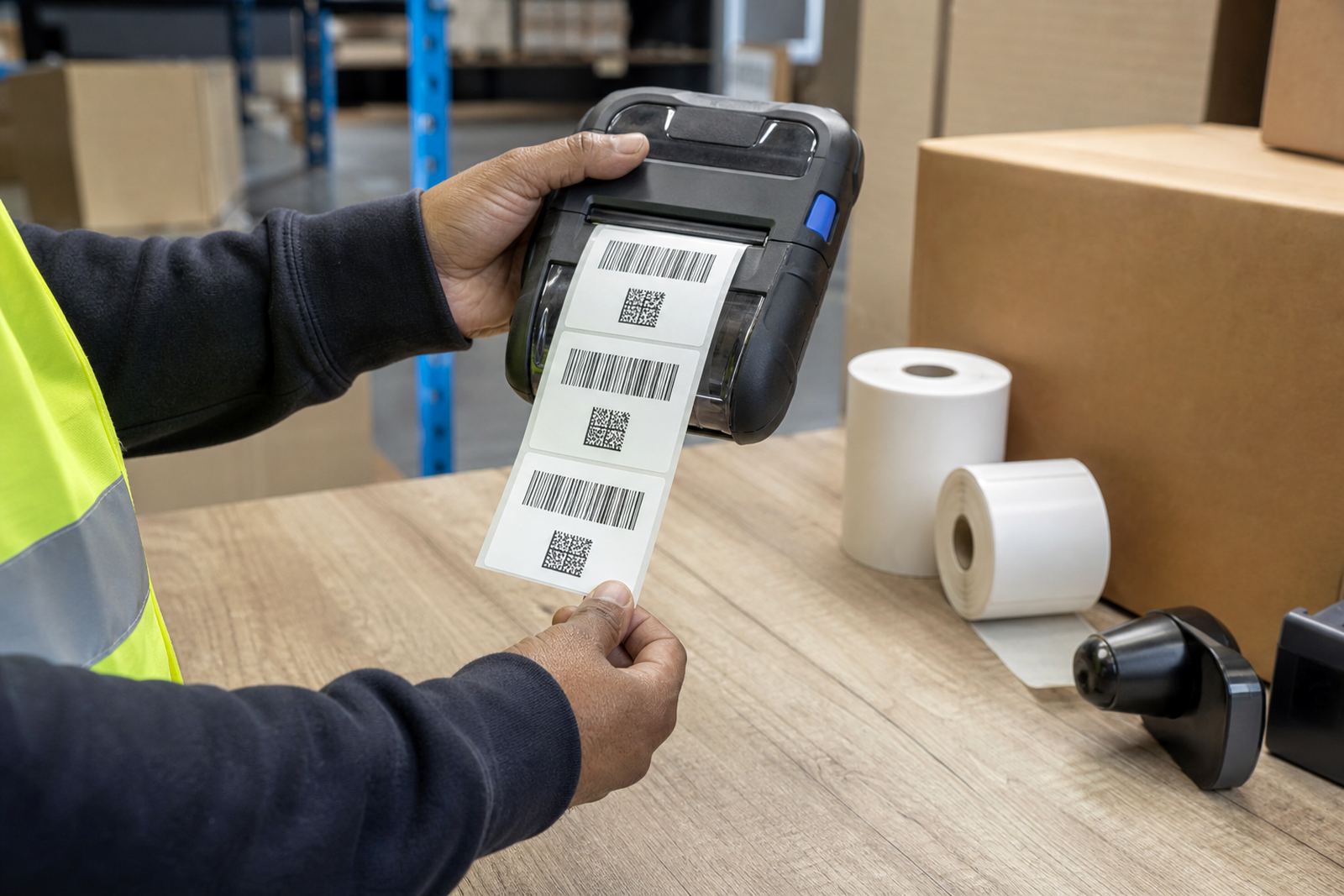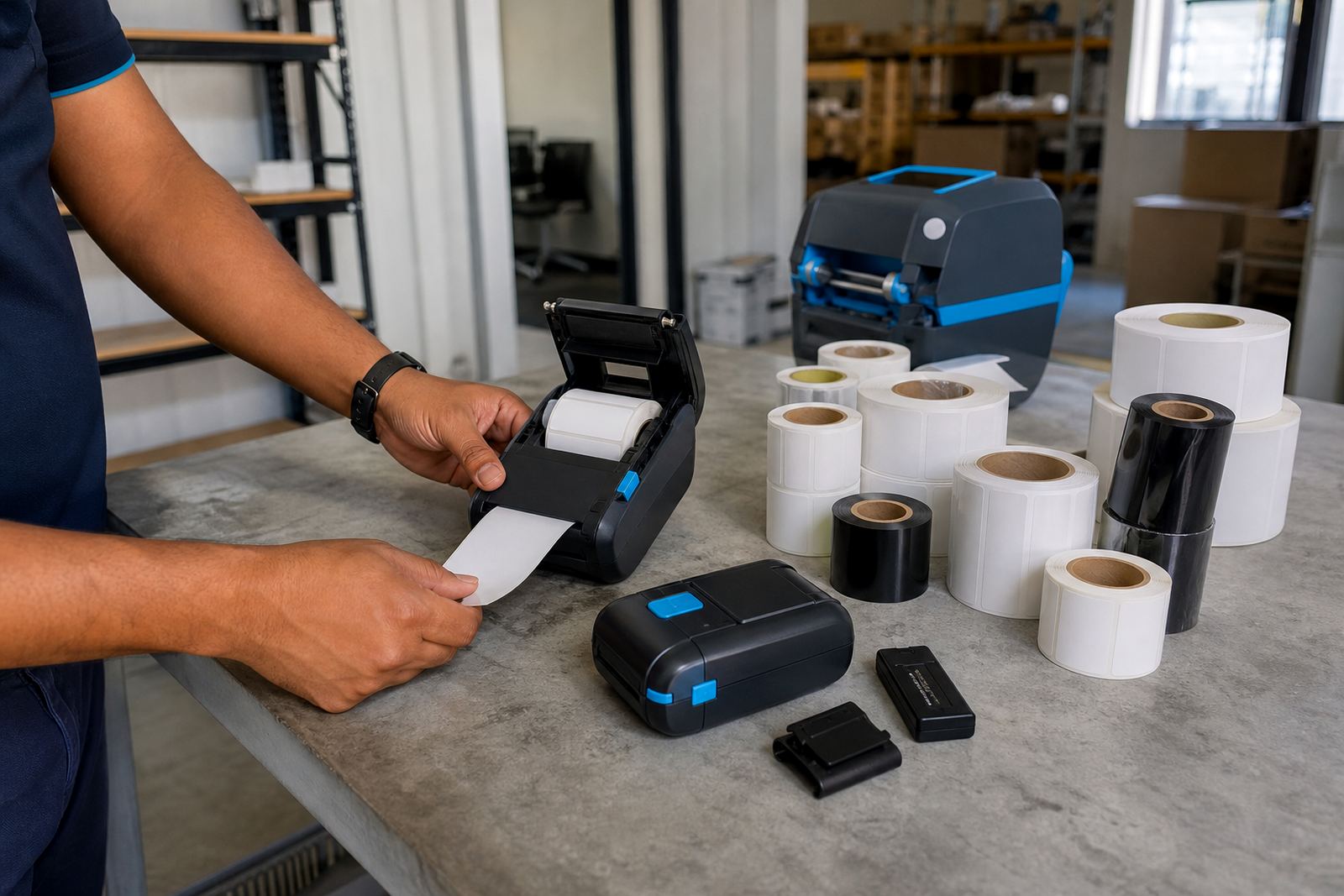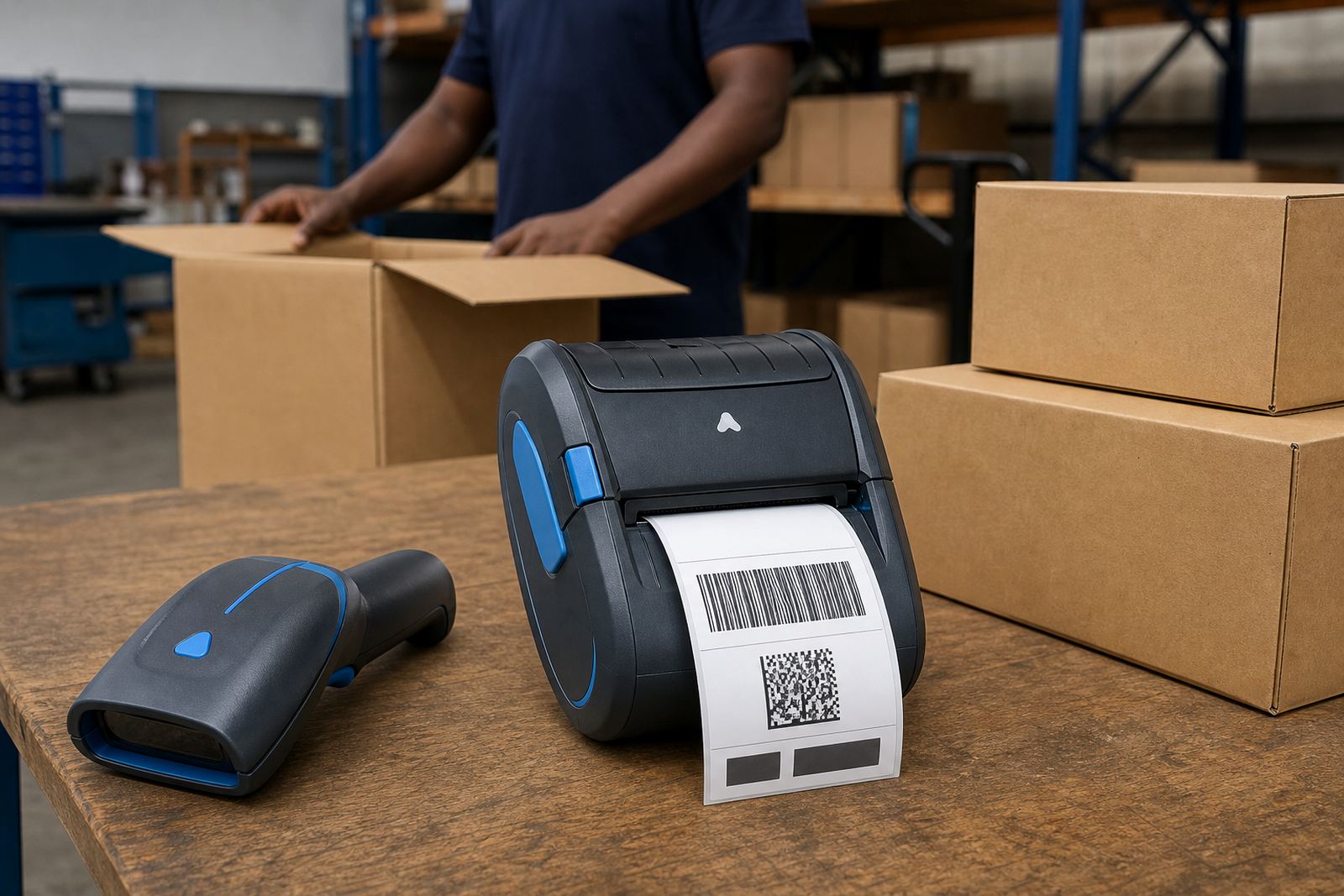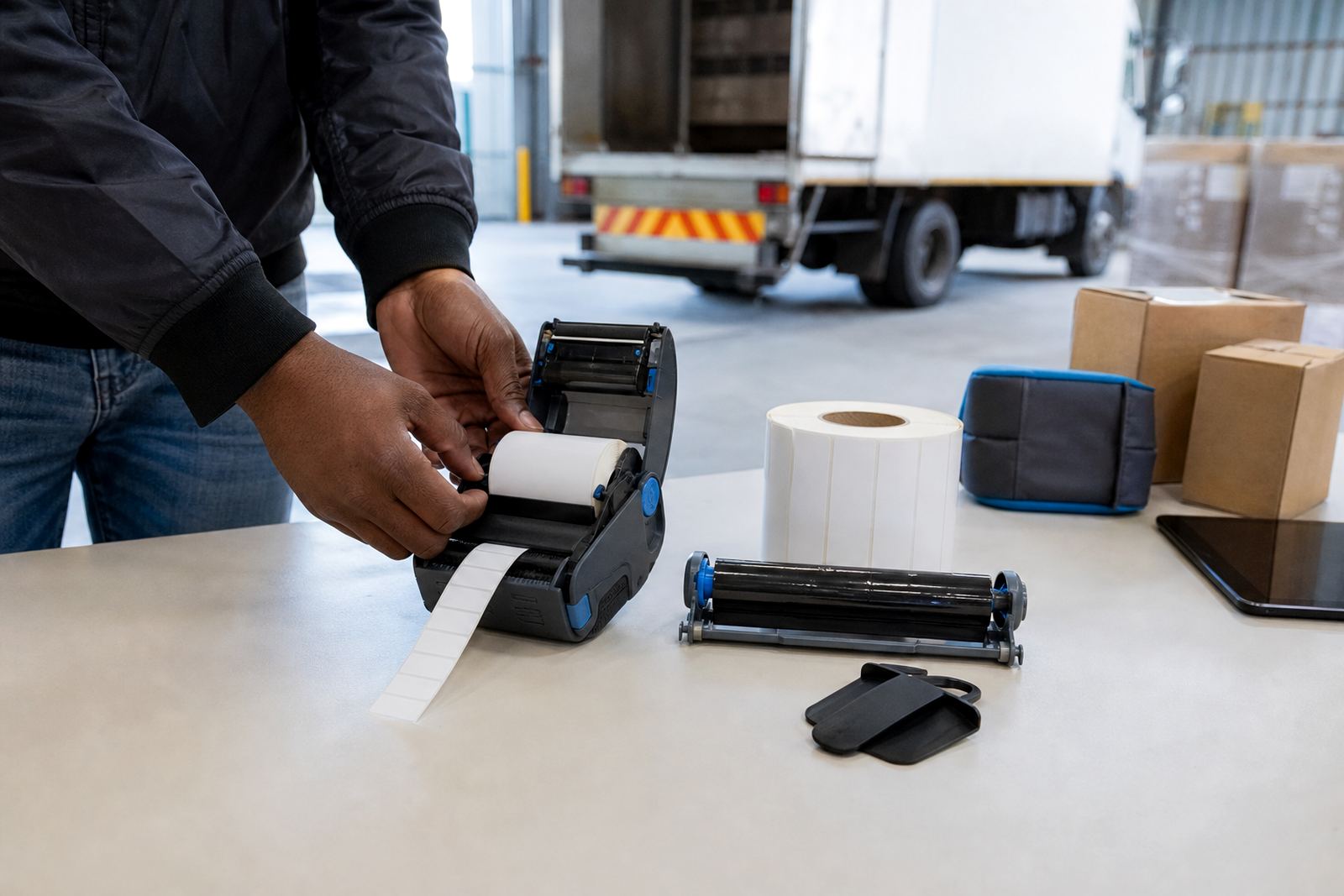
A small format with a hard-wearing print
A 2 inch thermal transfer label is printed with heat from the printhead and a ribbon that transfers ink onto the face stock. That ribbon layer is what gives the label better staying power than direct thermal stock, especially where handling, friction, sunlight exposure or mixed warehouse conditions are part of the day. For teams working with mobile printers, the format is compact enough for handheld use yet still wide enough for readable text, barcodes and QR codes.
The usual working width sits at about 50 mm, with common roll widths near 58 mm where the printable area is trimmed to suit the machine. The exact fit depends on the printer model, the core size and the way the label path is set up. A clean feed matters here, because a small misalignment on a 2 inch format shows up fast in barcode print and on narrow text blocks.
In practice, this size is often chosen for dispatch labels, bin tags, shelf marking, returns, and other items where a compact label is easier to place than a larger panel. The printed result can be set up for text only, barcode only, or a combination of product code, location code and scan mark.
Roll sizes, ribbon matches and printer fit
Not every 2 inch thermal transfer roll is the same. The outside diameter of the roll, the core size, the gap between labels, and the winding direction all matter when the roll is loaded into a mobile printer. A roll that is too large for the cartridge or housing can jam, while the wrong winding direction can leave the labels feeding off-centre.
- Label width: usually 50 mm print area, with roll widths commonly around 58 mm
- Label length: short format for item marking, or longer lengths for address and logistics use
- Core size: must match the printer holder and feed path
- Gap, black mark or continuous stock: depends on the printer sensor setup
- Ribbon type: wax, resin or wax-resin, matched to the label face stock and wear level
For dusty stockrooms or labels that are handled often, a resin or wax-resin ribbon usually holds up better than a basic wax ribbon. For lighter indoor use, wax can be adequate if the surface is suitable. The wrong ribbon and label pairing can cause poor adhesion, smudging, or dark print that does not scan cleanly.
Where this format earns its keep
This product suits mobile workflows where the label needs to travel with the person placing it. Couriers use it for route labels, internal tracking and parcel marking. Warehouse teams use it for shelves, totes, picks and returns. Retail stockrooms use it for backroom bins, price control labels and fast-moving stock identification. The compact size also helps when the label must sit neatly on a narrow box edge or a curved surface.
Because the format is designed for thermal transfer printing, it can handle situations where a direct thermal label would fade too quickly. If a barcode must stay readable after repeated handling, or a shelf label must survive a longer storage cycle, this format is usually the better fit. It is also useful where the printed information needs to remain crisp after contact with light moisture or daily abrasion, provided the right stock and ribbon are selected.
For South African operations that split stock between a central store and outlying branches, the same label spec can help keep layout and scanning consistent from Cape Town to Johannesburg, Durban, Pretoria and Gqeberha. That consistency matters when teams are using different shifts, different scanners, or different stockroom routines.
Setting it up on a mobile printer
Fitting a 2 inch thermal transfer roll into a mobile printer takes a clean setup. The label guide must sit square, the ribbon path must be threaded correctly, and the printer needs the right calibration for gap sensing or black mark sensing. If the label is not registered properly, the printer can start each label too high or too low, and the barcode may sit too close to the edge.
Bluetooth pairing and Wi-Fi setup are often part of the job when the printer is joining to a handheld terminal, stockroom device or warehouse network. Once paired, the print language and label size must match the job file, otherwise the output can drift or clip. A short test print is worth doing before the printer is sent into daily use, especially where the team prints mixed stock codes and location marks.
- Check the label width against the printer setting
- Match the ribbon to the label surface and handling level
- Calibrate the sensor before live printing starts
- Run a barcode test and a QR code test
- Confirm the print darkness for small text and narrow bars
When the printer is part of a field team, battery condition also affects print consistency. A weak battery can cause sluggish feeds, poor print density or incomplete batches. Belt clip condition matters too, because cracked clips often lead to dropped printers and avoidable damage at the casing or latch.
Care, cleaning and common faults
Thermal transfer equipment lasts better when the printhead is kept clean. Paper dust, adhesive residue and ribbon debris build up along the print line, and that build-up can leave white streaks or thin bars in the print. A proper clean uses a suitable cleaning wipe and a light touch, not rough cloths that can score the head.
Operators should also keep an eye on label dust inside the feed path, because a small fragment can trigger a jam or a crooked feed. If the print looks faded on one side, the head pressure may need checking. If the labels peel unevenly, the backing path or platen roller may need attention. For mobile use, battery testing should sit alongside the printer check, because power dips can look like print faults when the real problem is the battery.
Where a unit is used on every shift, planned servicing saves time on the floor. That can include print quality fixes, clearing label jams, battery replacement, belt clip repair and a full check of the feed path. In coastal areas like Cape Town and Gqeberha, keeping the equipment dry and clean helps reduce corrosion and sticky residue around moving parts.
What to confirm before ordering a 2 inch roll
Before placing an order, the printer model, the label dimensions and the use case should all be clear. A 2 inch roll can still vary in length, core size and adhesive strength, so it helps to match the stock to the scanner, the shelf face or the parcel surface it will land on. The team should also confirm whether the label must survive cold rooms, packing tape contact, handling by hand or longer storage on a carton.
- Printer model and whether it supports thermal transfer
- Exact label width, length and gap style
- Ribbon type required for the print surface
- Barcode or QR code layout, plus any text fields
- Indoor, outdoor or mixed handling conditions
- Whether the job needs setup, label calibration or operator training
Go-Printer works from Montague Gardens in Cape Town and supports on-site setup and repairs across South Africa, including Johannesburg, Durban, Pretoria and Gqeberha. That can include setup for mobile printers, label calibration, printhead cleaning and training for teams that need the stockroom flow to stay tidy. When a label spec is correct from the start, the printer feeds cleaner and the barcode reads better, which is usually the point of the exercise.
Key facts
| Print method | Thermal transfer with ribbon |
|---|---|
| Label width | 2 inch format, about 50 mm printable area |
| Common roll width | Around 58 mm, depending on printer fit |
| Mark types | Text, barcodes and QR codes |
| Common ribbon choices | Wax, wax-resin or resin |
| Typical use | Warehouses, couriers, retail stockrooms |