Built for aisle work, not a fixed counter
This unit is used where staff move between racks, packing lanes and replenishment points with a printer clipped to a belt or carried in a holster. It is sized for short runs of labels, barcode work and fast reprints when a bin tag is missing or a pick face needs a fresh ID.
For warehouse and stockroom teams in Cape Town, Johannesburg, Durban, Pretoria, Gqeberha and the surrounding branches, the setup suits daily picking, cycle counts and internal transfers. The printer body is compact, but the print path still has to stay aligned and the battery must hold up through a full shift, especially where labels are produced at the point of use.
Mobile units of this type usually print labels up to 2 inch or 3 inch wide, with some models reaching wider formats for shelf labels and carton marks. Print quality depends on the media, darkness setting and whether the device is matched to the correct roll and ribbon system.
Direct thermal or thermal transfer, based on the job
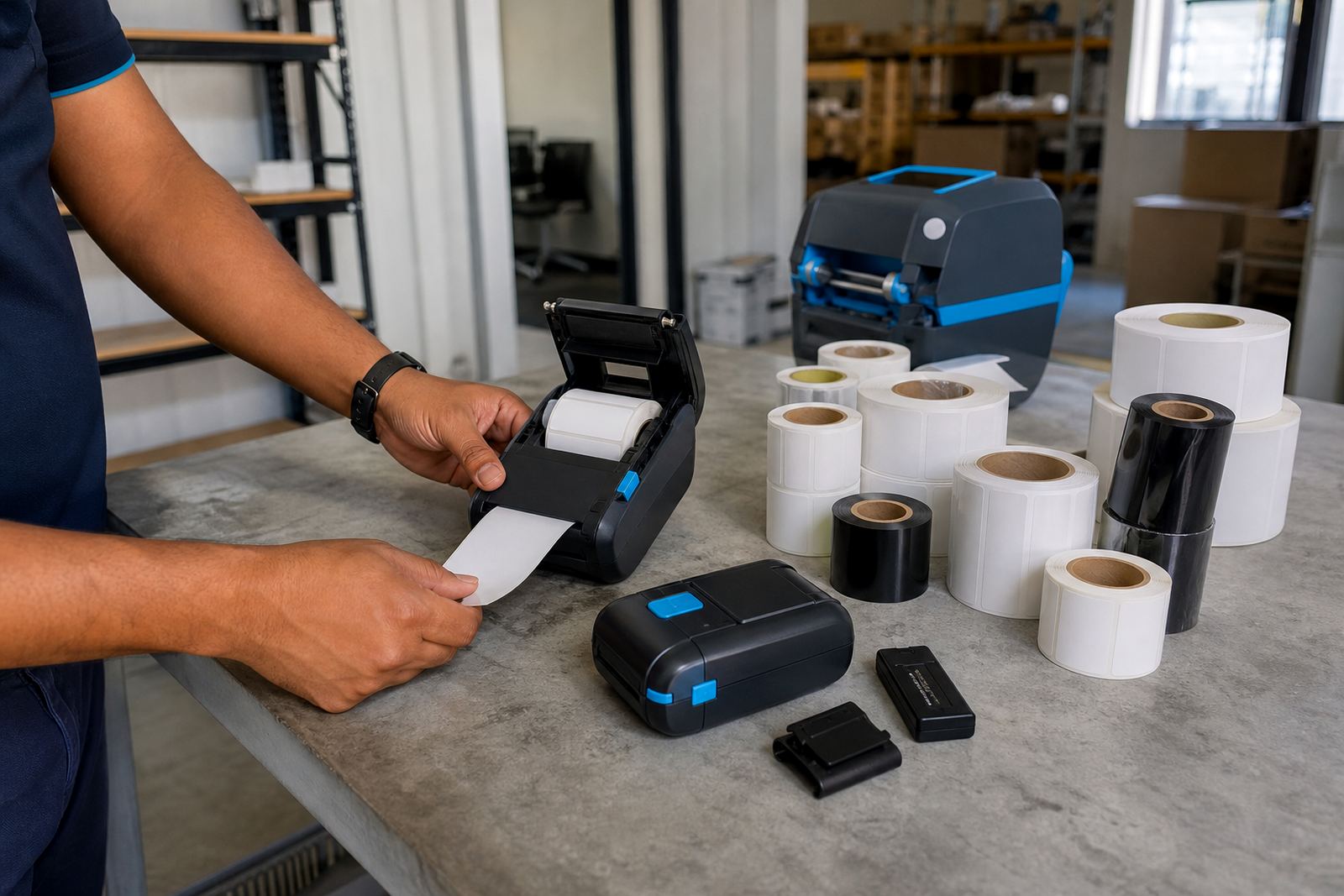
Direct thermal output is suited to short-life labels such as picking slips, dispatch tags and bin IDs that do not need long shelf life. Thermal transfer uses a ribbon and keeps the print readable for longer, especially where handling and light abrasion can wear standard thermal media too fast.
Both methods can carry one-dimensional barcodes and QR codes, and the label size must match the application. A narrow roll may suit a small shelf edge mark, while a larger format is better for carton labels, location codes or items that need a clearer scan window.
- Direct thermal for fast-turn labels and short storage periods
- Thermal transfer for stronger print durability
- Barcode and QR printing for stock movement and traceability
- Common widths from compact labels to wider warehouse formats
Pairing, battery life and field handling
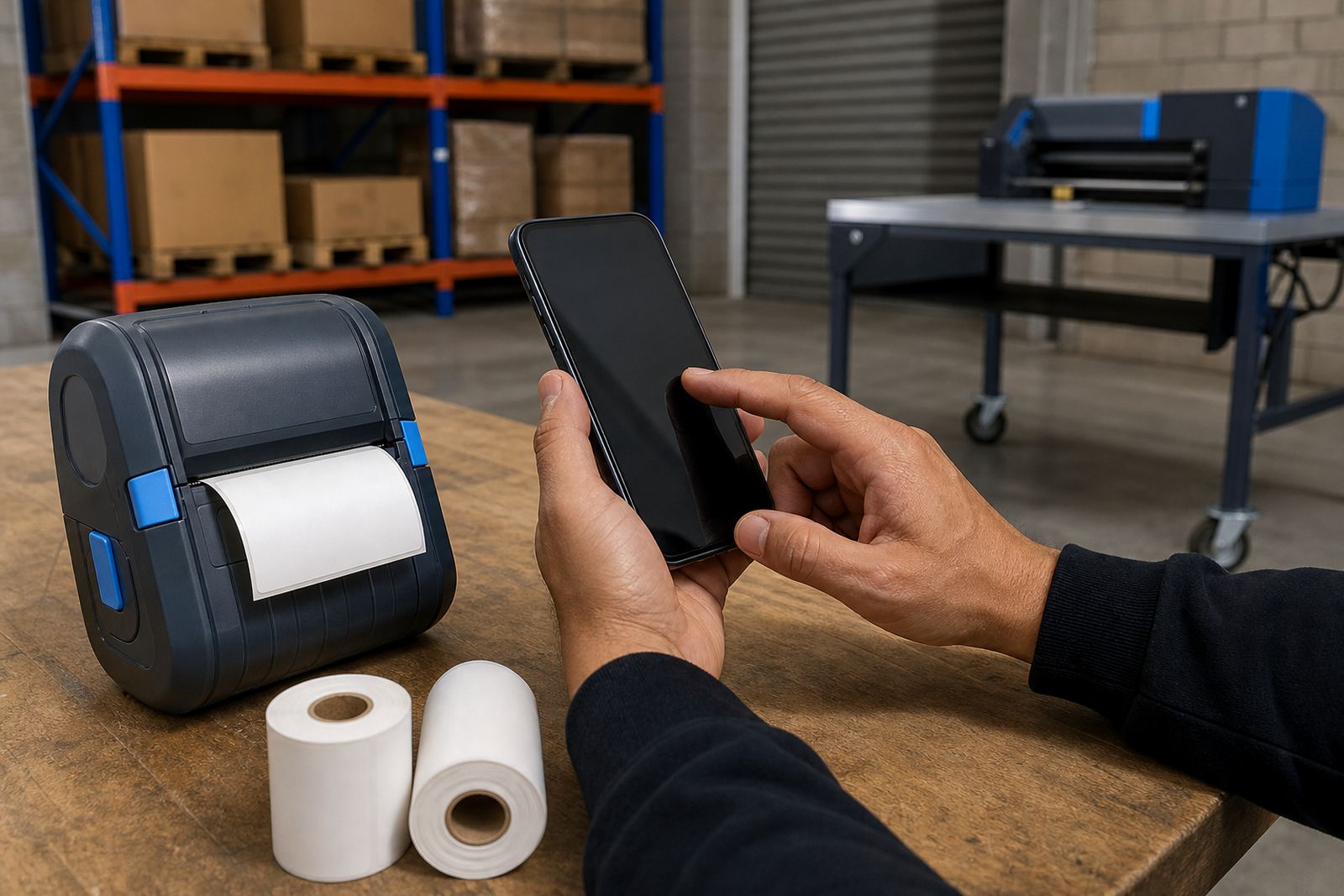
Bluetooth pairing works well for staff using handheld terminals or mobile devices during picking runs, while Wi-Fi setup suits teams printing from a shared warehouse network. The connection method must be matched to the device and the operating area, especially where multiple users are printing in the same zone and the label queue needs to stay organised.
Battery life varies by model and print load, so battery testing is part of a proper handover. Replacement batteries, belt clips and charging habits all affect how practical the unit is through the day. A loose clip, weak battery or dirty head can slow down printing long before the machine itself fails.
- Bluetooth pairing for mobile picking and handheld use
- Wi-Fi setup for shared warehouse workflows
- Battery testing and battery replacement where runtime drops off
- Belt clip repair or replacement for daily carry use
Where the Warehouse Picking Unit suits best
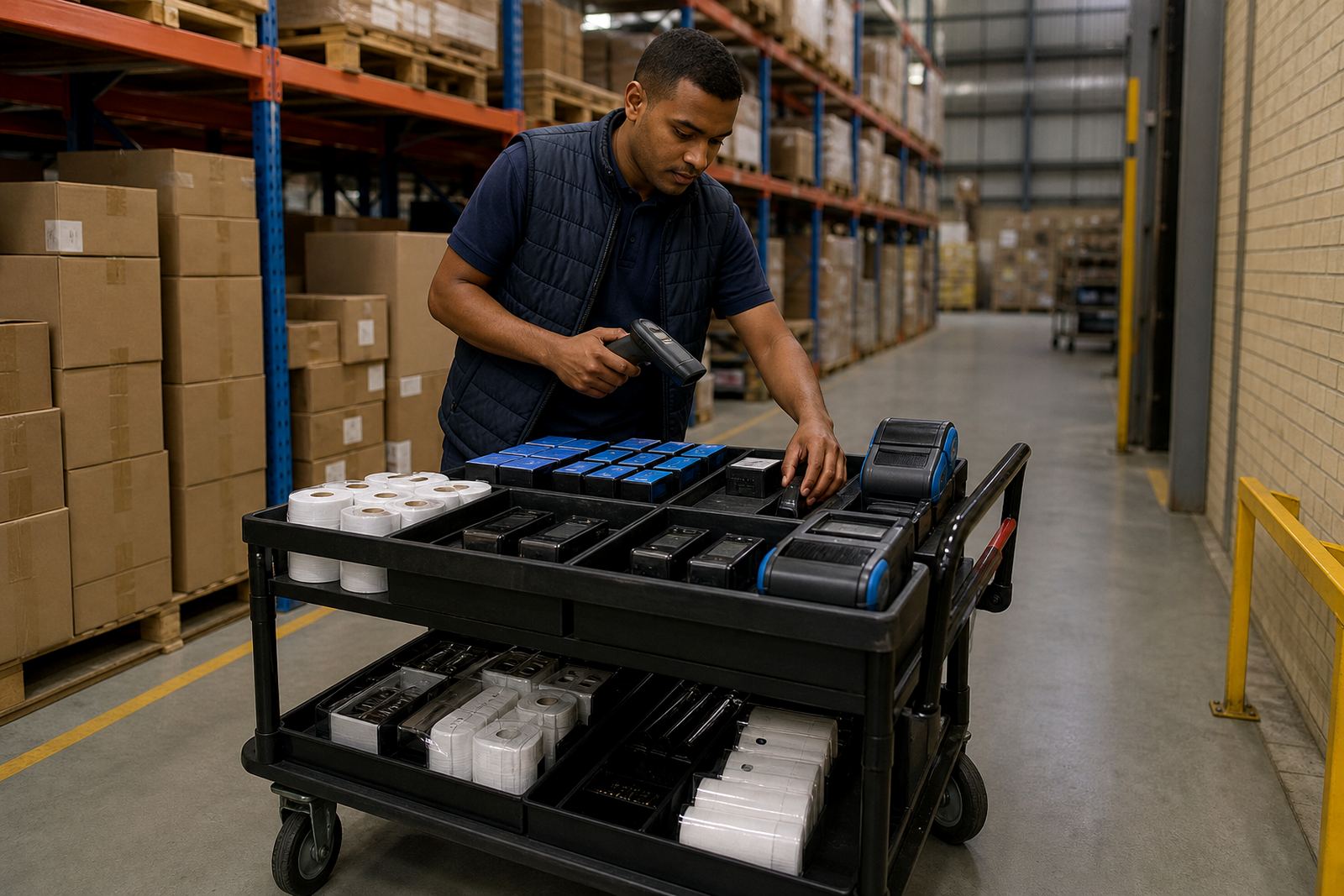
This setup suits warehouses that split work across racking, receiving, put-away, picking and replenishment. It also fits couriers and retail stockrooms where staff need to print labels close to the shelf, tote or dispatch cage instead of walking back to a fixed station each time.
In a busy stockroom, the value is practical. You can label bins as they are filled, mark replenishment stock before it reaches the pick face, and print a correction label when a location code changes. It is also useful where the floor layout changes often and staff need a portable label tool rather than a fixed bench printer.
For branches with wet mornings, dust from pallet movement or frequent handling, the casing and print path need regular attention. A label roll that feeds smoothly and a head that stays clean are both part of keeping the unit ready for work.
Setup and fitting on site
On-site setup covers printer pairing, label calibration, test prints and operator training so the unit matches the labels used in the store. If the wrong roll width or darkness setting is used, the barcode can print too light, too small or off-centre, which creates scanning problems at packing or receiving.
Our team also handles print quality fixes, label jam clearing, printhead cleaning and preventive servicing. Where the printer is carried daily, the belt clip and battery housing need checking as part of the fitting process. If a warehouse uses several label sizes, calibration is worth doing on each format instead of guessing settings from an old job.
- Label calibration for common roll sizes and stock formats
- Printhead cleaning to keep lines clear and codes readable
- Label jam clearing when feed rollers or media tracking slip
- Operator training for correct loading and basic daily care
What to confirm before the roll leaves the shelf
To choose the correct Warehouse Picking Unit, check the label width, label height, core style and whether the print method is direct thermal or thermal transfer. It also helps to know if the labels are for bins, shelf edges, carton transfers or temporary pick slips, because finish and durability requirements can vary quite a bit.
You should also confirm the connection method, battery condition, whether a belt clip is needed, and if the printer must link to a mobile device or a warehouse network. If a site in Montague Gardens, Bellville or Midrand has several teams sharing one label format, the print setup should be checked against the actual roll used on the floor.
For order planning, note the required barcode type, QR use, and whether the print area needs to fit a narrow shelf label or a wider location tag. That detail saves time later, and it keeps the printer from being forced into a role it was never set up to handle.