Built for mixed wireless jobs in the same shift
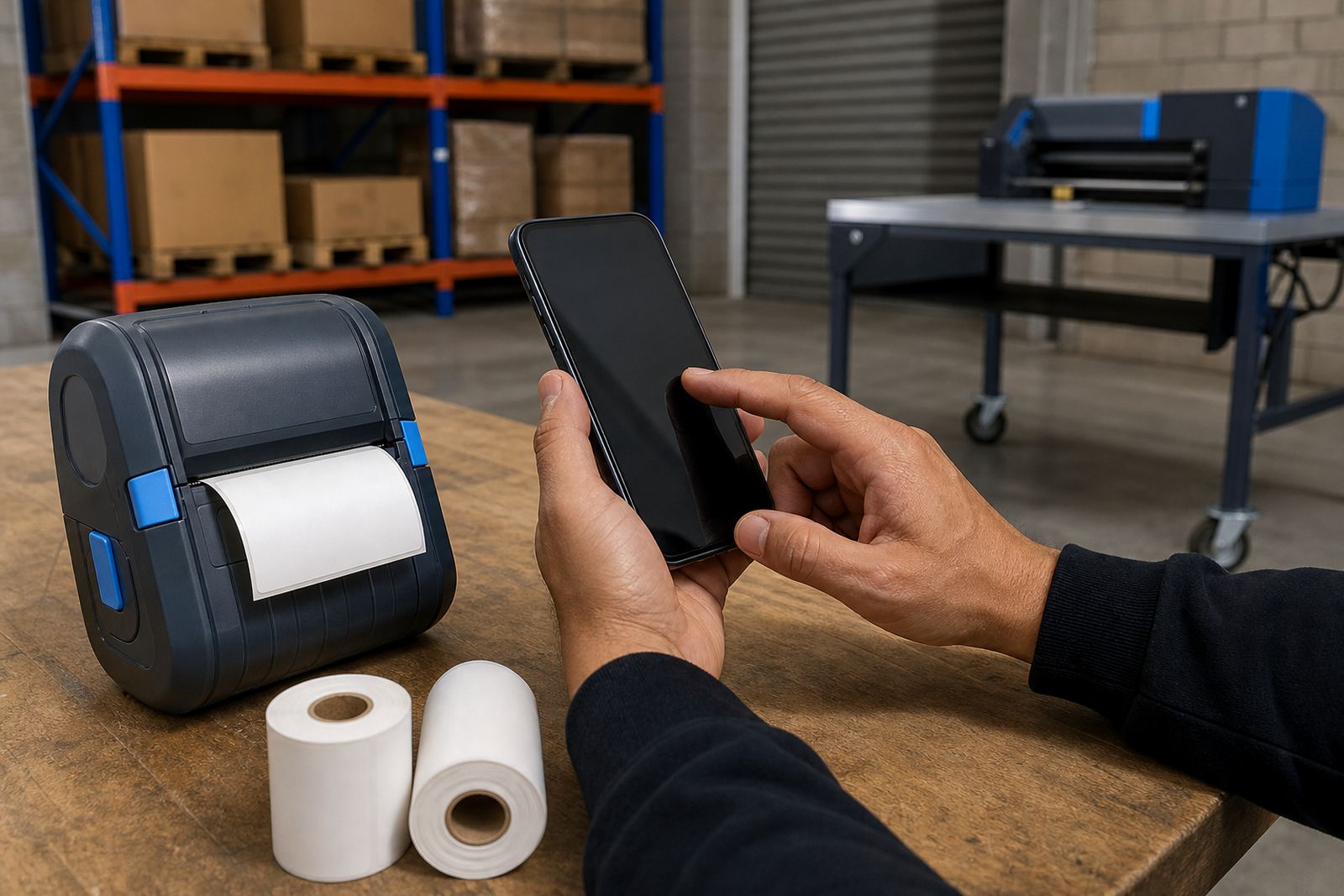
This unit is specified for sites that print labels from handheld devices one moment and from a networked workstation the next. Bluetooth suits short-range pairing with a mobile device or terminal, while Wi-Fi lets the printer sit on a site network for shared use across packing, dispatch and replenishment counters.
The printer body is kept compact for belt carry, trolley mounting or a fixed corner in a stockroom. Depending on the model fitted, print widths commonly cover narrow courier labels through to wider shelf and carton labels, with label lengths set during calibration to match the roll fitted. Barcode and QR code printing is part of normal use, and the print method can be direct thermal for short-life labels or thermal transfer where a ribbon is needed for tougher stock and longer handling.
- Bluetooth pairing for close-range mobile work
- Wi-Fi setup for shared printing across a local network
- Direct thermal or thermal transfer print method
- Suitable for label widths used on parcels, shelves and stock bins
Sizes, roll formats and print spec details that matter on site
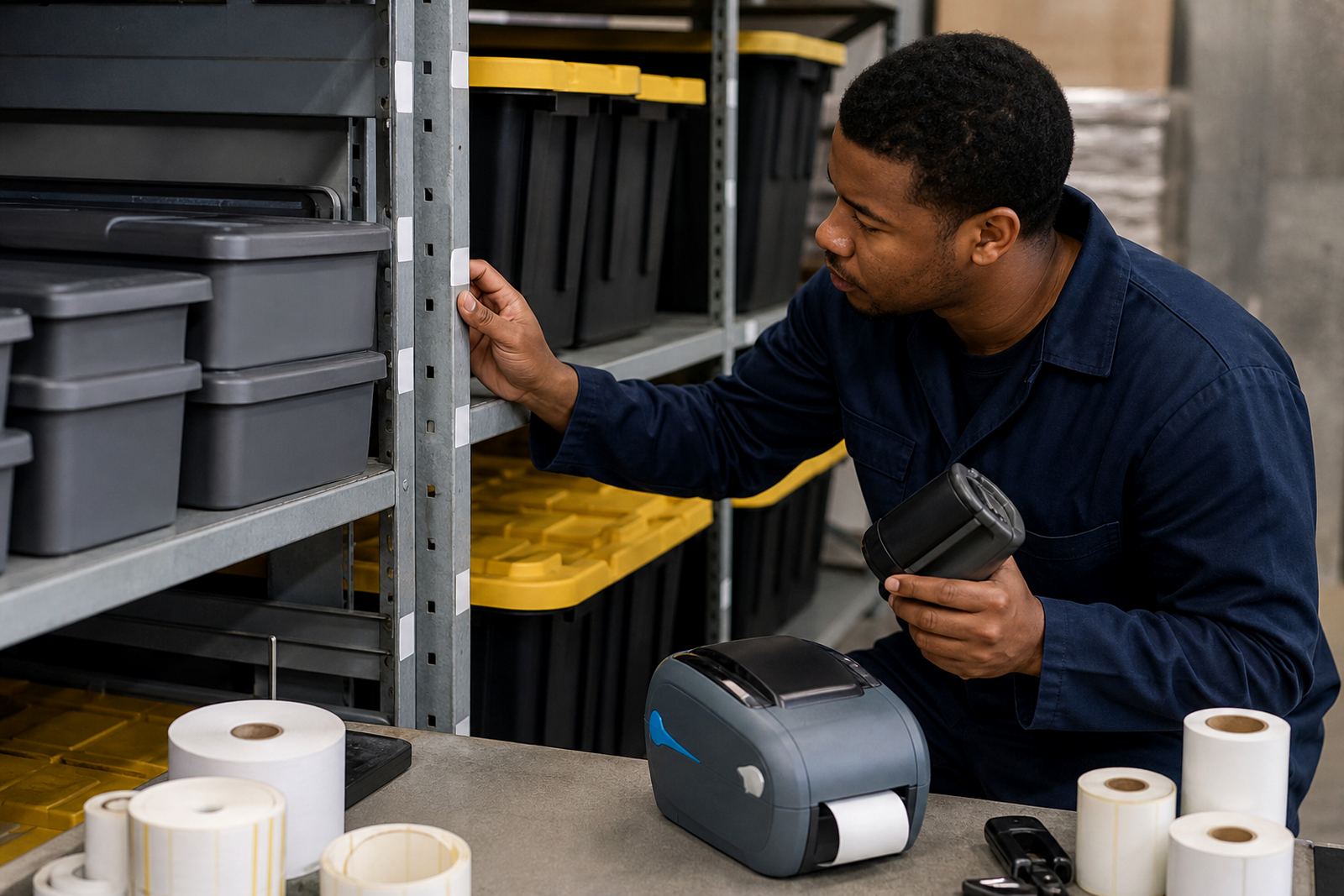
Label rolls need to match the printer width, the core size and the way the media feeds through the mechanism. In practice, the common job is to line up the roll, set the calibration marks and confirm the printer is reading the gap, black mark or continuous media correctly. If the stockroom uses small asset labels, a narrower roll keeps the print neat. If the dispatch team needs carton labels or courier documentation, a wider format gives more room for text and codes.
Thermal transfer units also need the right ribbon width and ribbon type for the label stock in use. A clean feed path matters, especially where dust, liner scraps or adhesive build-up can shift the print position. For long sessions, battery condition becomes part of the spec, because the printer has to hold its charge while a team moves around the floor or yard.
- Label widths matched to the printer frame and media path
- Roll core size checked before dispatch or fitment
- Gap, black mark or continuous sensing set during calibration
- Barcode height, QR density and text size tested on a sample roll
Where this unit suits better than a fixed printer
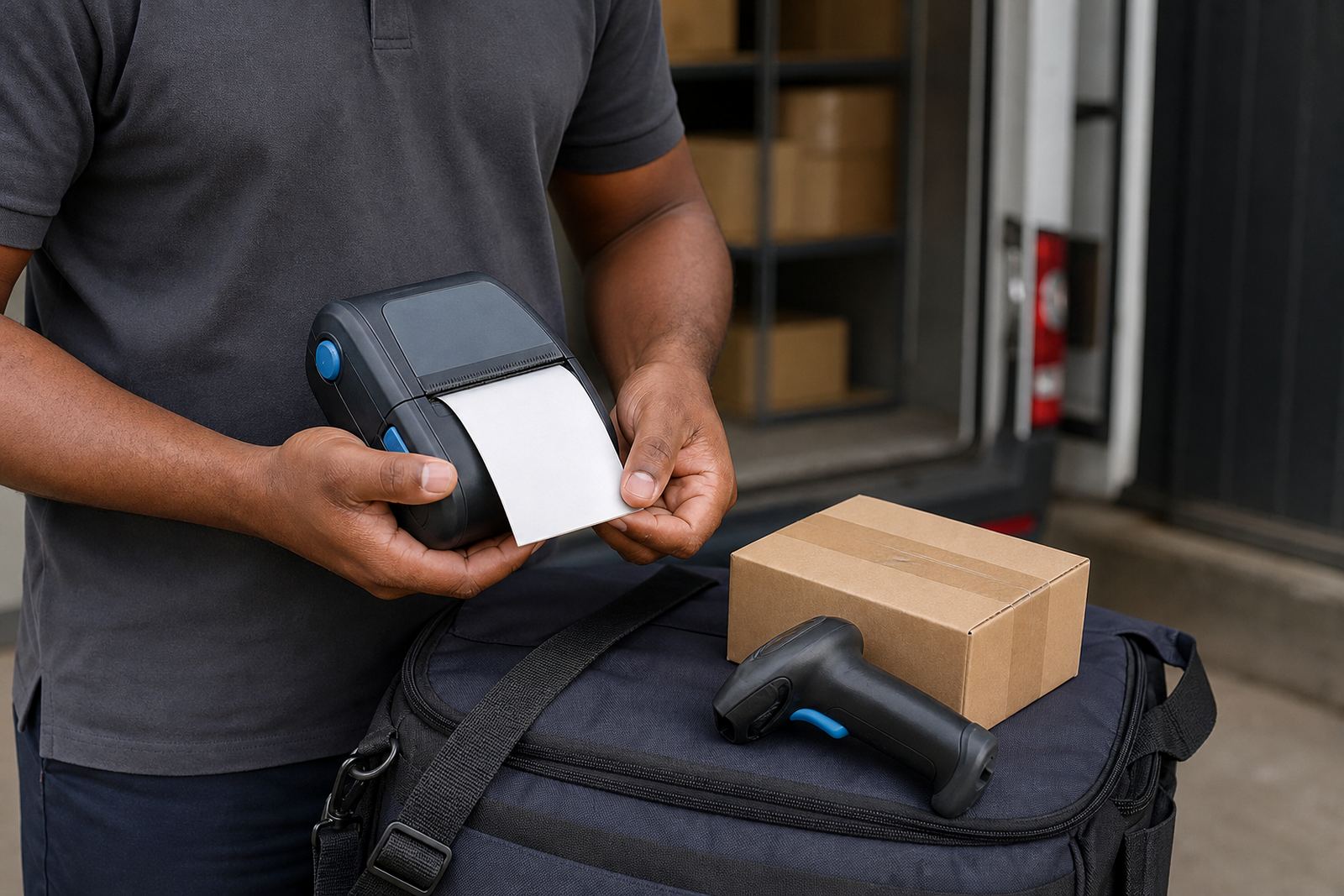
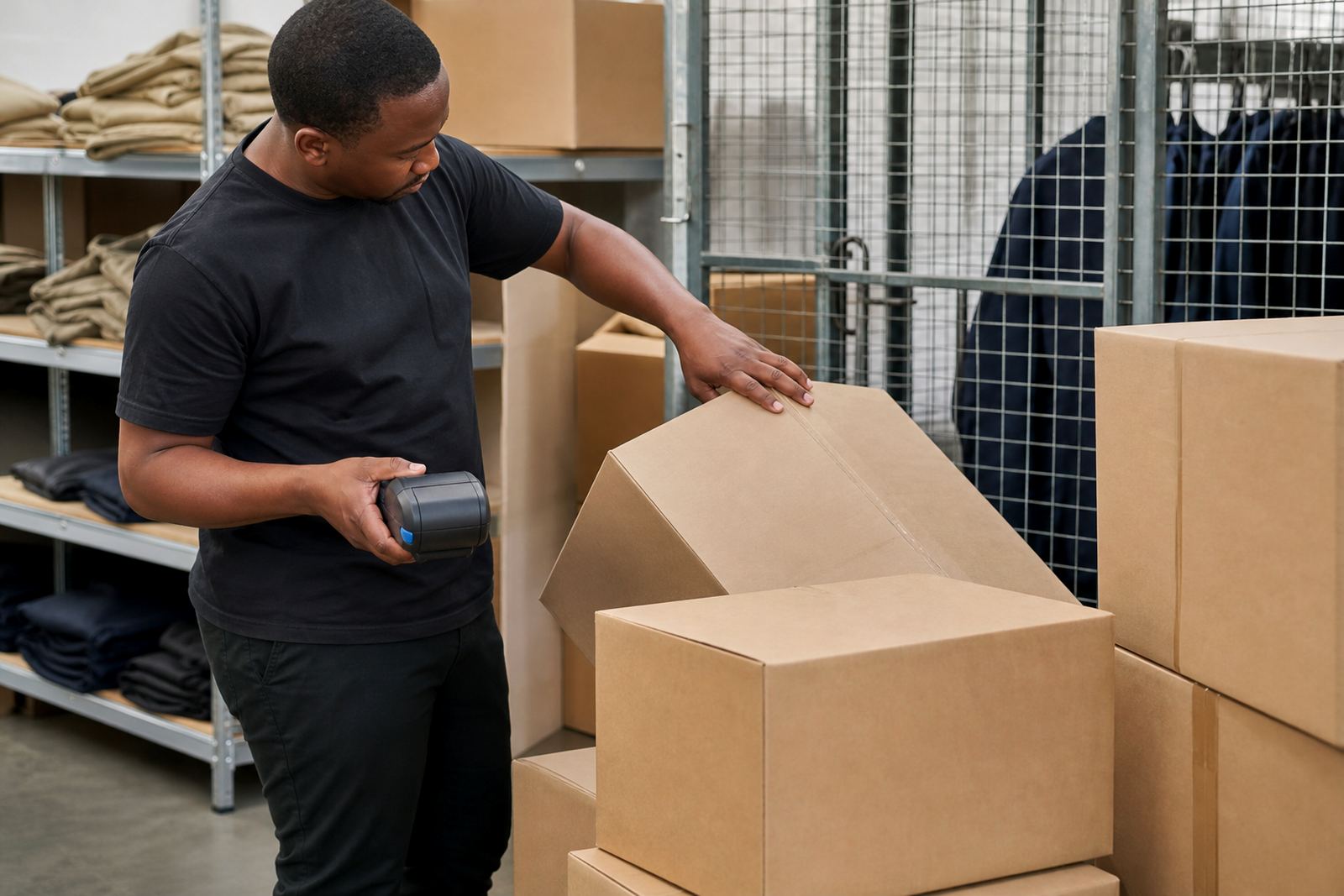
This model fits operations that do not stay in one spot. Couriers use it for parcel tagging and route work. Warehouses use it for bin labels, stock transfers and picking fixes. Retail stockrooms use it for backroom relabelling, shelf markers and receiving areas where a handheld printer saves walking to a single station every time a label is needed.
It also works well where more than one device has to print to the same unit. A Bluetooth connection handles a single device nearby, while Wi-Fi suits a shared printer in a packing area or side office. In a mixed site, the printer can move between teams as the day shifts from receiving to dispatch, or from store floor to stock room.
- Warehouse picking and bin identification
- Courier parcel labels and route marking
- Retail backroom relabelling and shelf tags
- Multi-user printing across a networked site
Fitment, pairing and setup on the day
On-site setup normally covers battery fitment, charger check, label loading, pairing and a test print. Where Wi-Fi is part of the job, the printer must be joined to the correct network and set with the right security details. Bluetooth pairing needs the device name, the nearby handheld or terminal, and a clean confirmation that the printer is sending the job to the right unit.
Label calibration is part of the same visit because the printer has to know the label pitch and sensing mode before it can run cleanly. If the printer is mounted in a vehicle, on a trolley or in a fixed dock, the clip, bracket or belt carry point should be checked for fit and comfort. Battery testing follows, especially where the unit is used across a long shift or moved between sites in Cape Town, Johannesburg, Durban, Pretoria or Gqeberha.
- Bluetooth setup for mobile devices and handheld terminals
- Wi-Fi join settings for shared or fixed use
- Label calibration and feed alignment
- Belt clip, battery and charger check
Keeping print quality tidy in dusty stock areas
These printers hold up best when the printhead is cleaned on a routine basis and the feed path is kept free of label dust and adhesive residue. A dirty printhead leaves pale bars, broken edges or patchy codes, and the problem shows up fast on small barcodes. If the printer starts skipping labels or the print shifts sideways, the roll path and sensor area usually need attention before the job gets worse.
Thermal transfer units need a bit more care because ribbon debris and worn platen rollers can change the print finish. Battery care matters too, since a tired battery can make the unit behave unpredictably during a long day. For teams that move through cold rooms, packing areas and outdoor handover points, a quick visual check before use helps to catch cracked clips, worn latches or a loose roll door.
- Clean the printhead with the correct lint-free method
- Clear dust from the sensor and feed path
- Check battery health before a busy shift
- Inspect the belt clip and roll latch for wear
Details to confirm before the unit leaves the counter
The order needs a few hard details so the printer arrives matched to the job. The important points are the print method, the label width, the roll core size, the battery requirement and whether the site needs Bluetooth only, Wi-Fi only or both. If the team prints barcodes or QR codes at a fixed size, that should be set out clearly, because code size affects scanability and spacing on smaller labels.
It also helps to know whether the printer will be used in a warehouse aisle, a courier vehicle, a retail stockroom or a mixed site with both fixed and mobile work. From there the setup can cover the right pairing method, the label calibration pattern and any belt clip or carry option that makes the unit easier to use through the day. If the job includes repairs or preventive servicing, the same unit can be checked for print quality, battery condition and roll feed wear during the visit.
- Print method: direct thermal or thermal transfer
- Label width, roll core and label type
- Bluetooth, Wi-Fi or both
- Battery, belt clip and on-site setup needs
Key facts
| Product type | Dual connectivity mobile label printer |
|---|---|
| Connection methods | Bluetooth and Wi-Fi |
| Print methods | Direct thermal or thermal transfer |
| Label range | Narrow courier labels through to wider stock labels |
| Supported output | Barcodes, QR codes and text |
| Service support | On-site setup, calibration, cleaning and repairs |