Receipt output that fits the work in hand
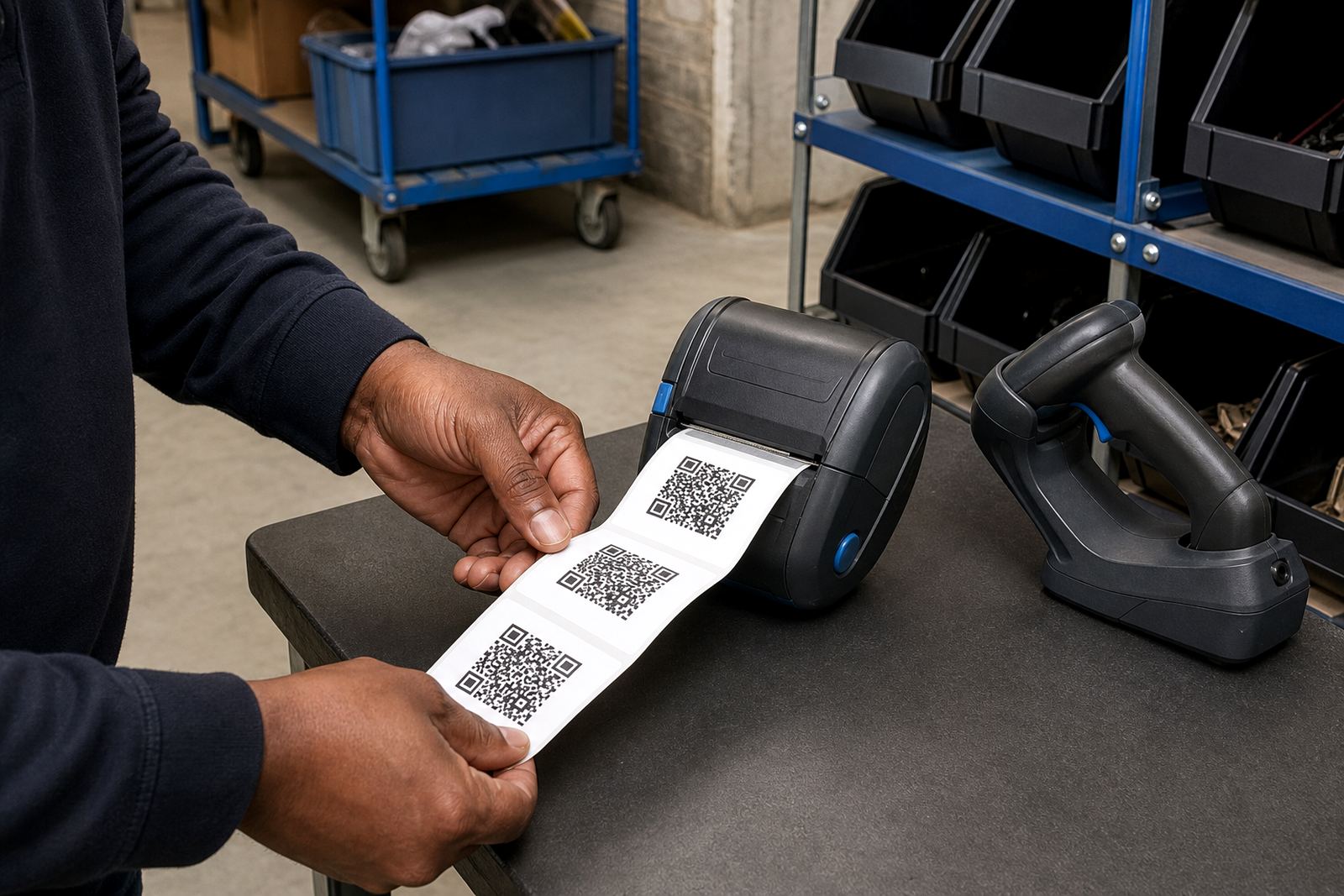
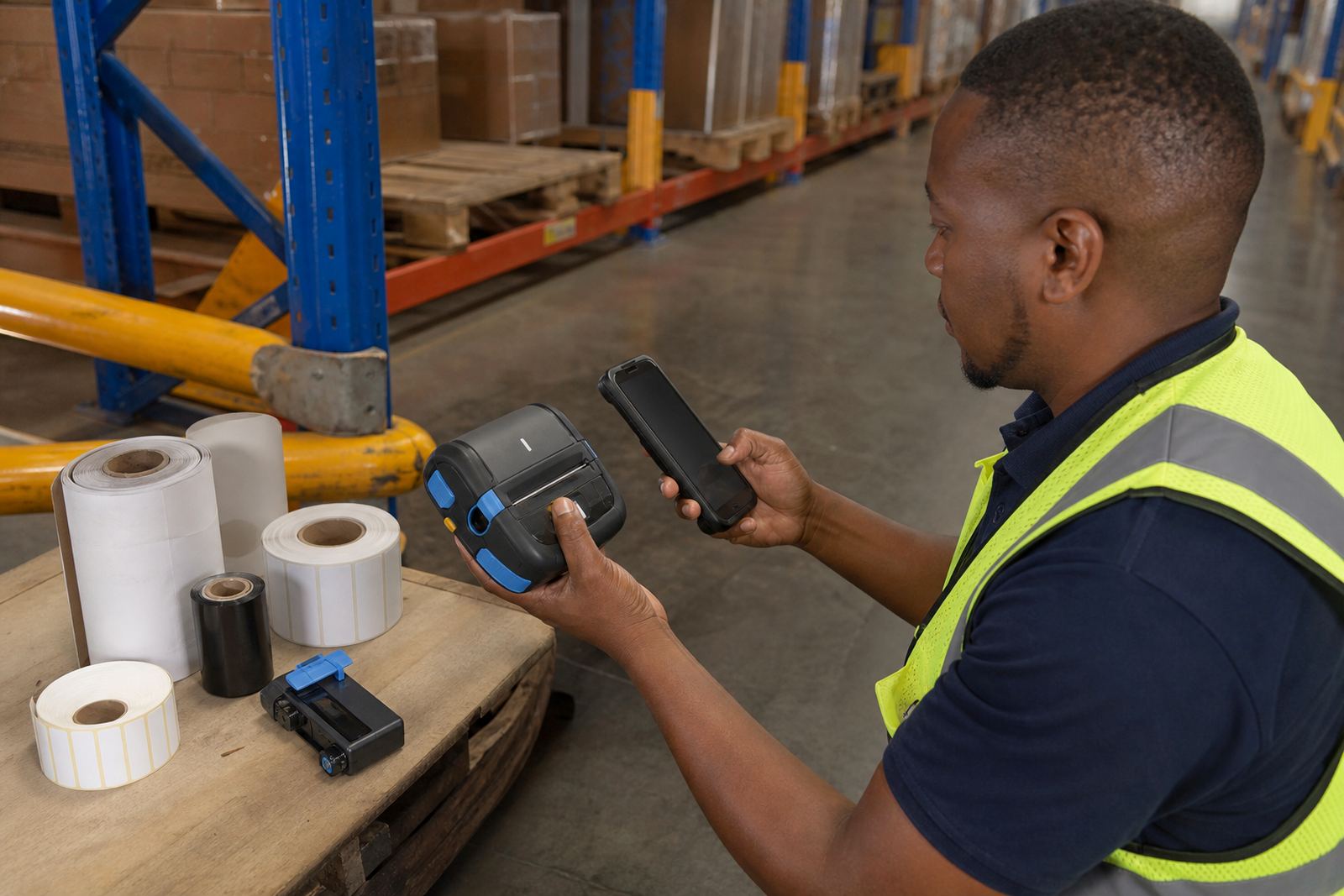
A receipt roll printer is built for short, readable prints on continuous roll media, usually where a team needs barcodes, QR codes, product notes, route records or transaction slips without going back to a fixed workstation. In a warehouse or stockroom it keeps the print at the trolley, packing bench or receiving point, while couriers use it for parcel tracking and proof-of-handling slips.
These mobile thermal units are usually compact enough to clip onto a belt or ride in a vehicle, and the print width matters. Common formats are 58 mm and 80 mm class output, with some models taking wider media for longer lines, clearer barcode fields and bigger text. A well matched printer also needs the right roll core, outer diameter and media type, otherwise the feed starts to slip or the print edge drifts.
Direct thermal or thermal transfer, which job suits which
Direct thermal printers use heat-sensitive media and are often chosen for fast moving receipts, temporary dispatch slips and short life labels. Thermal transfer printers use a ribbon to place the image on the media, which suits tougher handling and better resistance where a print must stay legible longer.
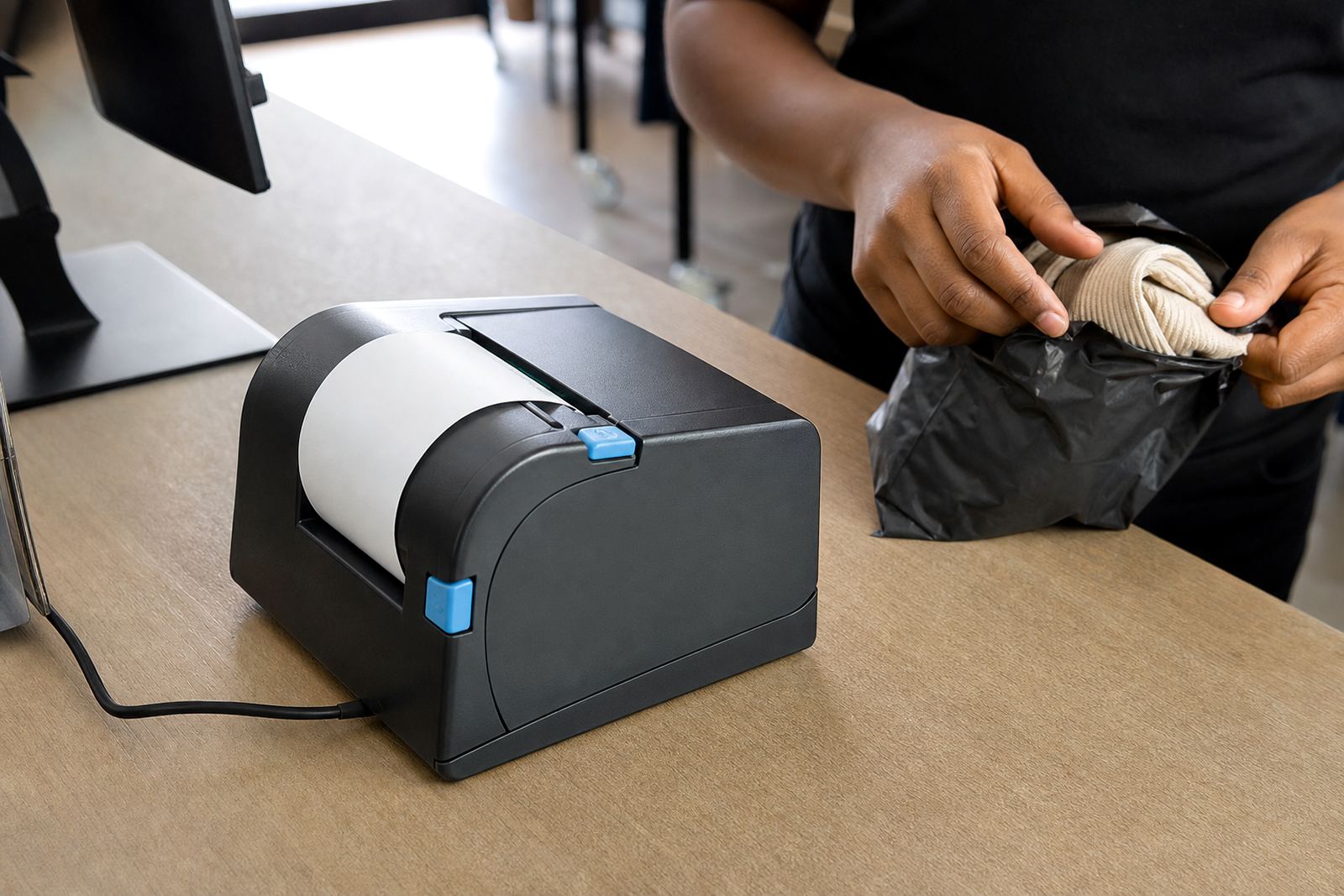
For receipt roll work, direct thermal is common because it keeps the print path simple and light. Thermal transfer still matters where the same mobile printer must switch between receipt style rolls and more durable label stock for bin marking, shelf checks or goods movement.
- Direct thermal for fast receipt-style output on heat-sensitive rolls
- Thermal transfer for longer-lasting prints on compatible media
- Barcode and QR code printing for stock, parcels and route records
- Adjustable darkness settings for paper that prints too light or too dark
Sizes, battery habits and connection options
Battery life is one of the first things we check because a mobile printer that cuts out mid shift slows the whole team. Battery capacity, charge condition and charging routine all shape how the unit behaves on a long day in a warehouse or on delivery runs across Cape Town or Johannesburg. We also look at the belt clip and carry setup, because a loose clip soon becomes a damaged printer housing.
Bluetooth pairing is common for handheld work, while Wi-Fi helps where the printer must sit on a live site network or shared stockroom system. Some teams use both, with Bluetooth for field work and Wi-Fi for fixed zones. The roll size must suit the tray and cover, and the label or receipt length should match the print job so the feed does not waste stock.
- Typical widths: 58 mm and 80 mm class receipt output
- Roll diameters and core sizes matched to the printer tray
- Battery packs checked for holding charge under working use
- Bluetooth and Wi-Fi pairing set to the site layout
Where this printer earns its place
Receipt roll printers suit courier depots, retail stockrooms, receiving benches and mobile counting teams that move between aisles and cages. In Durban and Gqeberha, coastal humidity can make paper curl and covers feel tacky, so roll storage and a clean feed path matter more than many teams expect. In Pretoria and Midrand, the bigger issue is often a busy shared environment where devices change hands and settings get altered without anyone meaning to.
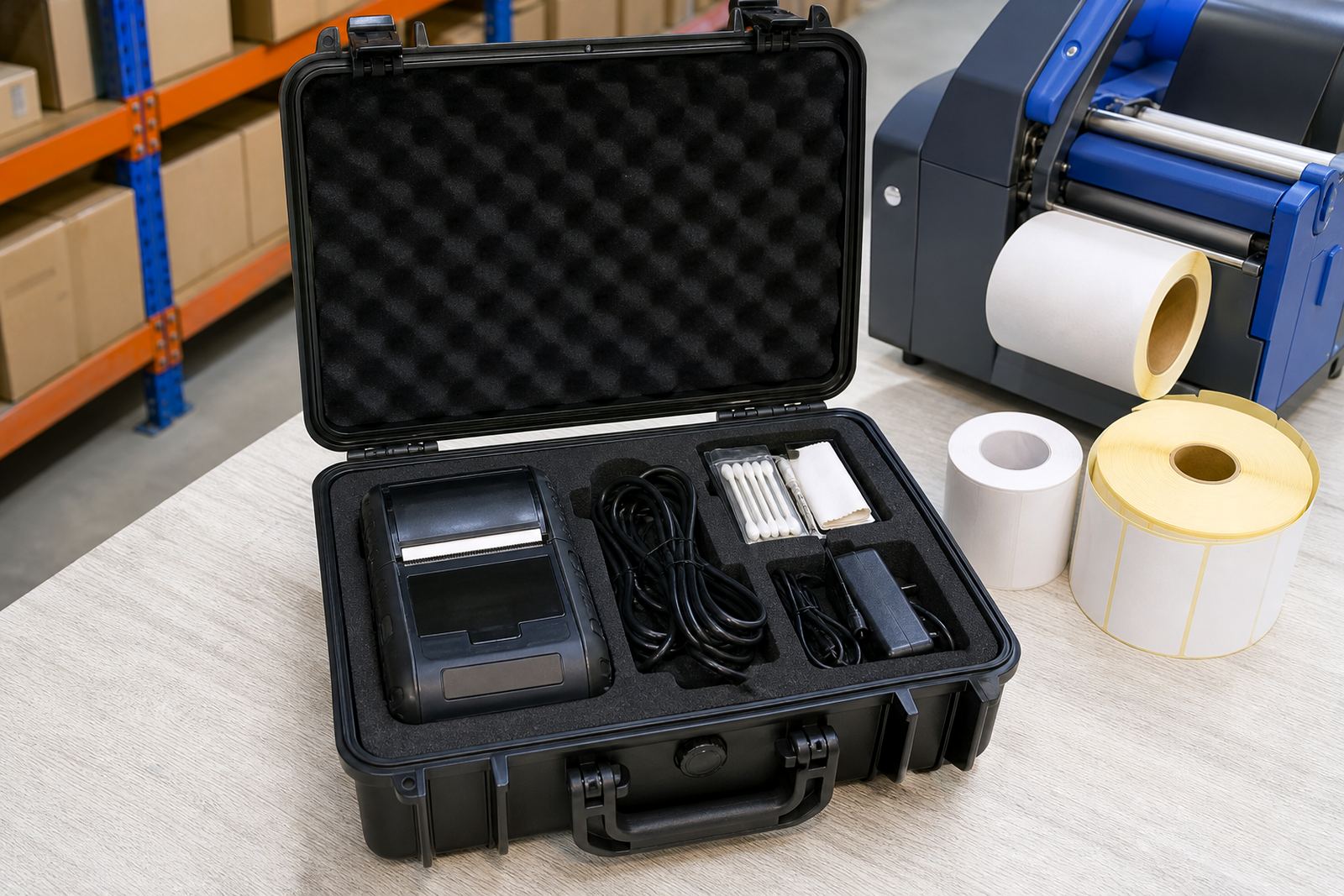
They also work well where operators need to print a quick line of text, a parcel number, a batch reference or a scan code and keep moving. If the printer sits in a vehicle kit, the mount, battery latch and charging lead need proper attention, otherwise vibration loosens what should stay firm.
Setup, fitting and the small things that save downtime
We handle on-site setup for receipt roll printers, including pairing, media loading, label calibration and operator training. Calibration matters because the printer must read the media gap, label length or black mark correctly, otherwise the print starts in the wrong place and cuts across the next slip. Printhead cleaning also belongs in routine care, especially when dust from cartons or adhesive dust from label rolls builds up around the feed path.
If a printer is not sitting right on the bench or belt, belt clip repair and battery testing become part of the visit. A good setup also checks print darkness, alignment, cover lock and the condition of the platen roller, because a tired roller leaves pale patches and uneven feed. We work from Montague Gardens and cover Cape Town, Johannesburg, Durban, Pretoria and Gqeberha with site setup and repairs.
- Bluetooth pairing and Wi-Fi setup on the relevant device or network
- Label calibration for roll length, gap sensing and print start position
- Printhead cleaning and feed path cleaning for better print clarity
- Battery replacement and belt clip repair where the unit has taken wear
Ordering details that need to match the printer
When ordering, the printer model is only part of the picture. The roll width, outer diameter, core size, media type and adhesive strength all need to match the unit and the work it must do. If the printer must produce barcodes or QR codes, the print width and darkness setting should be wide enough for a readable code, not just text.
It also helps to confirm whether the printer will be used for direct thermal receipt stock or thermal transfer output, and whether the device needs Bluetooth, Wi-Fi or both. For teams that run several sites, we also check which branches need spare batteries, whether the clip style is the same across operators, and if the stockroom uses a single label size or several. Our contact form is used for enquiries, order details and setup requests.
- Receipt width required, usually 58 mm or 80 mm class
- Direct thermal or thermal transfer media
- Bluetooth, Wi-Fi or both for the working area
- Label length, roll diameter and core size
- Barcode or QR code printing needs
- Battery, clip and charger condition if replacing an existing unit
Key facts
| Product type | Mobile thermal receipt roll printer |
|---|---|
| Print method | Direct thermal or thermal transfer, depending on model |
| Typical print width | 58 mm or 80 mm class |
| Connectivity | Bluetooth and/or Wi-Fi pairing |
| Media | Continuous receipt rolls or compatible label stock |
| Common uses | Warehouses, couriers, retail stockrooms and parcel handling |