Battery swaps that keep the unit in the field
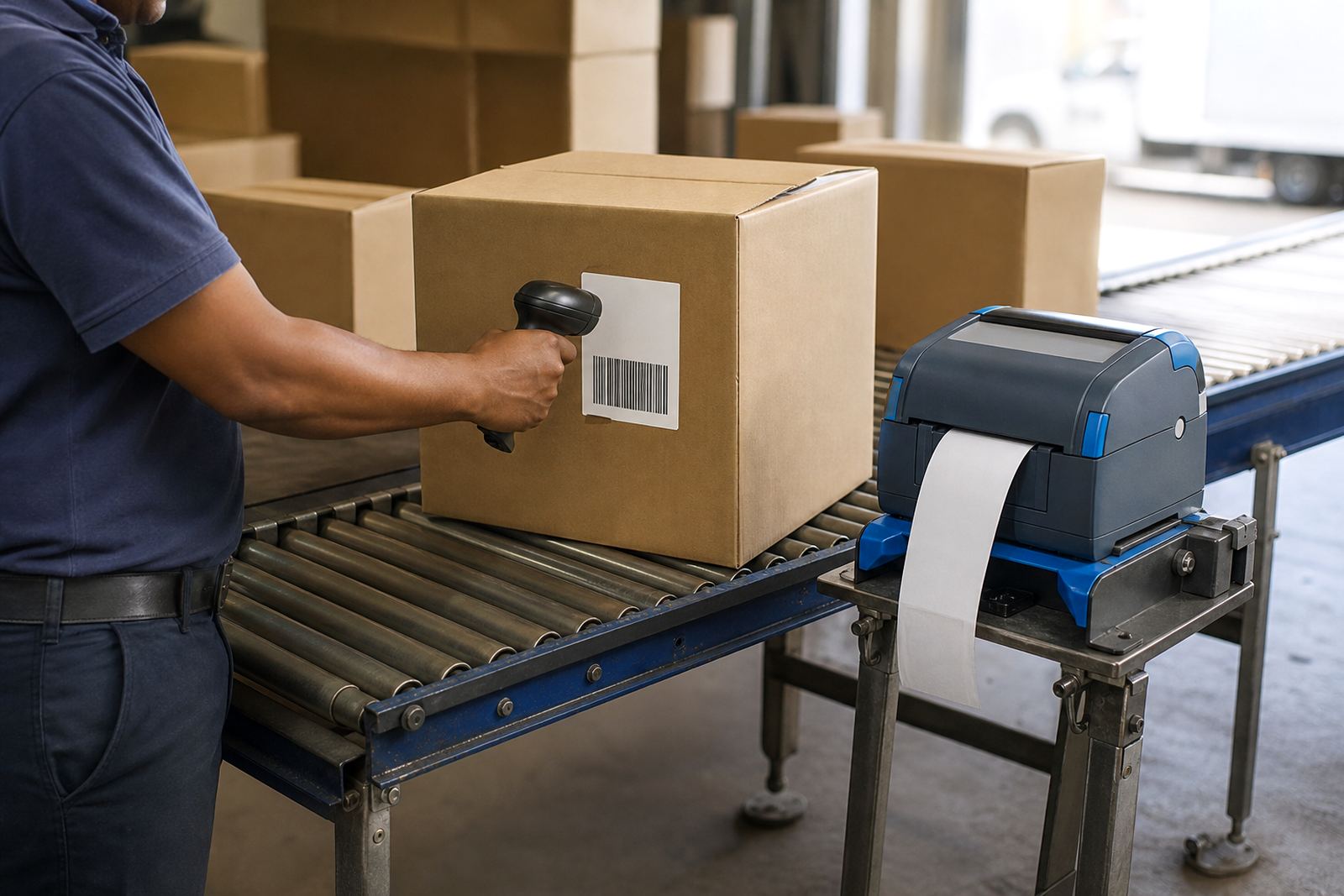
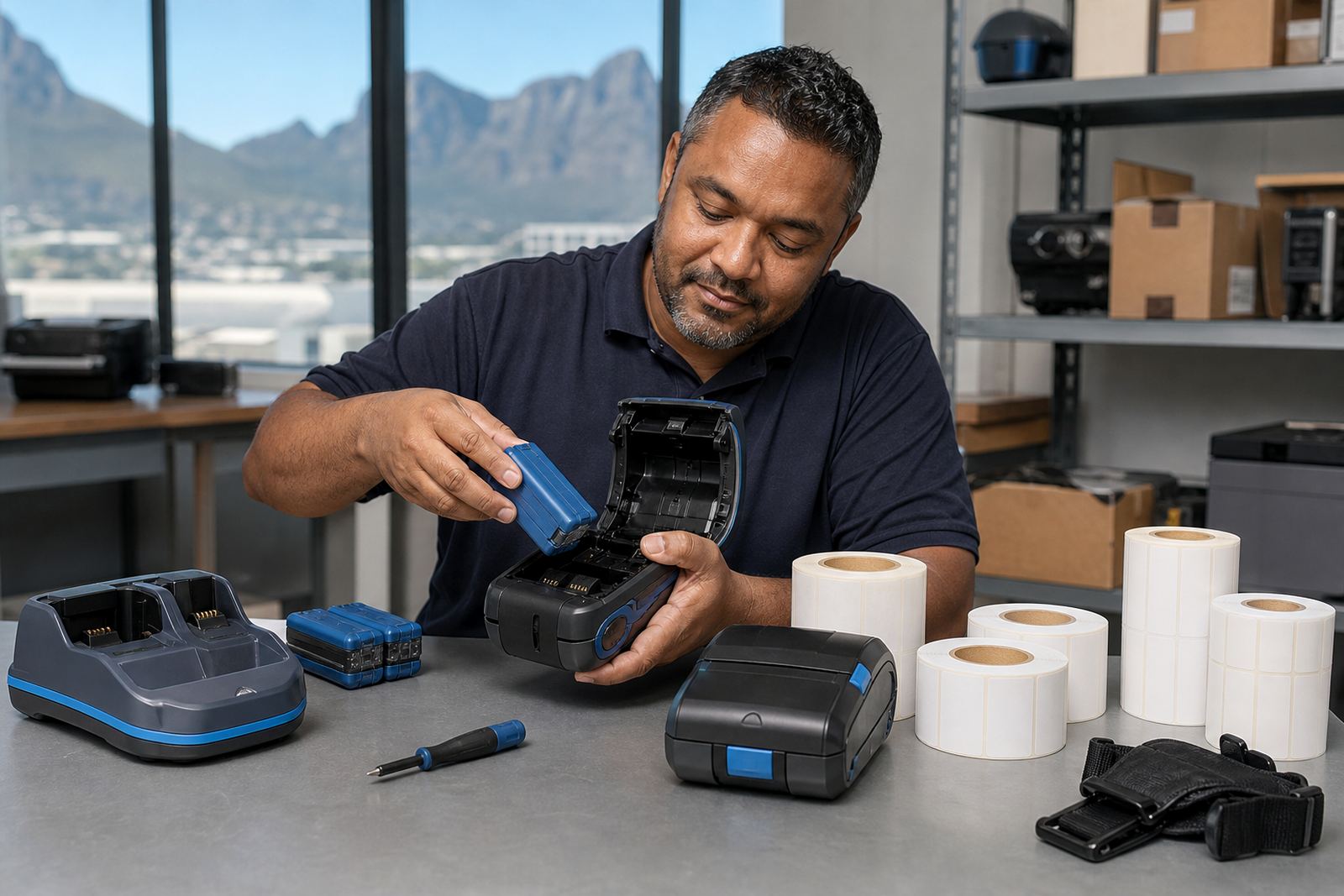
This printer is made for teams that move between shelves, pallets, cages and deliveries. The battery module lifts out for replacement or charging, so the handheld body stays in use while a spare battery is fitted. That matters in warehouses and courier routes where the label line cannot sit idle for long and the unit is used hard through the shift.
It handles direct thermal labels for short life work such as dispatch tags and courier labels, or thermal transfer printing when a longer lasting mark is needed for stock IDs, shelf labels and asset tags. Print widths usually run from narrow label stock up to 4 inch formats, with clear barcode and QR printing for stock control and scanning at receiving, despatch and returns.
- Swappable battery design for mobile work
- Direct thermal and thermal transfer options
- Barcode, QR and text printing
- Compact body for carts, trolleys and handheld use
Sizes, label stock and print settings that matter
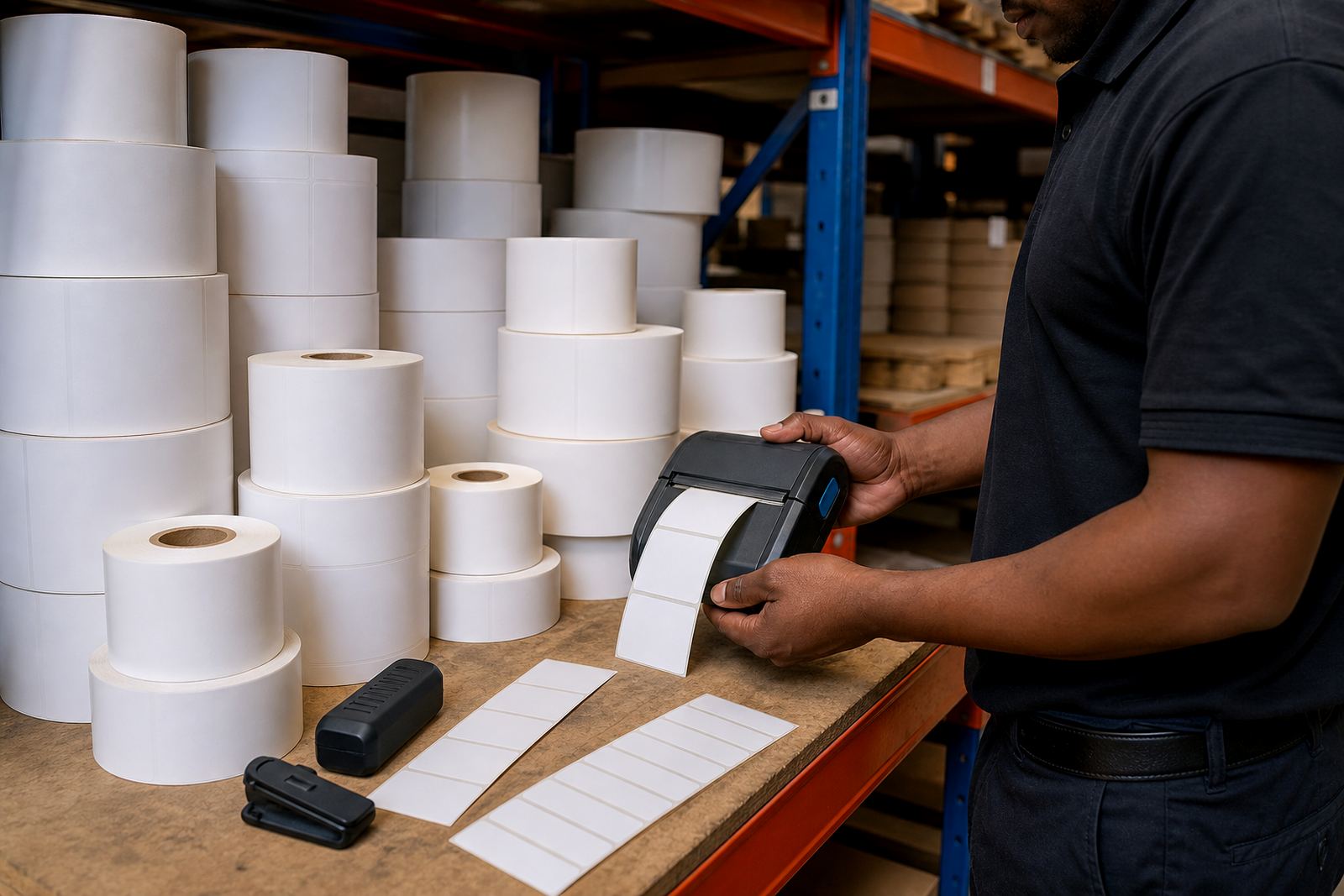
Label size has to match the job, not just the printer. Smaller rolls suit item tags, shelf markers and parcel labels, while wider formats help with warehouse location codes and courier manifests. We check roll width, outer diameter, core size and whether the printer needs gap, black mark or continuous media. That keeps feeding steady and cuts waste from the wrong roll format.
Most mobile units in this class print crisp text and machine-readable codes at practical speeds for day-to-day stock handling. Thermal transfer gives better wear resistance on labels that face handling, mild moisture or longer storage. Direct thermal is useful for fast moving labels where the print life is shorter and the stock turns quickly.
- Label widths matched to the printer guide rails
- Direct thermal rolls for short life labels
- Thermal transfer rolls for harder wearing marks
- Support for barcode and QR label formats
Where this printer earns its place
This model suits warehouses, couriers, retail stockrooms and mobile teams that label goods at the point of work. In Montague Gardens, Bellville and Midrand it is useful where staff move between bins, racks and dispatch points. In Durban and Gqeberha, coastal humidity can matter for label stock and ribbon choice, so the consumable match needs to be sensible for the storage area and the parcel route.
It also fits stock counts, returns processing and branch transfers where labels are printed close to the goods. The battery driven format makes sense for teams that do not want to wheel stock back to a fixed print point for every tag or receipt.
- Warehouse picking and location labels
- Courier parcel and route labels
- Retail stockroom and back-of-house tagging
- Field service asset marking
Pairing, fitting and first-run setup
These printers usually pair by Bluetooth, and some models also link through Wi-Fi for shared use on a local network. Setup has to be checked against the tablets, handheld terminals or PCs used in the branch. The label format, code type, print darkness and calibration all need a proper first pass so the labels feed square and the scan lines read cleanly.
On-site setup is useful when the unit is going into a live stockroom or dispatch bay. We also handle battery testing, battery replacement, belt clip repair, label calibration and print quality fixes. If the printer has not been serviced for a while, printhead cleaning and a feed check often sort out faint text, skipped marks or crooked labels before they turn into daily friction.
- Bluetooth pairing for mobile devices
- Wi-Fi setup for shared branch use
- Label calibration and darkness setting
- Printhead cleaning and feed alignment
Care that protects the print head and battery
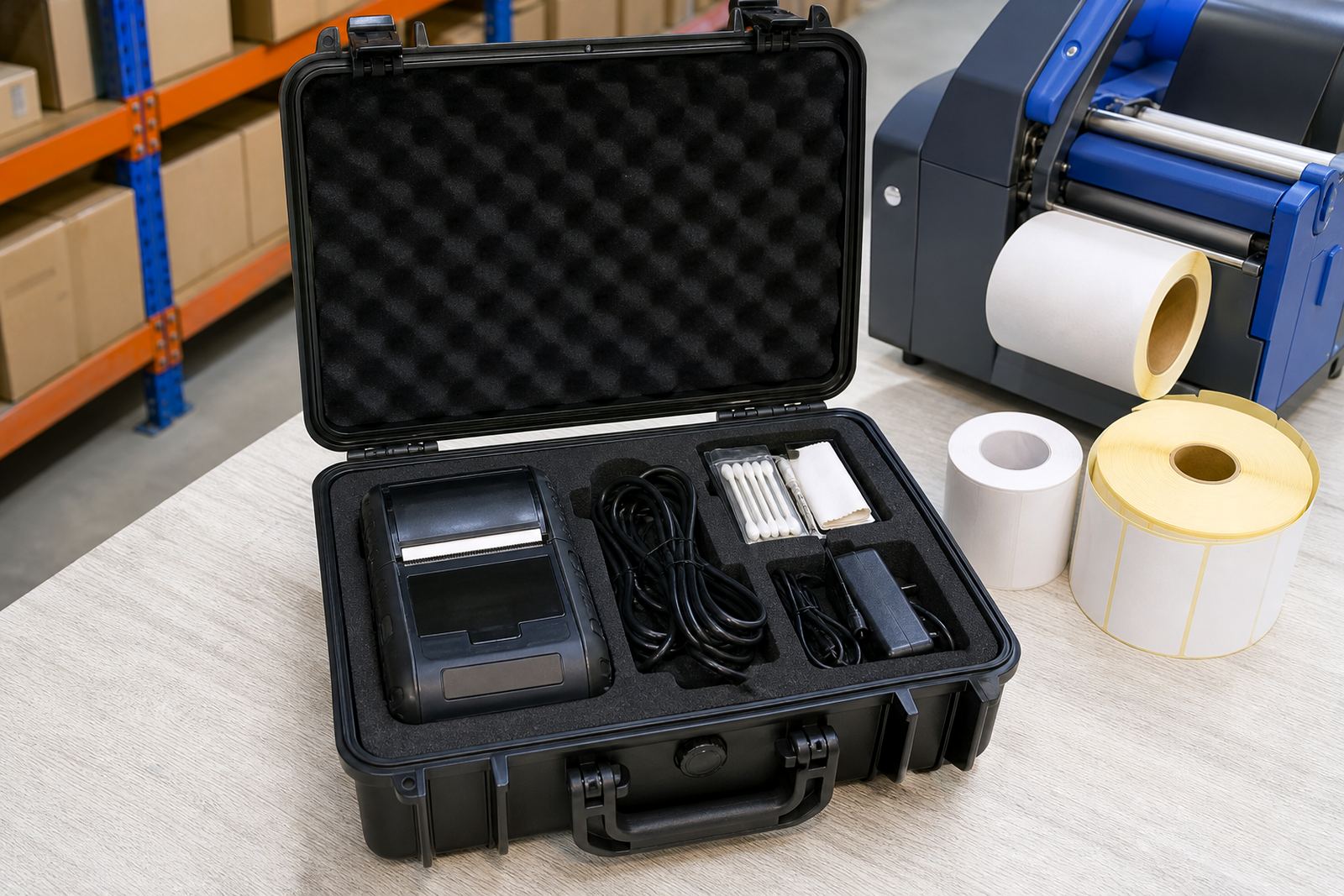
Mobile printers take knocks, dust and repeated battery swaps, so care has to be part of the routine. Keep spare batteries charged and rotate them in a sensible order. Clean the printhead with the correct method, clear dust from the media path and check that labels are feeding straight. A dirty head or worn platen roller can leave pale bars, broken characters or poor barcode scans.
The battery contacts and clips should be checked for wear, especially on units carried through a full shift or clipped to belts and carts. Belt clips need to hold the weight securely without wobble, and damaged clips can lead to drops or loose cable strain. Preventive servicing helps catch those issues before the printer starts missing labels on a busy run.
- Rotate and test spare batteries
- Clean the printhead and media path
- Check belt clips and battery contacts
- Watch for faded bars or broken code lines
What to confirm before ordering your unit
Ordering the right printer means checking a few practical details first. Confirm the print width you need, whether the job calls for direct thermal or thermal transfer, and which label sizes you run every week. The battery type, clip style and charging method also matter, especially if the unit moves between a warehouse floor and a vehicle.
It helps to note the device the printer must pair with, the barcode or QR format used, and whether the branch wants Bluetooth only or Bluetooth with Wi-Fi as well. If the printer is going into a busy store room, mention the label volume and the type of surfaces the labels stick to, because rough cartons, plastic crates and coated stock all behave differently.
- Print width and label roll size
- Direct thermal or thermal transfer use
- Bluetooth or Wi-Fi pairing requirement
- Battery, clip and charging arrangement
Key facts
| Print method | Direct thermal or thermal transfer |
|---|---|
| Print width | Up to 4 inch class mobile formats |
| Connectivity | Bluetooth, with Wi-Fi on selected units |
| Battery | Swappable rechargeable battery pack |
| Label support | Gap, black mark or continuous media |
| Use case | Warehouses, couriers and retail stockrooms |