Wider print for labels that must be read at a glance
This category covers a mobile thermal label printer with a larger print width than the compact units used for small parcel tags. In practice, the wider head helps when a label needs more room for a barcode, QR code, route detail, batch number and a bold description line without crowding the face of the label.
It suits teams that work with dispatch labels, transfer labels and stockroom labels where scanning and human reading both matter. Many users prefer direct thermal for short-life labels, while thermal transfer is used where the print must hold up better on handling, light scuffing or longer storage. The choice depends on the label face, the job and how long the mark needs to stay clean.
Typical print widths vary by model, but this class generally covers around 2 inches to 4 inches, with some units going wider for larger stock identification. Print clarity depends on correct media, heat setting and the state of the printhead, so a clean head and the right roll make a real difference.
Size options and pairing details that shape the job
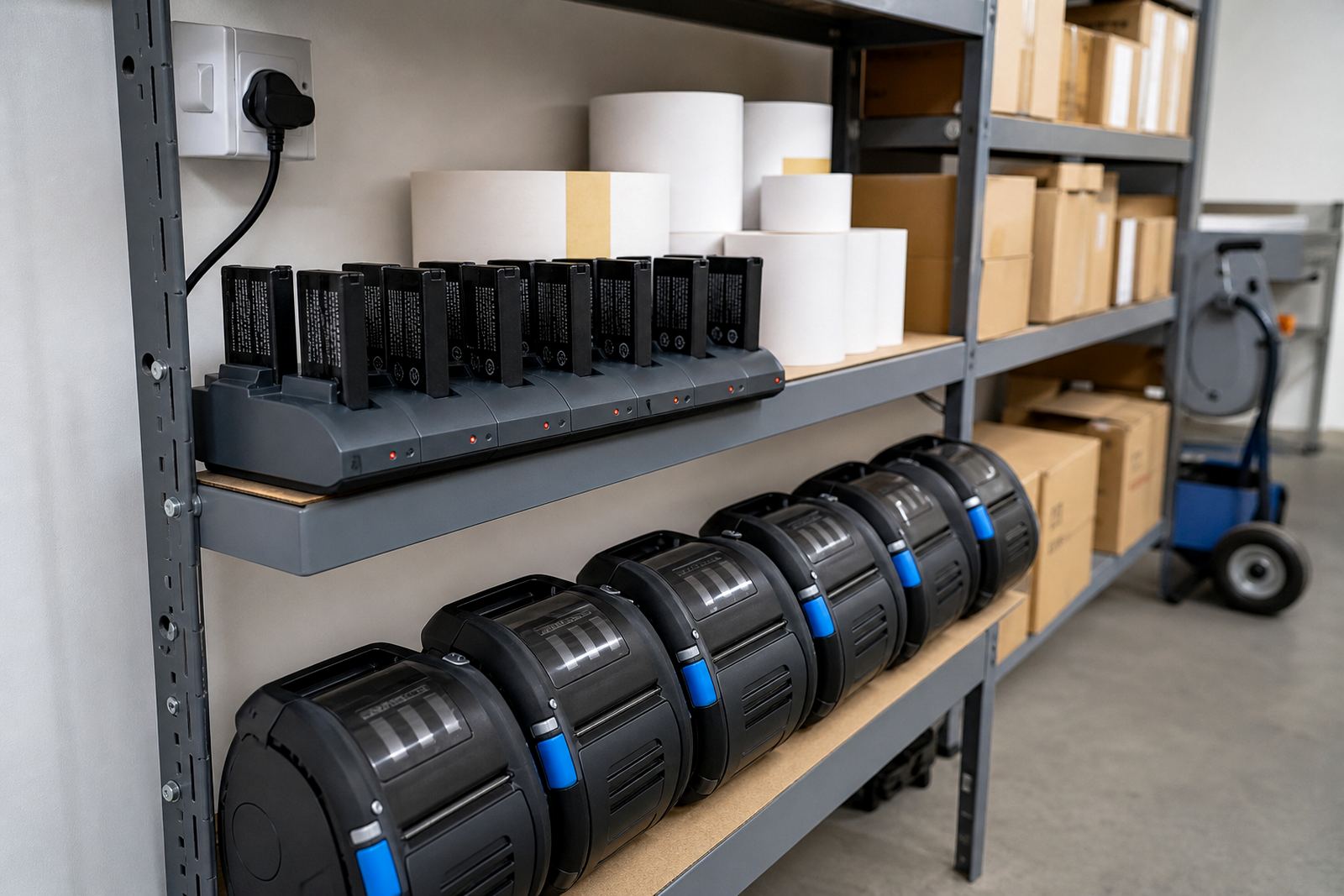
Large-format mobile units are usually carried on a belt clip or used with a battery pack clipped to the same body, so the unit stays ready for movement across a warehouse floor or a receiving bay. Bluetooth pairing is common for quick use with handheld devices, while Wi-Fi setup suits sites where the printer must stay on a shared network for multiple operators.
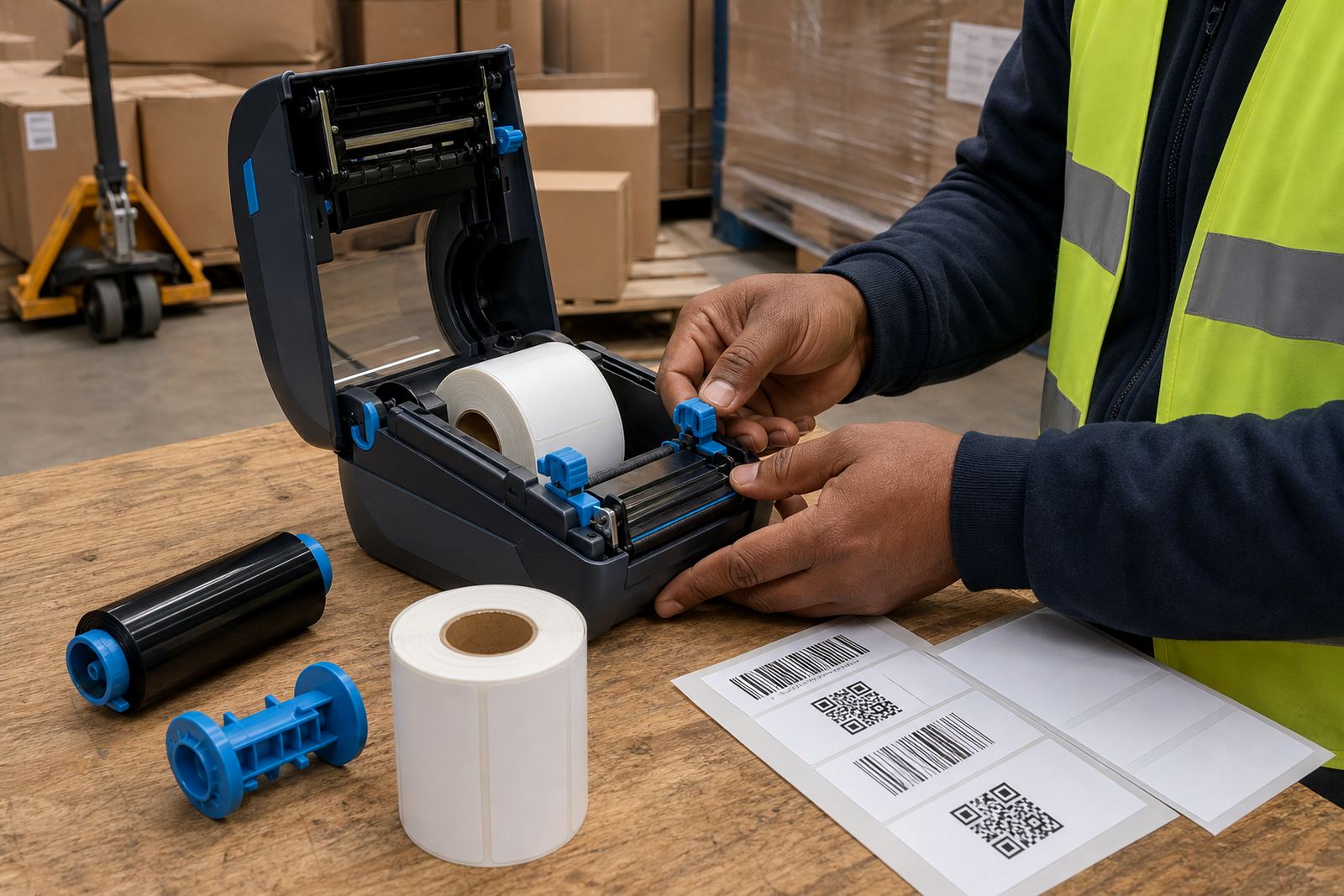
When we set up a unit, the label width, core size and roll diameter need to match the printer housing and the feed path. A roll that is too tight or too loose can cause drag, crooked feeding or a jam at the platen roller. That is why the setup stage matters, especially where teams shift between 50 mm, 76 mm and wider stock labels in the same week.
- Label width matched to the printhead and platen path
- Direct thermal or thermal transfer format
- Bluetooth or Wi-Fi pairing to the device in use
- Battery capacity suited to the shift pattern
- Belt clip fit, charging lead and carry method
Where the wider format earns its keep
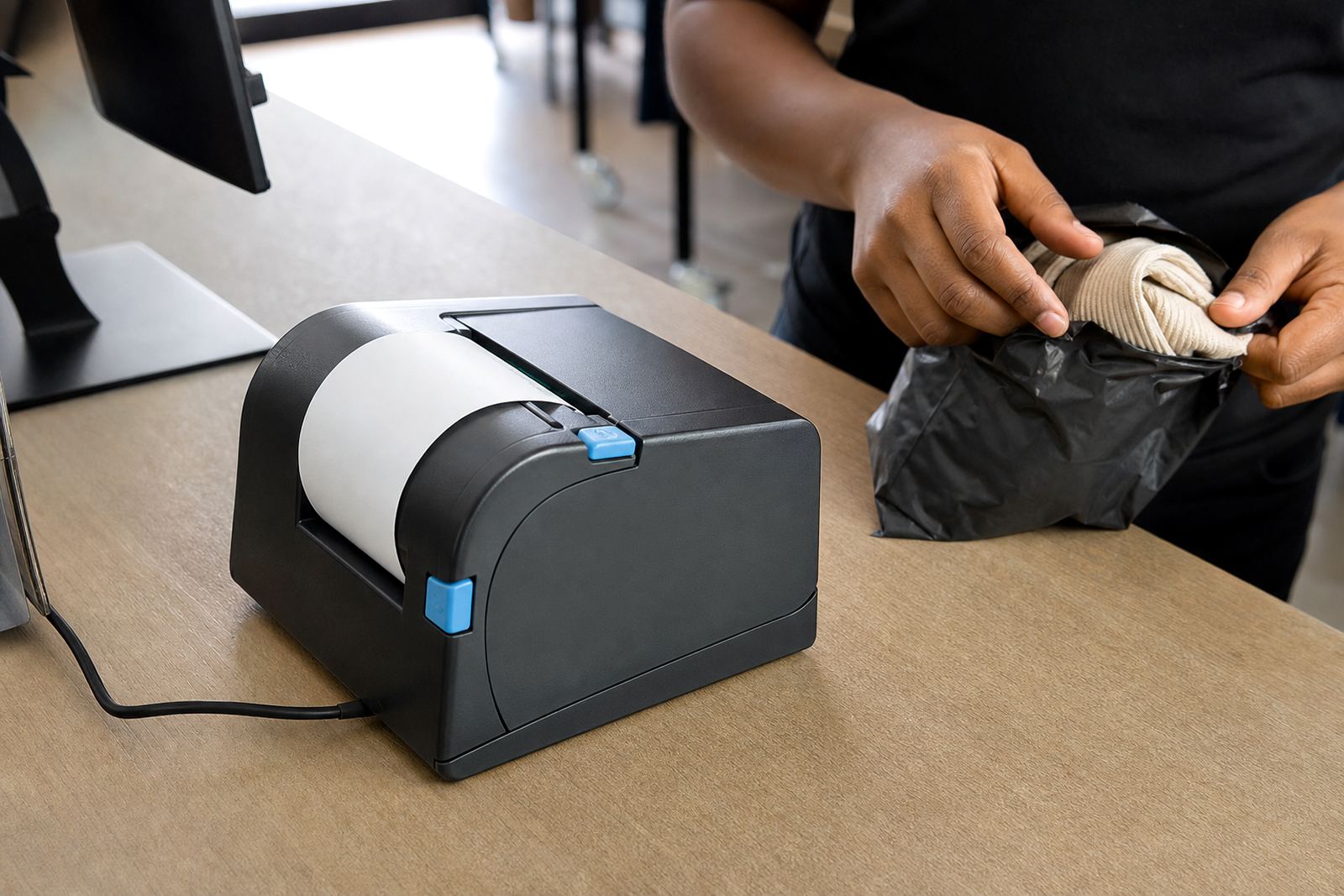
This printer format fits dispatch points, goods receiving, courier counters and retail stockrooms where labels must carry more detail than a small price tag or shelf marker. It is also a sensible choice for transfer labels that need extra room for item codes, storage notes and internal routing marks.
In Cape Town, Johannesburg, Durban, Pretoria and Gqeberha, the same unit may serve different jobs, from carton marking to pallet IDs to stock movement labels. In busier rooms, the wider print face reduces the need to split information over several labels, which saves time and cuts down on misreads.
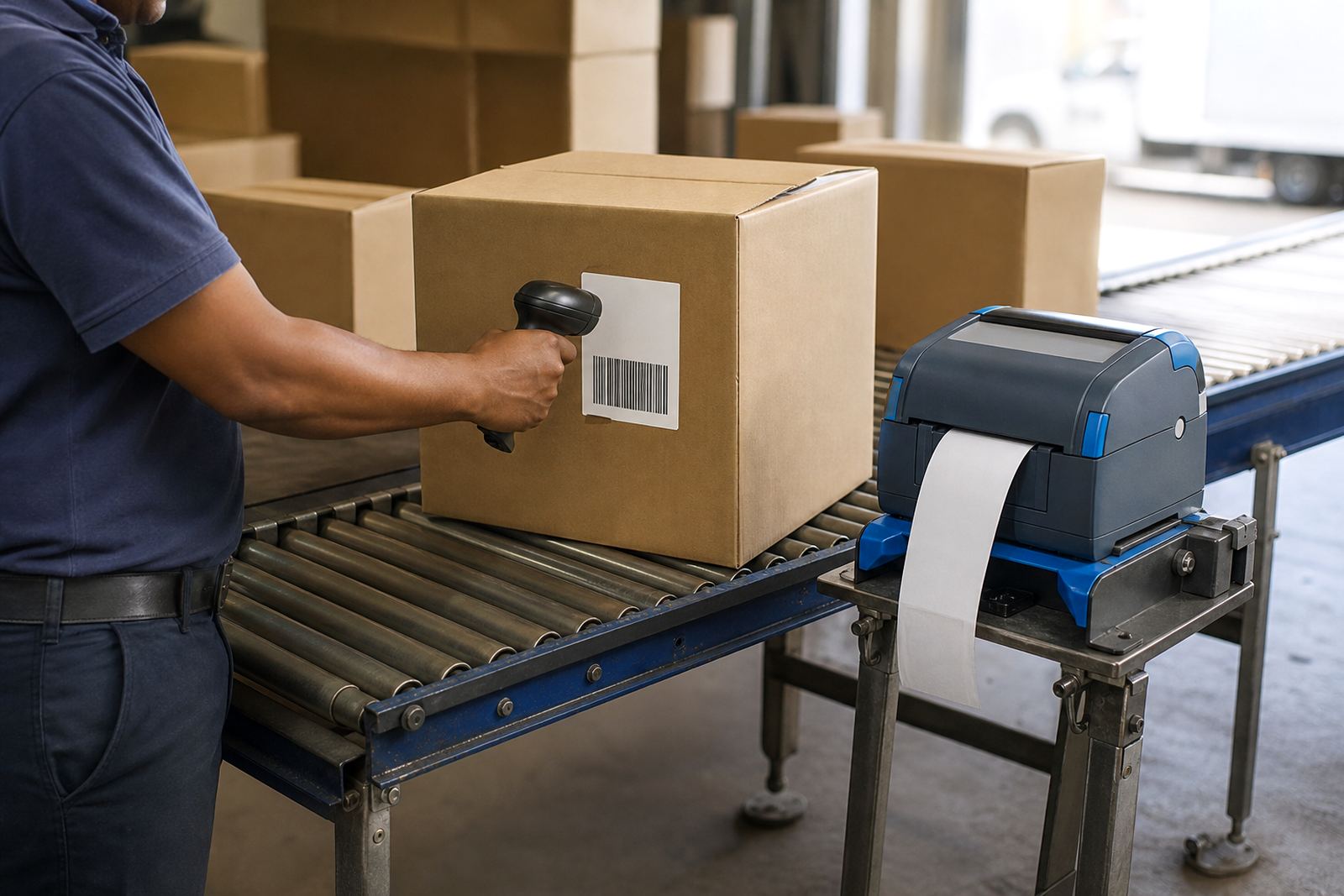
- Warehouse dispatch benches with barcode and route labels
- Courier handover points for large address and tracking labels
- Retail stockrooms for bin labels and transfer markings
- Receiving areas that need a clear item, count and date line
Fitting, setup and repair work on site
On-site setup covers the practical side of getting the printer into service: pairing, calibration, feed checks, label alignment and print quality testing. If the print drifts off centre or the barcode edges break up, we look at label calibration, pressure settings and the condition of the printhead before changing anything else.
Battery testing is part of the picture too. A tired battery can leave the printer sounding normal but dropping out under load, especially when a wider label needs more head heat and a longer print pass. Battery replacement, belt clip repair and label jam clearing are all part of keeping the unit in circulation rather than sitting in a drawer.
We also handle printhead cleaning and preventive servicing, which helps when labels start showing pale bands, light gaps or patchy barcodes. A clean print path is usually the first fix worth making, and a careful service often sorts out a mess before it turns into a bigger repair.
Care notes that keep the output clean
Thermal label printers need regular care because dust, adhesive residue and torn label edges build up inside the housing. The printhead should be cleaned with the right method for the media in use, and the platen roller needs checking for wear, shiny spots or glue build-up. If the feed path is dirty, the label can wander a touch and the scan line may soften.
Thermal transfer jobs need extra attention to ribbon condition and tension, while direct thermal jobs need care around the label stock itself because the coating is what carries the image. In coastal areas like Gqeberha and Durban, damp air can make roll handling and storage more difficult, so rolls need to stay sealed and dry until needed.
- Clean the printhead before the image starts to fade
- Check the label roll path for dust and adhesive build-up
- Store rolls flat and dry to avoid curling
- Inspect battery contacts and carry clips for wear
Details to confirm before the roll is packed
When ordering a large mobile label printer, the important details are the print width, label size, print method and the type of connection needed in the room where it will work. We also need to know whether the labels are for shipping, stock transfer or internal marking, because that affects the roll format and the print layout.
It helps to confirm the preferred barcode type, whether QR codes are required, and if there is a fixed template already in use. Some sites want a compact label with a wide text line, while others need a taller face with extra space for handling notes. If the printer will move between teams, the battery and clip arrangement should match that pattern too.
For mixed use, a site may keep direct thermal rolls for short-life output and thermal transfer rolls for labels that need a harder-wearing finish. Our contact form can be used to send the printer model needed, the label size in millimetres, the job type and the branch location, so the right setup suits the room and the work. A little detail here saves wasted rolls and a fair bit of calbration later.
Key facts
| Print method | Direct thermal or thermal transfer |
|---|---|
| Typical print width | About 2 to 4 inches, model dependent |
| Connectivity | Bluetooth and Wi-Fi options |
| Label formats | Barcode, QR code, text and mixed layouts |
| Power source | Rechargeable battery pack |
| Service items | Calibration, printhead cleaning, battery testing and repairs |