Battery packs that keep a handheld printer moving
A spare battery pack is the removable power source inside a mobile label printer. In this trade, that means a lithium-ion pack matched to the printer body, the charging cradle, and the workload that sits behind barcode labels, QR labels, shelf tags and dispatch stickers. The pack must seat properly, lock into place, and feed the printer without voltage drops that can upset print quality or cause mid-job shut-downs.
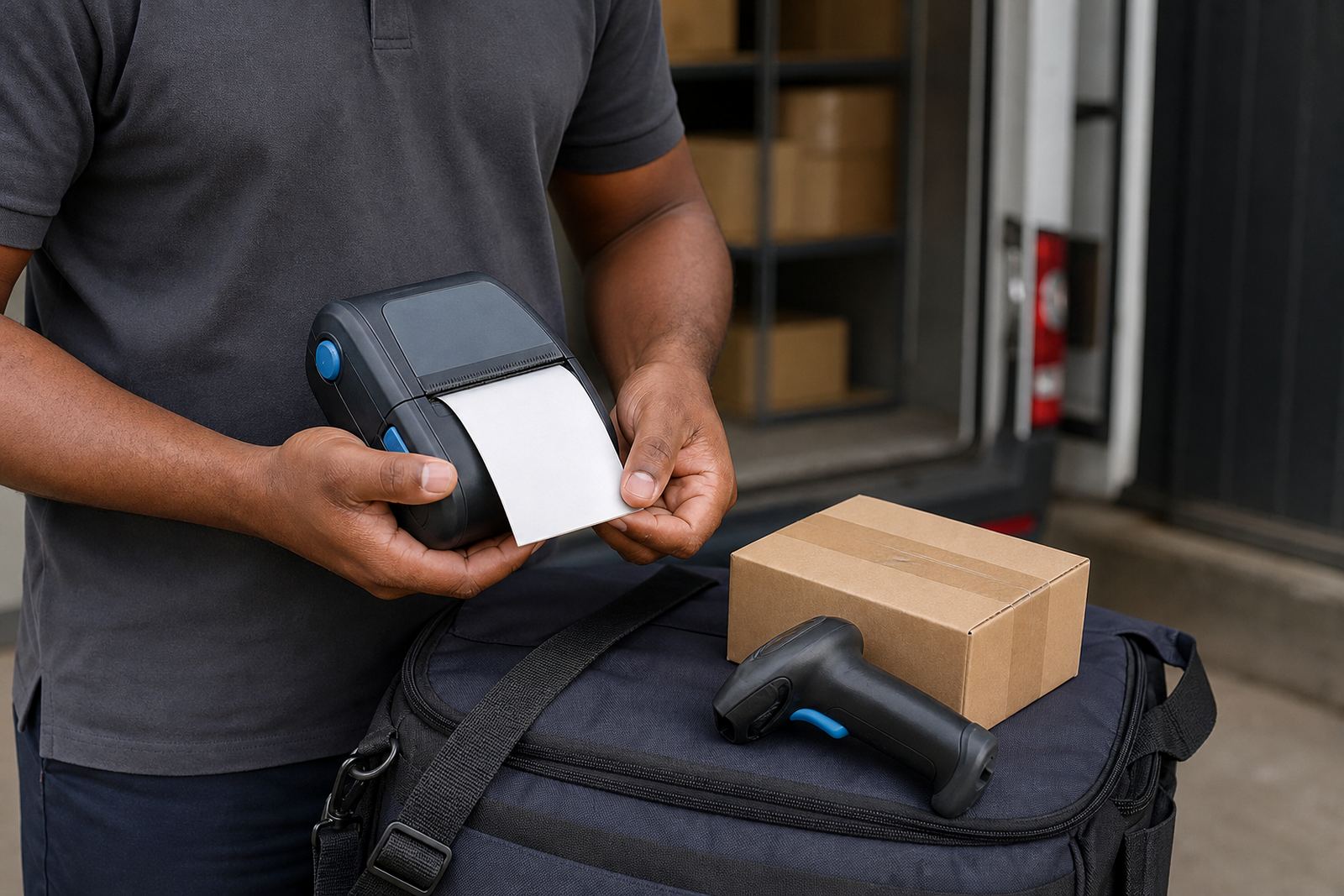
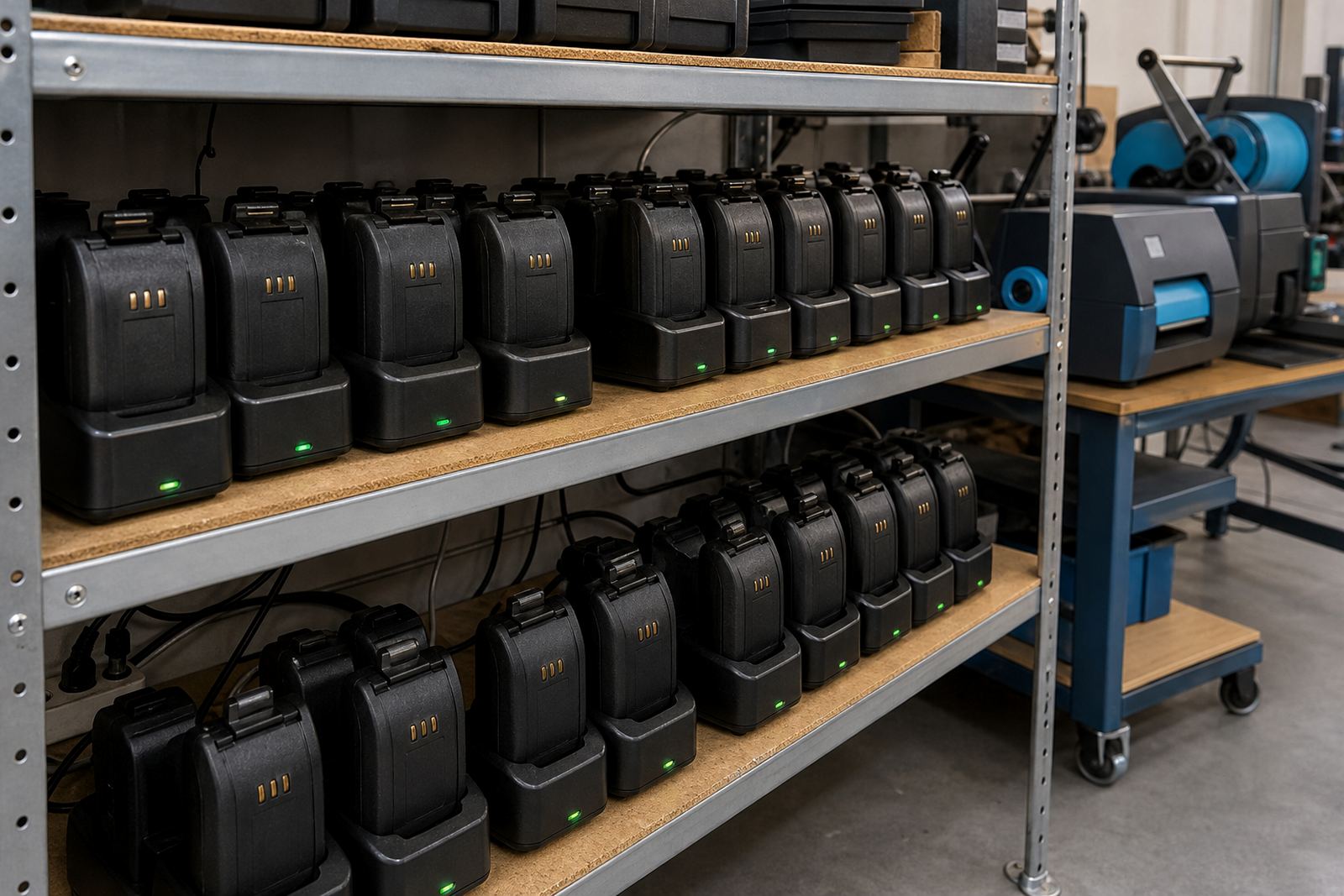
We supply replacement and backup packs for mobile label printers used with direct thermal and thermal transfer media. A good battery gives the operator enough working time for picking runs, receiving, cycle counts and route work, while keeping the printer light enough for a belt clip or shoulder carry. The pack must also suit the way the team charges gear, whether that is in a base cradle, a vehicle dock, or a spare unit on the shelf.
- Replacement battery packs for mobile thermal label printers
- Backup packs for longer on-site shifts and route work
- Matched packs for the correct printer body and connector
- Support for barcode and QR label printing on the move
Sizes and fit for different printer bodies
Mobile label printers do not all take the same pack. Some use a slim battery for a compact unit that sits neatly on a belt clip, while others use a deeper pack for longer print runs and bigger rolls. The right fit depends on the printer housing, the battery latch, the charging contacts and the cover shape. A pack that is too loose can vibrate during movement, and one that does not seat cleanly can interrupt power when the operator is working quickly.
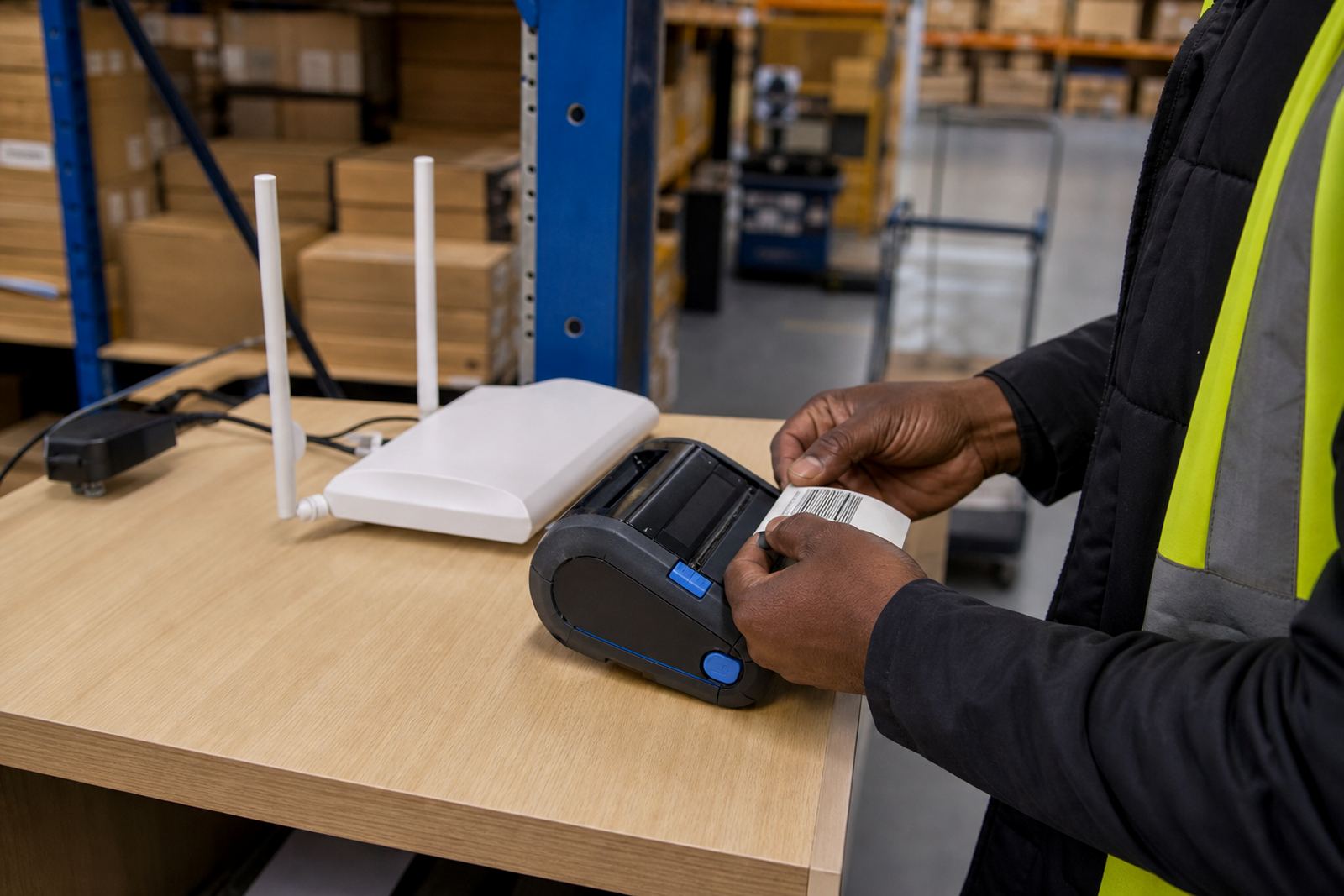
For warehouses and stockrooms, the usual concern is shift length and label volume. Courier teams often need a pack that stays steady through repeated address labels, parcel tags and route scans. Retail stock teams usually want a balance between weight and run time, because the printer must stay comfortable in the hand when staff move from receiving to shelf marking. We help match the pack to the printer model and the duty cycle it carries.
- Compact packs for lighter mobile printers
- Higher-capacity packs for longer print sessions
- Correct latch and connector match for the printer body
- Battery packs suited to belt-worn or hand-carried units
Where spare packs earn their keep
Spare battery packs make the most sense where a printer is part of daily movement, not a fixed workstation. In Montague Gardens, Bellville and Midrand, that usually means receiving bays, picking aisles, dispatch counters and stockrooms where operators walk with the printer, scan labels and print on the spot. In courier depots, a second pack is useful when a unit spends long periods outside the charging cradle. Retail teams use them when stock takes stretch through trading hours and there is no room for a dead printer in the middle of a label run.
The pack is also useful when one unit is kept as a backup. If a printer is shared between staff, or if it moves between a branch office and a field team, a charged spare reduces interruptions in the label workflow. That is especially useful where labels must stay readable for scanning and tracking, because half-done work can lead to wasted media and reprint time.
- Warehouse receiving and picking lines
- Courier depots and delivery routes
- Retail stockrooms and stock take stations
- Branch teams that rotate a printer between users
Fitting, testing and battery checks on site
Fitting a battery pack is usually straightforward, but the contact points still need care. The printer should be switched off before the pack is removed or seated, and the latch must close cleanly without forcing the cover. After fitting, the unit should be tested with a short label run, a barcode label and a QR label to make sure the printer feeds correctly and the display, indicator lights or charge status behave as expected.
Our on-site setup and repairs team can check whether the pack is holding charge, whether the charger is seated properly and whether the printer is drawing power evenly. If a unit is cutting out, running hot or showing a weak charge indicator, the battery may be the issue, though the contacts, cradle or charge lead can also need attention. We also carry out battery testing and replacement as part of general mobile printer servicing.
- Safe removal and seating of the pack
- Charge testing on the printer or cradle
- Short print tests after fitting
- Checks for weak contacts and uneven charging
Care that helps the pack last its working life
Battery packs last better when they are kept clean, charged properly and stored in a sensible state between shifts. Dust from warehouses, paper fibres from label rolls and grime from glove handling can collect around the contacts. Those small marks can interfere with charging, so the pack and printer terminals need an occasional wipe with a dry lint-free cloth or the correct cleaning method for the unit.
Temperature matters too. A pack left in a hot vehicle or a damp back room can lose useful life sooner than one stored in a dry, stable area. If a printer is not used every day, it is worth checking the pack charge before the next run rather than leaving it flat for long periods. If the battery starts swelling, drains too fast or fails to hold a charge, it should be replaced rather than pushed through another shift.
- Keep contacts free of dust and label debris
- Store packs in a dry, cool area
- Do not force a swollen or damaged battery into a printer
- Check charge before the next use if the unit has been idle
Details to confirm before you order
To match the correct spare battery pack, we need the printer type, the battery shape and the charging setup in use. Some units take a flat pack with a side latch, others use a larger rear pack, and the connector layout must line up exactly. It also helps to know whether the printer will handle direct thermal labels only or work with thermal transfer, since that often changes the workload and battery use.
Please also confirm the label width the printer handles, the usual roll size, and whether the unit is used with Bluetooth or Wi-Fi pairing. Those details help us match the battery to the way the printer is actually used in the field. If the unit is worn on a belt clip, carried in a vehicle, or shared between staff, we can factor that into the recommendation and the fitting plan.
- Printer model and battery bay shape
- Charging cradle or dock style
- Usual label width and roll size
- Work pattern, such as warehouse, courier or retail use
Key facts
| Battery type | Lithium-ion replacement pack |
|---|---|
| Fit | Matched to the printer body and latch |
| Use case | Backup or primary power for mobile label printing |
| Charging | Works with the correct cradle or dock |
| Care | Keep contacts clean and store dry |
| Support | Fitting, battery testing and replacement |
| Typical use | Barcode and QR label printing on the move |