Made for carrying, clipping and moving with the job
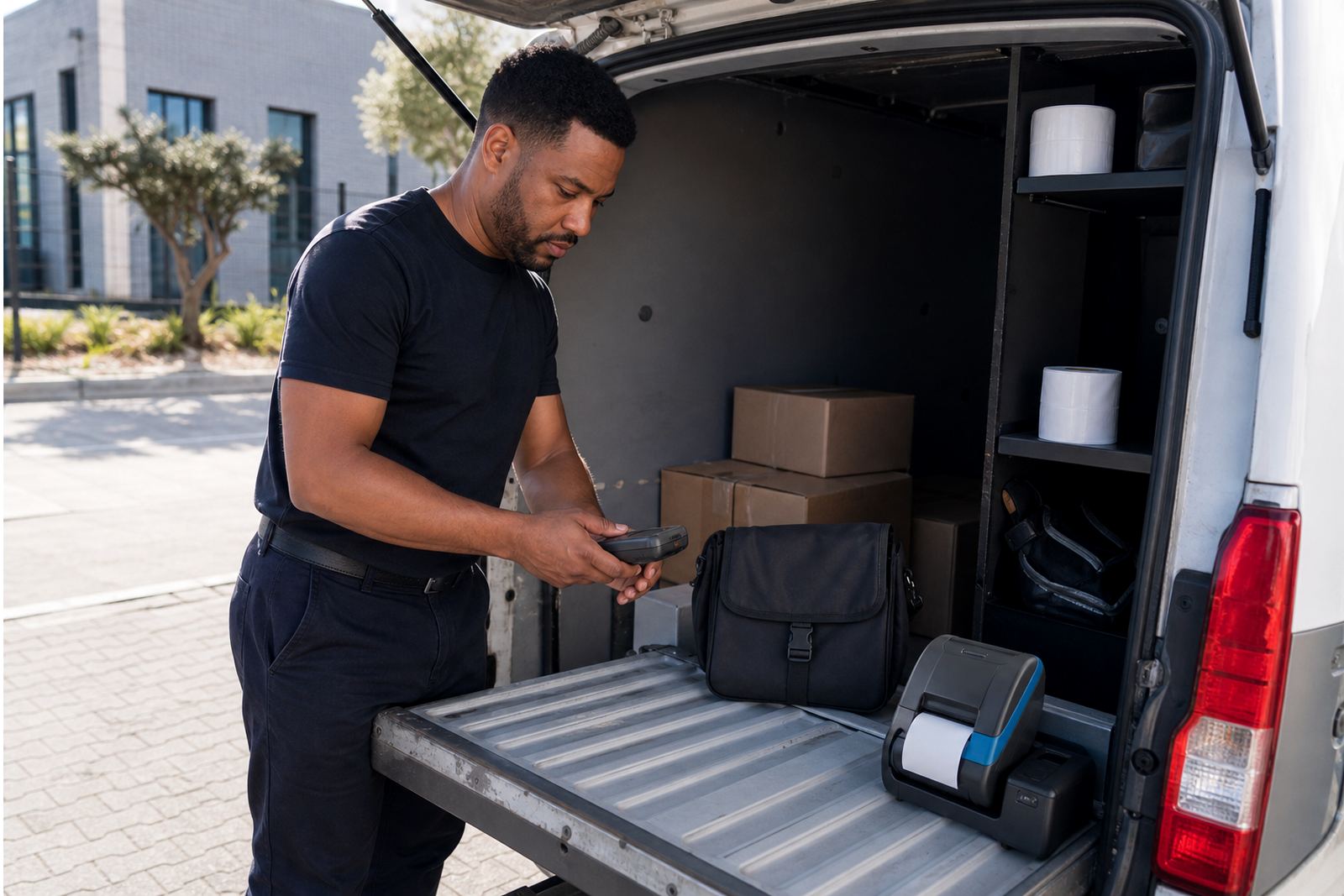
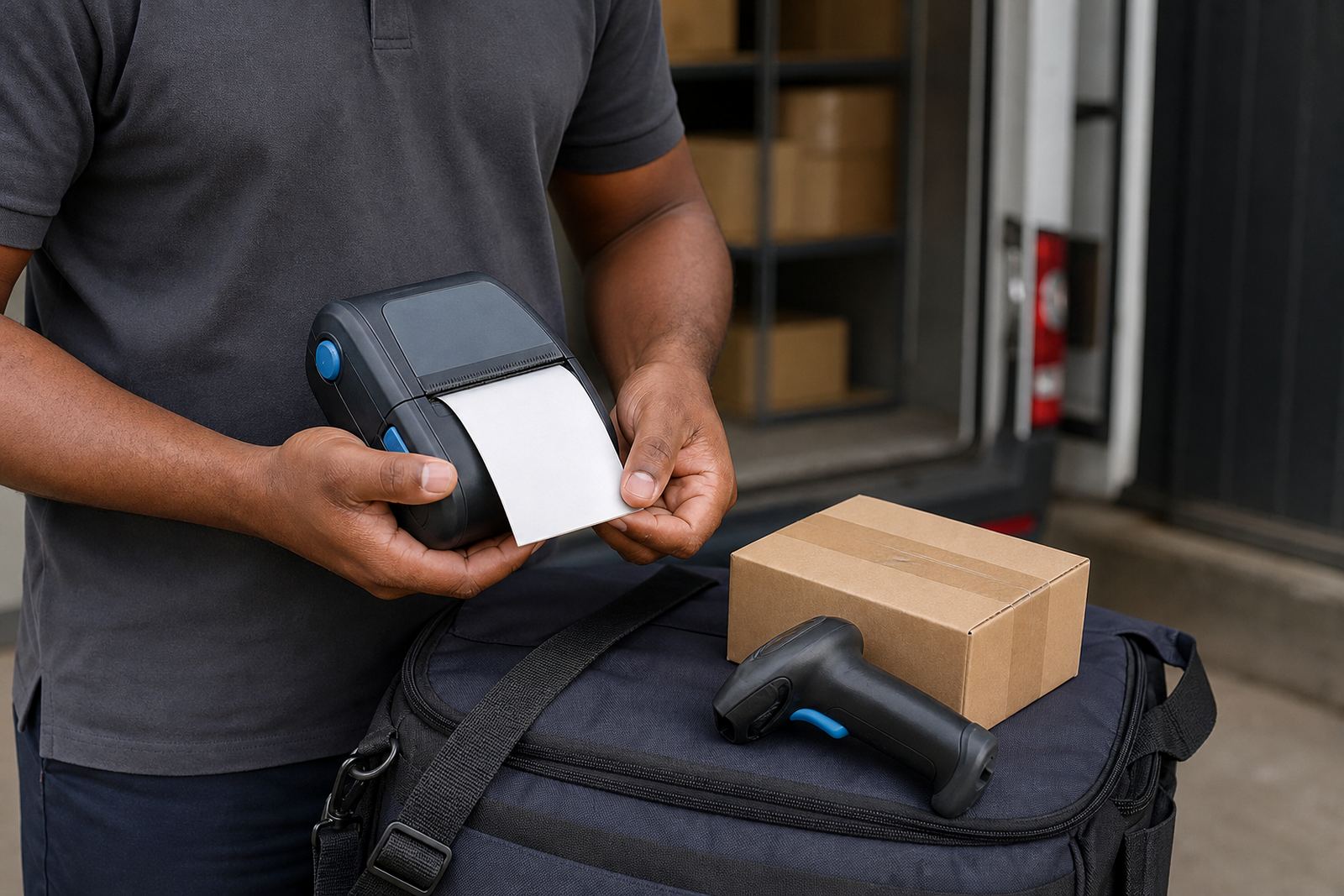
A lightweight mobile printer is the kind of unit that can ride on a belt clip, sit in a carry pouch or rest on a trolley without adding much bulk. It suits staff who need to print labels close to the point of picking, receiving or dispatch, rather than walking back to a fixed station for every roll. In busy stockrooms around Montague Gardens, Bellville and Midrand, that smaller form factor is often easier to manage during a full shift.
Most lightweight units are used for short label runs, route work and batch marking. They are commonly chosen for parcel labels, shelf labels, bin labels, batch codes and barcode tags where the print area is modest and the printer must travel with the operator. The housing is usually made to handle regular movement, with a clip or strap point that keeps the unit secure while climbing steps, working around pallet stacks or moving between bays.
- Compact body for frequent carry
- Handheld or belt worn use
- Short run printing for labels and tags
- Useful in warehouses, couriers and retail stockrooms
Print size, media and output that suit smaller label jobs
Lightweight mobile printers are normally chosen for label widths in the smaller working range, often around 58 mm to 104 mm depending on the unit and media path. That covers a lot of practical label work, from narrow shelf tags to wider shipment labels. The print area should match the label roll you use day to day, because forcing a mismatch can cause alignment trouble and wasted labels.
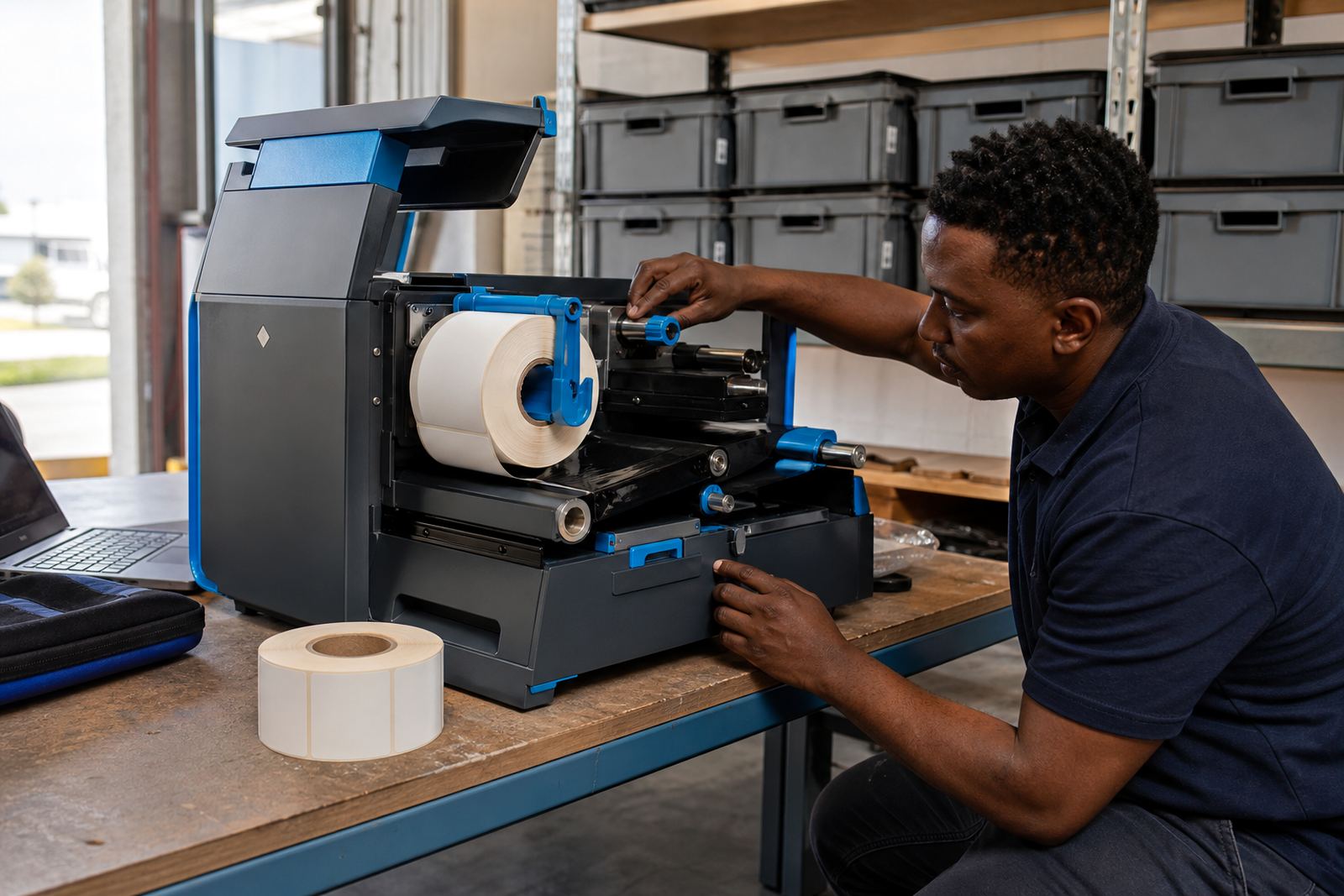
Two print methods are common. Direct thermal printing uses heat-sensitive labels and is handy for short life labels, dispatch marks and temporary stock identification. Thermal transfer uses a ribbon and gives a tougher print on more durable stock, which is useful when labels need better resistance to handling, friction or warehouse conditions. If the job includes barcodes or QR codes, the print resolution and darkness settings matter, because a blurred symbol can slow scans at receiving or packing.
- Common print widths from about 58 mm to 104 mm
- Direct thermal for short life labels
- Thermal transfer for harder wearing labels
- Barcode and QR code printing supported on suitable models
Battery life, pairing and the small setup choices that matter
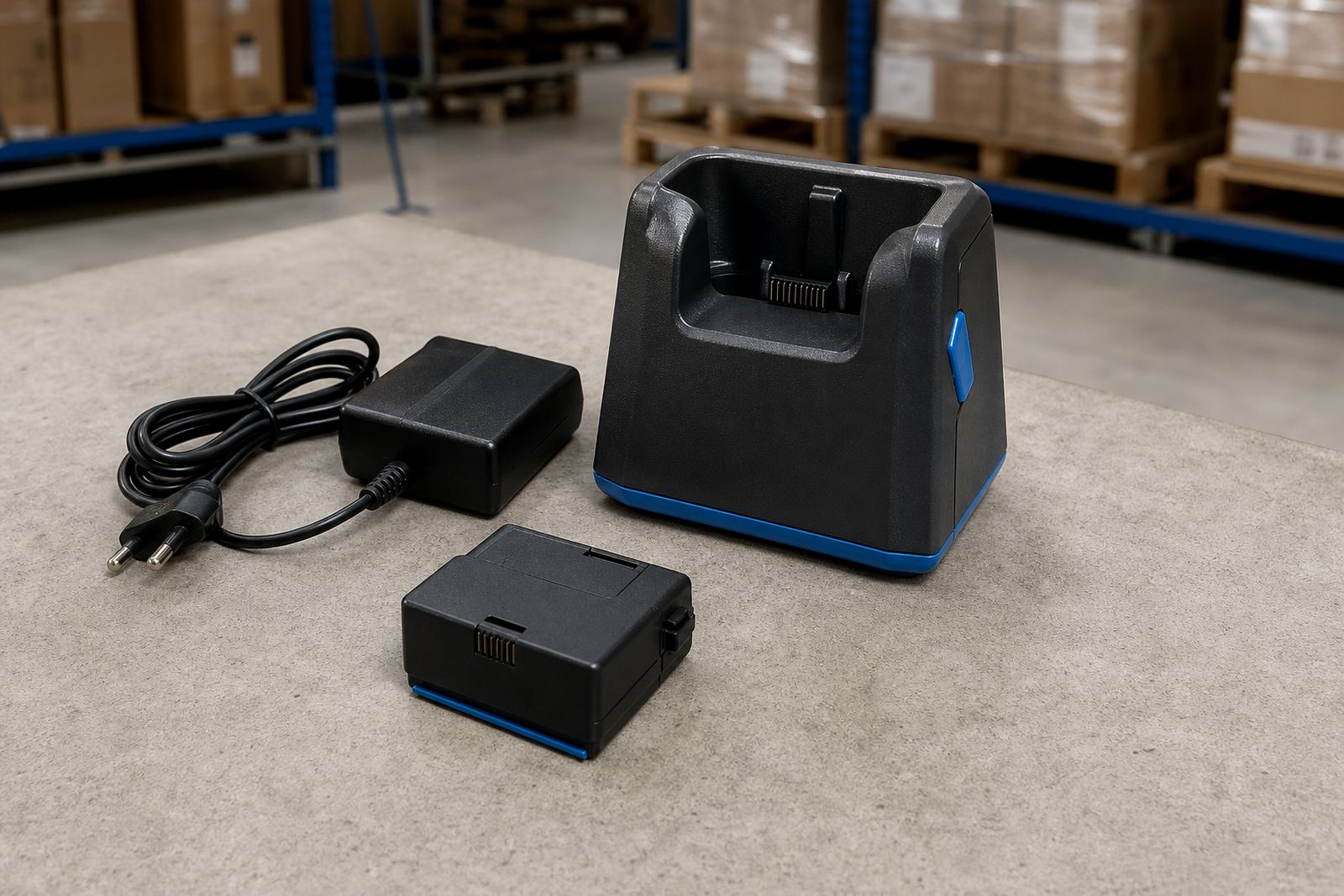
Battery life is one of the first things to check on a mobile unit. A lighter printer should still carry enough charge for the shift pattern, the number of labels printed and the amount of wireless use. If the team works across loading bays, shop floors or delivery routes, battery condition can shape the whole day. A weak battery means more stops, more recharging and more delay while staff wait for the printer to power back up.
Bluetooth pairing is common for mobile use, while Wi-Fi setup helps where the printer must sit inside a networked stockroom or share work across a branch. Pairing needs to match the device being used, whether that is a handheld terminal, tablet or another mobile system. Label calibration also matters, especially when moving between different roll sizes or label gaps. If the printer feeds too far or too short, the first few labels can be wasted and barcode placement can drift.
- Bluetooth pairing for handheld use
- Wi-Fi setup for shared network printing
- Calibration for label gap and roll size
- Battery checks for shift length and print volume
Where a lighter unit earns its keep
This type of printer is a good fit for teams that move often and print in small bursts. Couriers use it for route work and parcel identification. Warehouses use it when a picker needs to label stock at the shelf edge, then move on. Retail stockrooms use it for back room marking, transfer labels and quick counts where carrying a heavier printer would get in the way.
Across Cape Town, Johannesburg, Durban, Pretoria and Gqeberha, the practical benefit stays the same: less strain on the body and less time at a fixed counter. The unit still needs the right roll, the right battery and the right connection method, but once those are matched to the job, the printer fits naturally into the day. For teams working across several sites, that consistency matters because label format and scanning behaviour should stay steady from one branch to the next.
- Courier routes and parcel marking
- Warehouse picking and shelf labelling
- Retail stockroom ticketing and bin labels
- Multi site use across branches and depots
Fitting, training and repairs for the working shift
On-site setup usually covers pairing, label loading, calibration and a check of print darkness, feed length and barcode clarity. If the printer is used with a belt clip or carry strap, the fit should be checked for comfort and secure movement. A loose clip can snag on racking, while a tight fit can make the unit awkward during repetitive use. For staff who print across multiple label sizes, training helps reduce jams and misfeeds caused by the wrong roll path or an uneven close on the cover.
Repair work often starts with the basics: printhead cleaning, battery testing, belt clip repair, label jam clearing and a look at the feed rollers. Dust, leftover glue, and used label backing can all spoil print quality. If the printer is used hard in a warehouse or stockroom, a scheduled clean keeps the print line sharper and helps avoid pale bars or broken text. If a battery is ageing, the unit may still switch on but struggle under repeated print jobs, which is usually when replacement makes better sense than another short term fix.
- On-site setup and label calibration
- Printhead cleaning and feed checks
- Battery testing and replacement
- Belt clip repair and operator training
Details to confirm before you order
The cleanest way to match a lightweight mobile printer to the job is to confirm the label width, the print method and the connection type first. That keeps the unit aligned to the actual work instead of being forced into a role it was never meant to cover. If the labels are mainly temporary, direct thermal may be the better fit. If they need harder wearing output, thermal transfer is worth looking at.
It also helps to check the battery requirement, the preferred clip or carry method and whether the printer will be used with Bluetooth or Wi-Fi. Roll size matters too, because a compact printer usually has a set media path and a specific roll diameter it handles comfortably. If the labels must carry barcodes or QR codes, send the exact label size and the scan requirement so the print layout can be set correctly from the start. That avoids the common problem of text sitting too close to the edge or codes printing too small for reliable scanning.
- Required print width and label size
- Direct thermal or thermal transfer use
- Bluetooth or Wi-Fi pairing need
- Battery, clip and roll size details
Clients in Montague Gardens, Cape Town and across South Africa can use our contact form for order details, setup support and repair work. That includes label supplies, field setup and printer care for active warehouse and courier teams.
Key facts
| Print method | Roll type and job decide between direct thermal and thermal transfer |
|---|---|
| Print width | Common working range around 58 mm to 104 mm |
| Connectivity | Bluetooth and Wi-Fi options depending on the unit |
| Battery | Rechargeable battery for mobile shift work |
| Label output | Text, barcodes and QR codes on suitable media |
| Accessories | Belt clip, carry strap and battery options where supported |