Built for stockroom work, not office noise
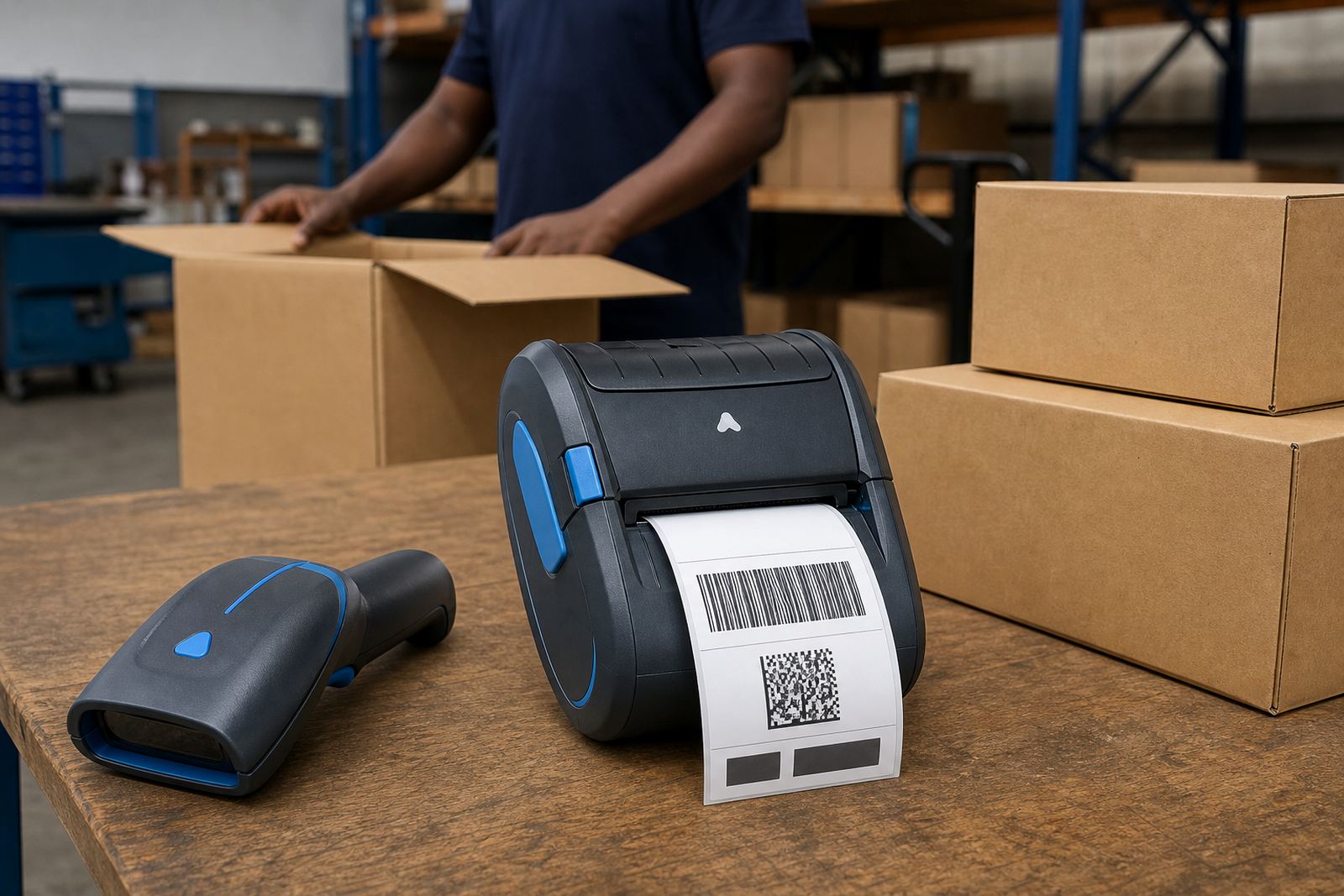
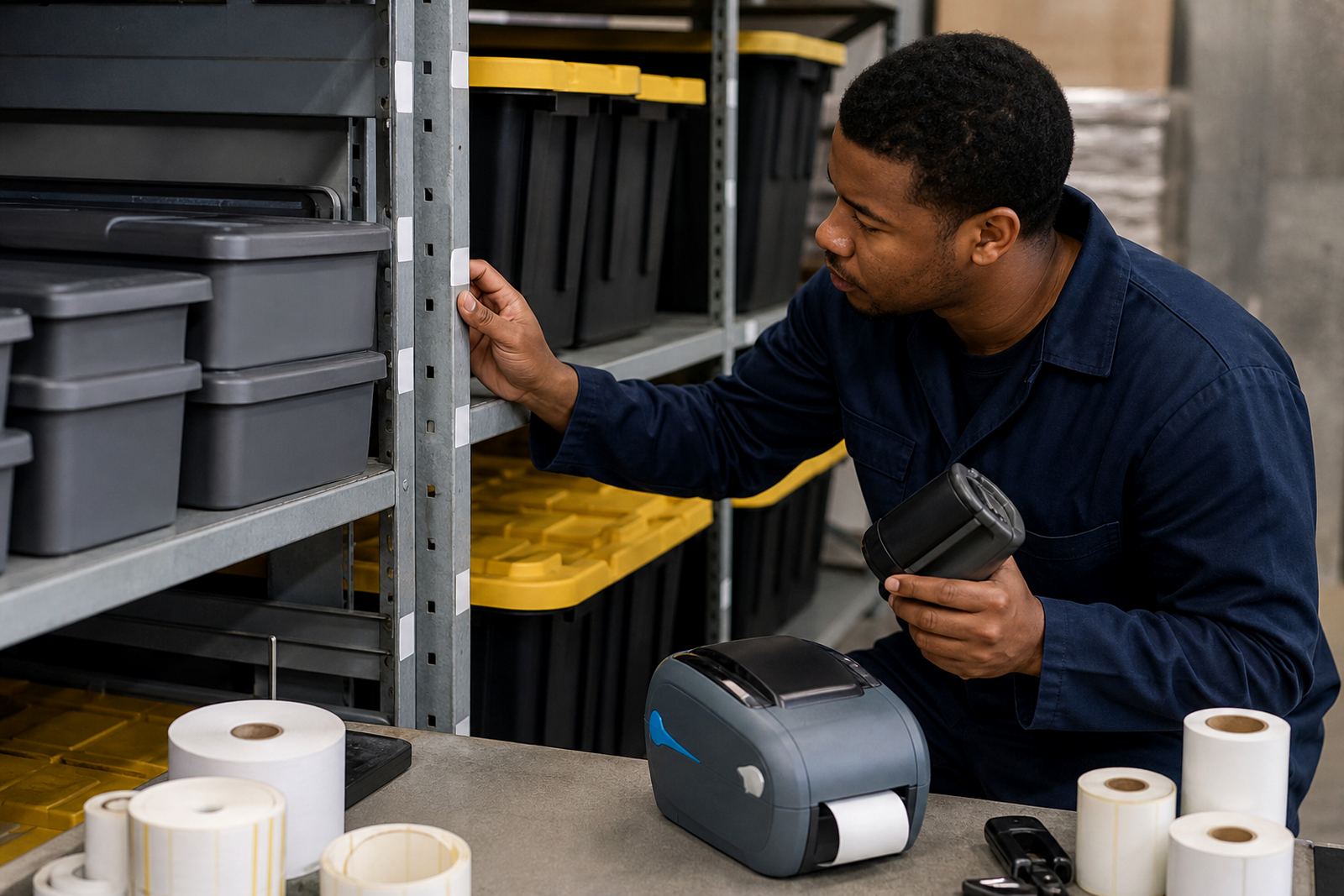
Retail stockrooms usually need more than one label width. Small labels work for drawer fronts, tote bins and shelf edges, while wider labels carry item codes, quantities, batch notes and larger barcodes. We match the roll to the printer path, platen pressure and the available print width so the label feeds square and the code scans properly.
The label face, adhesive and core size all matter. A glossy finish can help in some retail environments, while matt stock often scans better under overhead lights. For chilled back-of-house areas or humid coastal sites, the adhesive needs to hold through temperature change and handling. If the stockroom uses removable labels for temporary counts, that needs to be stated at order stage, because the wrong adhesive leaves residue or lifts too early.
- Label widths commonly used in stockrooms from 25 mm to 100 mm
- We match core size and roll diameter to each printer body
- Permanent, removable or high-tack adhesive options
- Black mark or gap sensing where the printer needs media calibration
- Barcode, QR and text layouts set for the store workflow
Where this unit fits on the floor
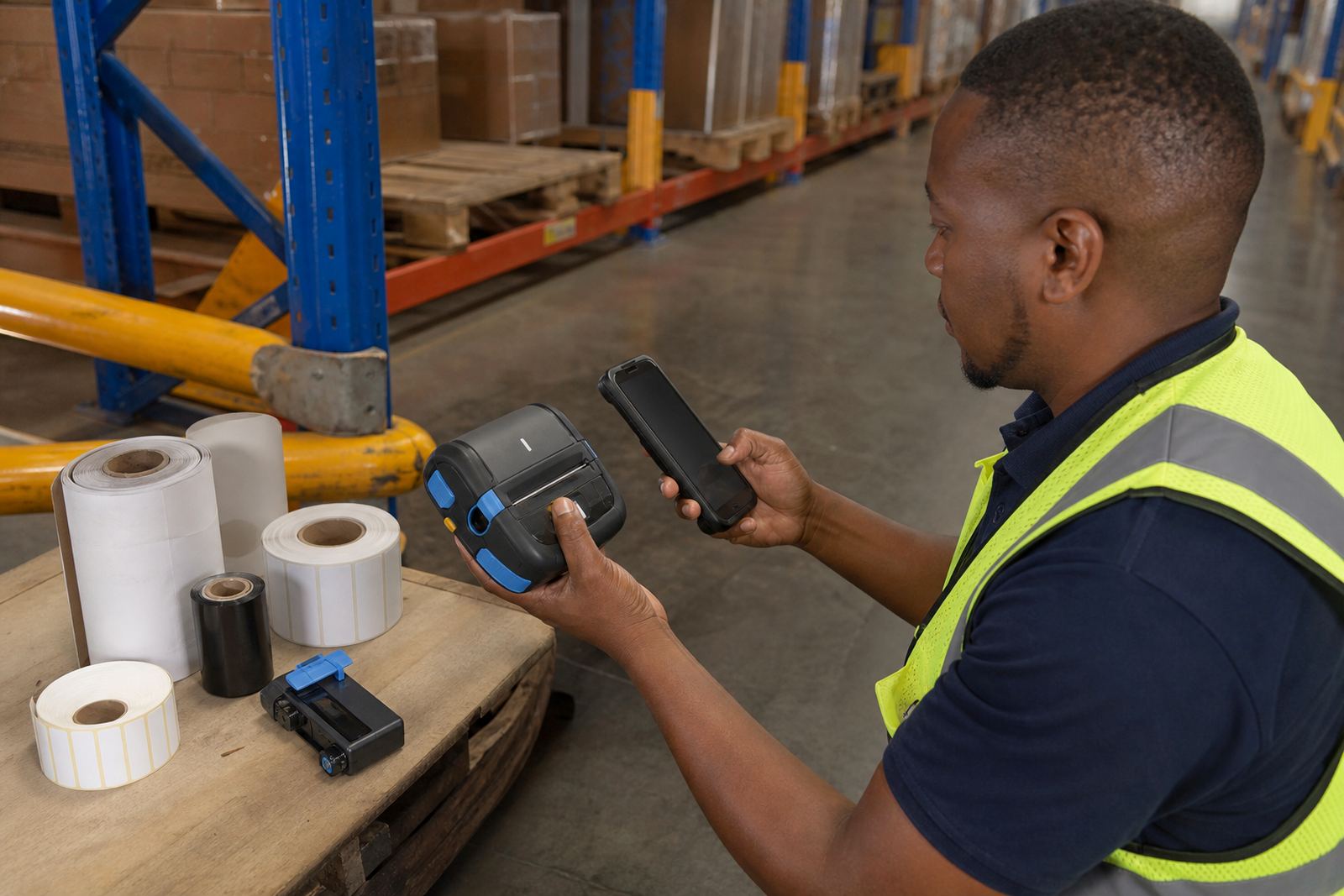
On-site setup covers pairing, label calibration, battery testing, print alignment and operator guidance. Where a printer is used with a phone, tablet or handheld terminal, the wireless link must be checked against the device settings and the store network. If the printer is being set for a new label size, the calibration step matters because a skipped gap sensor or bad media feed wastes rolls and slows the room down.
Our field work includes belt clip repair, battery replacement, label jam clearing, print quality fixes and printhead cleaning. A worn printhead shows up as pale bars, broken characters or barcode gaps and that needs attention before the labels are sent out to the floor. In busy stockrooms, a short servicing visit can save a lot of reprinting and sorting later.
- Bluetooth and Wi-Fi setup for mobile stockroom use
- Calibration for gap, black mark or die-cut labels
- Printhead cleaning with suitable cleaning swabs or cloths
- Battery testing and replacement where runtime drops off
- Operator training for daily handling and troubleshooting
Care that keeps the print sharp
Thermal printers stay in better shape when the printhead is cleaned regularly and the labels are kept dust free. Cardboard dust, torn backing and adhesive build-up can affect feed and scan quality. A stockroom that handles mixed cartons and frequent label changes should keep spare rolls stored flat and dry, especially in coastal air where humidity can curl the edge of a roll.
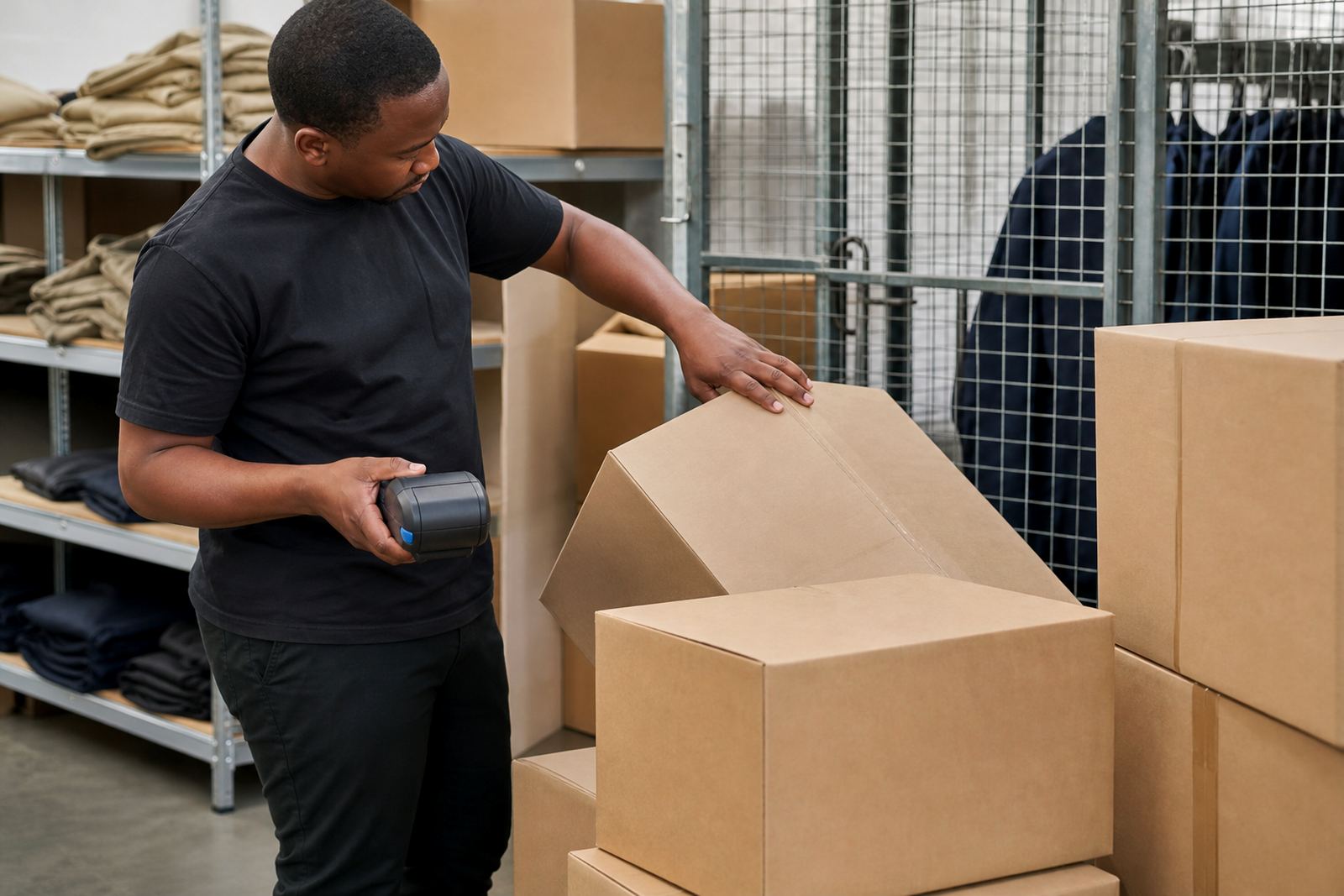
Battery care matters too. If a unit is left unused for long periods, the battery should still be checked and topped up in line with the maker's guidance. Belt clips and casing latches also need inspection because a loose clip makes the printer awkward to carry and more likely to get knocked on shelving or trolleys.
- Clean the printhead before lines start to fade
- Leave label rolls sealed until you need them
- Avoid bent backing paper and crushed roll edges
- Check battery seating and contact points during servicing
- Replace worn clips before they fail on the floor
Order details that matter before a stockroom fit
When ordering, the printer type, label size and wireless setup need to be clear from the start. A narrow printer will not suit a wider dispatch label, and a thermal transfer setup needs the right ribbon and media combination. If the job uses barcodes or QR codes, the label layout should be specified so the print area matches the code size and quiet zones.
It also helps to note where the printer will be used, whether it moves between branches, and whether the team wants on-site setup in Cape Town, Johannesburg, Durban, Pretoria or Gqeberha. For stockrooms in Bellville, Midrand and other busy retail nodes, that location detail helps us plan the right labels, clips and battery support for the space.
- Printer width and print method required
- Label size, adhesive type and roll core size
- Bluetooth or Wi-Fi pairing needs
- Barcode, QR code or text layout requirements
- Battery, charger and belt clip condition
Key facts
| Print method | Direct thermal or thermal transfer |
|---|---|
| Print width | Commonly 2 inch to 4 inch models |
| Connectivity | Bluetooth and Wi-Fi pairing |
| Label formats | Die-cut, continuous, black mark and gap labels |
| Battery | Rechargeable battery with field use support |
| Applications | Retail stockrooms, receiving, bin labels, transfers, markdowns |