Compact labelling for tight stockroom spaces
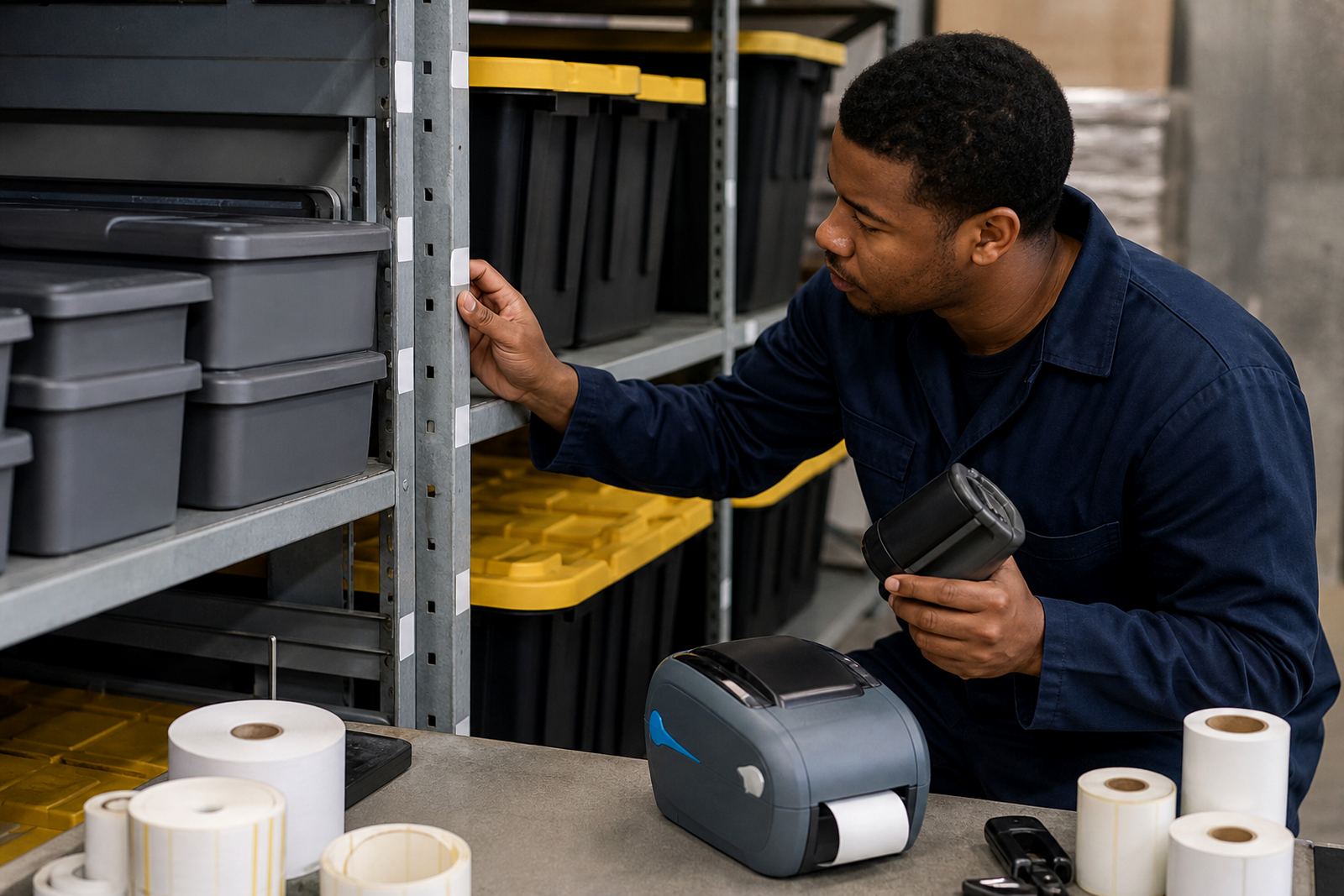
A small label printer is built for short runs and mobile labelling in warehouses, courier counters and retail stockrooms. It is used for bin labels, shelf tags, drawer labels, sample packs and small product marks where a larger benchtop unit would be awkward on the bench.
Most units in this class print 2 inch to 4 inch media, with a practical print width that suits narrow rolls as well as compact asset tags. The print engine is normally direct thermal for short-life labels, or thermal transfer where the label must hold up better against handling, light moisture and abrasion.
- Print width: commonly 48 mm to 104 mm
- Label formats: rolls, gap labels, black mark labels and die-cut tags
- Print content: text, barcodes, QR codes and serial numbers
- Use case: bins, shelves, packs, parcels and stock identifiers
Battery, pairing and field use details
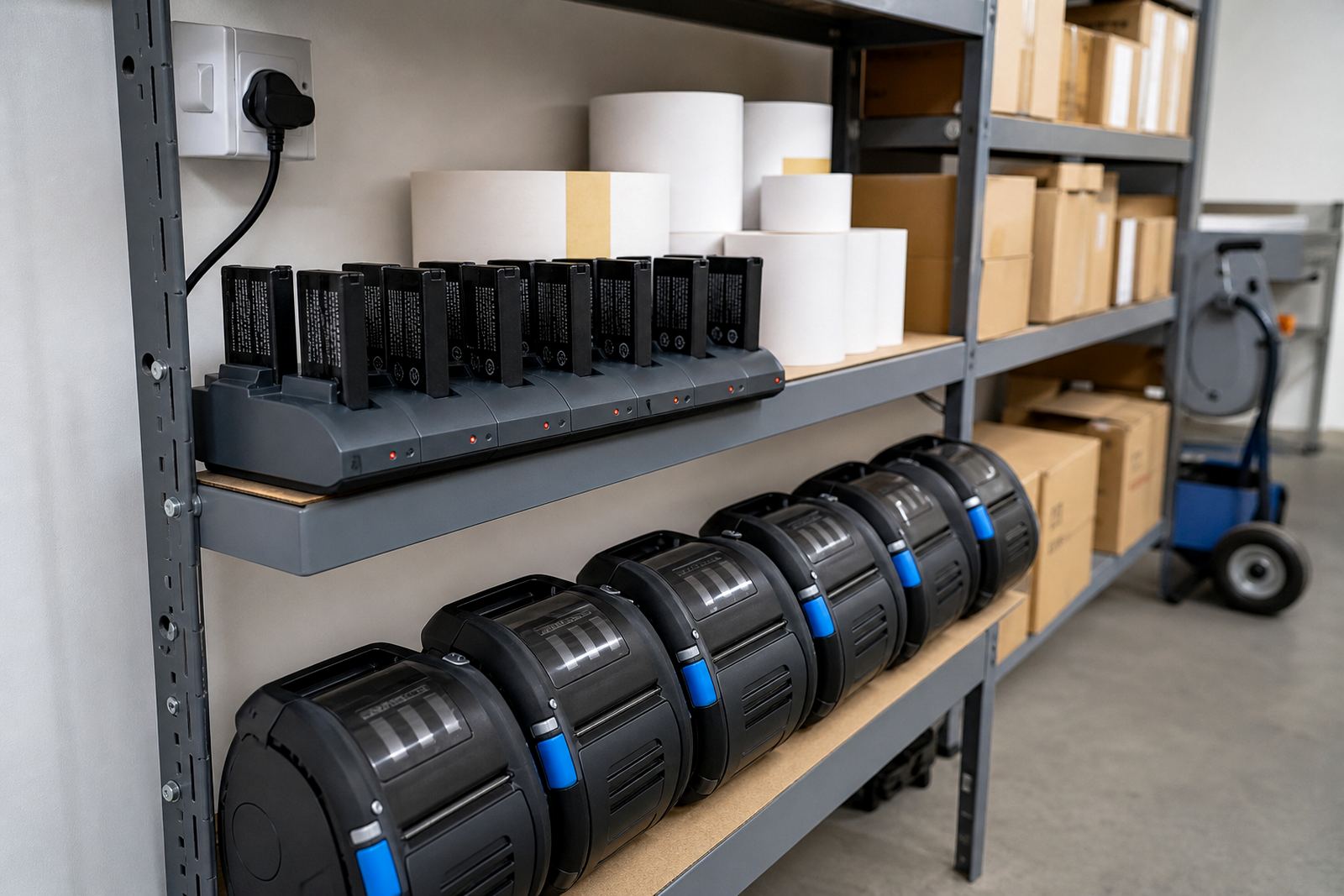
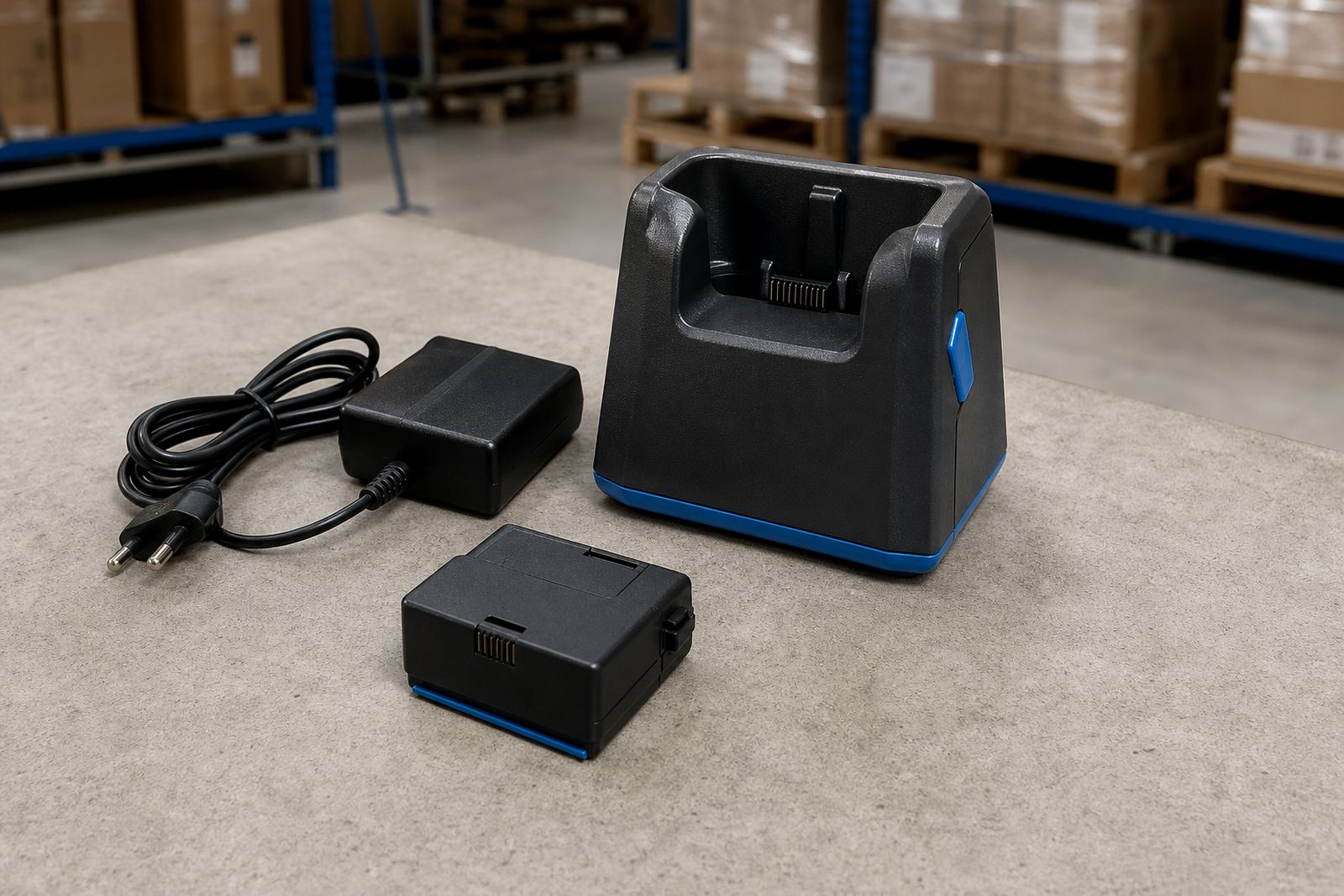
Mobile label printers are useful where labels must be printed at the point of picking, receiving or dispatch. The battery pack is part of the working set, so battery condition and charging habit matter just as much as the printer body. A tired battery can interrupt a shift, especially when a team moves between stock aisles, loading zones and packing points.
Most compact units pair by Bluetooth with a handheld device, and some support Wi-Fi setup for shared use on a local network. That pairing needs the printer name, network details and a matching label template. For operators moving between multiple locations in Cape Town, Johannesburg or Durban, the setup must stay stable so label formats do not shift from one device to the next.
- Connectivity: Bluetooth, Wi-Fi or both, depending on model
- Power: rechargeable battery pack with charging cradle or adapter
- Use pattern: mobile picking, spot labelling and receiving checks
- Field support: pairing, label calibration and operator training
Direct thermal or thermal transfer on the right roll
The choice between direct thermal and thermal transfer changes how the label behaves after printing. Direct thermal suits short-term labels, carton marks and moving stock where the text only needs to stay readable for a limited period. Thermal transfer uses a ribbon and is a better choice where labels need to resist handling, sunlight and repeated scanning over time.
Label size must match both the printer and the application. Narrow rolls work well for shelf edges and drawer fronts, while wider rolls suit shipping marks and inventory tags. In Montague Gardens and Bellville, many teams use compact stock labels for picking stations, then move to wider rolls for dispatch and warehouse movement.
- Direct thermal: no ribbon, faster label swaps, best for shorter use cycles
- Thermal transfer: ribbon required, better durability for stored stock
- Common sizes: 25 mm, 38 mm, 50 mm, 70 mm and 100 mm widths
- Marking options: barcodes, QR codes, item names and batch numbers
Where the small printer fits in daily operations
This unit suits stockrooms where items are small, shelves are tight and label changes happen often. It is useful for cosmetics, fasteners, parts bins, courier satchels, clinic stock, warehouse shelves and retail back-of-house cupboards. A compact printer also helps where a label needs to be made beside the item, rather than walking back to a fixed print point.
For multi-branch teams in Pretoria, Midrand and Gqeberha, one model can be standardised across sites if the labels, software and tape widths are kept consistent. That makes operator training easier and reduces errors when scanning or reprinting a label. It also helps when a storeroom has more than one shift using the same stock control method.
Setup work that keeps the print steady
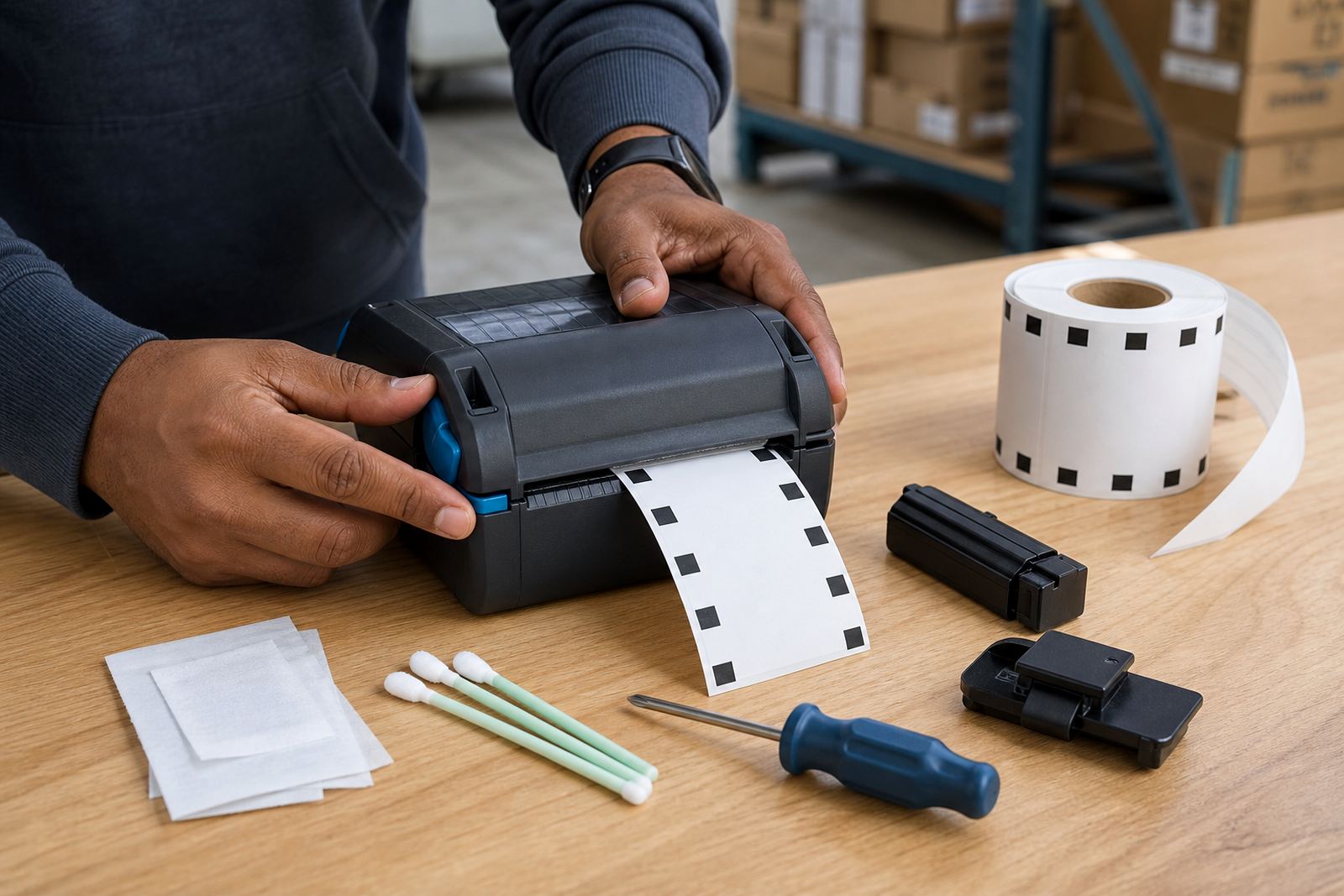
Mobile units still need proper setup. The printer should be calibrated to the label gap or black mark so the roll feeds cleanly and the print lands in the right place. Bluetooth pairing, Wi-Fi joining and label template loading all affect the result, and a poor setup usually shows up as shifted text, blank labels or barcode edges that do not scan well.
Our on-site setup covers label calibration, print quality fixes, printhead cleaning and operator training. If the unit has a belt clip or protective carry point, that can be checked too, since mobile users often move through loading areas and stock aisles with the printer attached. Repairs may include battery replacement, belt clip repair and label jam clearing, depending on the fault.
- Setup tasks: pairing, calibration, template loading and test prints
- Care items: printhead cleaning, roll alignment and battery checks
- Repair items: jam clearing, battery replacement and clip repair
- Support areas: Cape Town, Johannesburg, Durban, Pretoria and Gqeberha
Ordering details that need to be right the first time
When ordering a small label printer, the main details are the print width, label size, battery setup and the way the printer will connect. It also helps to confirm whether the labels are direct thermal or thermal transfer, since the wrong consumable will stop the printer from performing properly. If the team scans barcodes at receiving, dispatch or stock take, the label format should be checked against the scanner use as well.
We also look at the work setting, because a stockroom in coastal Cape Town can expose labels to humidity, while inland stores may need tougher handling around shelving and carton movement. For that reason, the print type and label material need to match the job, not just the printer model.
- Confirm the label width and roll diameter
- Confirm whether the printer uses direct thermal or thermal transfer
- Confirm Bluetooth, Wi-Fi or both for the team’s workflow
- Confirm barcode format, QR use and any shelf or bin layout
Key facts
| Print method | Direct thermal or thermal transfer |
|---|---|
| Typical print width | 48 mm to 104 mm |
| Connectivity | Bluetooth and/or Wi-Fi |
| Power | Rechargeable battery pack |
| Common output | Text, barcodes and QR codes |
| Typical use | Bins, shelves, small items and stockroom labels |