What black mark media does on a mobile printer
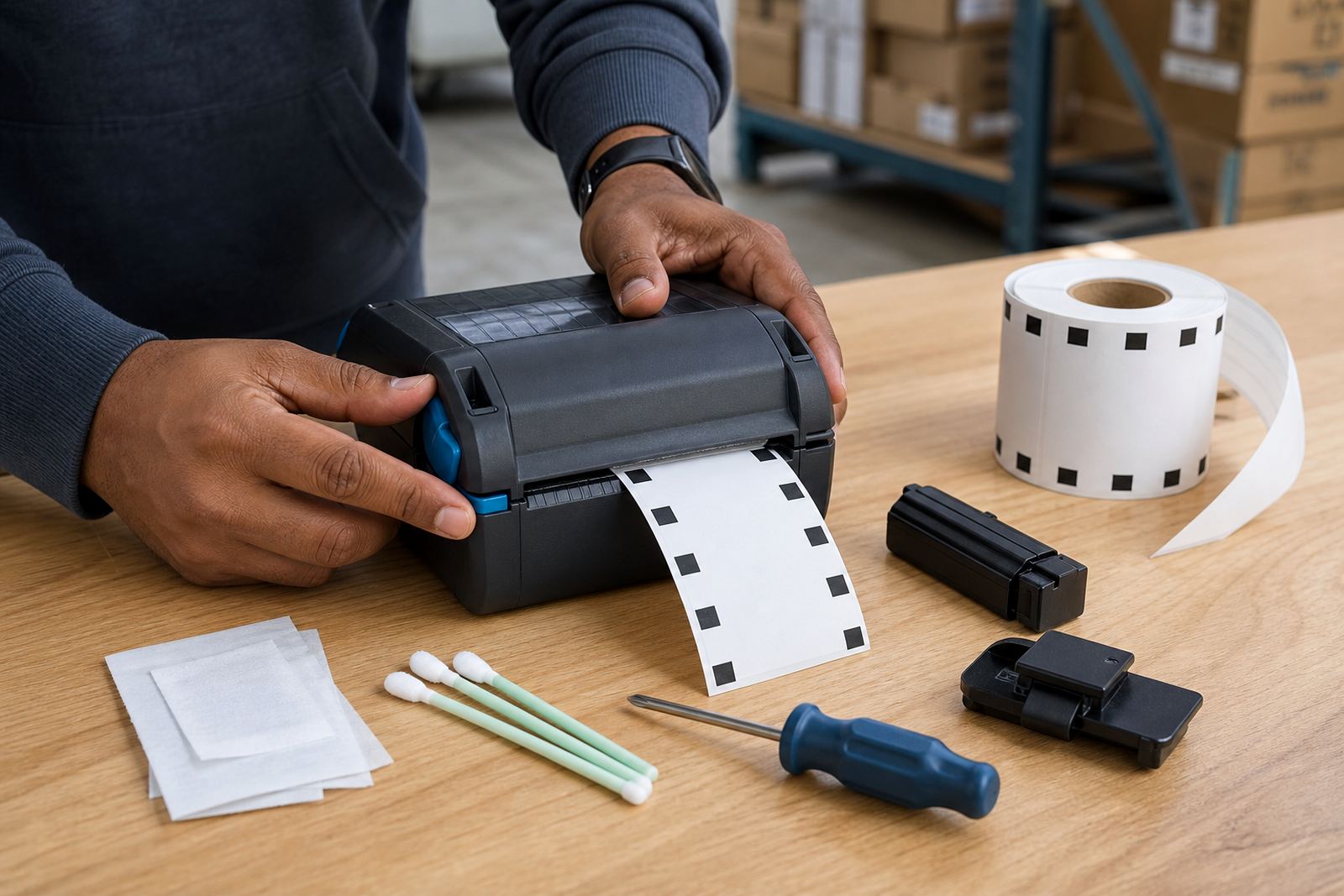
Black mark media uses a dark mark on the liner or label stock so the printer can detect each label break and keep the print aligned. That matters when labels are pre-printed, pre-cut or made for a fixed application point, because the printer needs a clear start reference instead of guessing by label length alone. In practical use, this helps with item labels, shelf tags, courier labels and barcode stickers where the print must sit in the same place on every label.
We set these units up for direct thermal and thermal transfer work, depending on the stock and the life needed on the label. Direct thermal suits labels with a short life and stock that changes quickly. Thermal transfer suits labels that must hold up better under handling, sunlight or friction, especially when the text or barcode must stay legible for longer in a warehouse or back-of-house space.
- Works with black mark sensing on supported media
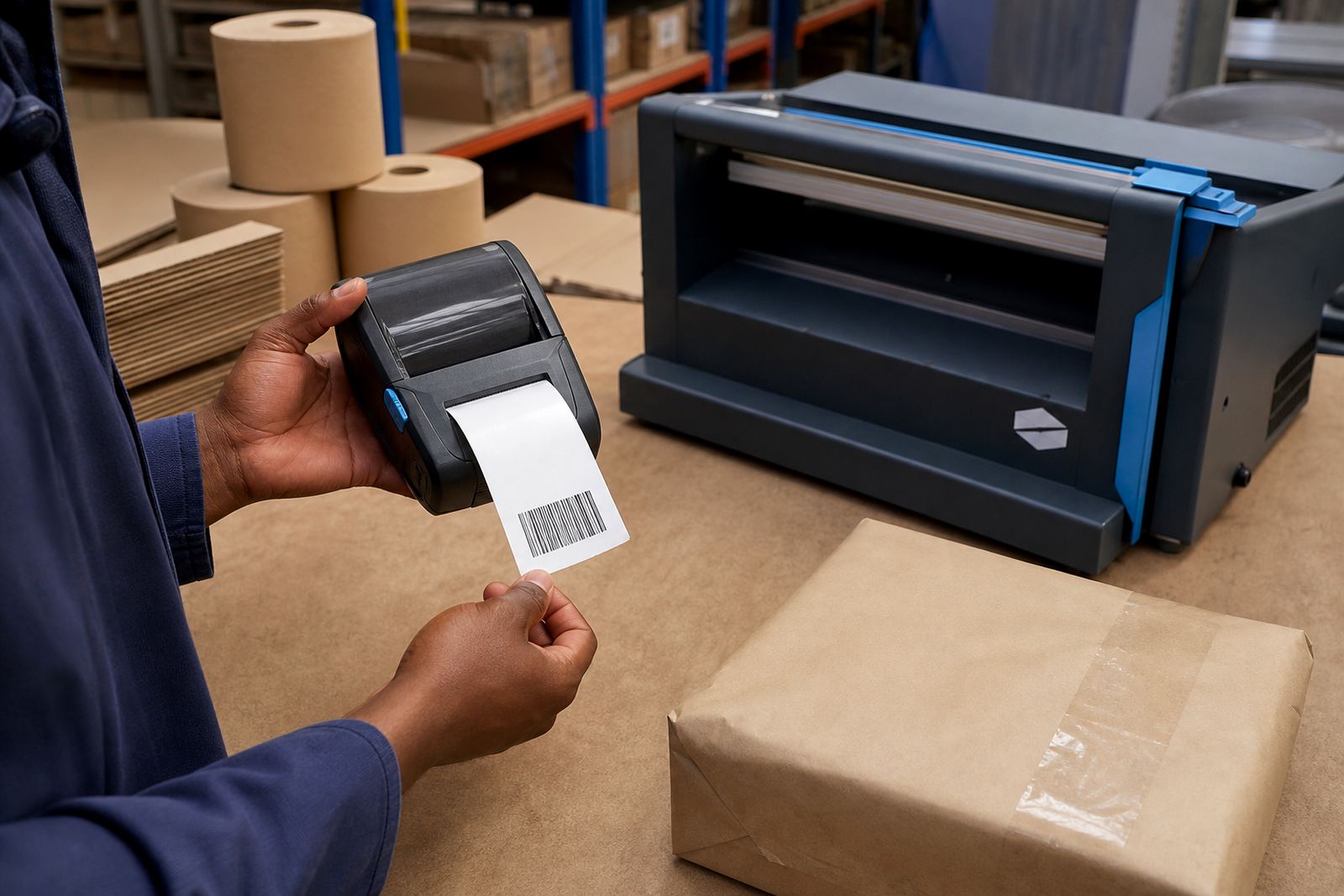
- Prints barcodes and QR codes clearly when calibrated correctly
- Handles label start positions for fixed-format stock
- Used with direct thermal or thermal transfer media
Sizes, widths and battery options that suit the job
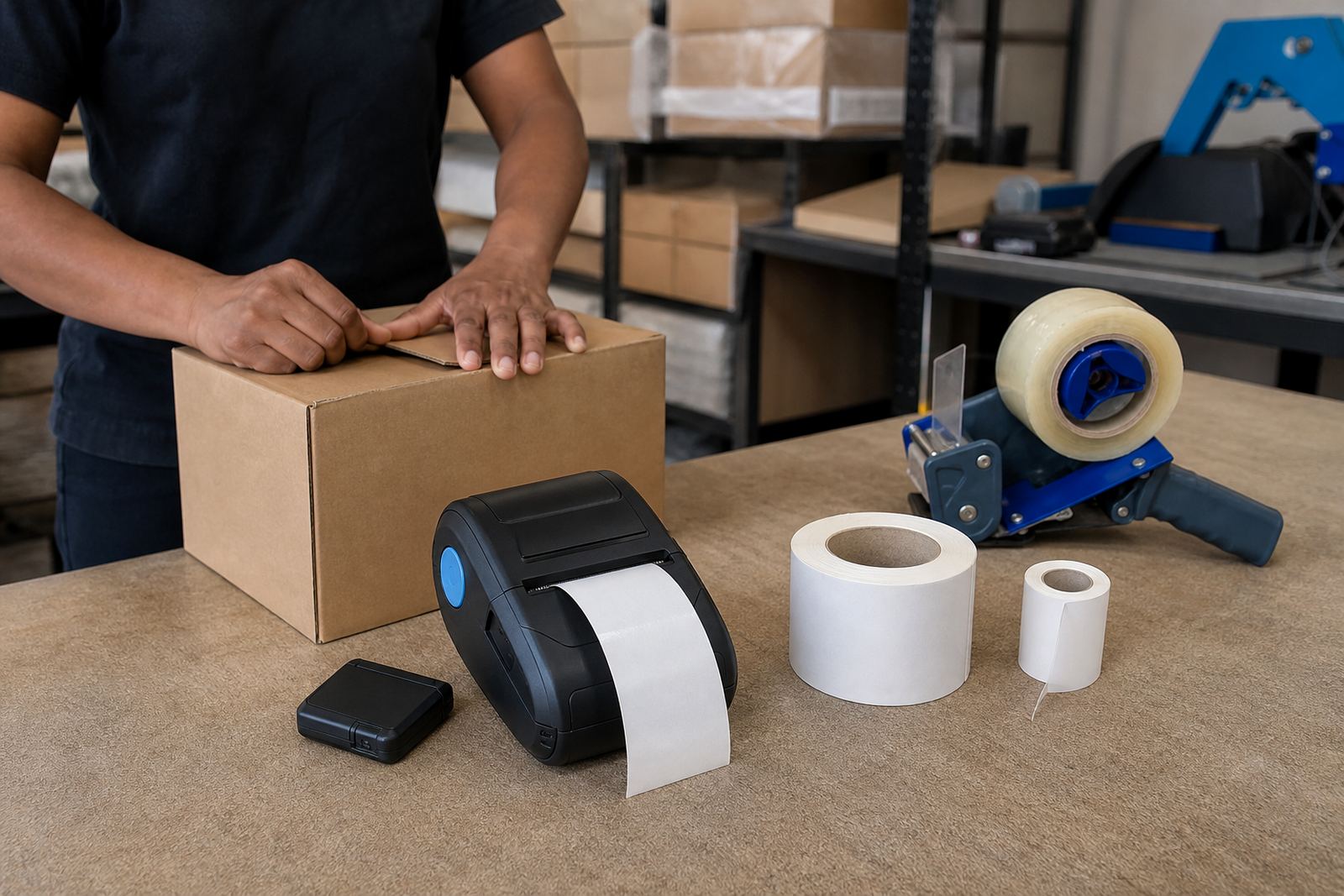
Mobile black mark printers are usually chosen by print width, media size and battery endurance. A common working range is 2 inch to 4 inch print widths, with label rolls selected to match the printer path and the job being done. Smaller widths suit price labels, shelf labels and small item tags. Wider formats suit courier manifests, asset labels and larger warehouse identifiers.
Battery size matters in a moving workflow, especially for picking runs, dispatch lanes and floor staff who carry the unit through a shift. Belt clips help the printer ride comfortably on a waist belt or tool belt, while spare batteries are useful where the printer is in regular use across a long shift. We also check label core size, roll diameter and whether the media feeds cleanly through the housing without rubbing or skewing.
- Typical print widths: 58 mm, 76 mm and 104 mm classes
- Battery packs selected for field use and stockroom movement
- Belt clip fitting available for mobile carrying
- Label roll size must match the printer path and holder
Bluetooth, Wi-Fi and calibration on site
Pairing a mobile printer is not only about switching it on and connecting a device. Bluetooth and Wi-Fi setup need the right print profile, a stable connection and the correct label size entered into the device settings. If the printer reads black marks too high or too low, the print will drift on the label and the barcode can sit close to the edge, which is a problem when labels must scan cleanly at receiving or dispatch.
Our on-site setup covers label calibration, pairing, print tests and operator training where needed. We also check whether the printer is reading the black mark sensor properly, whether the media path is straight and whether the label format is stored for the actual roll in use. In some stockrooms the issue is not the printer itself, but the wrong media setting or a sensor that needs cleaning.
- Bluetooth pairing for hand-held and mobile workflows
- Wi-Fi setup for shared label use in a branch or store
- Calibration for black mark sensing and label positioning
- Print quality checks for text, barcode and QR output
Where this printer fits in real workspaces
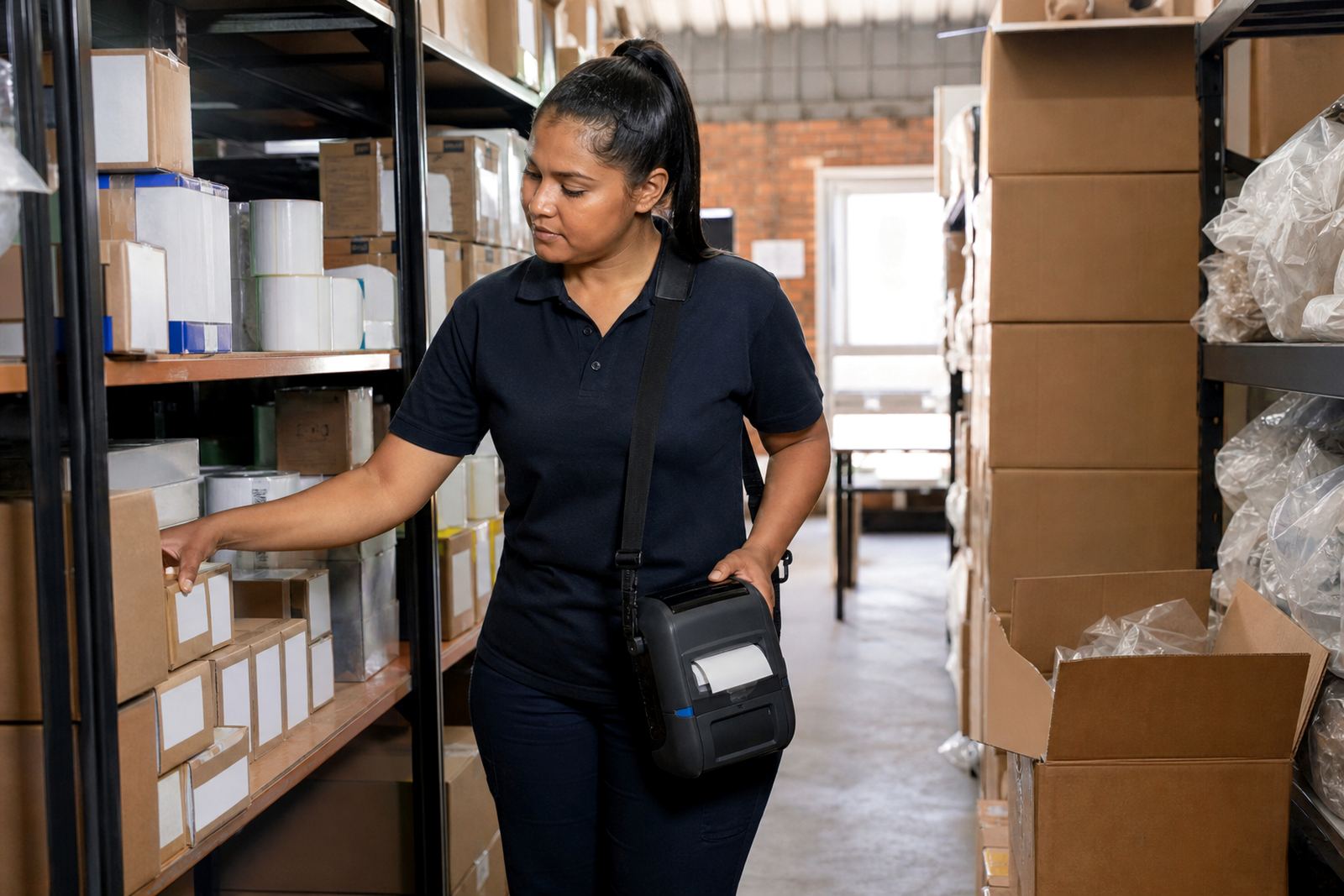
A black mark printer is useful where label position must be controlled and the stockroom runs on repeatable labelling. Couriers use it for parcel IDs and route labels. Warehouses use it for pick labels, bin labels and movement tags. Retail stockrooms use it for shelf tickets, markdown labels and back-of-house item identification. The same format can also help in branch environments where a clerk needs the printer in hand rather than at a fixed point.
Because the printer is mobile, it can move with the user instead of sitting at one station. That works well in Cape Town stockrooms, Johannesburg distribution floors, Durban receiving areas, Pretoria stores and Gqeberha dispatch teams where label work happens in more than one part of the building. On larger sites we often check the whole path from label loading to final scan so the setup suits the actual flow of goods, not only the printer spec on paper.
- Courier label work and parcel identification
- Warehouse picking, shelving and dispatch tasks
- Retail stockrooms and back-of-house tagging
- Branch labelling where staff move between areas
Care, cleaning and fault checking
Mobile label printers work best when the printhead, rollers and sensor path stay clean. Dust from carton work, adhesive build-up and liner fragments can lead to faded print, skipped labels or a black mark that is not read correctly. Printhead cleaning is part of normal care, especially when the printer handles frequent runs or the labels shed fine residue. If the print starts looking patchy, the issue may be heat, pressure, a dirty head or the wrong media setting.
We handle preventive servicing, print quality fixes, label jam clearing, battery testing and battery replacement. Belt clip repairs are useful when the printer is carried every day and the clip loosens or breaks. If the unit has taken a knock, we check the casing, media latch, sensor path and battery contacts before it goes back into use. A clean printer tends to feed straighter and print more evenly, which saves waste on label stock.
- Printhead cleaning and roller care
- Battery testing and replacement where required
- Label jam clearing and sensor checks
- Belt clip repair for carried units
Order details that matter before a black mark fitout
When ordering a black mark printer or matching label stock, the useful details are the label width, label height, roll diameter, core size and whether the media is direct thermal or thermal transfer. We also need to know if the labels are black mark, gap, or continuous stock, because the sensor setup changes with the media type. If the printer will scan barcodes or QR codes in a stockroom, the label size and the quiet zone around the code must allow a clean read.
It also helps to know whether the printer will be paired by Bluetooth, linked by Wi-Fi or used by a single operator in one area. The team in Montague Gardens, Cape Town handles setup and repairs for customers across South Africa, including Bellville, Midrand and other branch locations. That lets us match the unit, media and fitting requirements to the way the printer is actually used, instead of sending a roll that looks right but feeds badly.
- Label width and label height
- Black mark, gap or continuous media
- Direct thermal or thermal transfer need
- Bluetooth or Wi-Fi pairing method
Key facts
| Print technology | Direct thermal and thermal transfer options |
|---|---|
| Print width | Common mobile formats from 58 mm to 104 mm |
| Media sensing | Black mark detection for indexed label stock |
| Connectivity | Bluetooth and Wi-Fi pairing where supported |
| Output | Text, barcodes and QR codes |
| Care items | Printhead cleaning, battery checks, label jam clearing |