A one-slot charger built for working stockrooms
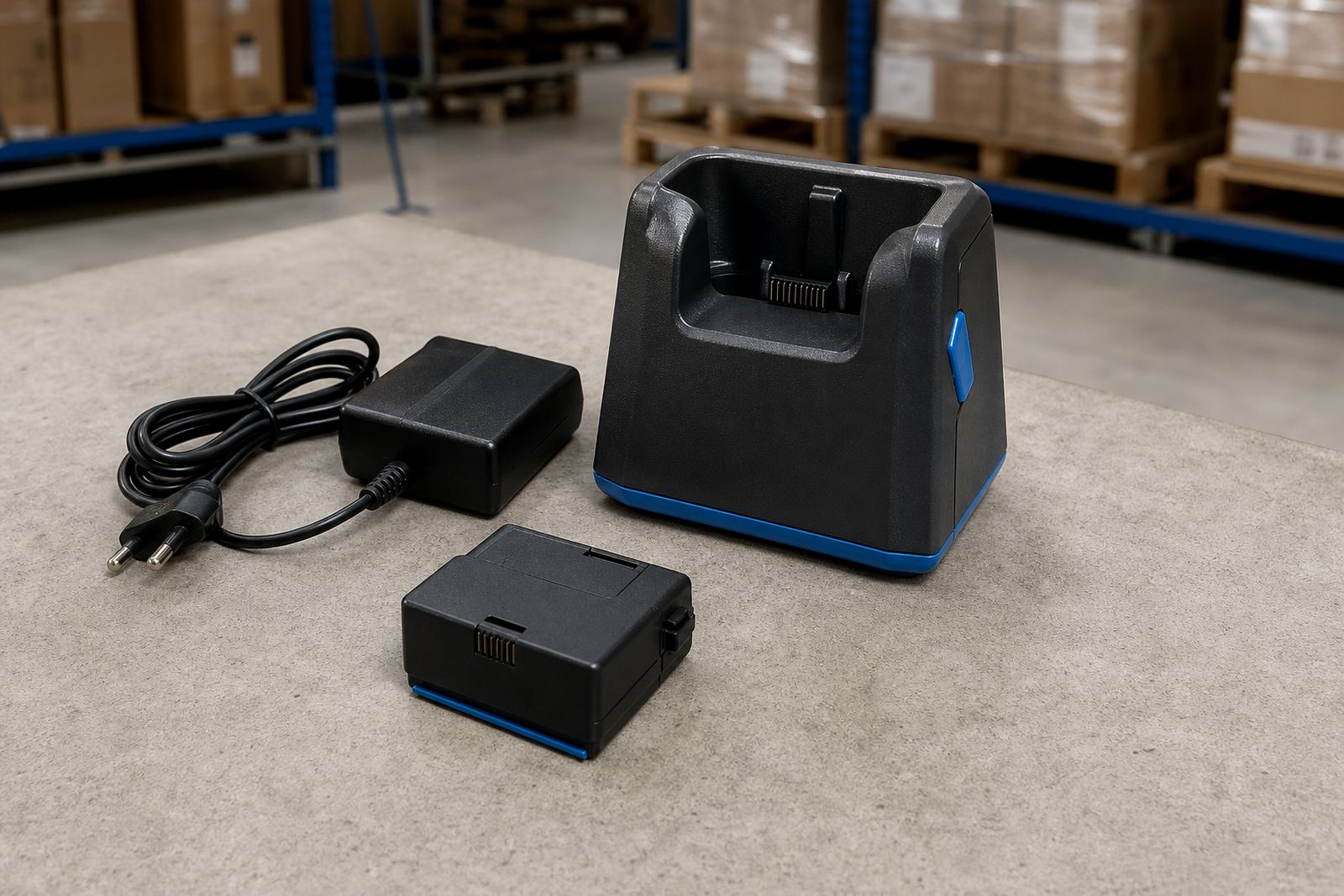
The single bay charger is a compact charging base for one compatible battery or device at a time, depending on the model and cradle style. In label printing and warehouse use, it helps keep a spare battery topped up beside the printer bench, packing lane or van kit.
Most units are made for benchtop use on a stable surface, with a moulded cradle that holds the battery in the correct position and status lights that show charging and full charge. For mobile label printer teams, that means less guessing, fewer loose leads, and a clearer handover at the end of a shift.
Where the charger is used with a removable printer battery, it is usually matched to the correct battery shape and contact layout. If the charger is intended for a device cradle, the fit, locking tabs and charging contact points need to match the device body and charging port layout exactly.
Sizes, cradle styles and charging behaviour
Single bay chargers are generally small enough for a bench corner, office shelf or dispatch counter, with a footprint that stays out of the way. The important part is not the box size alone, but the charging style, plug type and the battery or device it is meant to accept.
Typical details to confirm include the following:
- Battery or device type, with the correct contact pattern
- Single-slot cradle or dock style
- Input voltage and plug format for South African mains use
- Status indicator lights and charge-state display
- Mounting points, if the unit is fixed to a wall or bench
- Cable length where the charger must sit away from the socket
Some chargers are made for standard-capacity batteries, while others suit extended-capacity packs that take longer to fill. If your label printer runs long routes, the battery size matters just as much as the charger itself.
Where it fits into printer and label work
This charger suits warehouses, courier depots, retail stockrooms and service vehicles where one battery needs to be charged while another stays in use. It is also useful in training rooms and small dispatch stations where staff rotate devices across a shift.
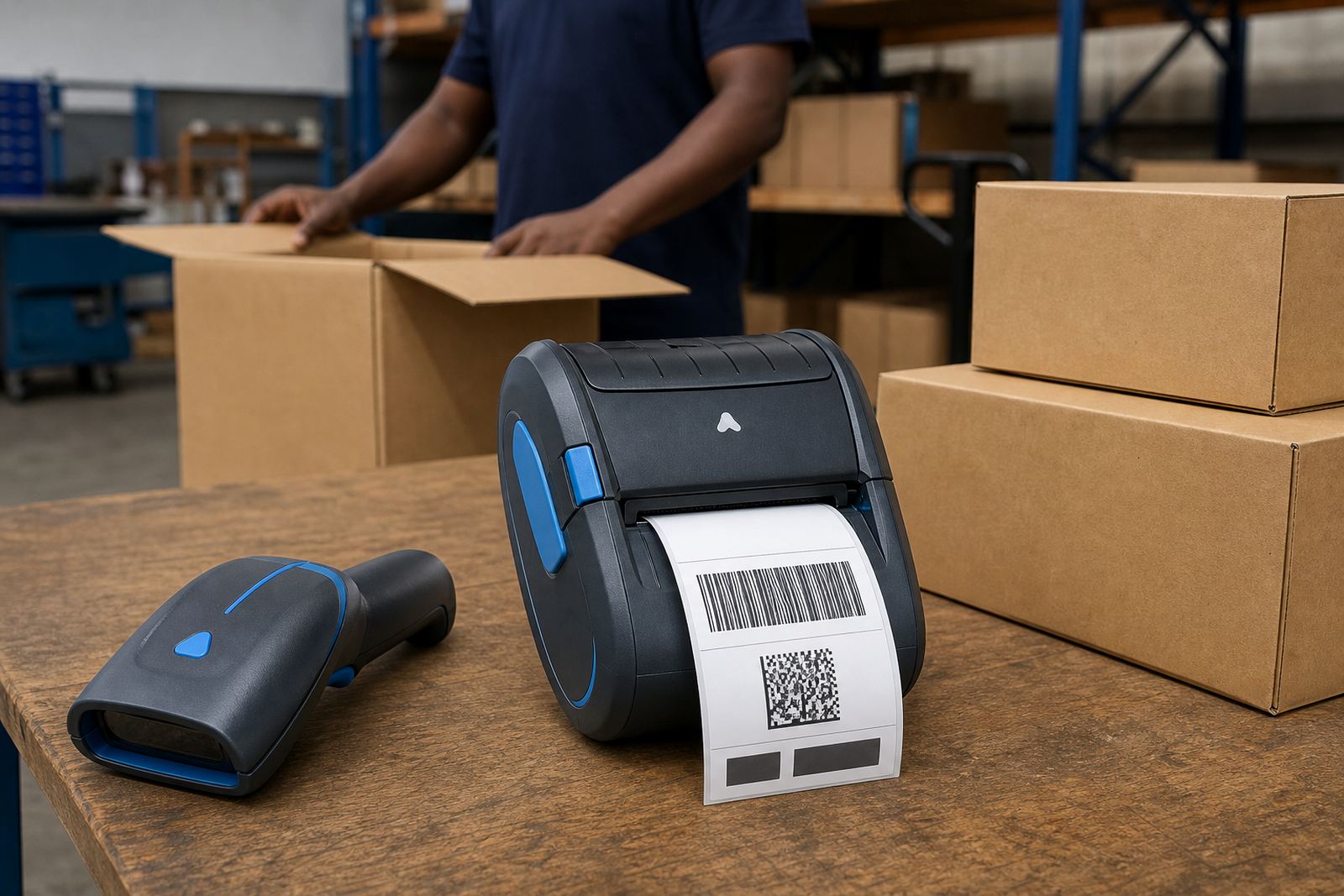
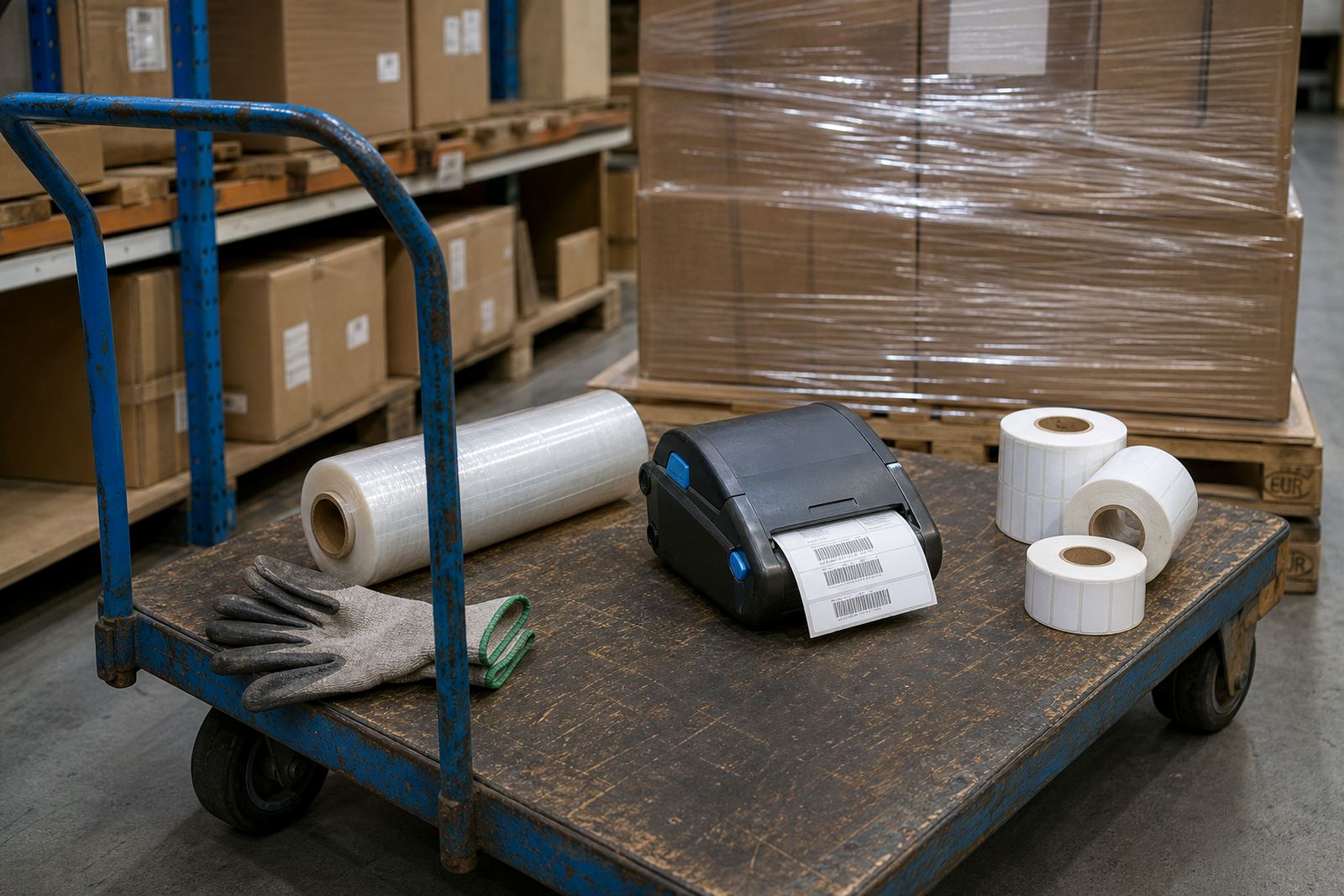
On mobile label printer jobs, the charger supports barcode and QR label work by keeping power ready for portable printing. That matters when operators are moving between pallet labels, shelf labels and carton identification, or when a printer is paired by Bluetooth or Wi-Fi and taken off the bench for field use.
- Courier sorting lines with battery swaps between runs
- Retail stockrooms with one printer shared across staff
- Warehouses where portable printing happens at the rack
- Field service kits that travel between sites
- Training benches where spare batteries are kept ready
In Cape Town coastal areas like Montague Gardens, Bellville and nearby industrial zones, equipment that stays on a bench should still be kept dry and clear of dust. That helps the contacts stay clean and the battery seat properly.
Fitting, power and the bench setup
The charger normally plugs into a standard mains outlet, so the installation point needs a safe socket, enough surface space and a route for the cable that will not be crushed by stock trolleys or chair legs. If the charger is mounted, the fixing surface must be firm and level.
For a shared printer station, setup often includes checking the battery fit, confirming the charger lamp sequence and placing the charger where operators can reach it without disturbing label rolls or the printer itself. If the unit is used in a vehicle or mobile kit, the storage position should stop it sliding around while driving.
Our team can assist with on-site setup, battery testing and belt clip repair where the charger forms part of a wider mobile printing kit. That is useful when the charger is part of a field setup that also includes label calibration, print quality fixes and operator training.
Care that keeps the contacts working
A charger lasts better when the battery contacts stay clean and the unit is kept away from wet cartons, adhesive dust and metal scraps. Wipe the cradle gently with a dry, lint-free cloth and check that the battery drops into place without forcing it.
Use the charger on a stable surface, and do not pile rolls, tools or loose labels on top of it. If the status light changes irregularly, the plug is loose, or the battery seat feels worn, the contacts may need inspection.
- Keep the cradle free of dust and label backing debris
- Check cable strain where the lead leaves the charger
- Replace damaged plugs, housings or cracked clips
- Test the battery if it is not holding charge as expected
- Store spare units where they will not pick up moisture
Our preventive servicing covers charger checks, printhead cleaning around the printer body, and battery replacement planning where the battery no longer holds a useful charge.
The details to confirm before ordering
To supply the correct single bay charger, the battery or device model must be identified, along with the charging style and the physical fit. A unit that looks close can still miss the contacts or sit too loosely in the cradle.
Please confirm the following before placing the order:
- Whether the charger is for a battery only, or a device cradle
- The battery shape, capacity and contact layout
- Input power rating and plug type for the site
- Preferred colour or housing style if there is a range available
- Whether mounting holes or a benchtop base are needed
- How the charger will be used, in a stockroom, van or mixed site setup
If the charger is part of a larger label printing setup, it helps to note the printer width, label size, barcode format and whether the unit is used on Bluetooth or Wi-Fi. That gives the right fit for batteries, belt clips and the rest of the mobile kit.
Clients in Cape Town, Johannesburg, Durban, Pretoria and Gqeberha can use our contact form for product confirmation, setup help and repairs linked to the charger or the printer it powers.
Key facts
| Product type | Single bay charger for one compatible battery or device |
|---|---|
| Fit | Battery cradle or device dock, depending on model |
| Power | Mains-powered charger with South African plug format |
| Use | Benchtop, bench or mounted setup |
| Status display | Charging and full-charge indicator lights |
| Related services | Battery testing, battery replacement, on-site setup and repairs |