A small printer that keeps pace with moving stock
There are direct thermal and thermal transfer printers in this size range, and the difference matters on the floor. Direct thermal suits courier labels, temporary shelf tags and fast-moving stock because it relies on heat-sensitive rolls. Thermal transfer is the better choice where the label must last longer, handle more rub, or carry sharper marking on tougher stock.
For direct thermal work, label size is usually matched to the application, not the machine alone. Common rolls cover narrow shelf labels, short parcel labels and bin identifiers, with the print area set to suit the layout, barcode length and text size. If the label is too small, the barcode crowds the edge; if it is too wide, the operator wastes label stock and time.
- Direct thermal for short-life labels and courier use
- Thermal transfer where longer label life is needed
- Label width matched to the code, text and margins
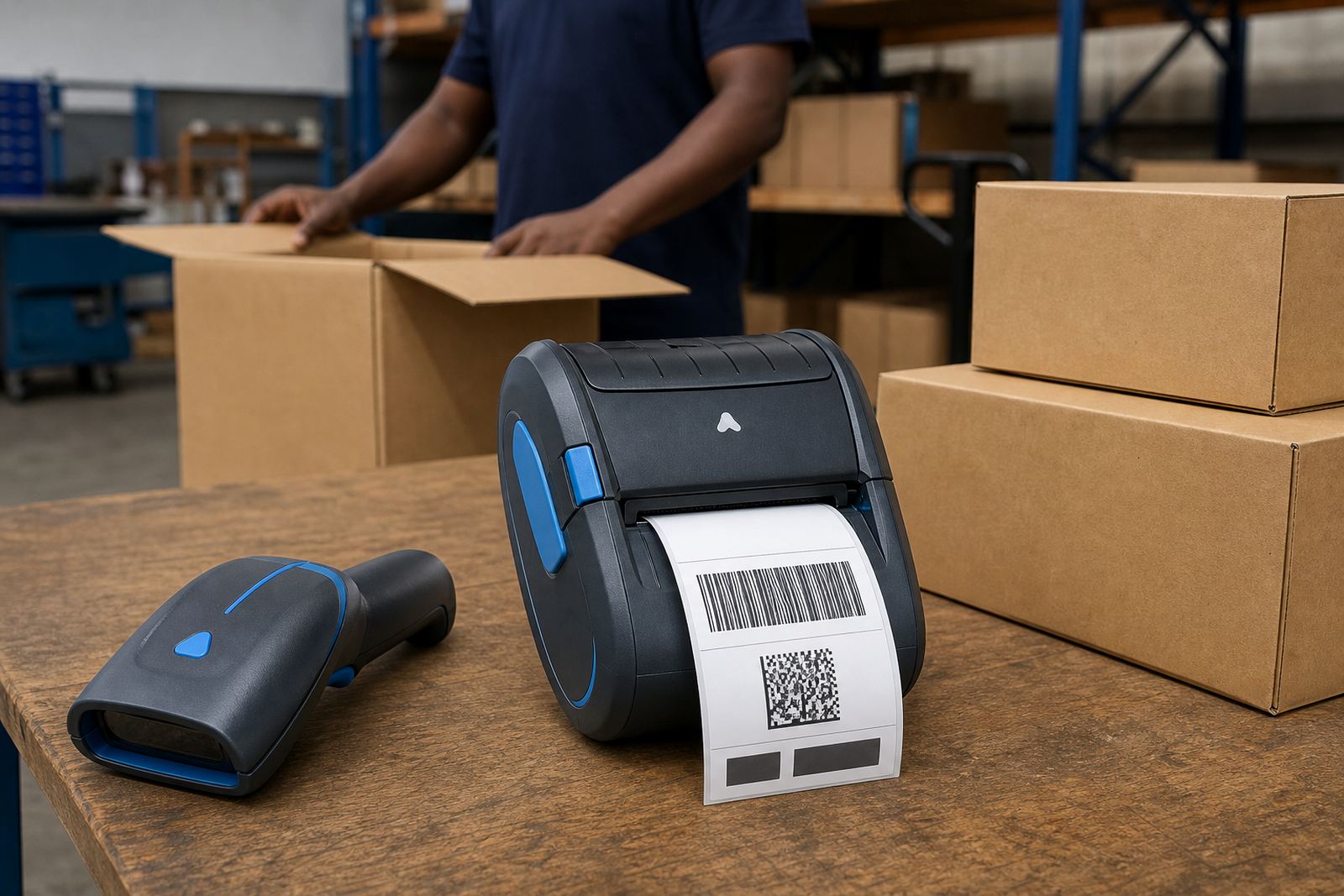
- Compatible with barcode, batch and QR layouts
Pairing, calibration and first-use setup
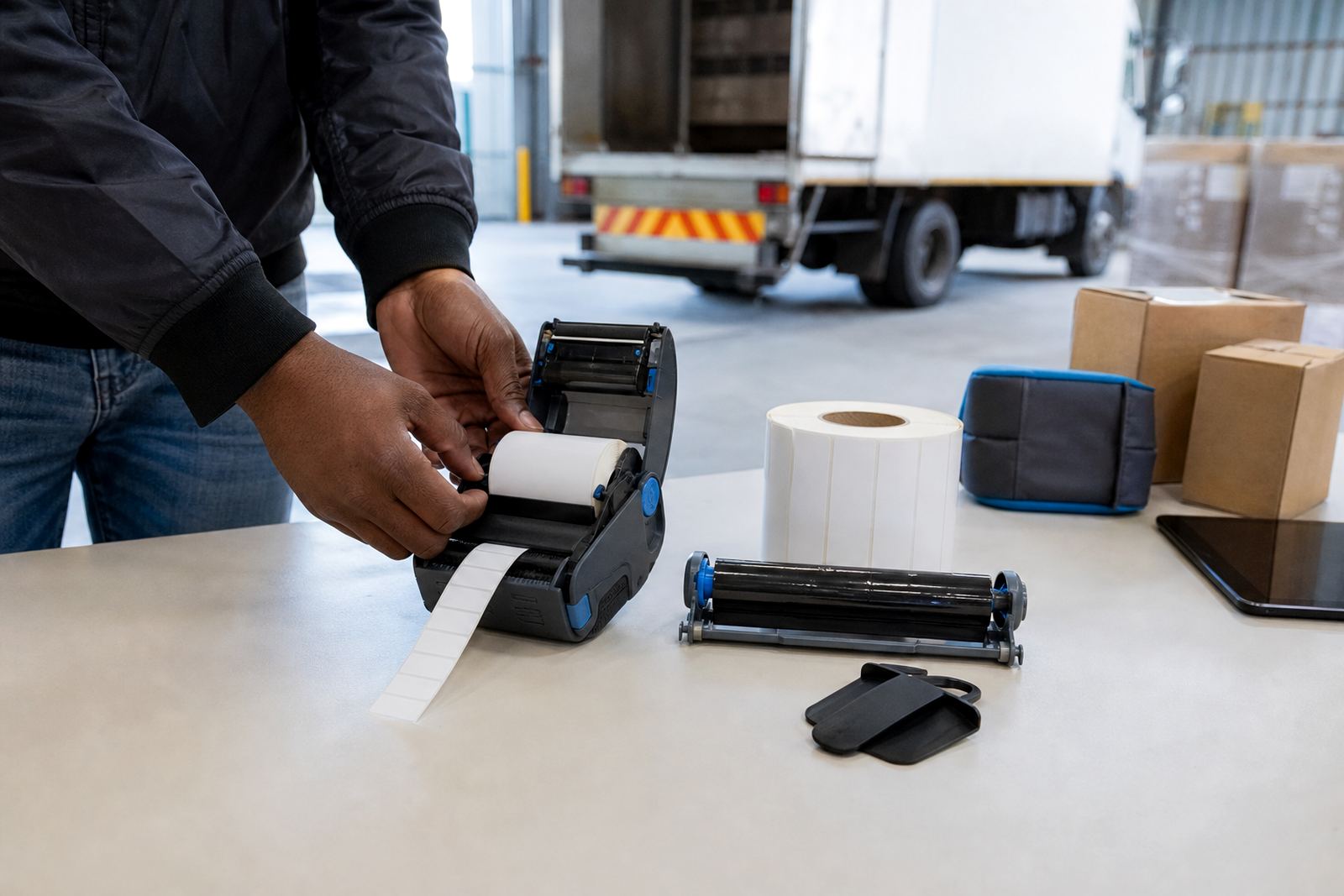
Mobile printers in this class are usually paired to a handheld device, tablet or workstation through Bluetooth or Wi-Fi, depending on the workflow. Once paired, the label format, media settings and darkness level need calibration so the label feeds squarely and the print lands where the sticker face allows. That step matters when labels are smaller than a palm and the barcode must stay centred.
Our on-site setup covers Bluetooth pairing, Wi-Fi setup, label calibration and a quick check of the first rolls loaded. In courier teams and retail stockrooms, the operator often needs a practical walk-through too, especially where different staff print on the same unit across shifts. We also check printhead condition, clean the surface where dust has built up and confirm the cutter or tear edge is working cleanly where fitted.
- Bluetooth pairing for handheld and mobile use
- Wi-Fi setup where shared printing is needed
- Label calibration for correct feed and alignment
- Operator training for rotating shifts and shared users
Where a 3 inch direct thermal unit fits best
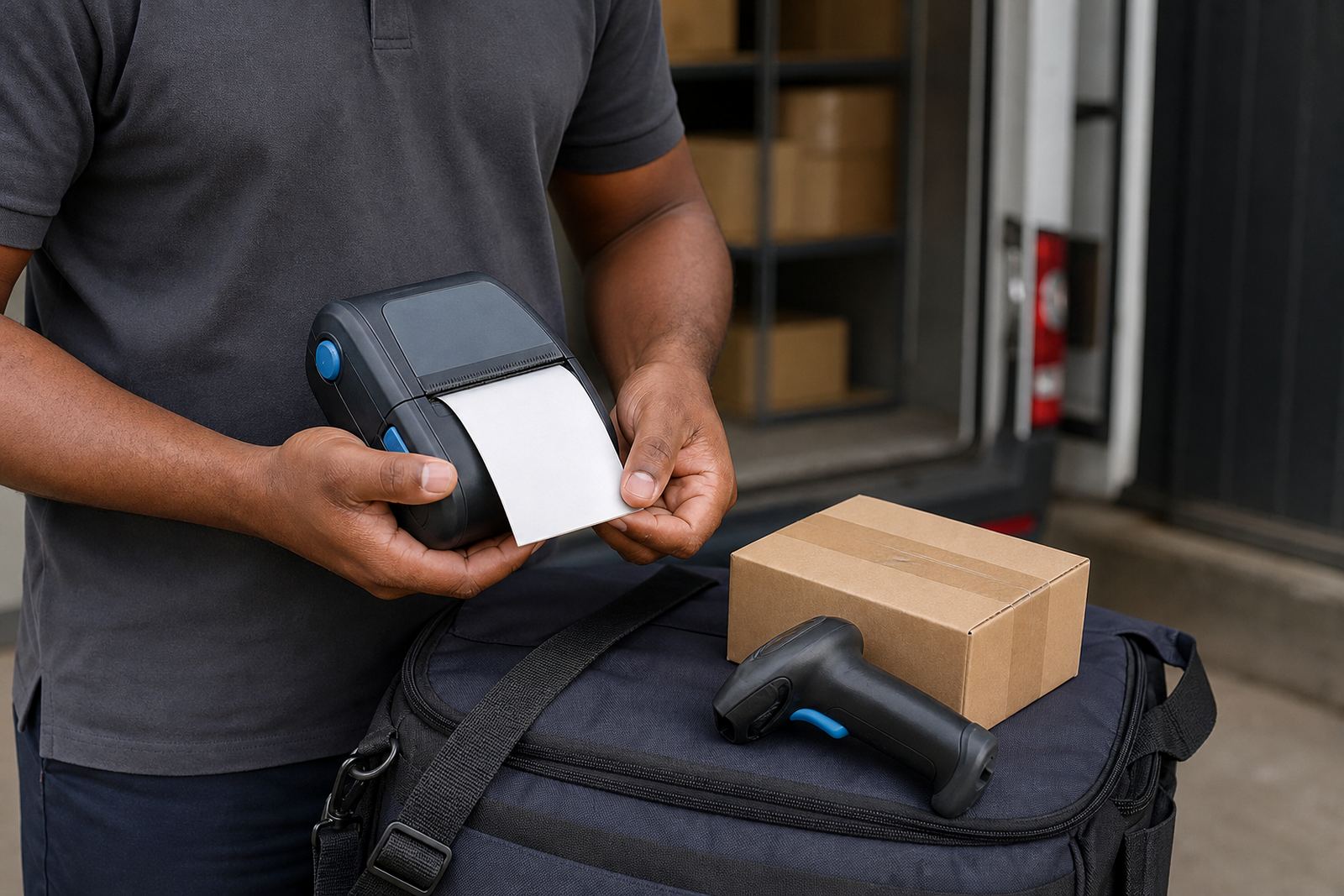
This product suits courier depots, warehouse dispatch counters, retail stockrooms and receiving areas where labels must be printed close to the item being handled. It also works well for shelf tags, promotions, bin labels and location markings. In a busy store room, the smaller footprint makes it easier to carry between aisles, cages and trolleys.
For Cape Town coastal conditions and inland sites alike, the important point is not just the printer itself but the media and handling routine around it. Labels need to be stored flat and dry, away from heat and rough stacking. In humid environments, a clean roll path and regular printhead care help keep the barcode sharp and the label feed steady.
- Courier labels and parcel marking
- Warehouse bins, shelves and location IDs
- Retail back-of-house stock relabelling
- Short-run barcode and QR label production
Battery life, clips and field use details
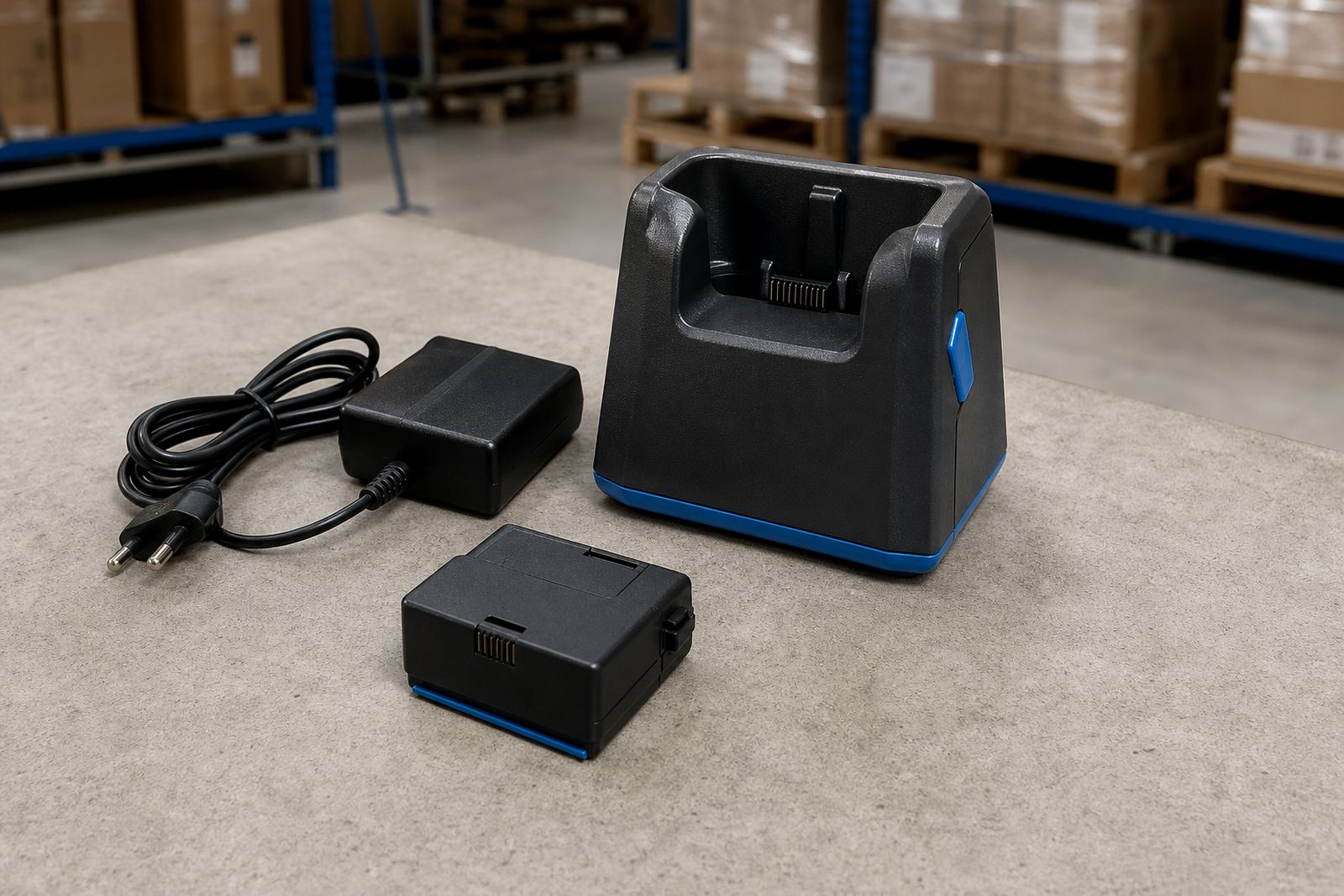
Because the printer is mobile, battery condition and mounting hardware matter as much as print quality. A healthy battery supports a full shift better than a tired one, while a worn belt clip or loose carry mount turns a handy unit into a nuisance. We test battery output, inspect the charge cycle and replace tired batteries where the unit no longer holds up under daily use.
Field teams often carry the printer between shelving runs, dispatch points and receiving bays. A working belt clip keeps the unit secure and easy to reach, which helps when labels are printed in short bursts across the day. If the clip is cracked or loose, the unit can swing, snag or fall, so that is worth checking during servicing.
- Battery testing for daily mobile use
- Battery replacement when runtime drops off
- Belt clip repair or replacement
- Useful for handheld work across warehouse aisles
What to confirm before the roll is loaded
When ordering a 3 inch direct thermal setup, it helps to pin down the print width, label size, roll core and adhesive type before anything is shipped or fitted. The printer must match the label stock and the software layout, otherwise the print lands badly or the edge is cut off. If the labels are used for courier work, confirm the barcode standard, text height and whether a return address or route code also needs space.
For stockrooms and warehouse use, we usually confirm the media finish, the expected label life, the device connection method and the operating area. If the printer will move between branches in Cape Town, Johannesburg, Durban, Pretoria or Gqeberha, the team may also want a spare battery and extra rolls on hand. Our contact form is used for orders, setup and service requests from Montague Gardens and beyond.
- Print width and label dimensions
- Direct thermal or thermal transfer requirement
- Bluetooth or Wi-Fi connection method
- Barcode, QR code and text layout needs
Care that keeps print quality steady
Mobile direct thermal printers need regular care if the labels must stay readable under handling. Dust from carton work, adhesive build-up and the occasional label jam can all affect the feed path. Printhead cleaning should be done with care and only when the unit is cool enough to handle safely, because a dirty head usually shows up first as pale lines through the barcode or missing text on one side.
Preventive servicing is useful where the printer works every day in courier, retail or warehouse handling. We clear label jams, check feed rollers, test print quality and inspect the housing for wear. If a unit has been dropped, the calibration can drift slightly and the label may start feeding off-centre, so that is worth checking before the next batch goes out.
- Printhead cleaning to protect label quality
- Label jam clearing and feed checks
- Preventive servicing for steady daily use
- Print quality fixes when lines or gaps appear
Key facts
| Print width | 3 inch class |
|---|---|
| Print method | Direct thermal |
| Connectivity | Bluetooth and Wi-Fi options |
| Label types | Courier, shelf, bin and stock labels |
| Output | Barcodes and QR codes |
| Service support | On-site setup, repairs and servicing |