Built for moving stock, not parked paperwork
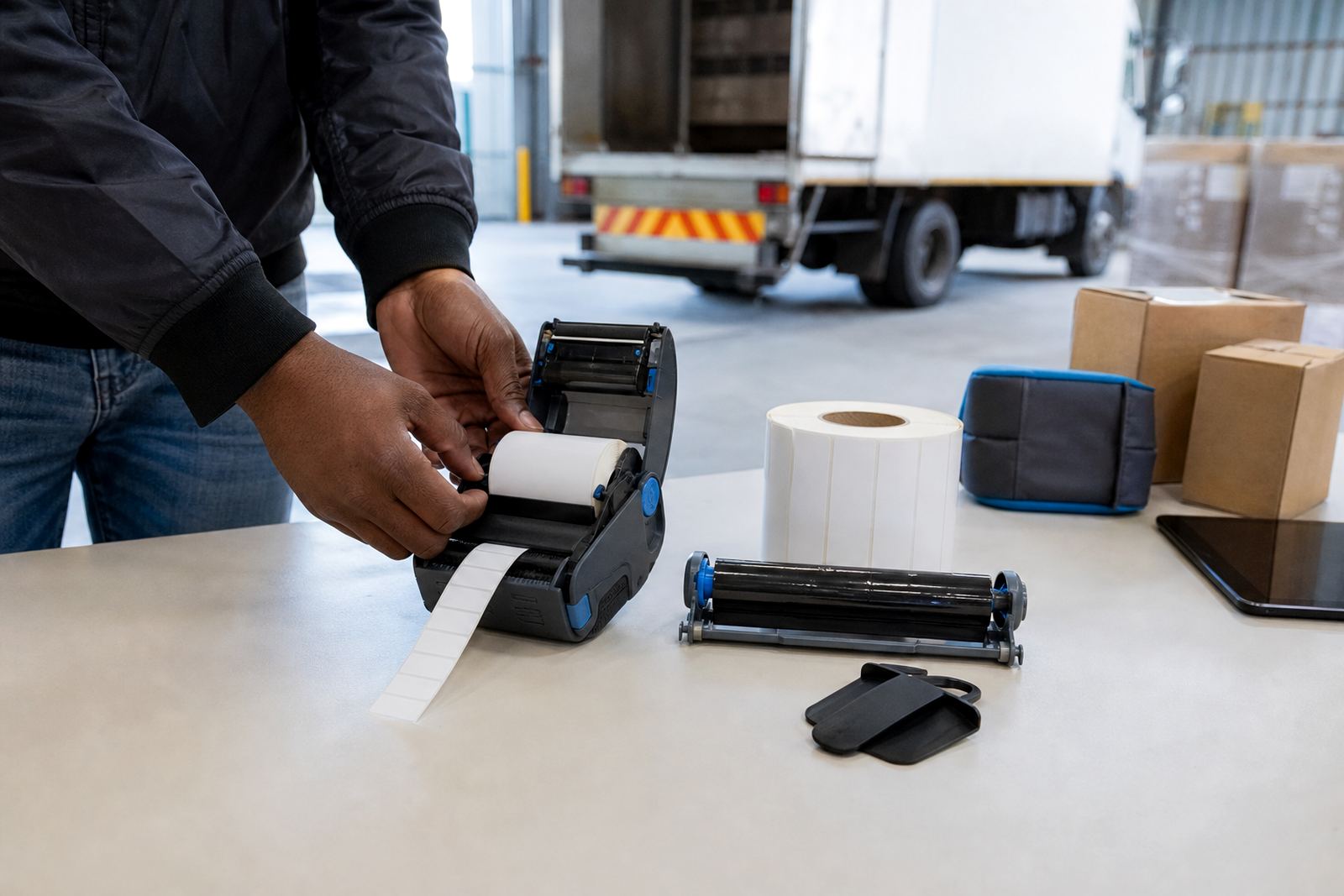
This unit is set up for courier runs, despatch counters and retail stockrooms where labels travel with the parcel trail. It handles direct thermal rolls for short-life parcel labels and thermal transfer rolls when a tougher mark is needed for storage, sorting or handling through rougher stages.
Most set-ups use a 2 inch to 4 inch print width, which covers common parcel stickers, routing labels and small content tags. Label lengths can be matched to the job, from compact address strips to wider barcode labels with more room for text, batch notes and proof marks.
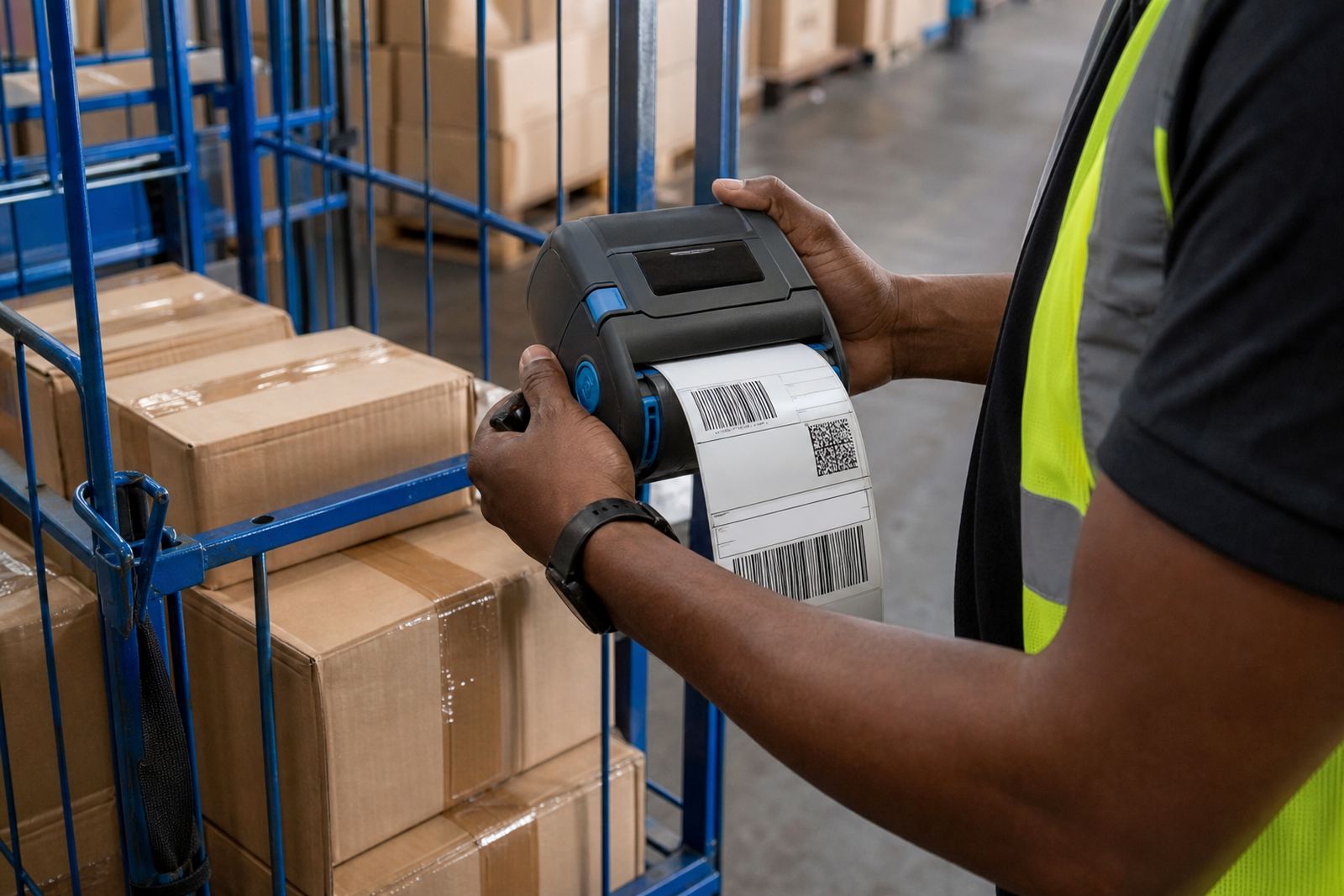
Bluetooth pairing suits handheld work on the floor or in a vehicle, while Wi-Fi pairing helps where the printer sits on a shared network in a branch or dispatch bay. Barcode and QR code printing is part of the normal setup, with clean scanning depending on correct size, contrast and calibration.
Format choices that suit the route
Direct thermal suits fast-moving labels that are used and replaced before long storage. Thermal transfer suits labels that must hold up better against scuffing, handling and more varied indoor conditions, especially where the printed mark must stay readable over time.
- Common print widths from 58 mm to 104 mm
- Label roll sizes for short parcel runs or heavier dispatch volumes
- Battery packs for handheld work through mixed shifts
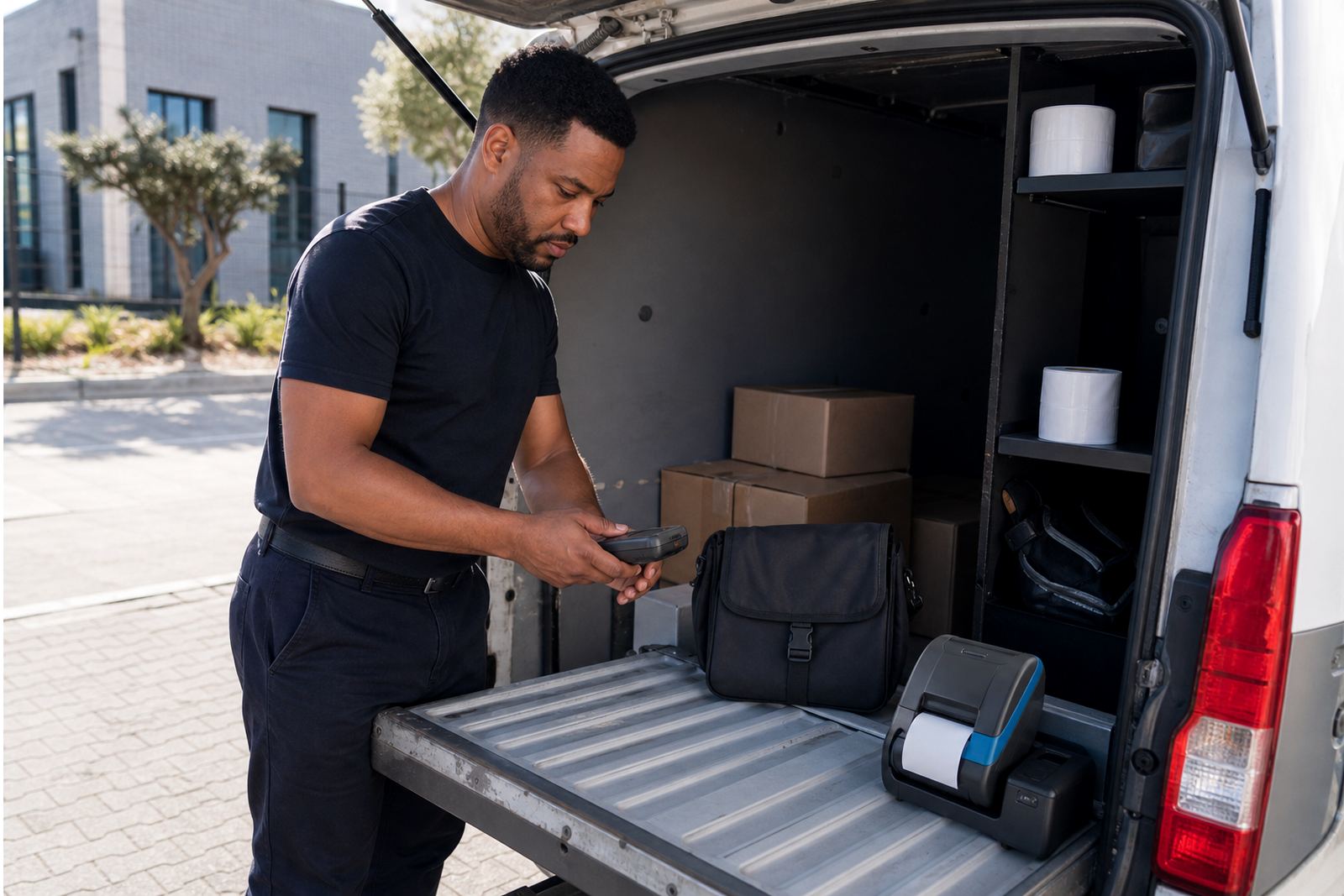
- Belt clips for route staff who carry the unit during picking or delivery handover
- Options for barcode, QR and plain text printing on one label
Battery life depends on print volume, label length and how often the screen, radio functions and print head are active. In practice, teams usually look at the day’s route load and the print count before choosing a battery pack size or a spare battery.
Where the courier route unit earns its place
This product suits warehouses, courier depots, retail stockrooms and back-of-house counters where items are sorted, relabelled and sent onward in stages. It also suits branch teams in Cape Town, Johannesburg, Durban, Pretoria and Gqeberha where labels must be printed at the point of handling instead of from a fixed counter.
On site fitting covers pairing, label calibration, operator checks and test prints with the rolls that will be used on the floor. If the printer is handed between staff or moved between vehicles and bays, belt clip fitment and battery testing make a practical difference to day-to-day use.
Setup details that stop wasted labels
Good setup starts with the right roll width, the right sensor position and the right print darkness for the label face. If the printer is over-dark, small barcodes can fill in; if it is too light, scanners struggle and reprints start to stack up.
Our field work covers Bluetooth pairing, Wi-Fi setup, label calibration, printhead cleaning, battery testing, battery replacement and label jam clearing. We also check belt clips, charging points and the general fit of the unit so the printer is ready for normal handling in a stockroom or vehicle cab.
- Set the label gap or black mark sensor correctly
- Match the printer to the roll width and label height
- Check barcode size before full roll use
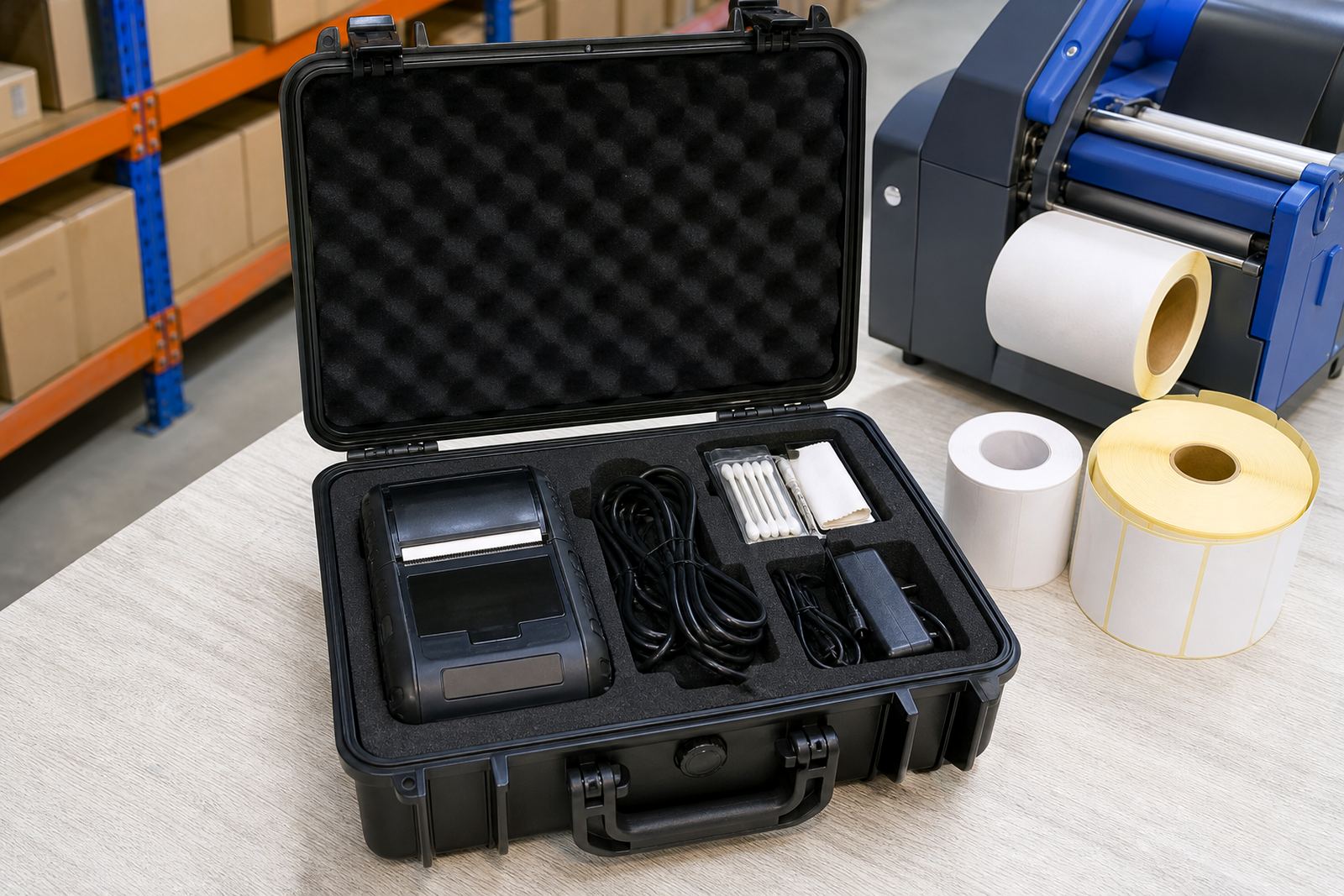
- Clean the printhead with the correct swabs and light pressure
- Confirm that the battery holds charge under normal use
Care that keeps the print clear
Thermal mobile printers need regular cleaning because dust, adhesive residue and rolled paper fibres can affect print quality. A printhead that is left dirty may show pale bars, broken text or faded QR codes, especially on narrow labels or dense data blocks.
Battery care matters as well. It is best to keep an eye on charge cycles, connector wear and the condition of the pack if the unit moves between branches or delivery teams. Belt clips should be checked for cracks or loose fittings so the printer stays secure during walkarounds and route changes.
Where the printer is used in a humid Cape Town coastal setting or in a dusty back-room store area, a steadier servicing plan helps avoid repeated label waste. Preventive servicing is useful for teams that print every day and do not want the unit drifting out of calibration.
What you must confirm before placing the roll order
When ordering the Courier Route Unit, it helps to confirm the print method, roll width, label length, the kind of surface the label will stick to and whether the label must survive handling, cold rooms or more frequent rubbing. You should also confirm if the printer needs Bluetooth only, Wi-Fi only, or both, especially where one unit is shared between different teams.
It also matters to know whether the labels must carry just a route code, or a barcode and QR code with human-readable text underneath. If the job involves mixed items, the label size should leave enough space for the scan mark without crowding the rest of the content.
- Direct thermal or thermal transfer
- Required print width in millimetres
- Label size and roll diameter
- Battery pack needs and spare battery planning
- Bluetooth pairing, Wi-Fi setup or both
- Barcode, QR code and text layout
Clients in Montague Gardens and around South Africa can send the details through our contact form for setup, servicing or a fresh roll match. The team at our Cape Town base handles setup, repairs and label supply for stockrooms that need a dependable mobile print unit on the move.
Key facts
| Product type | Mobile thermal label printer for courier and stock handling |
|---|---|
| Print methods | Direct thermal and thermal transfer |
| Print width | Typically 58 mm to 104 mm |
| Connectivity | Bluetooth and Wi-Fi pairing options |
| Output | Barcode, QR code and text labels |
| Support | On-site setup, calibration, cleaning and repairs |