Short-range printing that travels with the job
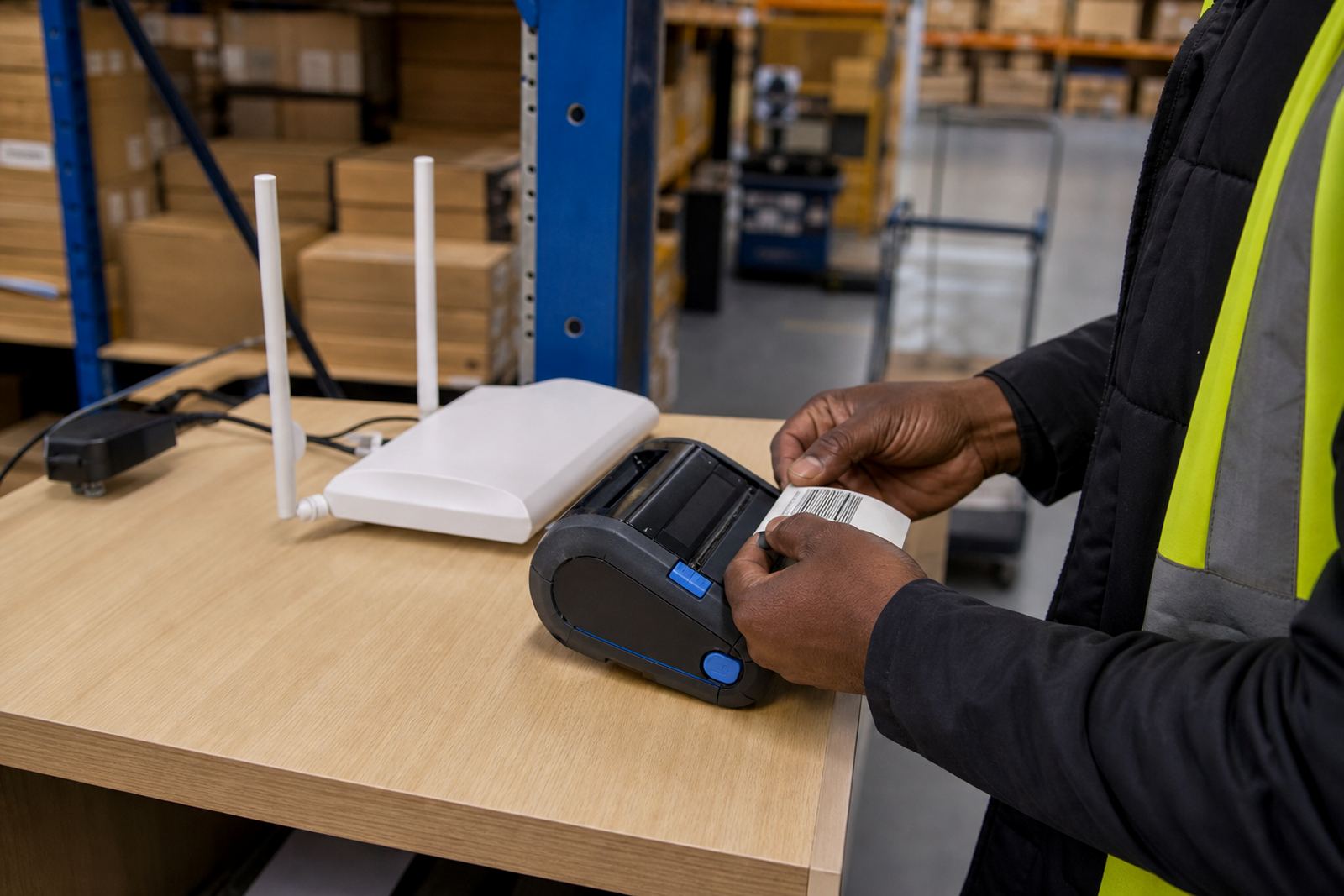
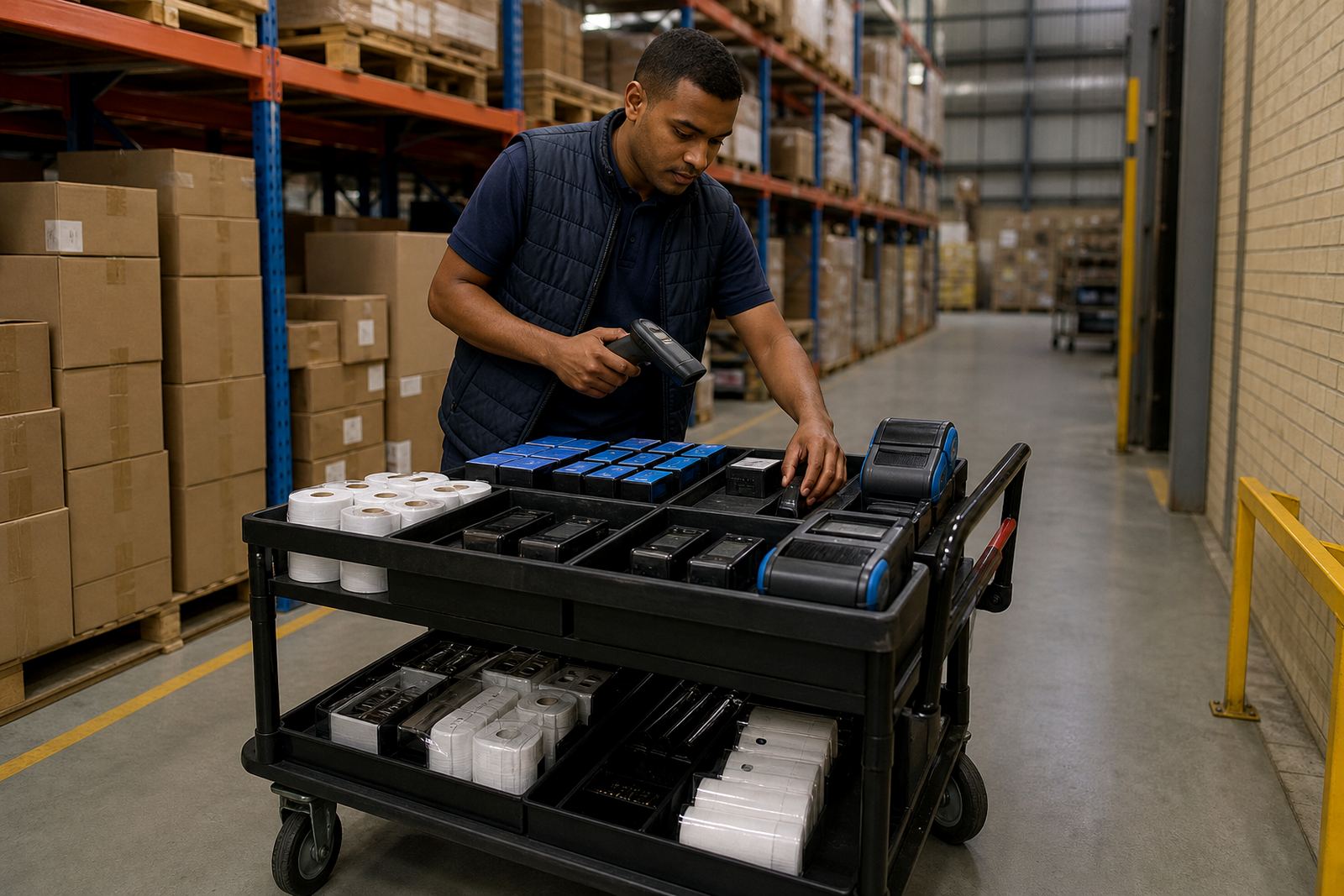
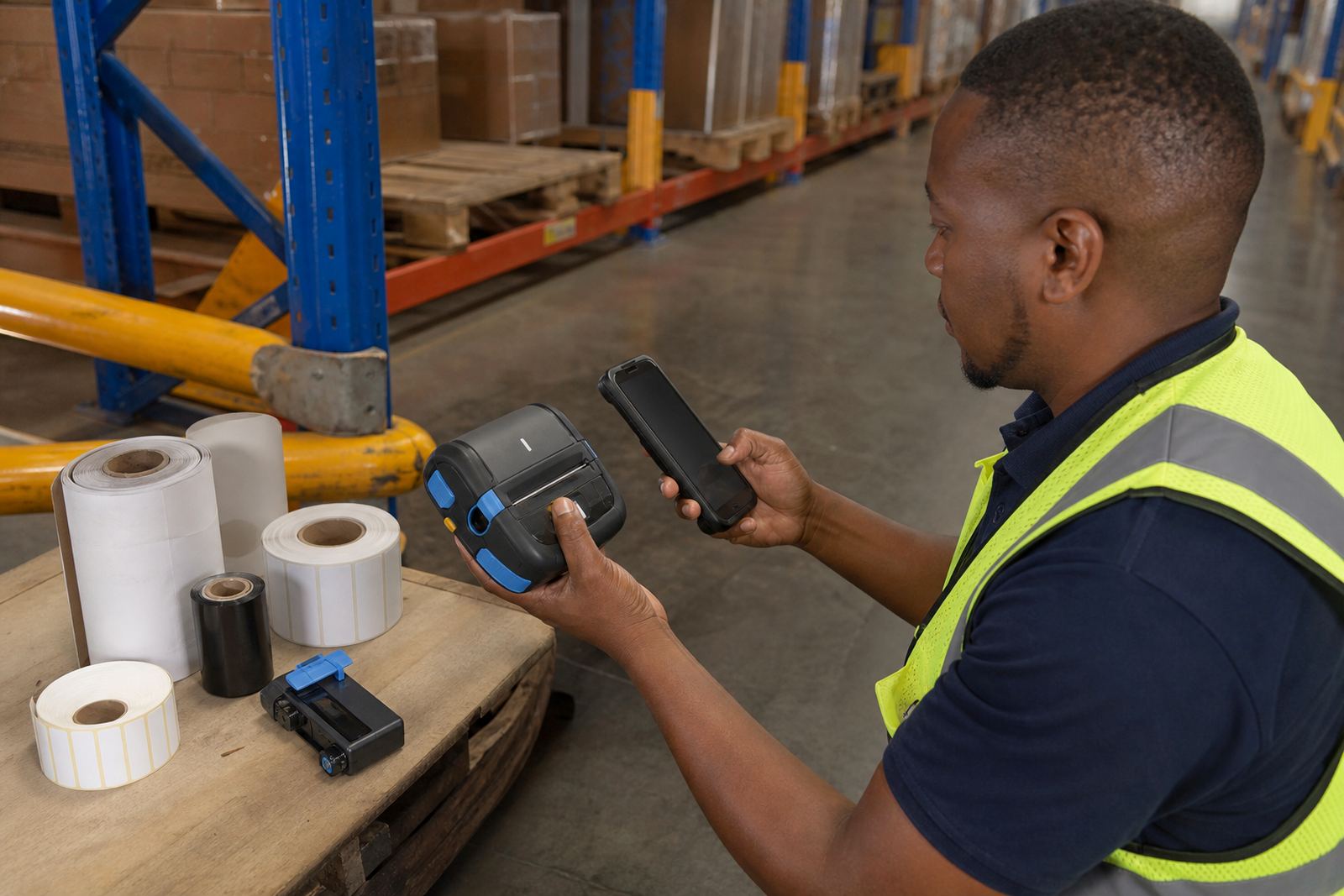
This unit is specified for mobile label printing where the operator needs a small, portable printer paired to a scanner, tablet or handheld terminal. In practice, that means the printer sits on a belt clip, in a vehicle cradle, or on a trolley and receives print jobs over Bluetooth without a fixed station in the middle of the process.
The pairing setup is useful for stock moves, shelf marking, parcel labels and dispatch work. Most jobs call for 2 inch, 3 inch or 4 inch label widths, with the exact roll width chosen to suit the printer head and the information that has to fit on the label. Barcode lines need a clean print, and QR codes need enough quiet space around the edge, so calibration matters as much as the pairing itself.
Direct thermal or thermal transfer, matched to the label
Mobile units of this type are commonly used with direct thermal media for short-life labels, or thermal transfer media where the print must hold up longer and resist handling. Direct thermal is often used for parcels, shelf moves and interim identification. Thermal transfer is a better fit for labels that need a tougher mark under frequent touch, movement or storage.
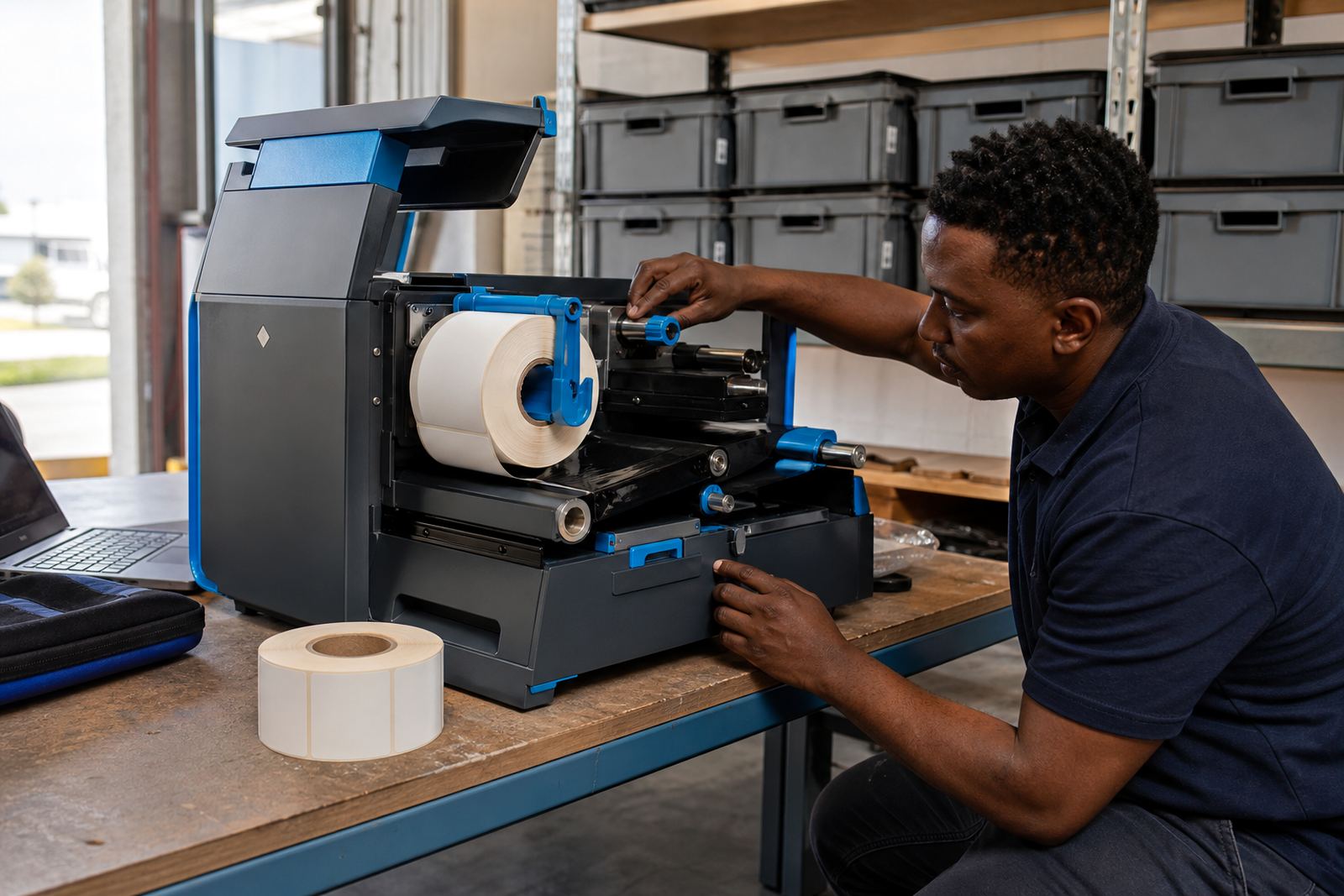
The pairing unit itself does not change the print method, but it has to sit comfortably with the printer model, battery pack and chosen roll size. If the label roll is too wide, too tight on the spindle, or not wound evenly, print quality suffers and feeding becomes uneven. A clean print path and a properly seated roll help reduce smudging, gaps and crooked lines.
- Common widths: 50 mm, 60 mm, 80 mm and 100 mm
- Label formats: continuous, die-cut and black-mark stock
- Print use: text, barcodes, QR codes and batch details
Battery, clip and carry options that suit the shift
A mobile pairing setup depends on the way the printer is carried through the day. Some teams need a belt clip for hands-free movement, while others prefer a battery pack that can handle a full shift of intermittent printing. Battery life depends on the print volume, wireless activity, label size and how often the unit wakes and sleeps between jobs.
Where a printer is clipped to a belt or trolley mount, the clip has to hold firm and still allow easy release when the operator needs to load fresh rolls or clear a jam. We also check the battery contacts, charging point and cover fit, because a loose battery can interrupt pairing and cause the printer to drop out during use. That kind of fault often shows up as missed labels, repeated pairing prompts or weak feed.
- Belt clip check and fitment
- Battery testing and battery replacement
- Roll loading guidance for new operators
Bluetooth setup on warehouse, courier and retail floors
This product suits teams that move between aisles, cages, loading bays and back-of-house counters. In a warehouse, it helps with bin labels, pick-face tags and interim location marking. Couriers use it for route labels and parcel identification where the print must stay with the van or handheld. Retail stockrooms use it for shelf labels, returns, price changes and stock movement records.
Bluetooth pairing is best kept simple and consistent. The handheld device needs the correct print profile, the printer needs the right roll width and the operator needs a clear routine for loading, waking and printing. If there is more than one printer on site, naming and pairing discipline matters, or the device may connect to the wrong unit. We also handle Wi-Fi setup where the job calls for a broader network link, though the Bluetooth pairing unit remains the short-range option.
Fitting and setup details that prevent avoidable faults
On-site setup is often the difference between a printer that works neatly and one that causes stoppages. We check the pairing process, confirm the label calibration, test the print width and make sure the handheld device sends the correct size. Printhead cleaning is part of that handover, because dust, adhesive residue and paper lint can leave pale lines across text and barcodes.
If a printer skips labels, prints half a line or feeds too far, the issue may be calibration rather than hardware. The same is true when the print looks faded on one side or the barcode scanner struggles to read the code. Regular cleaning, a correctly seated roll and a firm battery connection go a long way. For mobile units used in Cape Town, Johannesburg, Durban, Pretoria and Gqeberha, repeated transport and rough handling can also cause wear, so the mount and cover should be inspected.
- Bluetooth pairing and device naming
- Label calibration and test print checks
- Printhead cleaning and feed path inspection
- Operator training for roll loading and basic fault checks
What to confirm when placing the order
For the right pairing unit, the printer model, media type and daily label volume need to line up. We ask for the label width, roll diameter, whether the print is direct thermal or thermal transfer, and whether the job needs barcode or QR output. It also helps to know if the unit will run from a belt clip, vehicle cradle or bench charging point, because that affects the way the battery and casing are used.
If the team already uses handheld devices, confirm the operating system and how the app sends print jobs. If the site has more than one stockroom or dispatch point, note that too, because pairing can be set per unit and location. From our Montague Gardens base, we support mobile printer setup, repairs and servicing across South Africa, with practical field work for warehouses, couriers and retail stockrooms. If the printer is dropping labels, jamming or printing faint marks, we can inspect the unit, replace worn parts and restore the setup to proper working order.
- Printer size and maximum print width
- Battery type and expected shift use
- Label roll width and roll core size
- Need for barcode, QR or text-only printing
- Belt clip, cradle or carry preference
Key facts
| Product type | Bluetooth pairing unit for mobile label printers |
|---|---|
| Connectivity | Short-range Bluetooth pairing with handheld devices |
| Print methods supported | Direct thermal and thermal transfer |
| Common print widths | 2 inch, 3 inch and 4 inch formats |
| Power | Rechargeable battery operation with charging and battery checks |
| Typical use | Warehouse, courier and retail stockroom label printing |