QR labels that still scan after a hard shift
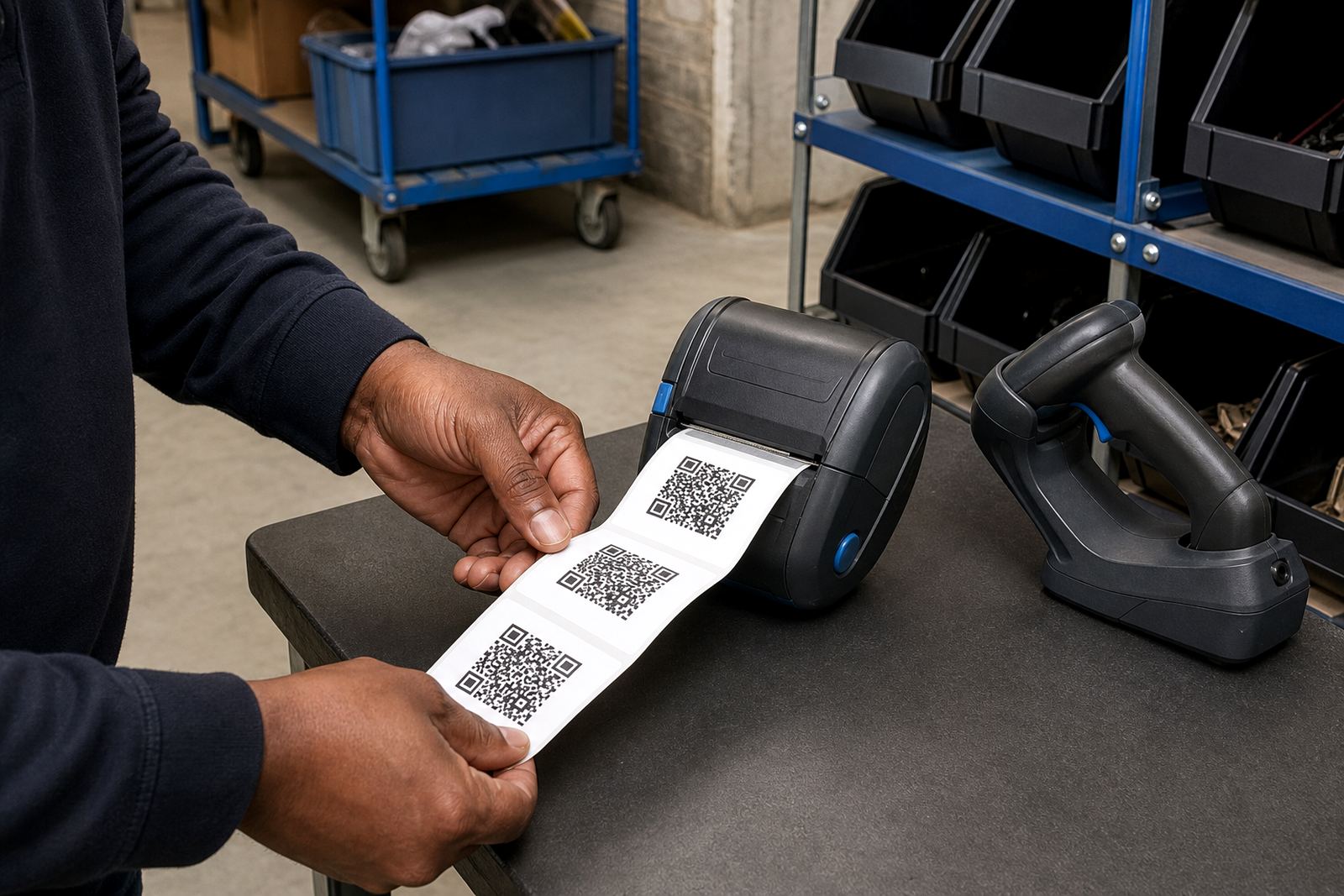
This product is a mobile thermal label printer set up for crisp QR codes, barcodes and short product text. In a warehouse or stockroom, the printer is usually used for bin labels, shelf labels, dispatch marking, stock take labels and parcel identifiers, where a clean scan matters more than a flashy print.
Most units in this category print in direct thermal or thermal transfer mode. Direct thermal suits short life labels and fast-moving stock lines, while thermal transfer is the better fit when the label must stay readable longer or face more handling. QR codes need even black areas and accurate alignment, so printhead care and correct calibration matter from the first roll.
- Suitable for compact labels, route tags and asset labels
- Common print widths include 48 mm, 56 mm and 80 mm
- Best used with clear artwork and a plain white label face
- Can print QR codes, barcodes and human-readable stock codes
Sizes, rolls and power setup that match the job
Label size is worth confirming before any order moves forward. A QR code that is too small can scan badly, while one that is oversized wastes label stock and slows packing. The right size depends on how much text sits beside the code, the scanner used at goods-in, and whether the label will go on a carton, shelf, tub or courier pouch.
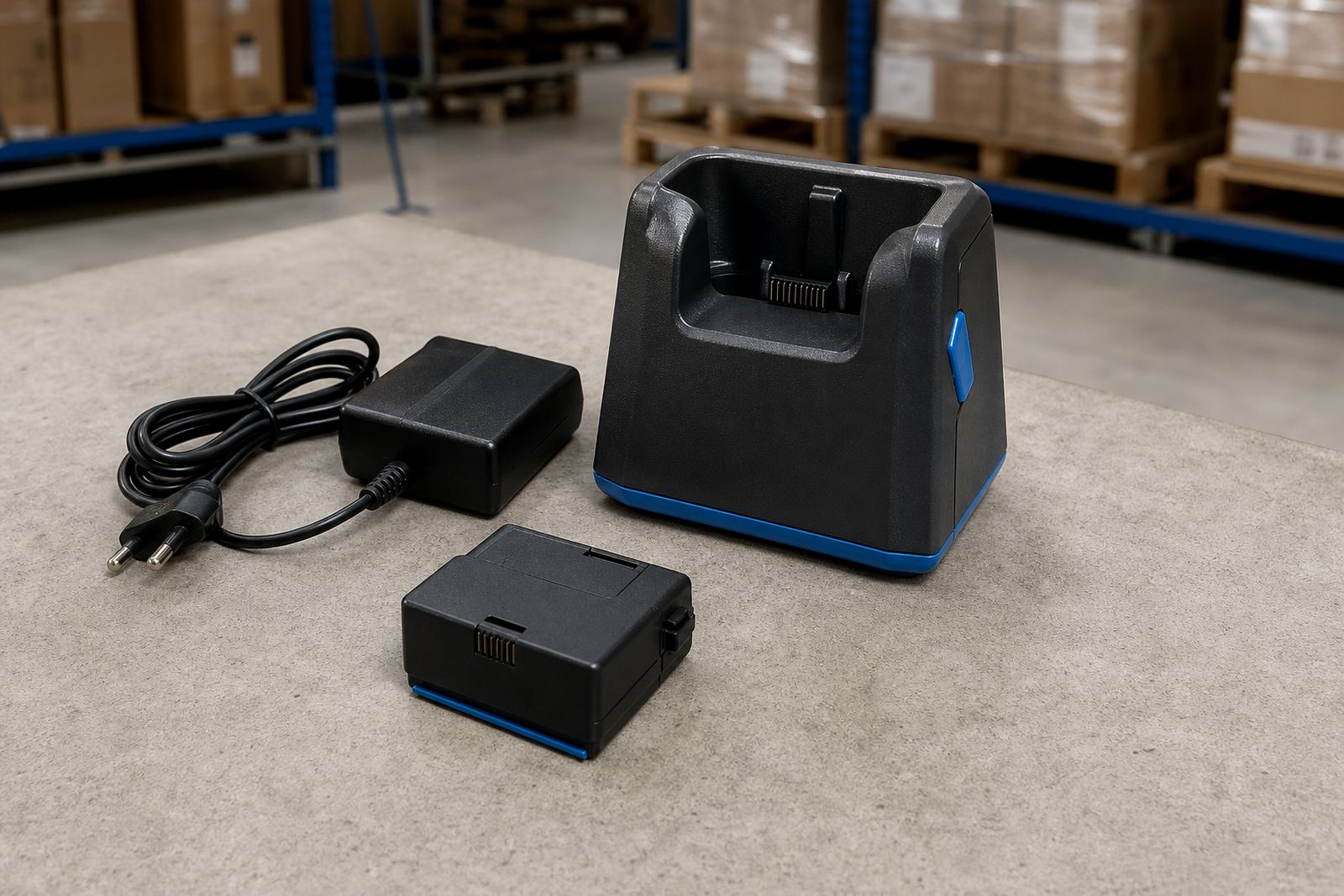
Battery life depends on the unit, the print density and how often it is asked to print large batches. Some mobile printers are carried through a shift and charged at the end of the day, while others are used in bursts at packing benches or on the floor. If the work involves repeated label runs, battery condition should be checked together with the charger, contacts and belt clip fit.
- Direct thermal rolls for labels meant to last a short time and for dispatch work
- Thermal transfer rolls and ribbon for more durable labels
- Label widths should match the printer head and the application
- Battery testing helps avoid flat units during a busy picking run
Pairing to handhelds, tablets and stock systems
Bluetooth pairing is common on mobile label printers used on the warehouse floor, while Wi-Fi is useful where a label queue moves across several stations. Pairing needs to be tidy from the start: the device name, pairing mode, network access and print language all have to line up, otherwise the printer may connect but not print the right label format.
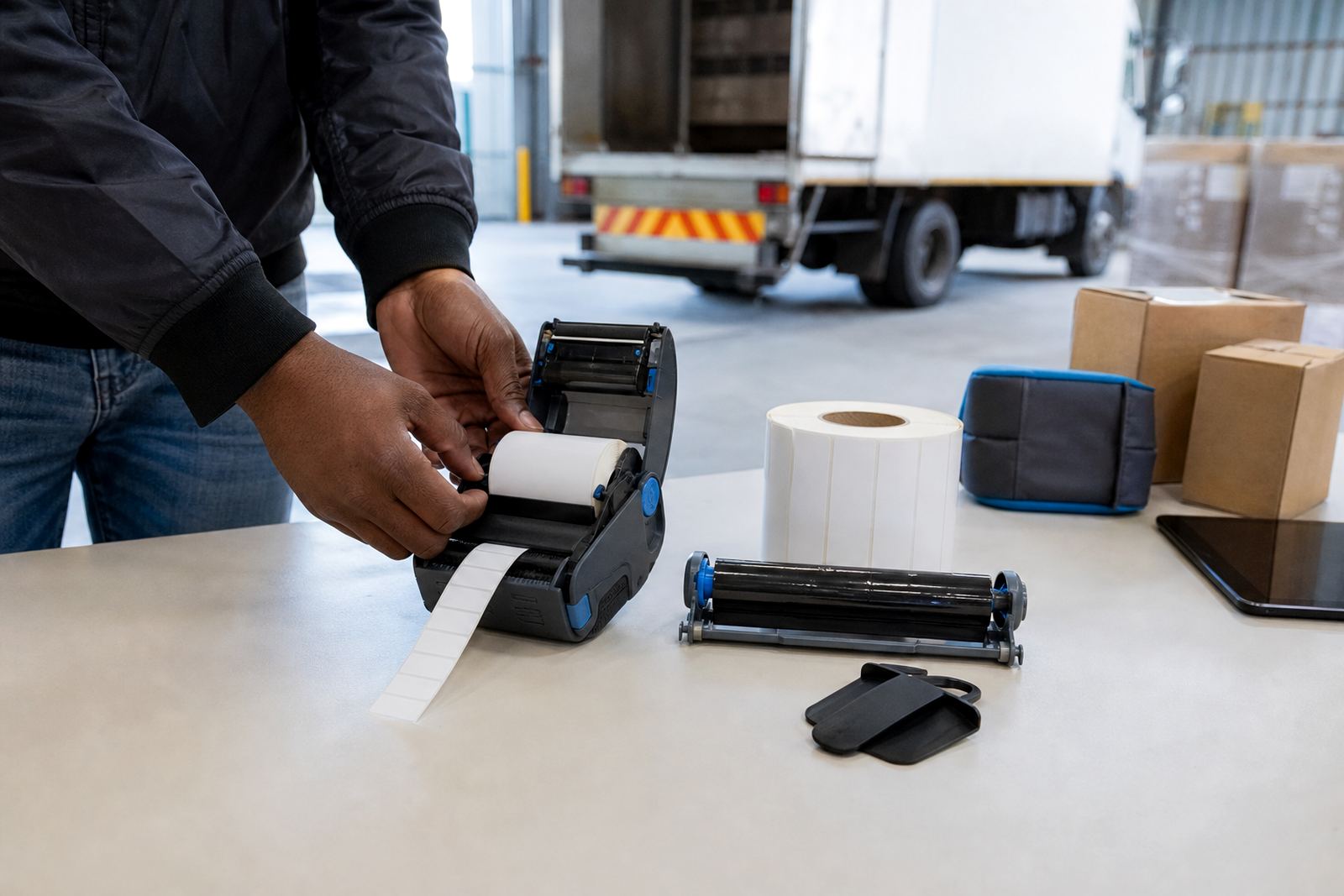
When a printer is installed on site, the setup usually includes label calibration, test prints, print quality checks and a quick run through the app or handheld that will send jobs. QR labels are unforgiving if margins are off by a few millimetres, so the calibration step matters. On larger sites, the same machine may be moved between receiving, picking and dispatch, which makes belt clip condition and battery seating part of the fit check too.
For teams that print from handheld scanners, tablets or stock control software, the layout must be set before labels are released into daily use. That avoids clipped codes, sideways printing and wasted rolls.
Where this printer proves its worth in the warehouse
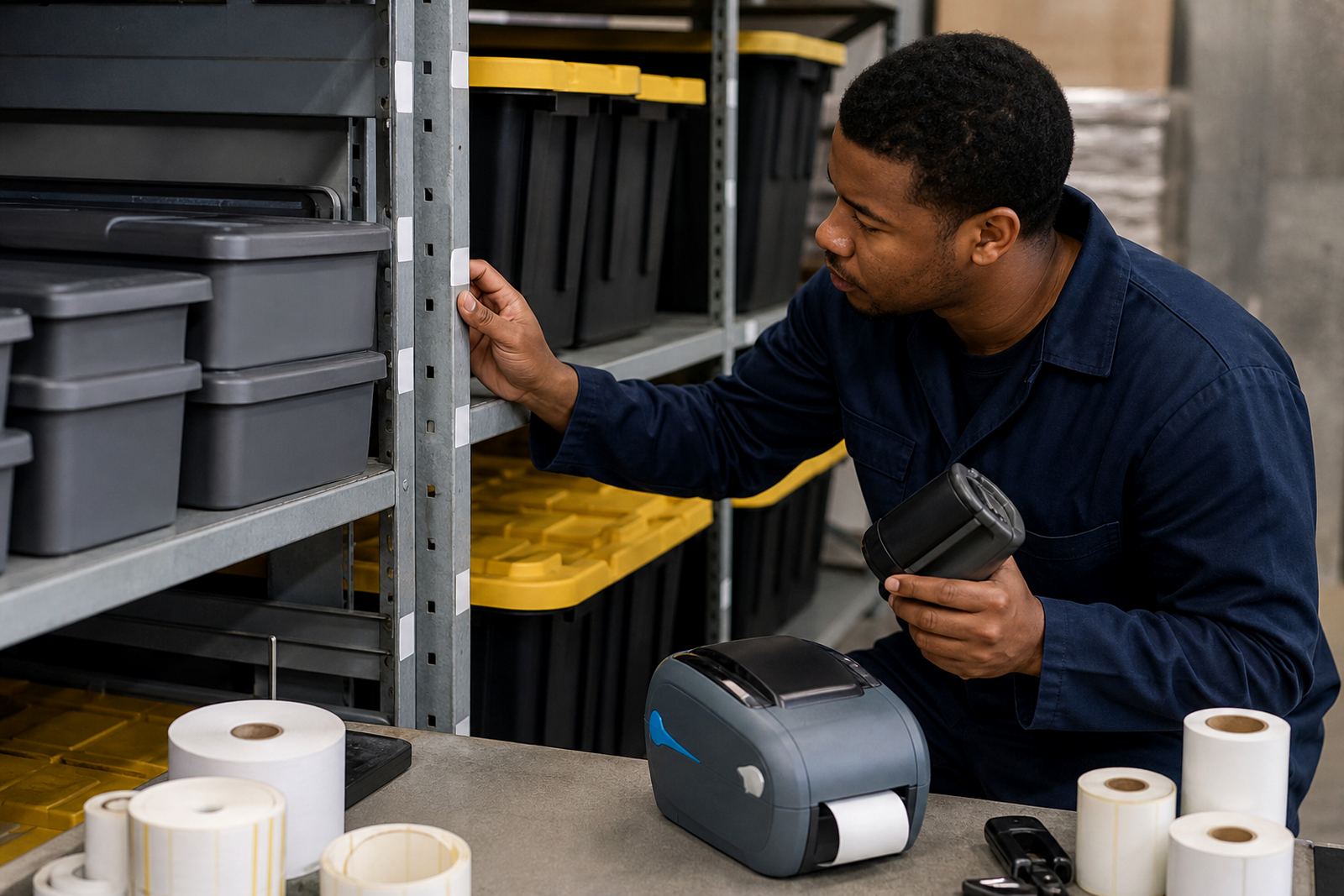
QR code printing fits warehouses, courier depots, retail stockrooms and back-of-house receiving points. Across Cape Town, Johannesburg, Durban, Pretoria and Gqeberha, the same basic unit is often used for different jobs, but the label stock changes with the work. Couriers want quick parcel identification, retail stockrooms want neat shelf and bin markers, and warehouses want labels that survive handling, dust and repeated scanning.
For coastal branches, label storage matters because humidity can affect some rolls and make edges lift if the stock is left open. Where the printer is carried between benches, pallet lanes and cages, a belt clip and a charged spare battery are practical parts of the setup. In smaller stores, the printer may stay near the receiving point; in larger operations it may move with the operator through the day.
- Useful for stock counts, bin labels and dispatch tags
- Handy where mobile printing follows the goods, not the other way around
- Works well in retail stockrooms with repeat label runs
- Fits courier sorting tables and warehouse receiving counters
Printhead care, jams and the small fixes that matter
QR print quality usually fails in the small things first. Dust on the printhead, a tired battery, a crooked roll or a dirty platen can make the code patchy. Regular cleaning with the correct method keeps the black areas solid and the scan edges sharp. Printhead cleaning should be part of preventive servicing, not only a repair step after a label starts failing.
If a label jams, the roll path should be cleared carefully and the calibration rerun before the next batch. A printer that drops barcode quality or leaves light bands across the code often needs cleaning, pressure checks or a label feed adjustment. Belt clips and battery doors also deserve attention, because a loose fit can become a daily nuisance in a moving operation.
Repair work can include print quality fixes, label jam clearing, battery replacement and belt clip repair. Where a site uses several printers, keeping them set to the same label size and print settings makes the whole line easier to manage.
Details to pin down before a QR printer is supplied
Before a unit is selected, the label job needs to be set out clearly. The useful details are practical ones: the label width, the label length, whether the code is only QR or also includes barcodes, the required print life, and whether the printer must connect by Bluetooth or Wi-Fi. If the printer will move around the site, battery condition and carrying method should be included too.
It also helps to confirm the label material, the roll diameter that will fit the unit, the number of labels printed in a normal shift, and whether the team wants direct thermal or thermal transfer output. If the printer is going onto an existing warehouse system, the current label layout should be checked so the new setup matches the stock control process instead of fighting it. For on-site setup, our contact form can be used to pass through those details in one place.
- Label width and length
- Direct thermal or thermal transfer requirement
- Bluetooth or Wi-Fi pairing need
- Battery condition, clip style and carry method
- Barcode, QR code and text layout
- Any need for setup, training or repairs on site
On-site fitting across Cape Town and the main hubs
Go-Printer operates from Montague Gardens, Cape Town and handles setup, training and repairs across South Africa, including Cape Town, Johannesburg, Durban, Pretoria and Gqeberha, with support also available in Bellville and Midrand. That covers mobile QR printers, label rolls, calibration, printhead cleaning and the small hardware pieces that keep the unit useful in daily work.
When a printer lands in a busy warehouse or stockroom, the fitting is not only about switching it on. It is about loading the right roll, pairing it properly, testing the QR scan, checking feed alignment and making sure the operator can manage the unit without guesswork. For teams already using mobile stock control, a neat setup saves time at the bench and in the aisle.
The work can include operator training, preventive servicing, battery testing and label quality checks. Where a printer is shared between shifts, the settings should stay consistent so the next user gets the same result, not a fresh problem.
Key facts
| Product type | Mobile thermal QR code label printer |
|---|---|
| Print modes | Direct thermal and thermal transfer |
| Typical print width | 48 mm to 80 mm depending on model |
| Connectivity | Bluetooth and Wi-Fi pairing options |
| Battery use | Rechargeable battery for mobile operation |
| Label output | QR codes, barcodes and text labels |