Built for shift work, not a fixed counter
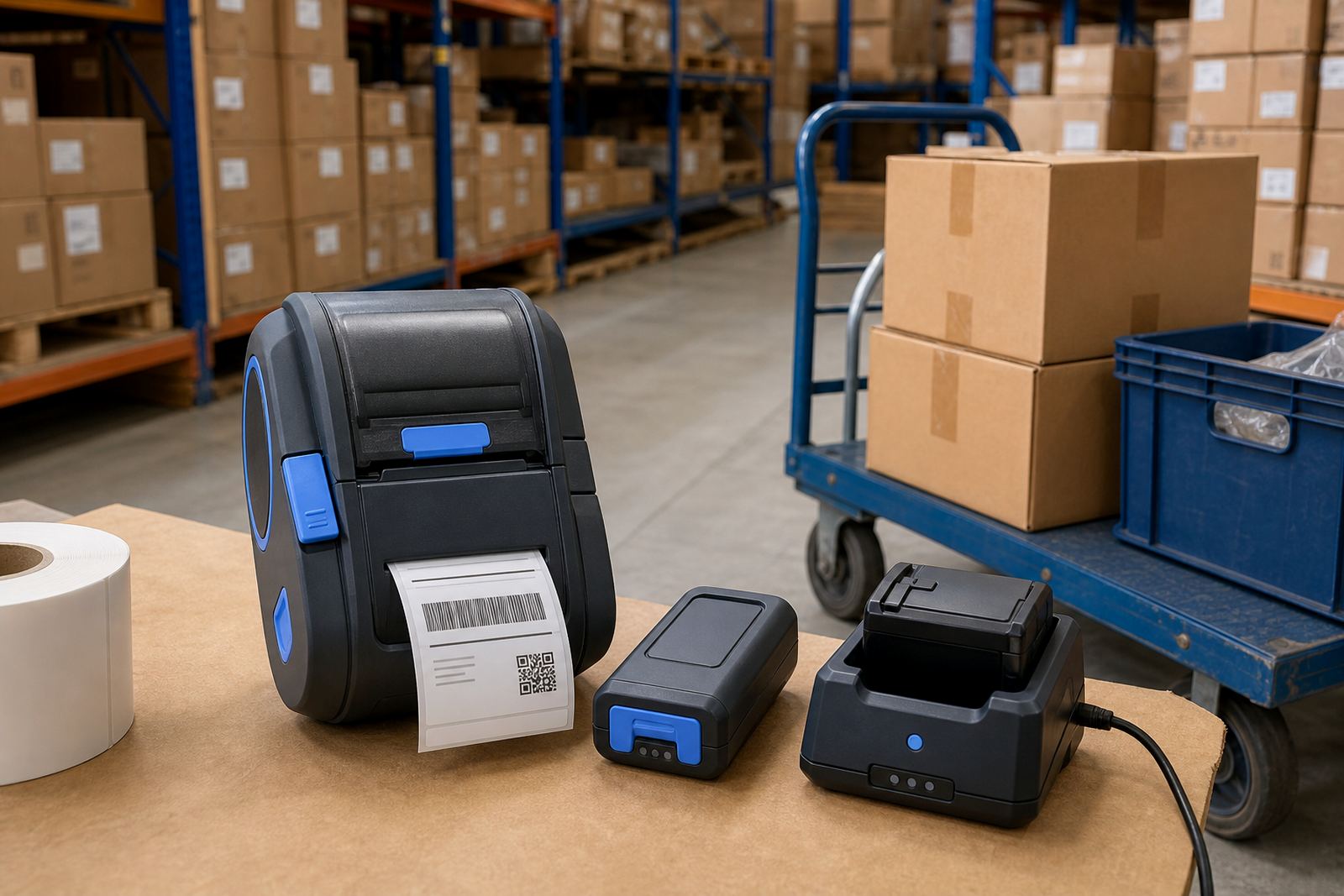
A long battery runtime mobile label printer is a handheld or belt-carried unit made for fast label issuing away from a permanent workstation. In warehouse and courier use, it lets staff print address labels, shelf labels, carton tags and stock IDs where the goods are, which cuts the back-and-forth to a benchtop printer. The stronger battery pack is the main point here, because a unit that spends the day moving with one operator must hold its charge through picking rounds, dispatch runs and stock take work.
These printers usually handle direct thermal printing for short-life labels, or thermal transfer printing when the label has to hold up better in handling, heat or light. Direct thermal is common for courier consignment labels and temporary stock labels. Thermal transfer suits longer-life asset marking, compliance labels and product IDs that must stay legible after storage and handling. Print width matters too, because some stockrooms only need 2 inch labels while others need 3 inch or 4 inch formats for larger cartons and pallet notes.
Battery life, pairing and print format choices
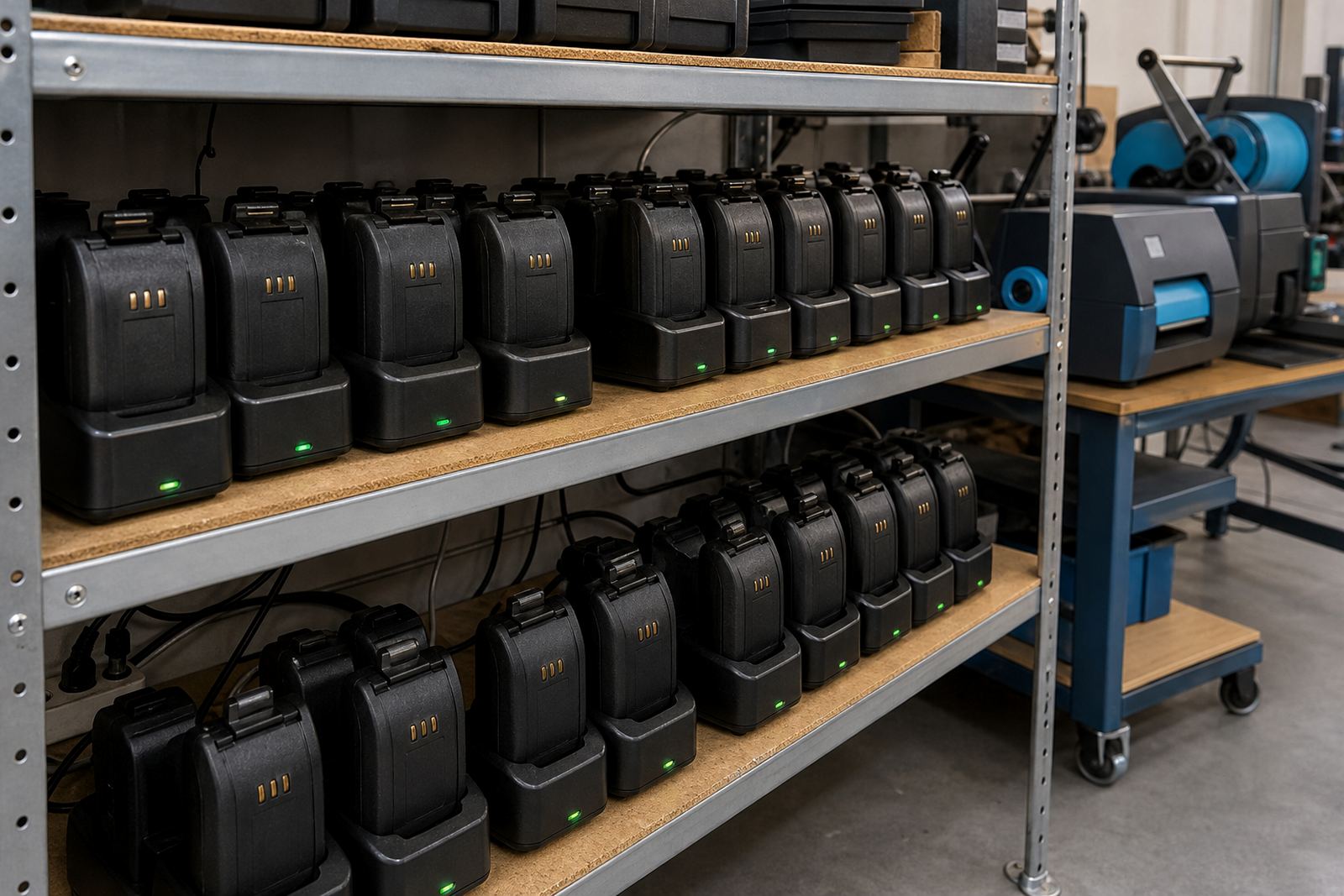
When battery runtime is the priority, the real detail is how the printer behaves under normal use, not just the battery size on the box. A busy operator may print a few labels at a time, then pause, then print again after walking a section of the floor. That kind of cycle calls for a unit with sensible sleep settings, a battery that charges fully and a charger arrangement that fits the way the team works.
Pairing options also matter. Bluetooth pairing suits a phone or handheld terminal moving around the floor. Wi-Fi setup helps where the printer must sit on a shared network for several users or for use in a fixed packing lane. Some units support both. Label roll choice follows the same logic. Narrow labels are useful for shelving and small parts bins, while wider stock and shipping labels give more room for barcodes, QR codes, item names and batch notes.
- Direct thermal for temporary labels and courier work
- Thermal transfer for durable stock and asset labels
- Typical label widths from 50 mm to 104 mm
- Barcode and QR code printing for stock control
- Bluetooth pairing for mobile use on the floor
- Wi-Fi setup for shared printing in busy areas
Where this type of printer earns its keep
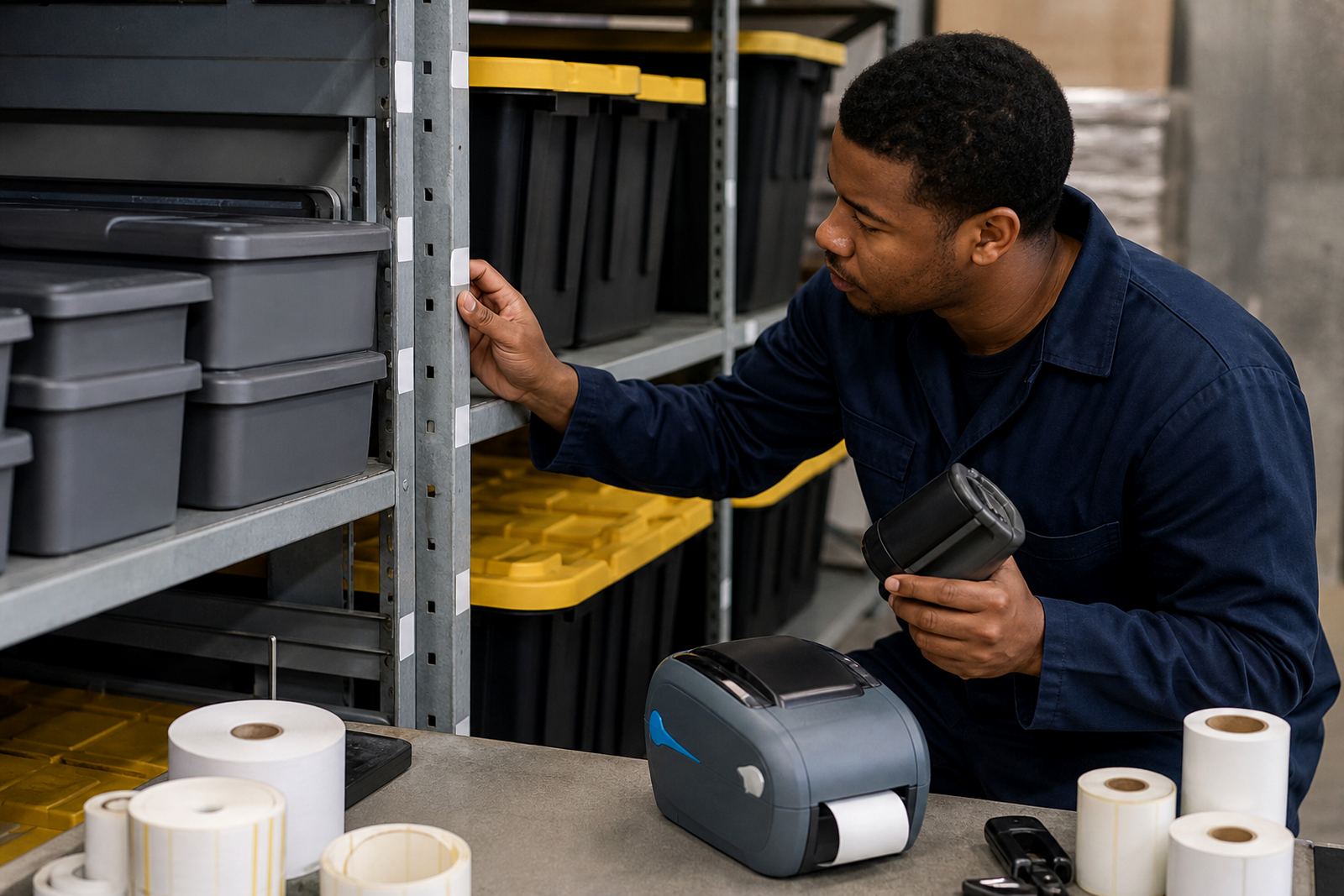
Long battery runtime suits warehouses with large picking areas, courier drivers who print on the move, and retail stockrooms where staff are not parked at one counter all day. In Cape Town, Johannesburg, Durban, Pretoria and Gqeberha, these units are common where stock changes hands often and labels need to be printed close to the item. They also help in loading bays, receiving areas and overflow stores where a fixed machine would slow the work down.
The printer choice should match the size of the job. A courier team may only need a compact 2 inch label printer for parcel labels and route stickers, while a warehouse handling cartons, shelf tags and returns may need a wider print path. Where labels are scanned at the point of issue, barcode quality and quiet feed action matter. When QR codes are part of your process, match the printhead and media properly so the code scans cleanly on handheld readers.
Setup, fitting and practical use on the floor
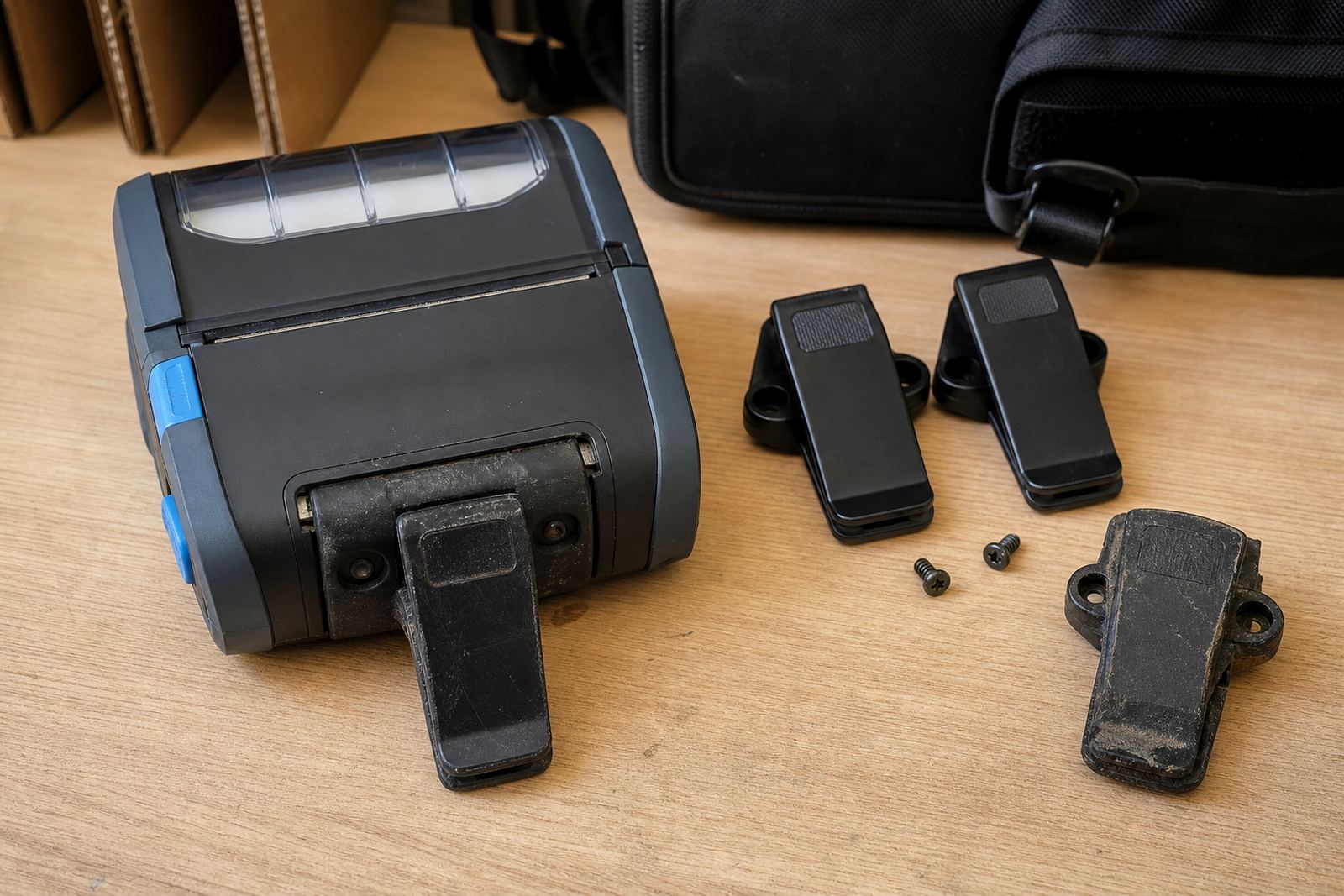
These printers are usually supplied with a battery, charger, belt clip and the setup needed to pair them to the device being used. If the printer is going into a warehouse or retail stockroom, we can handle on-site setup, Bluetooth pairing, Wi-Fi setup and label calibration so the first labels feed straight. If staff will wear the printer through the day, the belt clip must sit securely and the battery should be fitted and tested before issue.
Label calibration is not a small detail. A mobile printer that feeds too far, too little or drifts off the label edge wastes stock and slows the team down. The same goes for printhead alignment and media loading. If the printer has been moved between different roll widths, the guides and sensor settings need attention. For longer-use units, battery testing and battery replacement are part of keeping the printer ready for the next shift.
- On-site setup for warehouses, couriers and retail stockrooms
- Bluetooth pairing and Wi-Fi setup for connected printing
- Label calibration for accurate feed and clean edges
- Battery testing when runtime starts dropping off
- Belt clip repair for units carried through long shifts
Keeping the print clean and the battery steady
Mobile label printers need regular care if the print must stay clear. Direct thermal media can darken with heat and friction, so rolls should be stored neatly and not left in a hot vehicle or a damp storeroom. Thermal transfer ribbon systems need the printhead kept clean because dust, adhesive and ribbon residue can cause faint patches or broken bars in a barcode. Coastal humidity, especially in places like Cape Town and Gqeberha, can also affect labels if stock stays open to the air for long periods.
Printhead cleaning is a routine task, not an emergency fix. A soft cleaning swab or the correct cleaning method keeps the head free of grime and helps the label feed stay even. Battery care matters just as much. A unit that is charged and stored properly will hold up better than one that is constantly run flat. If the battery starts to lose strength, replacement is usually simpler than trying to push the same pack through another season of poor runtime.
The details worth checking before ordering
To choose the right unit for the job, the order details must be accurate. The print width needs to suit the label size in use. The battery type should fit the shift pattern. If the team needs barcode or QR printing, that should be specified early so the printer and software settings align. It also helps to know whether the printer must connect through Bluetooth, Wi-Fi or both, and whether the labels are direct thermal or thermal transfer.
Other useful details include the label size in millimetres, the roll diameter that will fit the compartment, whether the printer will be worn on a belt or carried in a vehicle, and whether the use is for shelf labels, carton labels, parcel labels or asset tags. If repairs or preventive servicing are needed, it helps to know the fault pattern, such as label jams, faded print, poor charging or broken clips. That lets us prepare the right parts and test the unit properly.
- Label width and roll diameter
- Direct thermal or thermal transfer media
- Bluetooth, Wi-Fi, or both
- Barcode and QR code format needs
- Belt clip, charger and battery condition
- Use case such as courier, warehouse or stockroom
Key facts
| Print method | Direct thermal or thermal transfer |
|---|---|
| Print width | Common options from 2 inch up to 4 inch |
| Connectivity | Bluetooth pairing and Wi-Fi setup |
| Battery use | Long runtime for mobile shifts and field work |
| Label types | Courier labels, shelf labels, carton labels, asset tags |
| Care | Label calibration, printhead cleaning, battery testing and replacement |