Wide-format printing for busy label runs
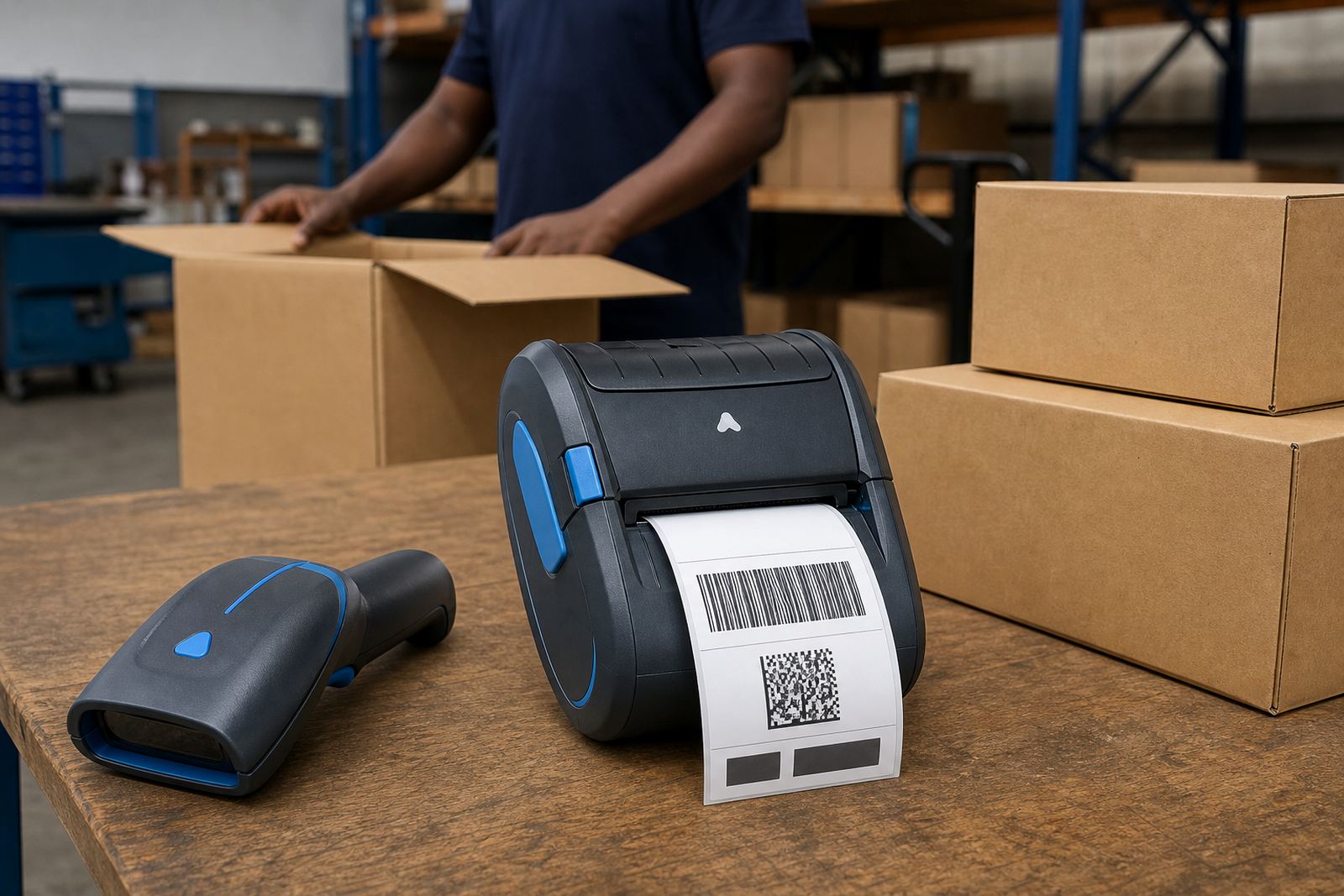
This format is built for wider labels than a compact handheld unit, usually up to 104 mm print width, which gives enough space for delivery details, route codes and large scannable marks. Direct thermal printing uses heat on coated labels, so the print stays crisp for day-to-day movement through dispatch, receiving and short to medium term identification work.
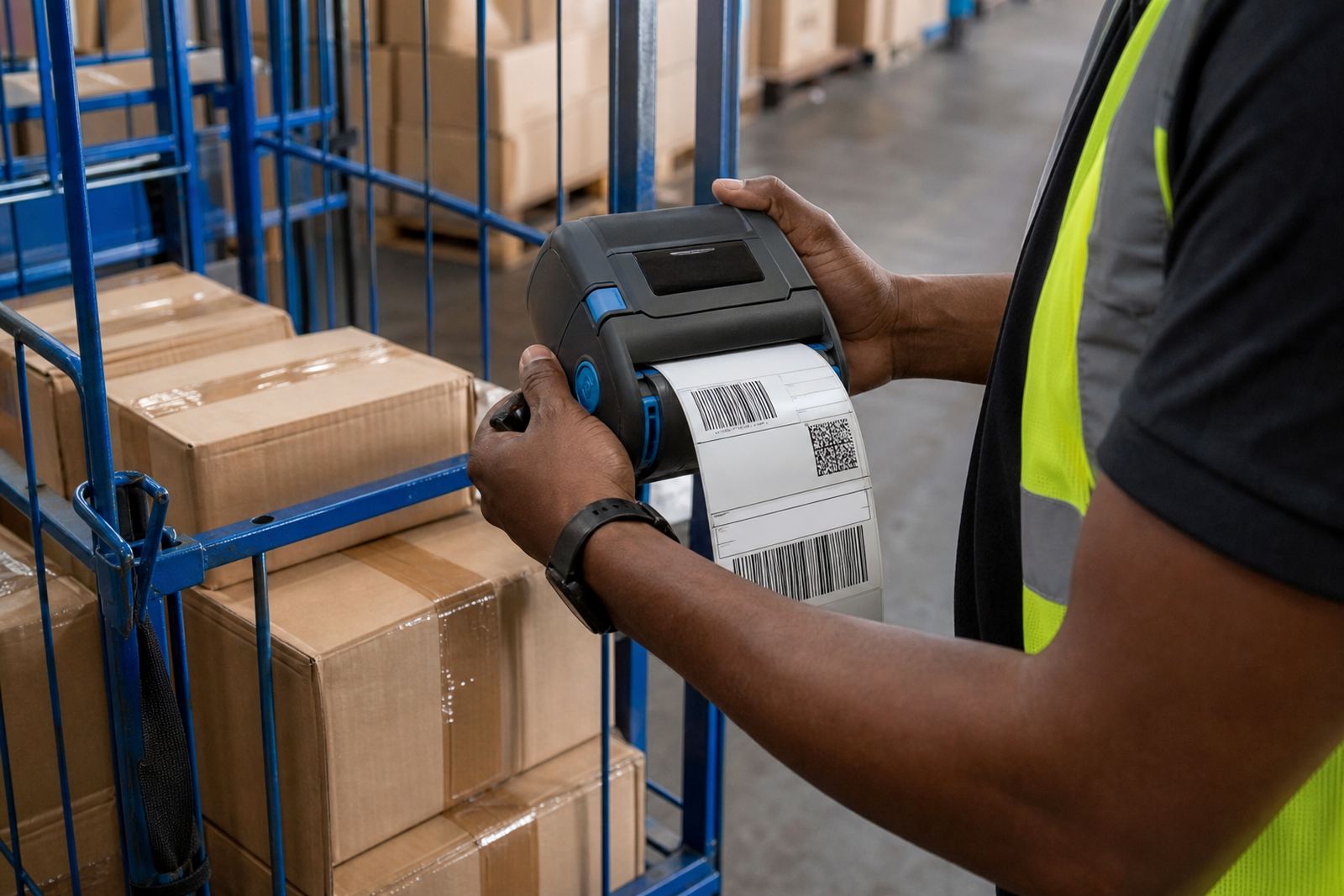
In practice, the wider face helps when a parcel needs a bold barcode with a clear human-readable line beneath it, or when a stock label must carry item name, batch detail and location in one strip. It is a good fit for couriers, wholesalers and retail stockrooms that want fewer label swaps during a shift.
- Print width commonly around 4 inch, or 104 mm
- Direct thermal output for coated label stock
- Suitable for barcodes, QR codes and text blocks
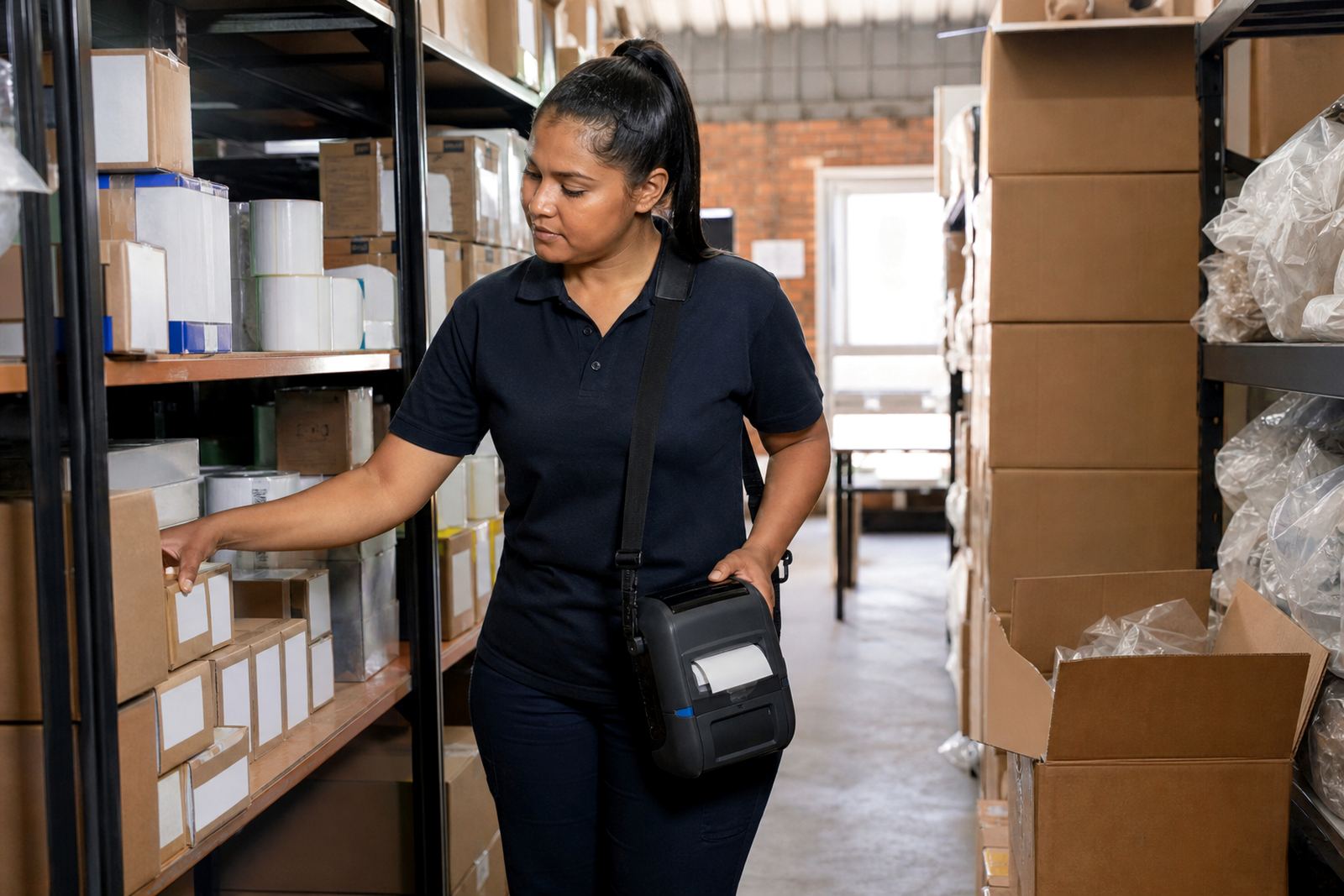
- Handheld format for work in aisles, counters and loading areas
Sizes, rolls and the label face that suits the job
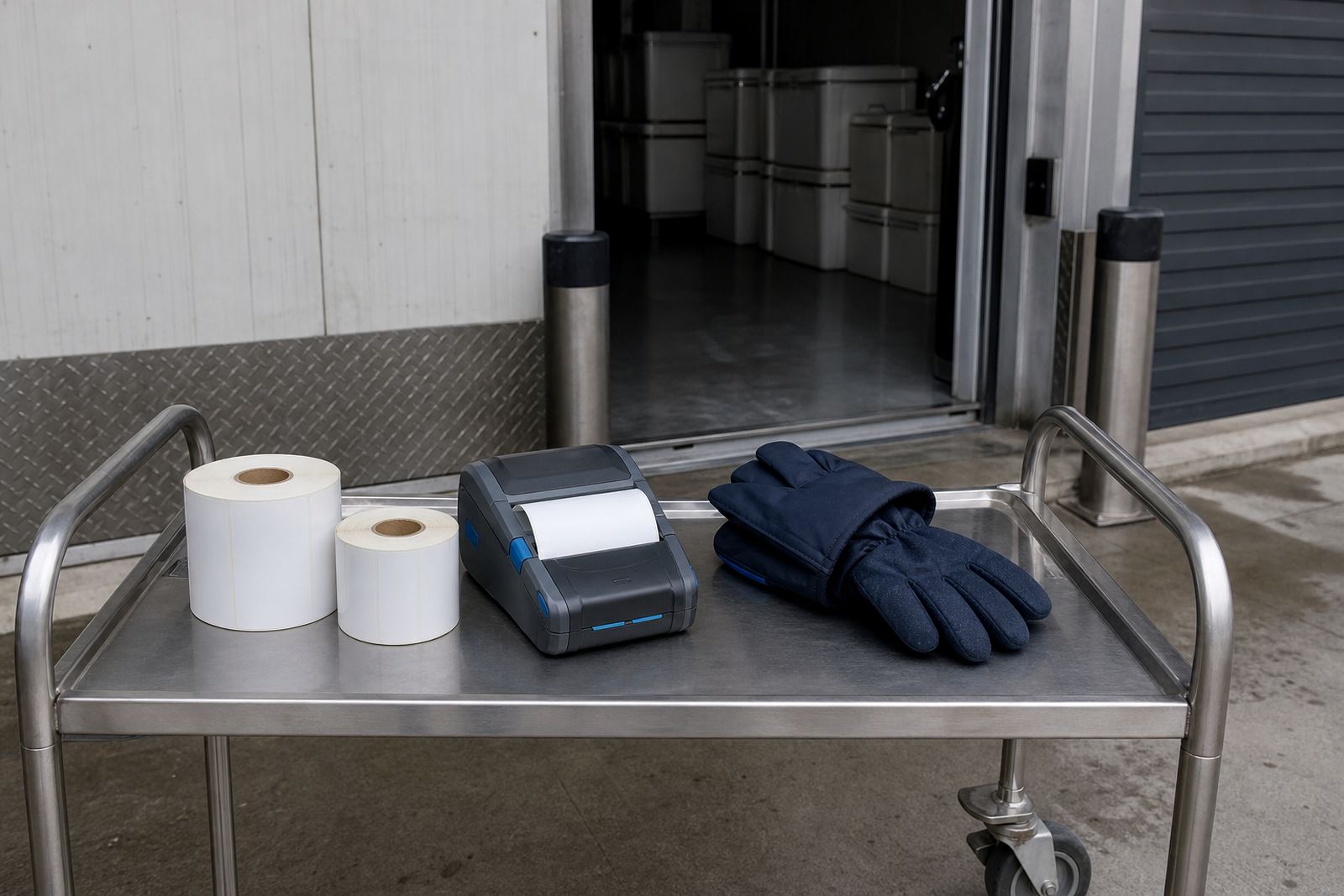
The printer can be matched to different roll widths and label lengths, depending on whether the job calls for shipping labels, asset marks, shelf identification or compliance stickers. Common label sizes in this class include narrow multi-up strips and wider single labels, with the roll chosen to suit the printer path and the daily handling around it.
For warehouses in Montague Gardens or Bellville, a wider direct thermal label often suits carton identification and bin labels. In courier work, it helps keep address blocks tidy and codes large enough to scan without awkward positioning. Retail stockrooms in Midrand or Pretoria often use the extra width for product codes, prices and location lines on one label face.
- Label rolls can be selected for the intended width and core style
- Shorter labels suit parcel and shelf marking
- Longer labels suit address blocks and multi-line data
- Coated direct thermal stock is needed for print quality and scan clarity
Pairing, fitting and the workshop checks around the unit
These printers are often paired by Bluetooth or Wi-Fi, depending on the handheld device or system used in the warehouse, van or counter. On-site setup can cover pairing, label calibration, test prints and operator training, so the first rolls feed correctly and the barcode sits in the right position.
When the unit is fitted into regular use, belt clips, spare batteries and charging habits matter. A loose clip or poor battery contact can slow a route team, while an incorrect label feed can waste rolls and blur the first prints. For branch operations across Cape Town, Johannesburg, Durban, Pretoria and Gqeberha, the printer setup must suit how the team works, not only what the specification says.
- Bluetooth pairing for mobile devices and handheld work
- Wi-Fi setup where network printing is needed
- Label calibration to match roll width and gap sensing
- Belt clip fitting and battery checks during setup
Where the 4 inch format earns its keep
This printer suits teams that handle labels with more detail than a small stock tag can carry. Couriers use it for address and route labels. Warehouses use it for rack IDs, shelf codes and carton markings. Retail stockrooms use it for product labels, returns and back-of-house sorting. The wider face is especially useful where a QR code needs breathing room and a barcode must stay easy to scan under working light.
The format also helps where a label must be read by staff first and scanned second. A larger face lets you separate fields cleanly, which reduces crossed lines and cramped text. In busy areas like industrial parks, delivery yards and shop floors, that makes the printed mark easier to use on the move.
- Courier sorting and parcel identification
- Warehouse bin labels and rack markers
- Retail stockroom pricing and product tags
- Asset labels with barcode and QR code fields
Care, cleaning and the parts that wear first
Direct thermal printers need regular care around the printhead and platen path, especially where dust, label adhesive and paper lint build up. Printhead cleaning keeps the dark areas even and helps prevent pale bars through the code. Battery testing should be part of routine checks, along with inspection of the belt clip, feed rollers and any loose covers or catches.
If labels start shifting, the cause is often feed tension, poor calibration or a roll that does not match the printer path. A quick clean and reset is usually better than forcing another stack through the unit. In humid coastal areas around Cape Town and Gqeberha, label stock should be kept dry and flat, because curled edges can affect feeding and scan quality.
- Clean the printhead with approved cleaning material
- Check the feed path for label dust and adhesive
- Test battery health before a route or stock count
- Store rolls flat and dry to protect the label face
What to confirm before ordering this model
It helps to match the printer to the actual label format before the roll order is placed. Confirm the label width, core size, roll diameter, required print width, and whether the work needs Bluetooth only or both Bluetooth and Wi-Fi. Also check if the printer must handle barcode-only labels or mixed content with text, QR codes and handling notes.
For a setup in a warehouse or retail stockroom, confirm whether the team needs operator training, battery replacement, print quality fixes or belt clip repair as part of the job. That keeps the unit aligned to the way your floor works, rather than leaving the first issue to surface during a rush at the packing bench.
- Label width and label length
- Roll core size and outside roll diameter
- Bluetooth or Wi-Fi pairing needs
- Barcode, QR code and text layout requirements
- Battery, clip and servicing needs
Key facts
| Print type | Direct thermal |
|---|---|
| Print width | Up to 104 mm |
| Connectivity | Bluetooth and Wi-Fi options |
| Common uses | Shipping, warehouse, retail and courier labels |
| Label output | Barcodes, QR codes and text |
| Service support | On-site setup, calibration and repairs |