Built for labels that must stay readable
This type of printer uses a printhead, ribbon and label roll to put ink onto the label surface. That extra step is what makes thermal transfer the better match when a label is touched often, scanned in poor light, or needs to stay legible after moving through a warehouse, courier run or retail back room.
A 4 inch unit gives more room across the face of the label than a narrow benchtop unit, so you can print larger product descriptions, item codes, warnings and logistics information in one clear layout. It suits operations that use 100 mm wide stock, or narrower rolls with a reduced print area for tighter shelves and drawers.
Many teams use it for carton labels, shelf tags, stock take labels and asset stickers. Where direct thermal fades faster under heat, sunlight or friction, thermal transfer holds the text and barcode better over time, especially on coated or synthetic label material.
Sizes, ribbons and print formats
Label rolls for this class of printer are usually supplied in common widths from 50 mm up to 104 mm, with the printer set to print within the chosen width. That gives flexibility for small bin labels, mid-size stock labels and larger identification tags without changing the whole printing system.
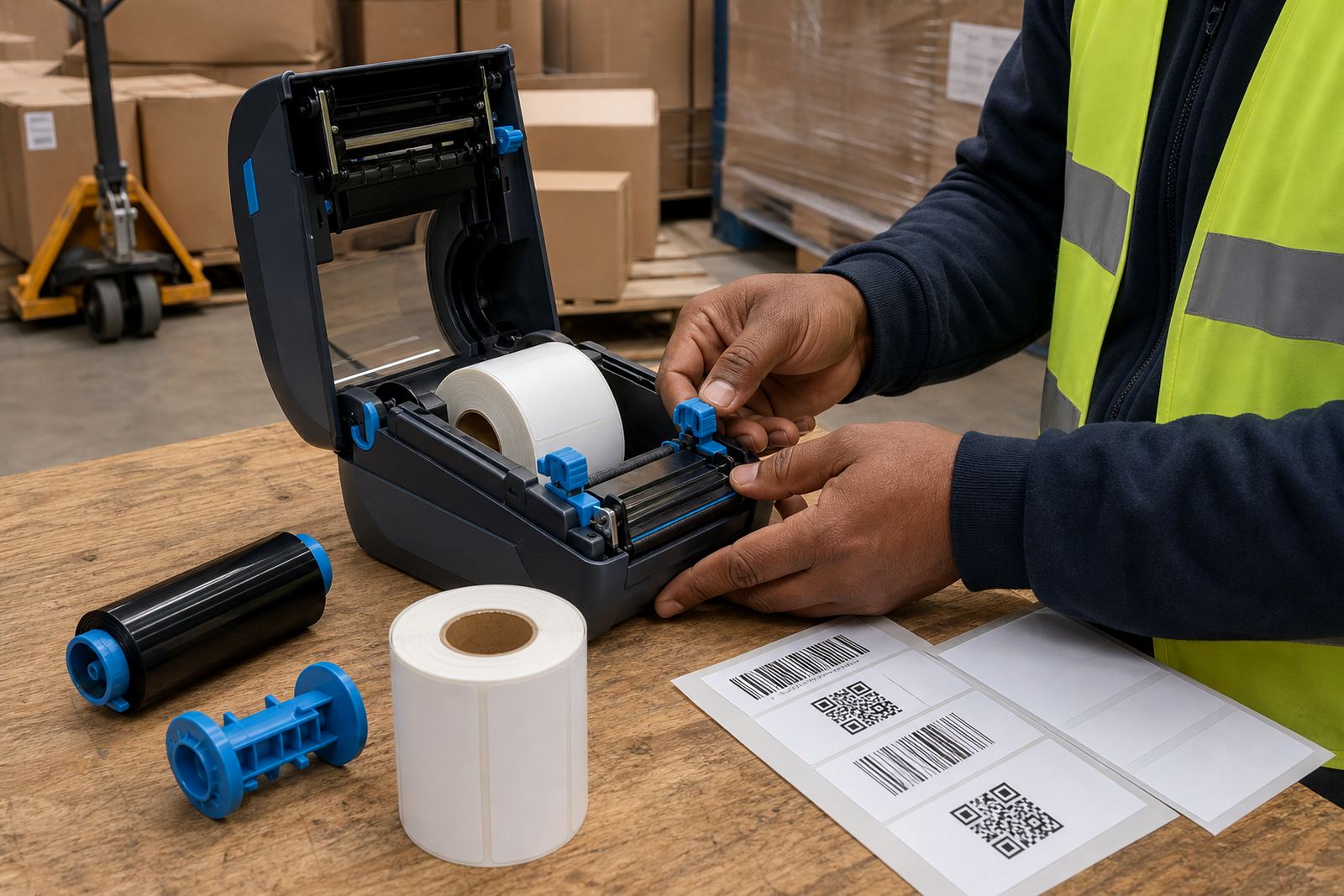
Ribbon choice must match the label face and the use case. Wax ribbon suits standard paper stock, wax-resin works well on mixed stock, and resin is used where the label must resist rubbing, handling or some moisture exposure. Ribbon length, core size and wound direction all matter when loading the unit, so those details should be checked before fitting.
- Print width: up to 4 inches, depending on the model
- Media types: paper, coated paper and synthetic label stock
- Print methods: thermal transfer, with direct thermal in some models
- Print content: text, barcodes, QR codes and variable serial numbers
- Printhead options: 203 dpi for standard labels, 300 dpi for finer text
Where this printer earns its keep
Warehouse teams use it for rack labels, picking labels, packing labels and item identification where a barcode must scan first time. Couriers use it for parcel labels and route tags that get rubbed, handled and stacked during a shift. Retail stockrooms use it for shelf edge labels, backroom product labels and carton identification where a more durable print saves rework.
It also suits outdoor or semi-exposed use when labels are printed on the correct stock. A thermal transfer label on synthetic material can cope better with humidity, cool rooms and repeated contact than a plain direct thermal label. In Cape Town, Durban and Gqeberha, that matters for stock that moves through coastal air and busy loading areas.
- Warehouses with fast-moving carton and shelf systems
- Courier rooms that need durable routing and parcel labels
- Retail stockrooms managing product, shelf and bin identification
- Operations that print barcodes and QR codes in batches
Setup on the floor, not just on paper
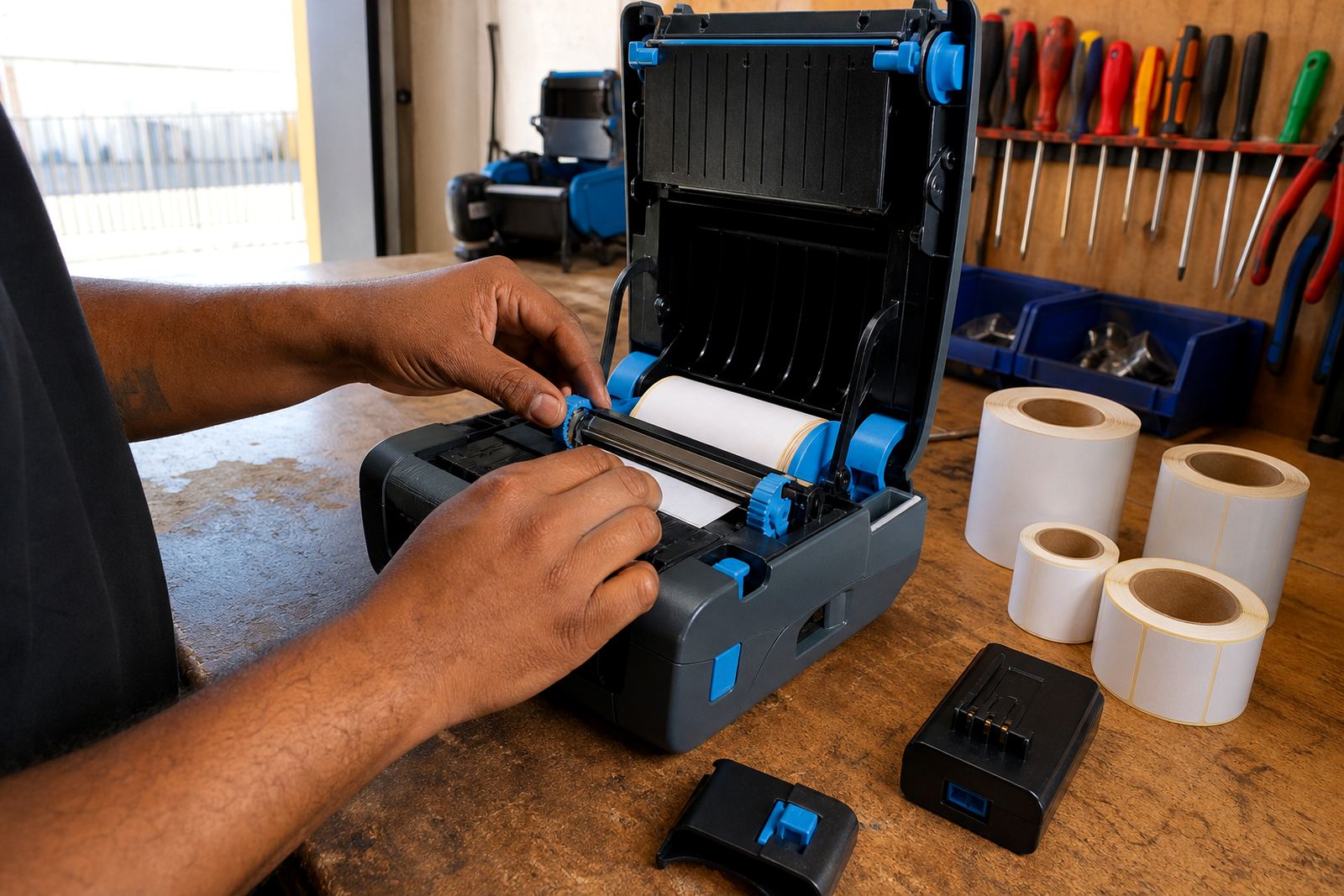
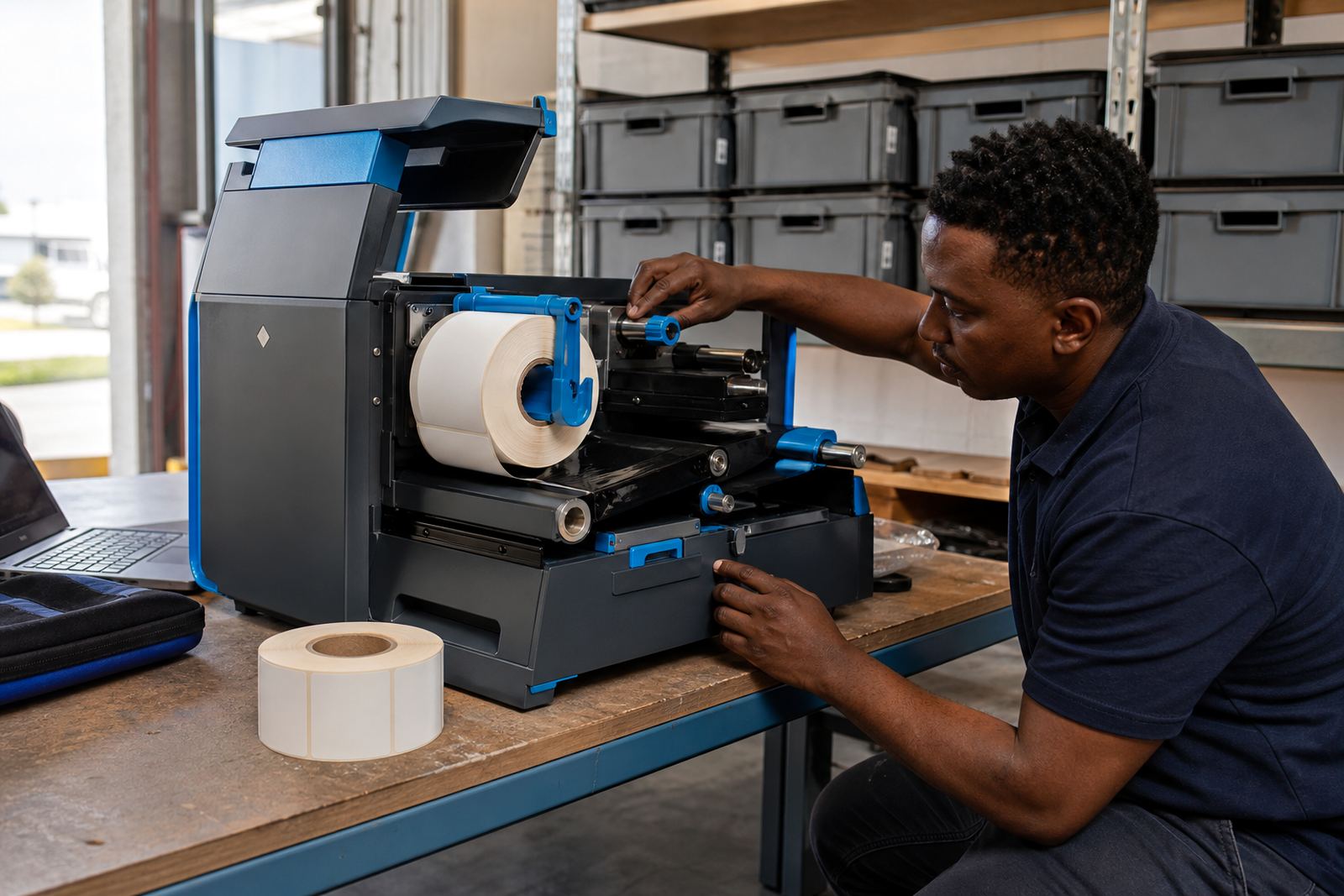
Fitting a 4 inch thermal transfer printer is more than plugging it in and loading a roll. The printer must be calibrated to the label gap, black mark or notch pattern used by the stock, and the ribbon must be threaded without wrinkles or slack. If the media sensor is not set correctly, labels can drift, miss the cut point or print off centre.
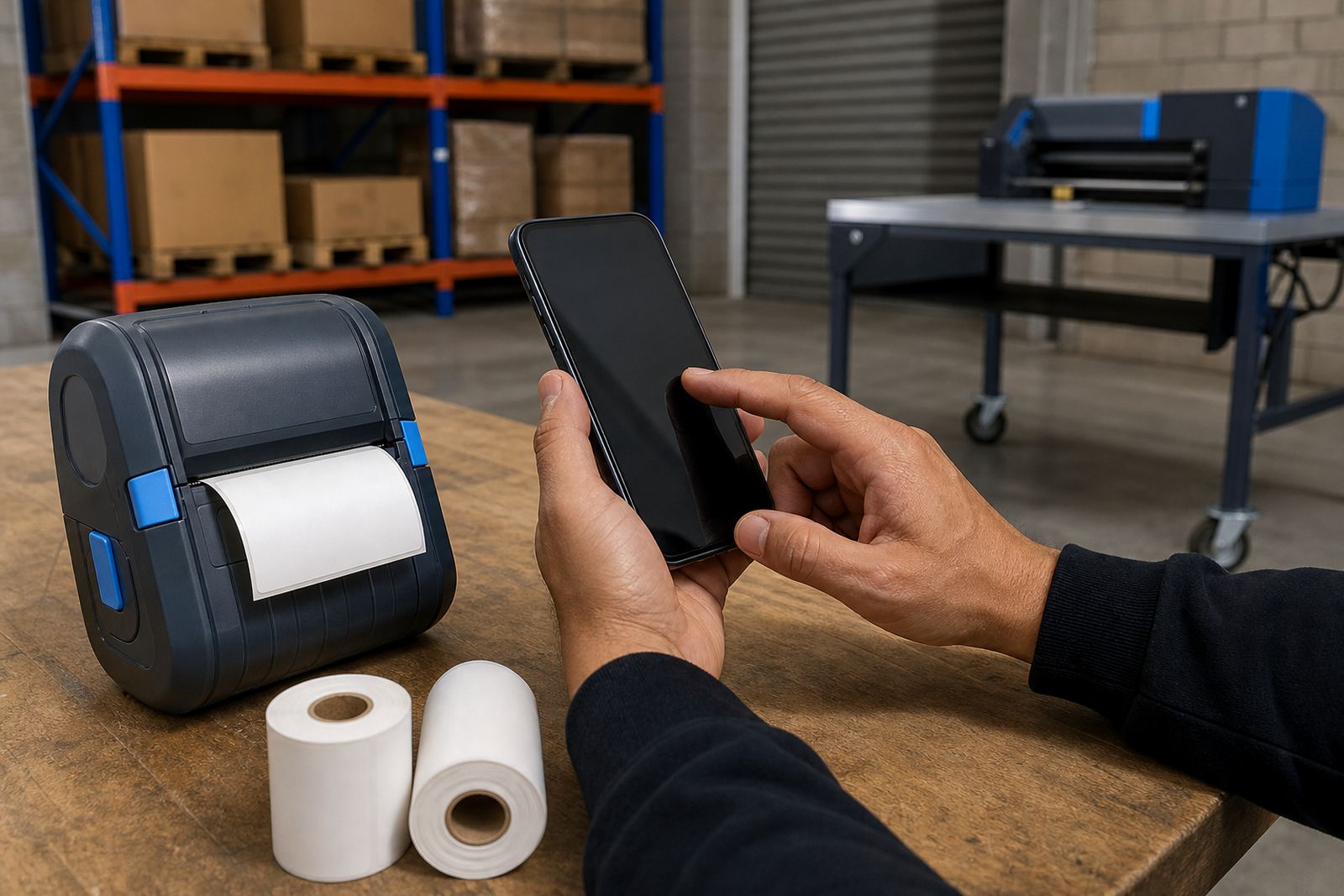
Bluetooth pairing and Wi-Fi setup are often part of the job when the printer must sit near a packing bench or move between workstations. A mobile unit also needs the battery checked, charged and seated properly, with belt clips and carry accessories fitted where staff move between aisles. On-site setup across Cape Town, Johannesburg, Durban, Pretoria and Gqeberha helps keep the print path, settings and operator workflow aligned from the start.
When the printer is added to a stockroom system, the label size on the software side must match the physical roll. A 104 mm label set up as a 100 mm format can waste stock and spoil the first run of labels. We also check barcode darkness, print speed and orientation so the finished label scans cleanly at the packing table.
Care that keeps the print dark and steady
Thermal transfer units need regular attention around the printhead, rollers and sensor path. Dust from cardboard, adhesive from label stock and ribbon residue can build up quietly, then show up as pale bars, uneven text or barcode gaps. A light clean with the correct tools protects the head and helps the print stay even across the full width.
Batteries should be tested before a busy shift, especially where the printer is moved between loading areas and stock shelves. Belt clips need to hold firm without bending the casing, and the door latch should close square so the ribbon stays seated. If print quality slips, the cause is often the ribbon path, the heat setting or a dirty printhead rather than the label software.
Our repair work covers print quality fixes, label jam clearing, battery replacement, belt clip repair and operator training. Preventive servicing is useful where the printer handles long runs, mixed label sizes or frequent changes between jobs, because those are the conditions that wear parts faster.
Details to confirm before the roll is ordered
Before ordering, the label width, label length and core size must be matched to the printer and the holder. A clear note on whether you are printing on paper or synthetic stock also helps, because the ribbon type and heat setting change with the label face. If the stock needs a strong adhesive, that should be stated as well, since warehouse labels and courier labels are not treated the same way.
It helps to confirm whether the printer will sit at a fixed packing point or move with the operator. That affects whether you need a battery setup, a belt clip, or a docked unit with a charger nearby. If the label system must print from a handheld device or a benchtop workstation, the pairing method and connection type should be included with the order.
When the use is clear, the right printer setup is easier to match to the task, and the label roll can be supplied in the correct format from the start. Clients in Montague Gardens, Bellville, Midrand and other service areas can send those details through our contact form when they need a quote or a setup plan.
Key facts
| Print width | Up to 4 inches, depending on model |
|---|---|
| Print method | Thermal transfer, with direct thermal available on some units |
| Resolution | 203 dpi standard, 300 dpi for finer detail |
| Connectivity | Bluetooth and Wi-Fi options, plus cable-based connection where required |
| Label sizes | Common rolls from 50 mm to 104 mm wide |
| Typical use | Barcodes, QR codes, stock labels, courier labels and bin tags |