What this 3 inch unit is built to print
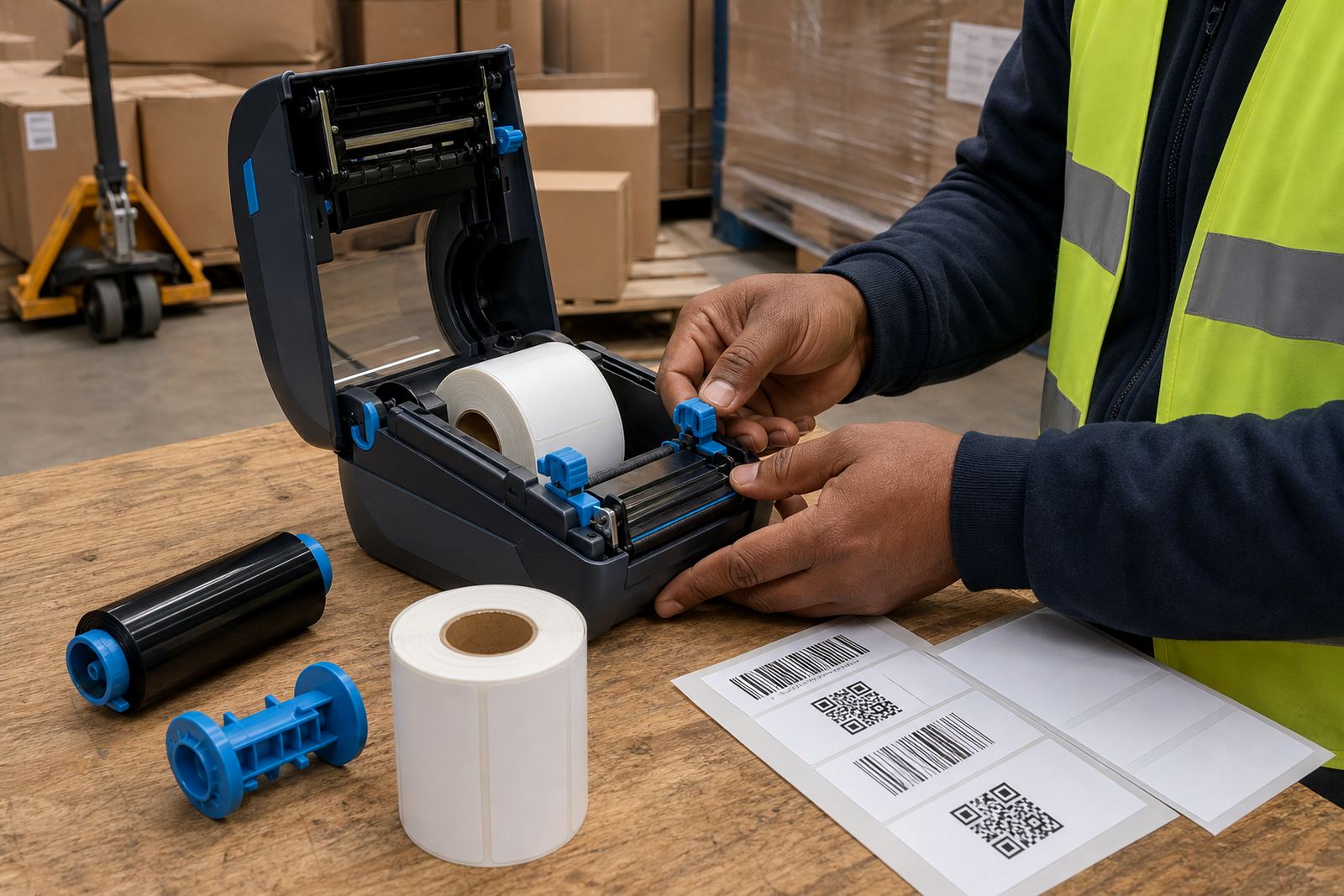
A 3 inch thermal transfer printer uses a ribbon and label stock together, so the printed face stands up better than direct thermal label stock in tougher storage and handling conditions. It is used for product labels, asset tags, shelf identification, dispatch labels and carton markings where the print needs to hold its shape for longer on the roll, in transit and on site.
The 3 inch class works well for labels that need room for text, a barcode, batch detail and a QR code without crowding the layout. In most stockroom and courier settings, that size gives enough space for practical labelling while keeping the printer portable and easy to move between packing points.
- Print method: thermal transfer with ribbon
- Label width range: suited to 2 inch to 3 inch class stock, depending on the layout
- Print use: text, barcodes, QR codes and variable data
- Media fit: rolls for warehouses, couriers and retail stockrooms
Where the format fits on a working floor
This printer suits teams that move between benches, packing tables, receiving bays and picking points. It is a common fit for labels that must survive hand contact, packaging dust, cooler areas or the rougher edges of a delivery route. The transfer ribbon gives the label a more durable finish than a direct thermal print when the surface needs to last through more than one handling cycle.
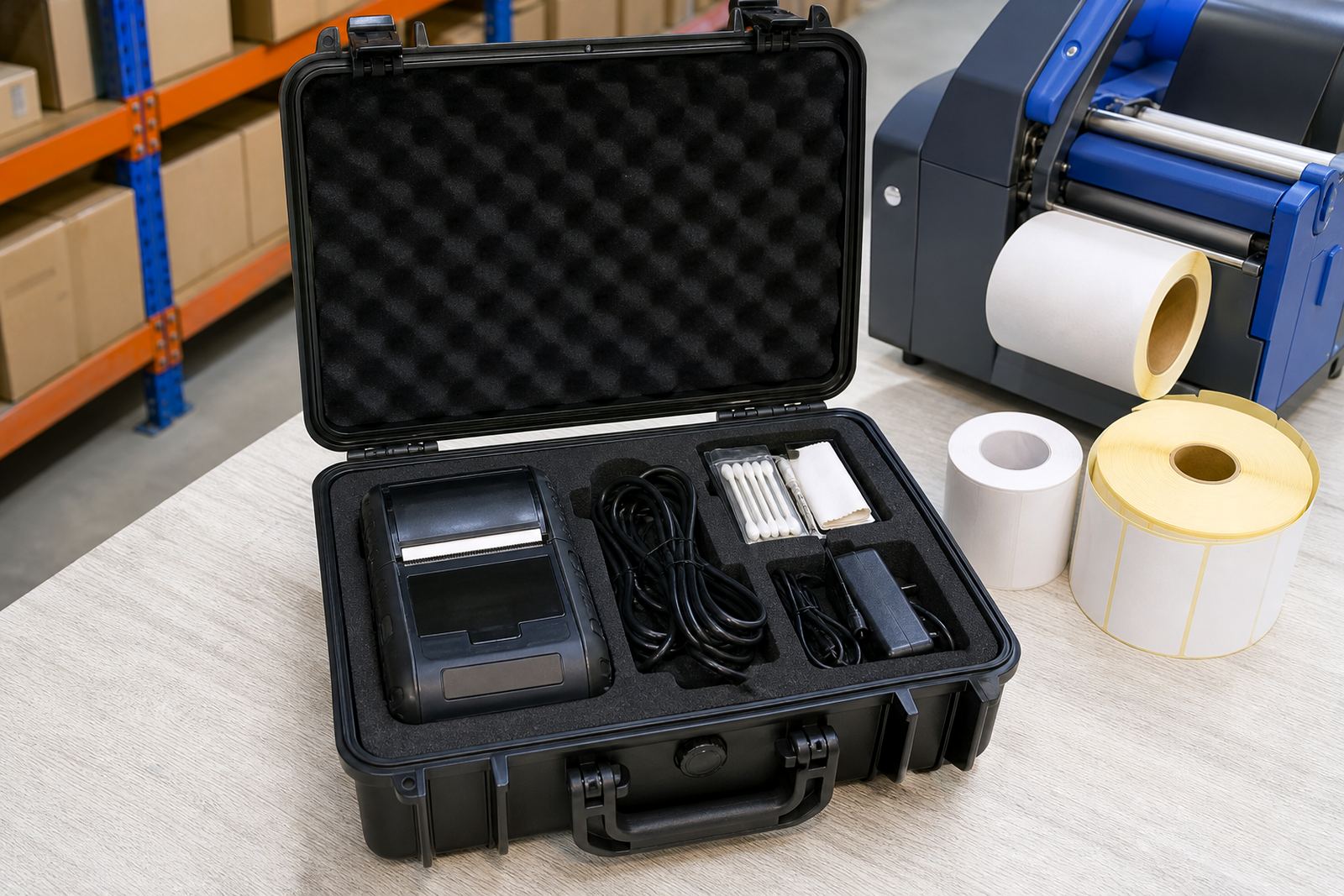
Across Cape Town, Johannesburg, Durban, Pretoria and Gqeberha, the same unit can handle mixed stock movement, from retail back rooms to warehouse dispatch points. It is also useful where staff need one mobile printer for repeated jobs rather than a fixed unit tied to a single station.
- Warehouse stock identification
- Courier parcel and route labels
- Retail stockroom shelf and bin labels
- Asset marking and compliance labels
Bluetooth, Wi-Fi and battery details that matter
Mobile label printers in this class are usually paired by Bluetooth or Wi-Fi, depending on how the team wants to send jobs from a handheld device, tablet or terminal. Bluetooth pairing is handy for short-range label work and quick movement between points. Wi-Fi setup suits a shared environment where several users need access on the same network.
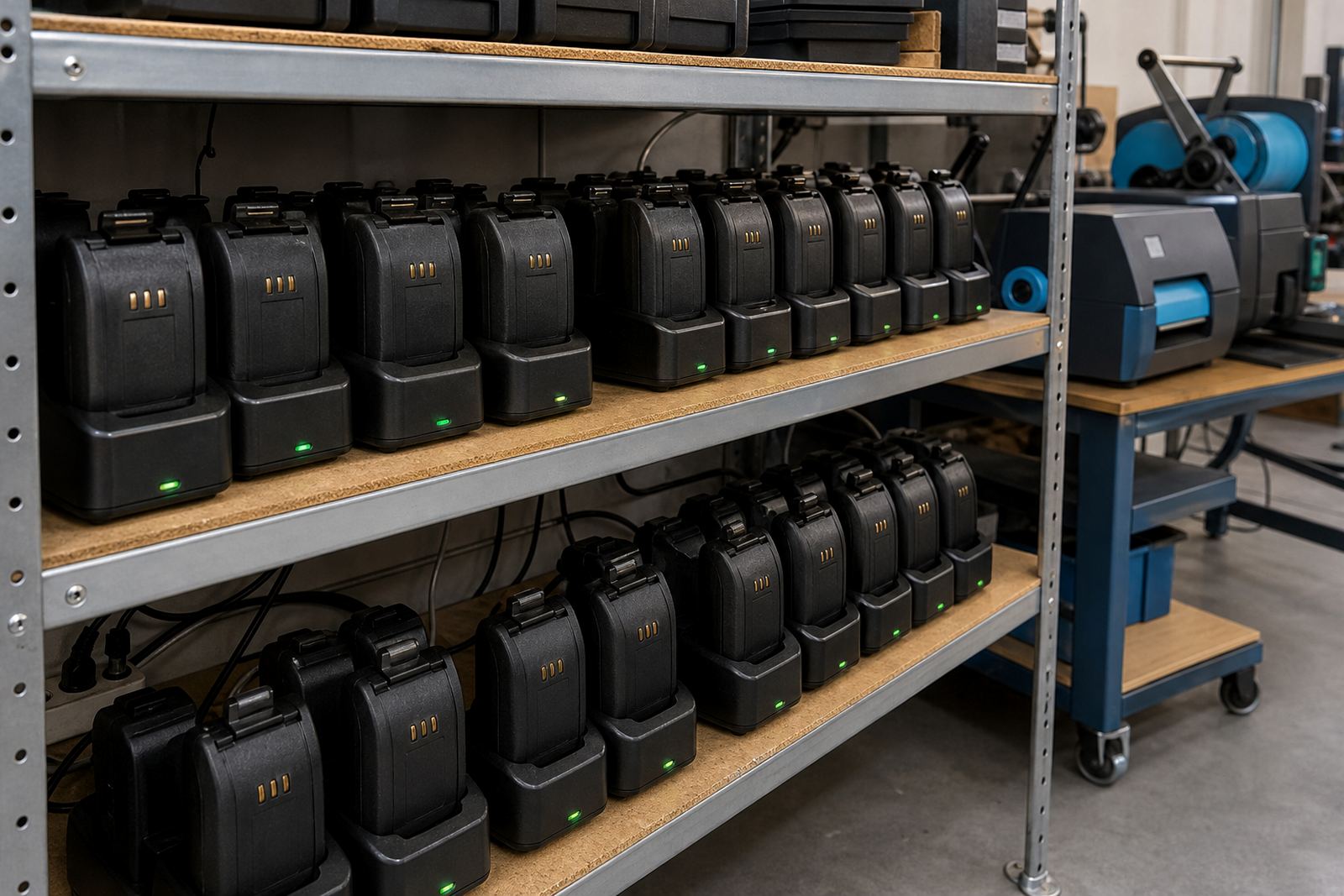
Battery life depends on print volume, label length, screen use and the condition of the battery itself. For field use or busy stockrooms, battery testing and replacement are worth doing before a printer is pushed into a shift. Belt clips and carry fittings help when staff walk with the unit between racks, loading areas and packing counters.
- Bluetooth pairing for mobile use
- Wi-Fi setup for shared access
- Battery testing and replacement support
- Belt clip repair or fitting where needed
Sizing, label stock and print quality checks
We match the printer to the label size and the job, because a 3 inch unit can be underused or overworked if the roll width is wrong. Some jobs need narrow shelf labels, while others need wider courier or carton labels with a readable code and text block. The printhead condition, ribbon choice and label surface all influence how sharp the final mark looks.
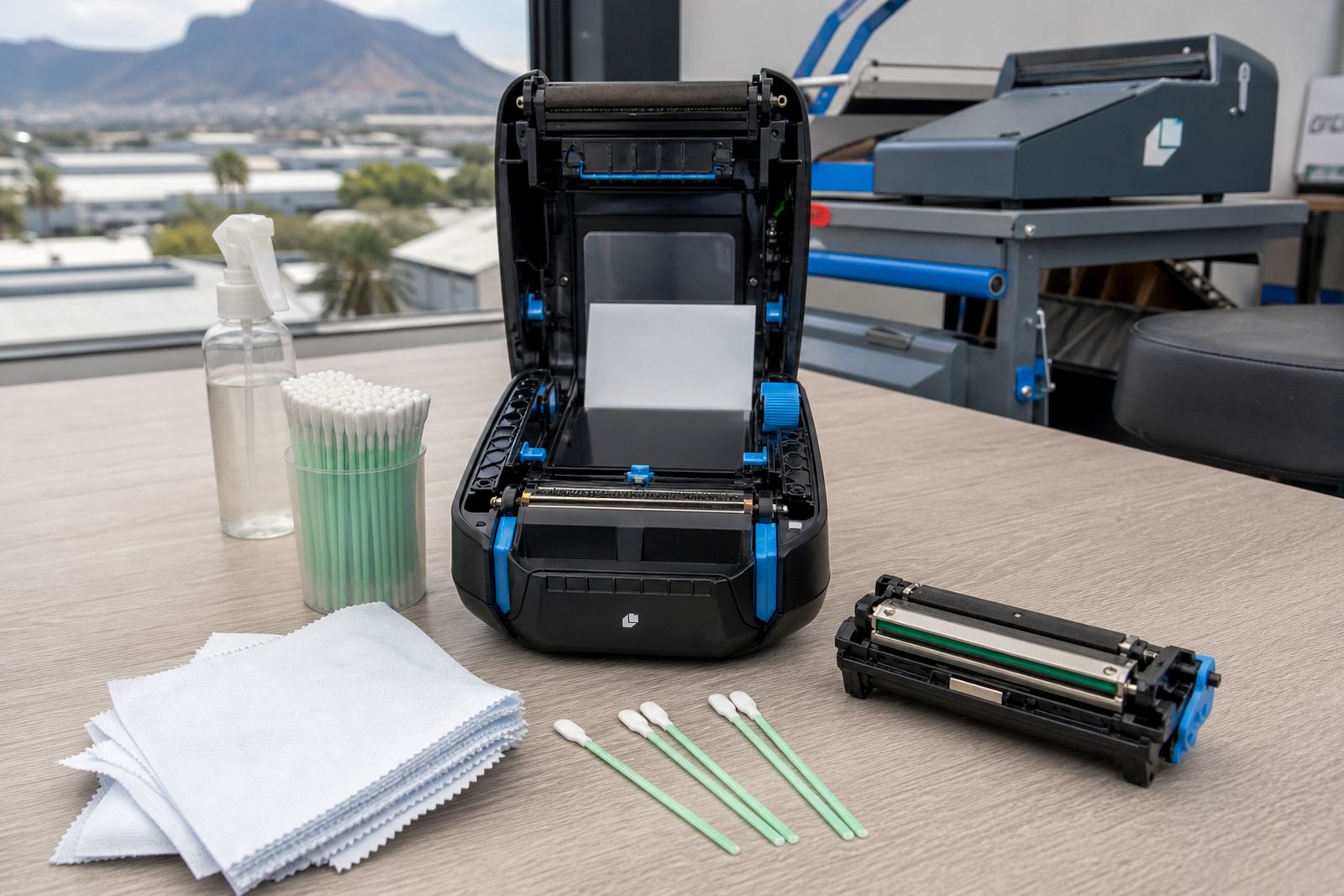
For clean output, the printer needs the right calibration and a label roll that feeds evenly. If the sensor is out or the stock is set badly, you will see drift, skipped labels or poor barcode edges. Printhead cleaning also matters, especially in dusty stockrooms where adhesive residue and fine paper dust build up over time.
- Label calibration for correct feed and alignment
- Printhead cleaning to protect print quality
- Barcode and QR code readability checks
- Label jam clearing where the feed is catching
On-site setup, operator training and repair work
Our Montague Gardens base supports setup and repair work across South Africa, with on-site visits arranged for Cape Town, Johannesburg, Durban, Pretoria and Gqeberha. Setup can include pairing, network connection, label calibration, battery checks and basic operator handover so the team knows how to load stock and keep the printer working cleanly.
Repairs cover print quality faults, battery issues, feed problems and belt clip damage, along with the practical checks that keep a mobile unit ready for daily use. Where the job calls for it, we also look at preventive servicing so small faults do not turn into downtime in the stockroom.
- On-site setup for new or reassigned units
- Operator training for daily handling
- Preventive servicing for working units
- Battery replacement and belt clip repair
What to confirm before you order
Before you order, it helps to pin down the label width, the label material, the print method and how the printer will connect to your devices. If the labels must last on shelves, cartons or moving stock, thermal transfer is usually the more suitable route. If the labels are for shorter handling windows, we can still match the roll and ribbon to the job so the output stays legible.
It also helps to confirm where the printer will be used, how many people will share it and whether you need the unit fitted with a clip for mobile carry. If the printer will move between branches in Bellville, Midrand or other sites, the battery condition and pairing setup matter just as much as the print width.
- Label width and roll diameter
- Thermal transfer ribbon requirement
- Bluetooth or Wi-Fi pairing needs
- Use case: warehouse, courier or retail stockroom
Key facts
| Print method | Thermal transfer |
|---|---|
| Print width class | 3 inch |
| Connectivity | Bluetooth and Wi-Fi options |
| Media | Label rolls for stock and courier use |
| Print content | Text, barcodes and QR codes |
| Support | Setup, calibration, cleaning and repairs |