Gap sensing, set up for die-cut rolls
This printer reads the gap between labels and uses that break to align each print. That matters on die-cut stock where the gap position, label length and roll feed all work together, especially when labels are short, narrow or run in batches with barcodes and QR codes.
For warehouse teams and courier points, gap sensing reduces misfeeds when the roll is loaded correctly and the media path is clean. It is used with direct thermal stock for short-life dispatch labels, or with thermal transfer when the label must stand up to handling, sunlight or chemical contact for longer periods.
- Gap sensor for die-cut labels, black mark stock on some models and precise label start position
- Common print widths from 2 inch units up to 4 inch field printers, with some larger formats available
- Supports text, barcodes and QR codes for parcel, shelf and carton identification
- Direct thermal for short-term labels, thermal transfer for longer wear and better resistance
Sizes, battery options and carry-point fittings
These printers are usually built for mobile use, so the housing must sit well in the hand or on a belt clip while a picker moves through aisles. Battery life depends on print volume, backlight use and wireless pairing, so the battery rating should be matched to the shift pattern and the number of labels run between charging points.
Print width, roll diameter and label format need to line up. A narrow unit may suit shelf tickets and small courier labels, while a wider model is better for carton labels, compliance tags and stock movement labels. The media path must suit the roll core, outer diameter and the gap spacing on the die-cut stock.
- Battery pack options for mobile shifts, plus replacement packs where the field load is heavy
- Belt clip fittings for hands-free carry between scanning points and packing stations
- Label widths commonly used in stock work, from small asset labels to wider dispatch formats
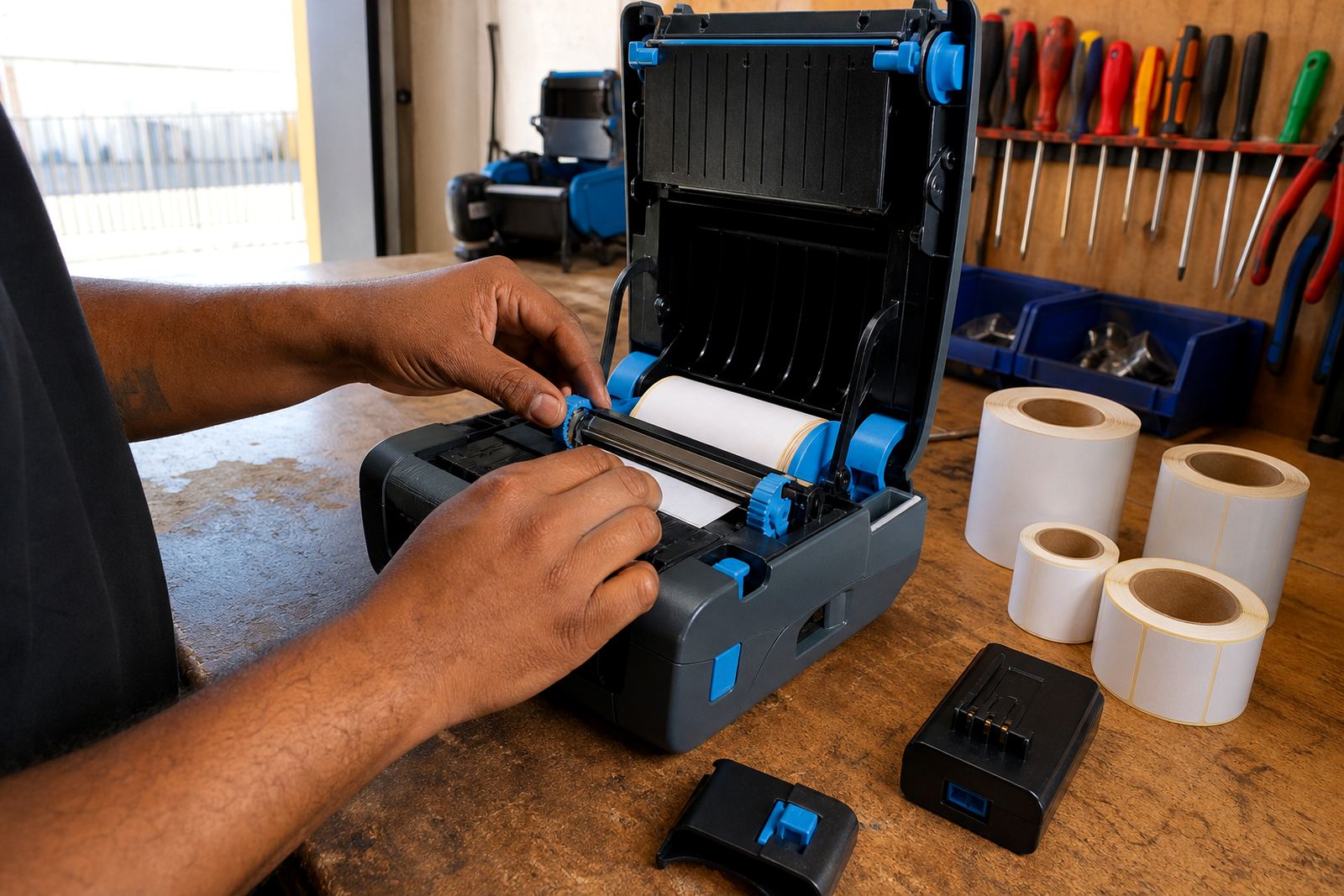
- Compact roll loading for portable use, with room for field changes at the bench
Where the printer fits into daily stock work
A gap sensed printer suits dispatch counters, receiving counters, retail stockrooms and courier teams that print labels where the goods move. It also fits dry stores and back-of-house areas in Cape Town, Johannesburg, Durban, Pretoria and Gqeberha where item control, carton marking and shelf labelling happen through the day.
The printer is a practical fit when labels must stay readable through handling and scan checks. It works well for bin labels, parcel labels, shelf tags, return labels and internal movement labels, with the right ribbon choice for thermal transfer stock where durability matters.
- Warehouses that print parcel, rack and carton labels near packing lanes
- Courier teams that need barcode labels for route sorting and handover points
- Retail stockrooms where shelf and backroom labels must stay aligned on die-cut rolls
- Receiving areas that need quick reprints after stock is unpacked and counted
Fitting, pairing and first-use setup
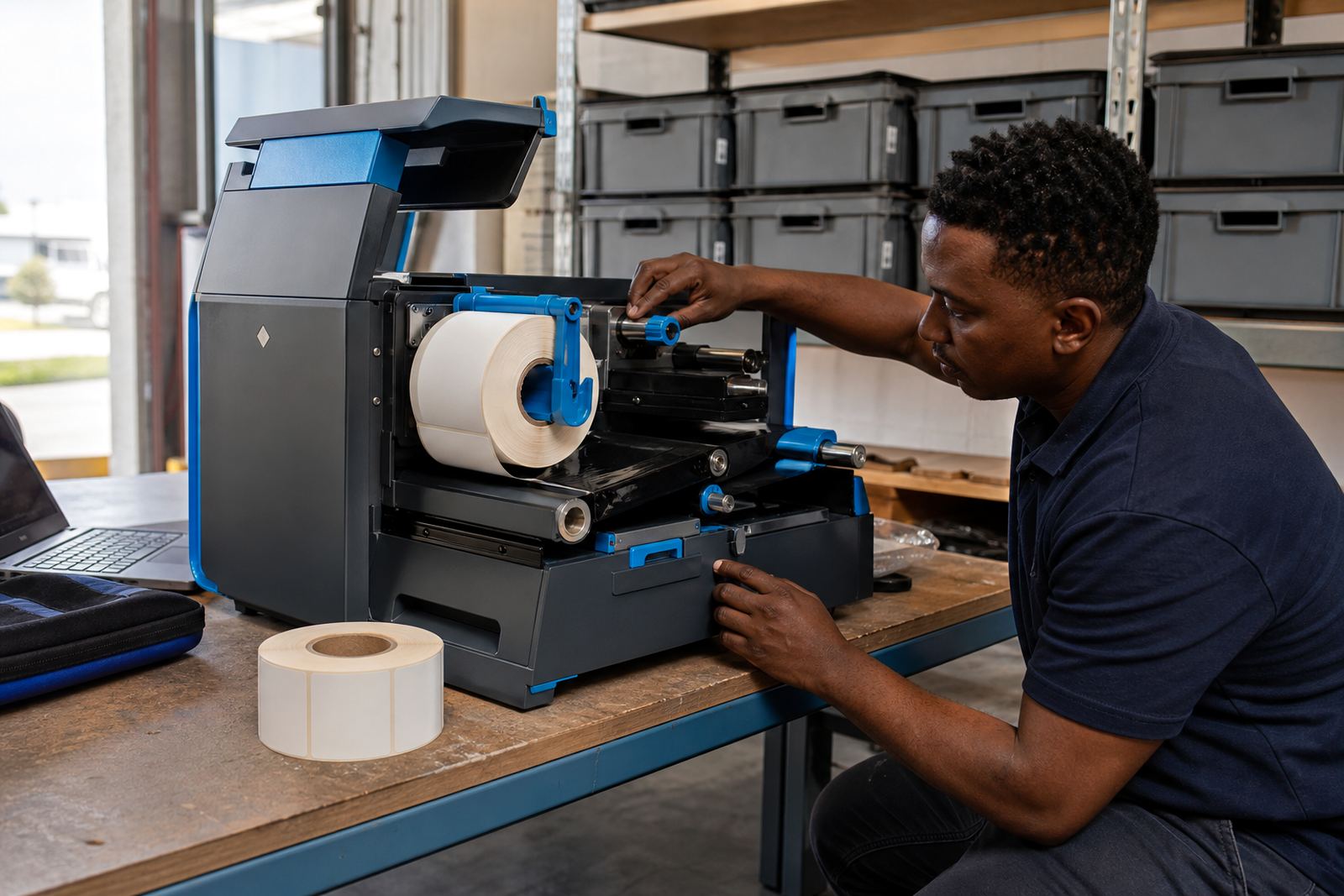
On-site setup normally starts with the roll loading, sensor position and label calibration. The printer must learn the gap size and feed length for the roll being used, otherwise print start can drift and barcodes land too high or too low on the label face. Bluetooth pairing or Wi-Fi setup follows where the unit must sit on a live network or connect to a mobile device.
Field setup also covers print tests, battery testing and a check on label darkness, speed and scan quality. If the printer carries a belt clip, that fitting should stay firm so the unit does not swing loose during movement between racks or dispatch counters.
- Label calibration for die-cut stock and feed alignment
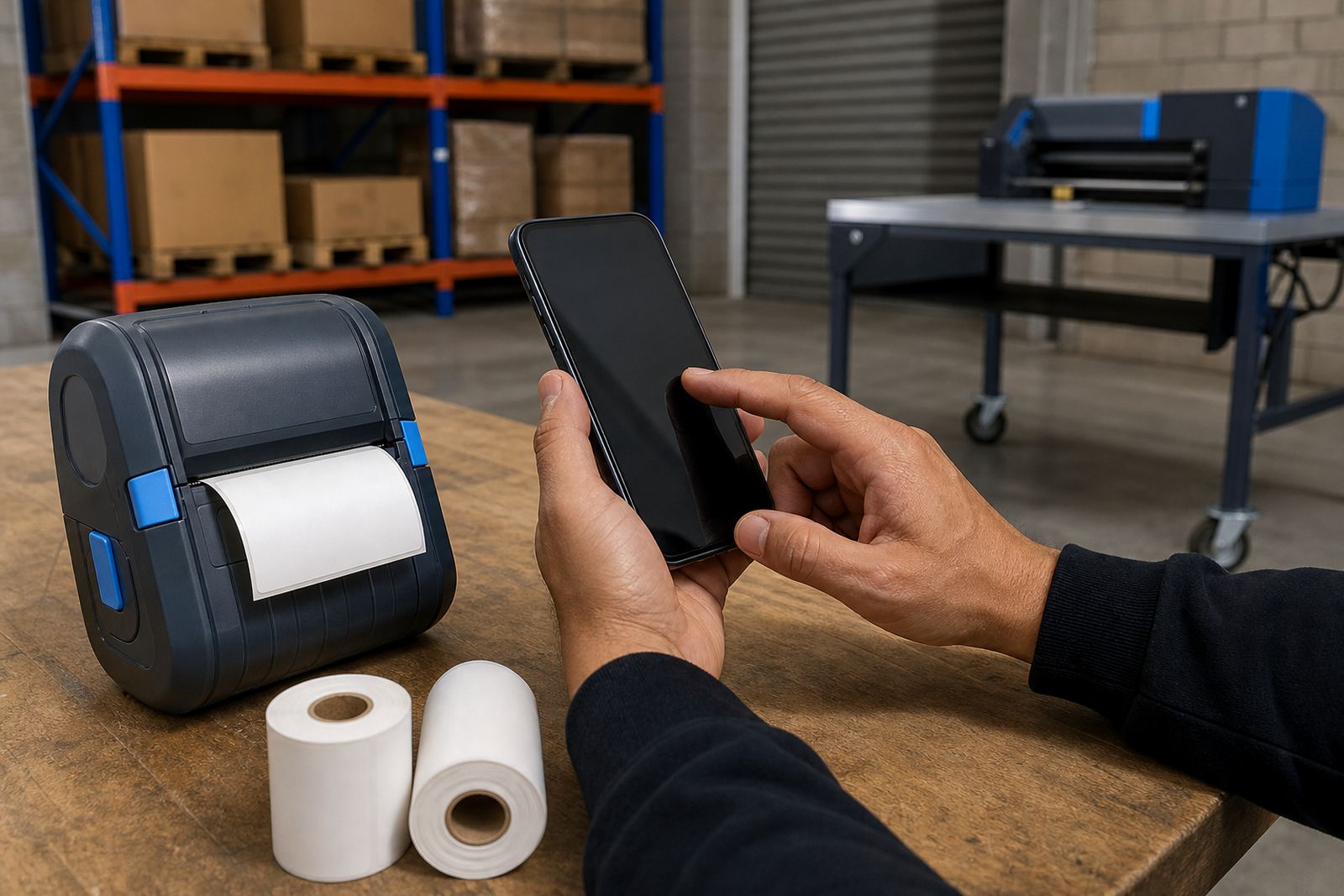
- Bluetooth pairing for mobile devices and work phones
- Wi-Fi setup where the printer joins a site network
- Operator training for roll loading, print tests and daily use
Care that keeps print quality steady
Printheads need regular cleaning because dust, adhesive and ribbon residue will mark the print line. A soft swab or lint-free cloth is usually used on the cooled printhead, along with a check on the platen roller and the sensor path. If the printer starts skipping labels or barcodes look faint, the cause is often dirt on the head, the wrong heat setting or a roll that does not match the gap setting.
Battery care matters too. A weak pack can cause pauses, poor feed and low print output on busy shifts. Belt clips, latches and battery contacts should be checked during servicing, especially where the printer is carried every day through loading bays or retail floors.
- Printhead cleaning to protect line quality and barcode reading
- Battery testing where charge loss or power drop is suspected
- Label jam clearing when the roll path or liner feed binds
- Print quality fixes for fades, streaks and uneven image density
Details to confirm before a roll or printer order
When ordering, the label size, gap spacing, print width and required print method should be confirmed first. A 50 mm by 25 mm die-cut label is a very different fit from a 100 mm by 150 mm carton label, and the sensor settings, ribbon width and feed path must match the roll. If the printer will move between vehicles, benches and packing points, battery capacity and belt clip preference should be checked too.
It also helps to confirm whether the labels are direct thermal or thermal transfer, because that changes the media and the long-term wear. If the printer will be used for compliance tags, returns, courier bags or shelf labels, barcode height, QR size and the scan distance should be planned with the job in mind.
- Label width, label height and gap spacing on the roll
- Direct thermal or thermal transfer printing method
- Bluetooth or Wi-Fi pairing requirement
- Barcode type, QR size and the scan distance needed on site
- Battery pack, charger and belt clip preference