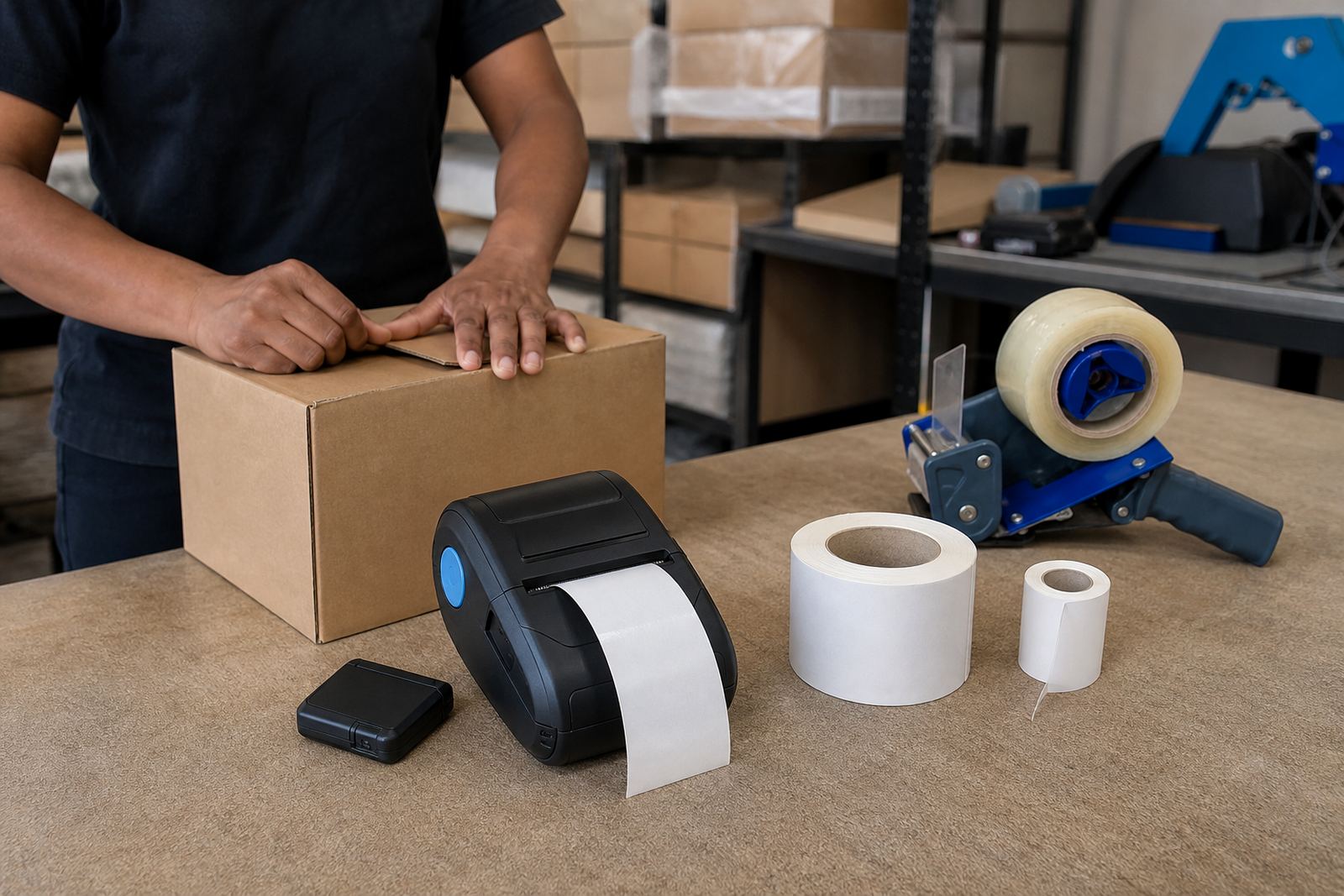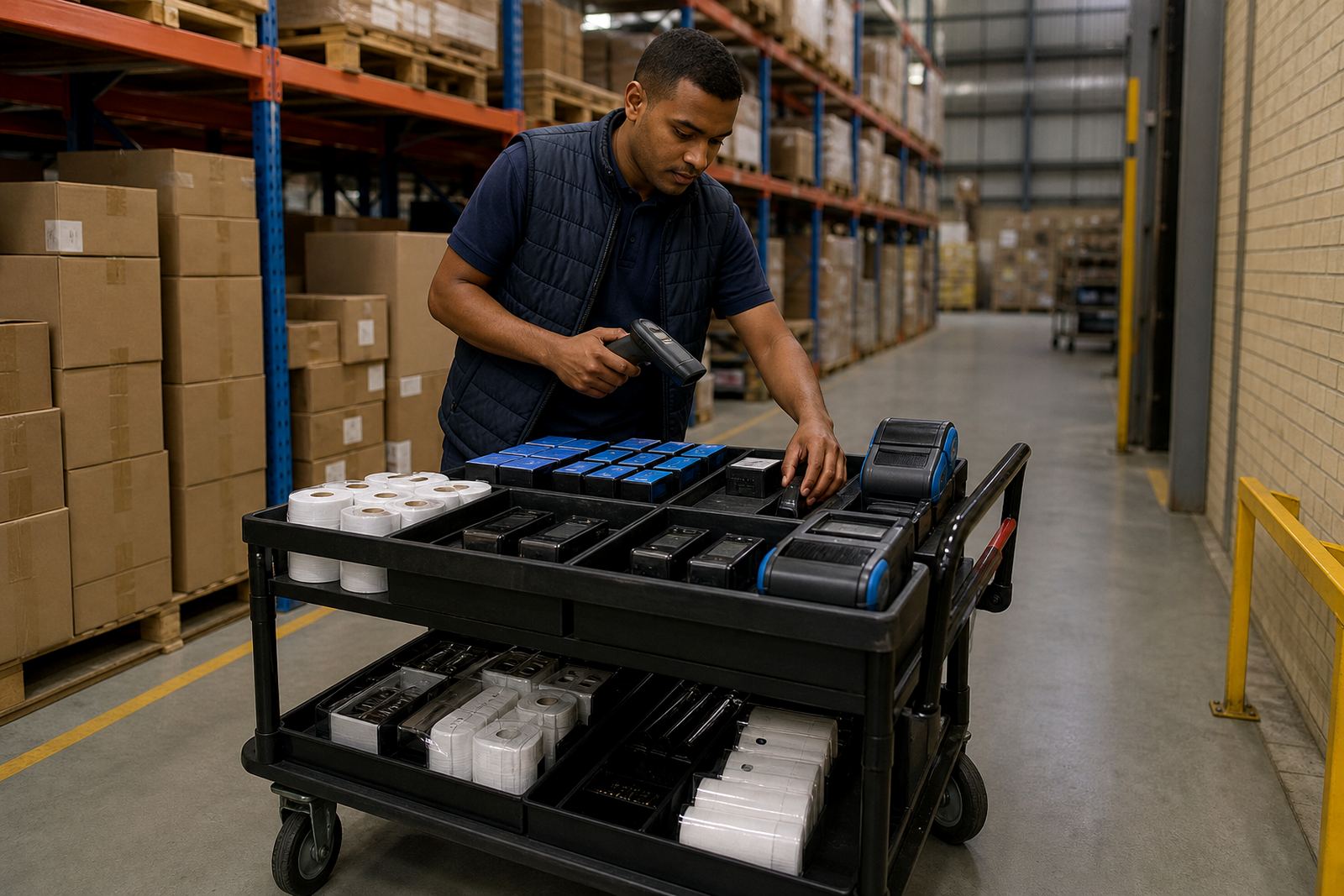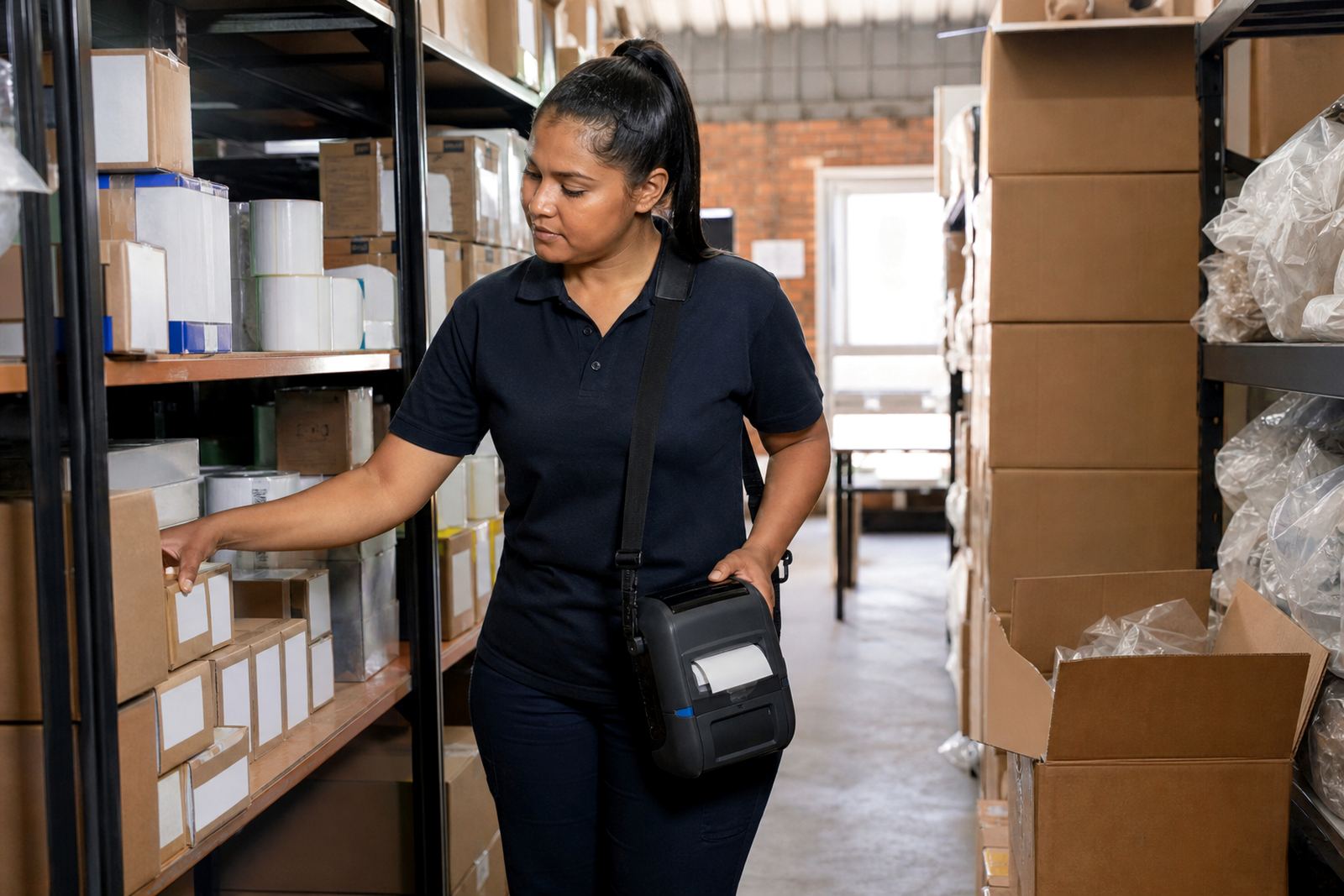
Built for printers that travel with the user
A shoulder strap unit is a carry accessory for mobile thermal label printers, especially where the operator is walking a floor, moving between packing benches or hopping in and out of a courier vehicle. The strap spreads the weight across the shoulder and upper back, which makes a noticeable difference when the printer, battery and label roll are all loaded at once.
For warehouses and retail stockrooms, the strap keeps the printer close enough for scanning, label changes and quick barcode checks, without having the unit dangle at knee height or snag on shelving. On longer routes, a proper strap also helps keep the printer aligned so the print window and controls stay easy to reach.
- Adjustable length for different body sizes and carrying positions
- Wide contact area to help reduce shoulder strain
- Attachment points suited to compact mobile printers and belt clips
- Useful for direct thermal and thermal transfer mobile units
Sizes, fit and the way the strap sits on the body
Most shoulder strap units for this trade are adjustable, with a length range that can be set for cross-body carry or a single shoulder carry. The right fit depends on the printer body size, where the battery sits and whether the user prefers the unit high on the ribs or lower at the hip. A strap that is too short can pull the printer tight against the side, while one that is too long can let the printer swing as the user walks.
The strap width matters too. A broader strap usually feels better on longer shifts because it spreads the load more evenly, especially when the printer is fitted with a larger battery or a heavier roll of labels. Where the printer has a belt clip, the strap can work as part of a two-point carry arrangement, giving the operator more control when climbing steps or handling parcels.
- Typical strap width: about 25 mm to 50 mm, depending on the unit
- Adjustable length for left- or right-side carry
- Clip or loop fittings for compatible printer housings
- Padding options for heavier printer loads
Where the shoulder strap unit earns its keep
This fitting suits users who print labels while moving. Couriers use it when they need to generate parcel and route labels at collection points. Warehouse teams use it for bin locations, pick faces and stock counts across wide floor areas. Retail stockroom staff use it where the printer must stay close during markdowns, replenishment runs or back-of-house relabelling.
The strap is also useful where the printer needs to be held steady for barcode and QR label work. If the user is printing on the move, a secure carry position helps protect the label path, keeps the printer from bumping into cages or trolley handles, and makes it easier to reach the battery door or media cover without setting the unit down on a dirty surface.
- Couriers covering longer routes on foot
- Warehouse staff doing cycle counts or aisle relabelling
- Retail teams handling price, stock and shelf labels
- Mobile printing where the printer is opened and closed often
Fitting, pairing and setup work around the strap
When a shoulder strap unit is fitted to a mobile label printer, the job is not only about clipping it on and moving on. The printer still needs to sit right with the battery, belt clip and any protective casing. If the printer supports Bluetooth or Wi-Fi pairing, the carry position should not block access to the buttons, display or charging point. A poor fit can make label changes slower and can even twist the printer body enough to disturb print alignment.
Our team handles on-site setup, belt clip checks and practical fitting for users who need the printer ready for route work or floor use. Where a printer is used with thermal transfer labels, the carrier setup must still leave enough room to open the media compartment cleanly, check the ribbon path and clear label jams without tearing the strap hardware loose.
- Check attachment points before first use
- Confirm access to battery, roll cover and controls
- Make sure Bluetooth or Wi-Fi use is not obstructed by the carry position
- Test the printer with the usual label size before field use
Keeping the strap clean, safe and ready for daily use
In Cape Town, Durban and Gqeberha, dust, coastal moisture and general stockroom grime can work into strap stitching and metal clips. A shoulder strap unit should be checked for wear along the seams, twisted webbing, cracked buckles and frayed ends. If the printer is carried daily, the strap hardware should be inspected with the same care as the battery and printhead.
Cleaning is usually straightforward. Wipe the strap with a dry or lightly damp cloth, then let it dry fully before storage. If the strap is used around packing dust or label adhesive residue, the clip points should be cleared so they do not scratch the printer casing. Do not leave the strap wrapped tightly around a hot battery or damp printer after service work, because trapped moisture and pressure can shorten the life of the fittings.
- Inspect stitching and clip points during preventive servicing
- Keep the strap free of adhesive, grit and damp packing dust
- Replace worn buckles before the printer starts slipping on the shoulder
- Store the unit flat or loosely coiled, not under tension
Details to confirm before the order is matched
To match the right shoulder strap unit to a printer, the key details are the printer model, attachment style, carrying preference and whether the operator also uses a belt clip. Print width matters too, because a wider label printer body can change the way the unit hangs at the hip. If the printer is used for direct thermal labels, thermal transfer labels or both, the carry setup should allow enough movement for roll changes and printhead cleaning.
It helps to confirm whether the user needs a cross-body carry, a single shoulder carry or a tighter fit for climbing ladders and handling cages. Also note the battery style, because a larger battery can shift the balance point and change the strap length needed for comfortable carry. Our contact form can be used to send those details together with the printer type and the sites involved, whether that is Montague Gardens, Bellville, Midrand or a route across Johannesburg, Pretoria, Durban or Gqeberha.
- Printer model and body shape
- Battery size and whether a belt clip is fitted
- Preferred carry style and handedness
- Site location and whether fitting is needed on site
Key facts
| Product type | Shoulder strap unit for mobile label printers |
|---|---|
| Use case | Carry support for route work, stock takes and floor movement |
| Fit style | Adjustable strap with compatible attachment points |
| Compatible setups | Battery-powered mobile printers with belt clip or carry loop |
| Common carry pattern | Cross-body or single shoulder carry |
| Maintenance | Visual checks, wipe clean, inspect stitching and clips |