Built for chilled rooms, pack benches and fast dispatch
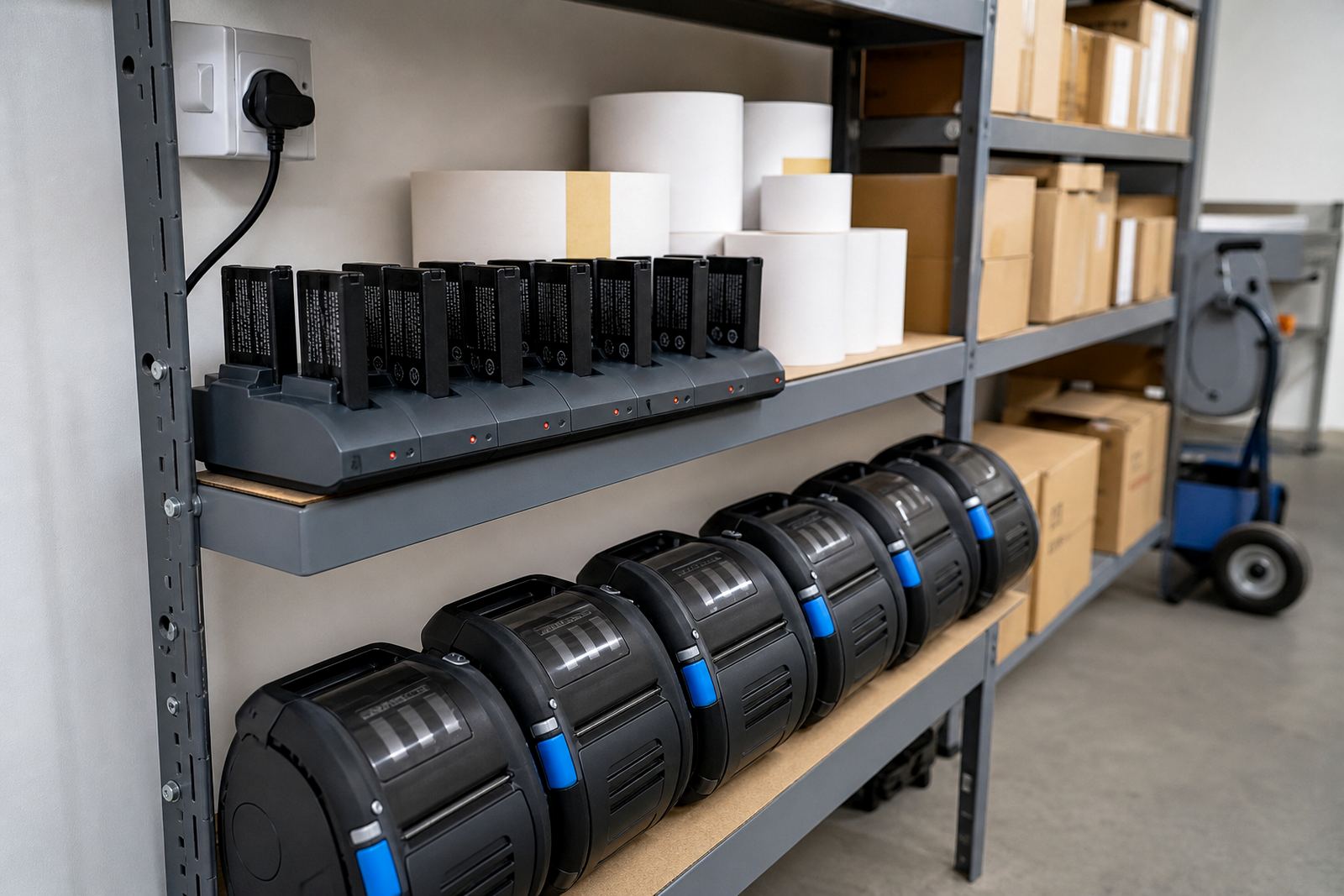
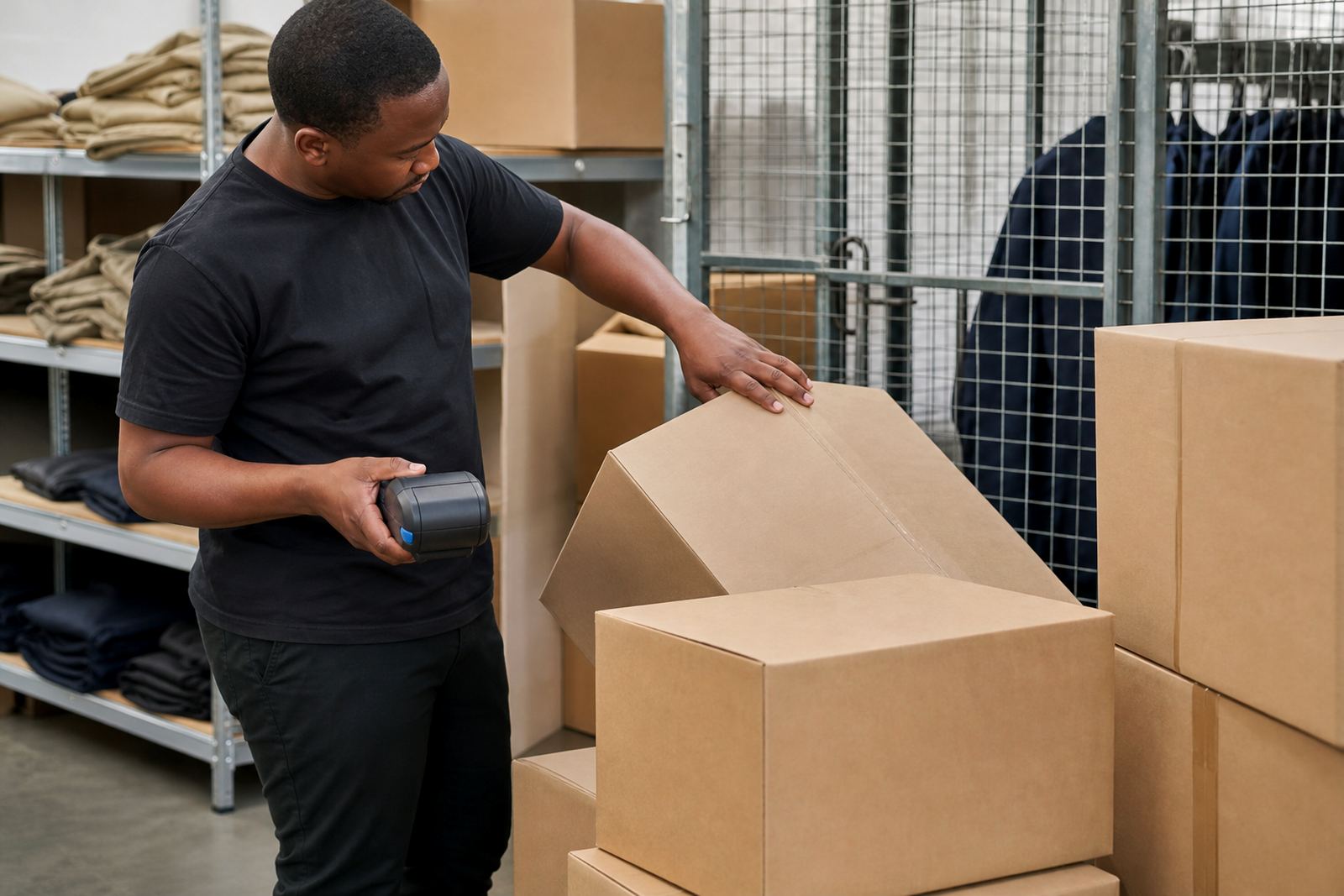
This product suits stock handling where labels are printed near intake, picking and despatch points, then applied in cooler conditions or on cold packaging. A mobile label printer keeps the unit close to the job, which helps when staff are moving between storage bays, loading areas and cold rooms in Cape Town, Johannesburg, Durban, Pretoria and Gqeberha.
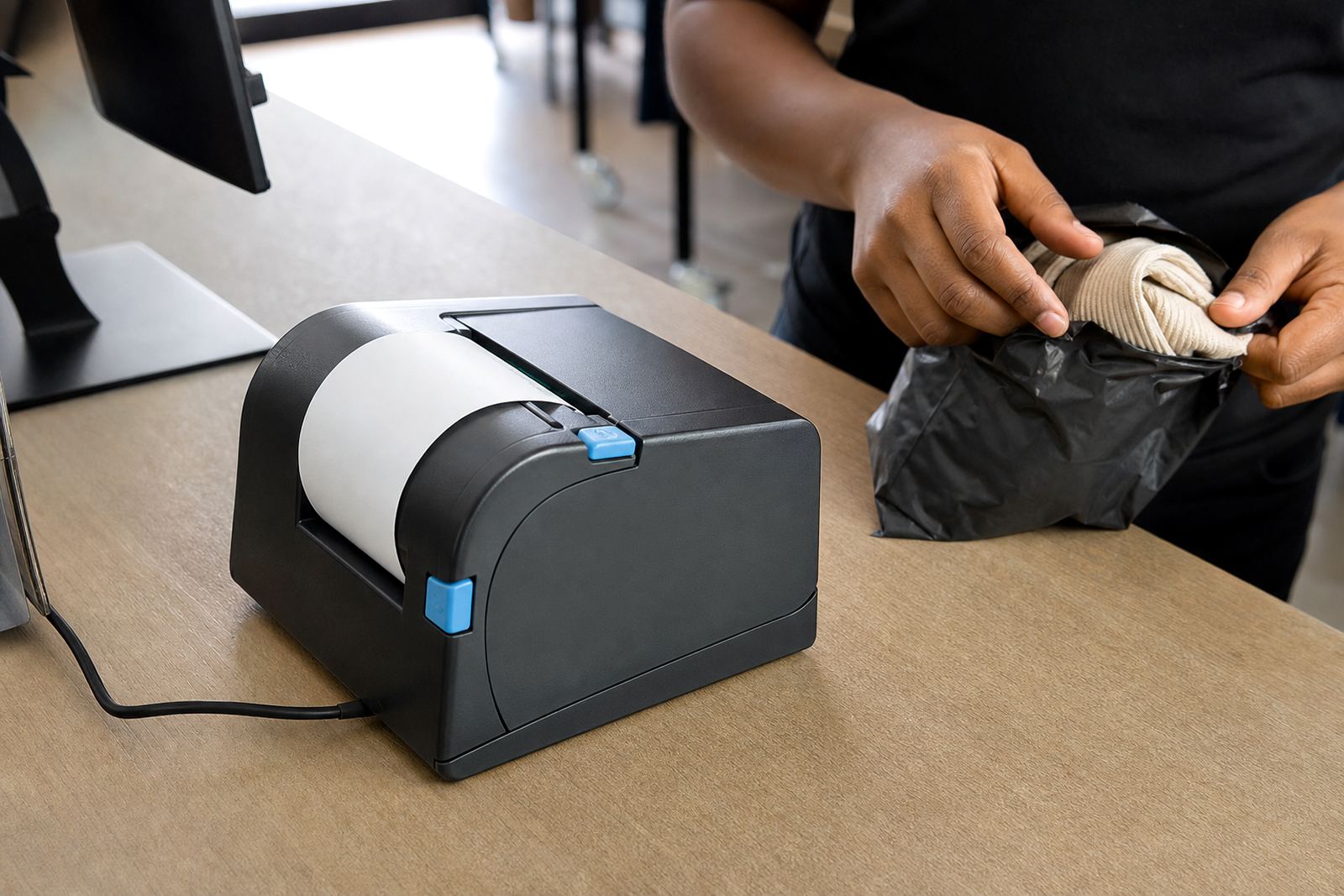
In practice, a cold store printer is usually chosen for carton labels, shelf tags, pallet notes and courier labels that need clear barcodes and QR codes. A print width around 2 inch to 4 inch covers most warehouse and retail stockroom work, while the right media choice depends on the surface, the cold chain and how long the label must stay readable.
- Direct thermal works for labels with a brief life and speedy print runs.
- Thermal transfer suits longer-lasting labels and tougher handling.
- Bluetooth pairing helps with phones, tablets and handheld terminals.
- Wi-Fi pairing suits fixed work areas with shared access points.
Choose direct thermal or thermal transfer based on how long the label needs to last
Direct thermal printing uses heat-sensitive label stock and is common where labels are used quickly, then replaced during picking or shipping. Thermal transfer uses a ribbon and produces a harder-wearing mark, which is useful when labels face colder surfaces, more handling or a longer storage period.
We help match the printer to the label roll, ribbon and application point. That includes checking the label size, the gap or black mark sensor, and the print density needed for text, barcodes and QR codes that must scan cleanly after the label has been applied.
- Common label widths include 50 mm, 60 mm, 80 mm and 100 mm.
- Some stockroom jobs need narrow tags, others need wider carton faces.
- Battery life depends on print volume, backlight use and connection settings.
- A clean printhead matters when labels start showing pale lines or broken bars.
What we fit and check on site
On-site setup covers pairing, calibration and the working parts that keep the printer stable during a shift. Our team can set up Bluetooth or Wi-Fi, load the media path, check label alignment and test print quality on the materials used in your store or warehouse.
We also handle battery testing, battery replacement and belt clip repair where the unit is carried around the floor. If labels start drifting, rubbing or feeding crooked, the printer may need calibration, a sensor check or a reset of the media settings so the label size matches the format in use.
- Bluetooth pairing for handheld or mobile use.
- Wi-Fi setup for shared stockroom access.
- Label calibration for the correct feed length.
- Printhead cleaning for faint print or streaking.
- Label jam clearing when stock has curled or shifted.
Cold room handling and label choice
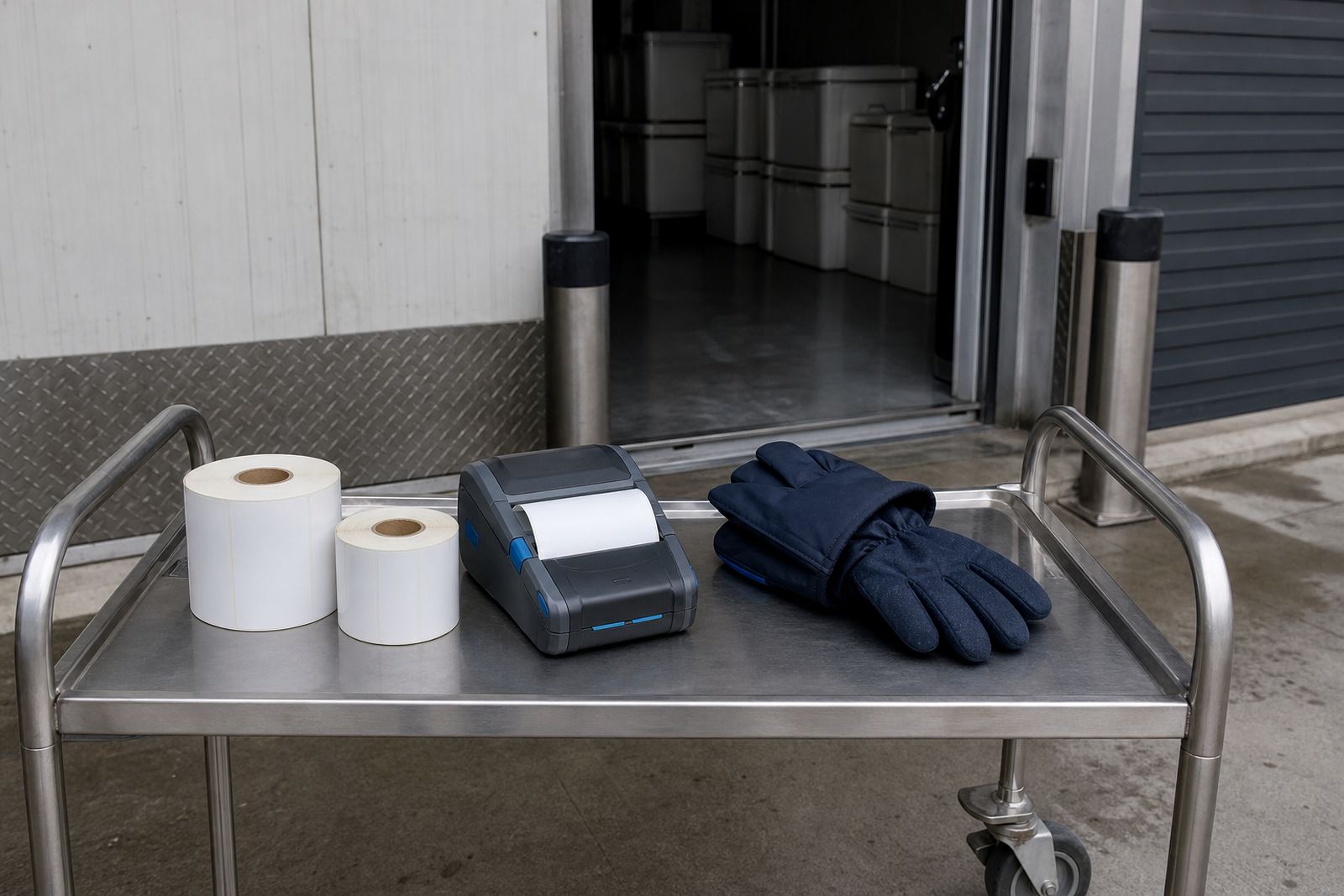
Chilled areas ask more of labels than an ordinary packing bench does. Condensation, cold surfaces and repeated handling can loosen weak adhesive, so the roll type matters as much as the printer itself. For some work a direct thermal roll is enough, while other jobs need a thermal transfer label that stays legible during transport and receiving.
We often look at where the label is applied, how long it must stay on the item and whether the barcode must scan after storage in a cooler room. Label face material, adhesive grade and ribbon match all affect the result, and a bad match can lead to peeling edges or marks that do not scan properly.
- Check the surface temperature before choosing the adhesive.
- Allow for gloves, damp hands and quick movement at the bench.
- Pick a label size that leaves space for text and codes.
- Use a print mode that suits small type and dense data fields.
Care that keeps the unit readable and ready
Like any working label printer, this unit needs routine care. A printhead that carries dust or adhesive residue can leave pale bands across the label, and a dirty platen roller may pull the stock unevenly. Cleaning is straightforward but it needs to be done with the right method and at sensible intervals.
We guide operators on ribbon loading, label threading and safe cleaning around the printhead area. For mobile use, it also helps to check the battery contacts, belt clip wear and the condition of the label path before the next shift starts. That keeps the printer more predictable when teams are moving quickly through the stockroom.
- Wipe the printhead with approved cleaning material.
- Keep spare rolls flat and dry in storage.
- Check battery charge before long runs.
- Replace worn clips before the unit starts slipping.
Details to confirm before we set the job up
To match the right cold store printer to the job, we need the label size, the type of stock, the expected print volume and whether the printer will be used with Bluetooth, Wi-Fi or both. It also helps to confirm whether the labels are for cartons, shelves, pallets or courier bags, since each use may need a different roll and finish.
Please include whether you need direct thermal or thermal transfer printing, the barcode format, the usual label width and the conditions where the label will sit after application. If the printer will be carried around a warehouse or retail stockroom, we can also check belt clip fit, battery condition and the right setup for the team that will use it.
- Label size and quantity per roll.
- Print width needed for text and codes.
- Bluetooth or Wi-Fi pairing requirements.
- Need for installation, training or repair work.
Montague Gardens support for label systems that have to keep moving
Go-Printer works from Montague Gardens in Cape Town and supports warehouses, couriers and retail stockrooms across South Africa, including Bellville and Midrand. The service side covers setup, repairs, operator training and preventive servicing for mobile thermal label printers and related label supplies.
Our contact form is the best place to send the job details, especially when you need a printer suited to chilled handling, mixed label sizes or a rollout across several branches. We cover on-site setup, Bluetooth pairing, Wi-Fi setup, label calibration and print quality fixes, with the same practical focus on keeping the label line moving.
- On-site setup for single units or multiple stations.
- Repair support for battery, feed and print issues.
- Training for operators who handle label changes daily.
- Supply support for direct thermal and thermal transfer rolls.
Key facts
| Product type | Mobile thermal label printer for cold store and stock handling |
|---|---|
| Print methods | Direct thermal or thermal transfer |
| Print width | Typically 2 inch to 4 inch |
| Connectivity | Bluetooth and Wi-Fi options |
| Label output | Text, barcodes and QR codes |
| Typical use | Warehouses, couriers and retail stockrooms |