Cleaning items made for mobile label printers
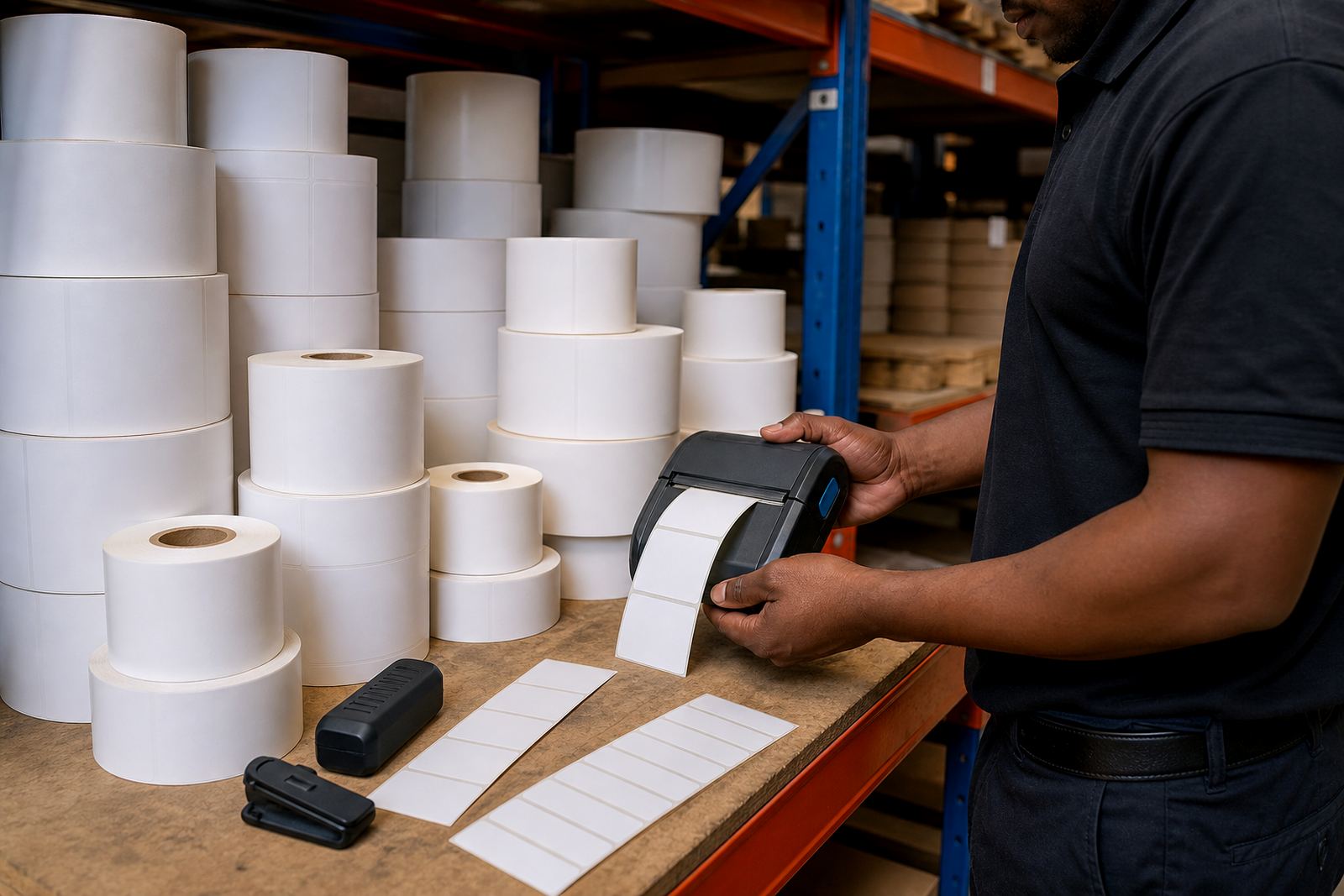
This kit is used on thermal mobile label printers where the printhead sits close to the label path and picks up residue over time. The cleaning tools are for routine maintenance after label changes, roll swaps, battery changes and field work where the printer has been carried in a pouch, fixed to a belt clip or used on trolleys and packing benches.
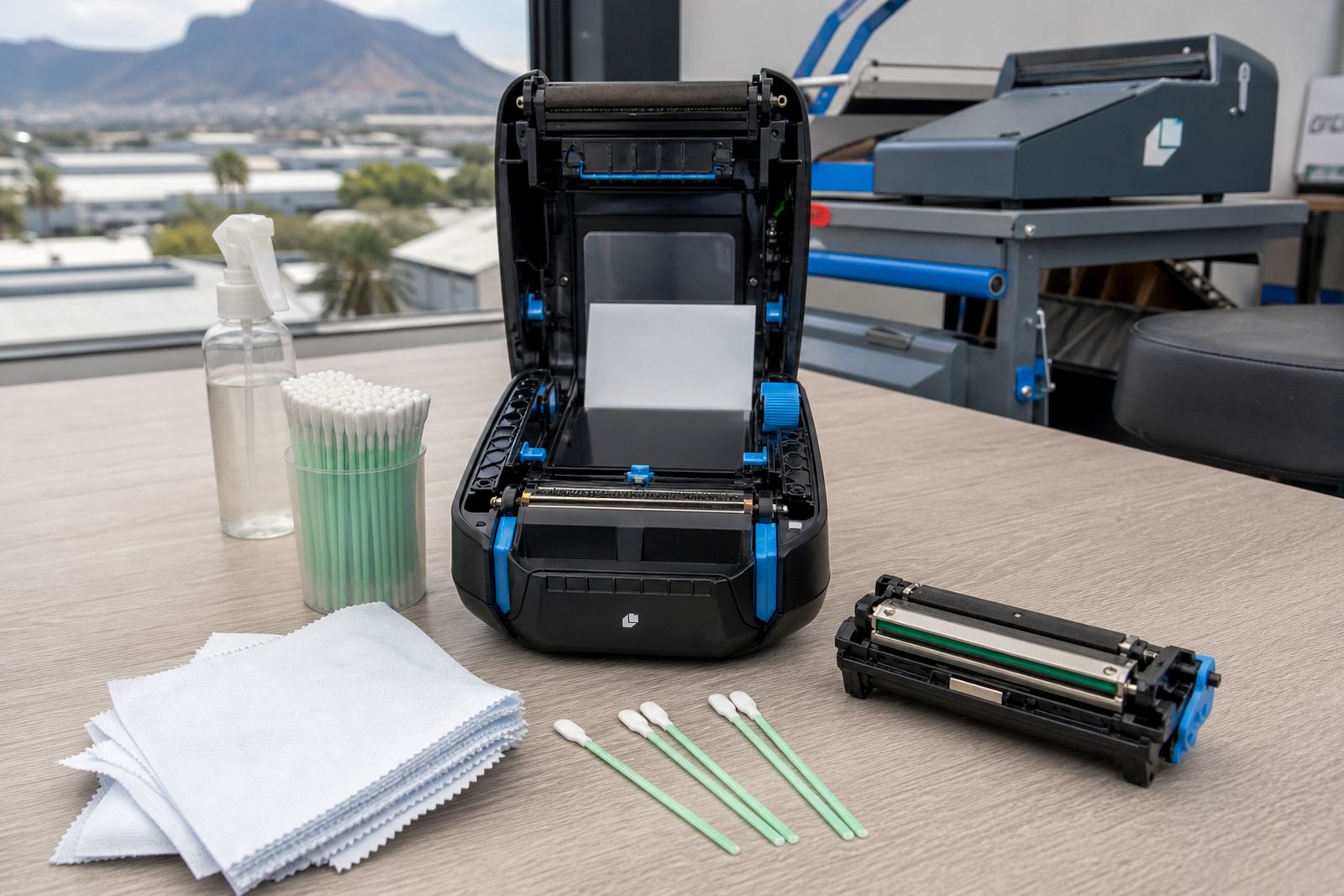
The items are intended for direct thermal and thermal transfer units, including compact models that print label widths around 2 inch, 3 inch and 4 inch formats. In practice, the cleaner reaches the printhead face, platen roller and nearby paper path areas where lint, adhesive and dust can cause faint print, lines through text or patchy barcodes.
- Used for routine printhead and roller cleaning
- Suitable for mobile label printers in warehouses and couriers
- Helps reduce smear, streaking and patchy print areas
- Useful after heavy label handling or dusty routes
Options that suit different printer sizes and shift patterns
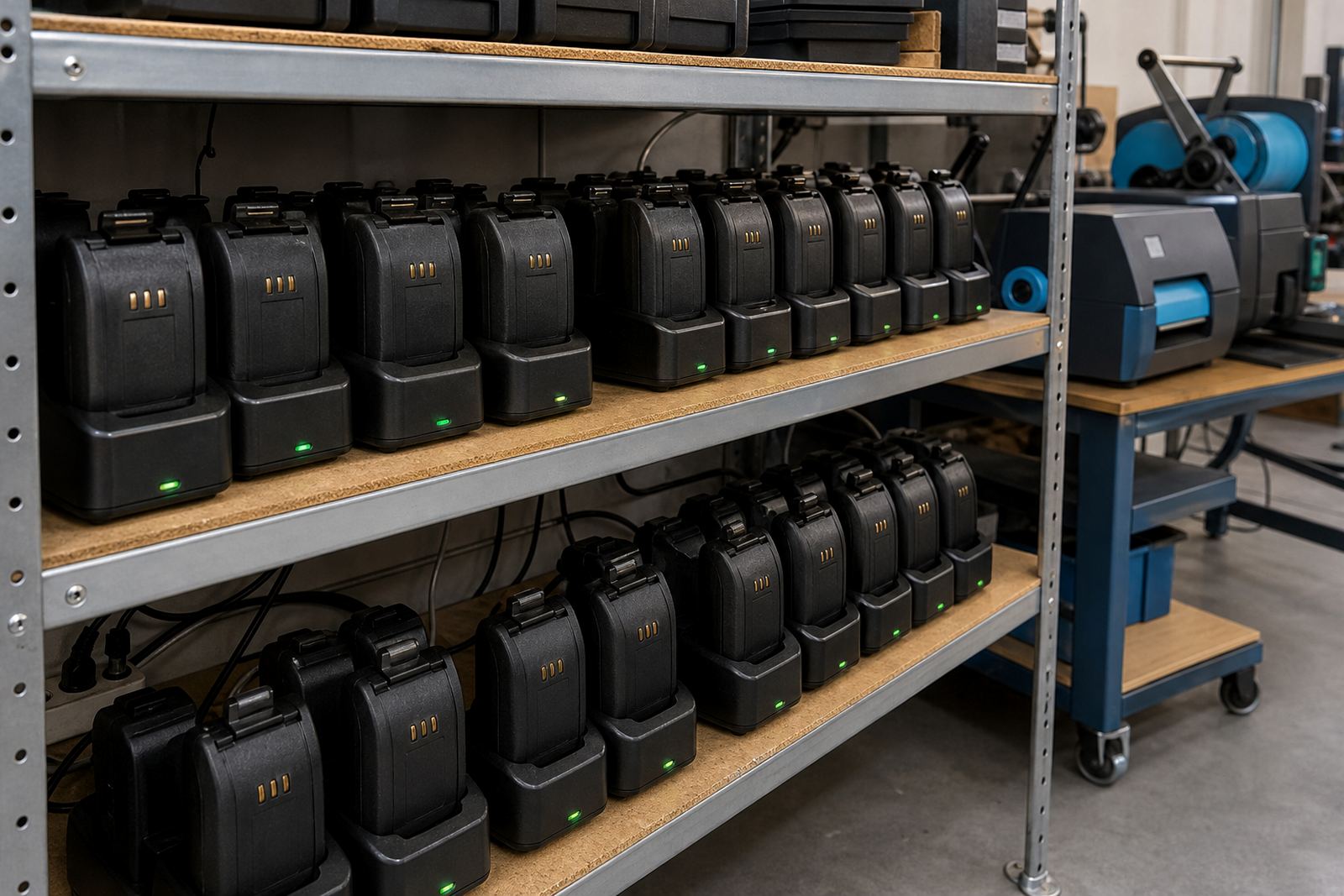
Cleaning kits are usually packed in small bottles, pre-saturated swabs or lint-free wipes, depending on how the printer is handled on site. For stockrooms that move between shelves and dispatch points, a compact pack is easier to store with spare rolls, batteries and clips. For workshop use, a fuller kit gives more swabs and wipes for scheduled servicing.
The right option depends on the printer body size, the number of units in use and how often labels are changed. A unit printing courier labels at speed may need more frequent cleaning than a printer used for shelf labels or retail markdown labels. When teams use Bluetooth or Wi-Fi pairing, the cleaning routine still matters because print quality problems usually start at the printhead, not the connection.
- Single-pack wipes for quick maintenance jobs
- Swab kits for narrow printheads and small housings
- Larger packs for shared warehouse and branch use
- Handy for mixed fleets using direct thermal and thermal transfer media
Where this kit earns its keep on the floor
In warehouses, the kit is useful where labels are printed for bins, cartons, dispatch pallets and stock moves through the day. Courier teams often use mobile printers in vehicles, at loading bays and at handover points where dust, paper fibres and adhesive traces build up faster than expected. Retail stockrooms use the same kit when shelf labels, pricing labels and inventory tags need clean edges for scanners and handheld checking.
It is also practical during on-site setup and preventive servicing, because printhead cleaning is one of the first steps when a printer shows faded bars, gaps in text or poor barcode contrast. For Cape Town, Johannesburg, Durban, Pretoria and Gqeberha, the same basic cleaning routine applies, although coastal humidity and fine dust can change how often the print path needs attention.
- Warehouse dispatch benches and receiving areas
- Courier routes and mobile scan-and-label work
- Retail stockrooms with repeated label changeovers
- Branch printers that move between teams or counters
Fitting and use with thermal mobile printers
A printhead cleaning kit does not need wiring or a fixed installation, but it does need the right handling method for the printer model in use. The printer should be switched off before the printhead area is opened, and the cleaning swab or wipe should be used with light pressure on the print line, platen roller and label path. Harsh rubbing can damage the coating on the printhead, so the motion should stay controlled and steady.
Where teams already use battery-powered mobile printers with belt clips, the kit fits into regular operator training. The same applies to direct thermal labels, where heat sensitivity and surface coating can show marks sooner if the printhead is dirty. For thermal transfer work, ribbon dust and adhesive residue can also gather around the print area, so the cleaner helps during label calibration and after a ribbon change.
Good fitting practice is simple enough, but it still helps to have a technician show the process during setup or operator training. That matters when staff rotate between branches or work across a few depots and need the same method every time.
Care for the kit and the printer path
Cleaning items stay most useful when they are sealed, dry and stored away from heat, sunlight and open dust. Wipes can dry out if the pack is left open in a busy stockroom, and swabs should stay clean until use. On the printer side, the printhead should be cleaned before residue builds up into stubborn marks, not only after a fault appears.
A steady care routine also helps battery life and print quality because a printer that works harder to push out poor labels uses more time and causes more reprints. If print edges start to fade, the first check is often the printhead face, the roller surface and the label calibration. Sometimes the trouble is only dirt. In others the printer needs battery testing, roller cleaning or a print quality fix alongside the kit use.
- Keep wipes sealed until needed
- Store swabs flat and dry
- Clean before residue hardens on the printhead
- Check for adhesive build-up after label jams
Order details to confirm for the right kit
When placing an order, it helps to confirm the printer type, the print width and whether the unit uses direct thermal or thermal transfer media. Also note if the printer uses narrow wrist-friendly labels, standard courier labels or wider warehouse stock labels, since that changes how much of the print path needs attention. For mixed branches, it helps to list how many printers are in use and whether the kit is for daily carry, bench use or field servicing.
Other useful details include the cleaning format preferred, such as wipes or swabs, and whether the team wants the kit packaged with label rolls, batteries or a belt clip. If a site already has recurring streaks, faded scans or adhesive lines on the printhead, mention that too so the right cleaning approach can be matched to the fault pattern.
Orders from Montague Gardens, Bellville, Midrand, Johannesburg, Durban, Pretoria and Gqeberha can be matched to the printer setup in use across warehouse, courier and retail stockroom work. If you need the cleaning kit paired with setup or repairs, our contact form can be used with the printer model details and the label sizes already in use.
Key facts
| Product type | Printhead cleaning kit for thermal mobile label printers |
|---|---|
| Use | Printhead, platen roller and label path cleaning |
| Compatible printer format | Direct thermal and thermal transfer mobile printers |
| Common package sizes | Swabs, pre-saturated wipes or mixed cleaning packs |
| Typical label widths supported | About 2 inch, 3 inch and 4 inch printer widths |
| Use settings | Warehouse, courier, retail stockroom and field servicing |