A clipped-on printer for moving work
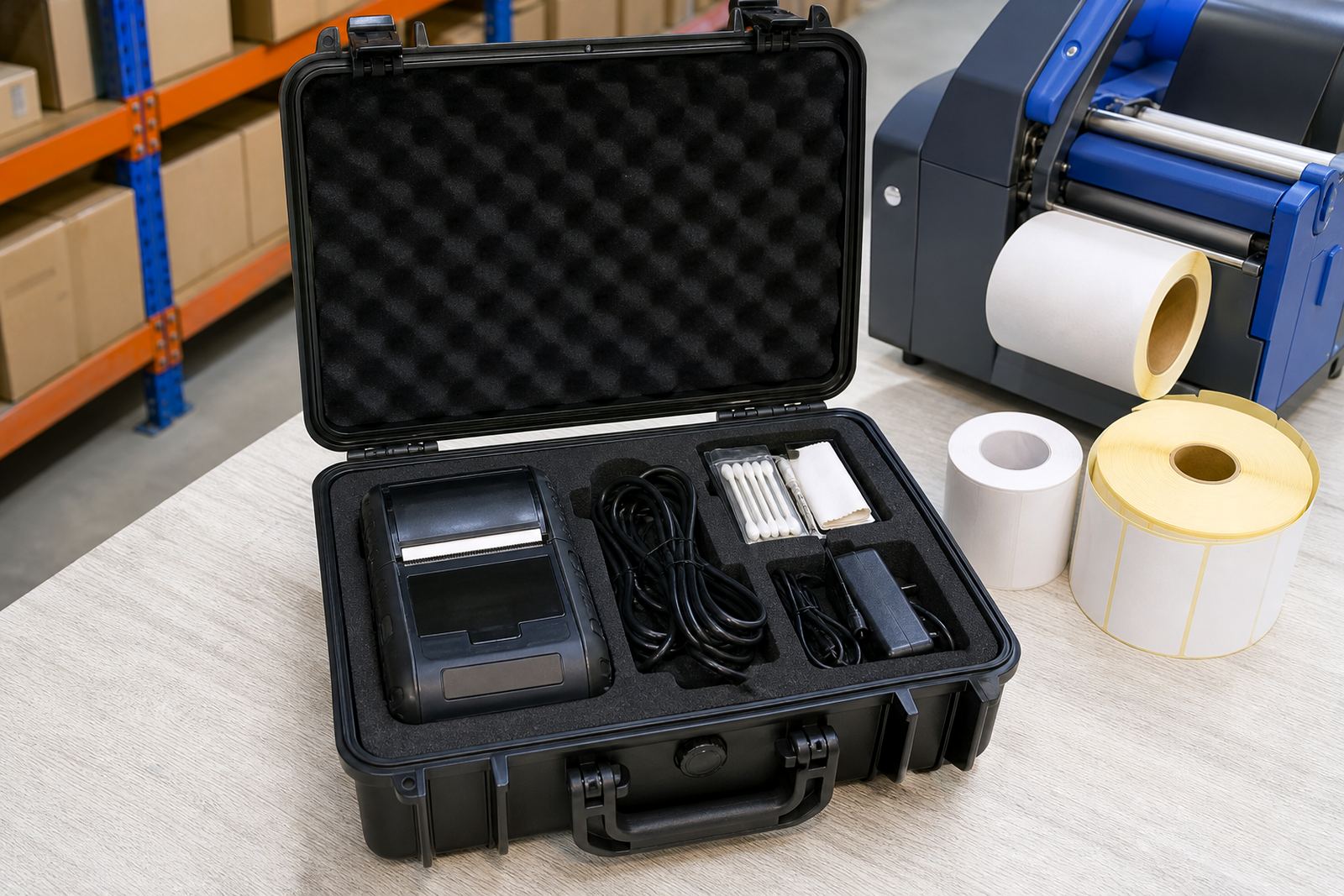
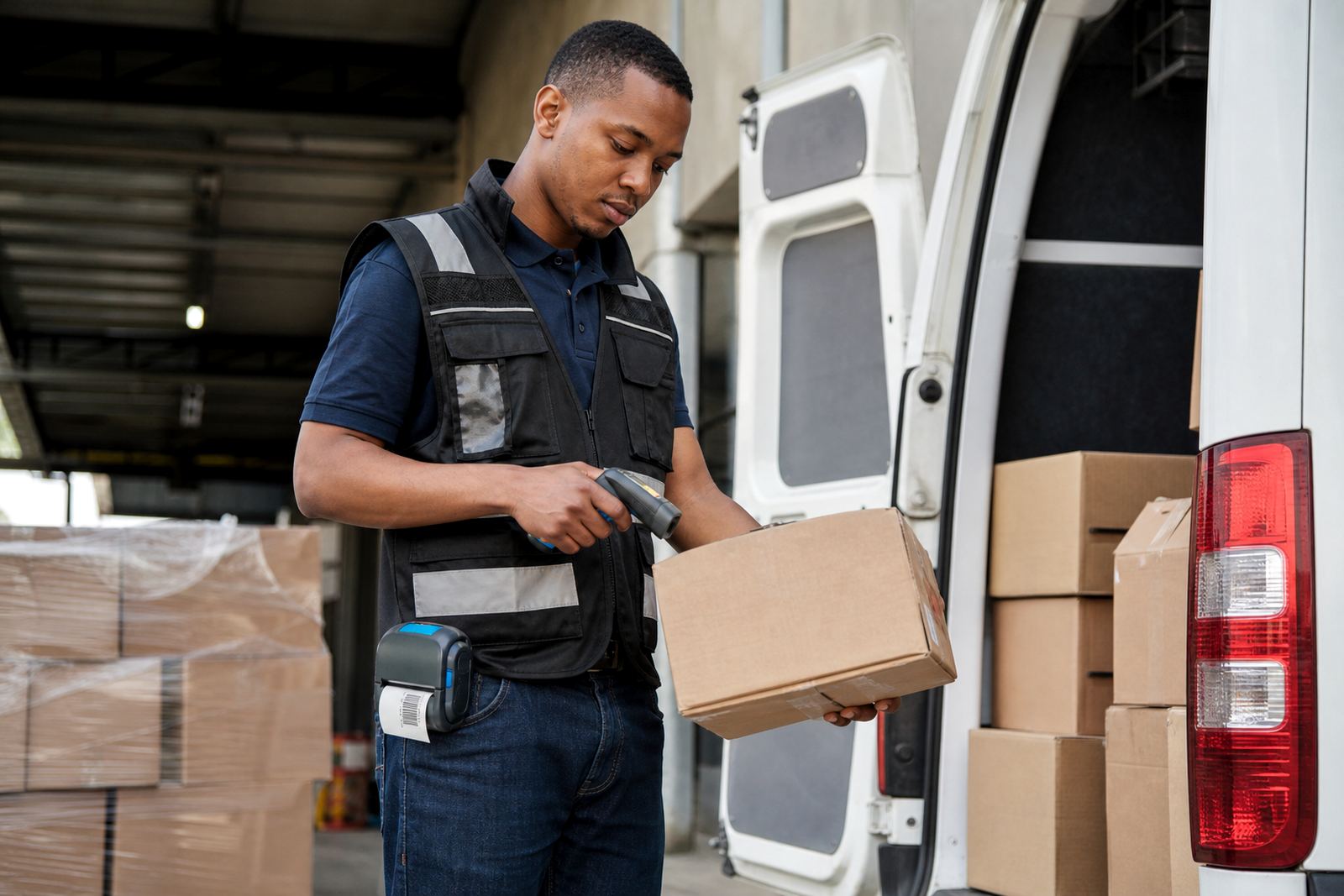
A belt clip printer is a compact mobile label printer carried on the hip or waist while stock is counted, picked or checked at the shelf. The clip keeps the unit steady on walking routes and reduces the need to keep setting the printer down between scans and labels.
Most units in this class print direct thermal labels, so the printhead forms the image without a ribbon. That suits short to medium life labels for courier routes, dispatch marks, shelf tags and pick slips. Thermal transfer versions are also available where the label must hold up longer, or where heat, rubbing and handling call for a tougher printed edge.
- Typical print widths: 50 mm, 56 mm, 58 mm, 80 mm and 104 mm classes
- Common label sizes: small address labels, barcode strips, bin labels and asset tags
- Print content: text, barcodes, QR codes and simple graphics
- Connection methods: Bluetooth pairing and, on selected units, Wi-Fi setup
Sizes, clip fit and daily carrying comfort
The right model depends on the label width, the route length and how often the printer is clipped on and off through the day. A slimmer printer is easier to carry in a stockroom or on a courier run, while a wider unit gives more room for larger labels and clearer text blocks.
Battery life matters where the printer stays in use over long picking runs or across a full delivery route. Many units use a rechargeable battery pack, and the clip should sit firmly without twisting when the operator bends, kneels or reaches for high racking.
- Battery options vary by model and duty cycle
- Clip style should suit belt width and uniform wear
- Printer weight affects comfort on long walking tasks
- Label roll size affects how often rolls are changed
Where the belt clip format fits best
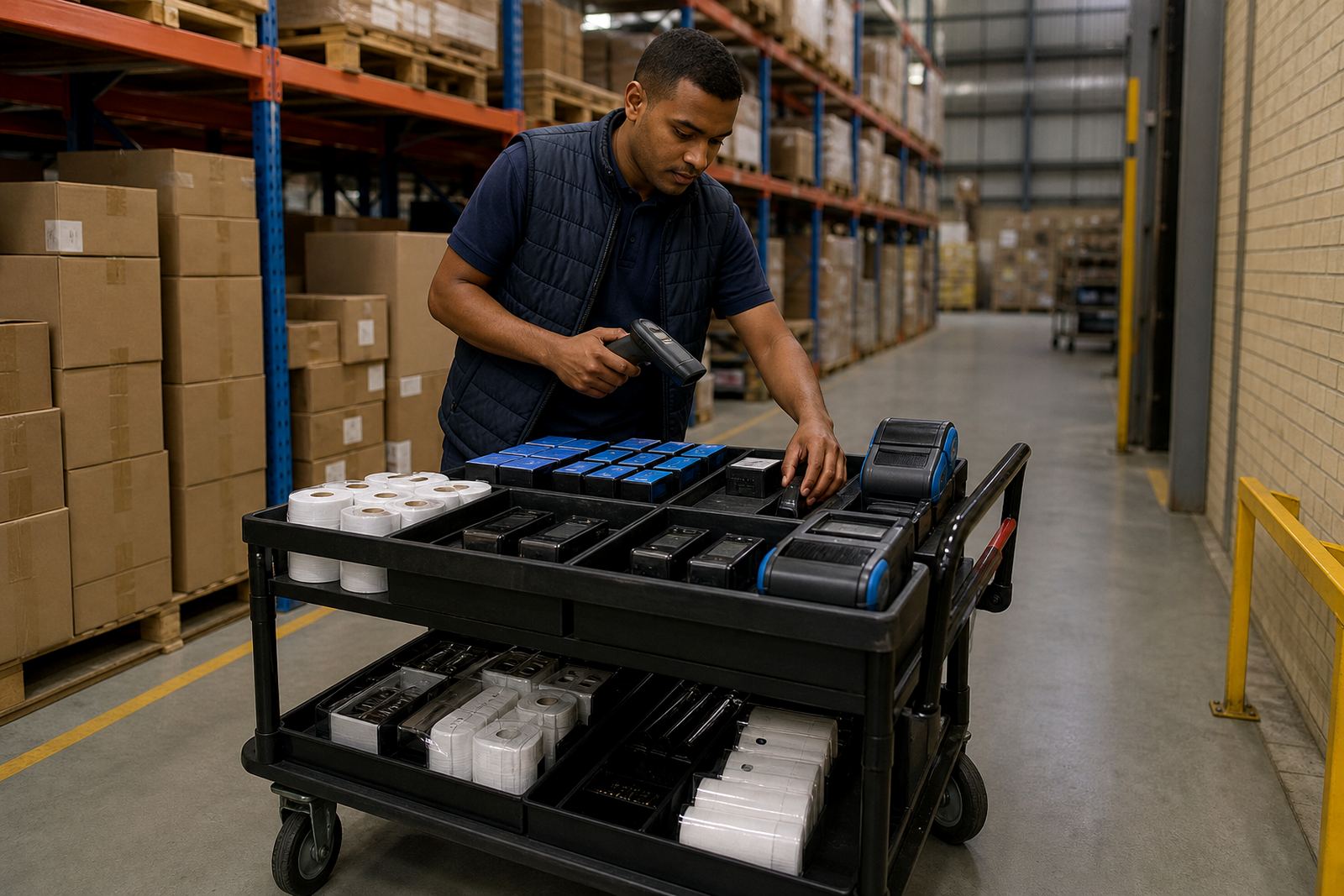
This format is a good match for warehouses, courier teams and retail stockrooms where staff move between locations and print close to the work. It helps when labels are needed beside the pallet, at the trolley, in the aisle or at the dispatch bench.
In Cape Town, Johannesburg, Durban, Pretoria and Gqeberha, these printers are often used for stock takes, transfer labels, bin identification and route marking. The compact body helps in tight spaces, while the mobile format keeps labelling tied to the task instead of sending staff back to a fixed station.
- Warehouse picking and put-away routes
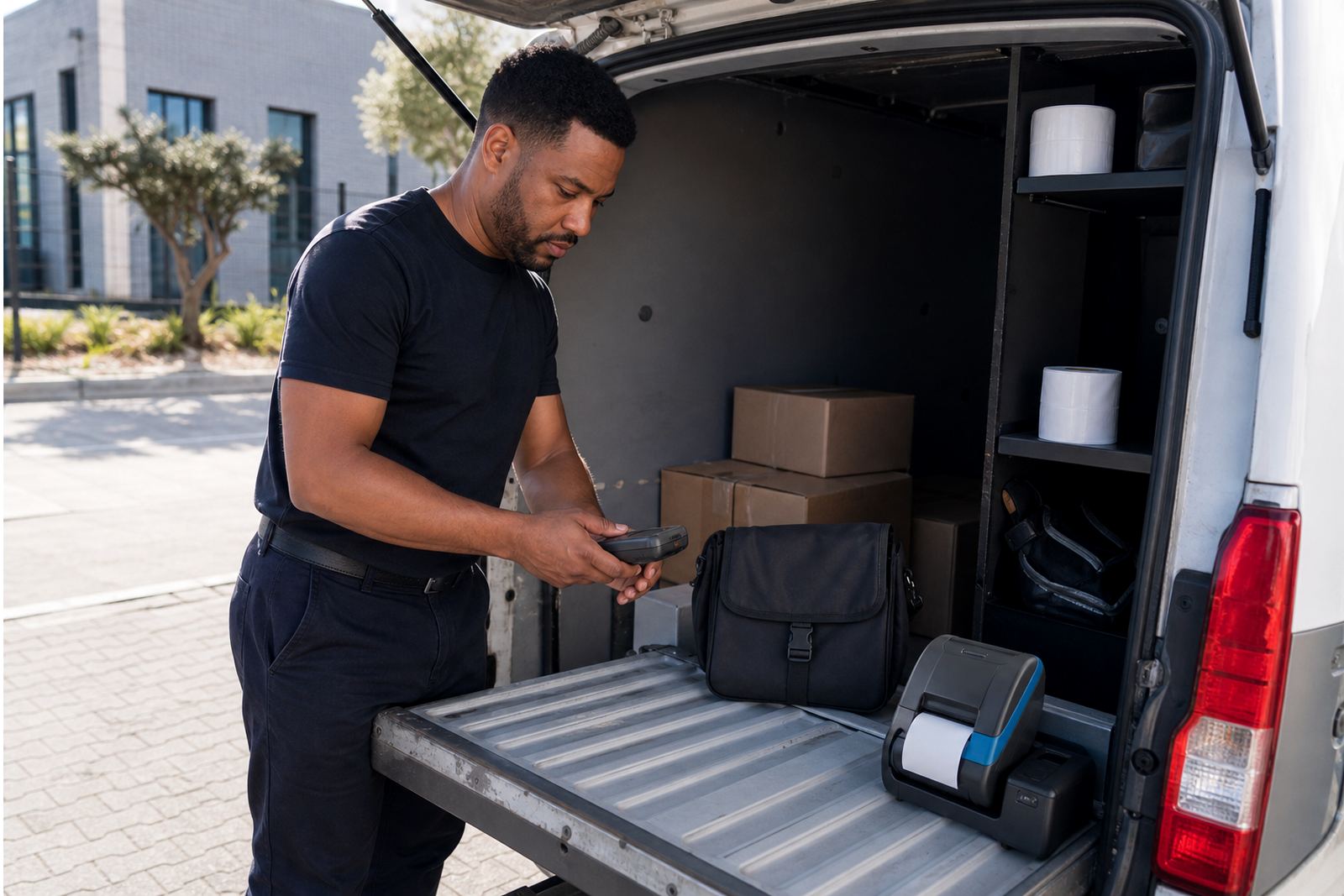
- Courier manifest and parcel labelling
- Retail stockroom and back-of-house tagging
- Dispatch, returns and location labels
Pairing, calibration and setup on the floor
Setup normally starts with pairing the printer to the handheld device or terminal, then matching the label width, darkness and feed position to the roll in use. Bluetooth pairing is common for mobile work and Wi-Fi setup can suit shared stockroom systems where the printer needs to sit on a local network.
Label calibration is worth doing before live use, because a small feed error can place the print too high, too low or over the label edge. Our on-site setup covers pairing, test labels, print width checks and operator training, so the first roll is not wasted on trial and error.
- Bluetooth pairing for handheld and mobile workflows
- Wi-Fi setup for shared label environments
- Label calibration for feed and sensor alignment
- Print quality checks for text, barcodes and QR codes
Care that keeps the print clean
Mobile printers work best when the printhead stays clean and the label path is kept free of adhesive dust and torn backing paper. A quick wipe with the correct cleaning method helps prevent faded bars, uneven characters and patchy QR codes.
Battery contacts, clip fittings and feed rollers also need attention when the unit is carried daily. If the print starts drifting, labels jam or the battery drops off earlier than expected, we check the settings, the roll path and the condition of the wear parts before it causes a slow picking line.
- Clean the printhead on a set maintenance rhythm
- Keep spare label rolls sealed and dry
- Check battery condition before busy route days
- Watch for adhesive build-up near the feed path
What to confirm before ordering rolls or a unit
To choose the right belt clip printer for the job, confirm the label width, roll diameter, printer connection, daily print volume and whether the labels are direct thermal or thermal transfer. The clip style also matters, especially where staff wear thick belts, utility vests or layered clothing.
It helps to note the barcode type, whether QR codes need to scan at a distance, and whether the printer must work with one handheld or several. If the job needs a repair or a field fit-out, our contact form can carry the model details, the issue and the site location so the right parts and setup are sent to the job.
- Label width and roll size
- Direct thermal or thermal transfer requirement
- Bluetooth or Wi-Fi pairing need
- Clip style, battery condition and print width
Key facts
| Print method | Direct thermal or thermal transfer |
|---|---|
| Typical print width | About 50 mm to 104 mm |
| Connectivity | Bluetooth and selected Wi-Fi units |
| Output | Text, barcodes and QR codes |
| Power | Rechargeable battery pack |
| Service options | On-site setup, repairs and training |