Fixed-power support for workshop checks
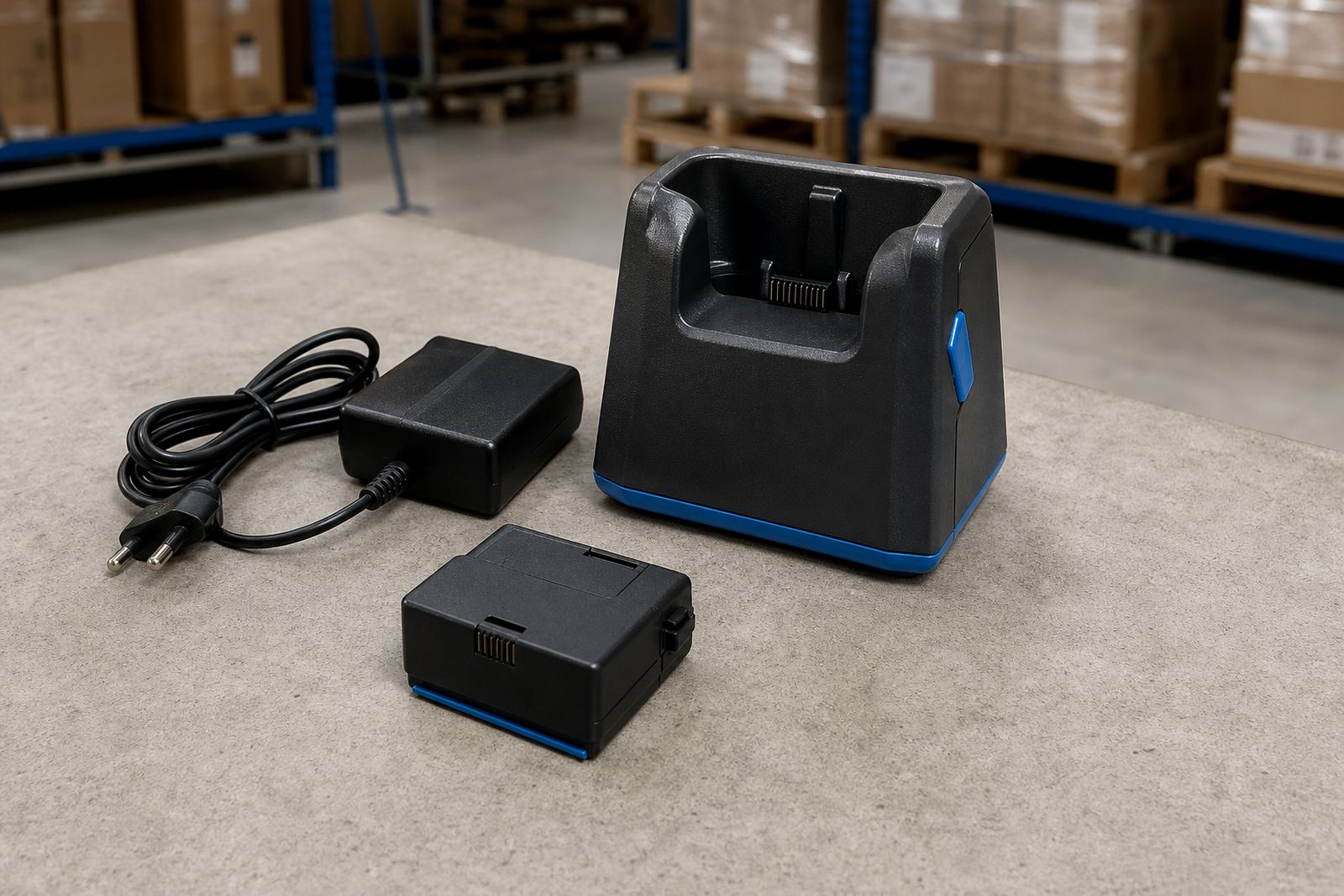
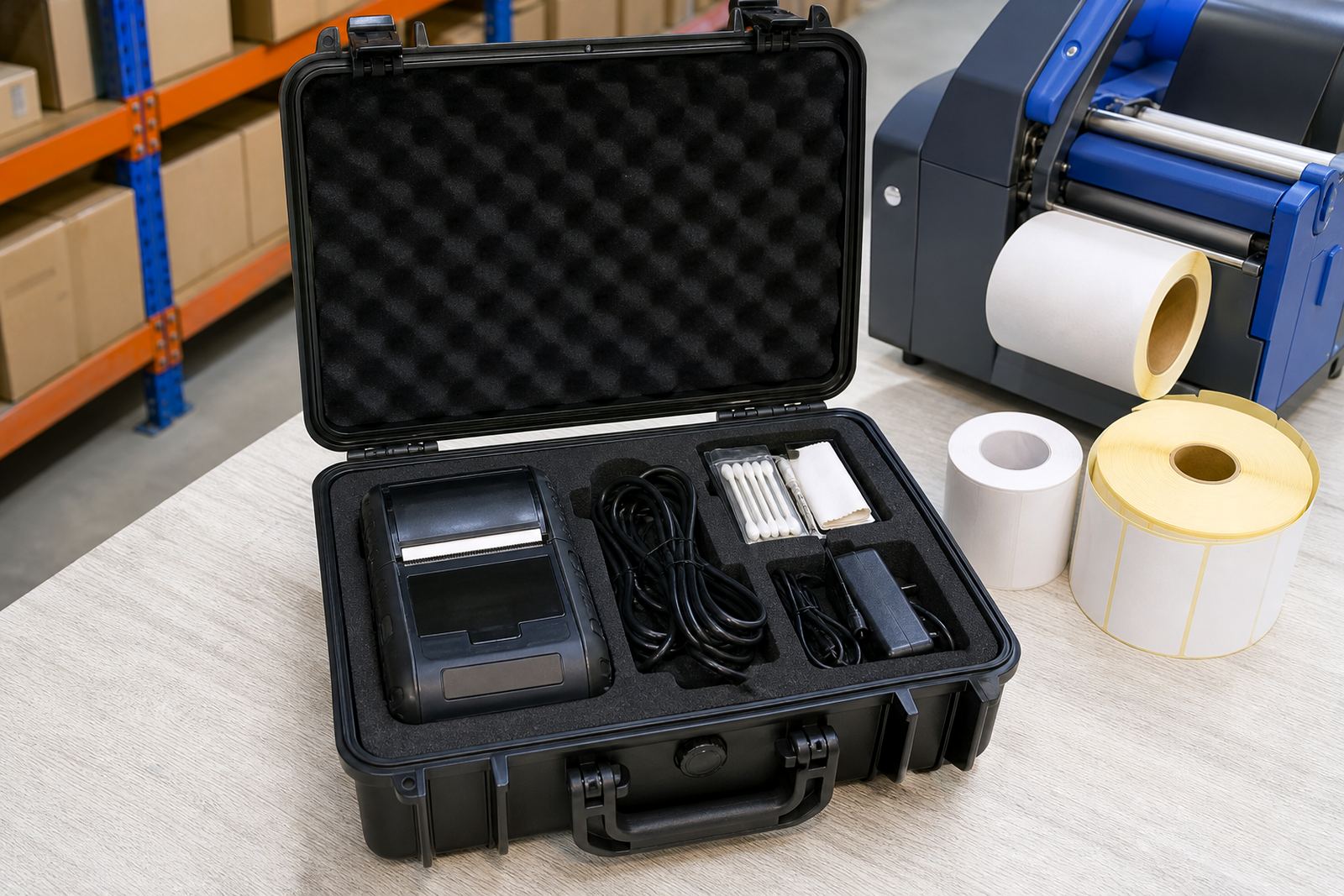
A battery eliminator replaces the normal battery pack with a power feed that keeps a mobile label printer running while you test settings, labels and connectivity. In practical terms it is used when a technician wants stable bench power for calibration, print-quality checks, barcode verification and firmware or pairing work.
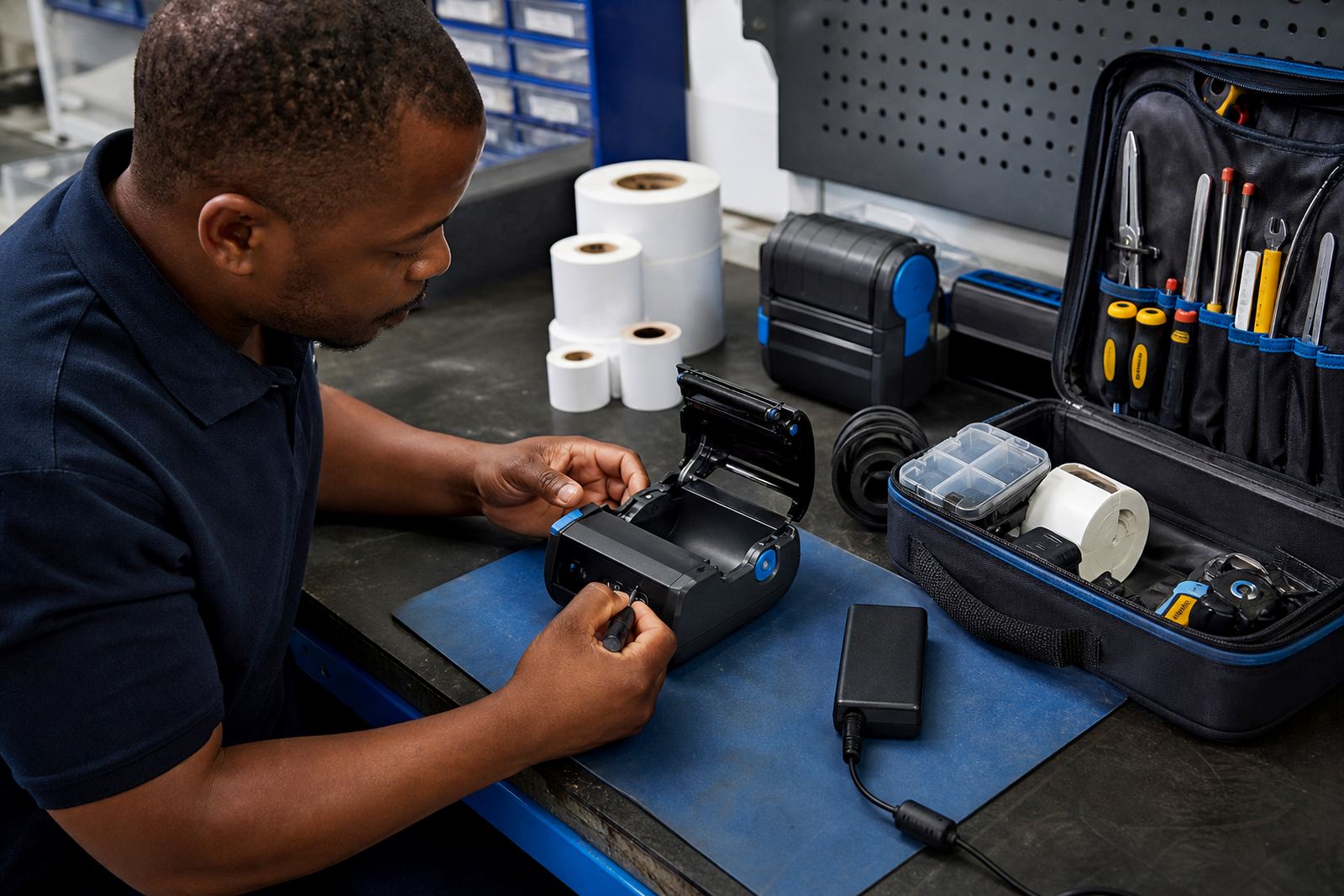
It is common in label rooms, service benches and stock control offices where printers are cycled through setup more than field use. The accessory is also useful during fault finding because it removes battery condition from the list of variables. That makes it easier to tell whether the issue sits with the printer, the roll, the charger or the settings.
- Used for bench testing, label calibration and printhead checks
- Supports Bluetooth pairing and Wi-Fi setup during commissioning
- Helps isolate power-related faults during repairs
- Suitable for barcode and QR label verification on the bench
Power input and fitting points that matter
The unit is fitted to the printer in place of the battery pack and linked to a mains power source through the correct adaptor arrangement for that model. The fit must match the battery compartment shape, contact layout and locking points, otherwise the printer can sit unevenly or lose power during use. On some models the cable exits from the side, on others from the rear, so the workspace layout matters as much as the printer itself.
When we set one up on site, we check that the connector seats properly, the cable has enough slack and the printer still sits flat on the bench. A neat fit helps prevent strain on the contacts and keeps the unit steady during label feed tests. For stockrooms in Cape Town, Johannesburg or Durban, that becomes important when the same printer shifts between packing stations and bench work.
- Match the battery bay shape and contact layout to the printer model
- Confirm cable exit direction and bench clearance
- Check that the printer locks in firmly with no wobble
- Use the correct power adaptor type for the printer family
Sizes, model fit and printer types
Battery eliminators are not one-size-fits-all. They are chosen to suit the printer body, battery format and power requirements of the unit being used. Some mobile label printers are built for compact label sizes and short duty cycles, while others are used for longer runs of warehouse labels and need a sturdier power arrangement for extended bench use.
The print width of the printer still matters here. A 2 inch printer, a 3 inch printer and a wider mobile unit may all use different battery housings and power paths. The same is true where the printer is used for direct thermal labels in dispatch work or thermal transfer labels where ribbon handling is part of the broader setup. We match the eliminator to the machine, not to the general idea of a printer.
- Model-specific fit for the battery compartment and locking tabs
- Options to suit compact, mid-width and wider mobile printers
- Compatible with direct thermal and thermal transfer work patterns
- Useful for printers handling address labels, shelf labels and barcode labels
Where this accessory earns its keep
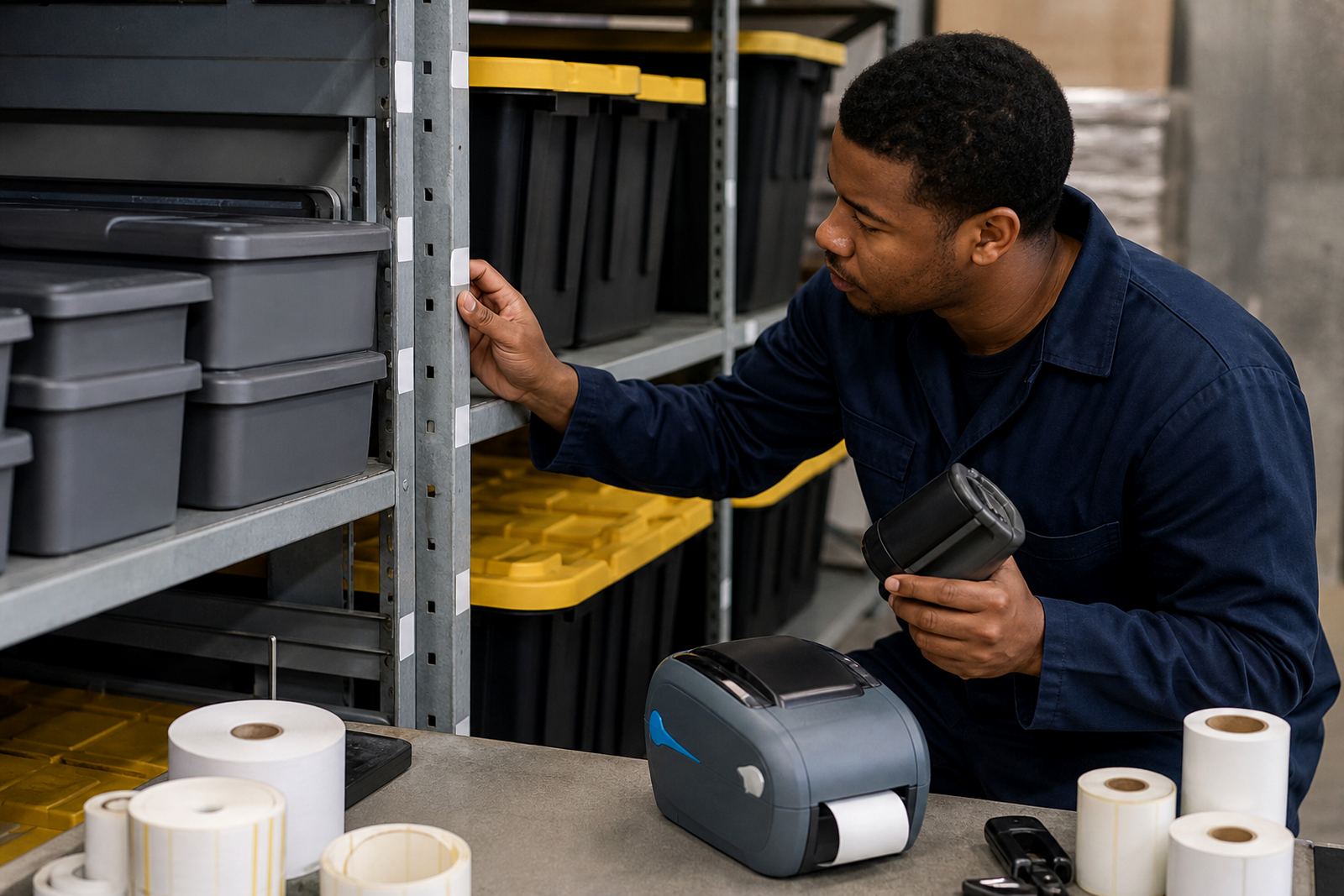
This accessory suits warehouses, couriers and retail stockrooms where mobile printers move between stations. It is useful where one printer handles receiving, shelf marking, picking and dispatch before being taken to a bench for checks. In a Cape Town branch or a Pretoria distribution room, a fixed worktable makes setup easier to manage.
It also helps where training is underway. New operators can test label size, feed direction, barcode darkness and QR placement without worrying about battery drain in the middle of a session. For service teams, that means fewer interruptions while testing print quality, label calibration and connectivity settings.
- Bench testing in warehouse receiving and dispatch areas
- Retail stockrooms with shared mobile printers
- Courier label setup and routing checks
- Training sessions for label calibration and print quality work
Care, handling and everyday service work
Keep the battery eliminator clean and dry, and avoid bending the cable where it leaves the connector. If dust builds up around the contacts, wipe it away carefully before refitting the unit. For printers used in busy stockrooms or near loading bays, it is worth checking the lead more often because cable strain shows up first at the points that move.
When a printer starts missing feeds or cutting print quality under test, the first checks usually include the contacts, the battery bay and the fit of the eliminator itself. Printhead cleaning still matters too, especially where labels have dust, adhesive residue or light print coverage. A clean printhead and sound power feed make the bench readings more useful.
- Wipe contacts and cable points before fitting
- Check for scuffing, loose seating or damaged insulation
- Keep the battery bay free of adhesive dust and label scraps
- Use printhead cleaning as part of regular servicing
What to confirm before you order
Have the printer model name, battery type and intended use ready. If the unit will be used for setup, repairs or repeated bench testing, say so, because that affects the fit and the cable arrangement. It also helps to confirm whether the printer is used mainly for direct thermal labels or thermal transfer labels, and whether it needs to sit on a bench in a shop, showroom or service office.
Other details that help are the label width you run, the pairing method used on the printer and whether the battery area is clean and undamaged. If the printer has been repaired before, note that too, because a replaced latch or altered housing can affect fit. our contact form is the best place to send those details when you need the correct accessory matched to the unit.
- Printer model and battery format
- Label width and the work area it serves
- Current pairing setup for Bluetooth or Wi-Fi
- Any damage, prior repairs or fit issues around the battery bay
Key facts
| Product type | Fixed-power battery eliminator for thermal mobile label printers |
|---|---|
| Use case | Bench testing, setup, calibration and repair work |
| Compatibility | Model-specific fit to the printer battery compartment |
| Power input | Mains-fed adaptor arrangement matched to the printer model |
| Related services | On-site setup, battery testing, print quality fixes and preventive servicing |
| Areas served | Montague Gardens, Cape Town, Johannesburg, Durban, Pretoria, Gqeberha and Bellville, Midrand |