A portable printer built for barcode work
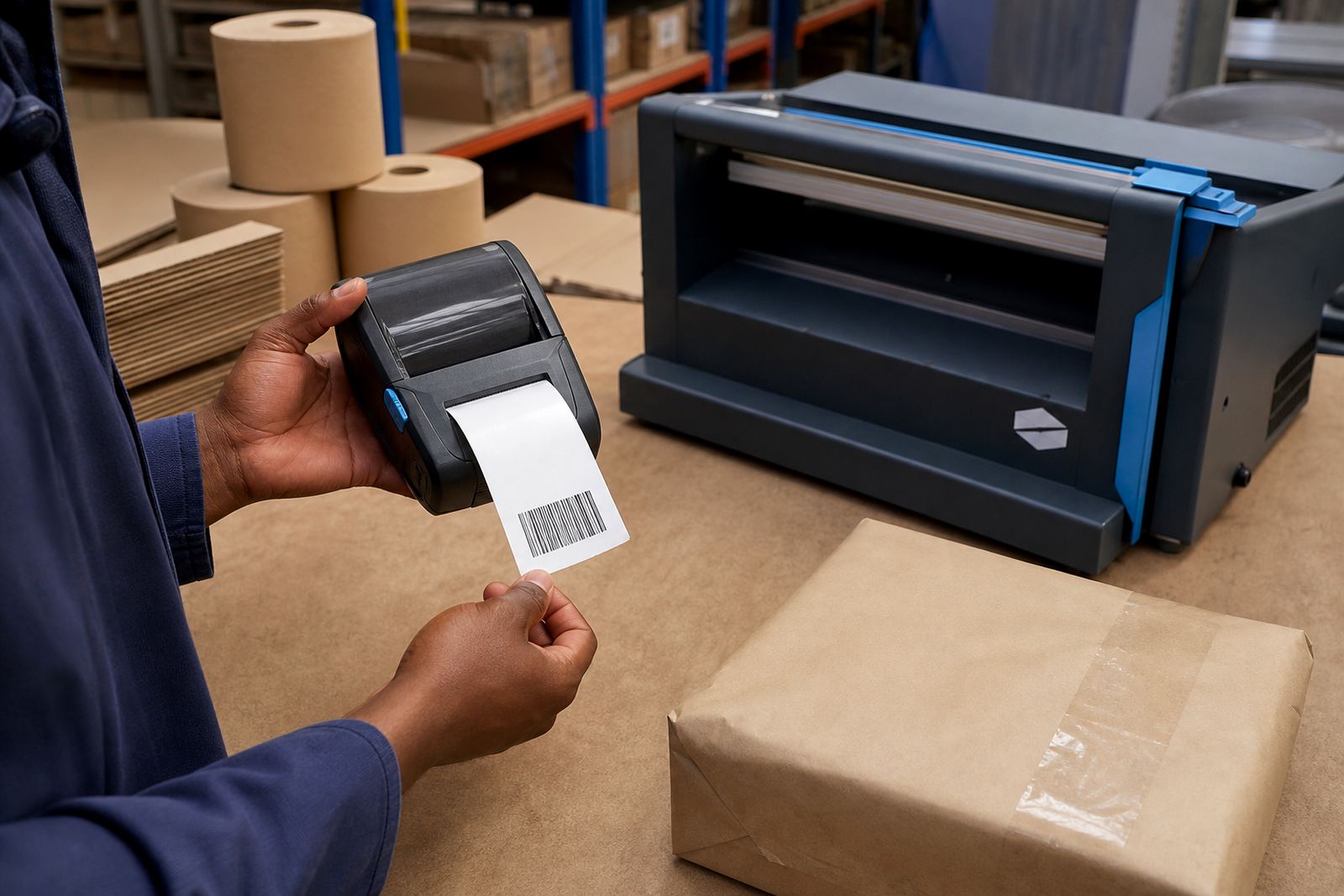
A barcode label printer is made to produce clear code marks on small labels that must scan first time and stay readable through handling, dust and freight movement. The portable format suits teams that need to print where the goods are picked, packed or checked, instead of running paperwork back to a fixed point.
These printers are used for item tags, shelf labels, carton marks, asset numbers and courier labels, with direct thermal and thermal transfer options depending on the life the label must have. Direct thermal uses heat-sensitive media for short to medium term use, while thermal transfer uses a ribbon for darker, longer lasting print on the right label stock.
- Label widths commonly used in trade settings include 25 mm, 40 mm, 50 mm, 70 mm and 100 mm.
- Portable units often handle 2 inch to 4 inch print widths, which suits most barcode and QR jobs.
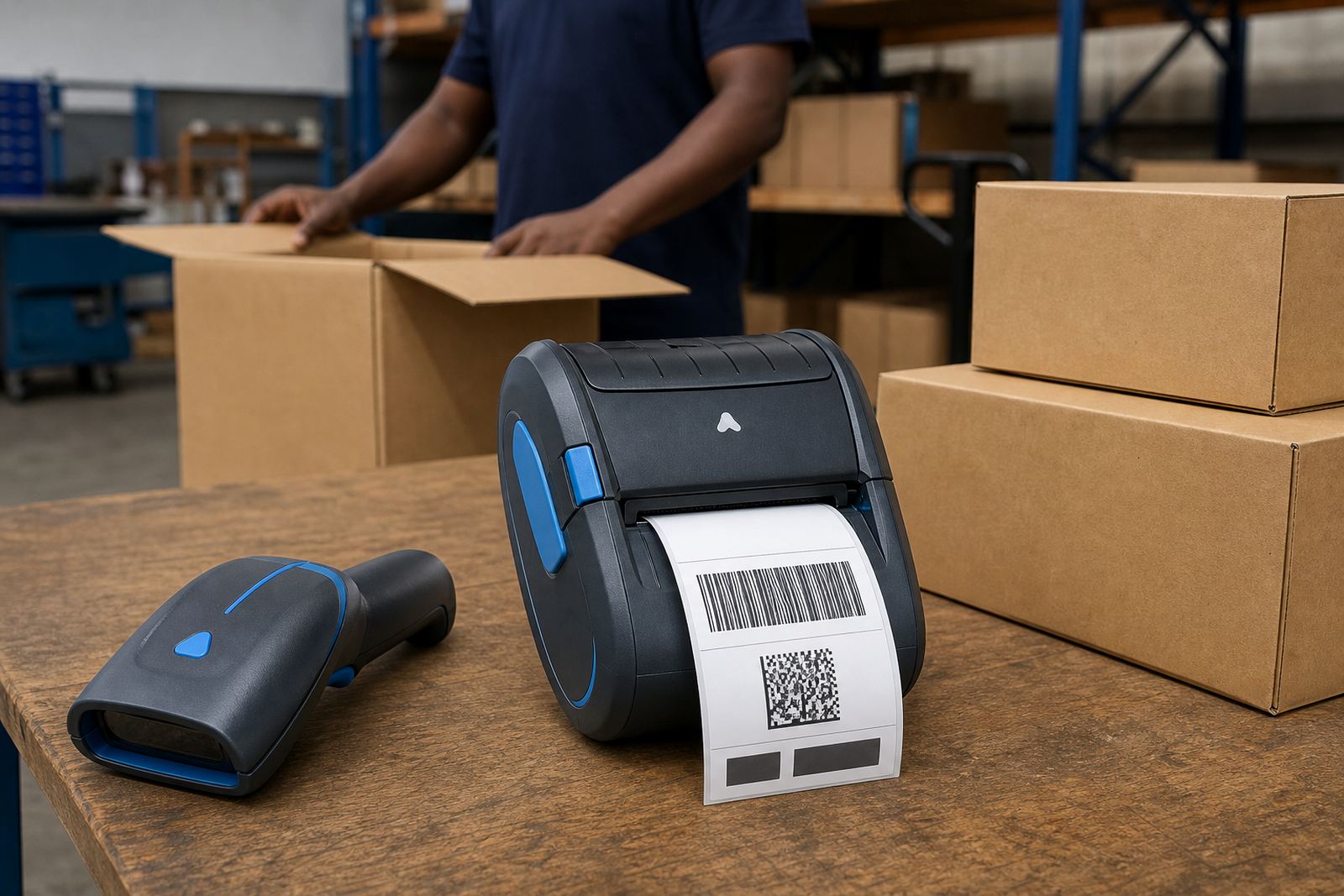
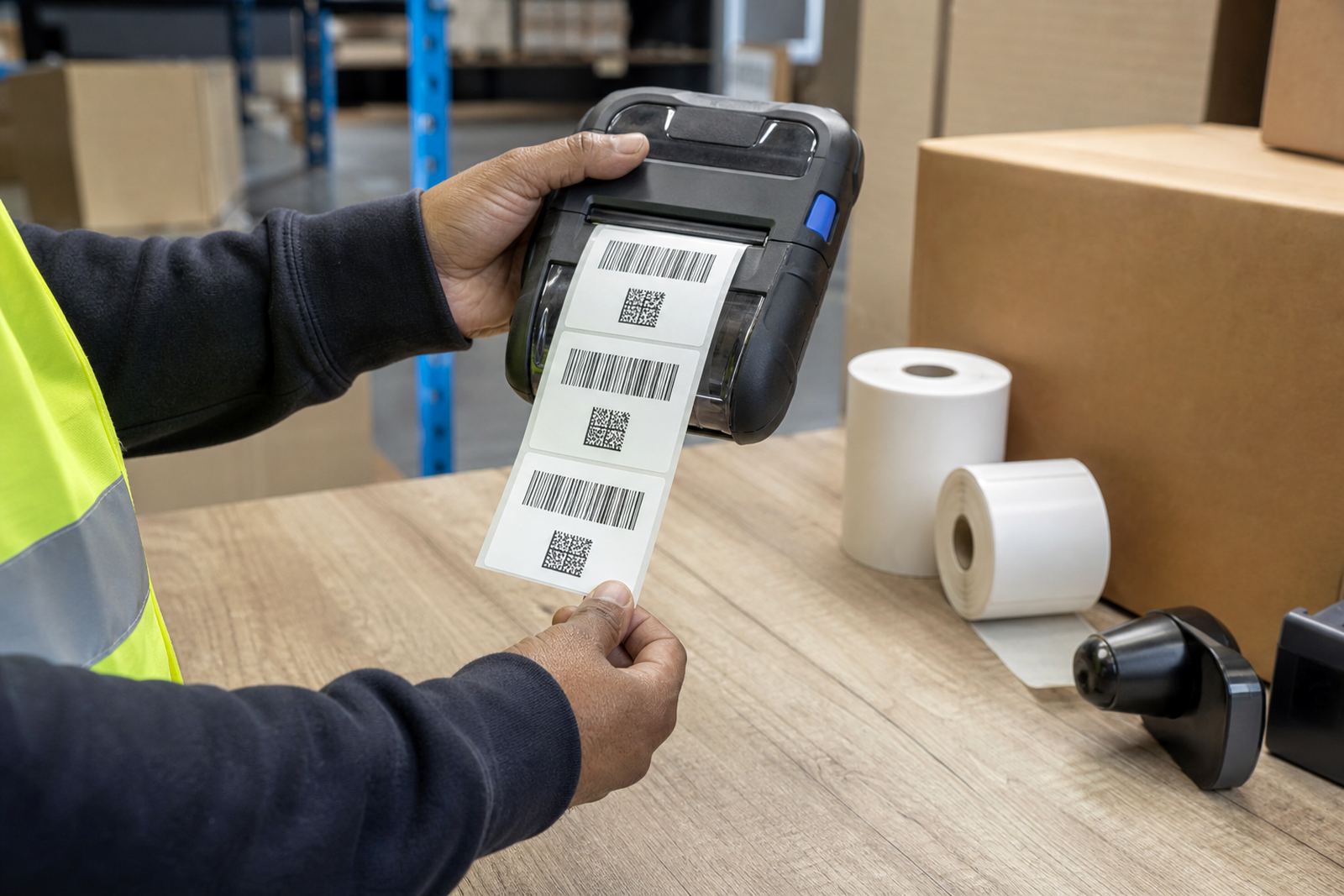
- Many models print 1D barcodes and QR codes in clean, high contrast lines.
- Battery packs support use across shifts and moving work areas, with charge status easy to track.
Where the printer fits into daily stock handling
Warehouses rely on this printer type for picking points, goods received bays, racking and dispatch lanes where labels need to go on quickly and stay legible. Couriers use them for waybills, parcel tags and route sorting, while retail stockrooms use them for shelf edge markers, backroom stock and pricing control where the print must match the aisle layout.
A portable barcode label printer also suits multi-site work, where a supervisor, picker or technician moves between areas and needs the same label format each time. Bluetooth pairing is common for phone or tablet use, while Wi-Fi setup supports shared printing where the printer must sit on a network and be found by more than one user.
- Bluetooth pairing helps with mobile field use and quick one-device printing.
- Wi-Fi setup suits shared stockroom workstations and labelled network zones.
- Battery life should match the length of the shift and the number of labels printed.
- For courier labels, check the label width, roll diameter and feed direction before placing an order.
Sizes, media and print detail that matter
Not every barcode job needs the same stock. Direct thermal rolls are common for shipping and short life labels, while thermal transfer rolls are better when the label must handle friction, sunlight or longer shelf life. The right choice also depends on adhesive, core size, roll outside diameter and whether the printer uses continuous or die-cut labels.
Print width matters because codes need clear quiet zones, not cramped edges. A 2 inch printer works for smaller tags and internal stock labels, while 3 inch and 4 inch units give more room for courier marks, product details and larger QR codes. If the code is too small for the package or shelf, scanning becomes less dependable and the label looks crowded.
- Direct thermal suits shipping labels, short term stock labels and fast turnaround work.
- Thermal transfer suits longer wear, warehouse shelving and labels that face handling.
- Label materials can include paper and synthetic stock, depending on wear and moisture.
- Barcode density, font size and QR layout should match the available print area.
Setup, fitting and field support in South Africa
On-site setup matters when a printer needs to pair with handheld devices, warehouse systems or a label app already in use. Go-Printer handles Bluetooth pairing, Wi-Fi setup, label calibration and operator training in Montague Gardens, and the field service team works across Cape Town, Johannesburg, Durban, Pretoria and Gqeberha when a site needs direct help.
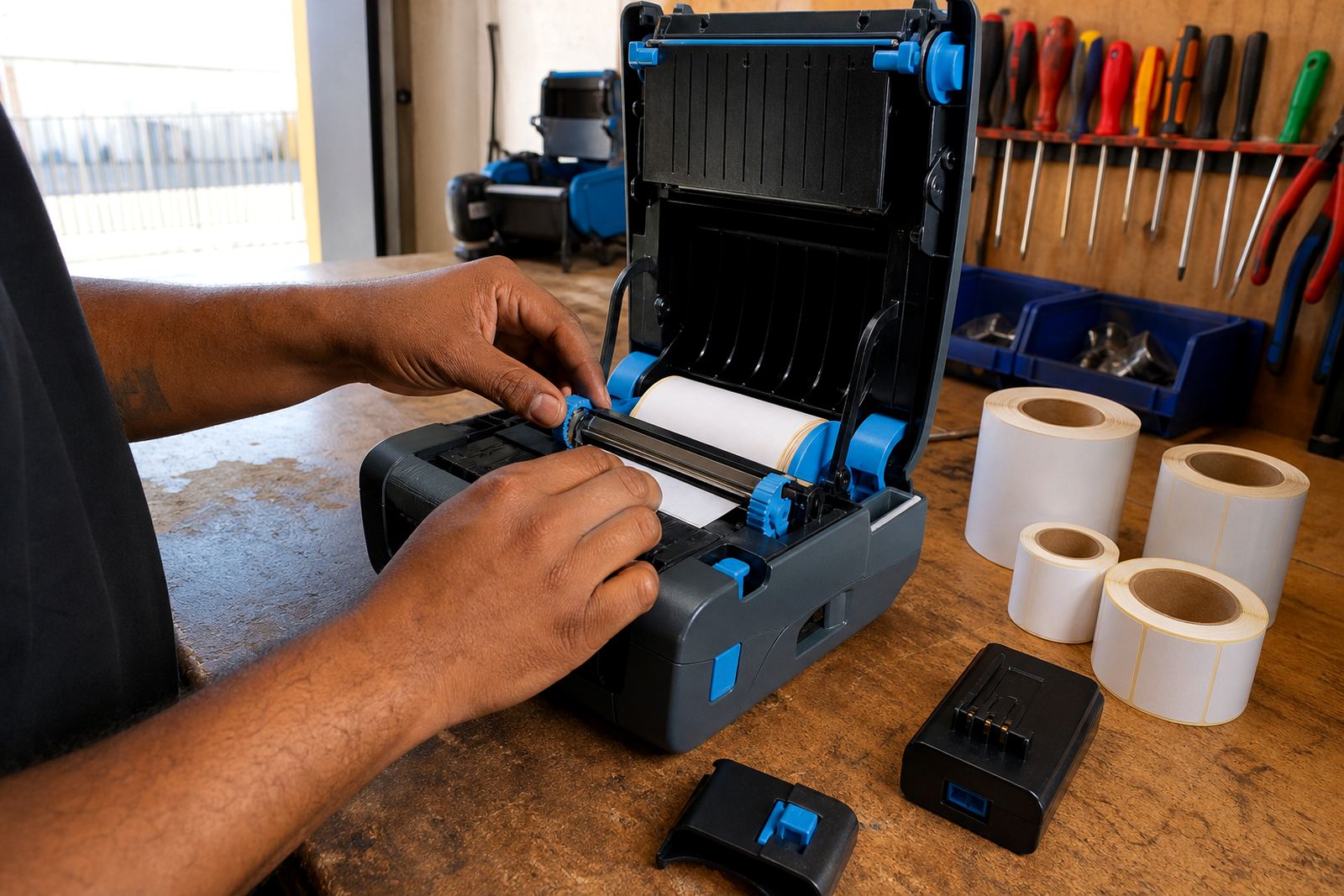
Fitting also includes the basics that keep a portable printer useful in real work. Belt clip repair, battery testing, battery replacement and print quality fixes all matter when the printer is carried through a shift. If the label drifts, smudges or feeds unevenly, the issue is often in the media path, the head setting or the roll alignment rather than the barcode itself.
- Set up the printer with the actual label size used on site.
- Check pairing, feed direction and print density during installation.
- Test barcode and QR scans before the printer is handed over.
- Keep spare batteries and a clean charging routine where the unit is carried daily.
Care that keeps print sharp on busy shifts
Barcode print quality depends on clean rollers, a sound printhead and labels stored away from heat and damp. Coastal humidity in Cape Town, Durban and Gqeberha can affect label stock and adhesive, so rolls should stay sealed until needed and the printer should not sit for long periods in dusty bays or damp vehicles.
Printhead cleaning is a routine part of care, not a once-off job. A light clean removes adhesive dust and paper fibres that can cause pale bands, broken bars or patchy QR squares. Battery contacts also need attention where the unit is moved between charging and active use, because poor contact can look like a power fault when the problem is simply dirt or wear.
- Clean the printhead with the correct method and a soft lint-free cloth.
- Keep rolls flat and dry, away from strong sun and damp floors.
- Check for label jams if the printer starts feeding at an angle.
- Replace worn batteries before they start causing unstable print behaviour.
Details to confirm when ordering a printer or rolls
Before ordering, the important points are the label width, the print width, the media type and the connection method. It also helps to know whether the printer is for barcode only, barcode plus QR, or mixed stock labels with text and numbers. If a site needs a handheld unit for dispatch, the battery spec and clip style matter just as much as the print quality.
Go-Printer can match the printer to the label roll and the work pattern, then handle setup or repair where the unit is already in use. That is the practical part: the right printer, the correct roll, and a layout that suits the shelf, carton or parcel without crowding the code.
- Confirm the label size in millimetres and the roll type used on site.
- Tell us whether the printer needs Bluetooth, Wi-Fi or both.
- Check if the job needs direct thermal or thermal transfer media.
- Share the barcode type, QR use and any print width limit.
Key facts
| Print method | Direct thermal or thermal transfer |
|---|---|
| Print width | Commonly 2 inch to 4 inch |
| Connectivity | Bluetooth and Wi-Fi options |
| Output | 1D barcodes and QR codes |
| Media | Paper or synthetic label rolls |
| Support | Setup, calibration, repairs and servicing |