Depot relabelling under Paarl pressure
The depot handled parcels moving through intake, sorting and final dispatch, so the printers had to hold up under frequent scans, short print runs and constant hand movement. The team needed mobile units that could print clean barcodes and QR codes on thermal labels without making the operators stop and reset each time the label format changed.
The brief was practical. Replace failing printers, supply working batteries, clean up the print path, and set each unit so label rolls fed straight and true. The depot also wanted the pairing kept straightforward for handheld use, because different staff members worked the same stations across a busy week.
- Client type: courier depot
- Town: Paarl
- Work area: depot relabelling and dispatch
- Main need: printer replacement with battery support
What was slowing the floor down
The old units had started to miss prints and lose battery hold under repeated use. Labels were feeding unevenly on some runs, which created cropped text and scanner trouble on the receiving side. On a courier floor that kind of drift becomes a daily nuisance, because one bad label can hold up a bag, a cage or a route handover.
There were also mixing points between direct thermal labels and the heavier thermal transfer stock used for longer-life tagging. The depot needed guidance on which print method suited each label type, plus a cleaner routine for the printhead and rollers so output stayed legible through the shift.
- Uneven label feed on several units
- Battery life falling off under repeat use
- Barcode edges losing clarity
- Operator confusion between label types
The replacement set and setup work
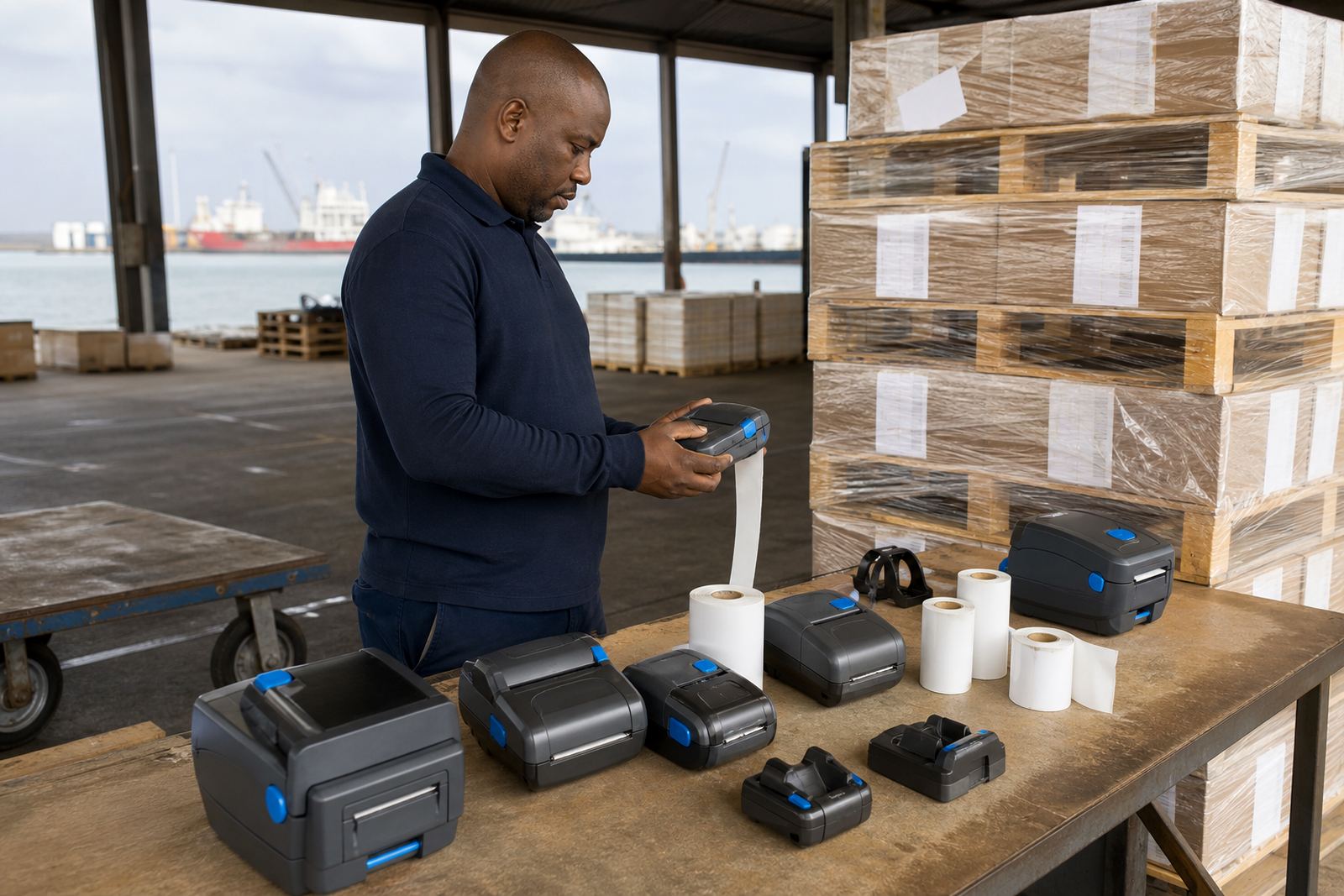
Go-Printer supplied replacement thermal mobile label printers and matched batteries for the depot stations that needed the most dependable use. Each printer was checked for label width, feed path and pairing behaviour before handover. The setup also covered Bluetooth pairing for mobile use and Wi-Fi setup where the depot wanted network-connected printing at fixed points.
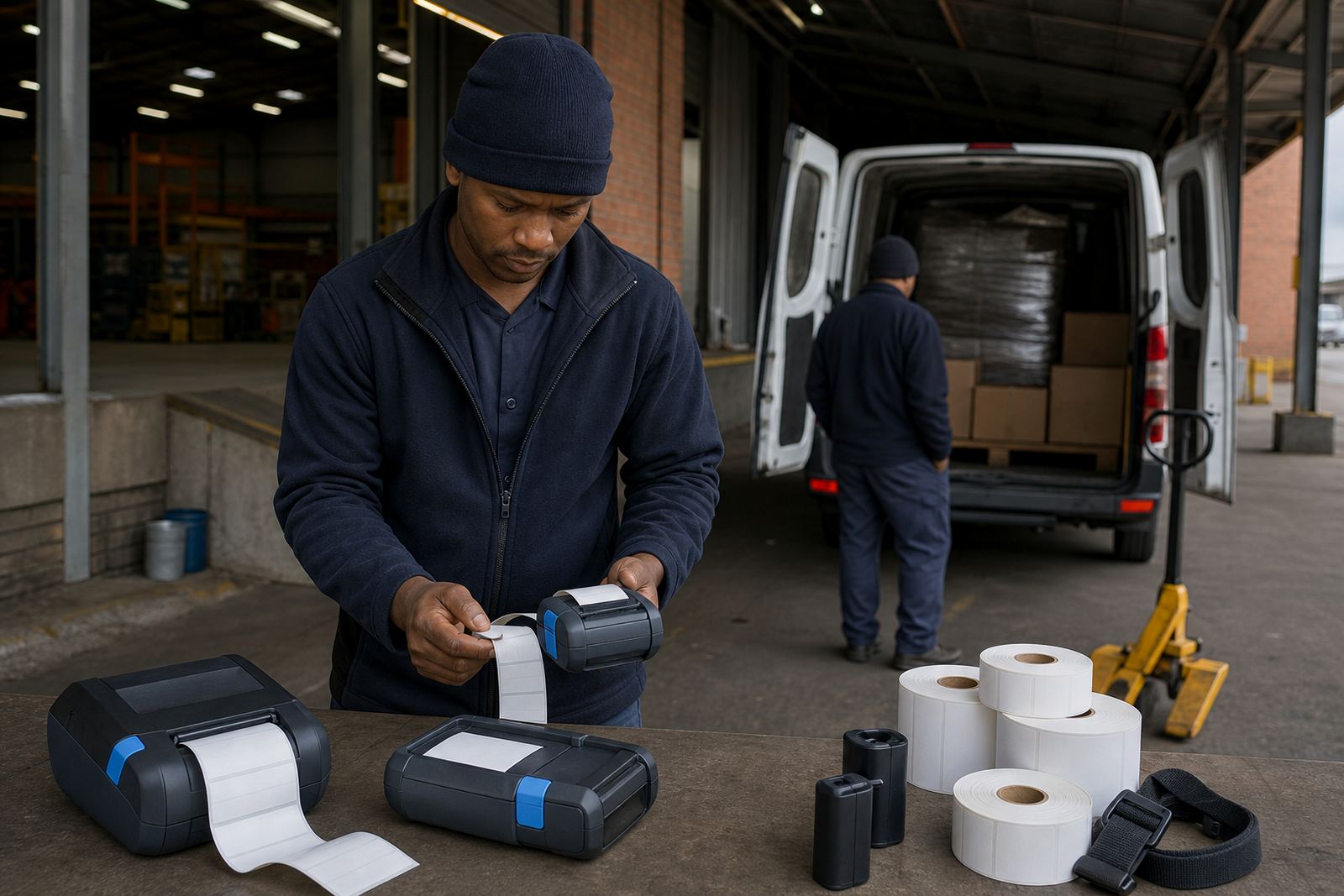
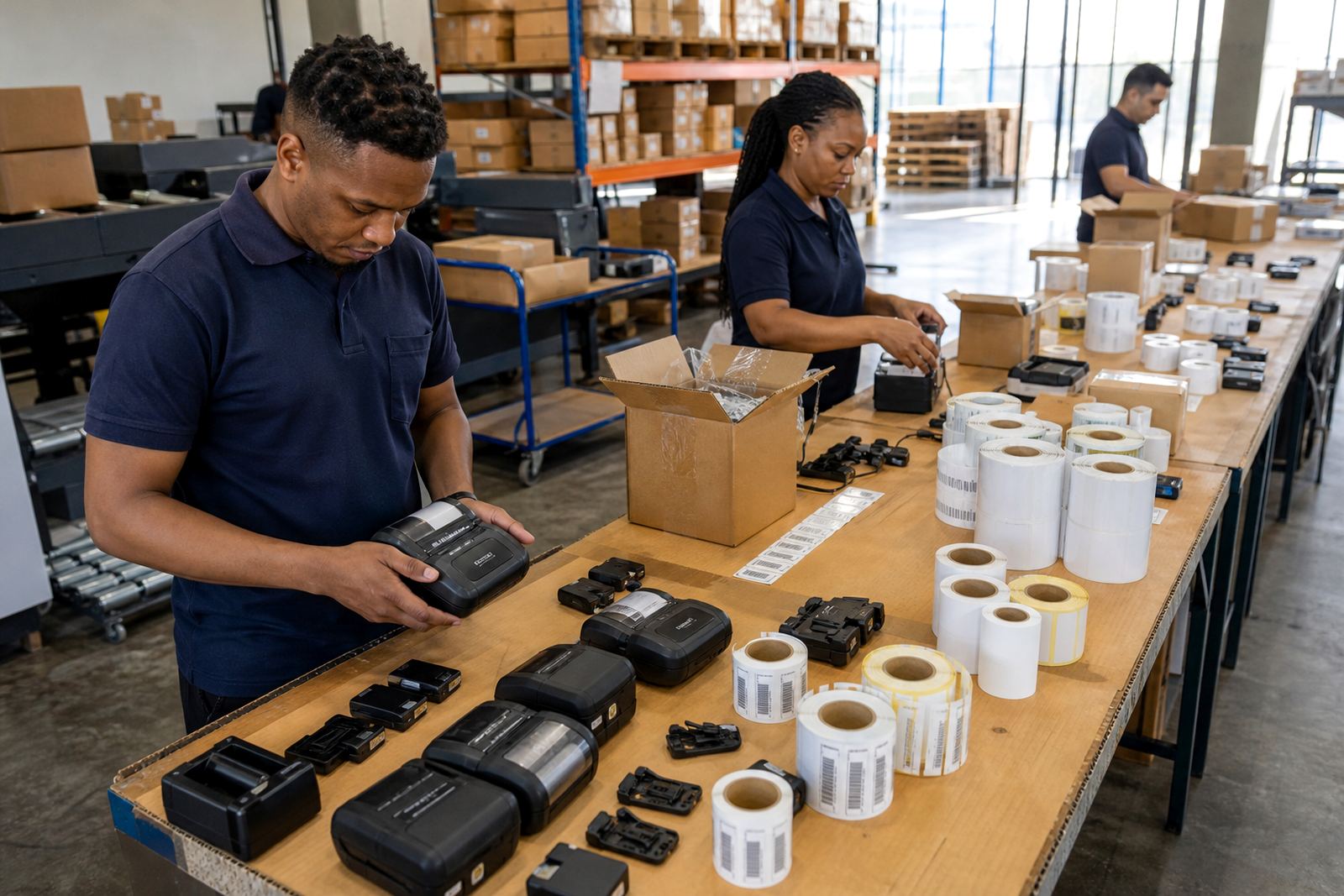
Calibration was done for common courier label sizes, including compact address labels and wider stock labels used for internal routing. Print quality was tested on barcodes and QR codes, then the printhead was cleaned and aligned so the edges stayed sharp. Belt clips and battery seating were also checked where operators carried the printers through the floor instead of leaving them at a station.
- Mobile printer replacement
- Battery supply and testing
- Bluetooth pairing and Wi-Fi setup
- Label calibration for common sizes
- Printhead cleaning and print quality fixes
Working conditions the equipment had to live with
The depot wanted equipment that could deal with indoor dust, repeated handling and short bursts of printing through the day. In courier work, the real test is not a glossy brochure feature, it is whether the printer still feeds cleanly after several hands have touched it, the battery has gone through a few cycles, and the labels are changed while the queue is still moving.
Direct thermal printing suited the shorter life labels used on outbound parcels and routing slips. Thermal transfer stayed useful where the depot needed tougher print that could hold up for longer, especially on labels that travelled through more touch points. That split mattered, because the wrong media choice leads to faded text, slower scanning and avoidable rework.
- Direct thermal for short-life parcel labels
- Thermal transfer for tougher tagging
- Barcode and QR printing checked on site
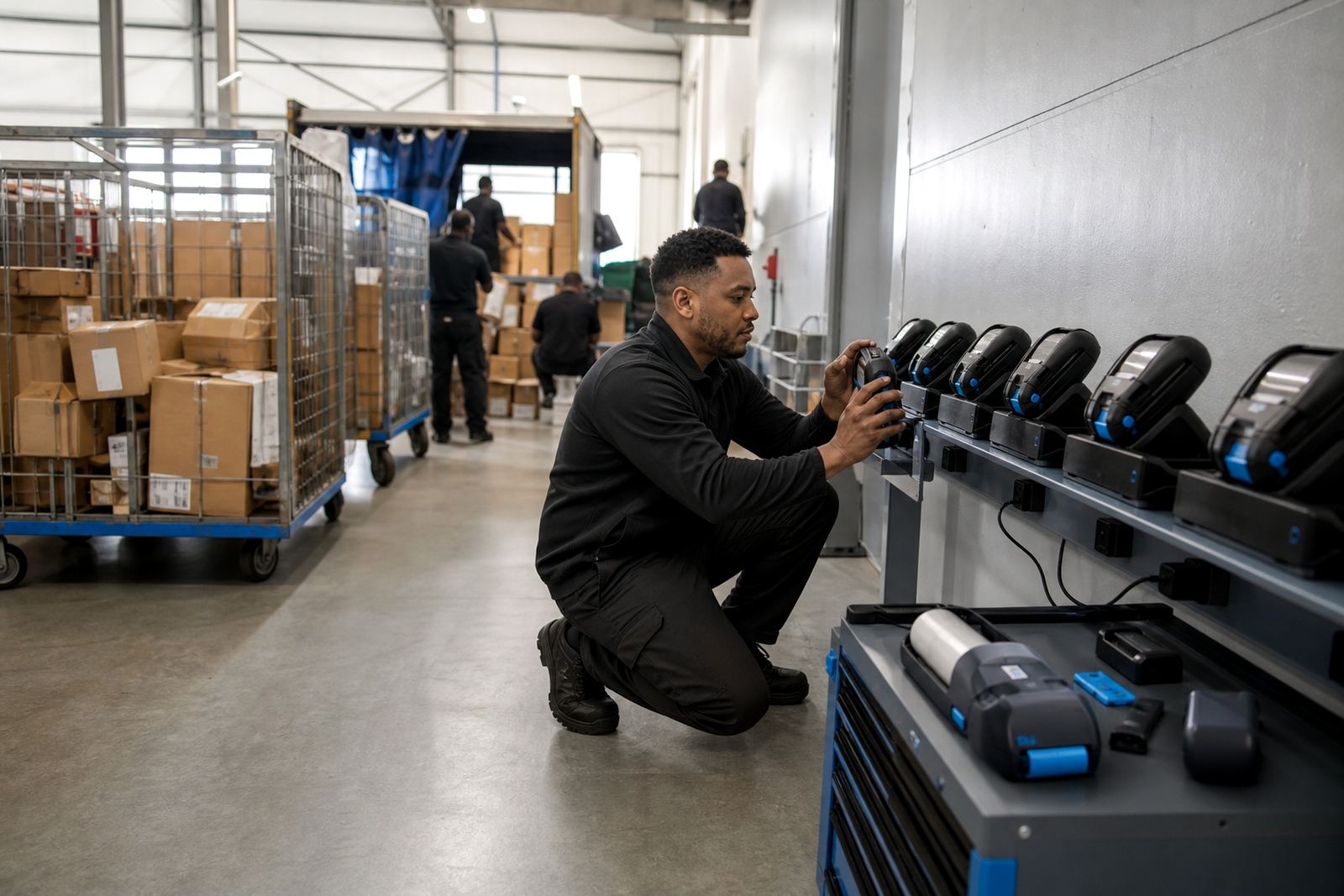
- Battery testing done before deployment
Timeline and field work in weeks
The job ran over three weeks. The first week covered assessment, stock matching and equipment checks at the depot. The second week covered replacement, calibration and live testing at the relevant stations. The third week focused on operator training, print quality checks and preventive servicing around the points that saw the heaviest use.
Field work had to fit around depot movement, so the technicians worked in short, focused blocks rather than pulling the floor out of routine. That approach kept the relabelling point active while the printers were swapped, cleaned and set to the right label width. It also gave the depot a clear handover on battery care, media loading and printhead cleaning.
- Week 1: assessment and stock matching
- Week 2: replacement and calibration
- Week 3: training and final checks
What changed after the install
Once the new units were in place, label output settled into a cleaner pattern. Barcodes scanned more reliably, QR codes held their shape and the operators spent less time correcting feeds. The battery swaps also reduced the stop-start rhythm that had been interrupting the depot flow.
The depot gained a clearer split between the printers used for quick parcel labels and the units reserved for heavier tag work. That made stock handling easier and cut confusion when more than one team member worked the same bench. It also meant routine care was simpler, because the printhead cleaning and label checks could be built into the normal shift routine instead of becoming an afterthought.
- Cleaner barcode and QR output
- Less time lost to label jams
- More dependable battery use
- Clearer separation of label duties
Key facts
| Project | Paarl Courier Hub |
|---|---|
| Client type | Courier depot |
| Location | Paarl, Western Cape |
| Equipment supplied | Thermal mobile label printers and batteries |
| Print methods | Direct thermal and thermal transfer |
| Key setup | Bluetooth pairing, Wi-Fi setup, label calibration |
| Service work | Printhead cleaning, battery testing, operator training |