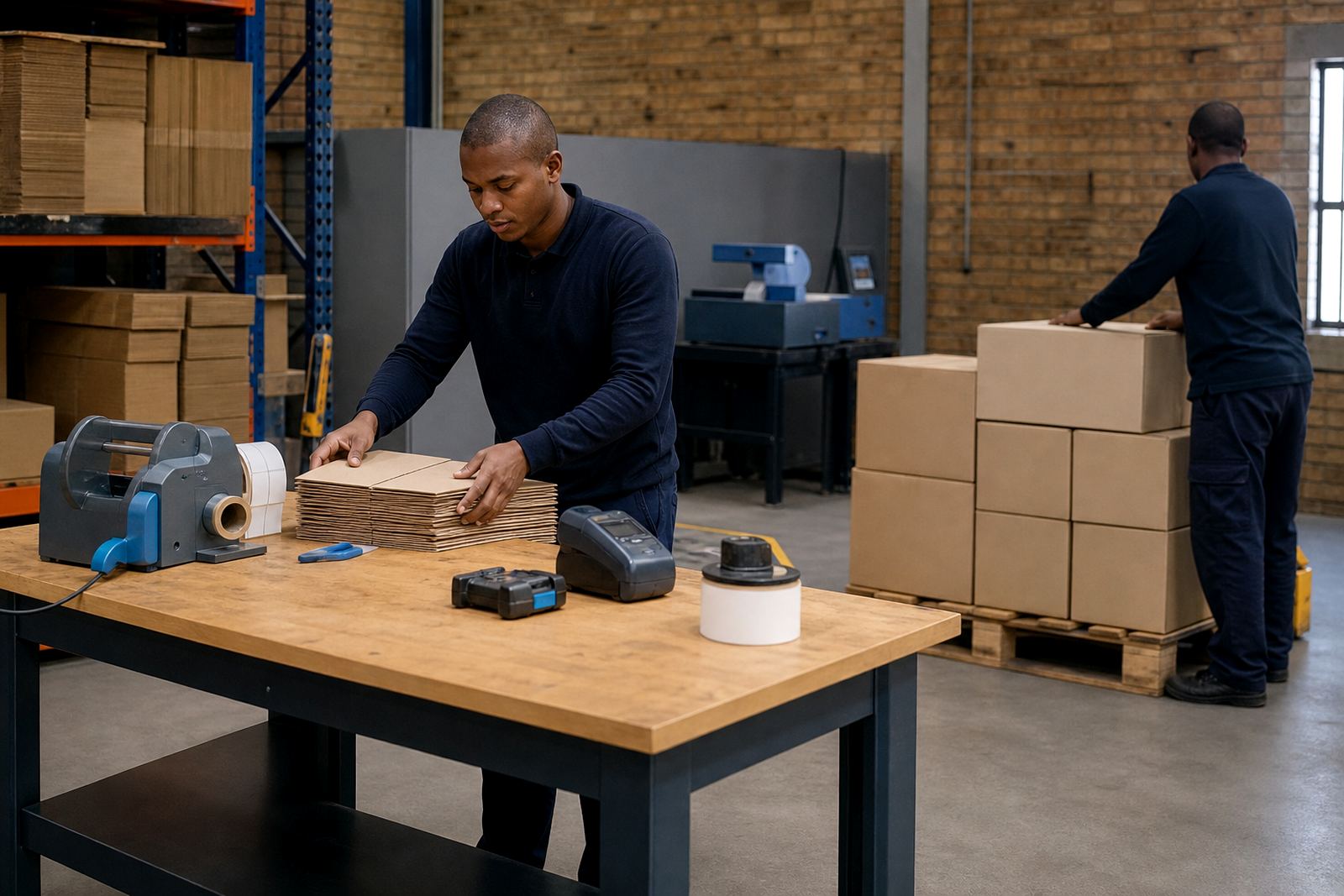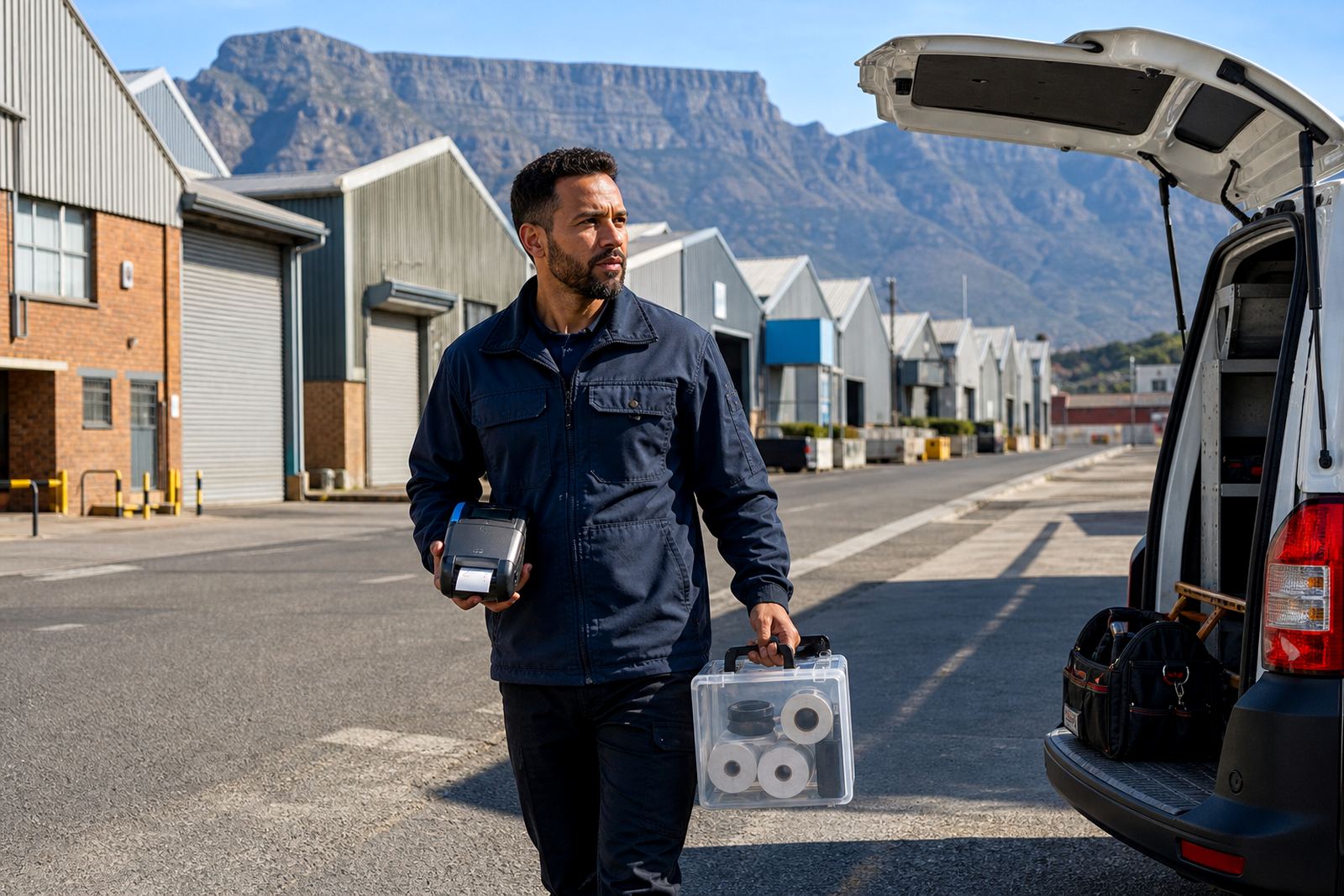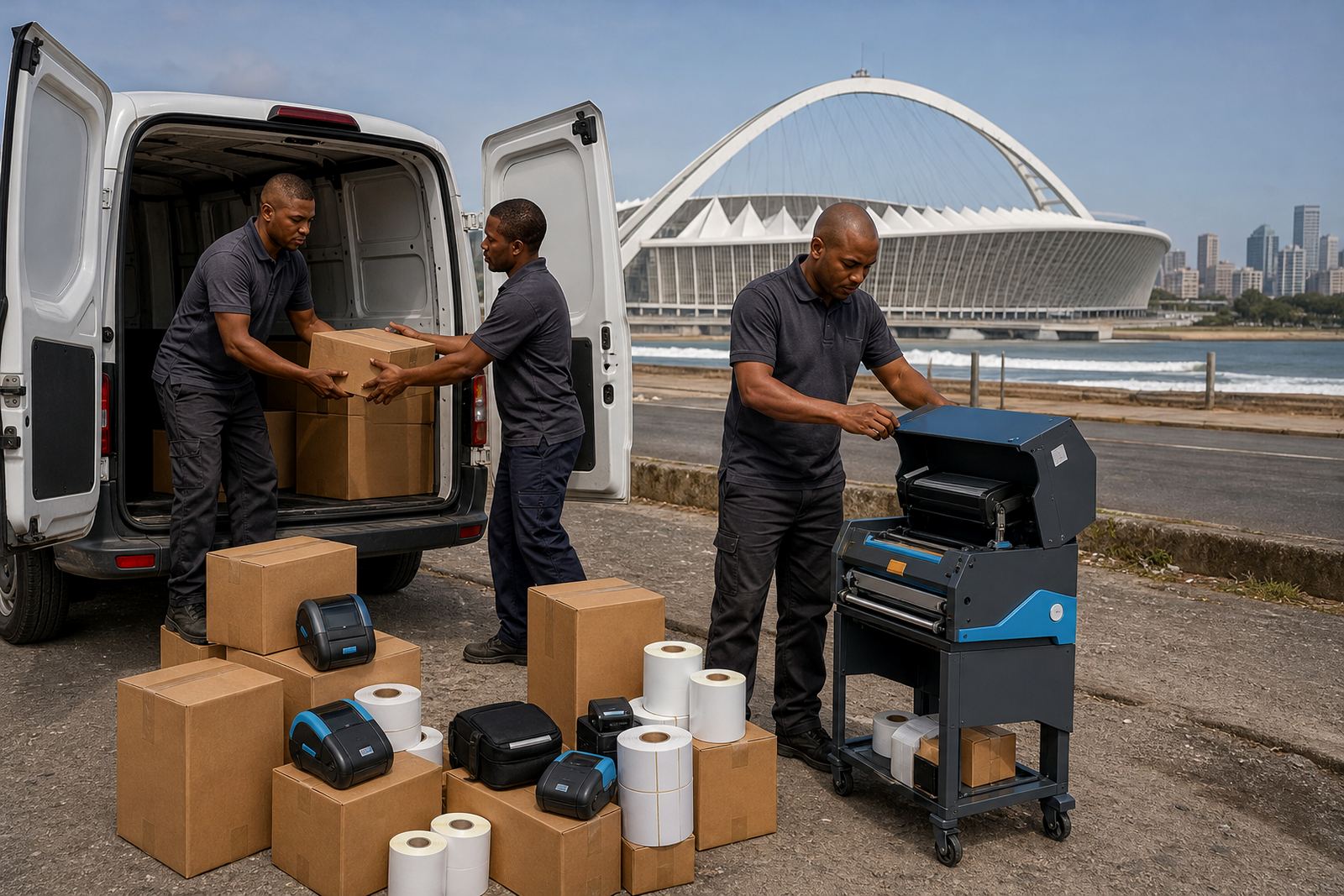
Durban dispatch floors do not leave much room for error
In Durban, a printer is often clipped to a belt, carried between bays, and used where cartons move fast and space is tight. Mobile label printers have to stay readable when the air is damp, the work surface is crowded, and labels move from picking to despatch without much pause. We work with teams that need clean barcode labels, clear QR codes and tidy small-format labelling for stock, parcels and shelving.
Thermal mobile label printers are useful because they print without ribbon in direct thermal mode, or with ribbon in thermal transfer mode when the label needs longer life. Direct thermal suits parcel labels, short-life stock labels and courier work. Thermal transfer is better where labels face handling, heat or rubbing in a store room. We help with both methods, and with label sizes that match the job instead of forcing one roll to do everything.
Pairing printers to the devices your team already carries
Many Durban teams use Bluetooth for quick pairing to handheld devices, and Wi-Fi where a printer must stay on a shared network. Setup matters more than people expect. If the print width is wrong, the labels drift. If the media sensors are off, the printer misses the gap and starts wasting rolls. If the mobile device is paired badly, jobs queue up and labels get mixed.
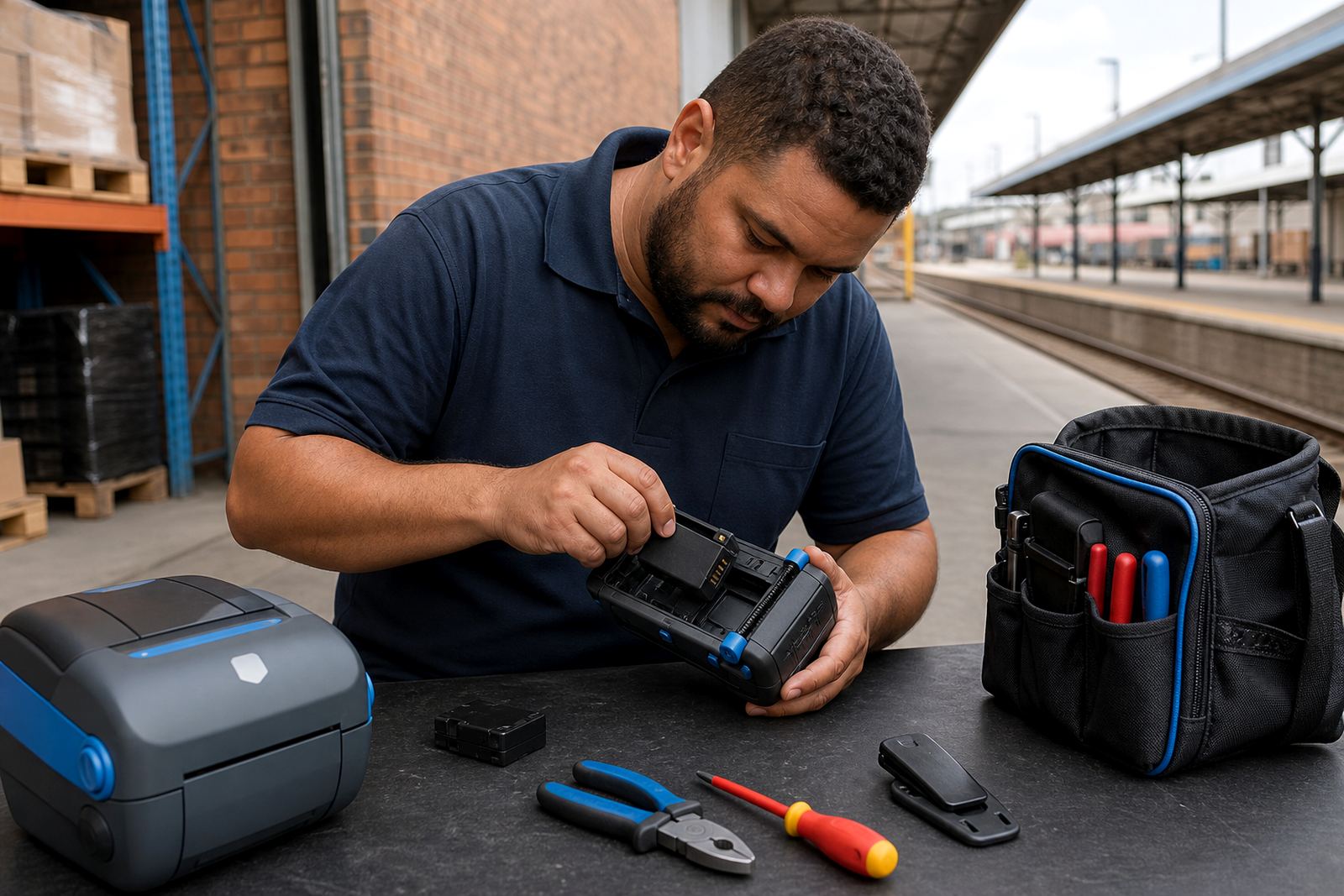
Our on-site setup covers mobile pairing, Wi-Fi setup, label calibration and print quality fixes. We also check battery condition, battery seating and belt clip fit, because a loose clip or weak battery tends to show up on a busy shift. Where a site uses several printers, we can align the settings so the labels print at the same size, same density and same cut position across the team.
- Bluetooth pairing for handheld use on the floor
- Wi-Fi setup for shared printing points
- Label calibration for correct gap, black mark or continuous stock
- Printhead cleaning for faded or broken print lines
- Battery testing and replacement where runtime has dropped
What coastal conditions do to label gear
Durban’s coastal air brings extra moisture into docks, stockrooms and vehicle loading points, and that can show up on labels sooner than many teams expect. Adhesive can lift on the wrong surface, rolls can pick up dust and printheads can build residue that leaves pale patches or missing bars in a barcode. We see more cleaning and calibration work on the coast than inland, especially where printers move between cool rooms, loading bays and retail backrooms.
Preventive servicing helps keep small issues from turning into stoppages. That usually means cleaning the printhead, checking the platen roller, clearing label jams, and testing whether the battery still holds enough charge for the shift. If the printer has been dropping characters or printing too light, the fault may sit in the head, the media path or the settings, not only in the roll itself.
- Printhead cleaning to keep barcode edges sharp
- Label jam clearing where backing paper is tearing
- Battery replacement when power drops off under load
- Belt clip repair for mobile use in dispatch and retail aisles
- Print quality fixes for fading, streaking and weak transfer
Label rolls and consumables for Durban stockrooms
We cover direct thermal and thermal transfer label rolls for parcel work, shelf marking, product labels and internal stock control. Durban sites often want a mix of short-life courier labels and tougher labels for stock bins or warehouse racking. That is where label material, adhesive and ribbon choice matter. The wrong combination can peel, smear or leave residue where it should not.
We stock and supply label rolls that suit common mobile printer formats, including smaller labels for bins and larger labels for cartons. If a site uses barcode and QR code printing, we set the printer so the text stays legible and the code scans cleanly. We also check whether the roll width fits the printer’s print width, because running oversize stock through the wrong machine causes waste and poor alignment.
On-site work across Durban, from port side depots to retail backrooms
Our Durban coverage includes logistics yards, courier depots, wholesalers, retail stockrooms and distribution points across the city and surrounding areas. Some sites need a single printer set up for a manager. Others need a few units checked, trained and brought onto the same settings before peak trading. We travel to the job when the printer needs physical handling, especially where the issue is a jammed feed, weak battery, damaged clip or a stubborn pairing fault.
We also cover nearby branches and work areas outside central Durban, including Bellville-style mixed retail nodes are not relevant here, but Midrand and other inland sites are handled separately. For Durban, the practical focus stays on the city, the coast and the working routes that feed the port, retail belts and warehouse areas. It is normal for a site to want setup, training and repair support in the same visit, rather than splitting the work across several interruptions.
- Warehouses and cross-dock facilities
- Courier depots and parcel sort areas
- Retail stockrooms and back-of-house label points
- Wholesale counters and distribution floors
- Mobile teams that need belt-mounted printers
Training that keeps the printer useful after the first day
A printer only stays useful when the people using it know the routine. Operator training covers loading labels, checking the roll path, reading error lights, replacing batteries, and cleaning the printhead before print quality slides. We keep the guidance practical, because a site rarely has time for guesswork when a dispatch line is waiting.
When a Durban team asks for preventive servicing, we look at the printer as part of the whole workflow, not as a single item on a shelf. That means checking the label stock, the device connection, the calibration settings and the way the unit is carried during the shift. If a printer keeps losing the edge on barcodes or chewing through labels, there is usually a mechanical reason that can be found and corrected.
Enquiries for Durban and the wider South African route network go through our contact page form. There you can send the site area, printer type, label size and the fault or setup work required, so the right person can line up the job properly.